A flat robotic voice reading your script is the fastest way to lose a listener. A character with a real attitude, a grumpy pirate, a calm narrator, a nervous sidekick, keeps people listening to the end. That gap is exactly what text to speech AI characters close: instead of one neutral voice, you get a cast. You type the lines, pick or design the voice, and a model performs them in seconds. No booth, no scheduling, no retakes with a hoarse actor.
This article looks at what a "character" voice really is, what free voices can and cannot do, concrete examples you can copy, and how the main online options compare today. If you make games, audiobooks, explainer videos or lessons, you will find a setup that fits your project.

What Are AI Character Voices?
A standard text to speech engine reads text. A character voice performs it. The difference sits in three layers: timbre (how the voice sounds), delivery (pace, pauses, emphasis) and emotion (whether the line sounds amused, scared or bored).
Older systems gave you a dropdown of ten voices named after people and nothing else. Current models let you describe a voice in words, steer emotion with tags, or clone a speaker from a short recording. That is why the phrase "AI characters" has replaced "robot voice" in how creators search.
Voice vs Character
A voice is a sound. A character is a voice plus a personality plus a consistent way of speaking. To keep a character consistent across fifty lines, you need to lock three things: the model, the voice setting, and a short style note you reuse every time (for example "dry, deadpan, slightly tired").
💡 Tip: Keep a one-line "voice sheet" for each character. Same model, same voice ID, same style note. Consistency matters more than perfection.
Where They Show Up
- Indie and mobile games: NPC dialogue, tutorials, quest givers.
- Audiobooks and podcasts: multi-voice narration without a cast.
- Explainer and social videos: a recognizable voice for a channel.
- Language lessons: patient native-sounding speakers in many accents.
- Accessibility: reading long articles aloud for people who prefer listening.
- Customer support and assistants: a friendly voice that fits the brand.
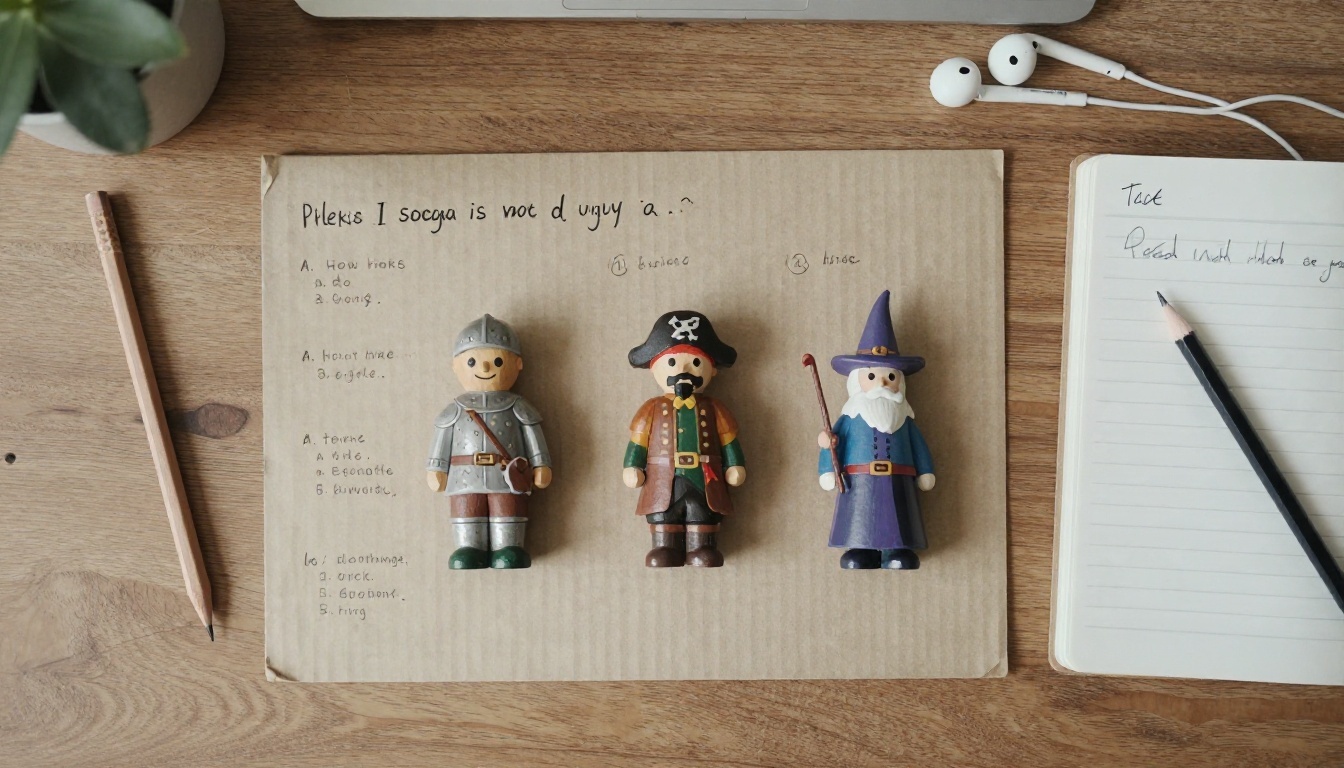
Free Voices: What You Really Get
"Free" can mean three very different things. Mixing them up leads to disappointment around the time your project gets serious.
Built-in System Voices
Your phone, browser and operating system ship with voices at no cost. They work offline, they are instant, and they are fine for reading a notification. They are also the voices most people recognize as synthetic. Emotion control is close to zero, so characters all sound like the same person in different accents.
Free Tiers on Online Tools
Most online services offer a free allowance: a limited number of characters or minutes per month, a handful of voices, and often a restriction on commercial use. That is enough to audition voices and test a script. It is rarely enough to voice a whole audiobook.
Always check three things before you publish anything made on a free plan:
- Commercial rights: Can you monetize the audio?
- Attribution: Do you have to credit the tool?
- Voice library limits: Are the best voices behind a paywall?
Open-Weight Voice Models
A third path is open-weight models you run yourself or access through a hosted platform. Chatterbox from Resemble AI is a good example: it is built around voice cloning with emotion control. Qwen3 TTS lets you clone a voice or design a new one from a text description. These give more creative range than a system voice, and you decide how to use the output.
💡 Rule of thumb: Free is perfect for auditioning. Once a character has to speak for ten minutes straight with emotion, switch to a model built for expressive delivery.

Character Examples You Can Copy
The fastest way to get a believable voice is to describe it like a casting director. Here are archetypes with the prompts and delivery notes that tend to work.
| Character | Voice description | Delivery note |
|---|
| The Narrator | Warm, mid-range, unhurried | Longer pauses at commas, slight smile on key sentences |
| The Grumpy Pirate | Gravelly, low, rolling consonants | Short sentences, drop the pace on punchlines |
| The Nervous Sidekick | Higher pitch, quick, breathy | Fast on worry, a beat of silence before bad news |
| The Wise Mentor | Older, calm, soft edges | Slow and steady, emphasis on the single important word |
| The Cheerful Assistant | Bright, clear, medium pace | Rising tone on questions, friendly closings |
| The Villain | Smooth, quiet, controlled | Never raise volume, slow down when threatening |
The Narrator
Narrators carry long text, so stability matters more than flair. Choose a studio-grade model and keep the speed close to natural. Speech 2.8 HD is aimed at studio-quality voiceovers, which suits chapters and long explainers.
The Comic Sidekick
Comedy depends on timing. Add a short pause with punctuation, an ellipsis or a line break. Test the same joke three times with small changes. A half-second shift in pause length can turn a flat line into a laugh.
The Villain
Calm is scarier than loud. Write the line in plain words, then slow the pace slightly and drop the energy. If the model supports emotion or style tags, use something like "whispering" or "controlled" rather than "angry".

Online Options Compared
PicassoIA hosts a wide range of text to speech models in one place, so you can audition several voices without opening ten tabs. Here is how the main families line up.
For Studio-Quality Narration
For anything people will listen to for more than a few minutes, pick a high-fidelity model. Speech 2.6 HD and Speech 02 HD are older siblings that remain useful when you want a familiar tone and consistent results across a series.
For Speed and Live Interaction
Games and assistants need voices that respond fast. The Realtime TTS 1.5 Mini and Realtime TTS 1.5 Max models are tuned for low latency. If you do not need real time, TTS 1.5 Max and TTS 1.5 Mini cover 15 languages with quick generation.
For Fast Drafts
When you only need to hear whether a script works, Turbo v2.5 and Chatterbox Turbo get you audio fast. Draft quickly, then re-render the final take with a higher-quality model.

Build a Character Voice in Five Steps
You do not need audio experience. You need a script and a bit of patience for testing.
Step 1: Write for the Ear
Read your lines out loud. If you run out of breath, the model will too. Break long sentences, use contractions, and spell out numbers and abbreviations the way they should sound.
Step 2: Pick a Model by Job
Use the table above. Long narration goes to an HD model. Interactive dialogue goes to a low-latency model. Multilingual content goes to a model with a wide language list.
Step 3: Describe the Voice
Where the model allows it, write the voice in plain words: age, mood, pace, accent. "Middle-aged woman, calm, slightly amused, medium pace" gives the model far more to work with than "female voice 3".
Step 4: Direct the Emotion
Add stage directions through punctuation, short sentences and, where supported, emotion tags. Compare three versions of a single line before you generate the whole script.
Step 5: Lock and Reuse
Once a character sounds right, save the exact settings and your style note. Re-use them for every new line. That is how a character stays the same person in episode one and episode twenty.
💡 Tip: Generate the hardest line first, the one with the strongest emotion. If the model handles that, the quieter lines will be easy.
Cloning and Custom Voices
Sometimes a stock voice is not enough. You want your own voice, a brand voice, or a recurring character that no one else has.
Clone Your Own Voice
Voice Cloning builds a custom voice from a sample. Chatterbox and Qwen3 TTS also work from reference audio. Use a clean recording: no background music, no echo, no room noise. The cleaner the sample, the closer the result.
Design a Voice From Words
When you do not have a sample, describe the voice you want. Qwen3 TTS is built for this: you write the character in text and get a voice that matches. It suits fictional characters who should not sound like any real person.
Use Only Voices You Have Rights To
Clone only your own voice or voices you have explicit permission to use. Never imitate a public figure to mislead people. Clear consent keeps your project safe and your audience trusting you.

Give Your Characters a Face
A voice alone is half a character. Pair it with image or video and the cast becomes memorable.
Talking Avatars and Lip Sync
P Video Avatar creates talking avatar videos from a voice track. Lipsync Precision and Lipsync Speed match mouth movement to audio in existing footage, so your generated speech lines up with the face on screen.
Dub a Video Into Other Languages
ElevenLabs Dubbing translates videos into 90+ languages. If you publish tutorials or product videos, dubbing opens up new audiences without re-recording.
Add Music Behind the Voice
A light music bed makes synthetic speech feel more natural. ElevenLabs Music composes tracks from a text prompt, so you can score a scene without searching a stock library.

Common Mistakes to Avoid
Most weak AI voiceovers come from the same five problems.
- Pasting raw text. Written text and spoken text are different. Rewrite for speaking.
- Using one voice for everyone. Even a small cast of two makes a story easier to follow.
- Ignoring pronunciation. Names and brands often need a phonetic spelling. Test them before generating the full script.
- Over-directing emotion. If every line is "excited", none of them is. Save strong emotion for strong moments.
- Skipping the listen-through. Always play the final audio on headphones and on a phone speaker. Problems hide in one or the other.
💡 Quick check: If a line makes you wince when you hear it, rewrite the text, not the voice. The script is usually the problem.
How Long Should a Clip Be?
Short clips usually sound better and are easier to fix. Generate by paragraph or by scene, then assemble. If one sentence is off, you re-render a few seconds, not the whole chapter.
Which Format Should You Export?
Use WAV or a high-bitrate file while editing, and compress to MP3 only at the end. Every re-encode loses a little detail.

Try Your Own Cast on Picasso IA
You now have the recipe: write for the ear, pick a model by job, describe the voice, direct the emotion, then lock the settings. The quickest way to find out what works is to test it. Take one scene from your own project, three or four lines of dialogue, and run it through two or three different models. You will hear the differences in seconds.
Start with a narrator on Speech 2.8 HD, try a lively character on ElevenLabs v3, and compare a multilingual take on Gemini 3.1 Flash TTS. Then add a face with P Video Avatar or a language track with ElevenLabs Dubbing.
Every model mentioned here, plus hundreds of image, video and audio tools, is waiting at picassoia.com/en/all-models. Pick a character, give them a line, and hit generate.


