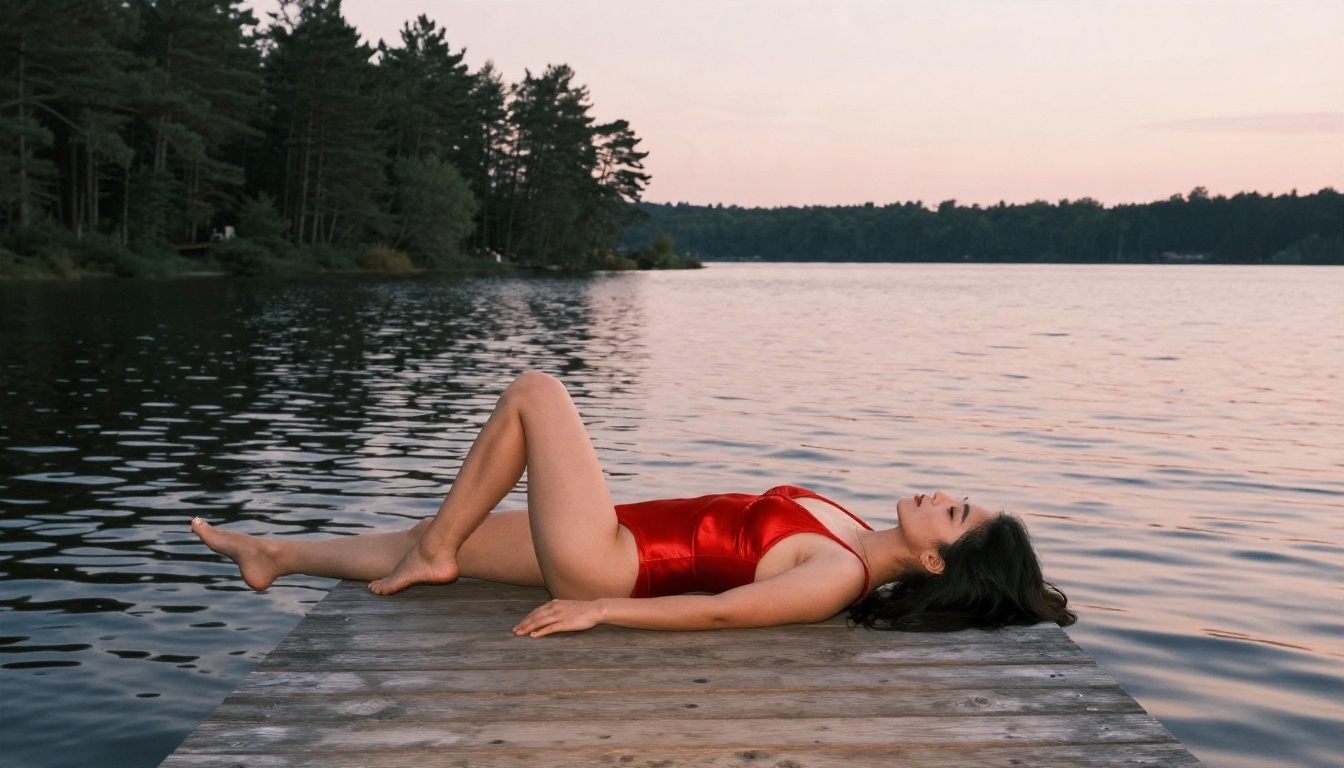
The Flux Nude: Free Artistic Prompts, Settings, and Uncensored Alternatives
Copy-ready artistic prompts, tested Flux settings and the best uncensored alternatives for tasteful, photorealistic figure portraits. See what Flux handles well, where its limits are, and which models give you more room for glamour work.
Type "flux nude" into a search bar and you get a mess: half-working LoRAs, recycled forum threads and promises that fall apart the moment you hit Generate. The reality is simpler. Flux is brilliant at skin, light and fabric, but the official Black Forest Labs releases were built with filtered training data, so they behave best with implied, artistic and glamour-style subjects. This article gives you the free prompts, the exact settings and the alternatives that give you more room when Flux hits its ceiling.
Everything here stays tasteful and non-explicit. Think boudoir portraits, silhouettes, silk, linen, swimwear and editorial lighting. If that is the look you want, you are in the right place.
What "Flux Nude" Really Means
Artistic nudity versus explicit content
Most people searching this phrase want one of two things. The first group wants fine-art figure photography: a bare shoulder in window light, a silhouette against frosted glass, a body half wrapped in a bedsheet. The second group wants explicit material, which is a different product entirely and not what this article covers.
Fine-art figure work has a long history in photography. The best examples rely on suggestion: shadow, fabric, posture and crop do the work. That is also where Flux shines, because its strength is realistic skin texture and believable light rather than anatomical shock value.
What Flux does with filters
From public information, Black Forest Labs says it filters pre-training data for nude and pornographic material, and its newer open releases ship with safeguards in the license and repository. Community fine-tunes and LoRAs exist for older open weights, but their quality varies a lot and many carry non-commercial licenses.
In practice that means:
Flux Dev and Flux Schnell produce convincing skin, hair, fabric and lighting for boudoir and glamour scenes.
They tend to drift toward clothed or covered results when a prompt pushes toward explicit anatomy.
Fighting that tendency costs you time, steps and consistency.
💡 Tip: Work with the model's strengths. A well-lit shoulder, a draped sheet and a calm expression read as more "artistic" than any anatomy-heavy prompt, and Flux renders them far better.
Free Artistic Prompts That Work
Here are prompts you can paste straight into Flux Dev or Flux Schnell. Each one follows the same structure: subject and pose, environment, lighting, lens, texture details. Swap the details and keep the order.
Silhouette and window light
This is the safest and most elegant starting point. The light does the storytelling.
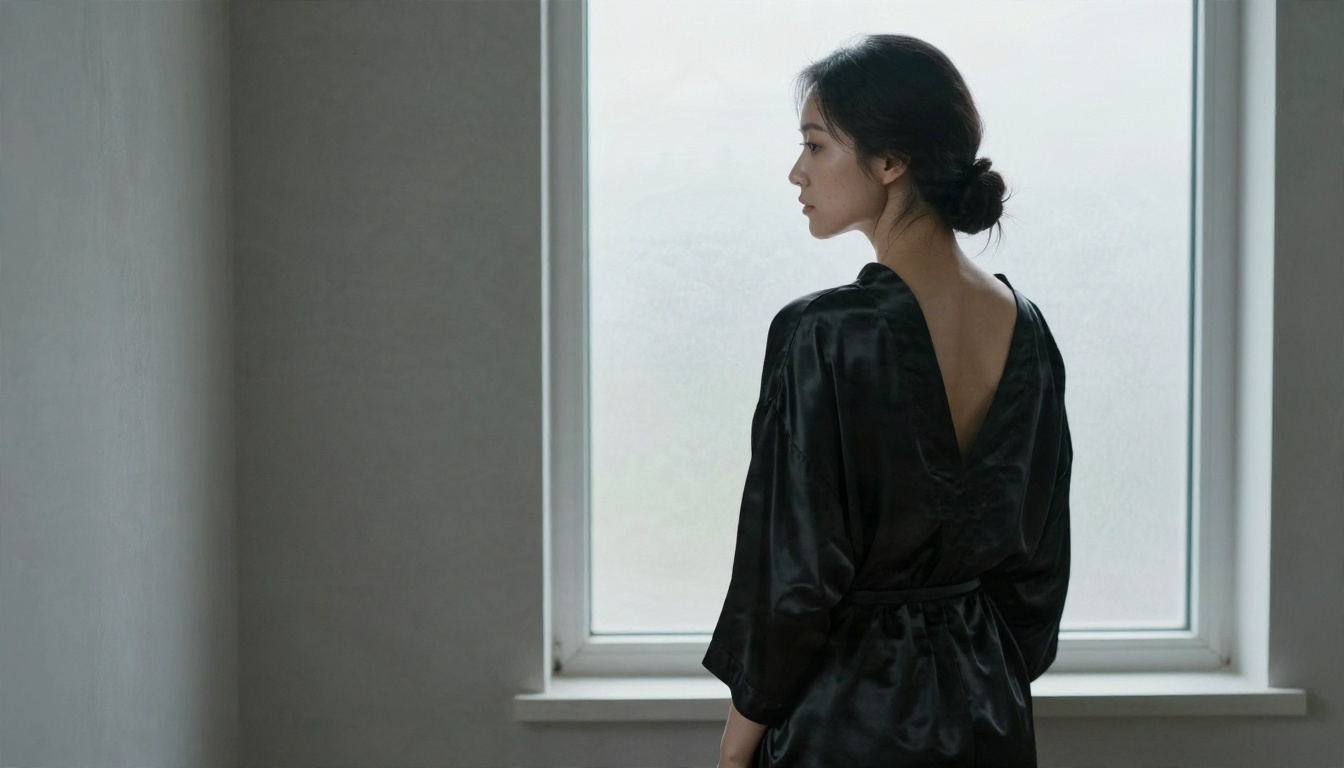
Adult woman in a black silk robe standing in profile beside a tall frosted window, back partially turned, shoulders softly lit, minimalist studio with grey plaster walls, soft window light from the right, 50mm f/2 lens at chest height, fine film grain, visible silk sheen and skin texture, Kodak Portra 400 tones, calm editorial mood
Why it works: the frosted glass diffuses light into a soft gradient across the shoulders, and the robe gives Flux a texture to render with real depth.
Boudoir and fabric
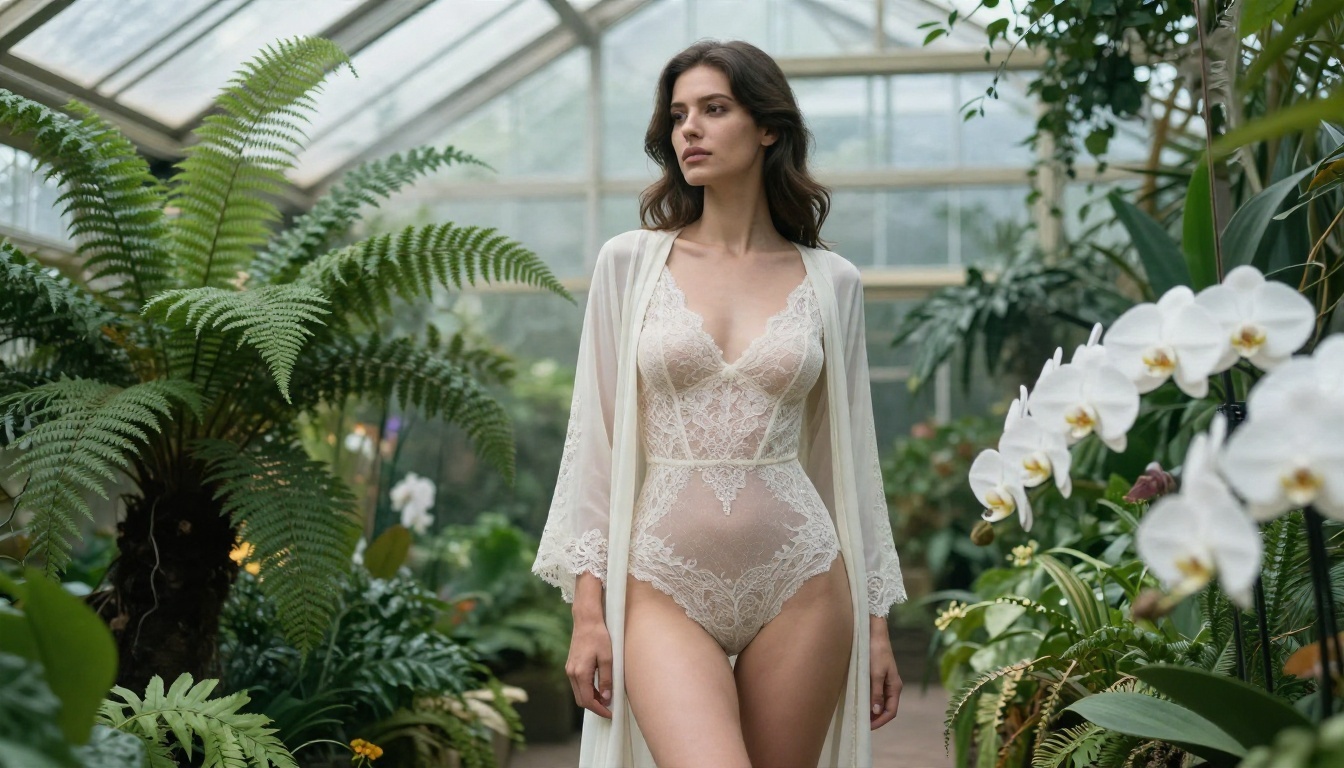
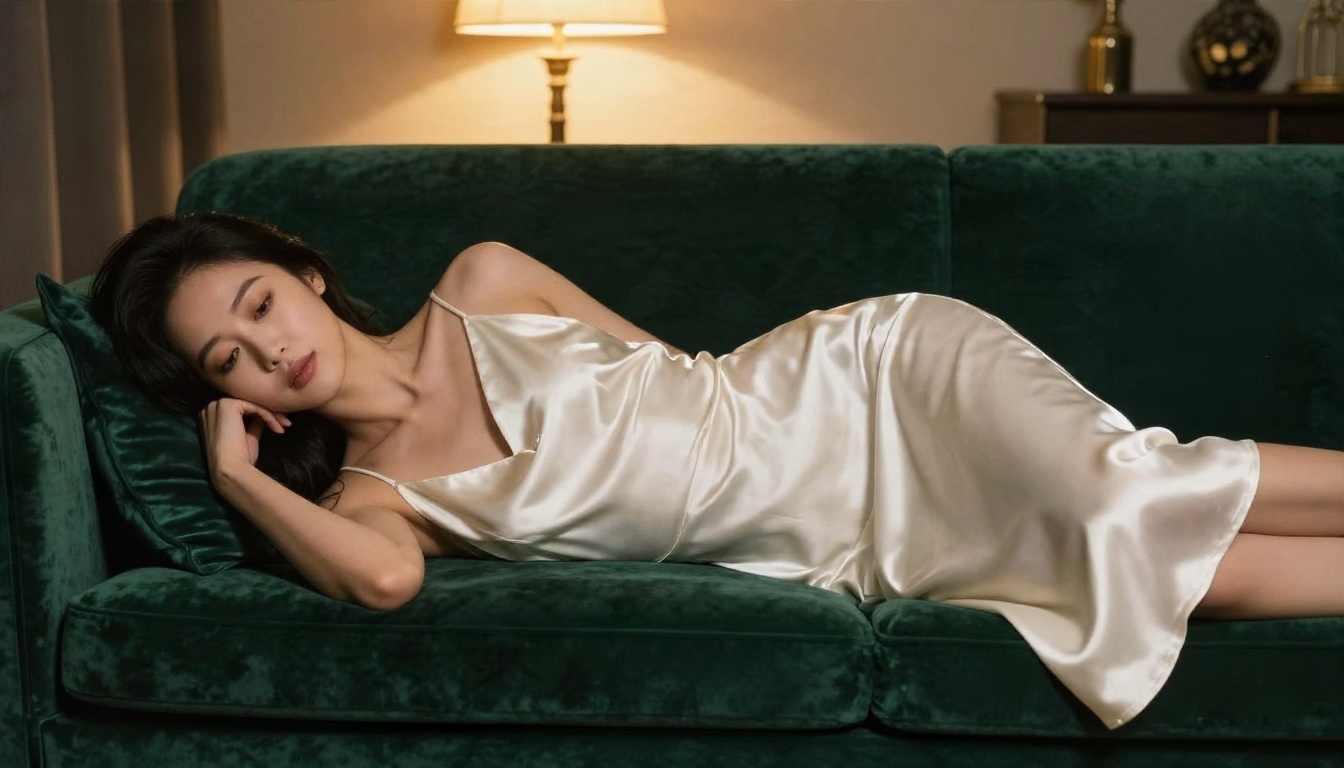
Fabric is your best friend. Sheets, silk, lace and oversized shirts let you build intimacy without needing explicit detail.
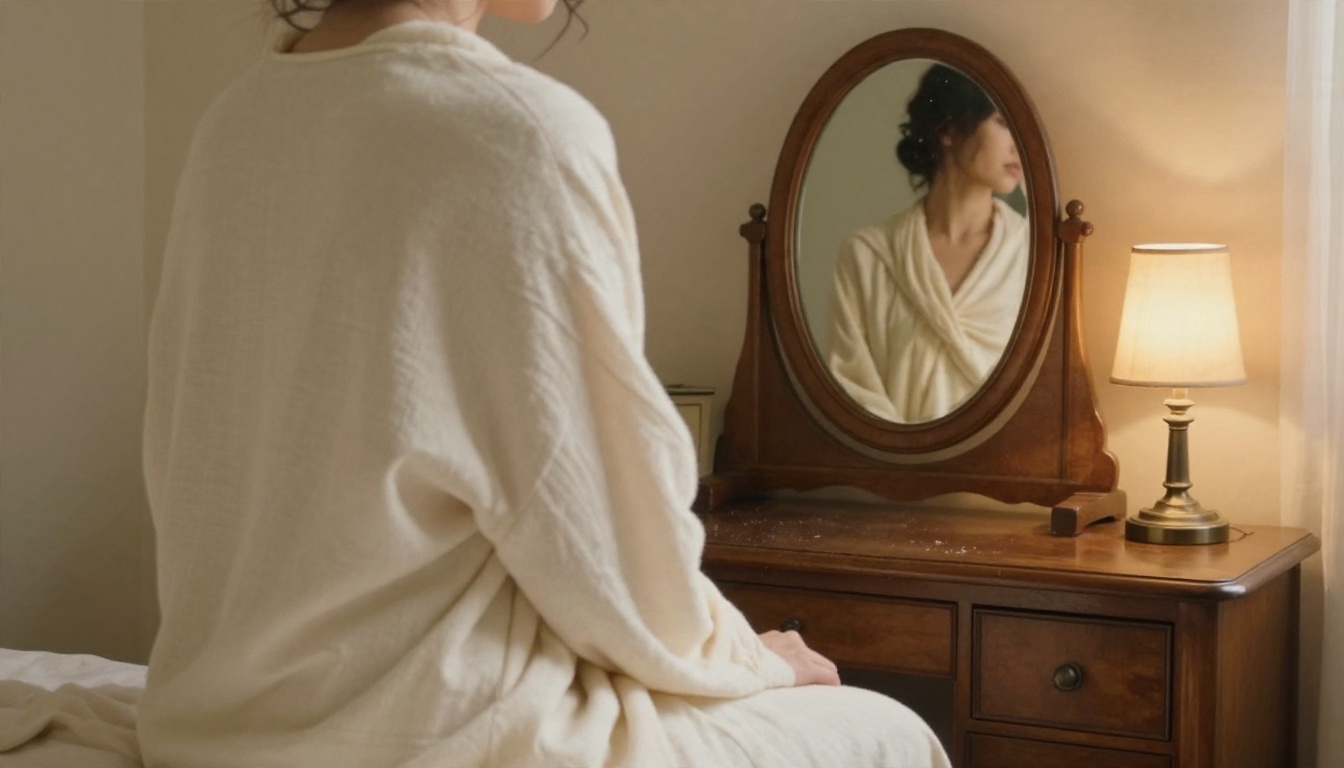
Over-the-shoulder shot of an adult woman wrapped in a cream bedsheet seated at a wooden vanity in a vintage bedroom, her reflection visible in an antique oval mirror, warm tungsten lamp from the left mixed with soft daylight, 50mm f/1.8 lens, dust motes in light, linen texture, film grain, Kodak Portra 400 warmth
The mirror adds a second layer of composition and also hides anything you do not want to show, which keeps the frame tasteful.
Glamour and swimwear
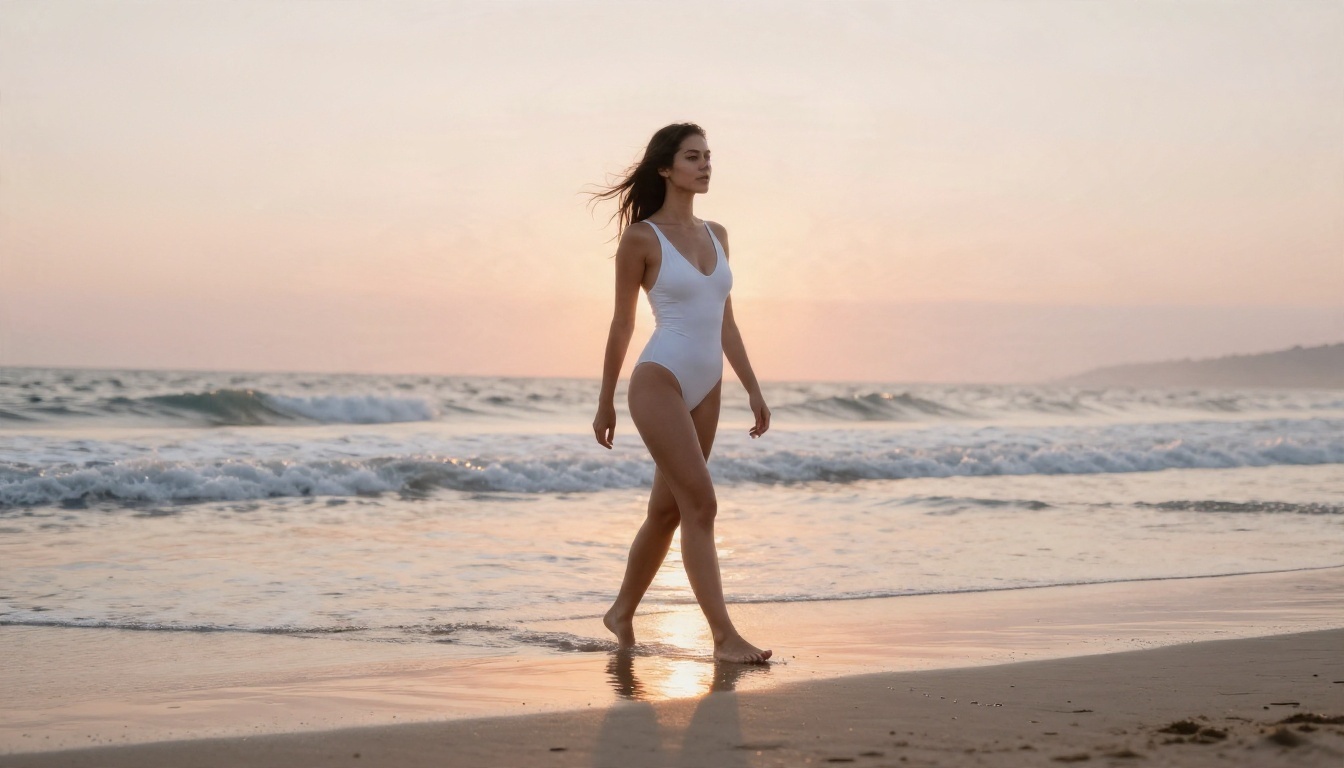
Beach and poolside prompts are reliable because Flux has seen thousands of well-lit swimwear photos. The results are crisp, natural and suitable for almost any audience.
Adult woman in a white high-cut swimsuit walking along a quiet Mediterranean beach at sunrise, wet sand reflecting a pale peach sky, low-angle wide shot, gentle surf behind her, soft backlight from the horizon, 35mm f/2.8 lens, sea spray, sun-kissed skin with natural texture, Kodak Portra 400 grain
Close portraits
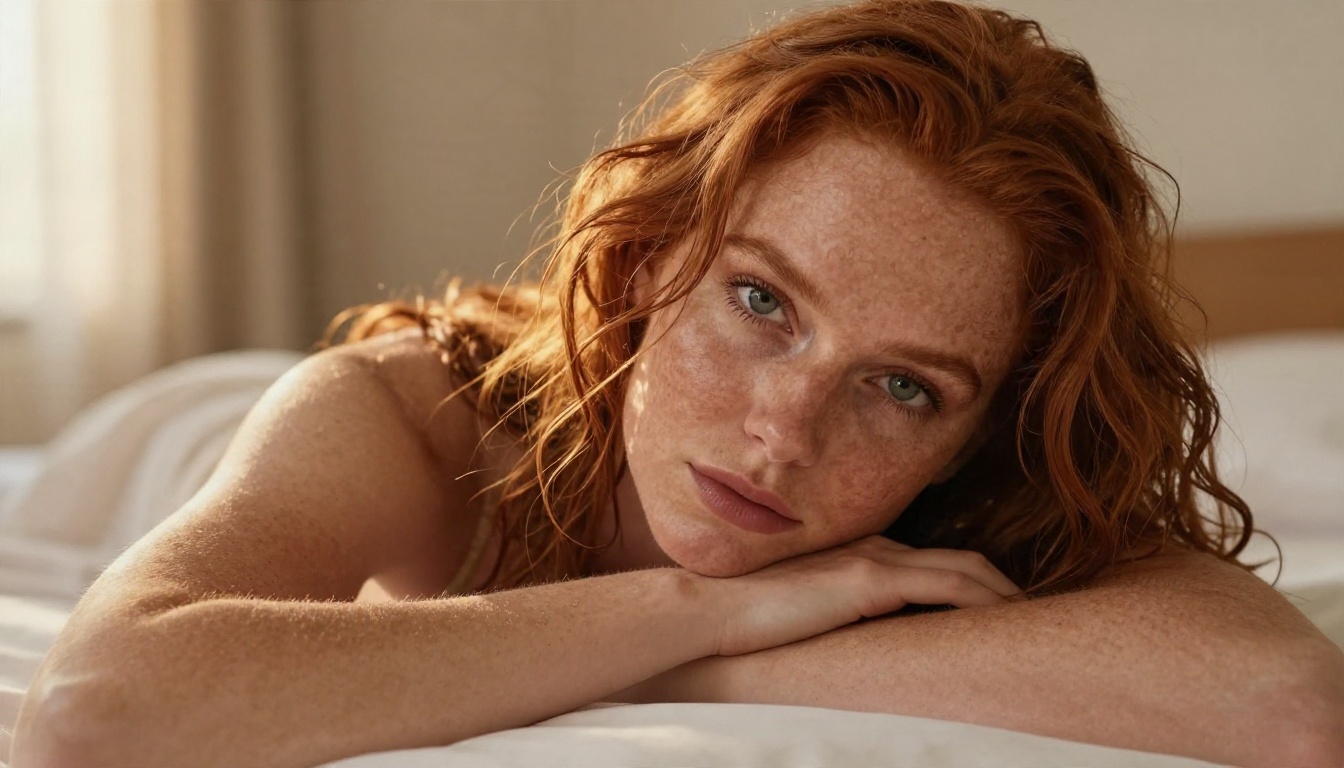
Tight crops are where Flux skin rendering is most impressive: pores, freckles, peach fuzz and loose hair strands.
Close-up portrait of an adult woman with freckled skin and damp wavy red hair resting her cheek on folded forearms over white bedsheets, eyes looking at camera, bare shoulders softly lit, golden hour light from the left through linen curtains, 105mm f/2 lens, shallow depth of field, visible pores, Kodak Portra 400 film grain
💡 Tip: Always state that the subject is an adult in your prompt. It sets the right age range for the face and keeps the output in the category you actually want.
Settings That Change Results
CFG, steps and resolution
Flux is less sensitive to settings than older models, but a few values make a visible difference for skin work.
Setting
Flux Dev
Flux Schnell
Why it matters
Steps
28 to 35
4
More steps refine skin texture on Dev; Schnell is built for 4
CFG / prompt strength
3 to 3.5
Default
Too high gives plastic, over-sharpened skin
Aspect ratio
16:9 or 3:2
16:9 or 3:2
Wide frames suit environmental portraits
Output format
PNG or high-quality JPG
PNG or JPG
Keeps grain and fine hair detail
Seed
Fixed while testing
Fixed while testing
Lets you compare prompt edits fairly
Lock the seed when you iterate. Change one phrase at a time and you will see exactly which words shape the skin, the light and the mood.
Lighting and lens vocabulary
Flux responds to photographic language better than to adjectives like "beautiful" or "sexy". Use real terms.
Soft window light from the left: gentle gradient, flattering on skin
Golden hour backlight: warm rim light on hair and shoulders
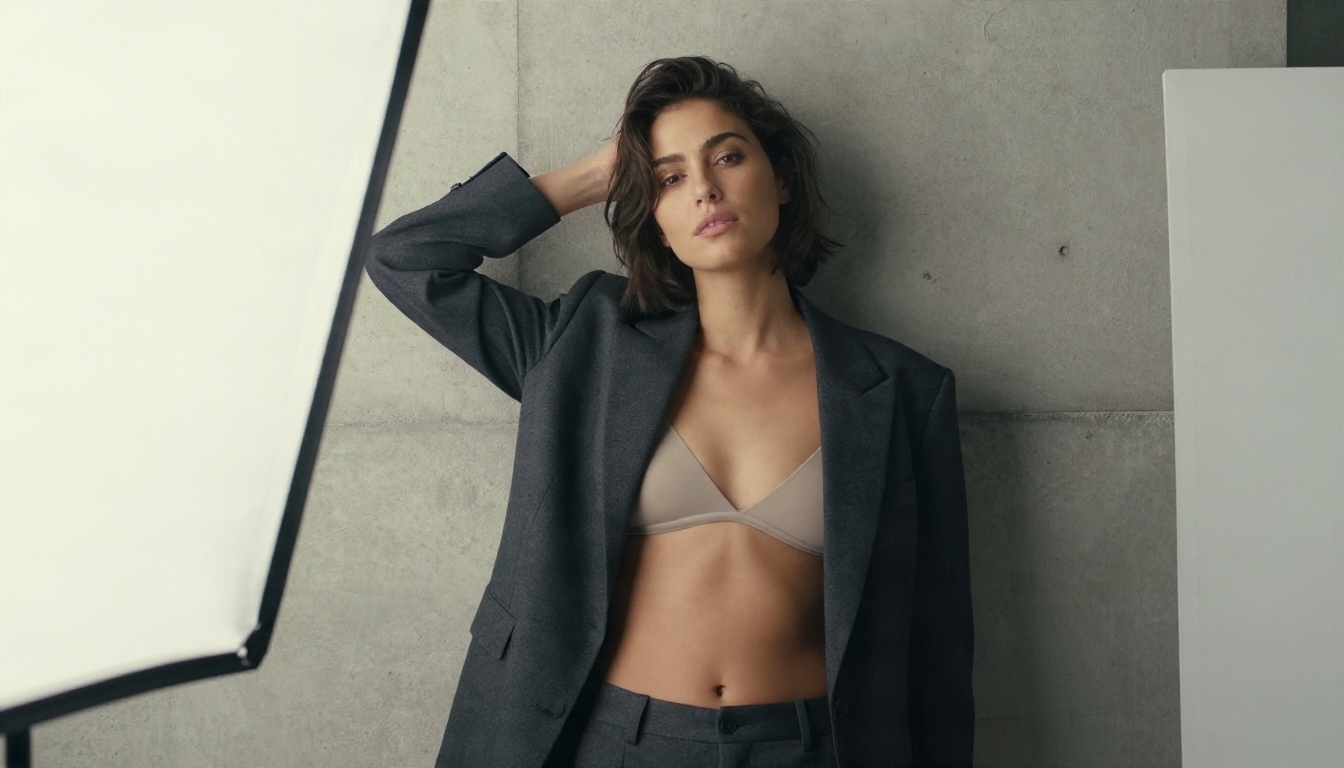
Single softbox with white reflector fill: clean editorial look
85mm f/1.8: compressed background, creamy bokeh, ideal for portraits
50mm f/1.4: slightly wider, good for seated and reclining poses
Kodak Portra 400, fine film grain: warm natural color and organic texture
💡 Tip: Add a negative-style instruction at the end of your prompt, such as "natural skin, no plastic smoothing, no glow, no illustration". Flux Dev follows this kind of plain language well.
How to Use Flux Dev on PicassoIA
Flux Dev is on PicassoIA and runs in the browser, so there is nothing to install and no GPU to rent.
Paste one of the prompts above into the prompt box.
Set the aspect ratio to 16:9 for environmental scenes or 3:2 for tighter portraits.
Set steps to roughly 30 and CFG to about 3.5.
Generate, then compare four or five seeds before deciding on a direction.
Keep the best seed, change one detail (light direction, fabric, lens) and generate again.
For fast drafts, switch to Flux Schnell, which returns an image in seconds. Once the composition feels right, rerun the same prompt on Dev for finer skin detail.
Parameter tips
Use LoRAs for a signature look.Flux Dev LoRA lets you apply a custom style, such as a film-stock look or a consistent fashion palette.
Edit instead of regenerating. If the pose is right but the outfit is wrong, Flux Kontext Fast can change clothing and background while keeping the subject.
Try variations.Flux Redux Dev creates new takes on an image you already like.
💡 Tip: Keep a text file of your best prompts. When a result works, save the prompt, seed and settings together so you can reproduce it.
Uncensored Alternatives Worth Trying
Flux is excellent, but it is not built for every adult glamour scenario. When you want a model with more room for artistic and glamour content, these are the options to reach for, in this order.
Seedream 4.5 first
Seedream 4.5 is the first model to try for adult glamour and artistic figure work. It produces sharp, 4K-class output with natural skin tones and handles boudoir, lingerie-style and swimwear scenes without the constant drift toward covered results that you see with Flux. It is also quick, so you can iterate on lighting and pose without long waits.
Use the same prompt structure as above. Seedream tends to reward specific clothing, material and light descriptions, so be generous with fabric and lens details.
Image Editor Pro for unlimited runs
PicassoIA Image Editor Pro is the second stop, and its big advantage is volume: unlimited generations. That changes how you work. Instead of nursing one expensive attempt, you can run dozens of variations, change an outfit, adjust the background, relight a scene or fix a detail, and keep going until the frame is right.
It is especially good for edit-driven workflows: start with a clean portrait and tell the editor what to change in plain language.
Over-describing the body. Long anatomical prompts confuse the model and produce stiff, uncanny results. Describe the photograph instead: light, lens, fabric, mood.
Cranking CFG too high. Anything above 4 on Flux Dev starts to flatten skin into a waxy, over-processed surface.
Using vague style words. "Beautiful", "hot" and "stunning" tell the model nothing. "Soft window light from the left, 85mm f/1.8" tells it everything.
Ignoring hands. Hands are still the first thing to break. Place them in simple, natural poses: resting on a sheet, holding a collar, tucked in hair.
Mixing styles. If you ask for film grain and also "digital art" or "3D render", you will get a muddy compromise. Stay with photographic language.
Skipping the seed. Without a fixed seed you cannot tell whether a change came from your edit or from random variation.
💡 Tip: If a result looks "almost right", do not rewrite the whole prompt. Change one element, such as light direction or lens, and rerun with the same seed.
Responsible Rules for Adult Images
Adult-style AI images come with real responsibilities, and the rules are simple.
Only depict fictional adults. Always state adult subjects, and never generate anything involving minors. No exceptions.
Never use a real person's likeness without consent. That means no celebrities, no ex-partners, no coworkers, and no face swaps of real people into suggestive scenes.
Keep it non-explicit when publishing. Most platforms, search engines and ad networks restrict explicit material, and tasteful work travels much further.
Label AI images where required. Several platforms ask for disclosure of AI-generated content.
Respect licenses. Community LoRAs for older Flux weights often carry non-commercial terms, so check before you sell prints or run ads.
Make Your First Set Today
You now have the prompts, the settings and the model order. Start small: pick one scene from this article, run it on Flux Dev with a fixed seed, and change a single detail each round. When Flux feels tight, move the same prompt to Seedream 4.5 or switch into PicassoIA Image Editor Pro and iterate without limits.
The fastest way to improve is volume. Generate ten variations of one idea, keep the best, and rebuild the prompt around what worked. Open Picasso IA, try your own boudoir, glamour or silhouette concept, and see how far one good prompt can go. For a wider choice of tools, browse all PicassoIA models.