You type a perfectly reasonable prompt for a swimwear shoot, a boudoir portrait or a glamour editorial, and the generator replies with a polite refusal. Sound familiar? That is exactly why people search for uncensored image generators. They are not looking for chaos. They want tools that treat adult creators like adults, and that stop blocking a bikini photo as if it were a crime scene.
This article ranks the options that actually deliver in 2027, shows what the free tiers give you, breaks down real pricing, and hands you prompts with example results. Everything here stays on the artistic, non-explicit side: glamour, swimwear, fashion and tasteful intimacy.
💡 Quick answer: For photorealistic glamour with the fewest refusals, start with Seedream 4.5, then move to PicassoIA Image Editor Pro when you want unlimited generations and edits.
What "Uncensored" Really Means
The word is a marketing label, not a technical standard. One tool uses it to mean "relaxed about swimwear." Another means "no filter at all, run it on your own computer." Knowing which meaning applies saves you money and frustration.
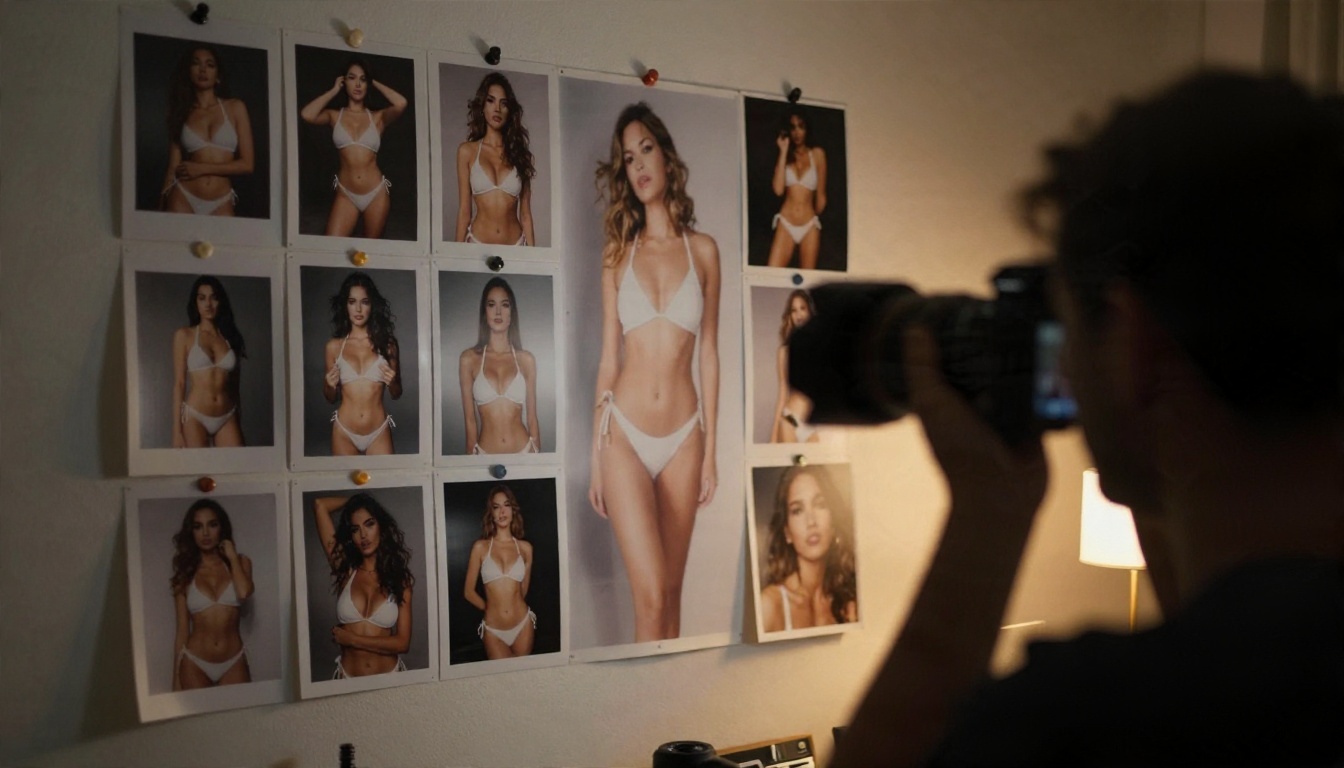
Filters Are Not Laws
A platform filter is a business decision. It blocks things the company does not want to host, often with broad keyword rules that catch harmless requests. Removing the filter does not remove the law. Real people's likenesses, minors and non-consensual content stay off the table everywhere, and any serious tool enforces that line.
Local Versus Hosted
There are two routes to fewer restrictions:
- Local: Open-weight models like Stable Diffusion and FLUX variants run on your own GPU. Nobody filters your prompts, but you pay for hardware, setup time and electricity.
- Hosted: A web service runs the model for you. It is faster to start and works on a laptop, but the platform decides what passes.
Most creators land on hosted tools with permissive rules because the quality gap versus local setups has nearly closed.
Best Picks, Ranked
Here is the short version before the details. Ranking is based on realism, how rarely glamour prompts get blocked, speed and value.
1. Seedream 4.5
Seedream 4.5 is the model I reach for first when a prompt involves skin, fabric and window light. It handles pores, freckles, wet hair and satin highlights without the waxy look that gives AI images away. Glamour and swimwear prompts go through far more often than on mainstream filtered tools, and output reaches 4K.
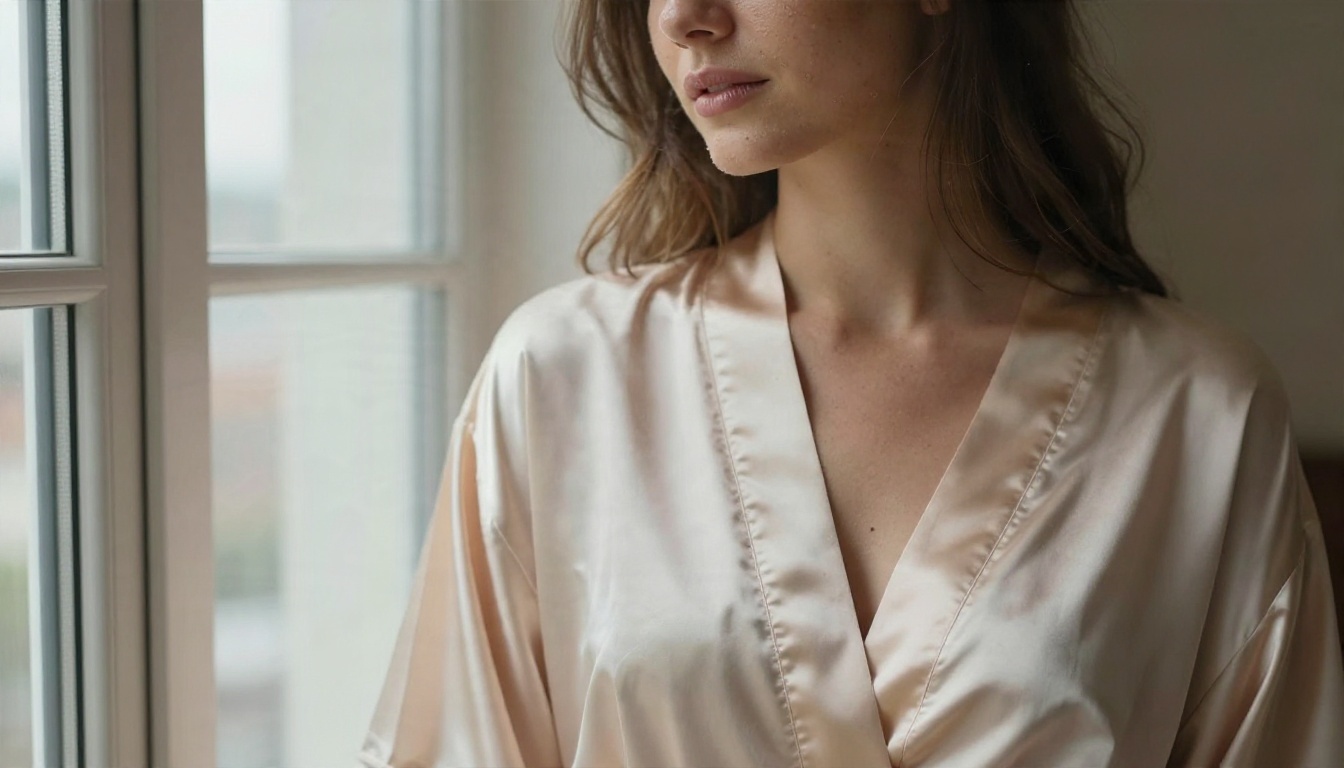
Strengths: realistic skin, strong lighting logic, sharp detail at high resolution.
Weakness: it rewards detailed prompts. A lazy one-liner gives you a generic result.
2. PicassoIA Image Editor Pro
PicassoIA Image Editor Pro is the value pick. It offers unlimited generations, which changes how you work. Instead of rationing attempts, you iterate: change the outfit, shift the light, fix a hand, try again. It also edits existing photos, so you can keep the pose you like and rework the setting or styling.
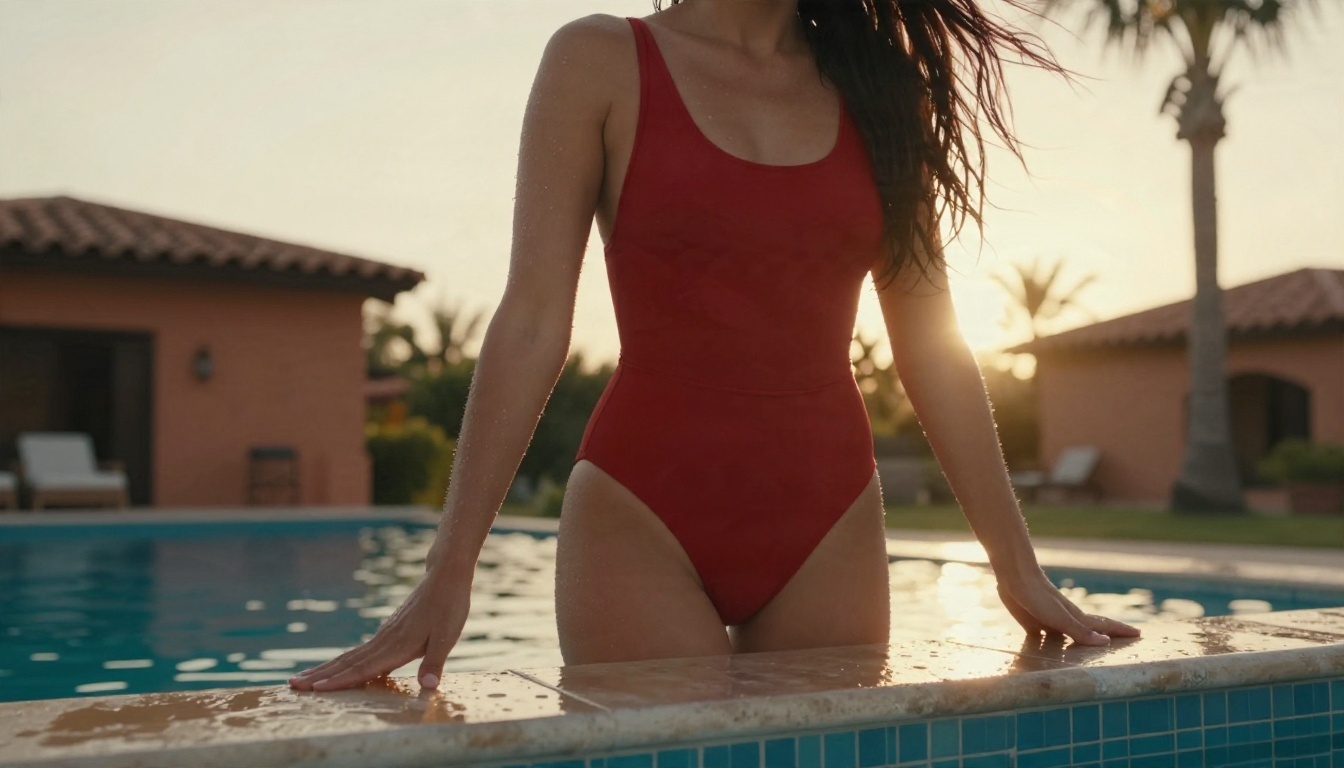
💡 Workflow tip: Generate a base image in Seedream 4.5, then bring it into Image Editor Pro for unlimited small corrections.
3. Z Image Turbo
Z Image Turbo is built for speed. Use it for drafting compositions: ten quick variations of a pose or location in the time another model needs for two. Once a draft looks right, rerun the final prompt in a higher-detail model.
4. Flux 2 Klein with LoRA
The Flux 2 Klein 9B Base LoRA model lets you steer a look with style adapters, which is useful when you want a consistent aesthetic across a whole set. The lighter Flux 2 Klein 4B Base LoRA is the quicker sibling when you are testing ideas.
5. Qwen Image 3 Pro
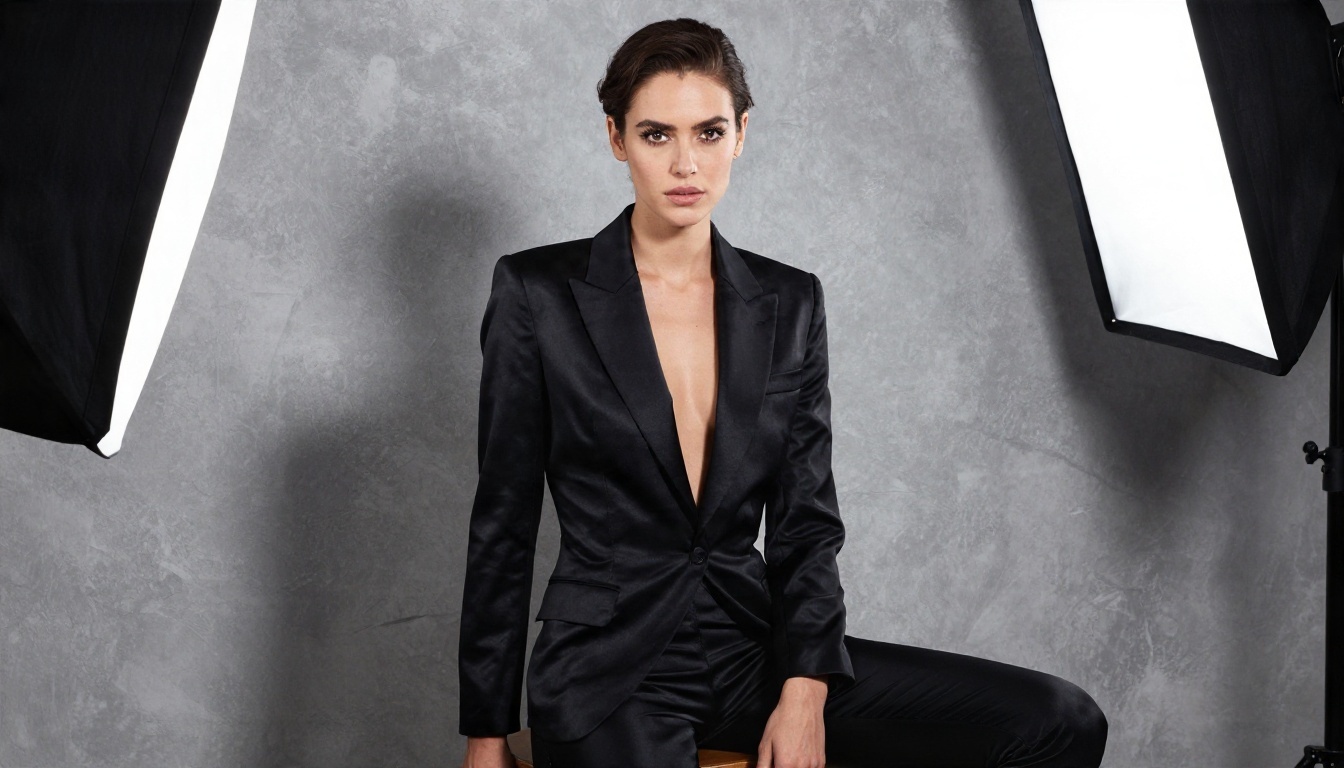
Qwen Image 3 Pro follows long prompts closely. Studio portraits with specific lens, light direction and wardrobe come out the way you described them. It is a strong pick for editorial looks where precision matters more than mood.
6. Realistic Vision v5.1
Realistic Vision v5.1 comes from the older Stable Diffusion generation, and it still produces a convincing film-photo look at low cost. Pair it with SDXL Lightning 4Step for fast drafts, or SDXL Multi Controlnet LoRA when you need pose control.
Free Options Compared
Free is real, but it comes with trade-offs. Here is how the landscape looks, based on what the major tools advertise. Limits change often, so check each service before you commit.
| Option | Type | Free allowance | Catch |
|---|
| Local Stable Diffusion or FLUX | Self-hosted | Unlimited | Needs a capable GPU and setup |
| Venice | Hosted | Reported daily prompt allowance | Watermarks on free images, paid removal |
| Mage.space | Hosted | Limited free tier | Queues and caps |
| Grok Imagine | Hosted | Varies by account | Rules shift without notice |
| Mainstream tools (Ideogram, Leonardo, Craiyon) | Hosted | Weekly or daily credits | Filtered, not uncensored |
| Hidream L1 Dev | Hosted | Free to try | Pick this for HD drafts |
What Free Tiers Give
Expect a handful of images per day, lower resolution, a visible watermark or a slow queue. That is fine for testing a prompt. It is not fine for a client project or a full photo set.
Hidden Limits
Watch for these before you invest time:
- Daily caps that reset at odd hours
- Prompt filters hidden behind the word "free"
- Commercial use restricted on free plans
- Image deletion after a short period
- Quality drops when servers are busy
💡 Smart move: Use free tiers to test prompts, then run the final render on a tool with unlimited or generous allowances.
The Real Cost of Unrestricted Images
Pricing falls into three buckets, and the cheapest on paper is rarely the cheapest in practice.
| Model of payment | Typical cost | Best if | Watch out for |
|---|
| Local hardware | Upfront GPU spend, then electricity | You generate thousands of images | Setup time and updates |
| Subscription | Monthly fee for a credit pool | You create every week | Unused credits expire |
| Pay per image | A few cents per render | You create occasionally | Costs climb fast during iteration |
Some pay-as-you-go APIs advertise prices starting around three cents per image, and that sounds trivial until you run 40 attempts to land one pose. Iteration is the hidden cost. That is why an unlimited option like PicassoIA Image Editor Pro changes the math: attempts stop costing anything, so you can refine freely.
💡 Budget rule: Estimate 15 to 30 attempts per final image. Multiply that by the per-image price before you decide a tool is cheap.
Prompts and Examples That Work
A good glamour prompt reads like a photographer's shot list. The model needs a subject, a place, a light source, a lens and a film feel. Vague words like "sexy" or "hot" give vague, often over-filtered results. Concrete photography terms give you control and tend to read as artistic to any filter.
Anatomy of a Prompt
Build every prompt in this order:
- Subject and pose: who, wearing what, doing what
- Environment: the setting and background details
- Light: direction, time of day, softness
- Camera: angle, lens, depth of field
- Texture and grain: skin detail, fabric, film stock
Three Prompts to Copy
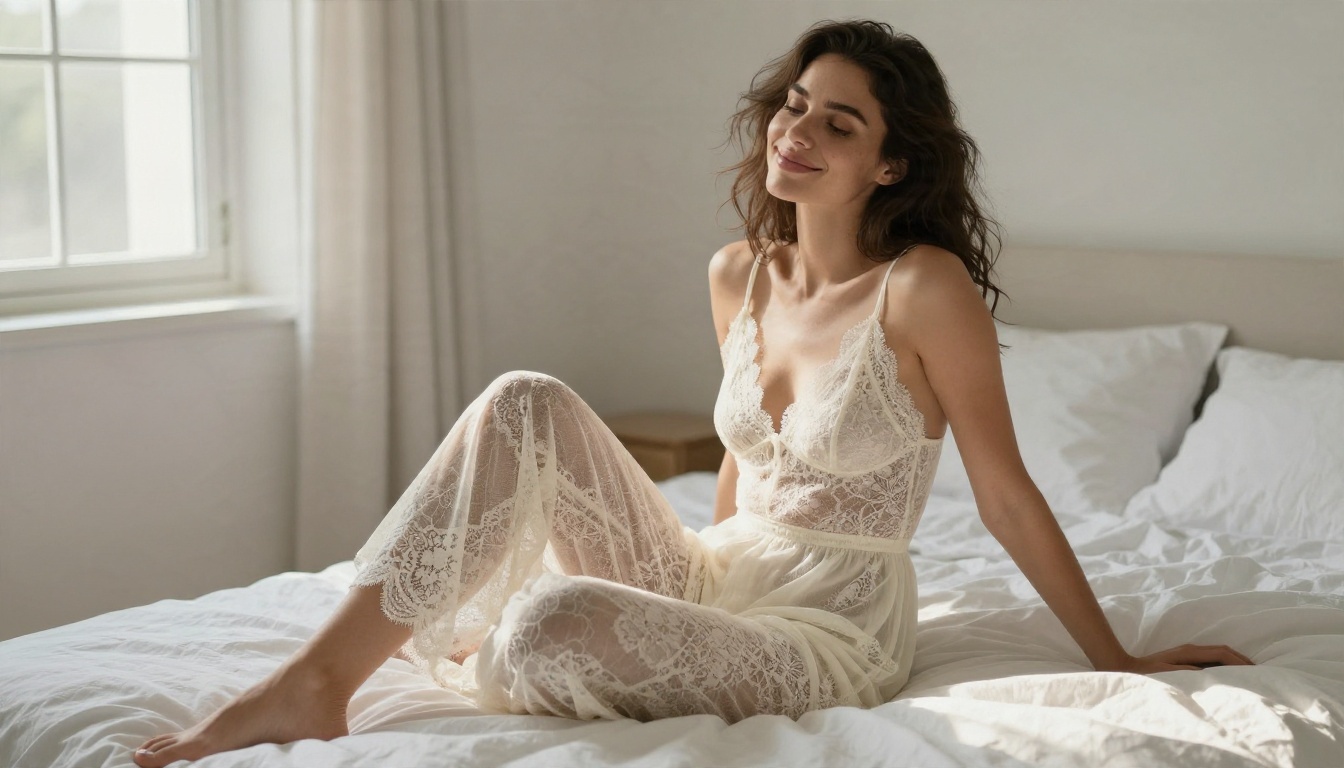
Boudoir window light
A woman in ivory lace loungewear sitting on the edge of an unmade bed with white linen sheets, morning window light from the left casting soft shadows, tousled brunette hair, relaxed smile, 85mm f/1.8 lens, shallow depth of field, lace texture and fine skin detail, Kodak Portra 400 film grain.
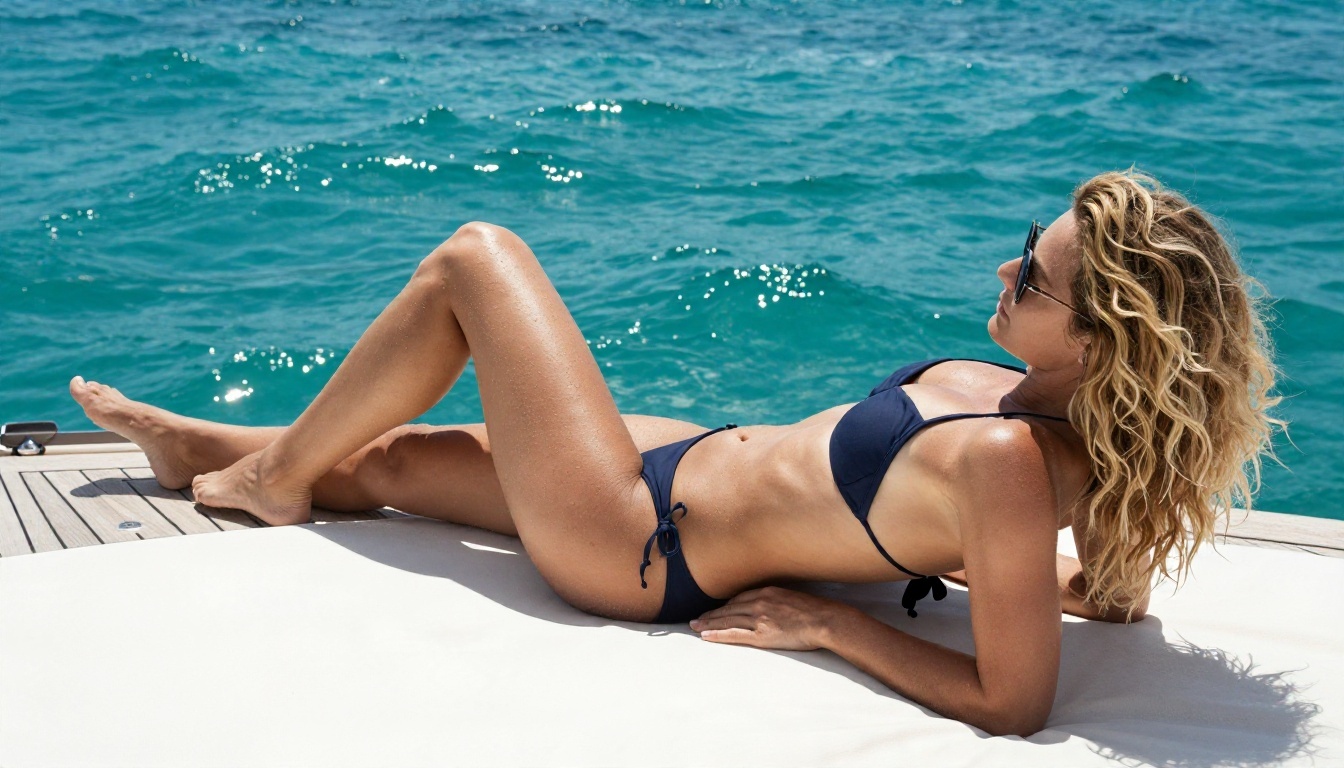
Yacht deck swimwear
A woman in a navy bikini lounging on the teak deck of a sailing yacht, sunglasses pushed into wavy blonde hair, turquoise sea behind, midday sun with soft bounce from white cushions, 35mm f/2.8 lens, salt-dried skin texture, Kodak Portra 400 grain.
Evening street portrait
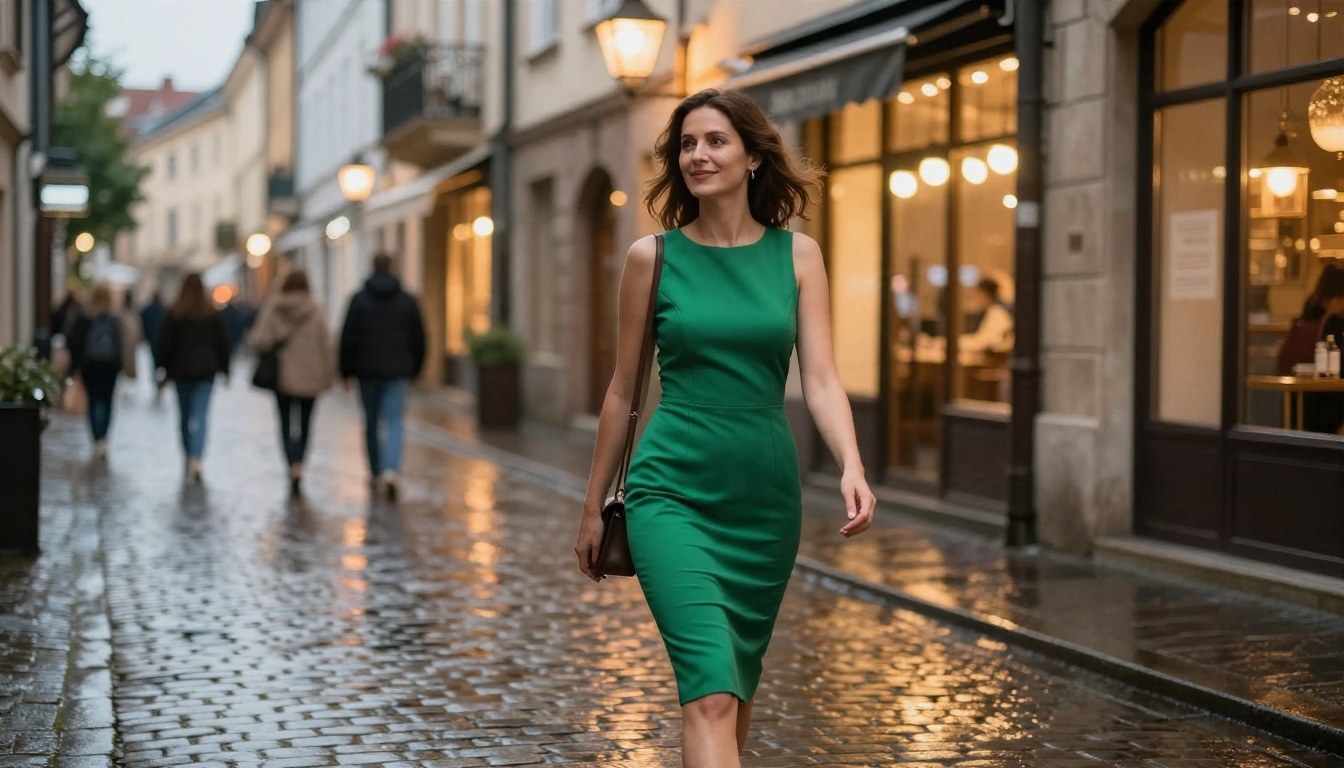
A woman in a fitted emerald cocktail dress walking along a wet cobblestone street at dusk, warm lamplight reflecting on the stones, 50mm f/1.4 lens, bokeh of café lights, natural skin and hair texture, film grain.
💡 Prompt tip: Name a lens and a film stock. "85mm f/1.8, Kodak Portra 400" pushes the output toward a believable photograph instead of a glossy illustration.
How to Use Seedream 4.5 on PicassoIA
Seedream 4.5 is the strongest starting point for photorealistic glamour. Here is the workflow.
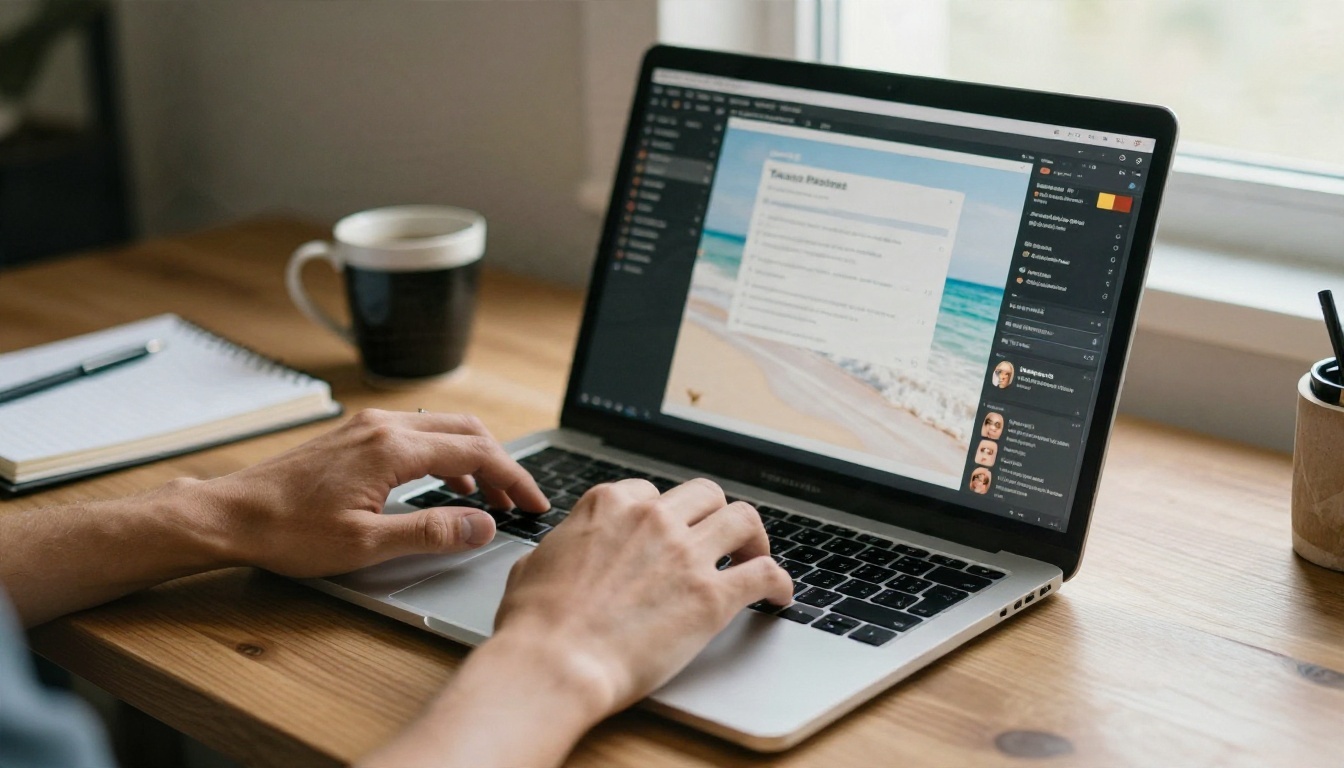
- Open the model page. Go to the Seedream 4.5 page on PicassoIA.
- Write your prompt. Follow the five-part order above. Aim for 50 to 75 words with concrete lighting and lens details.
- Set the aspect ratio. Choose 16:9 for scenic or editorial shots, 3:4 or 2:3 for portraits.
- Pick the resolution. Use the highest option for final renders and lower for drafts.
- Generate and compare. Run three or four variations, then keep the one with the best skin and light.
- Refine in the editor. Send the winner to PicassoIA Image Editor Pro to adjust outfit, background or small flaws without limits.
Parameter tips:
- Describe light direction ("from camera left") instead of just "soft light."
- Mention skin texture ("fine pores, freckles") to avoid a plastic finish.
- Keep one subject per prompt. Crowded scenes dilute detail.
- If a draft is close, change only one variable at a time.
💡 Want other looks? Try Qwen Image 3 Pro for studio precision or Z Image Turbo for fast variations.
Mistakes That Waste Credits
Most disappointing results come from the same few habits.
- Prompting with adjectives, not photography. "Beautiful, hot, stunning" tells the model nothing. Lens, light and wardrobe do.
- Changing everything at once. If you alter outfit, setting and light in one retry, you cannot tell what helped.
- Ignoring the first draft. A fast model like Z Image Turbo is cheap insurance before an expensive render.
- Skipping the edit pass. Small hand or fabric flaws are easier to fix in an editor than to regenerate.
- Trusting the word "uncensored." Test any new service with a harmless swimwear prompt before paying.
- Forgetting rights. Never generate real people without consent. Stick to fictional subjects.
Make Your Own Images Today
You now have the ranking, the free options, the real costs and a prompt formula that works. The fastest way to see the difference is to run the same prompt in two models and compare skin, light and fabric side by side.
Start with Seedream 4.5 for a high-detail render, then take your favorite into PicassoIA Image Editor Pro for unlimited refinements. Want to try more? Browse every model at picassoia.com/en/all-models, pick a prompt from this article, and create your first photorealistic glamour set on Picasso IA right now.


