Type "uncensored AI video" into a search bar and you get a wall of promises: unlimited clips, zero filters, no sign up. Spend an hour testing those promises and a different picture appears. Some tools really are relaxed about glamour, swimwear and boudoir style content. Others hide a filter behind a friendly landing page. And almost all of them run into the same physical limits: short clips, soft faces, drifting hands. This article sorts the marketing from the reality, gives you prompts that work, shows example frames, lists free options, and spells out the limits so you do not waste credits.
One note on scope. Everything below is about suggestive, non explicit content: bikinis, silk robes, evening wear, sensual lighting, glamour. That is where uncensored text to video is genuinely useful for creators, and it is the kind of material the examples here show. All people described are adults.
What "Uncensored" Really Means
A marketing label, not a legal status
"Uncensored" usually means one thing: the platform's moderation layer is lighter than the big consumer apps. It does not mean the model has no training boundaries, and it does not mean the rules of your country stop applying. I tested this while preparing this article. One image prompt that described a woman in lingerie on a bed was blocked by a provider with a "sexual content" message, while a nearly identical scene in a tank top and linen shorts went straight through. Same idea, different filter threshold.
So treat the word as a spectrum:
| Level | What it allows | Typical example |
|---|
| Strict | Almost no skin, no suggestive framing | Mainstream assistant video tools |
| Relaxed | Swimwear, glamour, boudoir, sensual mood | Most creator platforms |
| Loose | Artistic nudity implied, fewer prompt blocks | Open weight models run locally |
| No limits | Marketing claim only | Anything promising "zero rules" |
💡 Tip: If a tool says "no limits," read its terms. Platform safety rules, hosting rules and model licenses still apply, and your own local laws always do.
Where the lines stay fixed
Some boundaries do not move on any serious platform, and they should not. Content involving minors or anyone who looks age ambiguous is off the table. So is anything using a real person's face without their consent, and anything meant to deceive. Write every prompt with clearly adult subjects, and use invented characters or your own consent based references. This keeps your account safe and keeps you on the right side of the law.
Free Options That Actually Work
Free tiers and daily caps
Most hosted tools offer a free trial with one or two generations per day, then push a paid plan. Credit packs I saw during research sat around 200 to 400 credits for roughly twenty to twenty five dollars a month, with a single video often costing 50 credits. That works out to about eight clips a month on a starter plan. Compare that before you pay anything.
Self hosted open weights
Running an open model on your own GPU is the only route to genuinely unlimited generation. The trade is effort: you need a graphics card with plenty of memory, patience with installs, and tolerance for slow renders. A five second clip can take minutes on mid range hardware. If you enjoy tinkering, it is the loosest option. If you want results tonight, it is not.
Free video models on PicassoIA
For people who want free and fast without a setup afternoon, two models stand out. PicassoIA Video is a free, unlimited video generator that takes text or an image. Seedance 2.5 Lite is free and unlimited too, with clips up to 10 seconds. For the starting frame, PicassoIA Image Editor Pro offers unlimited generations, so you can iterate on a look as many times as you like before spending time on motion.
| Option | Cost | Speed | Best for |
|---|
| Hosted free tier | 1 to 2 clips a day | Fast | Quick tests |
| Paid credit plans | About $20 a month | Fast | Occasional use |
| Self hosted open weights | Hardware only | Slow | Total control |
| PicassoIA Video | Free, unlimited | Fast | Daily iteration |
| Seedance 2.5 Lite | Free, unlimited | Fast | Longer 10 second clips |
NSFW Prompts That Work
The five part formula
A video prompt is not an image prompt with the word "moving" added. A clip needs a subject, a scene, a motion, a camera and a light. Use this order:
- Subject: adult woman, age range, hair, skin, clothing.
- Scene: room, location, props, time of day.
- Motion: one or two actions, in the order they happen.
- Camera: slow dolly in, handheld sway, locked off, low angle.
- Light and grade: window light from the left, golden hour, film grain.
💡 Tip: Limit yourself to two motions per five second clip. Models lose coherence when you ask for walking, turning, hair flip and a smile all at once.
Ten example prompts to copy
All of these stay in the glamour and swimwear range, so they pass most filters and still look striking.
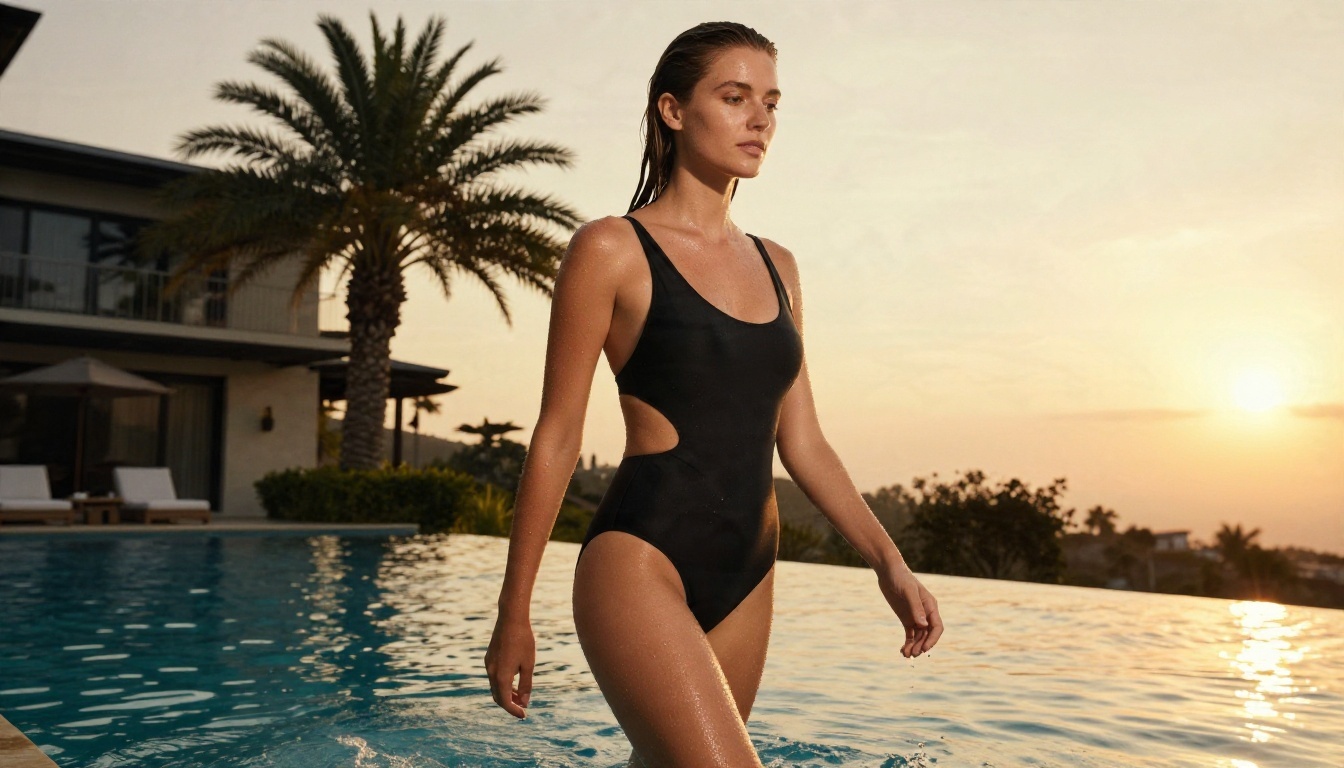
- Poolside: "Adult woman in a black two piece swimsuit walks along an infinity pool edge at golden hour, wet hair slicked back, water droplets on tanned skin. Slow low angle tracking shot, warm rim light from the right, palm trees in soft focus, film grain."
- Window robe: "Adult woman in a champagne silk robe stands at an open window, curtain drifting in a sea breeze. Slow dolly in, she turns her head toward the camera and smiles. Morning light from the left, dust in the sunbeams."
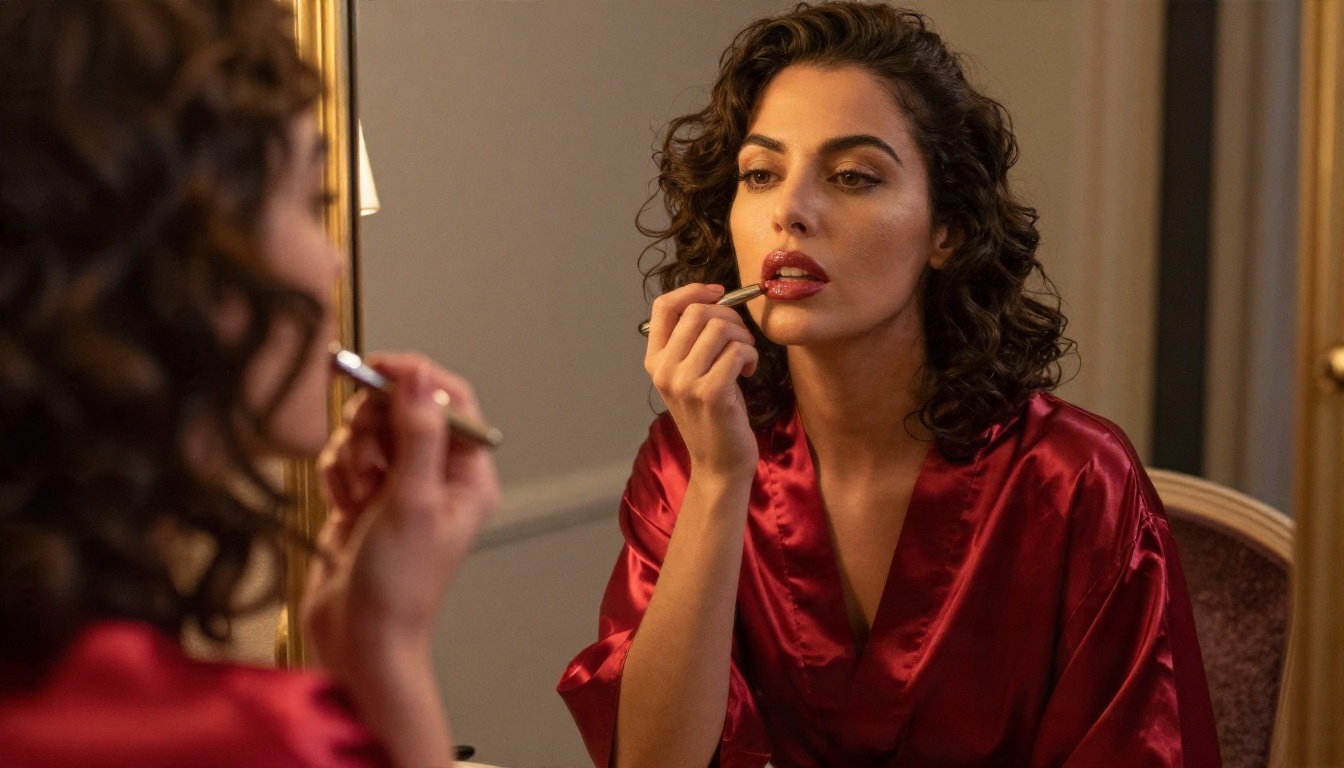
- Vanity: "Adult woman in a red satin robe applies lipstick at a vintage mirror in a hotel suite. Static close up, subtle push in, warm tungsten lamp light, reflection visible."
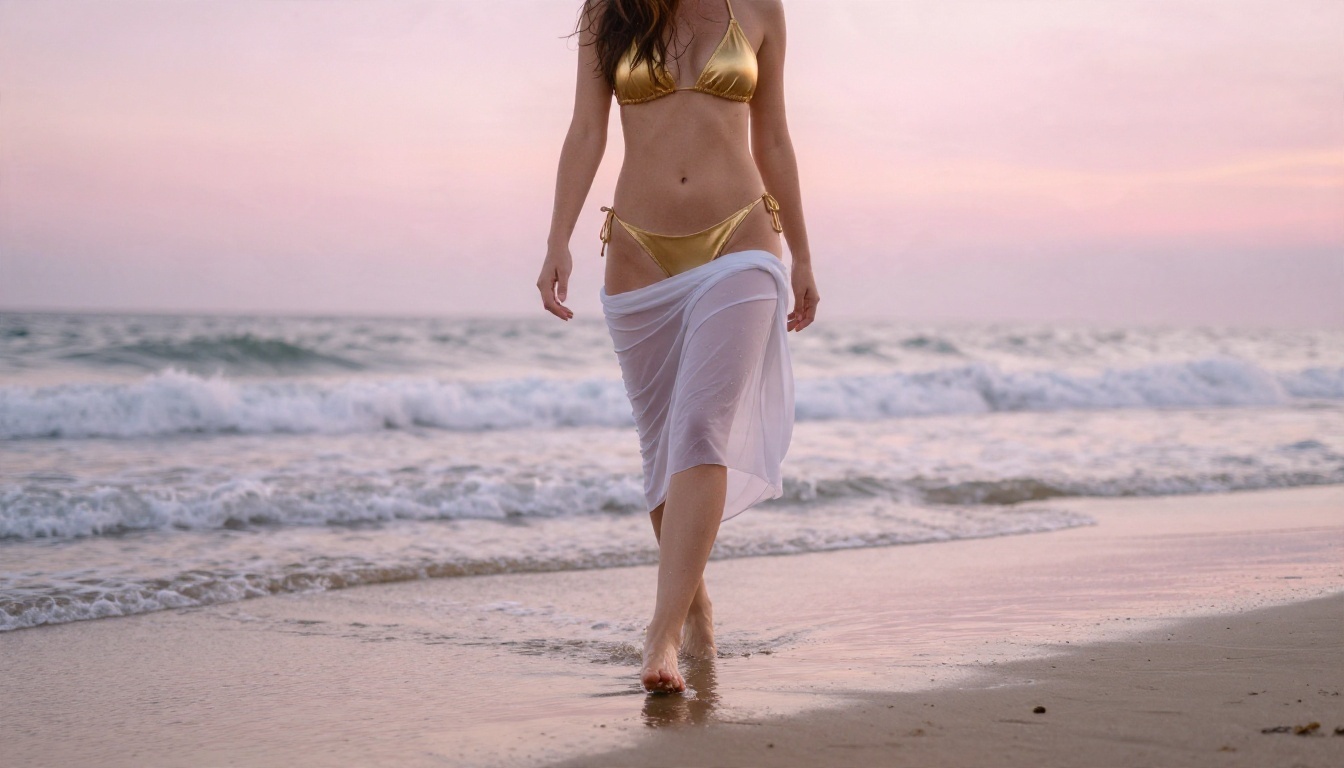
- Beach: "Adult woman in a gold bikini and sheer sarong walks barefoot through shallow waves at sunrise. Telephoto side tracking, backlit hair, pink and peach sky."
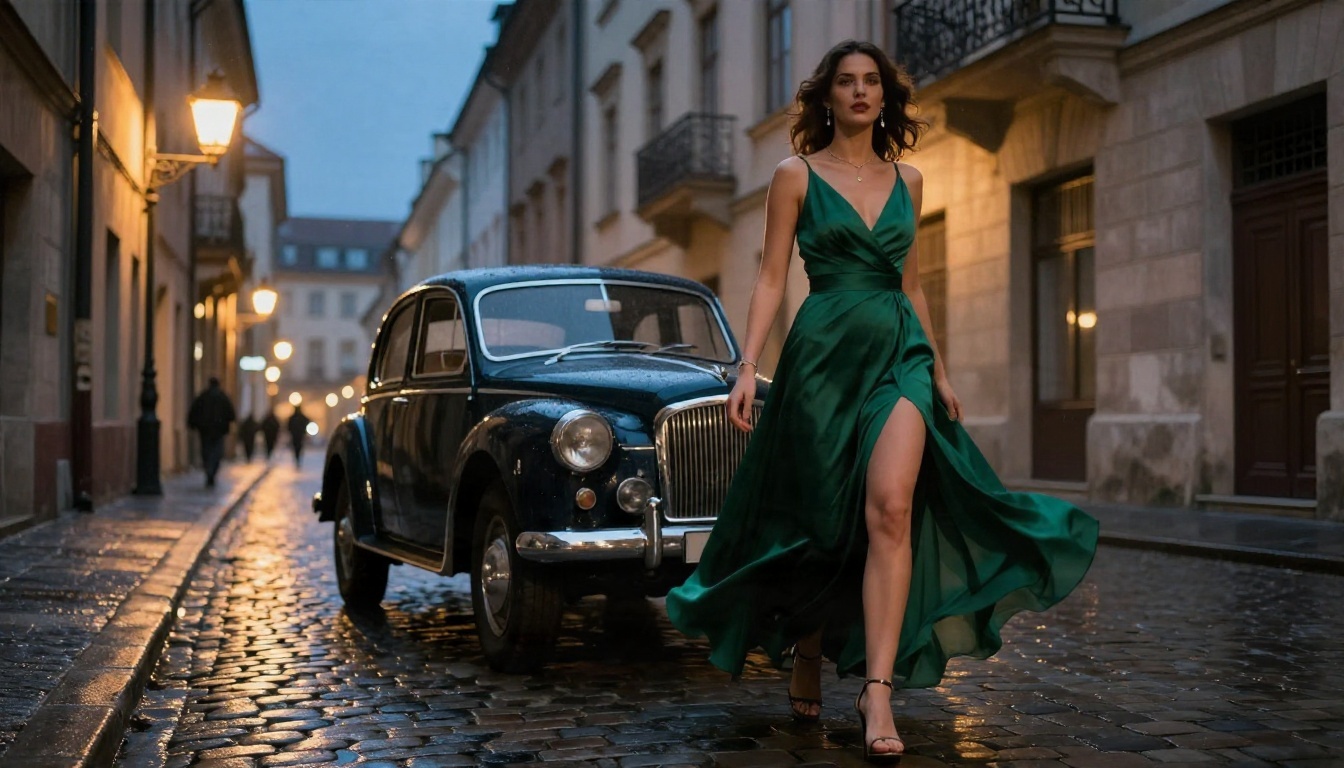
- Evening street: "Adult woman in an emerald gown steps out of a vintage car onto a wet cobblestone street at dusk. Low angle, slight handheld sway, lantern glow."
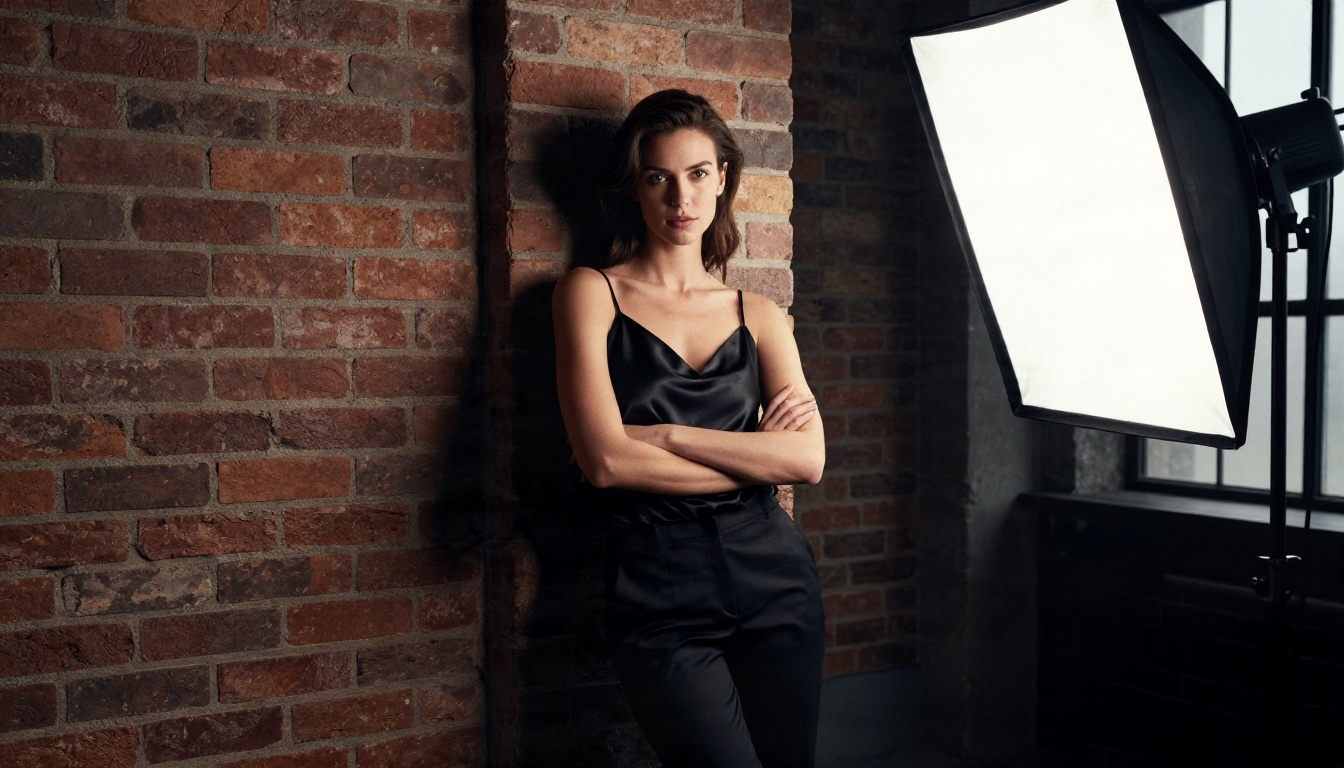
- Loft: "Adult woman in a black satin camisole leans on a brick wall, uncrosses her arms and looks into the lens. Single softbox from the right, shallow depth of field."
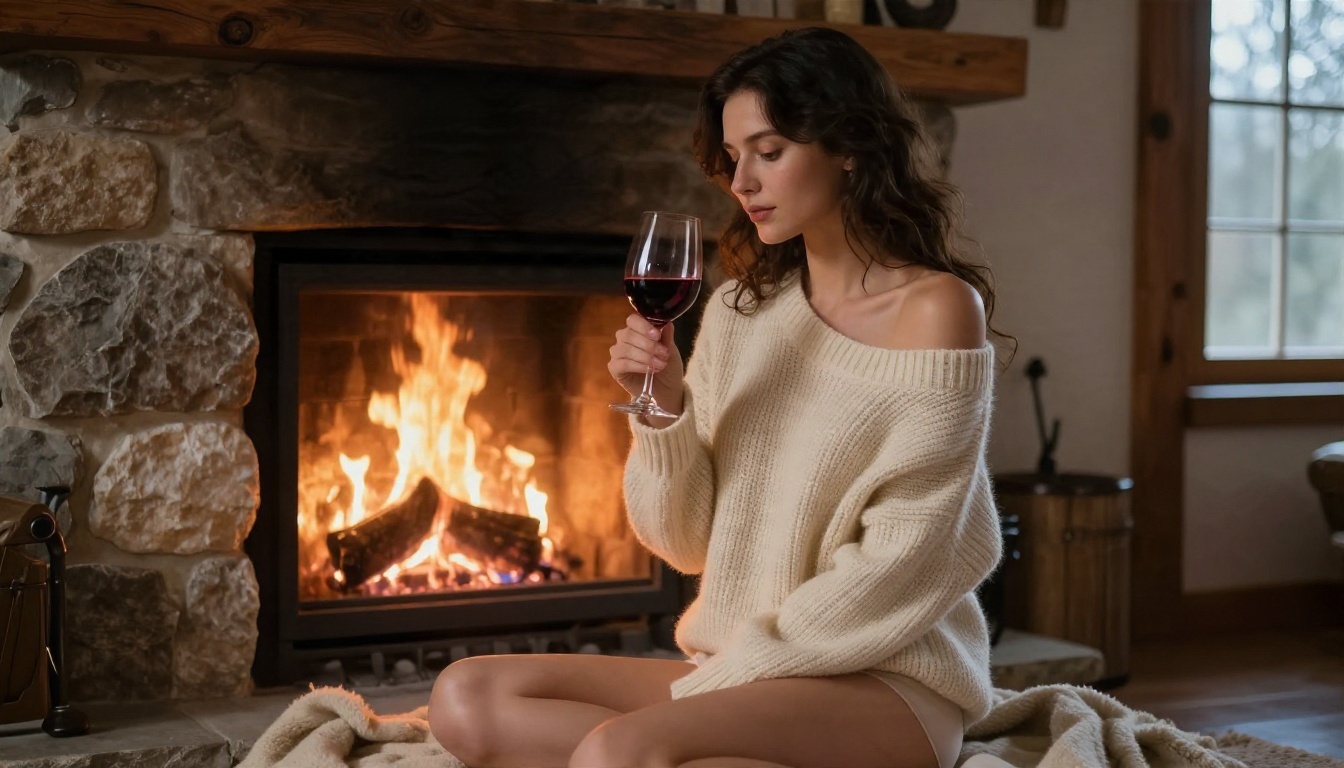
- Fireplace: "Adult woman in a cream knit sweater lifts a glass of red wine by a stone fireplace. Slow rack focus from flames to face, flickering warm light."
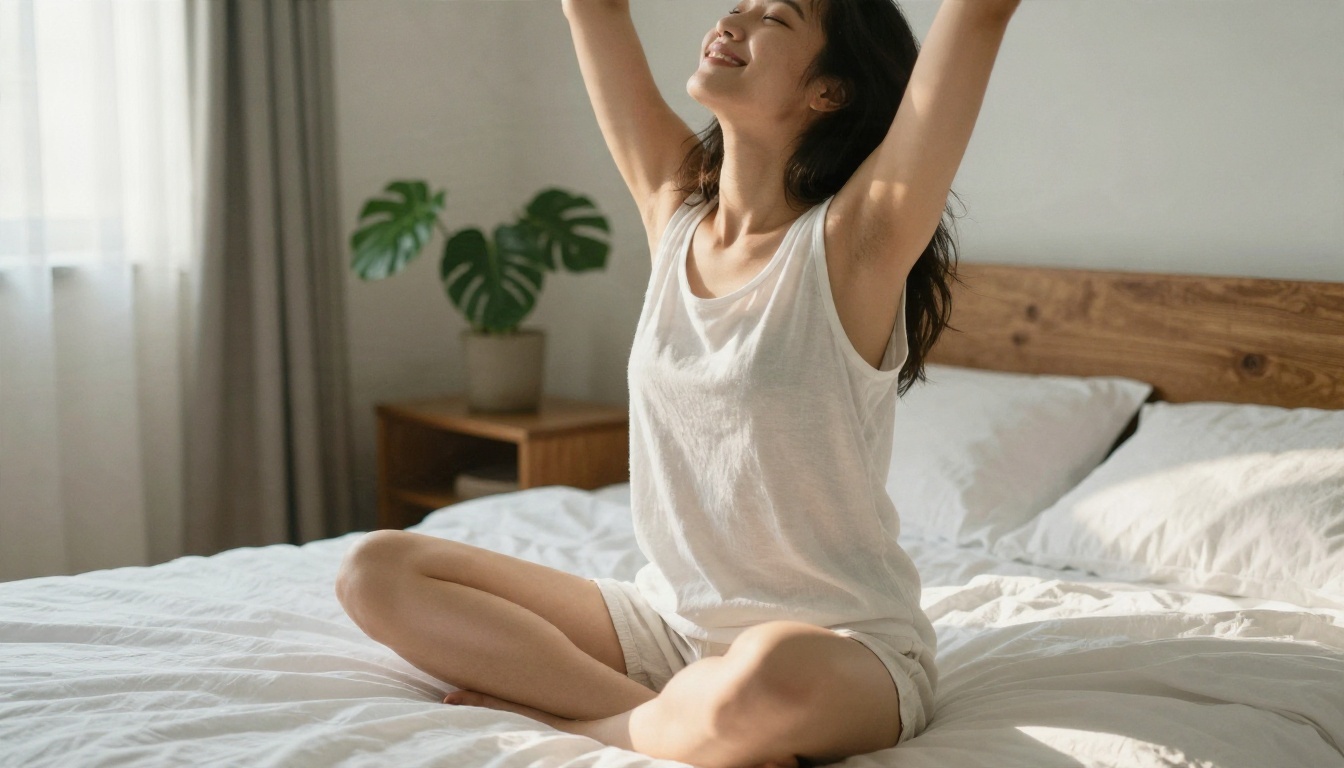
- Morning bed: "Adult woman in a white tank top stretches on the edge of a bed, sunlight through sheer curtains. Overhead slow drift, soft shadows."
- Rooftop: "Adult woman in a silk slip dress on a city rooftop at blue hour, wind moving her hair. Slow orbit, distant traffic lights as soft bokeh."
- Hot tub terrace: "Adult woman in a navy one piece sits on the edge of a wooden hot tub, steam rising in cool air. Locked off medium shot, gentle steam motion."
Motion words that help
Models respond to physical verbs better than moods. Prefer "turns her head slowly," "brushes hair behind her ear," "steps forward and pauses." Avoid vague words such as "sensually" or "seductively," which often trigger filters and rarely improve the motion. Describe fabric behavior instead: "silk shifts," "curtain lifts," "water ripples around her ankles."
Examples: From Frame to Motion
Poolside at golden hour
This frame came from a short descriptive prompt, with the camera low and the light raking from the right. It is a strong candidate for animation because the water gives the model natural, forgiving motion: ripples, droplets, drifting reflections.
Boudoir mirror scene
Mirrors are tricky. The reflection has to move in sync with the subject, and many models break that rule after two seconds. Keep the action tiny: a lipstick stroke, a blink, a slight tilt of the head.
Evening glamour in motion
Flowing fabric is the star here. A gown with a slit gives the model an obvious physics cue, and the wet cobblestones add reflected light that makes even a short clip look expensive.
Sunrise beach walk
Telephoto compression and a backlit rim give a dreamy, editorial look. Waves around the ankles supply constant, believable motion, so the clip feels alive even when the subject barely moves.
Moody loft portrait
A single hard light source and a static camera is the safest recipe for a face that holds together. If you want one portrait clip that does not melt, start here.
Cozy fireplace evening
Firelight flicker is a gift for video models: it adds motion to the whole frame without asking the subject to do anything difficult.
The Image First Workflow
Pure text to video gives you a lottery ticket. You describe a scene, the model invents the face, the outfit and the room, and you hope all three come out right. A two step workflow removes most of that luck: build the perfect still, then animate it.

Step one: build the frame with Seedream 4.5
Seedream 4.5 is the first model to reach for when the subject is glamour or adult themed. It produces sharp, photographic skin, handles fabric and light well, and is comfortable with swimwear and boudoir scenes. Write the frame prompt with the camera and lens in it (for example "85mm f/1.8, window light from the left"), because those details carry over into the animation.
Step two: refine it in Image Editor Pro
Open the result in PicassoIA Image Editor Pro. Because generations are unlimited, you can fix a strap, change the outfit color, soften the background or adjust the pose without watching a credit counter. This step matters more than it sounds: every flaw in the first frame becomes a flaw in all 120 frames of the clip.
Step three: animate with an image to video model
Pick a video model, upload the frame, and write a short motion prompt. You do not need to re-describe the person or the room. Describe only what moves and how the camera behaves.
💡 Tip: Generate three versions of each clip with the same prompt. Video models are random, and the second or third take is often the one without a warped hand.
Limits You Will Hit
Duration and resolution
Clips are short. Most models give you five seconds, and a few free options stretch to ten. Resolution is usually 720p on free tiers and 1080p on paid ones. If you need a longer scene, plan it as a sequence of short shots and cut them together, the way a film editor would. Upscaling a final clip is a separate step and a sensible one.
Filters that still apply
Even "relaxed" tools block some words. The patterns I saw during testing:
- Direct sexual vocabulary gets blocked almost everywhere.
- Mood words such as "seductive" trigger filters more than visual descriptions do.
- Underwear and bedroom pairings are a common trip wire, while swimwear and robes pass far more often.
- Filters run on the output too, so an innocent prompt can still be rejected if the generated frame looks too explicit.
When a prompt is blocked, do not chase the filter with wordplay. Rewrite the scene around light, fabric and setting. The result usually looks better anyway.
Artifacts and consistency
Hands, jewelry, text on clothing and reflections are the usual casualties. Faces also drift across a clip, especially during head turns. Four habits reduce the damage:
- Start from a strong still instead of text alone.
- Use slow, simple motion: one camera move, one subject action.
- Keep lighting consistent and avoid strobing sources.
- Avoid fast hand gestures, and keep hands out of frame when you can.
Privacy and safety
Free platforms vary wildly in how they store your prompts and outputs. Some log them, and a few reuse them. Do not upload photos of real people without their consent, and do not put personal details in prompts. If privacy matters, use a platform with a clear policy, or run an open model locally.
Skip Seedream 5 Lite for adult themed work, since it blocks that kind of content. The models above are the better fit.
Make Your First Clip Today
You now have the full picture: "uncensored" is a spectrum, free and unlimited options exist, a five part prompt formula keeps motion coherent, and the image first workflow beats pure text to video almost every time. The fastest way to test all of it costs nothing.
- Build a still in Seedream 4.5, using one of the ten example prompts above as a base.
- Polish it in PicassoIA Image Editor Pro until the outfit, light and pose are right.
- Animate it with Seedance 2.5 Lite or PicassoIA Video, and run three takes.
Open Picasso IA, try that three step loop with your own idea, and compare the results with what you have been getting elsewhere. Browse every image and video model, including the ones in this article, at picassoia.com/en/all-models, and keep experimenting until the clip looks the way it does in your head.


