You type a perfectly normal prompt, a woman in a swimsuit on a beach at sunset, and the generator replies with a warning banner. Sound familiar? That frustration is exactly why people search for an uncensored AI tool in the first place. They are not looking for anything shady. They want a generator that treats adults like adults and does not flag a bikini photo as a crime scene.
This article breaks down what "uncensored" really means, which free options are worth your time, the prompts that work, the limits nobody mentions upfront, and the alternatives that save you hours of trial and error.

What "Uncensored" Actually Means
The word gets thrown around loosely, so let's pin it down. An uncensored AI tool is a generator with relaxed or no content filters on adult themes. In practice, three different things hide behind that label:
| Type | What it means | Typical result |
|---|
| Relaxed filters | Glamour, swimwear and boudoir styles are allowed | Attractive, non-explicit photos |
| Open weights, no filter | Model runs locally or on a host with no safety layer | Anything, but you carry the responsibility |
| Marketing claim only | "Uncensored" in the title, strict filter in the fine print | Frustration and wasted credits |
The first category is where most people really want to be. You get beautiful, suggestive, magazine style images without fighting a moderation system that bans the word "shoulder."
💡 Quick reality check: A good uncensored AI tool is not about explicit content. It is about creative freedom for adult themes: lingerie campaigns, beach editorials, boudoir lighting, fashion shoots with bare skin and confident poses.
Why Filters Frustrate Creators
Over-aggressive moderation creates real problems. Fashion designers cannot preview swimwear lines. Photographers cannot test lighting ideas for boudoir sessions. Illustrators doing figure studies get blocked mid-project. Writers who need character portraits for romance novels hit the same wall.
The filter is usually a classifier that scans your prompt and sometimes the output. When it triggers, you lose the credit, the time, and often the idea. Over a week of work, that adds up.
The Three Filter Layers
Most platforms stack protection in three places:
- Prompt filters that block certain words before generation starts.
- Model level training where the model itself refuses or blurs certain content.
- Output scanners that check the finished image and hide it if flagged.
A tool that is truly permissive loosens at least the first two. Knowing which layer blocked you tells you whether rewording the prompt can help.
Free Options That Actually Work
"Free" is where most guides get dishonest. Plenty of tools advertise free generation and then lock the useful features behind a paywall after three images. Here is a realistic picture of what is on offer.
Free Tiers on Hosted Platforms
Hosted platforms give you a small daily or monthly credit allowance. The upside is zero setup: open a browser, type, wait a few seconds. The downside is that credits run out, and the best models usually cost more credits per image.
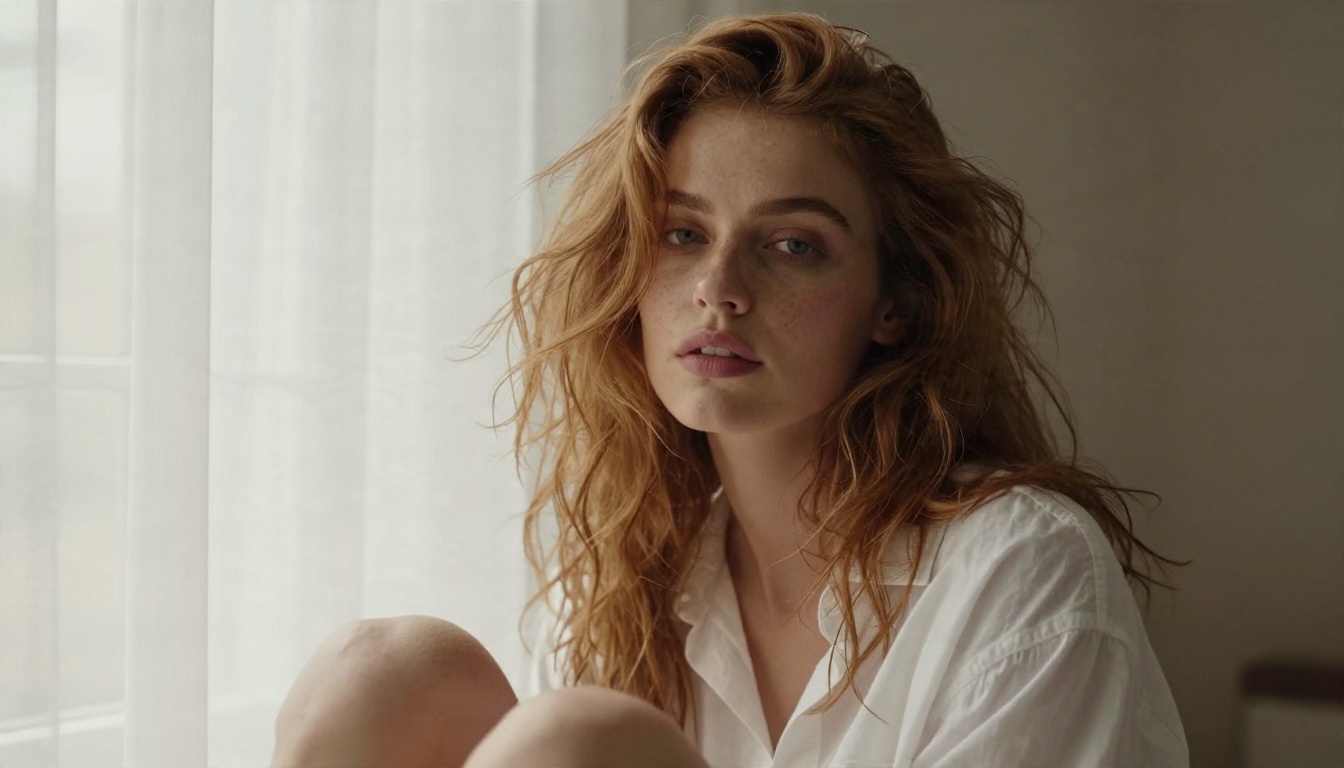
On PicassoIA, Seedream 4.5 is the model to start with for glamour and swimwear photography. It produces sharp, photorealistic skin and fabric, and it handles adult themes such as bikinis, lingerie style fashion and boudoir lighting far more calmly than most mainstream generators.
Unlimited Editing Tools
If your main need is changing existing photos, an unlimited editor beats a credit system. PicassoIA Image Editor Pro offers unlimited generations, which matters when you iterate ten or twenty times to get a pose, outfit or background right. Nobody gets a perfect result on the first try.
Open Weights Models
Open models can run on your own graphics card. They are free in the sense that you pay nothing per image, but you pay in setup time, hardware and troubleshooting. For most readers, a hosted model with a fast queue wins on convenience.
Z Image Turbo is a good example of a fast model that generates sharp images in seconds, which makes it handy for quick drafts before you commit to a heavier model.
💡 Tip: Draft with a fast model, then rerun your best prompt on a higher quality model. You spend credits only on the final version.
Prompts That Get Results
Prompt wording decides more than most people think. The same idea phrased two ways can pass or fail. The goal is to be specific about photography, not vague about content.
The Prompt Formula
A reliable structure has five parts:
- Subject and pose: what she is doing and how she is positioned.
- Clothing and fabric: satin, lace, linen, wet cotton, leather.
- Environment: hotel suite, beach, villa terrace, loft.
- Lighting: golden hour, window light from the left, warm lamp glow.
- Camera details: 85mm lens, shallow depth of field, film grain.
Camera language does something clever. It pushes the model toward photographic realism and away from awkward, over-smoothed faces.
Prompts You Can Copy
Here are examples that work well for tasteful, attractive results:
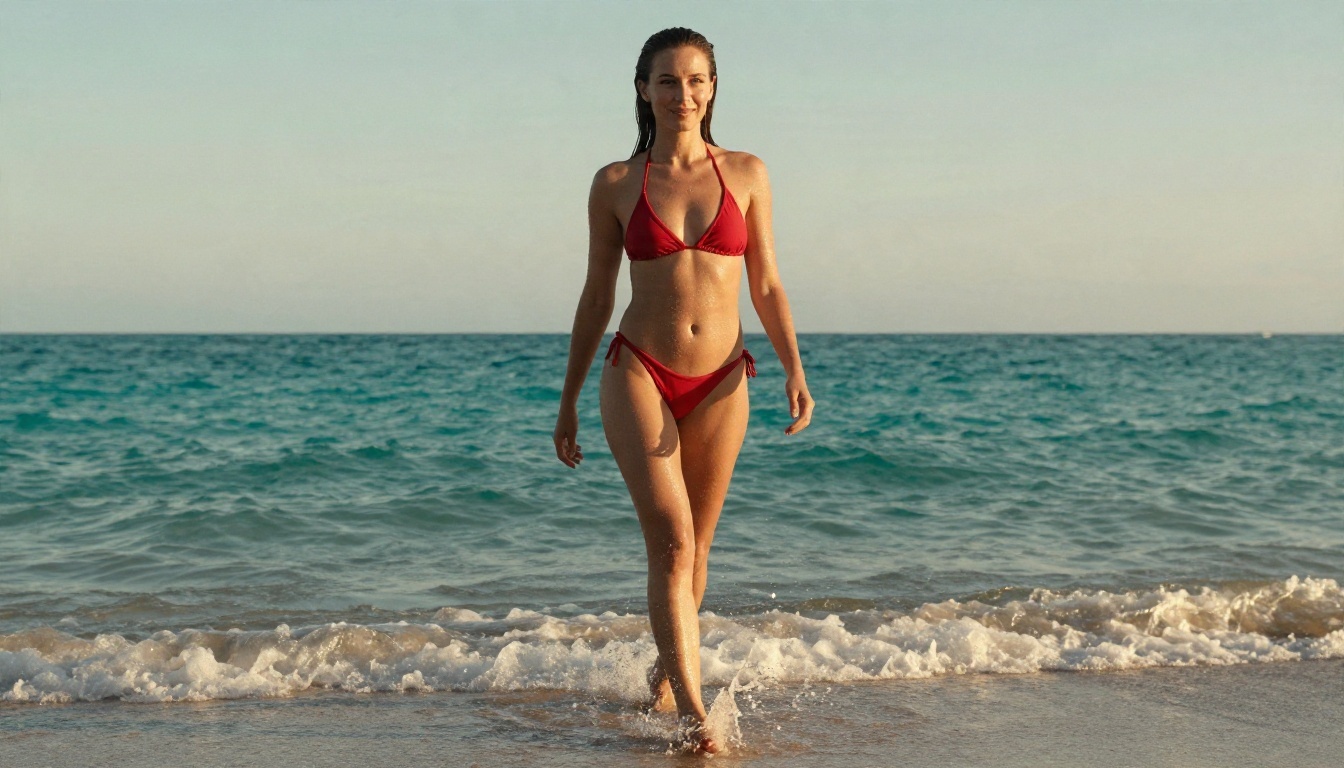
- A woman in a red bikini walking out of shallow turquoise water at golden hour, wet skin, low sun backlighting, 35mm lens, film grain.
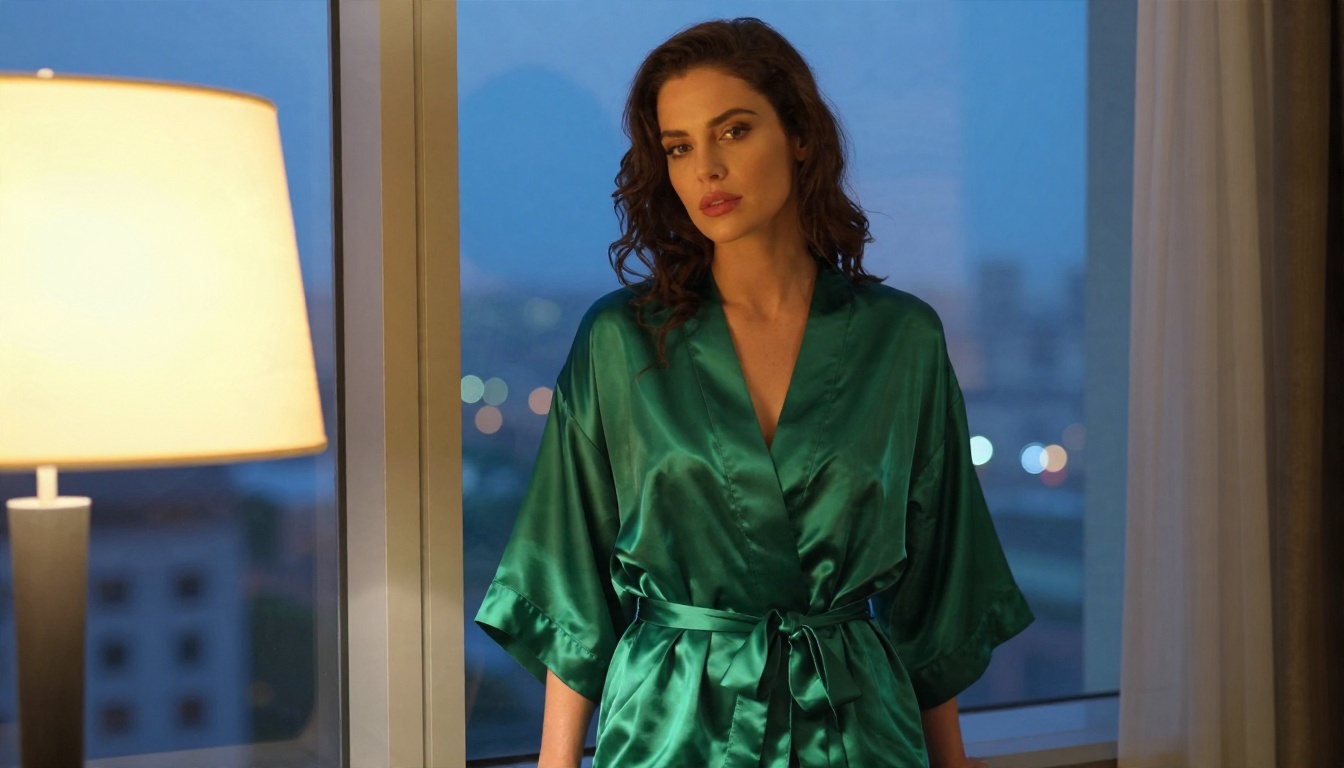
- Medium shot of a woman in an emerald satin robe beside a hotel window at dusk, warm lamp light on her face, 70mm lens, realistic silk texture.
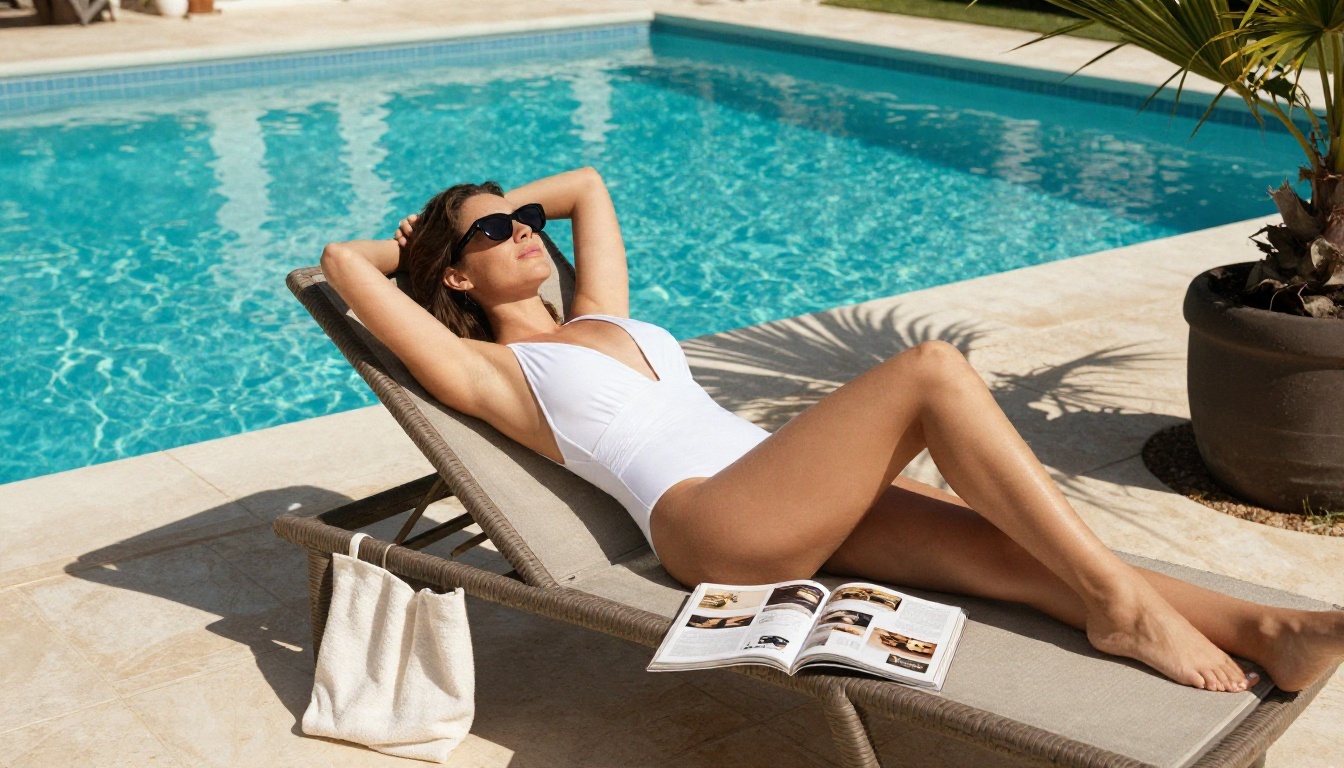
- Woman in a white one piece swimsuit on a teak lounger beside an infinity pool, midday sun, soft palm shadows, 24mm lens, high angle.
Words That Help and Words That Hurt
| Helps | Hurts |
|---|
| glamour, editorial, fashion, boudoir lighting | explicit anatomical terms |
| silk, satin, lace, swimwear | vague "nsfw" labels on their own |
| golden hour, window light, film grain | contradictory instructions |
| 85mm, shallow depth of field | very short, one word prompts |
A short, vague prompt triggers filters more often because the classifier has less context. A detailed photographic prompt shows intent clearly.
Real Limits You Will Hit
No tool is limitless, and pretending otherwise wastes your time. Here is what you should expect.
Explicit Content Stays Blocked
Reputable platforms keep a hard line at pornographic output. Anything involving minors is banned everywhere without exception, and any serious service enforces it. If a tool claims to have no limits at all, treat that as a warning sign about how it is run and who runs it.
PicassoIA focuses on non-explicit adult aesthetics: swimwear, glamour, boudoir style, suggestive but never pornographic. That boundary keeps the results attractive and keeps the platform stable.
Quality Limits
Even permissive models struggle with a few things:
- Hands and fingers still show errors in busy poses.
- Text on clothing or signs often comes out garbled.
- Group scenes with many people lose detail on each face.
- Extreme poses can distort limbs.
Keep prompts focused on one or two subjects and simple poses for the cleanest output.
Speed and Credit Limits
Faster models trade some detail for speed. Heavier models give you more detail but take longer and cost more. Free tiers throttle you at peak hours. If you need volume, an unlimited tool is the practical answer.
Privacy and Safety Limits
Never upload photos of real people without their clear consent, and never generate images meant to imitate a real person. Beyond the legal and moral issues, it is the fastest way to get an account banned. Use invented characters or your own photos.
💡 Rule of thumb: If you would not be comfortable showing the image to the person it resembles, do not create it.
Best Alternatives Compared
You do not need to settle on one tool. Different models suit different jobs. Here is a practical comparison of the options on PicassoIA.
Which One Should You Pick?
If you want the most polished glamour photos, start with Seedream 4.5. If you want to tweak an outfit, a background or a pose over many attempts, use Image Editor Pro. For rapid concept drafts, Z Image Turbo saves time. For consistent styling across a series, Flux 2 Klein 9B Base LoRA is worth a try.
Mixing Tools in One Workflow
A smart workflow looks like this:
- Draft the idea with Z Image Turbo.
- Refine the best prompt in Seedream 4.5.
- Adjust clothing, color or background in Image Editor Pro.
- Keep the winner and repeat with variations.
This approach keeps costs low and quality high.
How to Use Seedream 4.5
Since this model is the best starting point for glamour work, here is a step by step walkthrough.
Step by Step
- Open the Seedream 4.5 page on PicassoIA.
- Paste a detailed prompt using the five part formula above.
- Choose a 16:9 ratio for landscape scenes or a vertical ratio for full body portraits.
- Generate and review the result at full size.
- Change one detail at a time: the lighting, the fabric, the lens.
- Save the best version and send it to Image Editor Pro for final tweaks.
Parameter Tips
- Lighting words matter most. "Golden hour backlight" and "soft window light from the left" give very different moods.
- Name the lens. "85mm f/1.8" gives portraits a flattering blur, while "24mm" suits wide scene shots.
- Mention film grain. It adds a natural, photographic texture that avoids the plastic look.
- Keep the pose simple. Standing, sitting or leaning poses produce clean anatomy.
Fixing Common Problems
| Problem | Fix |
|---|
| Face looks too smooth | Add "visible skin pores, natural texture" |
| Image flagged or blocked | Add photographic detail, drop vague wording |
| Outfit looks wrong | Name the fabric and cut, such as "satin robe, loosely tied" |
| Background feels flat | Add depth cues: "blurred city lights, shallow depth of field" |
Beyond Glamour Photos
An uncensored AI tool is useful for more than swimwear shots. Adult creators and ordinary hobbyists use these tools in a surprising range of ways.
Creative Projects
- Fashion mockups for swimwear and lingerie brands before a real photoshoot.
- Romance novel portraits for characters and book covers.
- Mood boards for photographers planning boudoir sessions.
- Social content for creators who want a consistent aesthetic.
Many of these jobs only need a few clean images, which a free tier can handle. Heavier users benefit from unlimited tools.
Building a Consistent Look
Consistency is the hard part. Keep a short text file with your favorite prompts, lenses and lighting phrases. Reuse the same base description for a character: hair color, hair length, eye color, a signature piece of jewelry. Small repeated details help the model produce a recognizable person across a series.
Staying Organized
A tidy process saves hours. Sort generations into folders by project, note the prompt that made each winner, and delete the near misses. Creators who keep a prompt log improve far faster than those who start from scratch each time.
Common Mistakes to Avoid
Most failures come from the same few habits.

Writing Short Prompts
"Hot girl on beach" gives the model almost nothing to work with and often triggers a filter. A single detailed sentence about outfit, light and lens performs better every time.
Chasing the Wrong Tool
Do not spend an afternoon fighting a strict generator. If a platform blocks a bikini photo three times in a row, switch tools instead of rewording for an hour.
Ignoring Lighting
Flat lighting makes every image look artificial. Always specify the direction and quality of light. It is the single biggest upgrade for realism.
Skipping the Edit Step
A great image often needs one small fix: a stray strap, an odd shadow, a background object. Use an editor for those details instead of regenerating from scratch.
Overlooking Consent
Using someone's likeness without permission is a legal and personal risk. Stick to invented characters and your own photographs.
Make Your First Image Today
You now know what separates a useful uncensored AI tool from a marketing label, which free options are worth trying, and how to write prompts that produce attractive, non-explicit results.
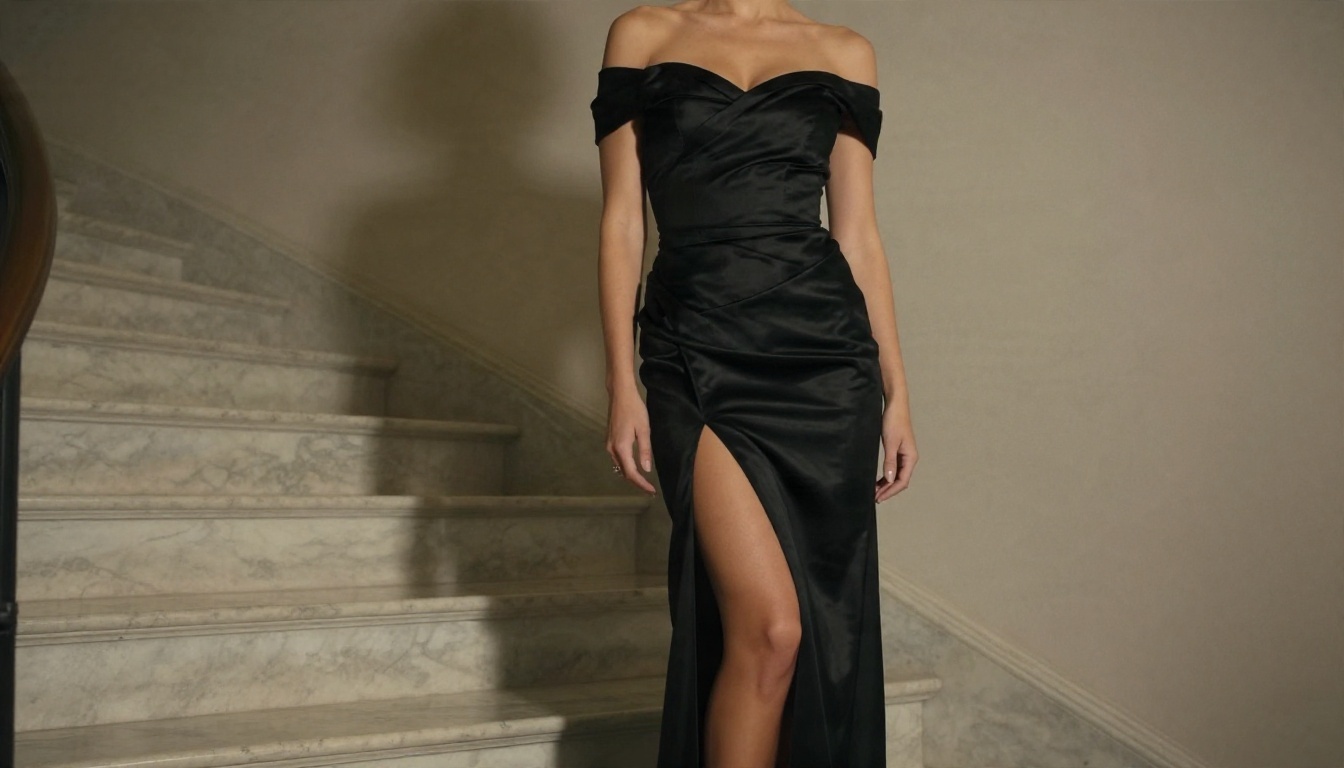
The fastest way to see the difference is to try it yourself. Open Seedream 4.5, paste one of the prompts above, and change a single detail: the fabric, the light, the lens. Then bring the result into PicassoIA Image Editor Pro and refine it with unlimited generations. If you want a quick draft first, Z Image Turbo returns sharp images in seconds.
Ready for more? Browse every available model at picassoia.com/en/all-models and build the workflow that fits your style. Your next favorite image is one prompt away.


