You typed "uncensored AI video generator no restrictions" into a search bar because a mainstream tool rejected your prompt for something as harmless as a swimsuit, a lace robe or a moody bedroom scene. It is a fair frustration. A lot of video models treat any hint of skin as a threat, and you end up with a gray error box instead of a clip. This article shows what actually works: the still-to-video workflow that gets suggestive, non-explicit glamour footage past over-cautious filters, the prompts with the exact wording I use, and the settings that separate a smooth five-second shot from a warped mess.
Everything below stays on the tasteful side of the line: swimwear, lingerie-style fashion, boudoir lighting, beach and pool scenes. No explicit content, and I will explain why that matters for results as well as for rules.
💡 Quick answer: Build a strong first frame with Seedream 4.5, polish it in PicassoIA Image Editor Pro, then animate it with an image-to-video model such as Seedance 2.5 Lite or Wan 2.6 I2V. Keep the motion prompt short and physical.
What "No Restrictions" Really Means
Let me be straight about the phrase. No serious video generator has zero rules, and any site promising that deserves suspicion. What people actually want is fewer false rejections: the freedom to make fashion, swimwear, sensual portrait and glamour content without a model refusing a normal request.
Where the limits actually sit
Restrictions show up in three places, and knowing which one blocked you saves hours.
- The prompt filter. Words get scanned before anything renders. A single trigger word in an otherwise innocent prompt can end the run.
- The image filter. In image-to-video, the model inspects your starting frame. A photo that reads as too revealing gets refused even if your motion prompt is clean.
- The output filter. Some systems check the finished clip and discard it after you waited for it.
Most "uncensored" complaints come from the first two, and both are fixable with better wording and a better source frame.
What you can make freely
With the right setup, these categories are realistic targets:
| Content type | Typical result | Difficulty |
|---|
| Beach and pool swimwear clips | Smooth, bright, easy motion | Easy |
| Fashion editorial and runway walks | Strong fabric physics | Easy |
| Boudoir and robe scenes in soft light | Moody, cinematic | Medium |
| Spa, steam and water-droplet scenes | Needs careful lighting wording | Medium |
| Anything explicit | Not what this article is about | Not covered |
Start With the Right Still Image
Here is the part most tutorials skip. In an image-to-video workflow, the first frame decides roughly 80 percent of the outcome. A clean, well-lit, anatomically correct still gives the video model something solid to animate. A flawed still gives you a flawed clip, no matter how good your motion prompt is.
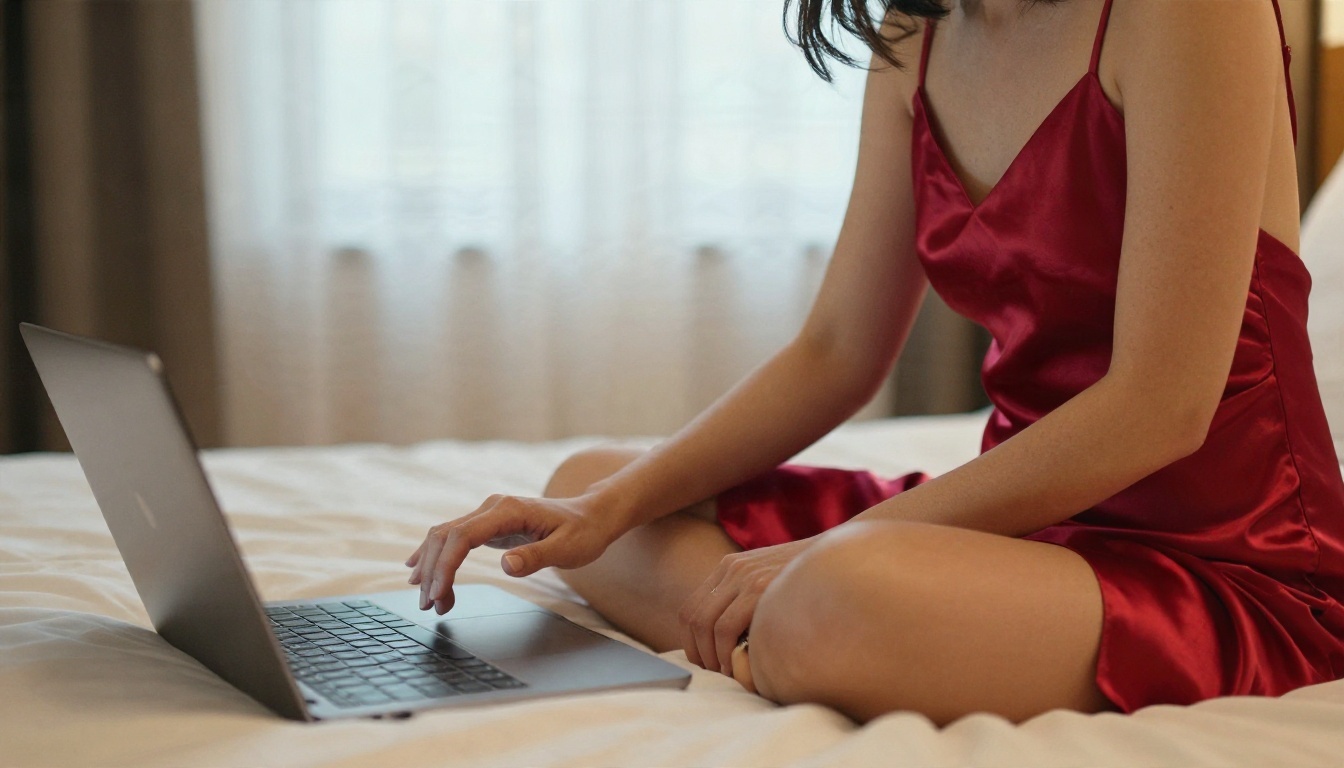
Seedream 4.5 for first frames
Seedream 4.5 is my first stop for glamour stills. It handles skin texture, satin, lace and wet fabric with a realism that survives being animated, and it follows detailed lighting instructions well. That last point matters, because the lighting in your still becomes the lighting in your video.
A prompt structure that works consistently:
- Subject and pose (adult woman, late twenties, seated on the edge of a bed)
- Wardrobe with texture (red satin slip dress, visible fabric folds)
- Light direction (soft window light from the right)
- Lens and film look (50mm f/1.8, Kodak Portra 400 grain)
💡 Always state an adult age in the prompt. It sharpens the result and keeps your project squarely on the right side of the rules.
Image Editor Pro for fixes
Even a great generation sometimes has a stray strap, a odd hand or a color cast. PicassoIA Image Editor Pro is where I fix these before spending video credits. It offers unlimited generations, so you can iterate ten times on a single frame without watching a counter. Typical edits:
- Smooth out a harsh shadow across the face
- Swap a fabric color to match the scene
- Remove a background object that will confuse motion
- Adjust the neckline or hem so the frame reads as clearly tasteful
Spend ten minutes here and your video success rate climbs noticeably.
Video Models Worth Using
Not every model behaves the same with sensual content. Some are more forgiving, some are better at motion, some are free. Here is how the options I use most compare.
| Model | Best for | Notable trait |
|---|
| Seedance 2.5 Lite | Fast drafts and iteration | Free and unlimited, clips up to 10 seconds |
| PicassoIA Video | Everyday text or image to video | Free unlimited generation |
| Seedance 2.5 | Longer scenes | Videos up to 30 seconds |
| Wan 2.6 I2V | Animating a single photo | Faithful to the source frame |
| Kling v3 Video | Cinematic camera moves | Polished, film-like motion |
| Veo 3.1 | Final hero shots with audio | 1080p output |
Free and unlimited options
If you are testing prompts, start with the free tier. Seedance 2.5 Lite and PicassoIA Video let you run dozens of experiments without budgeting each one. That is the real value of an unlimited generator: you stop being afraid to waste an attempt, and your prompts get better because you try more of them.
Higher fidelity options
Once a prompt works on a draft model, re-run it on Kling v3 Video, Wan 2.7 I2V or Veo 3.1 for the final version. The same still and the same motion prompt will often look noticeably richer, with better fabric movement and more convincing skin.
Prompt Examples That Work
Below are five scenes with the still concept and the motion prompt I pair with it. Notice that the motion prompts describe physics and camera, not appearance. The still already carries the appearance.
Pool scene: slow drift
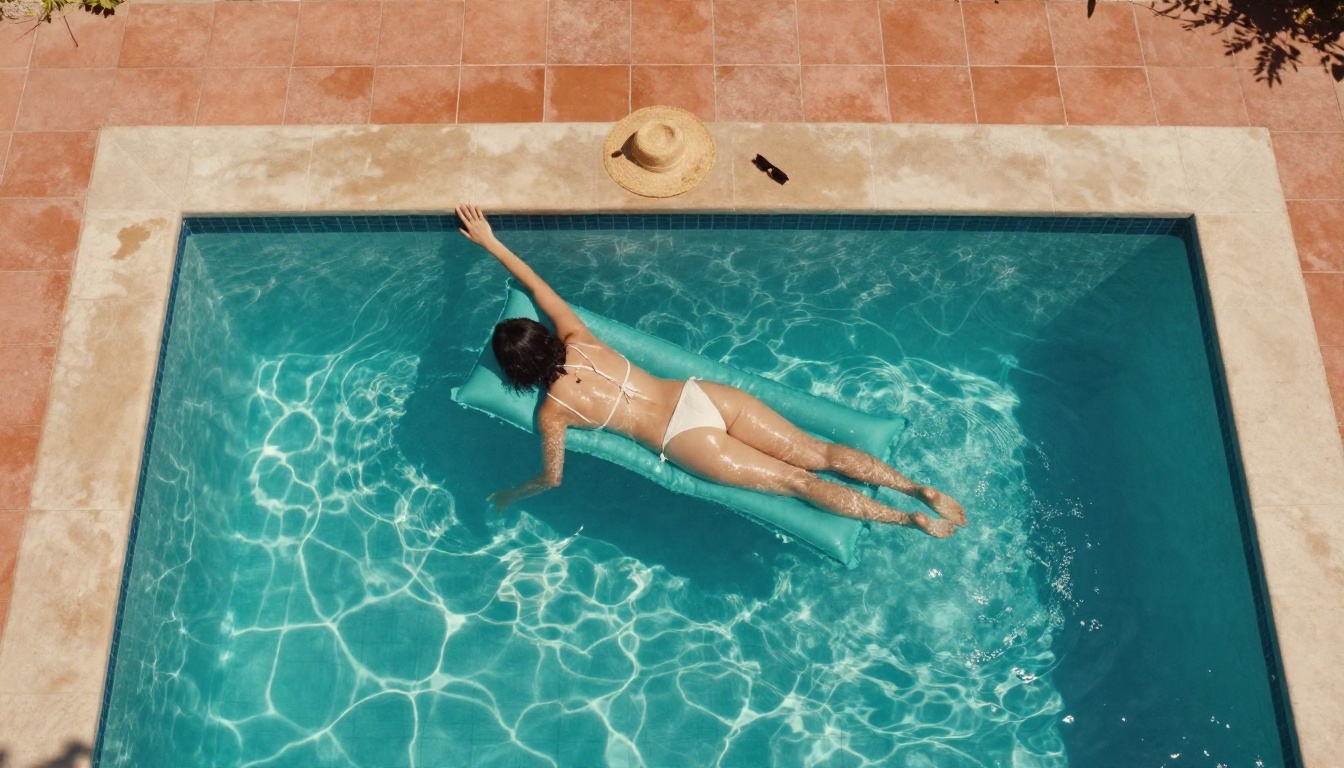
Motion prompt: The float drifts slowly to the left, water ripples spread outward from her trailing hand, sunlight caustics shimmer across the tiles. Camera rises straight up very slowly, locked overhead.
Why it works: the movement belongs to the water and the float, so the subject herself barely changes. That keeps the face and body stable across all five seconds.
Loft doorway: fabric in the air
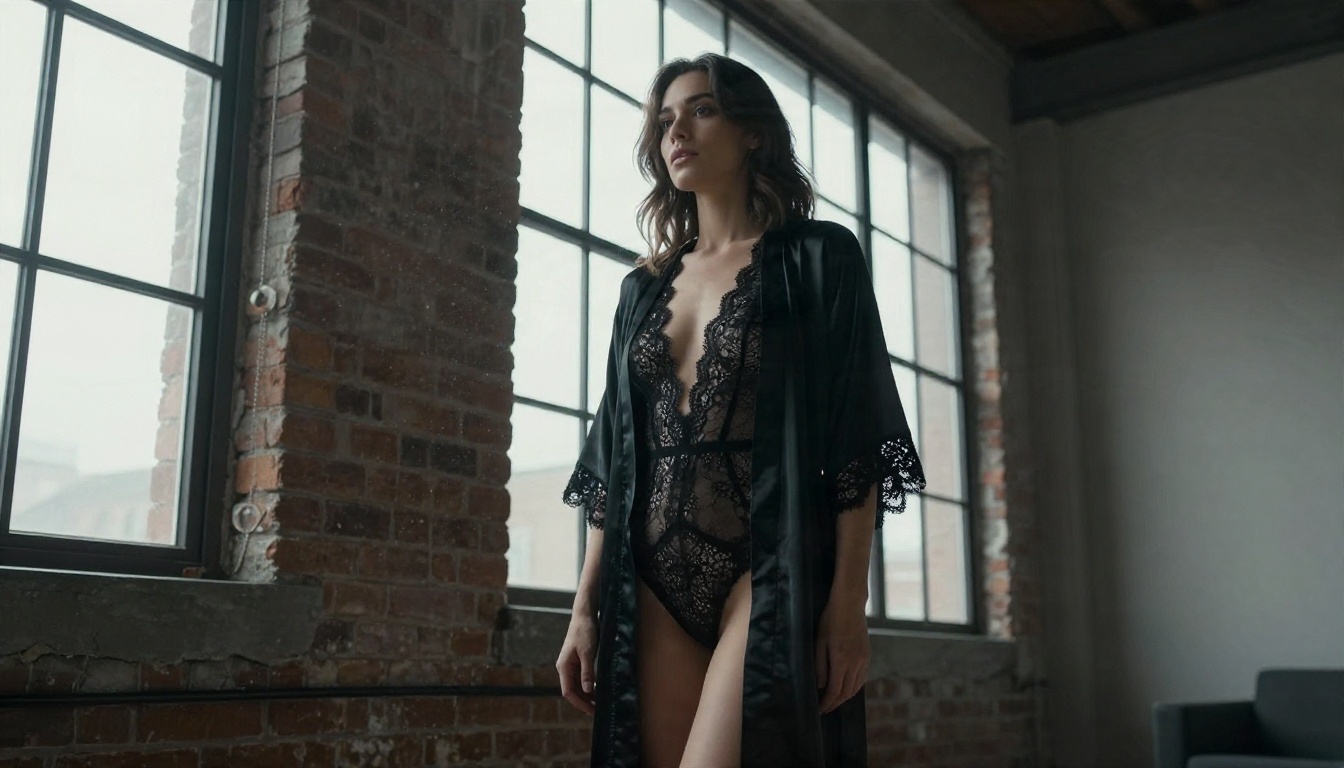
Motion prompt: A soft breeze from the window lifts the silk robe sleeves, dust motes drift through the light, she shifts her weight and tilts her chin slightly. Camera performs a slow push-in from low angle.
Silk and robe fabrics are a showcase for video models. A gentle wind gives them something beautiful to do without requiring risky body motion.
Rooftop walk: tracking shot
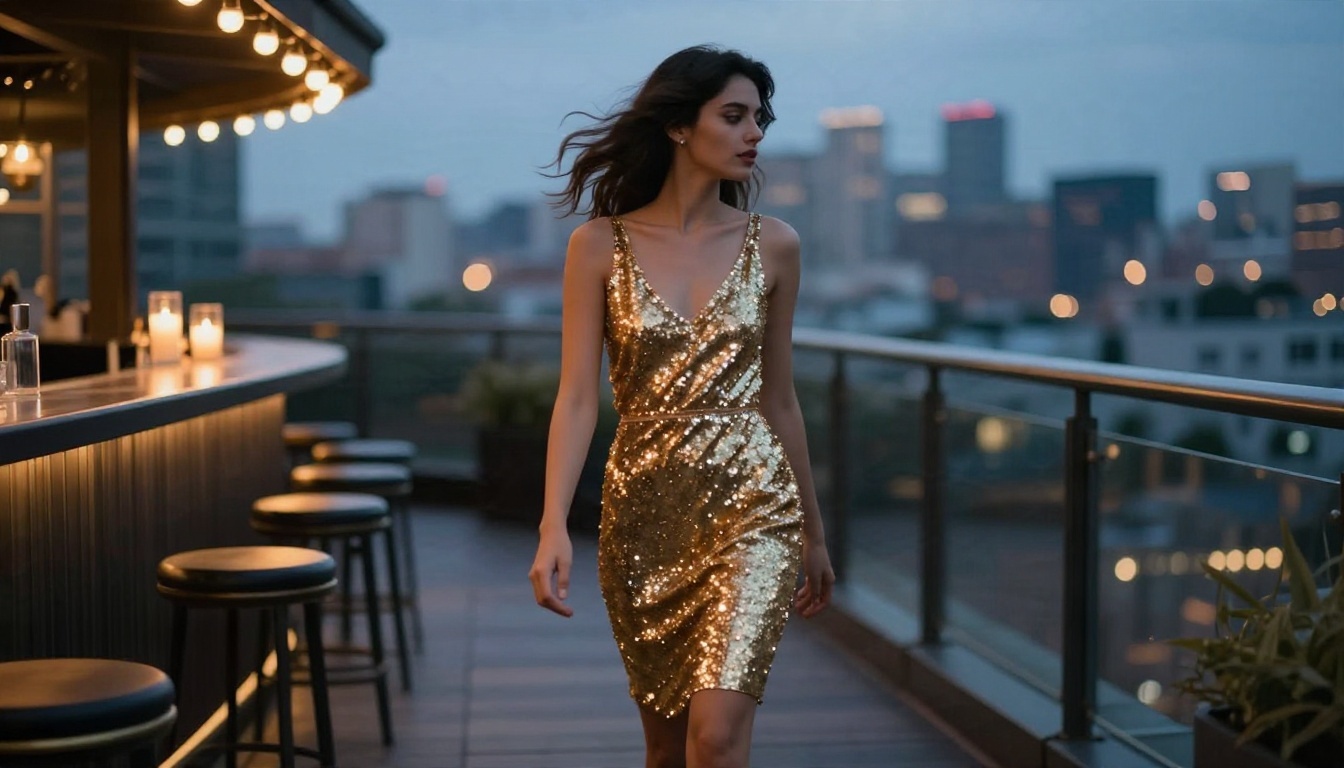
Motion prompt: She walks steadily along the terrace, hair swinging with each step, sequins catching small flashes of light, city lights twinkling in the background. Camera tracks sideways at walking pace.
Walking is one of the hardest motions for AI video, because legs cross and limbs can merge. Side-on tracking at walking pace is the most forgiving angle, which is why this frame was composed in profile.
Beach sunrise: waves and wind
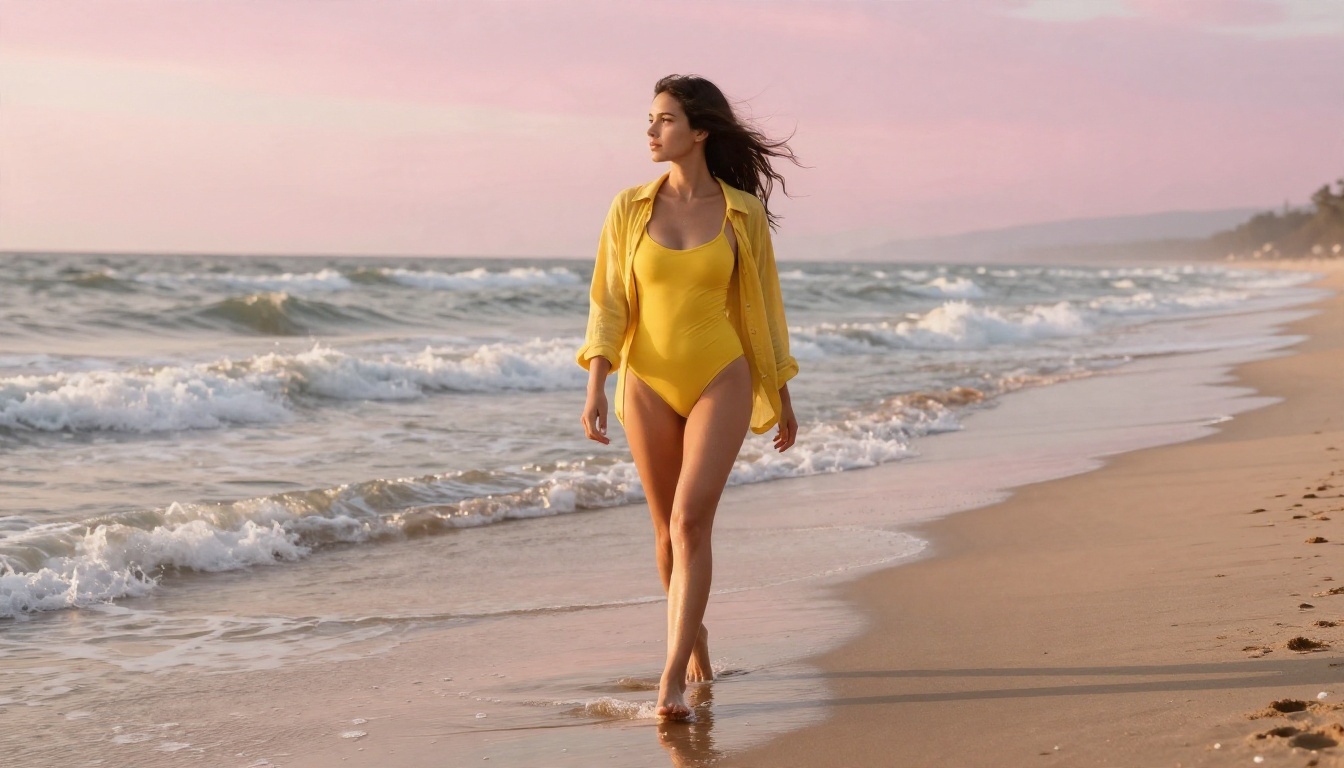
Motion prompt: Gentle waves roll over her ankles and retreat, the open linen shirt flutters behind her, clouds drift slowly overhead. Camera holds low near the waterline with a very slight forward dolly.
Water is an easy win. Waves, foam and wet sand look convincing across nearly every model, and they hide small imperfections in the subject.
Spa lounge: steam and light
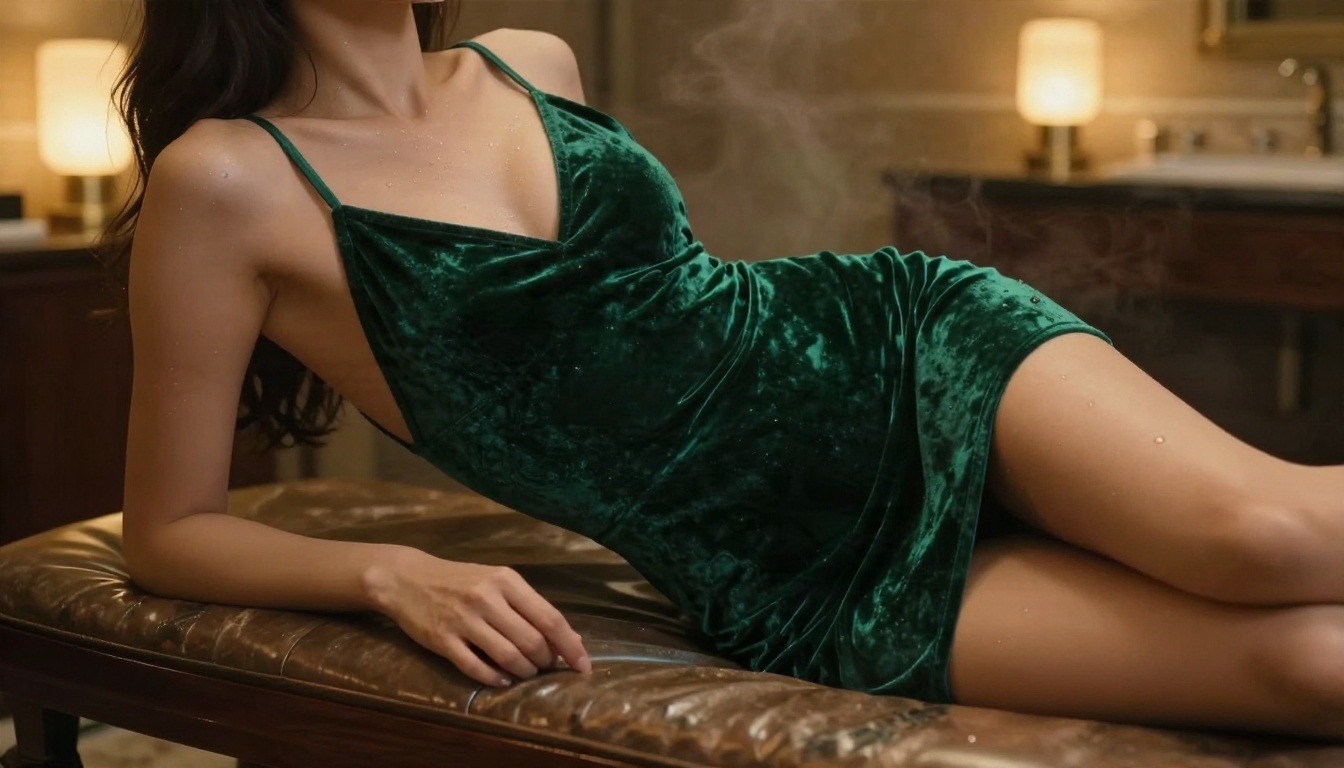
Motion prompt: Steam curls upward from behind the chaise, a warm lamp flickers faintly, she exhales slowly and turns her head toward the camera. Camera slowly orbits a few degrees to the right.
Atmospheric effects such as steam and flickering light give a sensual mood without any need to push the content further. This is the secret to staying tasteful and still producing a clip that feels alive.
💡 Prompt formula: [environment motion] + [one small subject motion] + [one camera move] + [light behavior]. Stick to one camera move per clip.
Settings That Matter
The same prompt can look excellent or terrible depending on a handful of settings. These are the ones that changed my results the most.
Duration and resolution
Shorter clips are more stable. Five seconds is the sweet spot for subject consistency, and drift becomes noticeable beyond eight to ten seconds. If you need length, generate several five-second clips and join them, or use Seedance 2.5 when you need a single long take. Draft at a lower resolution, then regenerate the winner at 720p or 1080p.
Seed, motion strength and camera
- Seed: Lock it when you like a result and want to test small prompt changes. Randomize it when you are hunting for a better take.
- Motion strength: Medium is the safe default. High values look dynamic but break faces and hands quickly.
- Camera: Name exactly one move: slow push-in, gentle pan, orbit, tracking shot, static. Stacking moves is the fastest route to warped anatomy.
| Setting | Safe value | Risky value |
|---|
| Clip length | 5 seconds | 10 seconds or more |
| Motion strength | Low to medium | High |
| Camera moves | One | Two or more |
| Source image | Clean, well lit, tasteful | Dark, cropped, cluttered |
| Prompt length | 25 to 50 words | 100 words or more |
Keeping the same character
For a series, you need the same woman across scenes. Generate a clear portrait first, then reuse it as a reference. This is where reference-based tools help, such as Wan 2.7 R2V or PicassoIA Reference To Video.
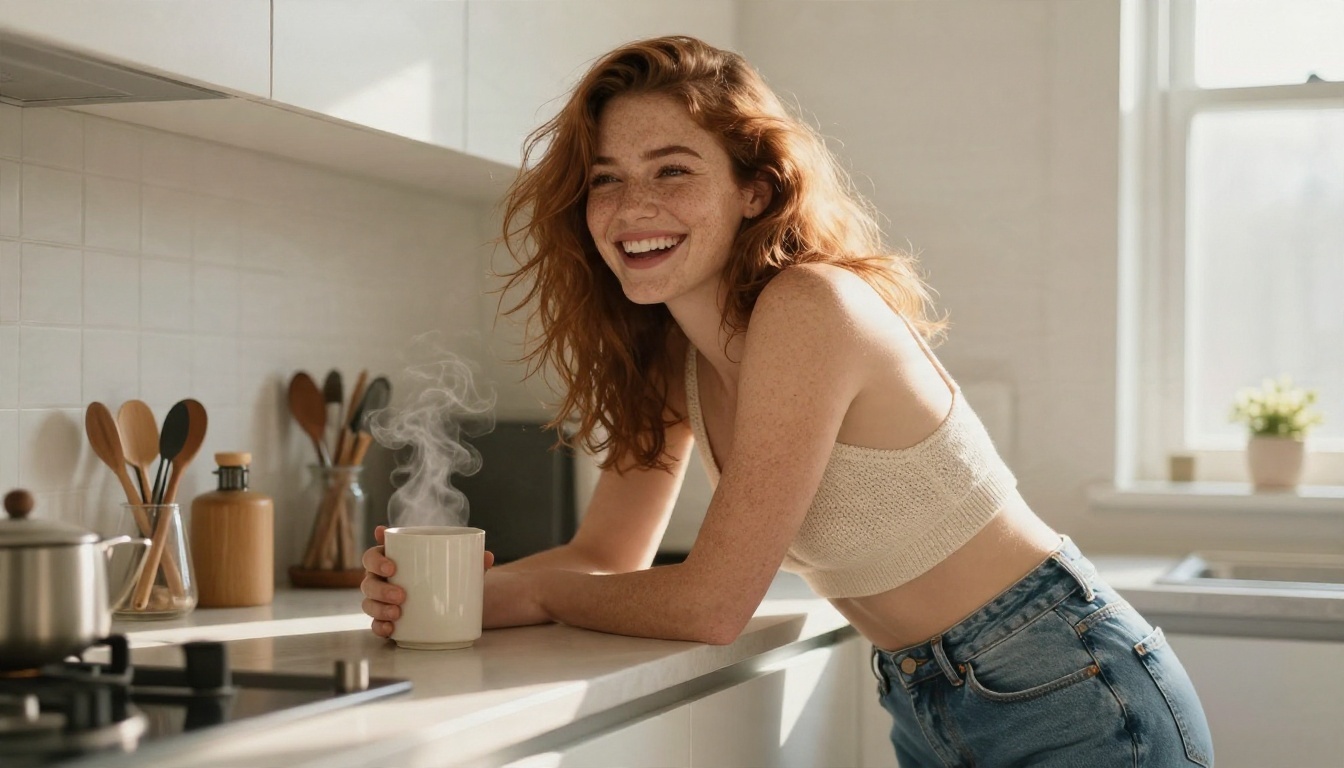
A tight, front-facing portrait with natural freckles and distinct hair color gives the model plenty of identity cues to hold on to. Faces with recognizable details stay consistent far better than generic "perfect" faces.
A Workflow You Can Repeat
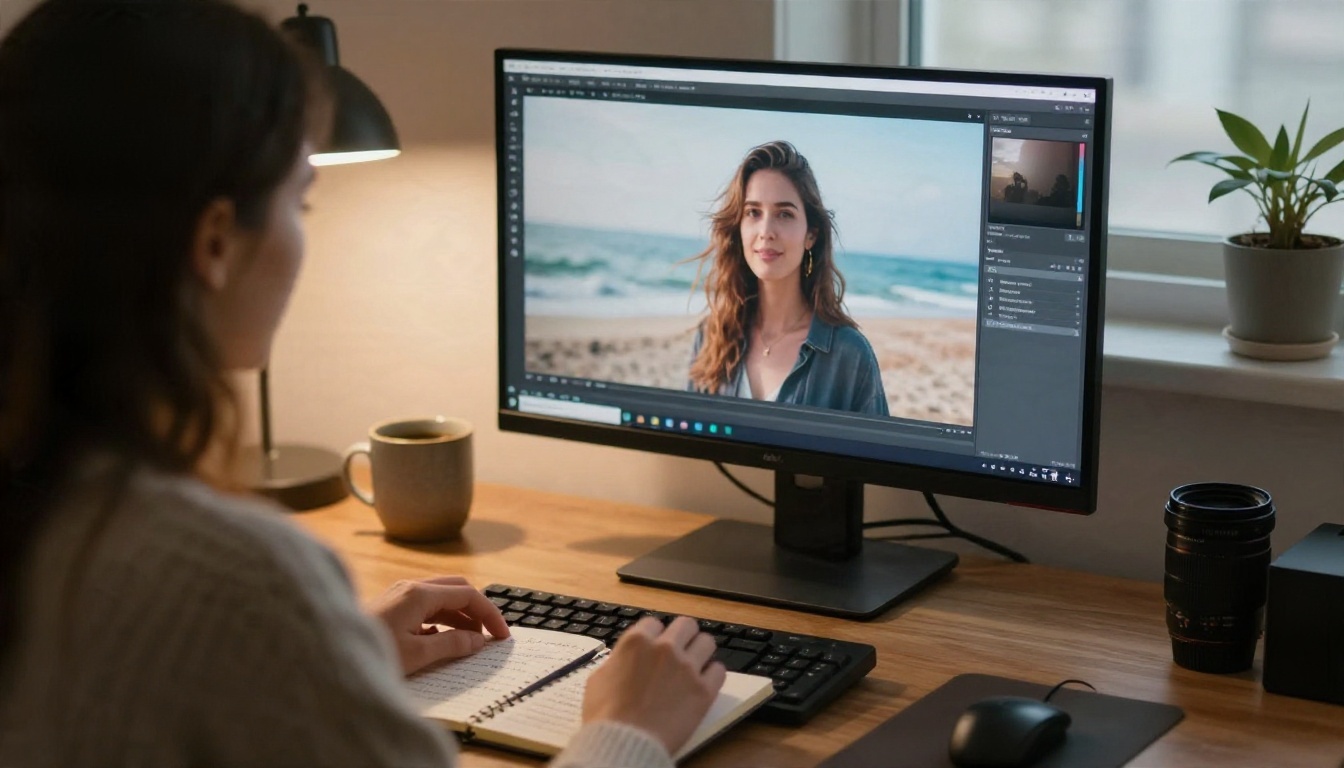
Here is the exact order I follow for every clip. It takes about fifteen minutes once you are used to it.
- Write the still prompt with subject, wardrobe texture, light direction and lens.
- Generate it in Seedream 4.5 and pick the best of a few attempts.
- Polish in Image Editor Pro until the frame is clean.
- Animate on a free model such as Seedance 2.5 Lite with a short motion prompt.
- Adjust one thing at a time: wording, then camera, then motion strength.
- Re-run the winner on Kling v3 Video or Veo 3.1 for the final version.
- Upscale or stabilize if needed with the video enhancement tools.
Fix Common Problems
Warped hands and melting faces
This almost always means too much motion. Lower motion strength, remove the second camera move, and shorten the prompt. If it persists, regenerate the still with the hands resting somewhere simple, such as on a railing, a mug or the lap.
Blocked or refused generations
When a run is refused, work through this checklist:
- Remove words that describe skin exposure and describe the setting and mood instead
- Replace explicit body terms with fashion terms: "swimsuit", "robe", "evening dress", "bodysuit"
- Check the starting image. If it is borderline, edit it so it reads as clearly editorial
- Try a different model, because moderation thresholds vary between systems
Flat, plastic-looking skin
Video models soften skin when the source is soft. Add texture words to the still prompt: visible pores, fine peach fuzz, natural sheen, film grain. Then keep your motion prompt free of beauty adjectives that push the model toward a smoothed look.
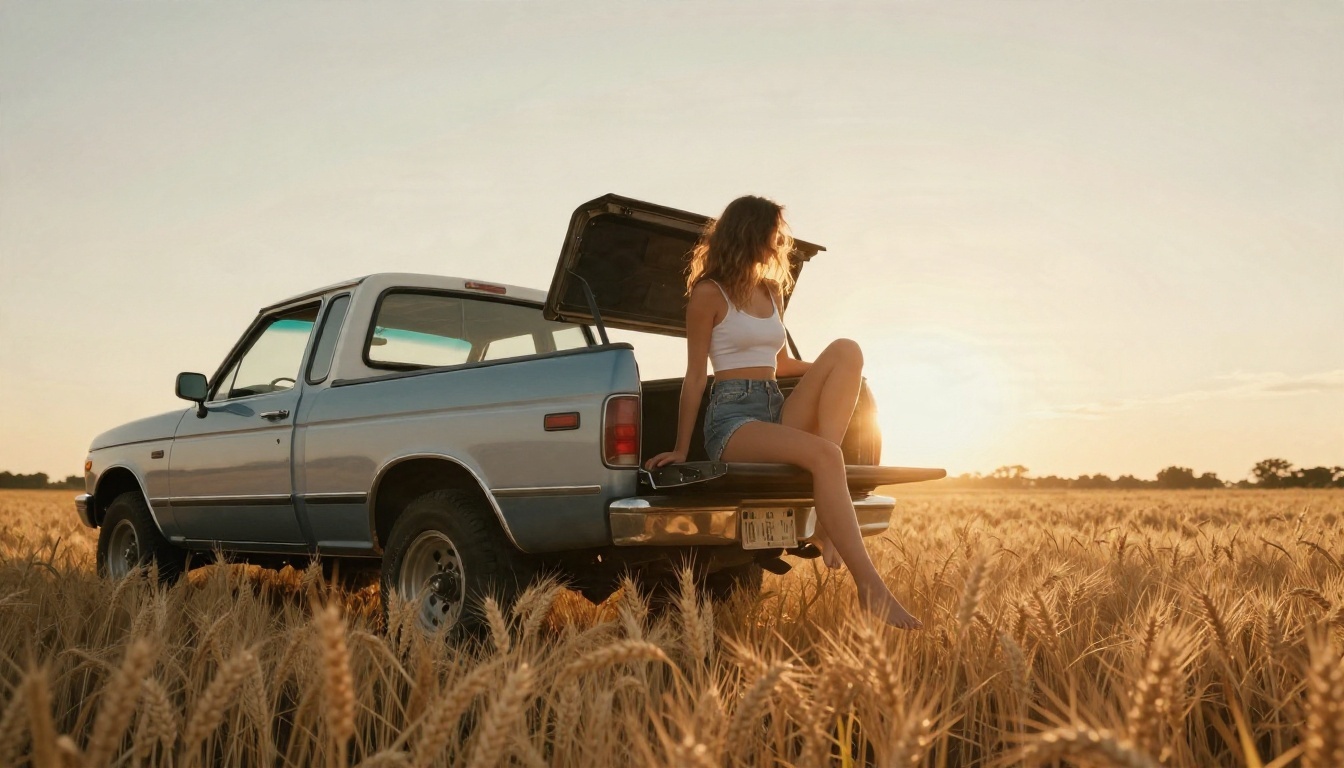
💡 Loop trick: Backlit golden-hour scenes with swaying grass or hair loop beautifully. Ask for "subtle, continuous wind" and the clip can repeat without an obvious jump.
Rules Worth Respecting
Freedom to create comes with a short list of lines that stay put, and they protect you as much as anyone else.
- Adults only. Every subject should be clearly an adult. State it in the prompt.
- No real people without consent. Do not generate lifelike clips of real individuals, public figures included.
- Keep it non-explicit. Suggestive and tasteful is a creative style. Explicit material is a different category, and it brings platform bans, legal exposure and payment problems.
- Label AI content when you publish it, especially on social platforms that require disclosure.
There is a practical upside too. Content that stays tasteful gets accepted by more models, more advertising networks and more social platforms, so your clips travel further.
Make Your First Clip Today
You now have the full pipeline: a strong still, a clean edit, a short physical motion prompt and settings that keep faces and hands intact. The fastest way to improve is to run many small experiments, which is exactly why free and unlimited tools matter.
Open Seedream 4.5, generate a first frame from one of the prompts above, refine it in PicassoIA Image Editor Pro, then bring it to life with Seedance 2.5 Lite or Hailuo 2.3 Fast. When you want to compare more options, browse every available model at picassoia.com/en/all-models and start building your own library of clips on Picasso IA.


