You typed "uncensored AI video maker" into a search bar because a mainstream tool just refused a perfectly reasonable prompt. Maybe you wanted a woman in a swimsuit walking along a pool, or a moody boudoir scene with silk and candlelight, and the app answered with a vague policy warning. It is frustrating, and it is the reason a whole category of looser, more adult friendly video generators now exists.
Here is the catch: most pages that rank for this topic are affiliate lists that never tell you what a free plan really gives you, how many seconds you get per clip, or what to write in the prompt box. This article does that job. You will see what "uncensored" actually means in practice, which free routes work, how long each model lets a clip run, and the prompts and workflow that give you clean, realistic footage.
💡 Quick answer: Free uncensored video tools usually give you 4 to 10 seconds per clip. Newer models reach 15 to 30 seconds. For anything longer, you generate several short shots and stitch them together.

What "Uncensored" Really Means
The word gets thrown around loosely, so it helps to pin it down before you pick a tool. "Uncensored" is a marketing label, not a technical standard. Two apps that both claim it can behave very differently.
Filters Versus Rules
Every video model sits behind two layers. The first is the model itself, which was trained on certain data and has certain built in habits. The second is the platform layer: prompt filters, image checks and output scanners that the host adds on top. A tool feels "censored" when the platform layer is strict. It feels "uncensored" when that layer is light and the model is willing to render skin, swimwear, lingerie and sensual mood.
That is why the same underlying model can refuse a prompt on one site and accept it on another. If you want to compare tools fairly, test them with the same three prompts: a swimsuit scene, a silk robe scene and a nightlife scene.
Where the Line Still Sits
Even the most relaxed platforms keep limits, and you should expect that. Content involving minors, real people without their consent, or non consensual themes is off the table everywhere reputable. Fully explicit material is also a different category, with different legal and hosting rules, and this article does not cover it.
What is realistic, and what most people actually want, is suggestive, glamour style video: bikinis, lingerie, boudoir lighting, flirtatious body language, fashion and beach shoots. That is the zone where the options below shine.
| Term you will see | What it usually means | What to expect |
|---|
| Uncensored | Light prompt filtering | Swimwear, lingerie, sensual mood |
| No restrictions | Marketing claim | Always check the terms |
| NSFW friendly | Adult themes allowed within limits | Suggestive, not graphic |
| Unfiltered open model | Self hosted weights | Needs a strong GPU and setup |
Free Options That Work Today
"Free" is the second word that needs translating. In video generation, it almost always comes with a catch: credits that run out, watermarks, low resolution, or a queue that makes you wait.
Truly Free Tiers
On PicassoIA, two entries stand out for people who want to generate without counting credits. PicassoIA Video is a free, unlimited generator that takes text or an image as input. Seedance 2.5 Lite is also listed as free and unlimited, with clips of up to 10 seconds. If you only need short loops for social posts, these two are the most practical starting points.
For image work, PicassoIA Image Editor Pro offers unlimited generations, which matters because a good video starts with a good still. You can iterate on outfits, lighting and framing as many times as you like without paying for each attempt.
Free With Catches
Plenty of other services advertise a free plan, and the pattern is consistent. You typically get a handful of generations, clips between 4 and 6 seconds, a watermark, and a lower resolution. Paid plans remove the watermark and lengthen the clip. Treat "unlimited video length for a monthly fee" claims with caution, because the underlying model rarely produces more than a few seconds in one pass. The longer result is usually a stitched sequence.
💡 Tip: Before you sign up anywhere, search the pricing page for three things: watermark, maximum seconds per clip, and commercial use. Those three lines tell you more than any review.
Image Models Feed Video
A strong first frame decides about 70 percent of your final result. That is why the smartest free workflow is two steps: create a still, then animate it. For still images with a glamour look, Seedream 4.5 is the model to try first. It handles skin texture, fabric and lighting in a way that holds up when the image is later animated. Seedream 5 Pro is another option when you want sharp 2K output.
Length Limits by Model
This is the part most listicles skip, and it is the one that frustrates people most. You write a perfect prompt, wait for the render, and get 5 seconds.
Why Clips Stay Short
Video models predict many frames at once, and the cost grows quickly with every extra second. Keeping a face, an outfit and a background consistent across 30 frames is hard. Across 700 frames it is much harder. So providers cap the length, and free tiers cap it even lower.
Across the market, free clips tend to land between 4 and 10 seconds. Mainstream paid models reach somewhere between 8 and 30 seconds in a single generation. Anything beyond that is almost always a sequence of shots joined in an editor.
Length Table
Here is how the PicassoIA video models compare for length and typical use. Always confirm the exact limit on each model page, because providers update these numbers often.

Stitching for Longer Videos
When you need 45 or 60 seconds, plan it like a film crew would. Break the idea into shots: a wide establishing shot, a medium shot, a close up, a detail. Generate each one as its own 5 to 10 second clip, using the same reference image for the character and the same lighting words in every prompt. Then cut them together in any editor.
The advantage is control. If shot three has a bad hand, you regenerate shot three, not the whole video.
Prompts That Actually Work
A weak prompt gives you a stiff, generic clip. A good one reads like a shot description from a cinematographer. The structure is simple and repeatable.
The Four Part Formula
Write every video prompt in this order:
- Subject and pose. Who is in frame and what are they wearing or doing at the start.
- Motion over time. What changes during the clip, described chronologically.
- Camera movement. Slow dolly in, gentle pan, handheld drift, static tripod.
- Light and atmosphere. Golden hour, window light, candle glow, overcast softness.
Keep the motion small. Models handle a slow head turn, a smile, hair moving in a breeze or a step forward far better than a dance routine or a fast spin.
Glamour Prompt Examples
Use these as starting templates and swap in your own details.
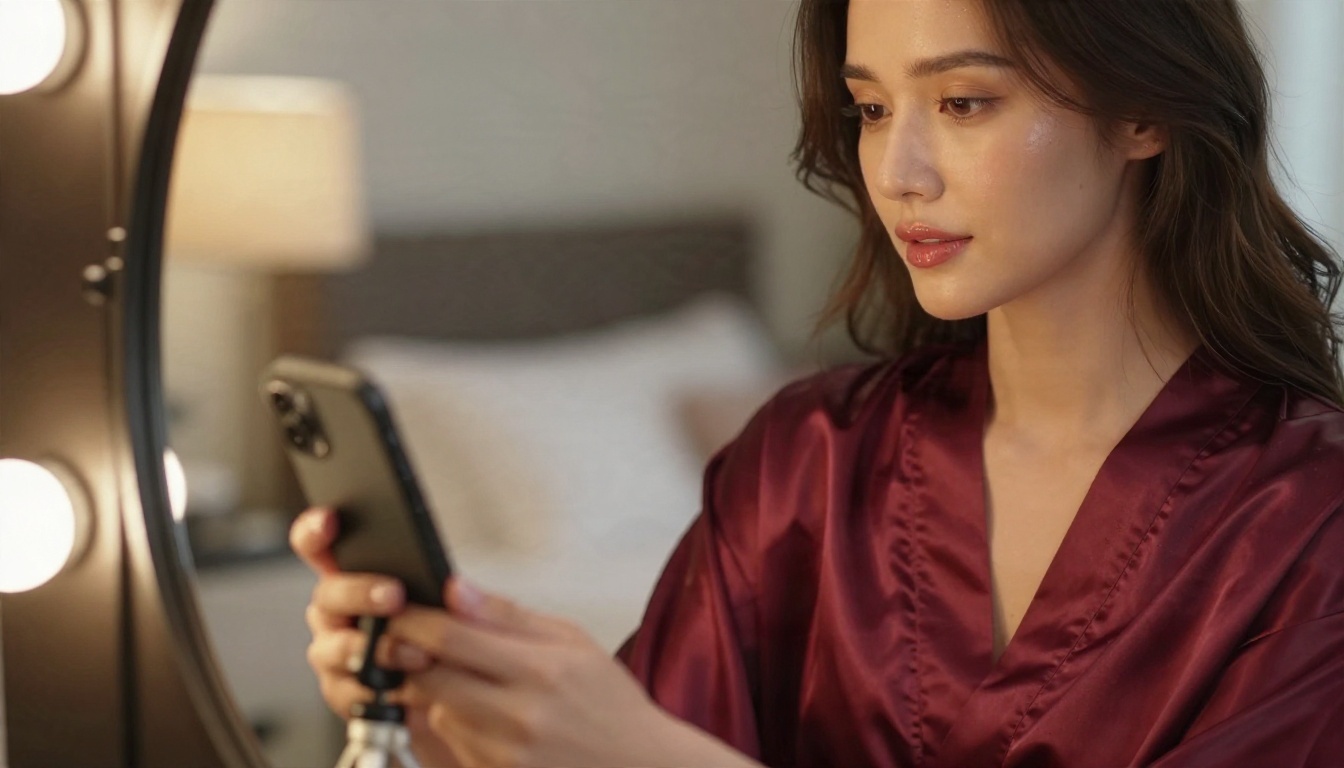
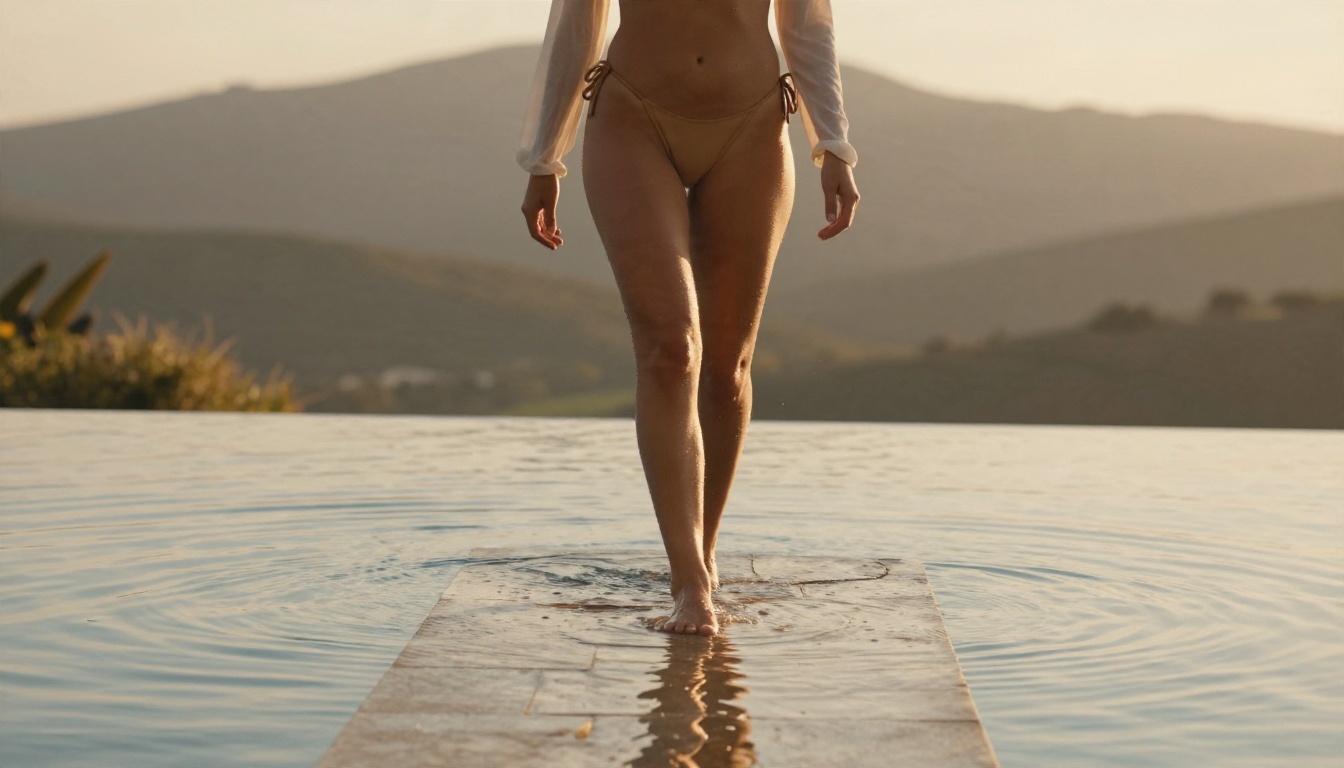
- Poolside: "A woman in a tan bikini and white cover-up walks slowly along an infinity pool at sunrise, water ripples behind her, slow tracking shot from the side, soft golden light, shallow depth of field."
- Boudoir: "A woman in a burgundy silk robe sits at a vanity, turns her head toward the mirror and smiles, slow push in, warm lamp light, silk catching the highlights."
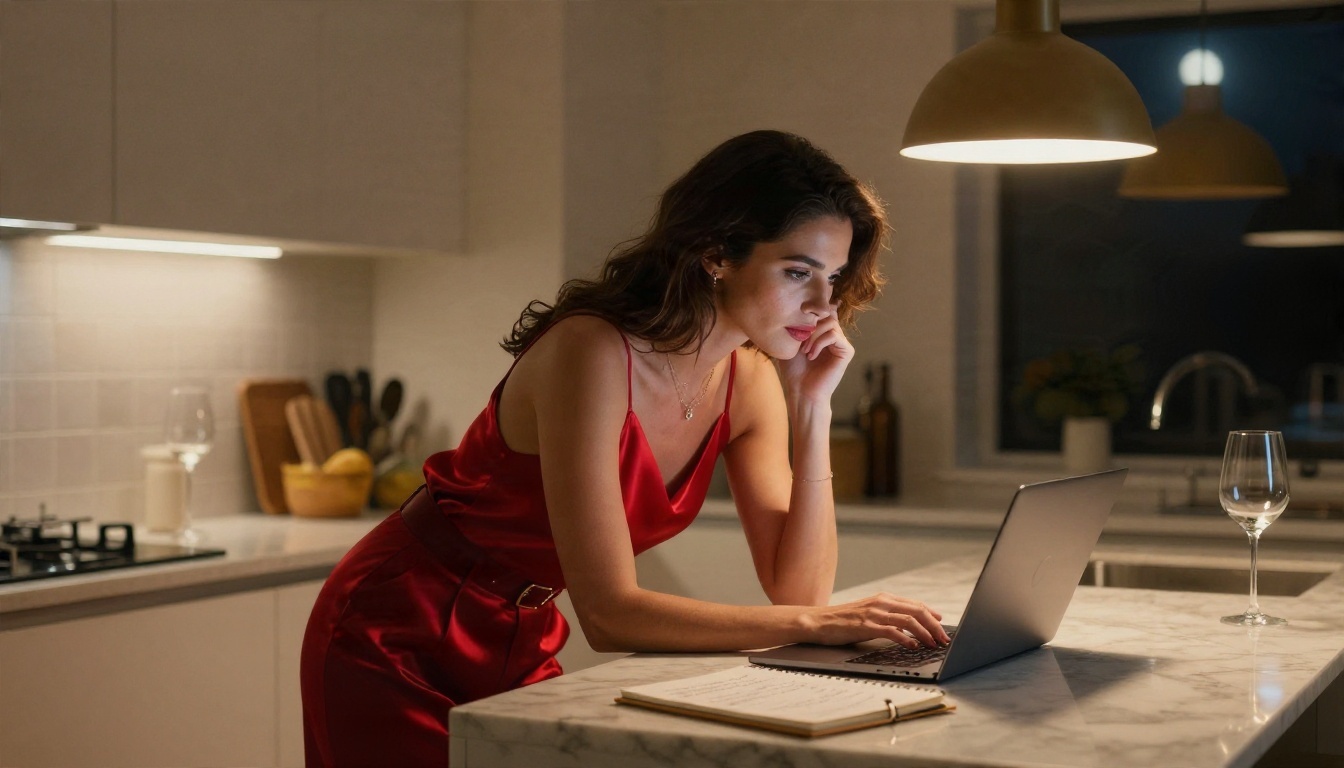
- Night out: "A woman in a red satin top leans on a kitchen island, looks up from her laptop and laughs, handheld drift, moonlight from the window, warm pendant lamp."
Common Prompt Mistakes
| Mistake | Why it fails | Better move |
|---|
| Asking for five actions at once | Motion gets scrambled | One action per clip |
| Vague words like "sexy" or "hot" | Models guess, results vary | Describe fabric, light and pose |
| No camera direction | Flat, static result | Name one camera move |
| Long lists of style tags | Contradictory output | Pick one lighting setup |
| Describing the face in detail | Face drifts between frames | Use a reference image instead |
💡 Tip: Describe what the viewer sees, not what you want them to feel. "Soft window light on her shoulder" beats "a sensual atmosphere" every time.
A Simple Image to Video Workflow
This three step routine is the most reliable way to get consistent characters and clean motion, and it works fine on free tiers.
Step One: Build the Still
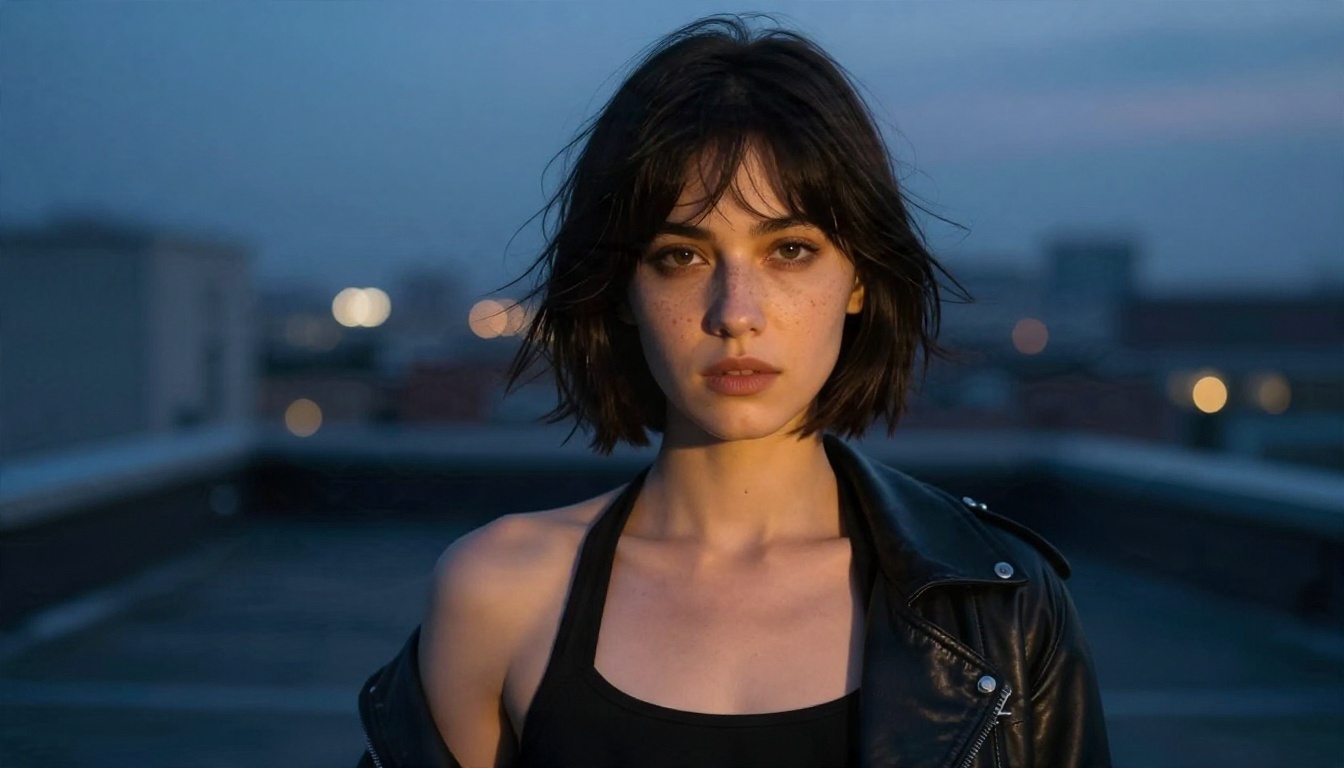
Open Seedream 4.5 and write a photographic prompt: subject, outfit, setting, lens, light. Something like "portrait of a woman with a short dark bob in a leather jacket on a rooftop at blue hour, 85mm lens, soft dusk light, natural skin texture." Generate several versions and keep the one with the cleanest hands and the sharpest eyes.
If the image is close but not perfect, bring it into PicassoIA Image Editor Pro and adjust the outfit, background or lighting. Since generations are unlimited there, you can polish the frame until it is exactly what you want.
Step Two: Animate the Frame
Pick a video model that accepts an image. Wan 2.7 I2V is built for animating a prepared still. Seedance 2.5 Lite is a good free choice for 10 second tests. Grok Imagine Video 1.5 adds sound to an image. Upload your still as the first frame, then write a motion prompt using the four part formula.
Start with the shortest duration to test the movement. If it looks right, run the longer version.
Step Three: Extend and Polish
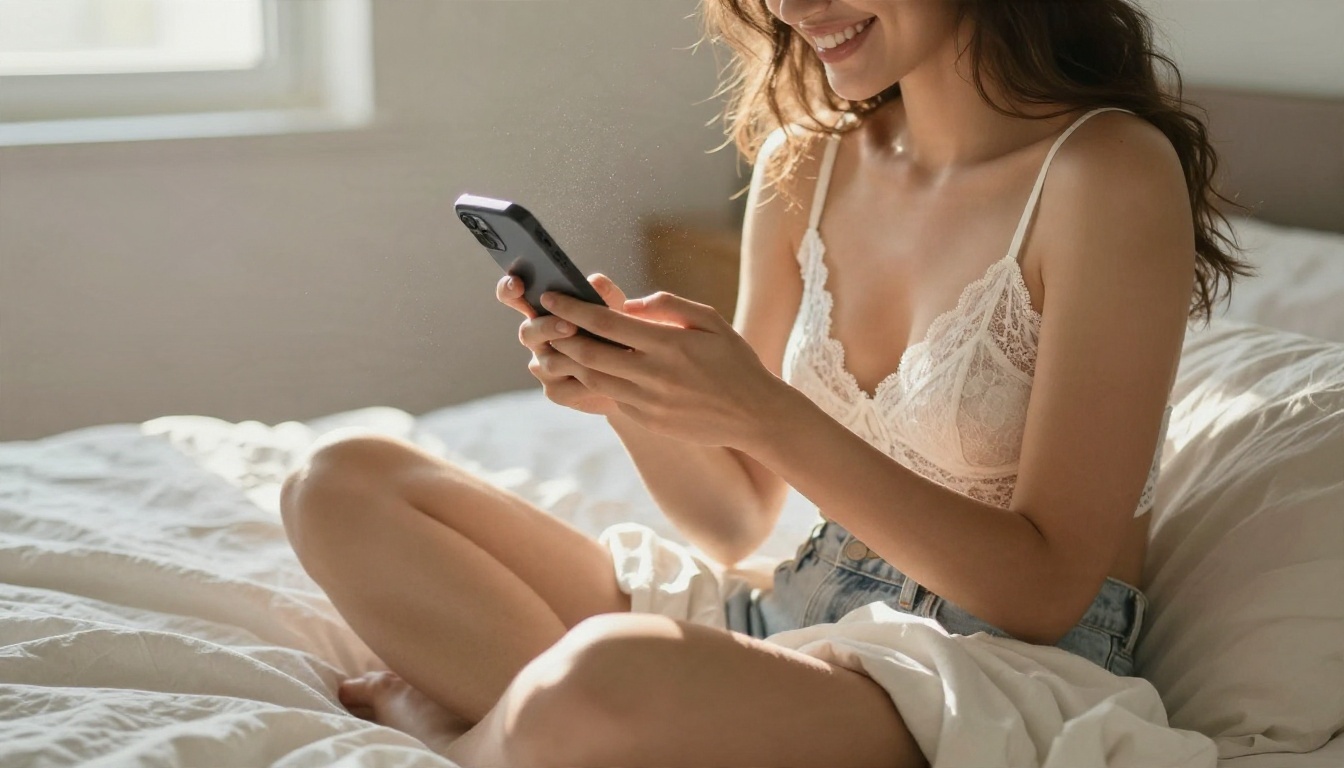
To build a longer piece, take the last frame of a good clip, save it as an image, and use it as the first frame of the next one. This keeps the outfit and setting consistent. For an even smoother result, PicassoIA Reference To Video lets you feed in reference images and audio so the same subject appears across shots. If the final footage looks soft, a super resolution or video enhancement pass will sharpen it before you publish.
Privacy and Safety Basics
Looser filters do not mean looser common sense. A few habits protect you and the people around you.
Protect Your Own Data
Read the privacy policy before uploading personal photos. Many free services keep uploads to train models or store them on servers for months. Use generated characters rather than your own face if you want to stay anonymous, and avoid uploading anything that includes identifying details like a house number or a work badge.
Respect Other People
Never animate a photo of a real person without their permission, whether it is an ex, a coworker or a celebrity. It is a legal risk in a growing number of places and it hurts real people. Stick to fictional characters and your own consenting likeness. The platforms that last are the ones that keep that line clear.
Check the License
If you plan to post clips or sell them, confirm that the plan allows commercial use and that the watermark can be removed. Free tiers frequently restrict both.
Which Option Fits You
Try It Yourself
You do not need a paid plan to see how far this goes. Start with a single still: a woman at a pool, a silk robe by a window, a rooftop at dusk. Build it in Seedream 4.5, polish it in Image Editor Pro, then animate it with a free video model and a one line motion prompt. Five minutes of testing will show you more than any comparison chart.
PicassoIA keeps the whole chain in one place, from image generation to video, upscaling and lip sync, so you can move from idea to finished clip without juggling accounts. Pick a model, write your first prompt, and run a few variations. When you want to try something different, browse every model on picassoia.com/en/all-models and see which one fits your style.


