Type "uncensored AI video" into a search bar and you get a wall of promises: no filters, no limits, no cost. Then you click, wait in a queue, hit a paywall, or spend an evening fighting a driver error. The truth sits somewhere between the hype and the disappointment. Some models really are open and free. Others are free for three clips and then ask for a card. And a few "uncensored" tools are simply a thin web page wrapped around somebody else's model.
This article sorts the real from the noise. You will see what "uncensored" actually means in practice, which free routes exist, what limits come with them, and which alternatives on PicassoIA give you suggestive, glamour-style video without the setup pain. Everything here stays on the non-explicit side: fashion, bikini, boudoir and editorial looks, the kind of footage creators actually publish.
What "Uncensored" Really Means
The word sounds absolute. It is not. Every video model you can run or rent has some boundary, even if the boundary sits in a different place than on a mainstream app. Before you pick a tool, it helps to know where the boundaries come from.

Filters Live in Three Places
A "censored" result can come from three different layers, and they behave differently:
- The prompt filter. A text check runs before generation starts. If your wording trips it, you get a refusal instead of a clip.
- The model itself. Training data shapes what a model is willing to draw. Some models were trained on a narrow, safe set of material and simply produce vague or blurred results for adult-leaning requests.
- The output filter. A classifier scans the finished video or frame and blocks or blurs it.
An "uncensored" tool usually removes one or two of these layers, almost never all three. That is why two services running the same model can feel completely different.
Open Weights Versus Hosted Apps
The second distinction matters more than most people think. Open-weight models are files you download and run yourself. Nobody sits between your prompt and the output, so the only limits are your hardware and the law. Hosted apps run the model on their servers, and the company decides what passes.
💡 Quick rule: if a site says "uncensored" but asks you to log in, check the terms. The moderation is probably softer than a big-brand app, but it is rarely absent.
Free Options That Actually Exist
Free is real in this space, but it comes in three flavors with very different trade-offs.
Local Open-Weight Models
The best-known free route is running an open model on your own machine. Wan 2.2 from Alibaba is the usual example: it was released as open weights under the Apache 2.0 license, which means you can download it and generate clips with no per-video fee. As far as I could confirm, Wan 2.2 is still the most recent open-weight release in the Wan family, while newer versions are offered as hosted services. Other open families, such as LTX and HunyuanVideo, follow the same pattern.
Local running gives you the fewest restrictions. It also gives you the most work: installing a node-based interface, downloading checkpoints of many gigabytes, matching versions, and troubleshooting out-of-memory errors.
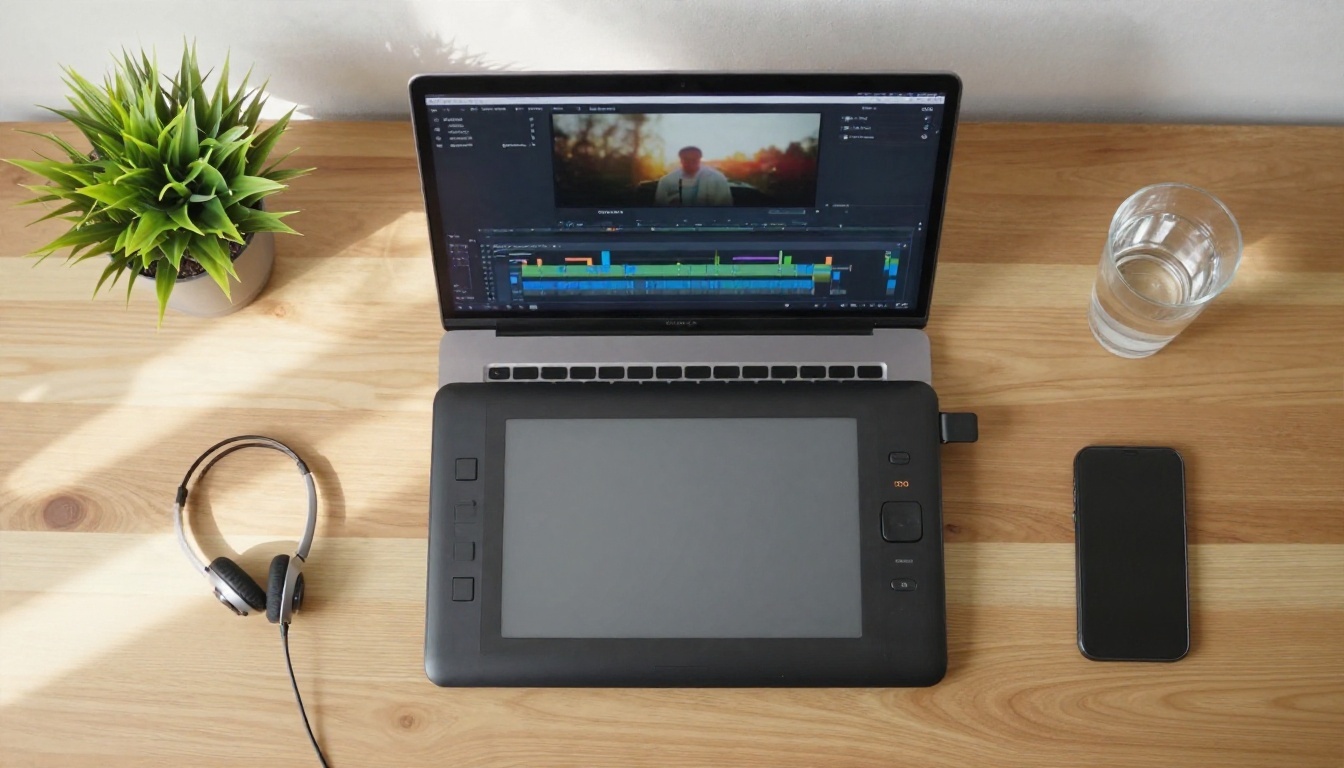
Free Tiers on Hosted Platforms
Hosted tools often give a few free generations per day or a one-time credit pack. This is fine for testing a model before committing, but the daily cap tends to be tight and the free queue slow. Watermarks are common on free output, and resolution is often capped at 480p.
Unlimited Plans and Their Catch
A few platforms offer unlimited generation on lighter models. That is genuinely useful if you iterate a lot, because video prompting is trial and error. The catch is usually speed (a slower queue), clip length, or the fact that the unlimited model is the smaller one in the lineup. Read the fine print on what "unlimited" covers before you plan a project around it.
| Route | Cost | Filter level | Setup effort | Best for |
|---|
| Local open weights | Free (plus hardware and power) | Lowest | High | Tinkerers with a strong GPU |
| Hosted free tier | Free, capped | Medium to strict | None | Quick tests |
| Unlimited hosted model | Subscription or free plan | Medium | None | Heavy iteration |
| Pay-per-clip premium model | Per generation | Varies | None | Final, polished clips |
The Limits Nobody Mentions
Marketing pages talk about freedom. They rarely talk about the walls you will meet on day two.
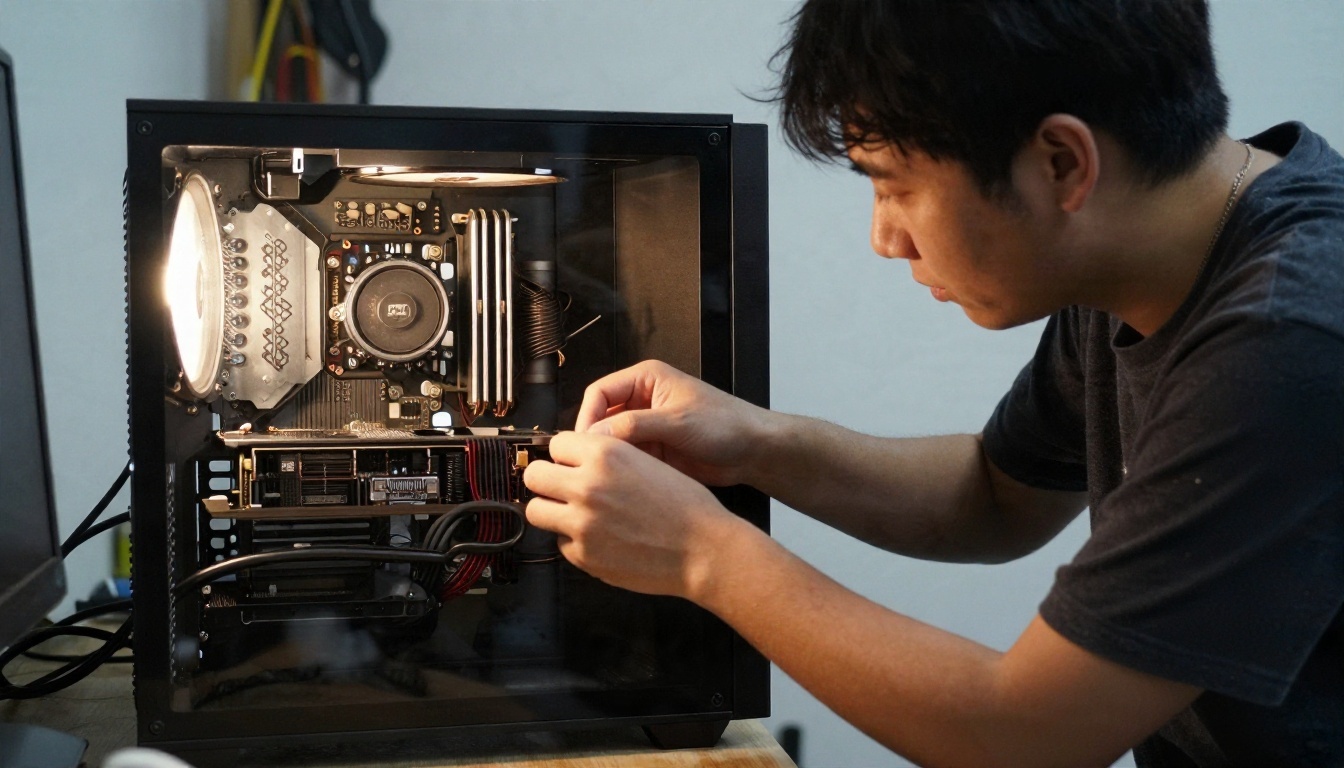
Hardware Is the First Wall
Running a modern video model locally is demanding. Large checkpoints want a graphics card with plenty of video memory, and even then a five-second clip can take several minutes. Smaller or quantized versions run on modest cards, but quality drops: softer detail, more flicker, weaker motion. If you only have a laptop, a local setup will frustrate you quickly.
💡 Reality check: the "free" in free local models often hides a graphics card purchase and a higher power bill. If you generate only a few clips a week, a hosted model is usually cheaper.
Clip Length and Consistency
Almost every model, open or hosted, produces short clips, typically a few seconds up to around ten. Open models reviewed in 2026 stay near that range, and longer sequences mean stitching clips together, which exposes the next problem: consistency. Faces drift, outfits change color, backgrounds morph. The most dependable fix is to start each clip from a still image you control, so the first frame is fixed and the motion is the only variable.

Legal and Safety Lines
This part is not optional. No model, however open, makes certain content acceptable. Never create sexual content involving minors, never depict a real person in intimate content without their consent, and never use someone's face to impersonate them. Many regions now have laws against non-consensual deepfakes, and platforms ban accounts fast. Keep to invented characters, or to your own likeness with your own permission.
Also be careful with the "free uncensored generator" sites that appear overnight. Some collect your uploads, some bundle intrusive ads, and a few are built to harvest payment details. If a tool wants your photo and gives nothing back about how it handles data, skip it.
Alternatives on PicassoIA
If your goal is glamour, bikini, lingerie-style and editorial video rather than fighting a local install, PicassoIA covers it with fewer obstacles. The platform focuses on suggestive, beautiful, non-explicit content, which is exactly where most commercial creators operate anyway.
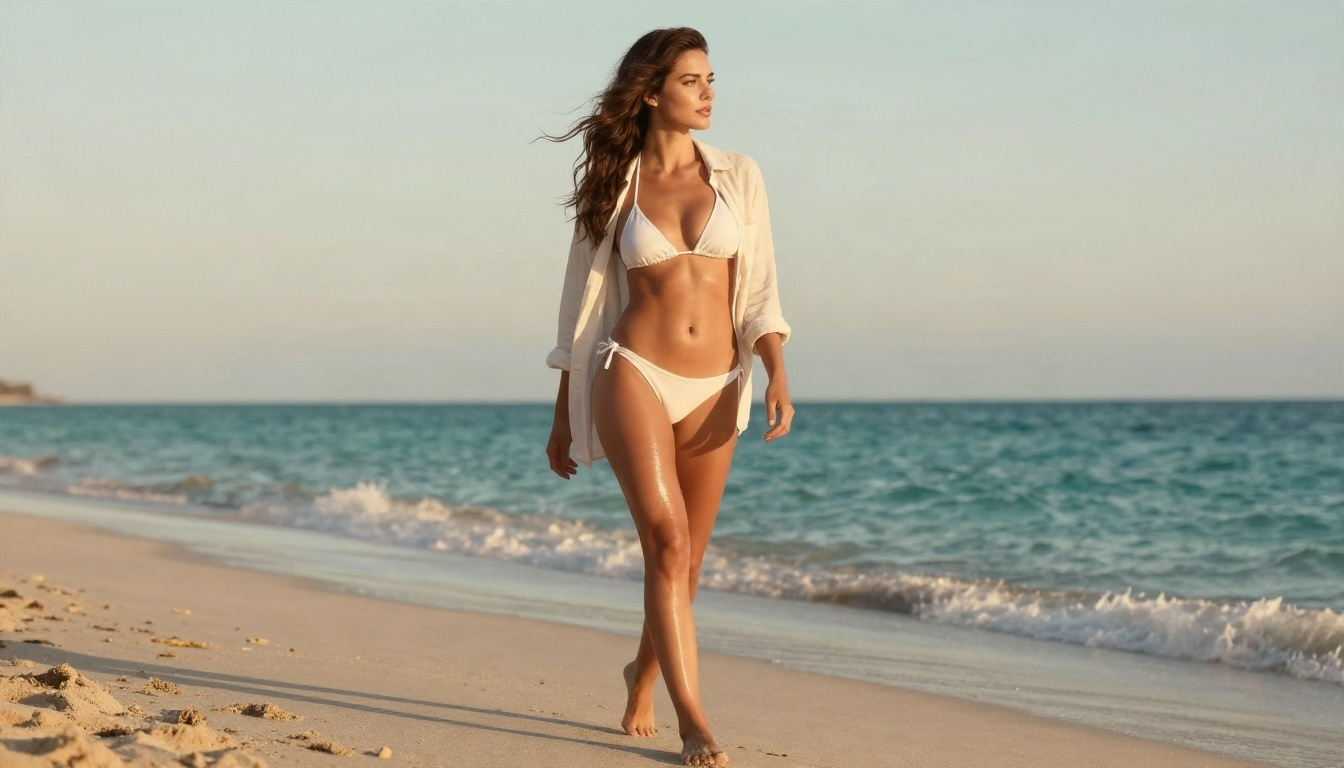
Start With Seedream 4.5 Stills
For adult-leaning, glamour-style imagery, lead with Seedream 4.5. It produces sharp, photorealistic skin, fabric and lighting, and it handles swimwear, lace and boudoir scenes without the aggressive blocking some competing image models apply. A strong first frame is the single best predictor of a good video, so spend your effort here.
Edit Freely With Image Editor Pro
Next comes PicassoIA Image Editor Pro, which offers unlimited generations. That matters a great deal for the iteration problem described earlier. Fix an outfit, change a background, adjust the lighting, and try again as often as you need, without watching a credit counter fall.
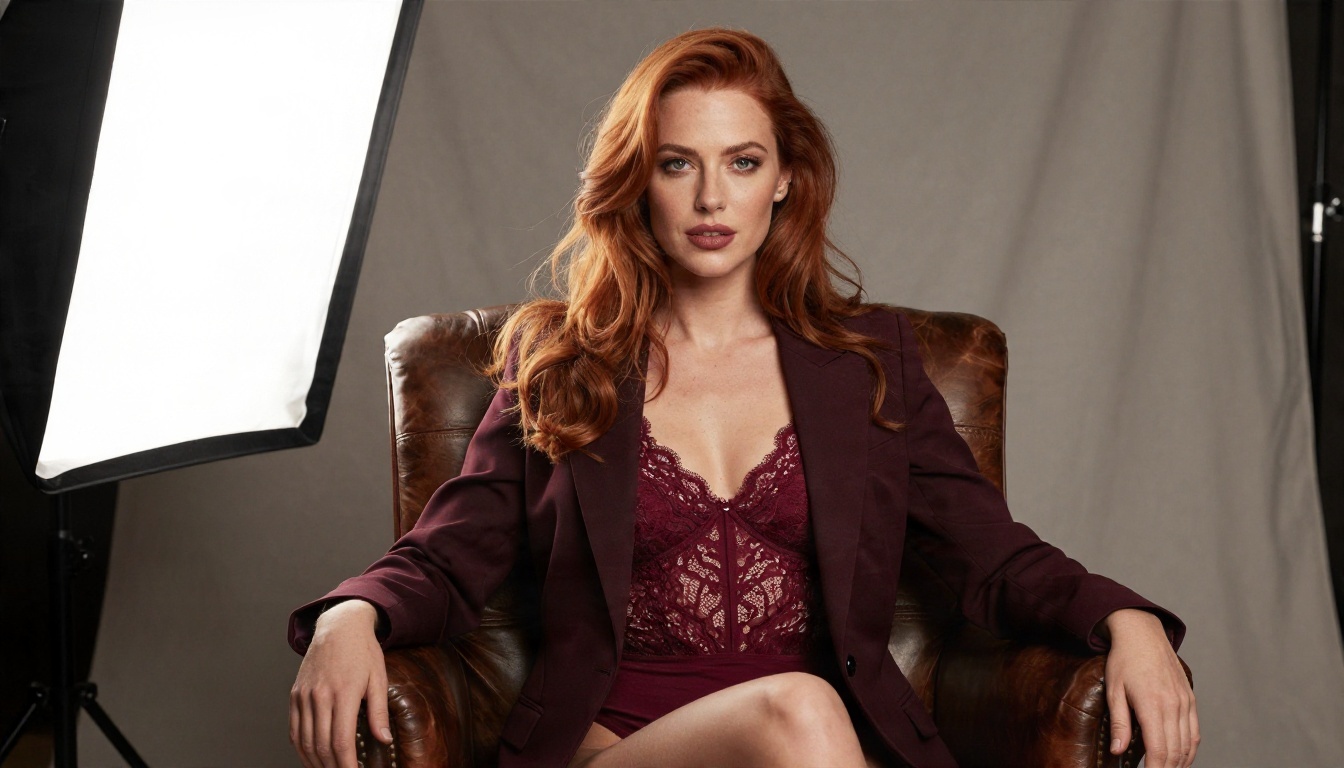
Animate With Seedance 2.5 Lite
For motion, Seedance 2.5 Lite is a free and unlimited video generator with clips up to 10 seconds. It is the closest hosted answer to the "free, no limit" promise that "uncensored" sites make, with no installation and no graphics card requirement. When you need longer or higher-end output, Seedance 2.5 reaches 30-second videos.
💡 Tip: use Lite for drafts and test motion ideas, then rerun the winners on a premium model for the final cut.
More Video Models Worth Testing
No single model wins every scene. These are the ones I would try, grouped by what they do best.

Wan 2.2 Without the Install
Because Wan 2.2 is the best-known open model, many people want it without the local setup. On PicassoIA you can run Wan 2.2 I2V A14B in the browser and skip the checkpoint downloads, the driver conflicts and the video memory arithmetic. You keep the image-to-video workflow that makes Wan useful and lose the maintenance.
When to Pay for Premium
If you publish for clients or for a brand, premium models earn their cost through cleaner motion, fewer artifacts and better prompt adherence. If you post casually, free and unlimited models will carry you a long way. A sensible split: draft on the free options, finalize on one premium model.
Image to Clip in Three Steps
Here is the workflow that avoids most of the problems above. It uses a still as the first frame, which solves consistency before it starts.
- Build the still. Open Seedream 4.5, describe your subject, outfit, setting, light and lens, and generate. Use Image Editor Pro to adjust anything that is off, since its generations are unlimited.
- Animate it. Upload the image to Seedance 2.5 Lite or Wan 2.2 I2V A14B and write a short motion prompt.
- Refine and repeat. If the motion drifts, shorten the prompt, simplify the movement and run it again. Promote your best draft to a premium model only at the end.

Prompts That Pass Filters
Most refusals come from vague or loaded wording, not from the topic itself. Describing the image like a photographer works better than describing it like a request.
Write Like a Photographer
Name the subject, clothing, setting, light direction and lens. "A woman in a white bikini walking along a beach at golden hour, backlit by the setting sun, 70mm lens, soft film grain" gives the model concrete visual data, and gives a filter nothing to misread. Fabric, skin texture and light are what make glamour footage look expensive.
Keep Motion Simple
For the video step, describe one movement and one camera move: "she walks slowly toward the camera, hair moving in a light breeze, gentle dolly-in." Piling on actions is the fastest way to get warped limbs and flicker. Five seconds is short, so let one thing happen well.
💡 Avoid: long strings of adjectives, contradictory instructions, and any mention of real people's names. Keep it visual, specific and calm.
Free, Fast or Raw: Pick Your Route
So which path fits you?
- You own a strong graphics card and enjoy tinkering: run Wan 2.2 locally and accept the maintenance.
- You want zero setup and plenty of attempts: use Seedance 2.5 Lite with stills from Seedream 4.5.
- You need polished output for clients: draft on the free tools, then finish on Seedance 2.5, Wan 3 or Veo 3.1 Fast.
"Uncensored" is a marketing word, but flexible, unlimited and easy are real features you can check before you commit. Weigh each tool on those three, not on the label.
Make Your First Clip Today
The quickest way to find out what works for you is to try it. Open Seedream 4.5, create one still you like, polish it with Image Editor Pro, and send it to Seedance 2.5 Lite. You will have a moving clip in minutes, and you will know exactly where the limits sit for your style of work.
When you are ready to compare more options, browse every available model at picassoia.com/en/all-models and build your own set of favorites. Pick a scene, write your first photographer-style prompt, and see what you get.


