Type a perfectly normal request into a mainstream chatbot and you will sometimes get a polite refusal instead of an answer. A swimwear photo prompt, a dark scene for your novel, a blunt medical question: the filter steps in before the model even tries. That frustration is the reason uncensored artificial intelligence has become one of the most searched topics in AI. People want tools that treat them like adults, and they want to know what those tools can really do.
This article sorts the noise from the useful. You will see what "uncensored" means in practice, which free chat apps and open models are worth testing, what the image results look like, and where the hard limits remain no matter which tool you pick.
What "Uncensored" Actually Means
The word is a marketing label, not a technical standard. No regulator certifies it and no benchmark measures it. When a tool calls itself uncensored, it usually means one of three things: the provider uses lighter moderation, the model was trained or fine tuned to refuse less, or the safety layer that sits on top of the model has been removed.
Filters, Not Laws
A filter is a company decision. A law is a legal fact. Removing the first never removes the second. An unfiltered chatbot will still be bound by copyright, defamation, privacy and child safety law wherever you live. That distinction matters because many "no rules" sales pages blur the two on purpose.
💡 Rule of thumb: an uncensored tool lets you decide what is appropriate for your own private, legal project. It does not make illegal content legal, and it does not make you anonymous.
Three Kinds of Tools
Almost every product in this space falls into one of three buckets:
- Hosted chat apps: you sign up, you type, a company runs the model for you. Easy, but your messages live on someone else's server.
- Open weight models: you download a model and run it on your own computer. Private and flexible, but you need decent hardware.
- Image platforms with relaxed moderation: you write a prompt and a model such as Seedream or Flux returns a photo, with fewer blocked words than the big consumer apps.
Each bucket has a different price, a different privacy profile and a different ceiling for quality.
Free Chat Apps Worth Trying
Free is where most people begin, and free is also where most of the traps are. A chatbot with no price tag is paid for somehow: by your data, by ads, by a daily message cap, or by an upsell the moment the conversation gets interesting.
Hosted Chatbots
Search results for this topic are dominated by affiliate lists that crown a different "number one" every week, so treat any ranking with suspicion. Names that come up again and again include companion apps such as Candy AI, privacy focused chatbots such as Venice, and general purpose assistants with looser settings such as Grok. Their free tiers typically give you a limited number of messages per day, a short memory of the conversation, and a hard wall in front of image generation.
What to check before you type anything personal:
| Question | Why it matters |
|---|
| Is chat history stored? | Stored chats can leak or be reviewed |
| Can you delete your account and data? | A real exit option signals a serious provider |
| Is there a daily message cap? | Free caps often end right as a scene gets going |
| Who owns the generated output? | Some terms limit commercial use |
| Does it require payment details for a "free" trial? | Auto renewal is a common trap |

Open Weights on Your Machine
If privacy is the whole point, running a model at home is the cleanest answer. Open weight families such as Llama, Mistral, Qwen and Granite can be downloaded and run offline. Community fine tunes often strip out the refusal behavior, and you will see the words "abliterated" or "dolphin" attached to them. The results vary a lot: removing refusals can also make a model less coherent, more repetitive, or more likely to invent facts with total confidence.
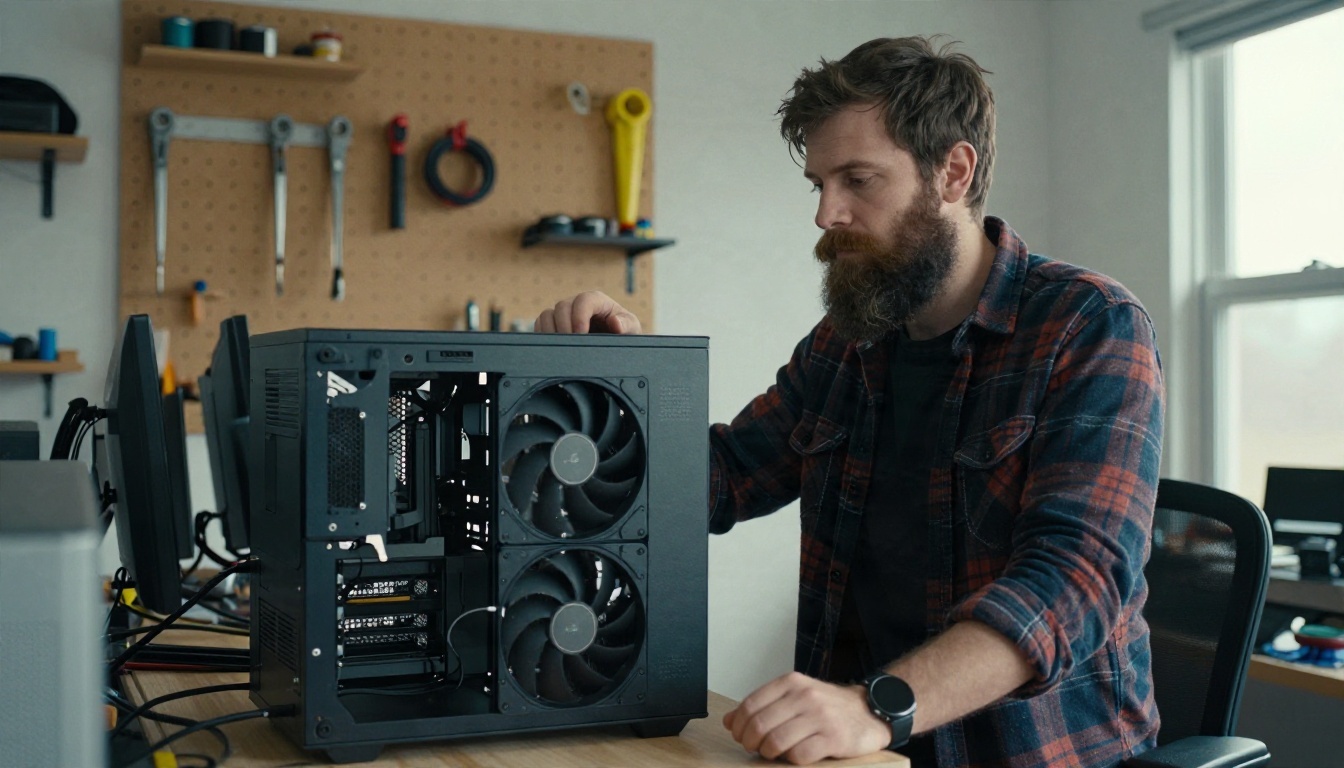
A realistic hardware picture:
- 8 GB graphics card: small models in the 7B to 8B range, fast enough for chat.
- 16 to 24 GB graphics card: mid sized models with better writing quality.
- No dedicated graphics card: possible, but slow, and only for the smallest models.
Language Models on PicassoIA
You do not need to install anything to compare models. PicassoIA hosts a long list of language models you can chat with in the browser, including Deepseek V3 for general writing and code, Kimi K2.6 for long, agent style tasks, Qwen3.7 Plus for text and image understanding, and Granite 4.1 8B as a light, free model for chat. For older open weight behavior, Llama 2 7B Chat is still a useful reference point.
These are standard models with their own built in behavior, so do not expect every one of them to answer every prompt. They are most useful for drafting, rewriting, brainstorming image prompts and testing how different models handle sensitive but legal topics such as fiction, health or history.
💡 Practical use: many people use a chat model to write a long, detailed image prompt, then paste it into an image model. A good prompt does more for image quality than any "uncensored" switch.
Image Examples With Real Results
Chat is only half the story. The other half is images, and this is where the difference between tools is easiest to see. Mainstream generators often block anything that mentions swimwear, lingerie or even a bare shoulder. Models with lighter moderation will happily produce glamour, beach and boudoir style photography without turning it into anything explicit.
All the examples below were generated as photorealistic, non explicit pictures. That is the sweet spot for most real projects: fashion mockups, creator content, character references, mood boards and social posts.
Glamour and Swimwear
Swimwear is the classic stress test. A single prompt with a bikini, a terrace and warm side light is enough to show whether a model produces believable skin, real fabric texture and natural pose, or the waxy, over smoothed look of weaker systems.
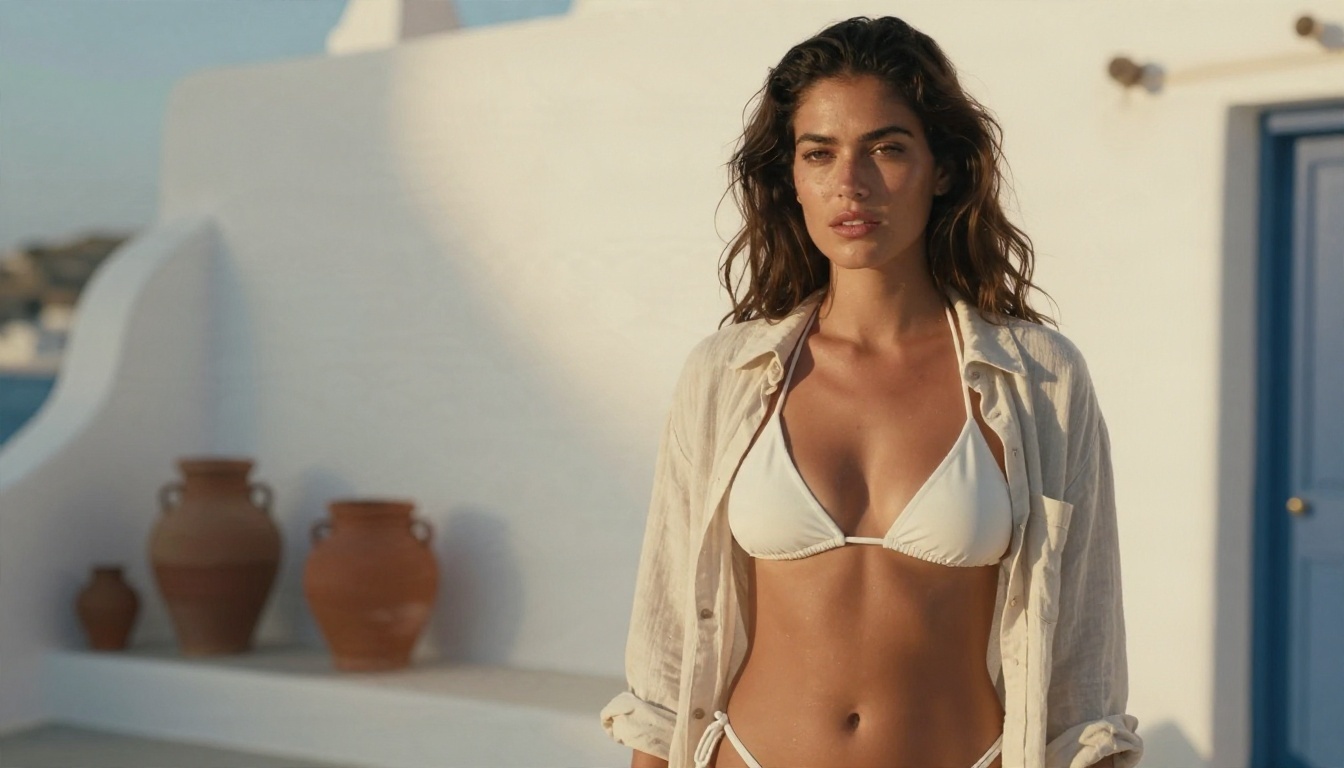
Notice the details that make it read as a photograph: pores, fine hair strands, the weave of the linen, and a shallow depth of field that separates her from the wall. Those come from the prompt as much as from the model, which is why camera language such as "85mm f/1.8" and "Kodak Portra 400" works so well.
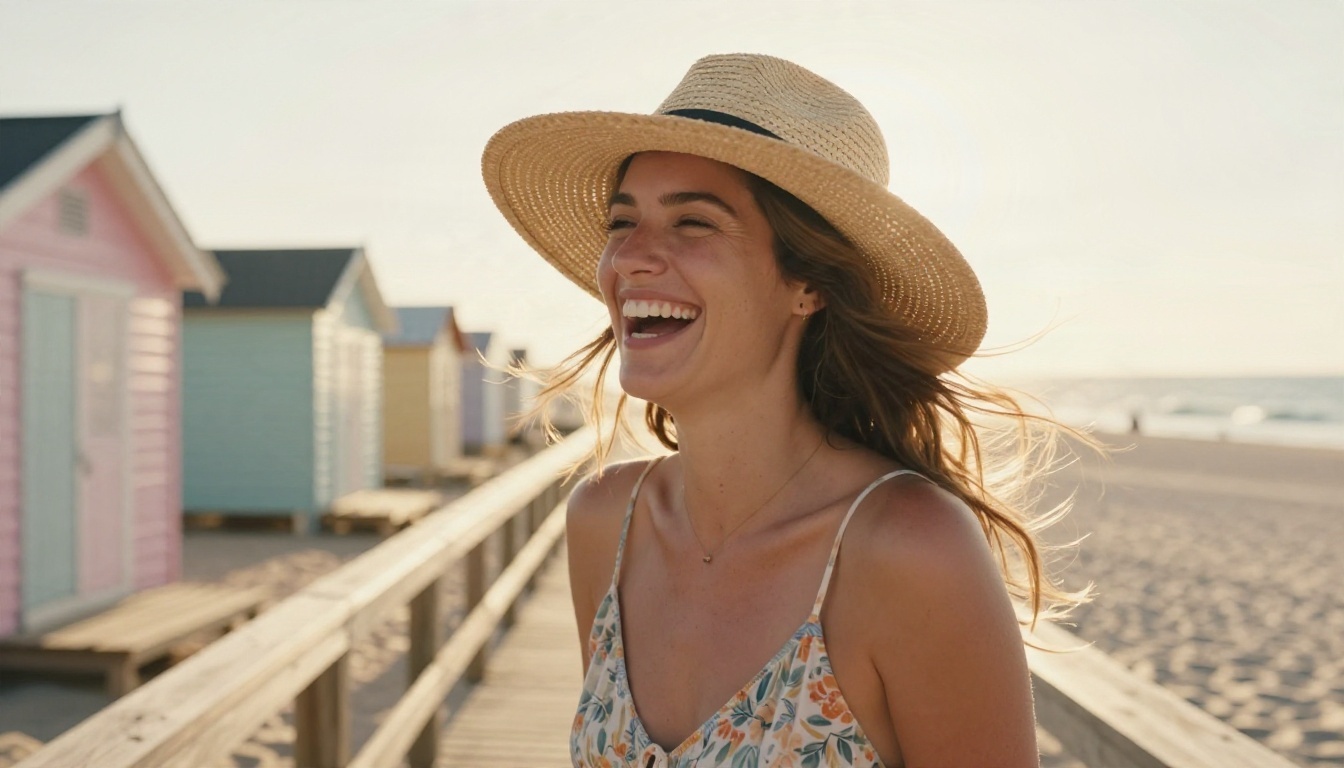
A candid, unposed frame like this tests something different: motion, wind in the hair and believable backlight. Models that over polish every face tend to fail here.
Editorial and Evening Looks
Evening wear and boudoir editorial shots are where moderation filters usually become most aggressive, even when nothing explicit is involved. Satin, silk, lace and low light all sit in the grey zone of automated blocklists.
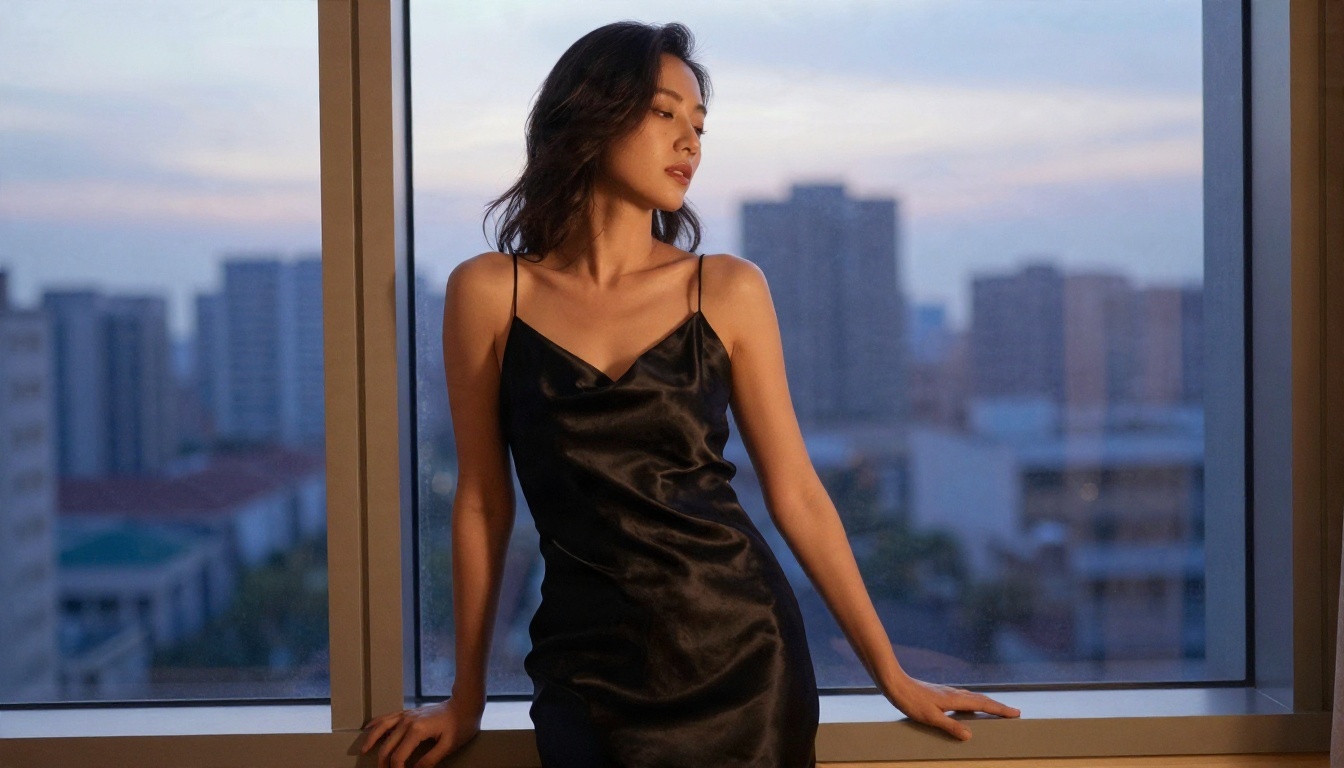
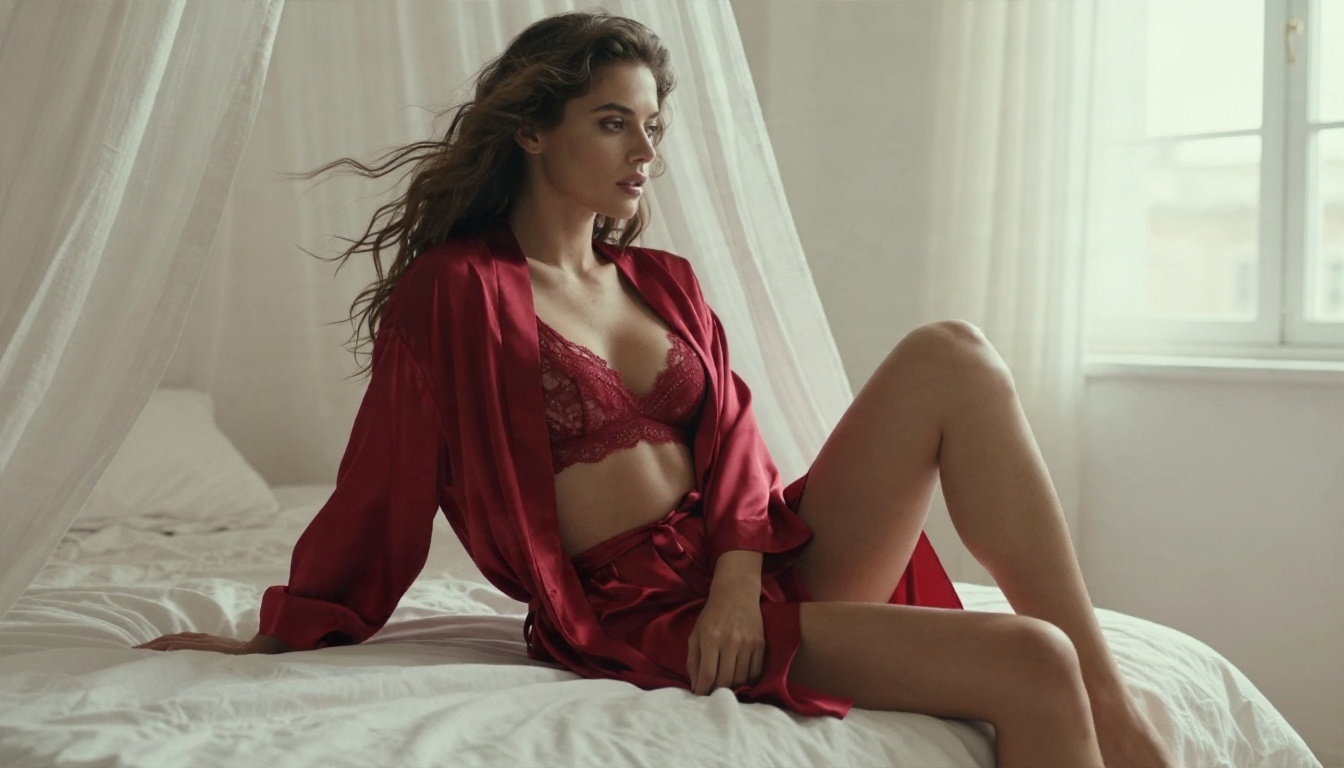
The goal in both frames is suggestion, not exposure. Soft light, believable fabric and natural expression carry the mood. This is also what separates professional looking work from the cheap, over sexualized output that gives the whole category a bad name.
💡 Prompt tip: describe the light first, then the lens, then the outfit. "Soft morning window light from the right, 85mm f/1.8, red silk robe, linen curtains" beats "sexy woman in robe" every time.
How to Use Seedream 4.5 on PicassoIA
For suggestive glamour and fashion photography, Seedream 4.5 is the place to start. It produces sharp 2K and 4K output, handles skin and fabric convincingly, and supports reference images when you want to keep a face, outfit or setting consistent across a set.
Step by Step
- Open the Seedream 4.5 page on PicassoIA.
- Write your prompt in plain English. Start with the subject and pose, then add location, light, lens and film look.
- Pick an aspect ratio. Use 16:9 for banners, 3:4 or 2:3 for portraits, 9:16 for stories.
- Choose 2K for fast drafts and 4K when you need print or large display quality.
- Press generate and review the result. Change one thing at a time in the next run.
Settings That Matter
| Setting | What it does | Tip |
|---|
| size | 2K or 4K output | Draft at 2K, upscale your favorite at 4K |
| aspect_ratio | Nine ratios from 1:1 to 21:9 | Match the platform before you generate |
| image_input | 1 to 14 reference images | Use it to keep one character consistent |
| max_images with sequential mode on auto | Up to 15 related images in one run | Great for a full photo set |
| disable_safety_checker | Relaxes input moderation to block only illegal content | Use responsibly, and only for legal, adult projects |
💡 Consistency trick: generate one hero image you like, then feed it back as an image_input reference and ask for new poses and outfits. Faces stay far more stable than when you re-prompt from scratch.
Editing Photos Without Constant Refusals
Generation is only one half of the workflow. The other half is editing: changing an outfit, adjusting a background, fixing light, or retouching skin on a picture you already own. Many editing tools refuse as soon as a person is in the frame.
PicassoIA Image Editor Pro is built for exactly this. It offers unlimited generations, which matters more than it sounds: editing is trial and error, and a daily cap ruins the process. You upload a photo, describe the change in plain language, and iterate until it looks right.
Good uses include:
- changing a background from a studio to a beach or a terrace
- swapping a jacket for a different style
- correcting light that was too flat or too harsh
- creating several outfit variations of the same shoot for a mood board
If you want more variety in style, a few other image models are worth testing side by side. Flux 2 Klein 9B Base LoRA is useful for styled looks, and Qwen Image 3 Pro is strong on photorealistic portraits. Comparing the same prompt across two or three models is the fastest way to find the one that fits your taste.
The Real Limits
An uncensored tool still has edges. Some are legal, some are practical, and some are simply the limits of the technology.
Legal Lines
Some content is off limits everywhere, regardless of the tool. Sexual content involving minors is illegal and blocked by every serious provider, and relaxed moderation never changes that. The same goes for realistic images of real people without their consent, especially intimate or deceptive ones. Many countries and several US states now have specific laws on non consensual deepfakes, and platforms act on reports quickly.
Other legal points to keep in mind:
- Using a celebrity's likeness commercially can bring publicity rights claims.
- Copyrighted characters and brands remain protected, even in AI output.
- Content you publish is your responsibility, not the tool's.
Privacy Risks
The biggest risk with unfiltered chat apps is rarely the content. It is the data. Reviewers have flagged serious privacy problems with some adult chat services, including breaches that exposed private conversations. If a conversation would embarrass you in public, assume a hosted service could someday leak it.
Safer habits:
- Do not use your real name, workplace or address in any roleplay chat.
- Use a separate email address for experimental apps.
- Skip apps that ask for a face scan or full contact list.
- Prefer a local model for anything truly private.
Quality Traps
Removing refusals does not add intelligence. Many "uncensored" fine tunes are weaker than the original model: they lose track of long conversations, repeat phrases, or confidently invent details. On the image side, generators with no moderation often have worse anatomy, hands and faces than polished mainstream models. A relaxed filter on a strong model usually beats no filter on a weak one.
| Tool type | Privacy | Quality | Cost |
|---|
| Hosted uncensored chat app | Low to medium | Medium | Free tier, then subscription |
| Local open weight model | Very high | Medium to high with good hardware | Free, but hardware needed |
| Strong model with relaxed moderation | Medium | High | Free to low |
| Mainstream consumer chatbot | Medium | High | Free to low, but strict filters |
None of this means you should avoid the category. Adult creators, fiction writers, photographers, fashion designers and curious people with legal projects have good reasons to want fewer blocks. The sensible approach is simple.

- Only create content involving consenting adults or fictional characters.
- Never generate real people in intimate or misleading scenes.
- Label AI images when you post them, especially photorealistic ones.
- Keep private projects off platforms you do not trust.
- Check the local law where you live, because rules differ a lot between countries.
If you also want a safety layer for your own app or community, a moderation model such as Llama Guard 4 12B can classify text before it reaches an audience. It is a good reminder that "uncensored for me" and "safe for a public product" are two different jobs.
Try It Yourself Today
The best way to judge uncensored artificial intelligence is to test it on your own idea instead of trusting a ranking. Start with a detailed prompt, run it through Seedream 4.5, then bring a photo you already own into PicassoIA Image Editor Pro and change the outfit, the light or the location with unlimited generations. Use a language model to write sharper prompts, and compare two image models on the same text to see which one suits your style.
Ready to experiment? Create your first image on PicassoIA today, and browse every available model at picassoia.com/en/all-models to find the one that fits your project.


