You type a perfectly normal request, wait ten seconds, and get a gray box that says "content not allowed." Anyone who has tried to make a bikini shoot, a boudoir portrait or a moody lingerie editorial with a mainstream generator knows the feeling. That frustration is exactly why the uncensored creator platform category exploded. People want tools that treat adults like adults, without a filter second-guessing every swimsuit.
The problem is that the category is messy. Some "free" tools give you three images and a paywall. Some "unlimited" plans throttle you after lunch. Some companion chat apps get lumped in with image generators even though they do a different job. This article sorts it out: what these platforms are, which free options hold up, what you really pay, which prompts work, and where to go when a platform lets you down.
💡 Quick answer: If you want photoreal, non-explicit glamour images without constant refusals, start with Seedream 4.5 for generation and the PicassoIA Image Editor Pro for unlimited edits and variations.
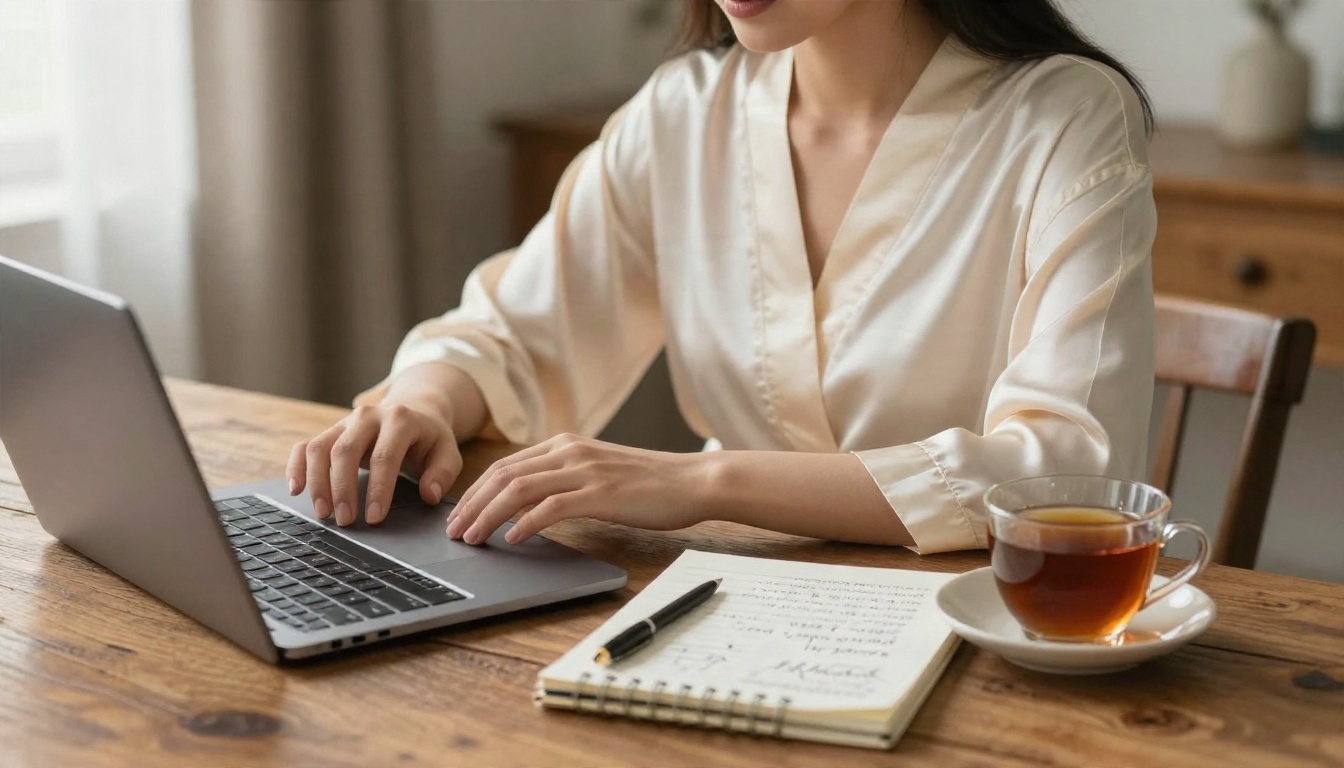
The phrase gets used loosely, so let's pin it down. An uncensored creator platform is a service that lets you generate images, video or text with far fewer content restrictions than the big consumer tools. It is not a lawless zone. It is a place where swimwear, lingerie, artistic nudity cues and mature themes are treated as legitimate creative subjects instead of automatic violations.
Filters vs. Rules
Mainstream generators use two layers of blocking. The first scans your prompt for trigger words. The second scans the finished image and deletes it if a classifier gets nervous. The result is false positives all day long: a "red satin dress" gets flagged, a beach portrait gets blurred, a boxer's bare torso triggers a warning.
A creator-friendly platform relaxes both layers but keeps the hard lines that matter. Real people without consent, minors, and explicit pornographic content stay off the table on any responsible service. What disappears is the paranoia around ordinary adult aesthetics.
Who Actually Uses These Platforms
The audience is wider than most people assume:
- Boudoir and glamour photographers who prototype shoots before booking a studio.
- Fashion and swimwear brands testing campaign concepts.
- Illustrators and authors who need mature-themed covers and character references.
- Content creators building original, fictional characters for social channels.
- Hobbyists who simply want to make attractive portraits without being lectured.
If you belong to any of those groups, the rest of this article is for you.
Free Options That Actually Work
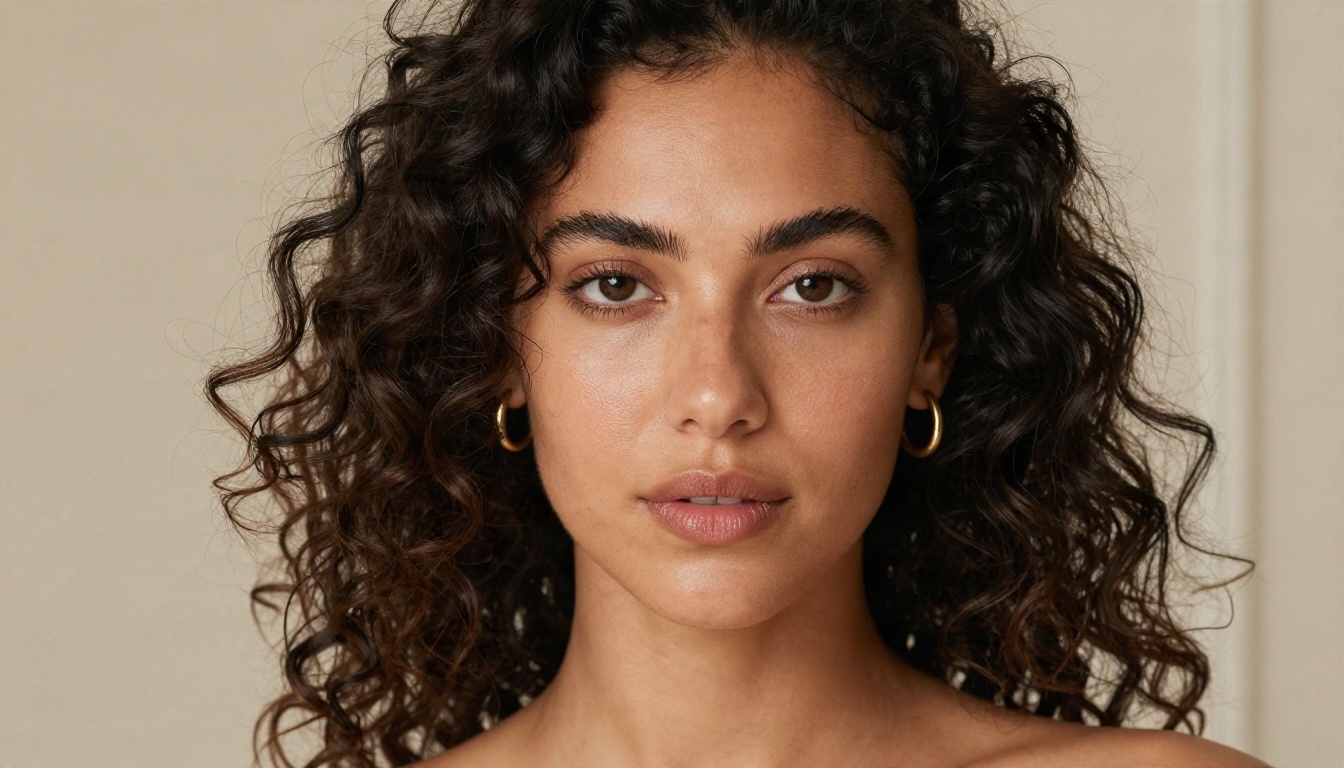
"Free" is the most abused word in this niche. Based on what review pages and user reports describe in late 2026, free access falls into three buckets, and each one has a catch.
Free Tiers and Daily Limits
Most hosted tools hand you a small daily allowance. Chat-style companion apps often cap you at a set number of messages per day that resets every 24 hours, and some show ads on the free plan. Image tools tend to give roughly a dozen or so prompts per day, with a Pro plan around the high teens in dollars per month according to one vendor's own material. Free video is usually watermarked, short, or both.
Treat every number you read as a snapshot. Plans change monthly, and many "best of" pages are affiliate-driven, so the pricing on them can be stale or promotional.
Local Setups on Your Own GPU
The only truly unlimited free route is running open models on your own computer. There is no recurring fee and no one reading your prompts. The tradeoff is hardware and patience:
| Model family | Comfortable VRAM | Typical result |
|---|
| SD 1.5 variants | 6 to 8 GB | Fast, dated realism |
| SDXL variants | 8 to 12 GB or more | Good realism, needs tuning |
| Flux class models | 12 GB or more | Strong realism, slower |
You also take on installation, updates, license checks for commercial use, and a lot of troubleshooting. For many creators, a hosted tool with generous limits is simply less work.
Free Trials on Model Platforms
A third route is a model platform that lists several generators in one place and lets you test them. This beats signing up for five separate services. On PicassoIA you can try Z Image Turbo for fast drafts and move to a higher fidelity model once the composition looks right.
Pricing: What You Really Pay

Pricing pages hide the real cost behind words like "credits," "fast hours" and "priority queue." Here is how the models compare in plain terms.
Subscriptions vs. Credits
| Pricing model | How it works | Best for | Watch out for |
|---|
| Monthly subscription | Flat fee, usually with a cap | Daily creators | "Unlimited" that slows after heavy use |
| Credit packs | Pay per batch of images | Occasional users | Credits burn fast on retries |
| Pay per generation | Small fee each image | Testing models | Costs climb with experimentation |
| Local and self-hosted | Hardware up front | Heavy, private use | Setup time and electricity |
One example from the credit-based side: a ten dollar pack that buys a few hundred credits translates into only around eighty finished images once you count failed attempts. That works out higher per image than most people expect.
Hidden Costs Nobody Mentions
- Retries. Hands, faces and fabric folds need several attempts. A tool with a cheap sticker price but a low hit rate costs more than it looks.
- Upscaling fees. Some platforms charge extra for 4K output.
- Watermark removal. Free exports often carry a mark that disappears only on paid plans.
- Edit limits. Generating is cheap, but inpainting and variations are sometimes metered separately.
That last point is why unlimited editing matters. The PicassoIA Image Editor Pro offers unlimited generations, so tweaking an outfit, changing the lighting or fixing a small flaw does not drain a balance.
💡 Budget rule: Before paying anyone, run the same five prompts on each platform. Count how many usable images you get per ten tries. That hit rate tells you more than the price tag does.
Prompts That Produce Good Results
A relaxed filter does not rescue a weak prompt. The platforms that feel "best" are usually the ones where the writer gave the model enough photographic detail to work with.
The Five-Part Prompt Formula
Build every prompt in this order:
- Subject and pose: who, doing what, wearing what.
- Environment: the room, the beach, the street, with two or three real objects.
- Lighting: direction, time of day, softness.
- Camera: lens, aperture, angle, distance.
- Texture and mood: skin, fabric, film grain, atmosphere.
Models respond to photography language because they were trained on captioned photographs. "85mm f/1.8, shallow depth of field, Kodak Portra 400 grain" does more work than "ultra realistic masterpiece."
Three Prompts to Copy
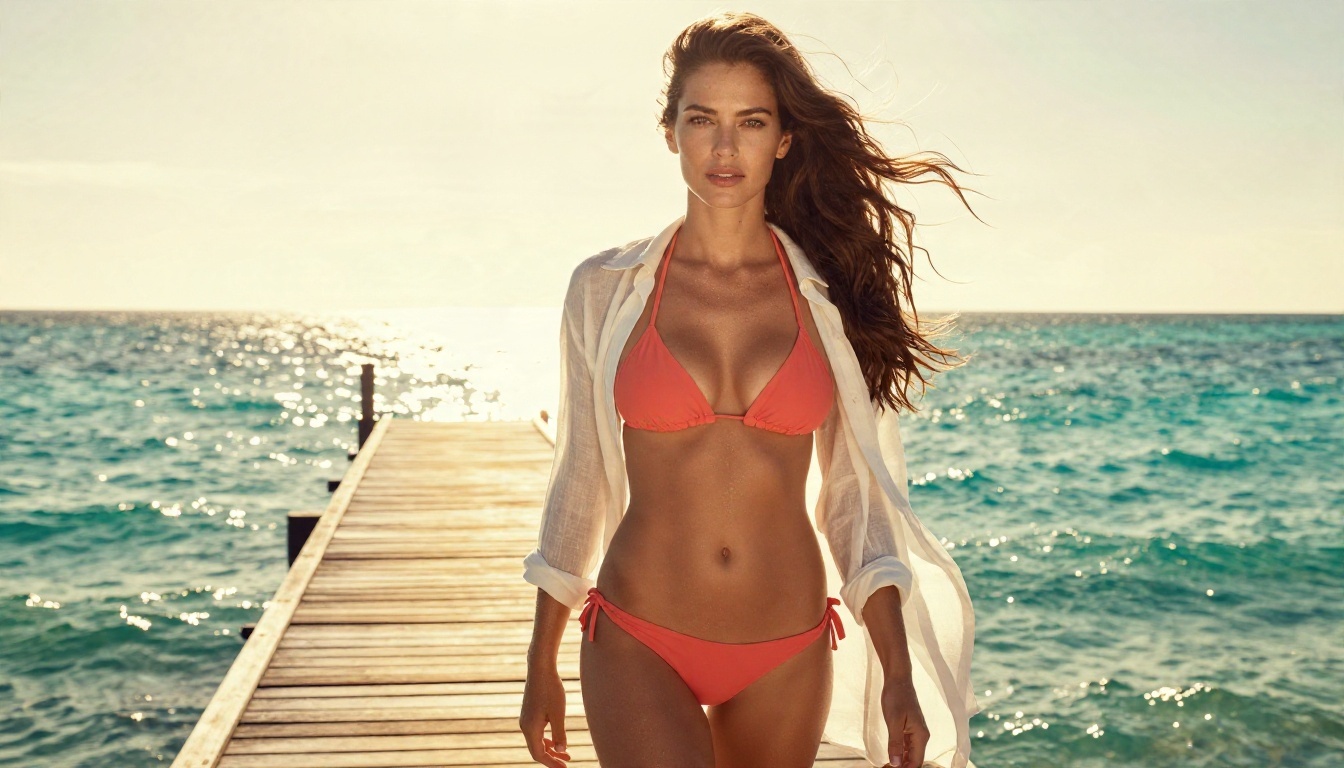
Golden hour swimwear
A confident adult woman in a coral bikini and open white linen shirt on a wooden pier, wind in her hair, turquoise sea behind her, warm backlight with soft rim glow, 35mm f/1.8 low angle, visible skin sheen, Kodak Portra 400 grain.
Boudoir portrait
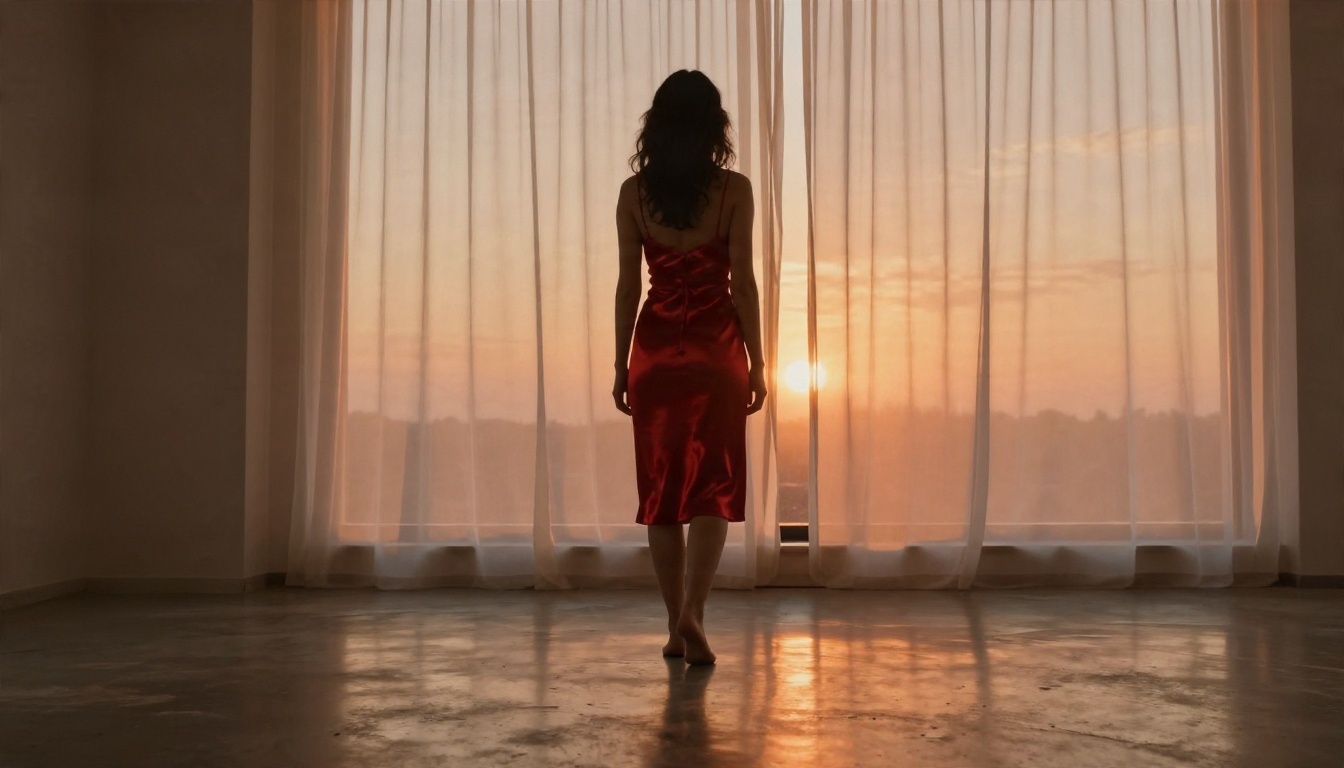
An adult woman in a black satin slip dress sitting on an unmade linen bed, exposed brick wall, golden morning light from tall windows on the left, 85mm f/1.8, creamy background blur, natural skin pores, soft film grain.
Resort terrace
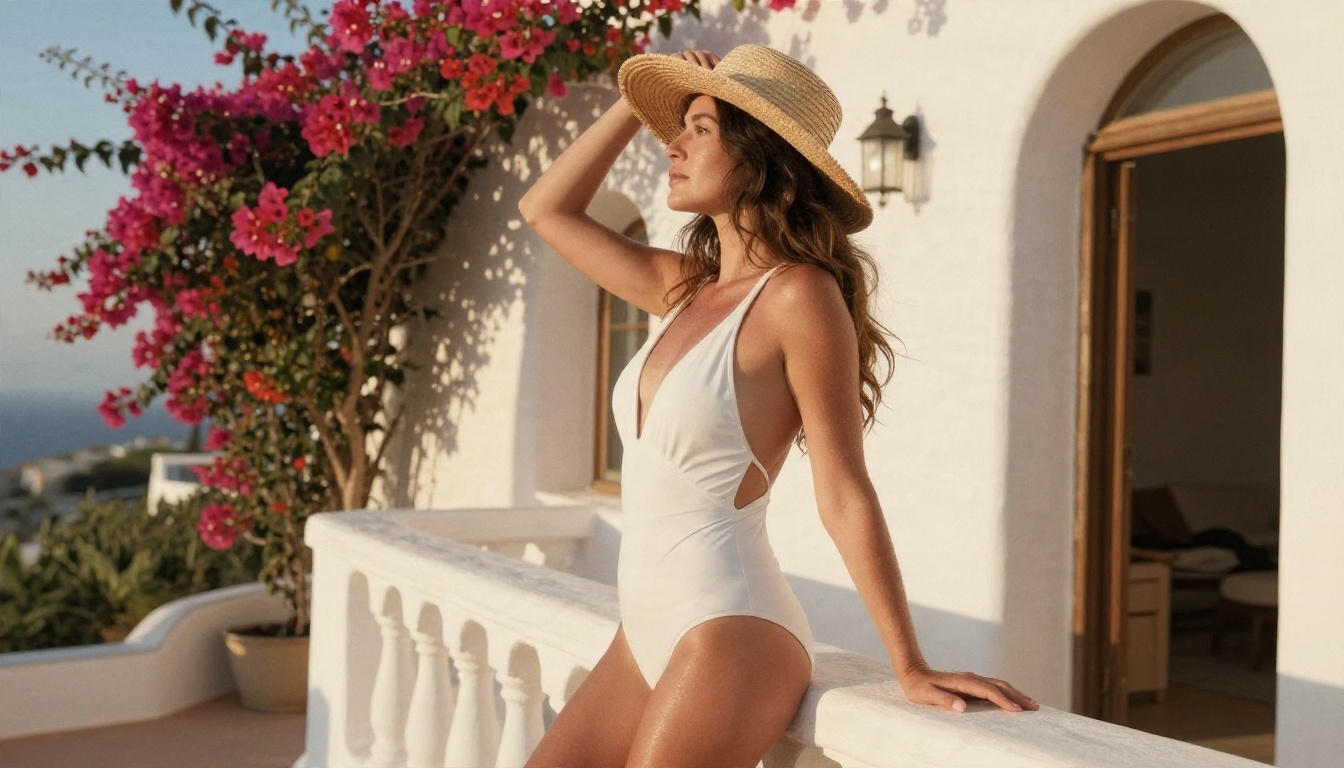
A woman in a white one-piece swimsuit and straw hat leaning on a villa railing, whitewashed walls and bougainvillea, late afternoon sun behind her, 70mm f/2.2, fabric weave and warm highlights, Kodak Portra 400 palette.
Common Prompt Mistakes
- Stacking style words. "Cinematic, epic, ultra, hyper, 8K" adds noise. Pick a camera and a film stock instead.
- Skipping light direction. Without it, the model defaults to flat studio light.
- Ignoring negatives. If a platform supports a negative prompt, list what you do not want, such as extra fingers or plastic skin.
- Describing five people. Crowded scenes break anatomy. Start with one subject, then composite later.
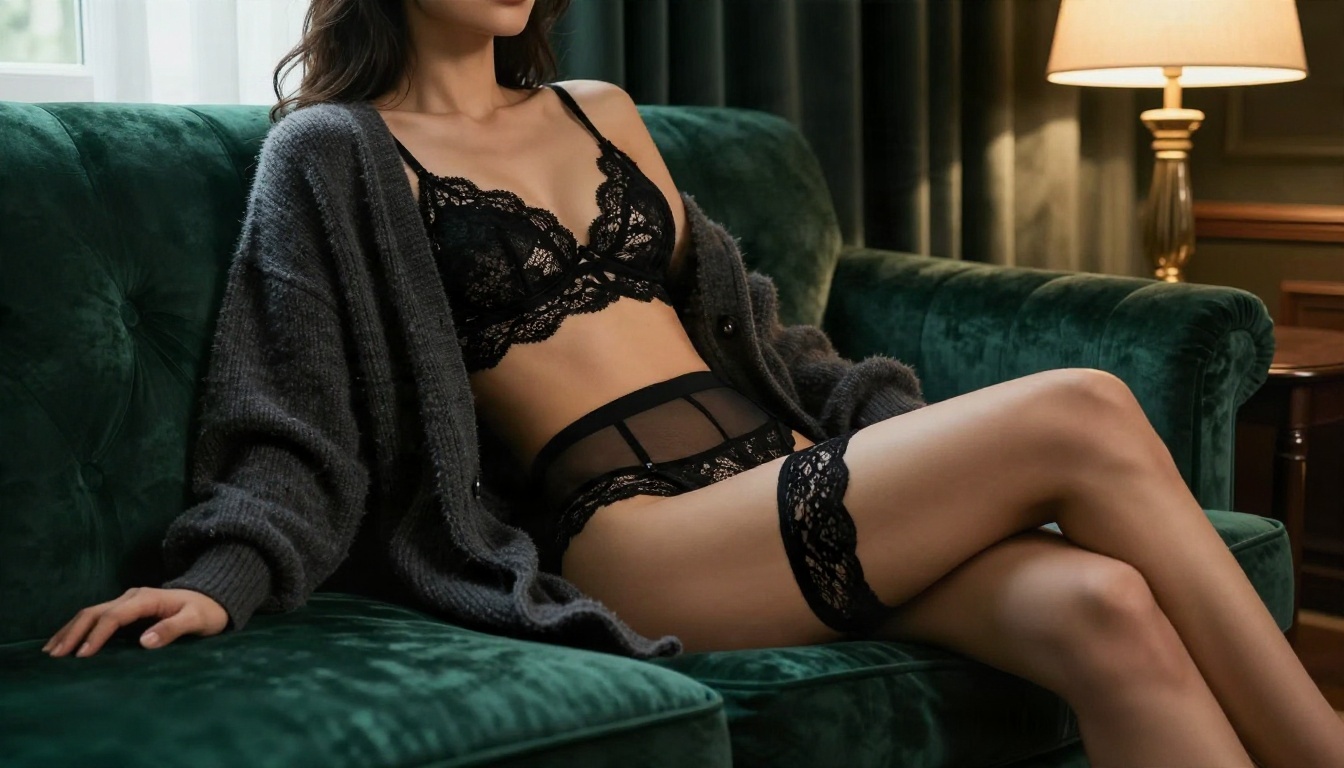
Best Models for Unfiltered Photoreal Work
Not every generator suits adult glamour. Some block it outright, some allow it but produce plastic skin. These are the models worth your time on PicassoIA, in the order I would try them.
Seedream 4.5 for Primary Generation
Seedream 4.5 is the first model to open for glamour, swimwear and portrait work. It handles skin texture, fabric and lighting with the kind of realism that holds up at high resolution, and it follows long, detailed prompts closely. It is also forgiving with mature aesthetics, so you spend your time refining the image rather than fighting refusals.
How to use it well:
- Open the model page and paste a five-part prompt.
- Set a 16:9 or 3:2 ratio for landscape scenes, 2:3 for full-length portraits.
- Name the lens and film stock, since that steers the look more than adjectives do.
- Generate a batch, pick the best composition, then refine rather than starting over.
PicassoIA Image Editor Pro for Unlimited Edits
Once you have a base image, the PicassoIA Image Editor Pro is where the volume work happens. Because generations are unlimited, you can test ten outfit colors, four lighting setups or three backgrounds without counting. That changes how you work. You stop treating each attempt as expensive and start iterating like a photographer reviewing a contact sheet.
Other Models Worth Trying
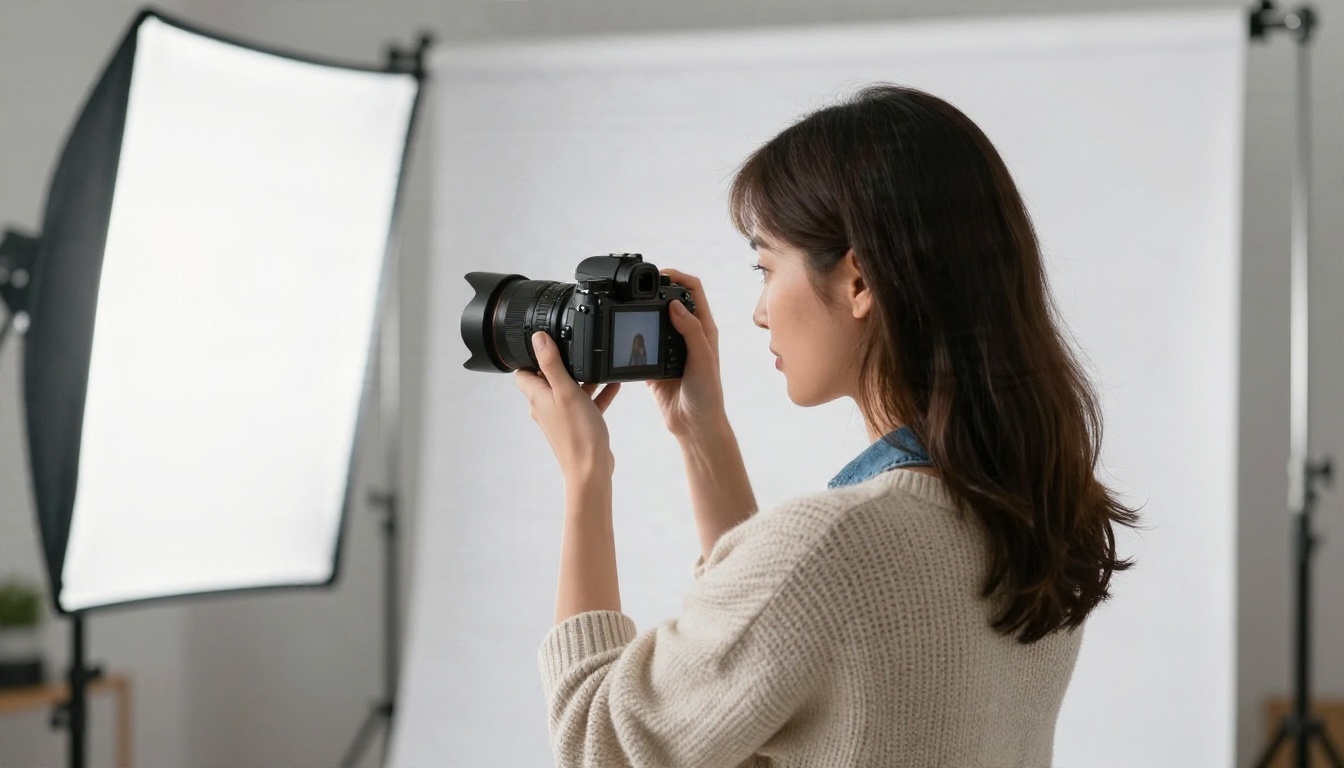
Once a still looks right, you can bring it to life with an image-to-video model such as Hailuo 2.3 Fast or Kling v1.5 Pro for subtle motion like moving hair, drifting curtains or a slow camera push.
Alternatives Compared Honestly
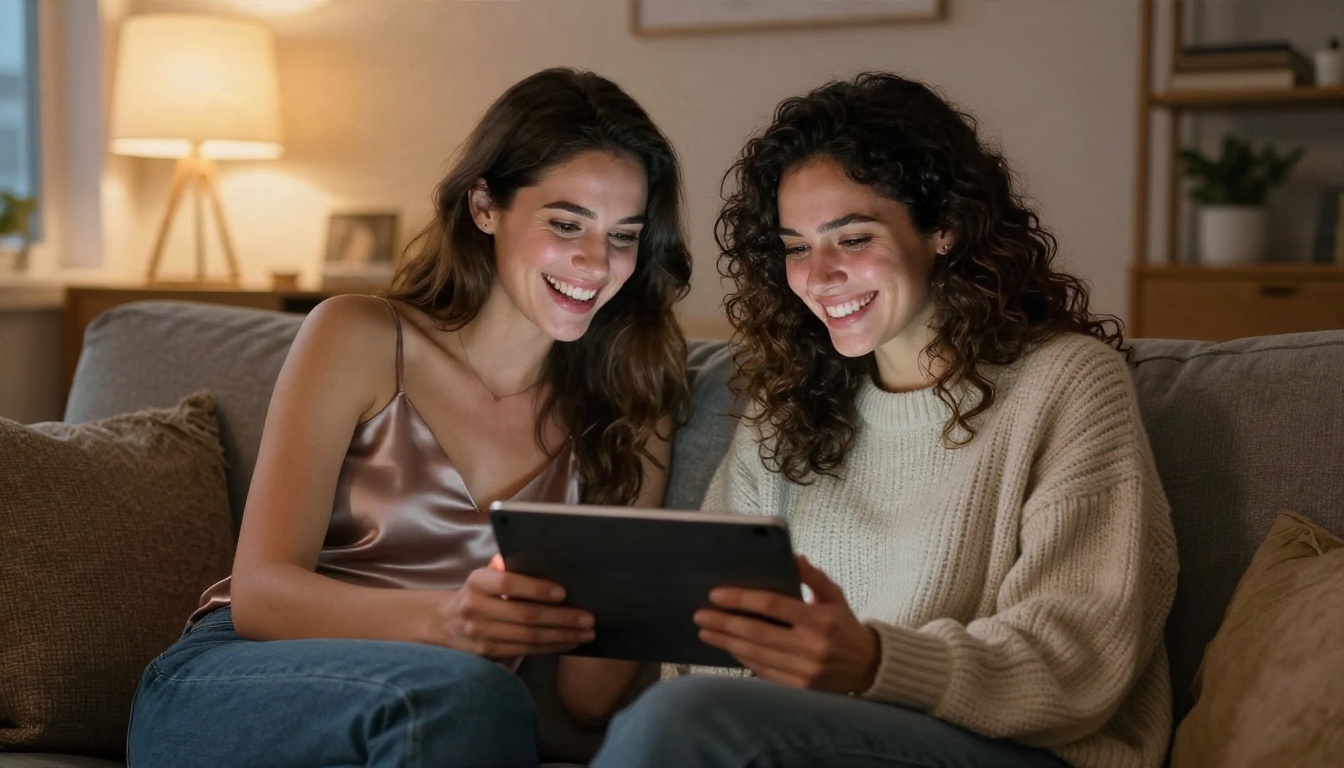
No single tool wins every job. Here is where each category fits.
Companion Chat Apps
Apps like CrushOn AI, Janitor AI and SpicyChat are built for roleplay and conversation, not photography. Reports on their free tiers describe a limited number of daily messages and, on some plans, ads. Paid tiers are reported at a few dollars to around a dozen or so dollars per month, but figures differ between sources, so check the vendor before paying. They are fun for characters and stories, yet they are not the answer if you need a polished photo.
Dedicated Image Sites
Single-purpose uncensored image sites such as Perchance-style generators or Promptchan-type services are easy to open and fast to try. The tradeoffs are usually lower resolution, limited editing and unclear data practices. They work for casual experiments but rarely suit a creator who needs consistent quality.
Video Generators Without Filters
Roundups of filter-free video tools report watermarked, short free outputs, with paid plans around thirty dollars per month for longer clips. Video also costs far more per second than still images, so the smart workflow is to perfect a still first and animate only the keepers.
Local Open-Source Stacks
Running models yourself gives total control and total privacy. It also demands a decent GPU, time and patience. If you enjoy tinkering, it is rewarding. If you want results tonight, it is not.
| Option | Cost to start | Quality ceiling | Effort | Privacy |
|---|
| Hosted model platform | Low | High | Low | Medium |
| Companion chat app | Free to low | Not for photos | Low | Varies |
| Niche image site | Free to low | Medium | Low | Often unclear |
| Local GPU setup | High upfront | High | High | Highest |
Safety, Privacy and Limits
Fewer filters does not mean no responsibility. A few ground rules keep you out of trouble and keep the platform usable for everyone.
Lines You Should Never Cross
- Never depict real people without consent. That includes celebrities, coworkers and exes.
- Never create anything involving minors. Every reputable platform blocks this, and it is illegal in most places.
- Keep it non-explicit if you plan to publish. Social networks, app stores and payment processors enforce their own rules regardless of what a generator allows.
Protecting Your Own Data
Hosted companion apps tend to log conversations, and some reviewers say privacy-minded users should look elsewhere. Before you commit, check three things: whether prompts are stored, whether images are used for training, and whether you can delete your history. A platform that makes those answers hard to find has told you something already.
Licensing and Commercial Use
If you plan to sell prints, run ads or build a brand around generated images, read the license of both the platform and the underlying model. Open-weight models in particular can have restrictions on commercial use.
💡 Safe workflow: Generate fictional adult subjects, keep your exports tasteful, store your prompts, and watermark your own work before posting.
Make Your First Images Today
You do not need a monthly plan, a gaming PC or a stack of accounts to find out whether this works for you. Pick one of the prompts above, paste it into Seedream 4.5, and see what a photographic prompt does when the filter is not fighting you. Then move the best result into the PicassoIA Image Editor Pro and push it through ten variations without watching a counter.
Change the lens. Change the light. Swap the swimsuit for a satin robe. Every small experiment teaches you more than reading another review page will.
When you are ready to try more generators, browse the full catalog at picassoia.com/en/all-models and build your own toolkit. Open Picasso IA, write your first prompt, and see how far a good idea and a clear description can take you.


