Search for an uncensored AI creator and you land on a wall of listicles that all crown a different winner, quote different free limits, and rarely show what the tools actually produce. That is the gap this article fills. Below you get scored picks, an honest look at free options, the limits that show up after the first ten renders, and alternatives for when your favorite tool says no. Everything here is about glamour, swimwear, boudoir and fashion portraits: beautiful, suggestive, and never explicit.
What "Uncensored" Really Means Here
"Uncensored" is a marketing word, not a technical standard. No image tool is a lawless zone, and the ones that claim to be tend to hide their rules in the terms of service. What you really want is a creator that does not panic at a bikini, a silk robe or a lace bodysuit, and still gives you sharp, believable photos.
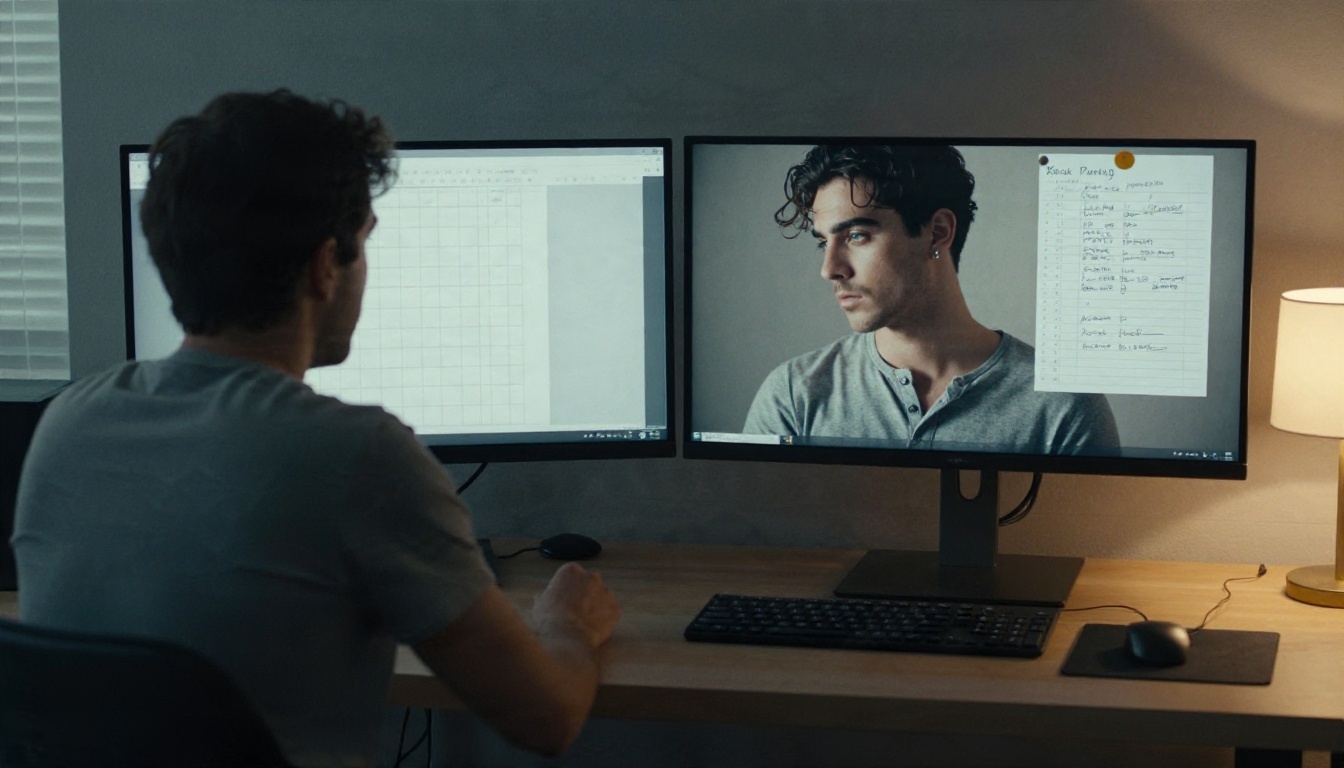
Three Levels of Filtering
Most tools fall into one of three buckets. Knowing which one you are using saves hours of rewriting prompts.
| Level | What it blocks | Typical result for a beach portrait |
|---|
| Strict | Swimwear, skin, anything flagged as "suggestive" | Refusals or fully covered outfits |
| Light | Explicit acts and obvious abuse | Bikinis and boudoir pass, borderline prompts fail |
| Open | Only what the law requires | Wide range of glamour, some tools drift into explicit |
The sweet spot for most creators is light to open, where tasteful adult-leaning photography works without the tool pushing you toward pornographic output.
What Stays Off the Table
Even the most permissive platform draws lines, and so should you. Real people without their consent, anyone who looks underage, and explicit sexual content are out, full stop. Several roundups I checked while researching this piece make the same point: a tool being "unfiltered" does not change what is legal where you live. On PicassoIA the focus stays on non-explicit glamour: swimwear, lingerie fashion, boudoir lighting and editorial poses.
How the Ratings Work
These scores are editorial judgments out of 5, built from what each model is designed to do, how it behaves with adult-leaning glamour prompts, and how much freedom and speed you get. They are not lab benchmarks, and I would rather say so than dress up a number as science.
The Five Scoring Criteria
- Freedom of subject: how comfortable the tool is with swimwear, lingerie fashion and boudoir scenes.
- Photo realism: skin pores, fabric texture, believable hands, natural light.
- Speed: seconds per image, and how painful it is to iterate twenty times.
- Free access: how many generations you get before a wall appears.
- Consistency: whether the same prompt gives you a usable result most of the time.
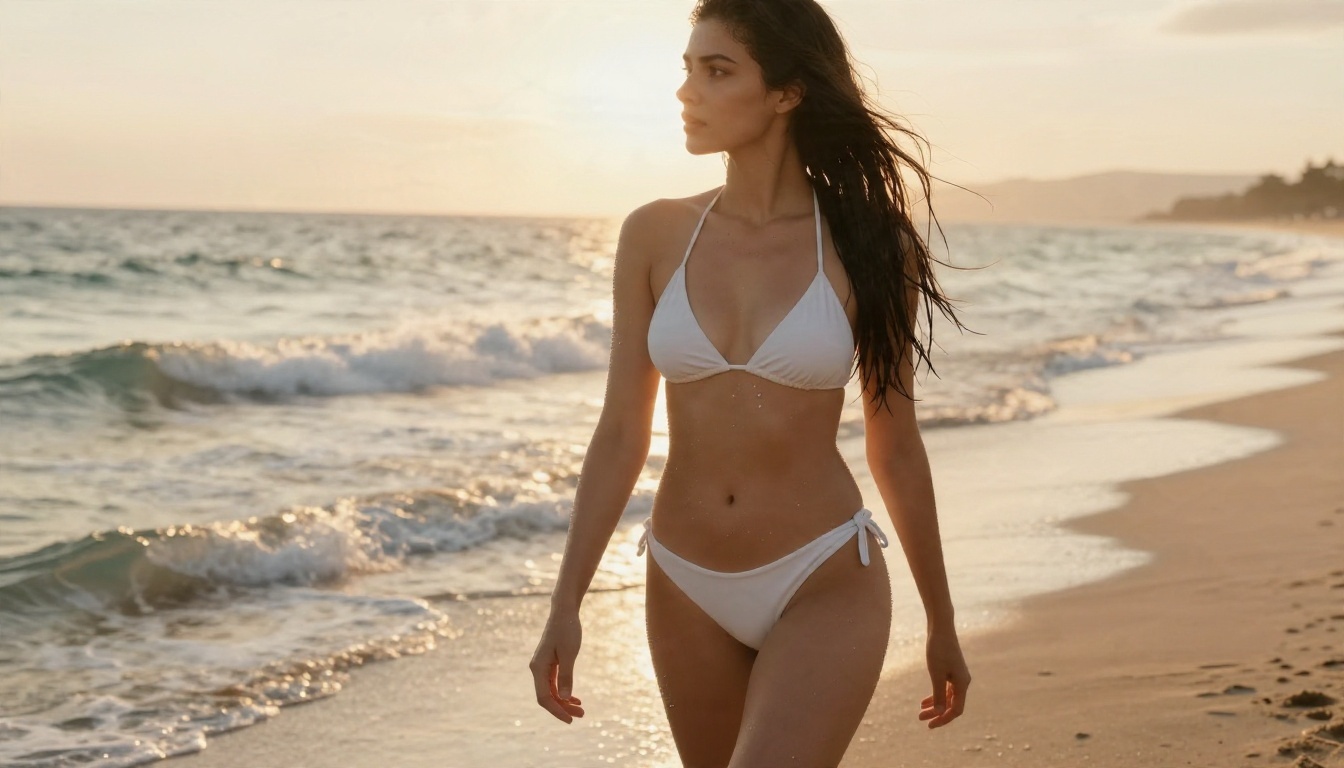
💡 Tip: Rate a tool with the same three prompts every time: a beach portrait, an indoor boudoir shot and a studio fashion pose. Three prompts reveal more than thirty random ones.
Best Picks, Ranked
Here is the order I would use if I had to start a glamour project today.
1. Seedream 4.5 for Realism
Score: 4.8 / 5. Seedream 4.5 is the first model I reach for when the brief is a photorealistic portrait. It handles skin texture, wet hair, silk sheen and window light with very little coaxing, and it renders up to 4K, which matters when a client wants to crop in on a face. Swimwear and boudoir prompts go through without the constant rewording that stricter tools demand.
Where it wins: detail per render. Where it asks for patience: you want your prompt to name the light direction and the lens, otherwise the result drifts toward generic stock-photo softness.
2. Image Editor Pro for Unlimited Runs
Score: 4.6 / 5. PicassoIA Image Editor Pro earns its place for one reason: unlimited generations. When you are rating outputs, volume is everything. You can run the same prompt twenty times, tweak the outfit, swap the location, and never watch a credit counter shrink. It also edits, so you can take a render you almost like and fix the outfit, the background or the mood without starting over.
For creators who judge a tool by how fast they can reach a keeper, this one is hard to beat.
3. Flux 2 Klein 9B LoRA for Styling
Score: 4.2 / 5. Flux 2 Klein 9B Base LoRA is the tinkerer's pick. If you want a consistent look across a whole set, say the same film-grain palette and the same editorial mood, a LoRA-ready base model gives you more control than a plain prompt box. The smaller sibling, Flux 2 Klein 4B Base LoRA, trades a little detail for lighter weight.
The cost is setup time. You will spend a session finding the right settings before it clicks.
4. Z Image Turbo for Speed
Score: 4.0 / 5. Z Image Turbo is built for speed. It is the model I use to test ideas, not to deliver final art. Run ten composition variations in the time another tool finishes two, pick the winner, then upscale or re-render it with a heavier model.
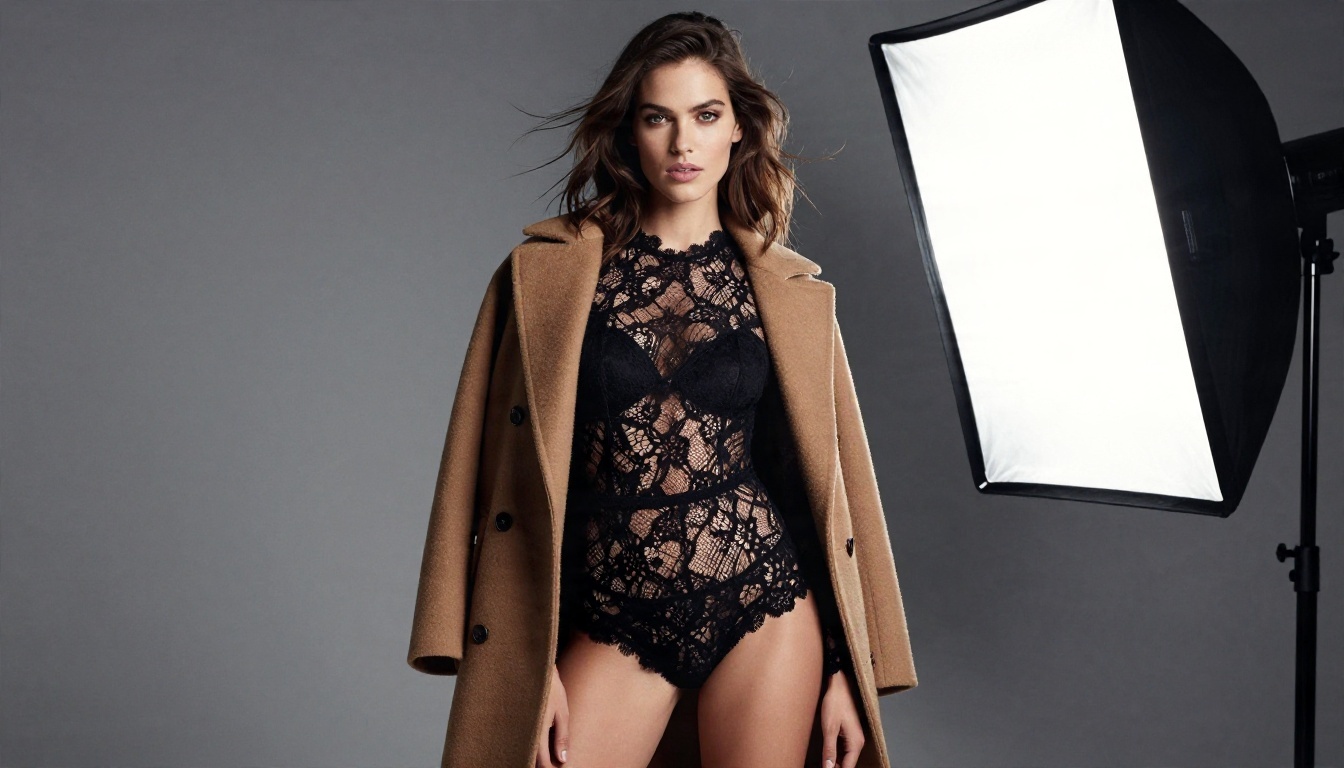
The scoreboard at a glance:
Free Options That Hold Up
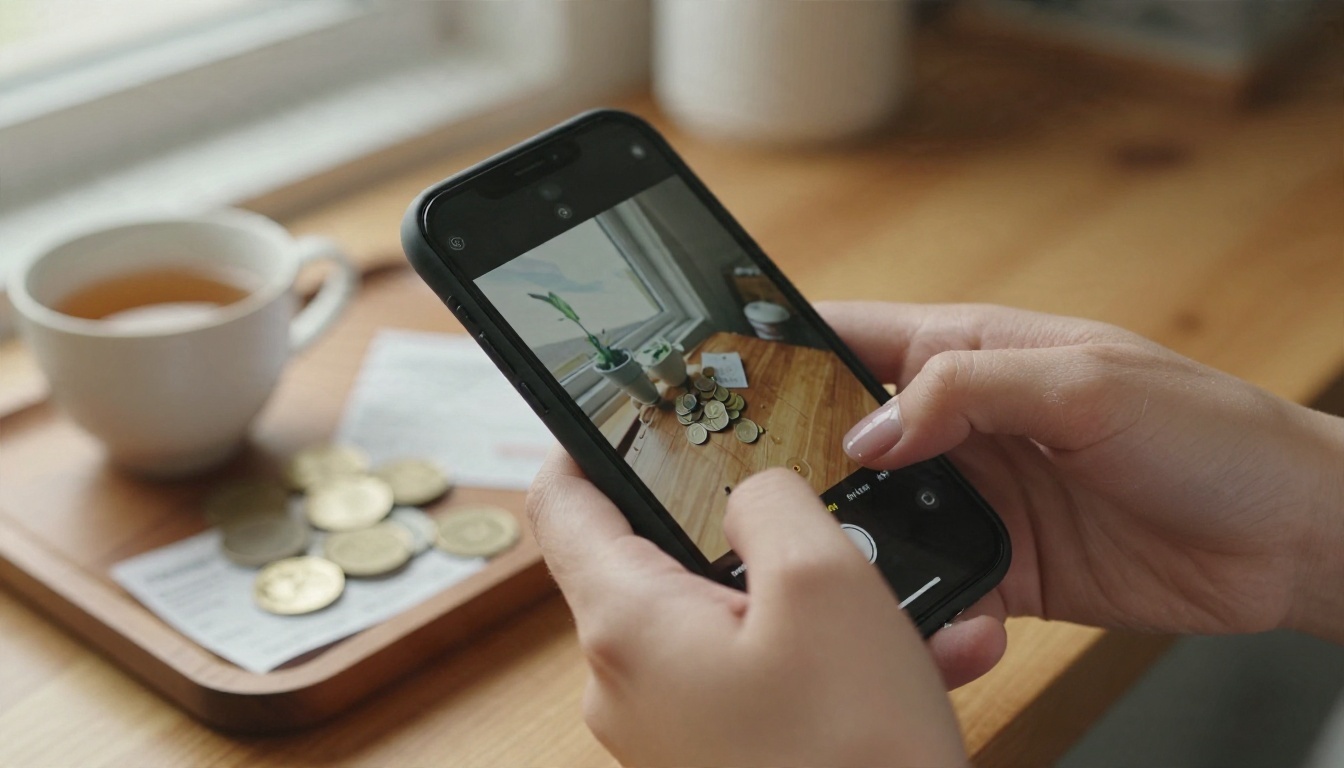
Free is where most roundups get sloppy. One comparison I read openly warned that free-tier limits quoted across the web disagree with each other, and some are simply wrong. Treat every number you see in a listicle, including the ones below for outside tools, as a starting point and check the vendor's own pricing page.
Free Tiers You Can Actually Use
Look for tools where free means repeatable, not a one-time trial. On PicassoIA, Image Editor Pro is the clearest example because the generations are unlimited. Hidream L1 Dev and Nano Banana Pro are also positioned around free access, which makes them useful second opinions when you want to compare how two models read the same prompt.
Outside Free Routes and Their Catch
A few options outside PicassoIA come up again and again:
- Perchance: described by several roundups as generous and free. One guide mentions a cap of roughly 15 image prompts per day on its free tier, which I could not confirm.
- Local Stable Diffusion: open source and unlimited, but you supply the graphics card, the install time and the troubleshooting.
- Mainstream assistants: Google's Gemini image model is often called the most generous free option overall, but it applies real filters. Grok's free image access has reportedly narrowed in 2026.
💡 Rule of thumb: if a free tool needs three hours of setup or hands you fifteen images a day, count that cost in your rating. Free in dollars is not free in time.
Limits You Will Hit
Every ranking hides the same four problems. Here is what they look like in practice.
Daily Caps and Queues
Even "unlimited" tools slow down at peak hours. If you batch-render in the evening, expect queues on busy platforms. A fast model such as Z Image Turbo or Hidream L1 Fast makes the wait feel shorter.
Silent Filters
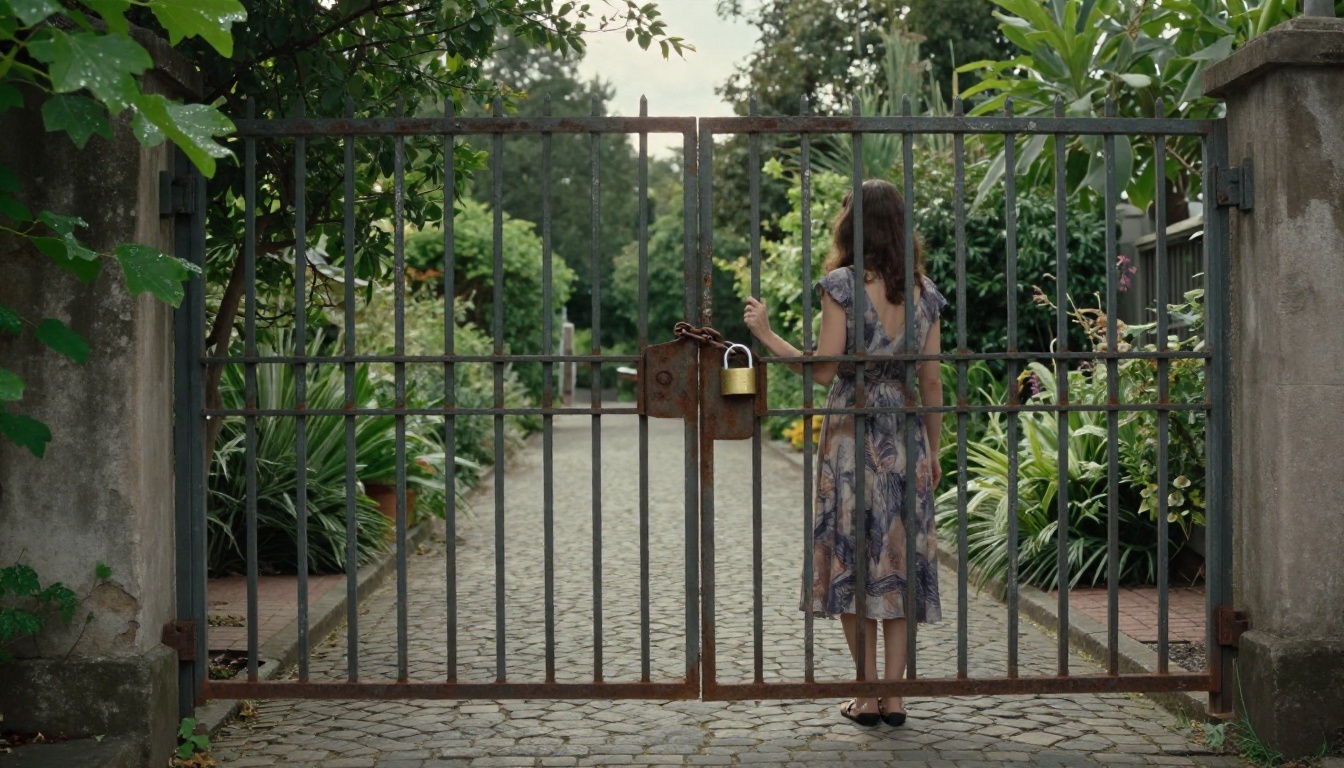
Some tools marketed as "no restrictions" still moderate celebrity likenesses or flagged themes, and they do it quietly: you get a blurred render or a generic substitute instead of an error. If an image keeps coming back oddly covered or oddly different from your prompt, a hidden filter is the likely cause. Change the tool, not just the wording.
Hands, Faces and Consistency
Looser rules do not fix anatomy. Hands, jewelry and fabric edges still break, and keeping the same face across a series is the hardest job of all. Seedream 4.5 is steadier here than most, and an editor like Image Editor Pro lets you repair a single flaw instead of re-rolling the whole image.
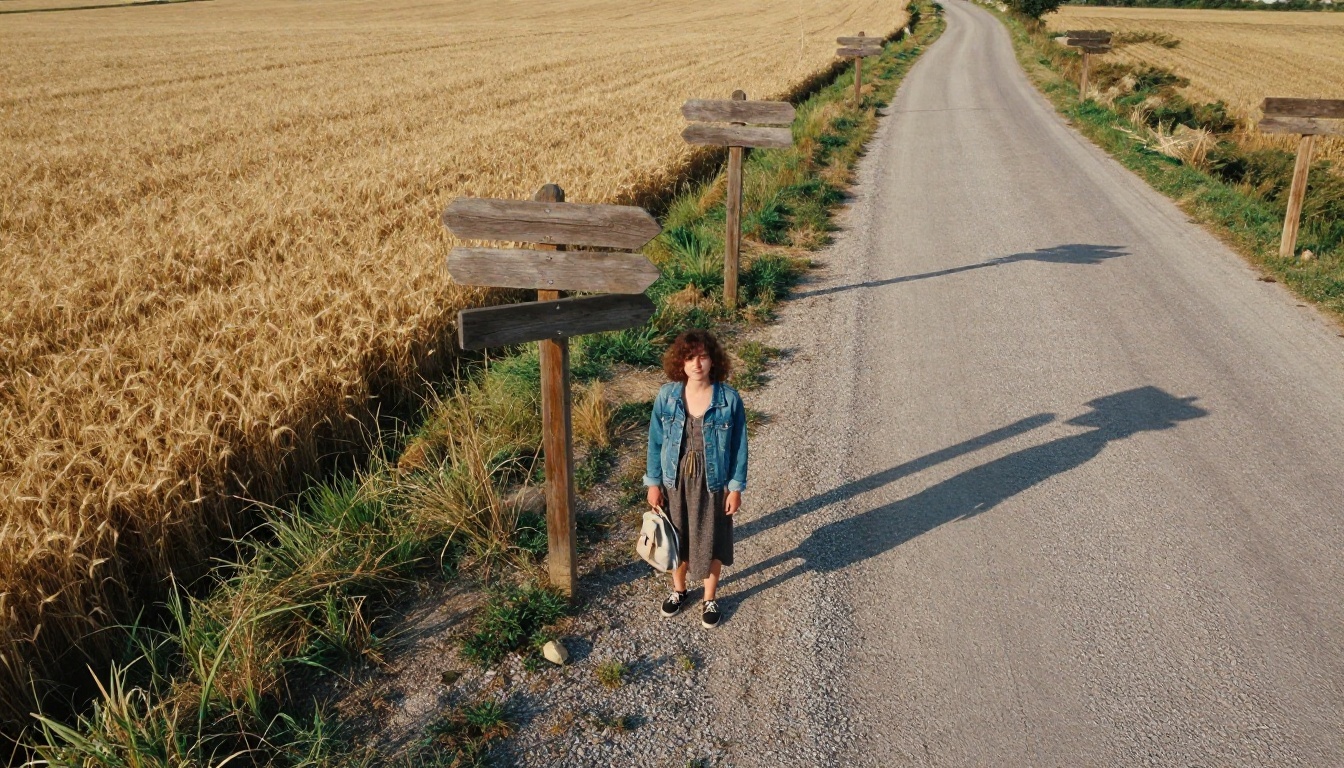
No single tool wins every prompt, so keep a short bench.
Open Models You Can Tune
Flux Dev is a long-standing favorite for photoreal portraits, and Flux Dev LoRA adds custom styles on top. Hidream L1 Full is a good pick when you want sharper detail than the faster variants give you. These are the models to try when you want a particular film look.
Editing Models for Fixes
When your problem is not the prompt but one detail, switch to an editor. Nano Banana and Nano Banana Pro are strong at targeted edits such as changing a background or adjusting lighting, and Qwen Image 3 Pro is another photorealistic option worth comparing. Mainstream models usually apply stricter filters than the picks above, so use them for cleanup and neutral scenes.
Video Picks for Moving Portraits
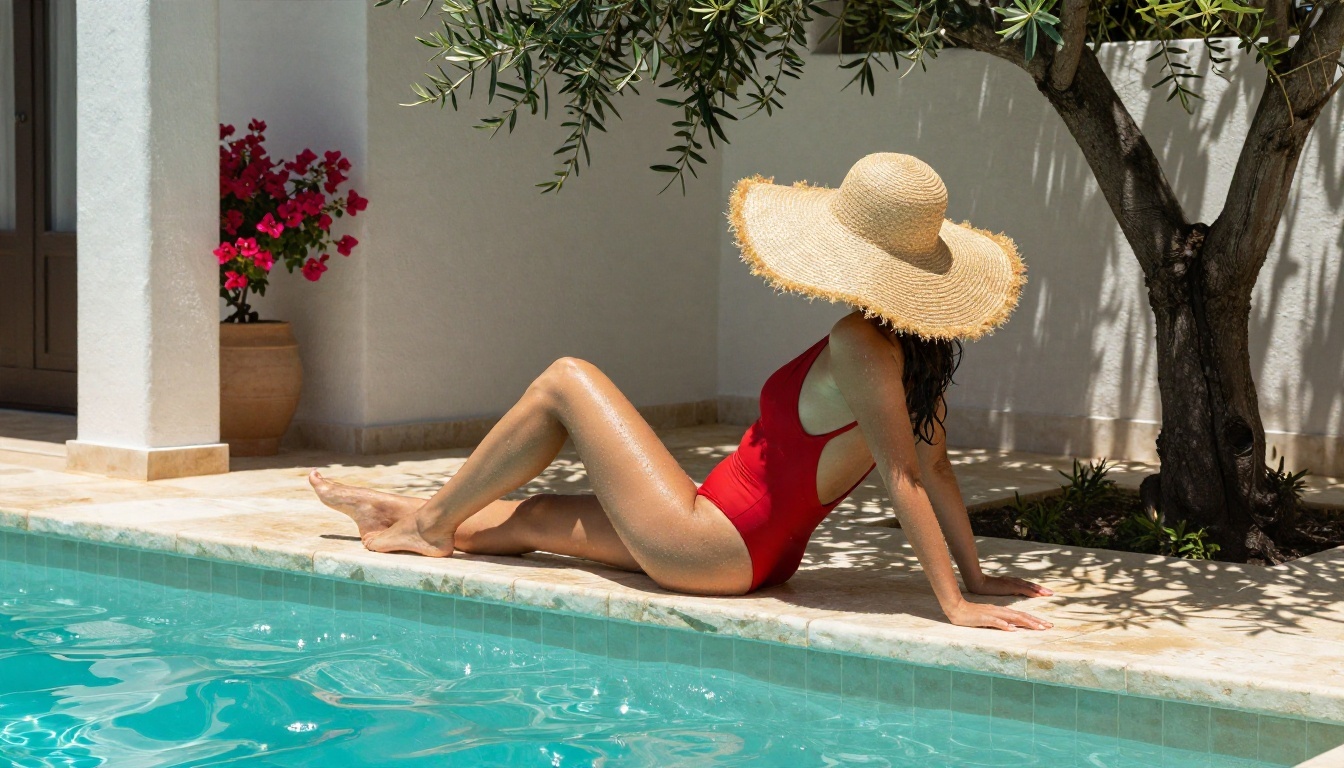
A great still often deserves five seconds of motion: hair lifting in a breeze, a slow camera push, water rippling behind a swimsuit portrait. For video, three models stand out.
- Seedance 2.5 Lite: free and unlimited clips up to 10 seconds, the best value for testing.
- Wan 2.5 I2V Fast: turns a finished image into a short clip quickly.
- Kling v3 Video: the cinematic option when camera movement and polish matter more than speed.
Rate video the way you rate images: same starting frame, same motion prompt, three tools. Judge face stability, fabric movement and whether the clip loops cleanly.
Try Your Own Ratings Today
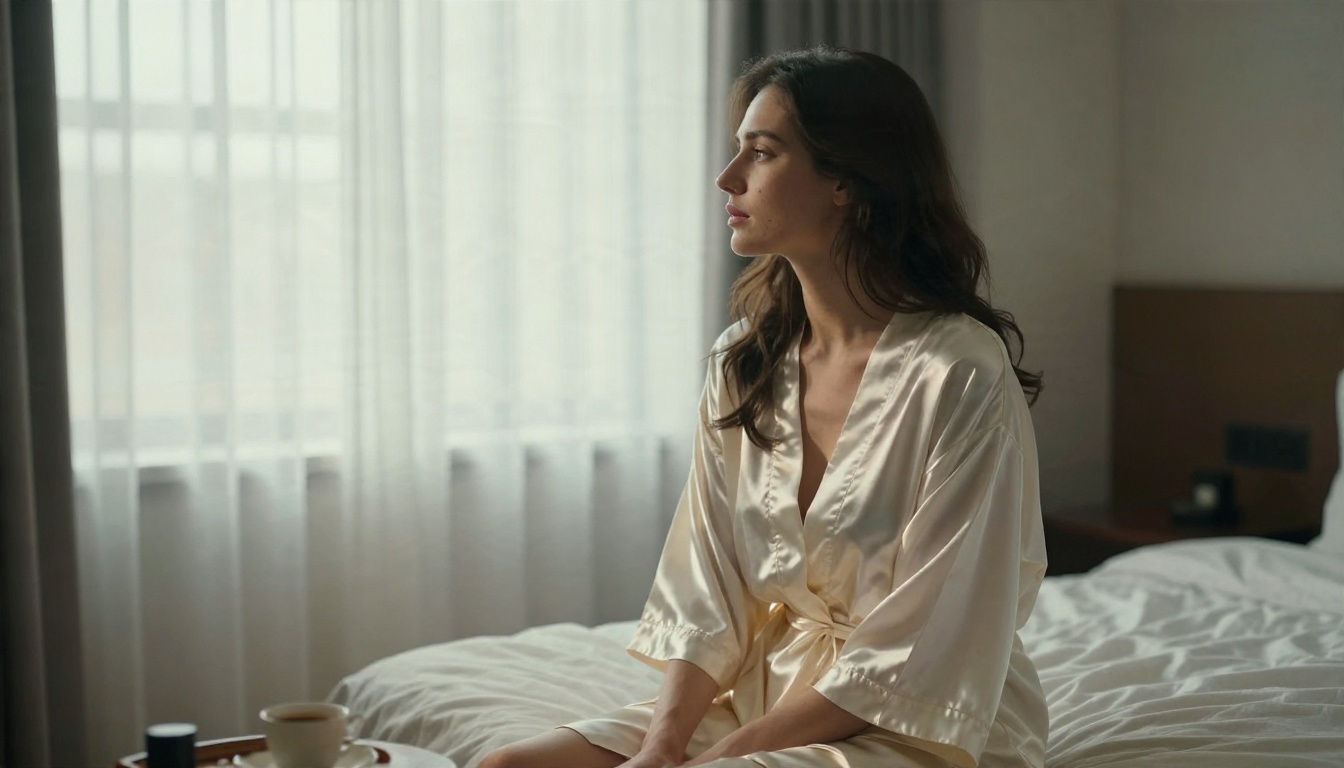
Rankings are useful, but your eye is the final judge. Pick three prompts, a beach portrait, a silk-robe boudoir shot and a studio fashion pose, and run them through Seedream 4.5 and PicassoIA Image Editor Pro. Because Image Editor Pro is unlimited, you can iterate as long as you like and keep a scorecard for each render. Then send your favorite still to Seedance 2.5 Lite and see how it moves.
When you are ready to compare more tools, browse the full catalog at picassoia.com/en/all-models and build your own five-star list. Create your first batch with Picasso IA today, and keep the prompts that earn the highest score.


