You have a great still image. A woman on a villa terrace, golden light, a satin dress catching the wind. You want it to move, and you do not want a filter to block the clip because the photo shows a bikini or bare shoulders. That is the whole reason people search for an uncensored image to video generator, and it is also why the results are so uneven. Some tools are genuinely open, some are filtered without saying so, and some charge a lot for very little.
This article sorts it out. You will see what "uncensored" means in practice, tasteful NSFW glamour examples with the motion prompts that fit them, a clear picture of pricing (free tiers, credits, per-run API fees), and the alternatives that make sense on PicassoIA today. Everything here stays suggestive and artistic. Nothing explicit, because the best-looking results never need it.
💡 Quick answer: For the best still-to-video pipeline, build the photo in Seedream 4.5, refine it in PicassoIA Image Editor Pro (unlimited generations), then animate it with a model such as Wan 2.5 I2V.
What Uncensored Really Means
"Uncensored" is a marketing word, not a technical standard. Two tools can both use it and behave completely differently, so it helps to know what you are really buying.
Filters Versus Real Freedom
Most mainstream video models run a safety check on the prompt and often on the uploaded image too. If the photo looks like swimwear or lingerie, the request may be rejected, or worse, accepted and then returned as a blurred or static clip. A tool that calls itself uncensored usually does one of three things:
- Relaxes the prompt filter so words like "bikini", "lingerie" or "sensual" pass through.
- Skips the image check so glamour stills are accepted as the first frame.
- Uses a fine-tuned model trained to keep skin, fabric and body motion natural instead of fading to black.
None of these means "anything goes". Responsible platforms still block minors, non-consensual content and explicit material. If a service promises zero rules, treat that as a red flag about privacy and data handling, not as a feature.
Why Start With a Still
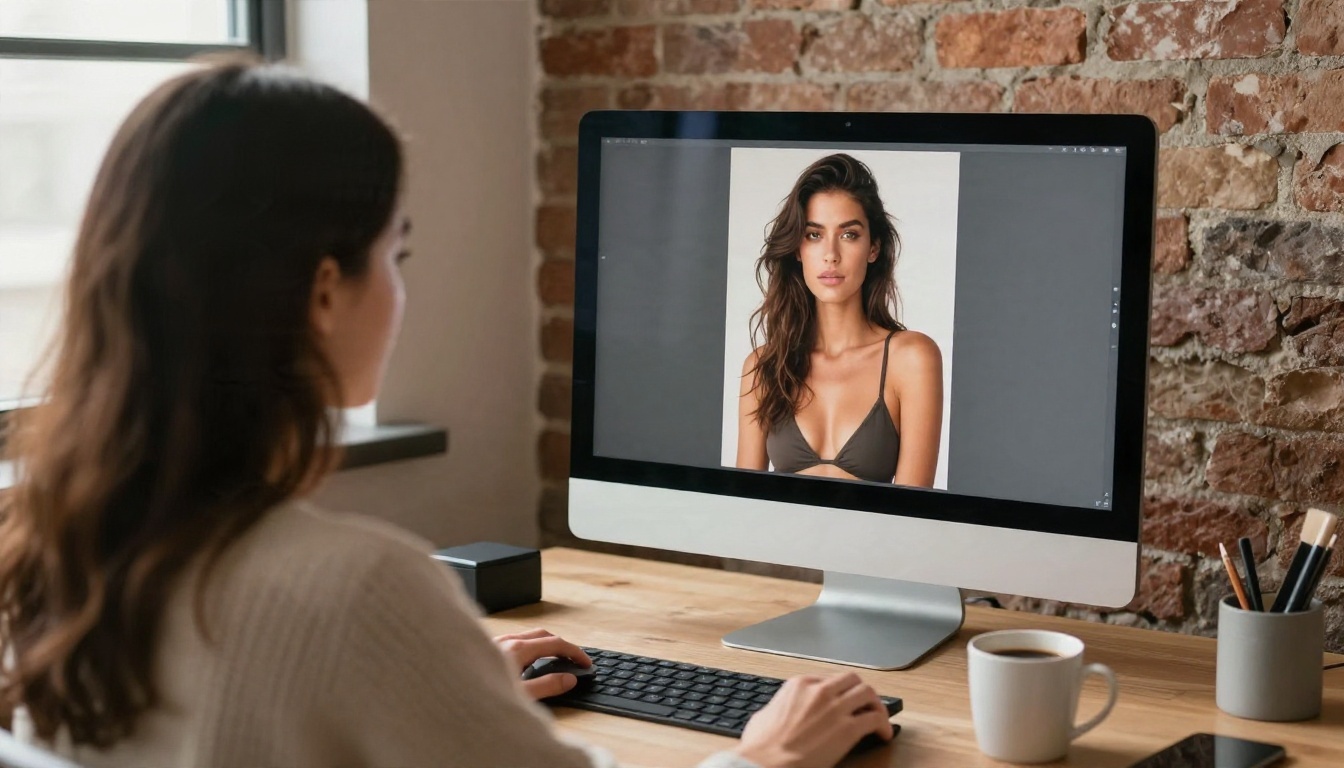
Image to video works best when the first frame is already perfect. The model does not invent the look, it inherits it: skin tone, lighting, wardrobe, background. That is why a strong still matters more than a long motion prompt. A weak, over-smoothed photo becomes a weak, over-smoothed video, only now it flickers too.
It also gives you control. You approve the frame before spending credits on motion. If the hands look odd or the dress seam is wrong, you fix the image first, which is much cheaper than regenerating five-second clips.
| Approach | Control over look | Typical cost | Risk of rejection |
|---|
| Text to video only | Low | Medium to high | High for glamour prompts |
| Image to video from your own still | High | Low to medium | Lower, if the image is tasteful |
| Video to video restyle | Medium | Medium | Varies by tool |
NSFW Examples Worth Copying
These are the kinds of scenes that animate well while staying suggestive and tasteful. Each is a photorealistic still, followed by the motion you would write for the first five seconds. The same logic applies whether you use Wan, Kling, Seedance or Hailuo.
Poolside Glamour in Motion
A low-angle shot of a woman stepping out of an infinity pool at golden hour is a natural fit. Water droplets, wet hair and a warm rim light give the video model plenty of real physics to work with.
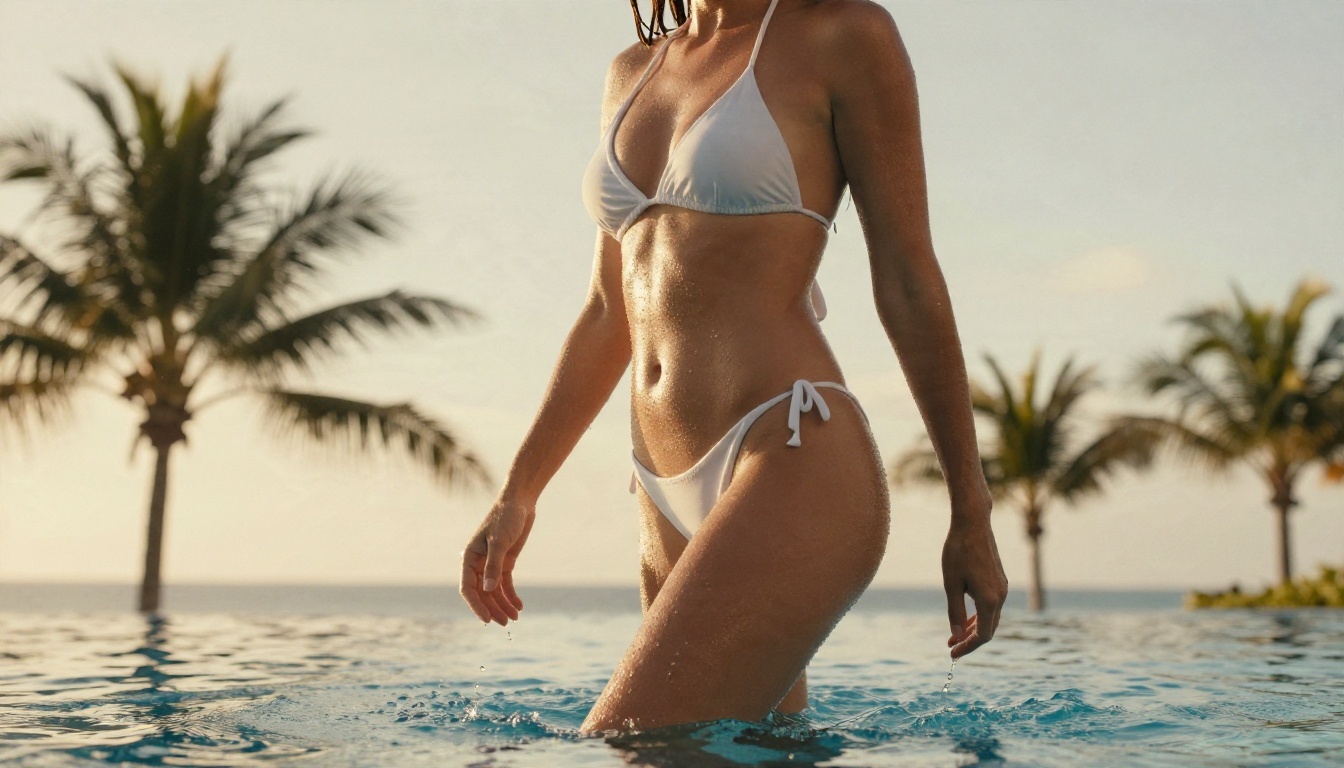
Motion prompt: She steps up onto the tile and pushes her wet hair back with one hand, water running down her shoulders. Slow dolly-in at waist height, palm leaves moving gently behind her, warm sunset light, natural skin sheen, soft ambient pool sounds.
Why it works: one clear action, a slow camera, and no complicated hand-to-hand interaction.
Silk, Wind and Window Light
Fabric is where image to video shines or collapses. Silk and sheer curtains reward a gentle breeze, but fast motion makes them melt.
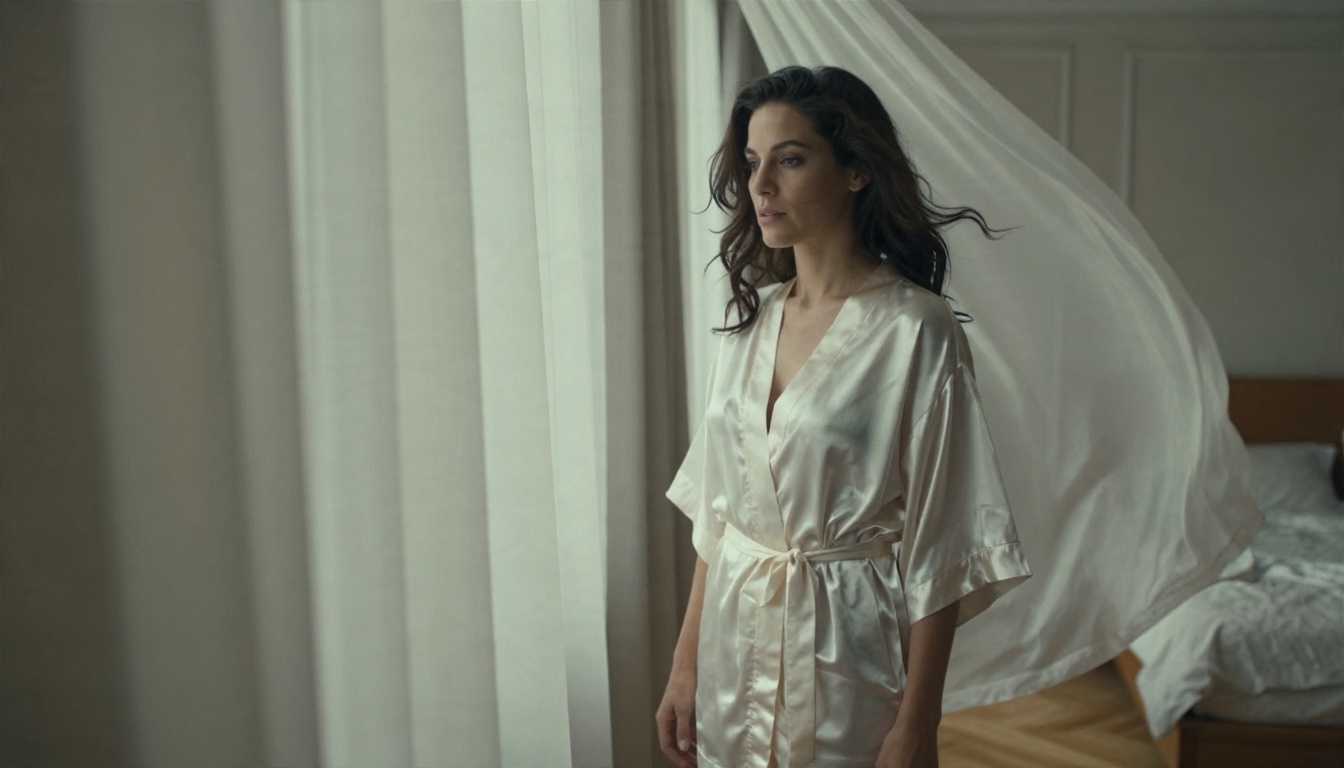
Motion prompt: A soft breeze lifts the sheer curtains and moves her hair across her shoulder. She turns her head slowly toward the camera and smiles. Static camera with a very slight push-in, overcast daylight, quiet room tone.
💡 Tip: Use words like "gentle", "slow" and "subtle". Models read them as a speed limit, which keeps faces stable.
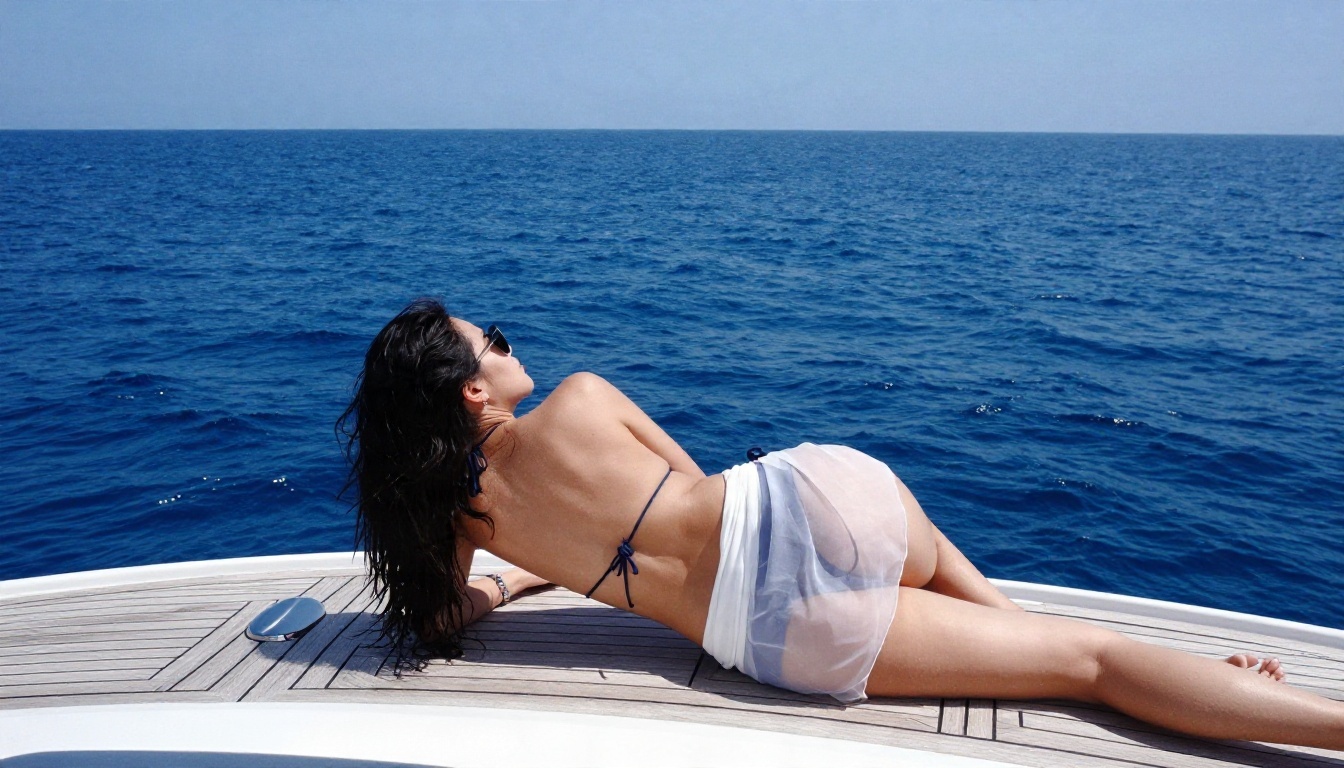
Beach at Sunrise From Above
Aerial scenes are forgiving. The subject is small in frame, so facial drift is not noticeable, and the water supplies natural movement for free.
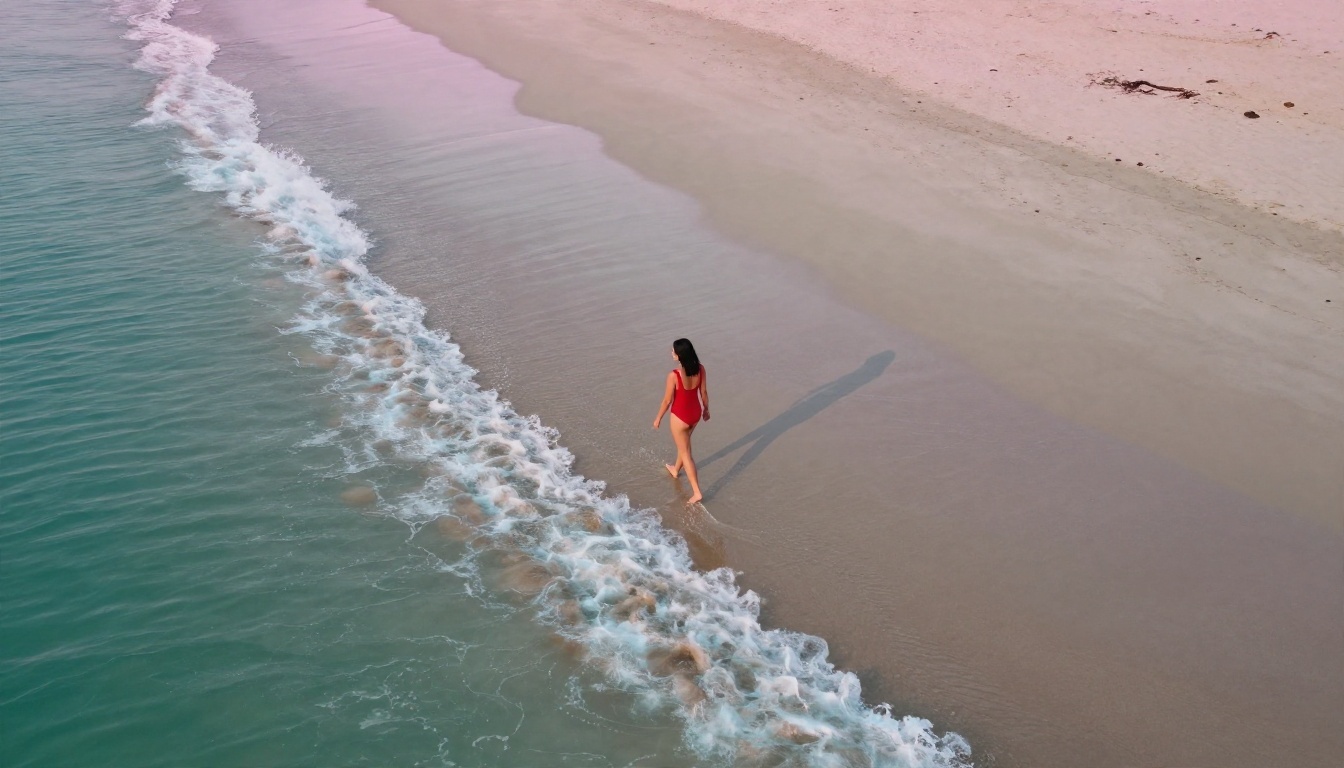
Motion prompt: She walks forward along the waterline as foamy waves wash around her ankles. Slow drone pull-back and rise, long shadow stretching across the sand, pink sunrise light, soft sound of waves.
Close-Ups Need Tiny Motion
Close portraits are the hardest to animate. Every pore is visible, so any wobble reads as fake. The answer is restraint: blink, breathe, glance.
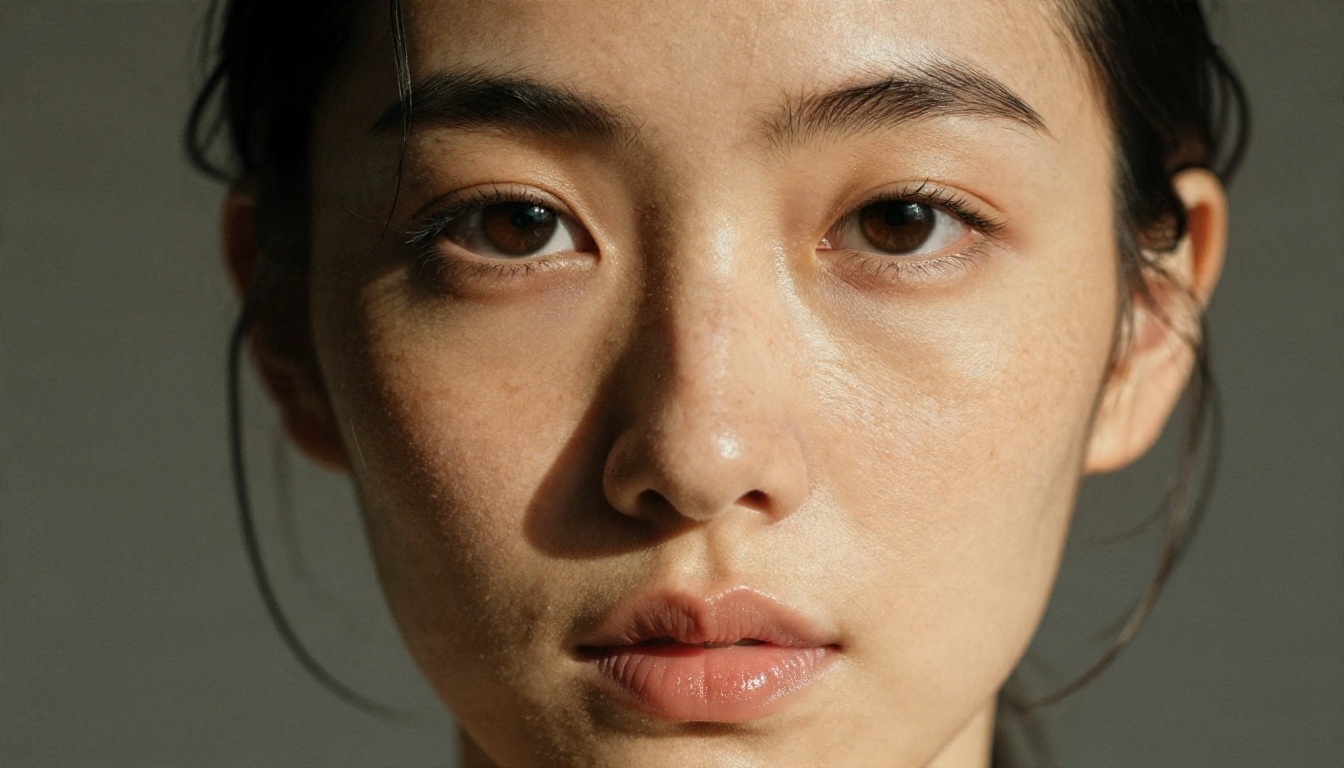
Motion prompt: She blinks slowly, her gaze shifts to the lens and a faint smile forms. A single curl moves with her breathing. Locked-off camera, warm side light, almost no sound.
Evening Gown and Mirror
Reflections add depth, but they are risky: the mirror image sometimes moves out of sync with the subject. Keep the action simple and the angle fixed.
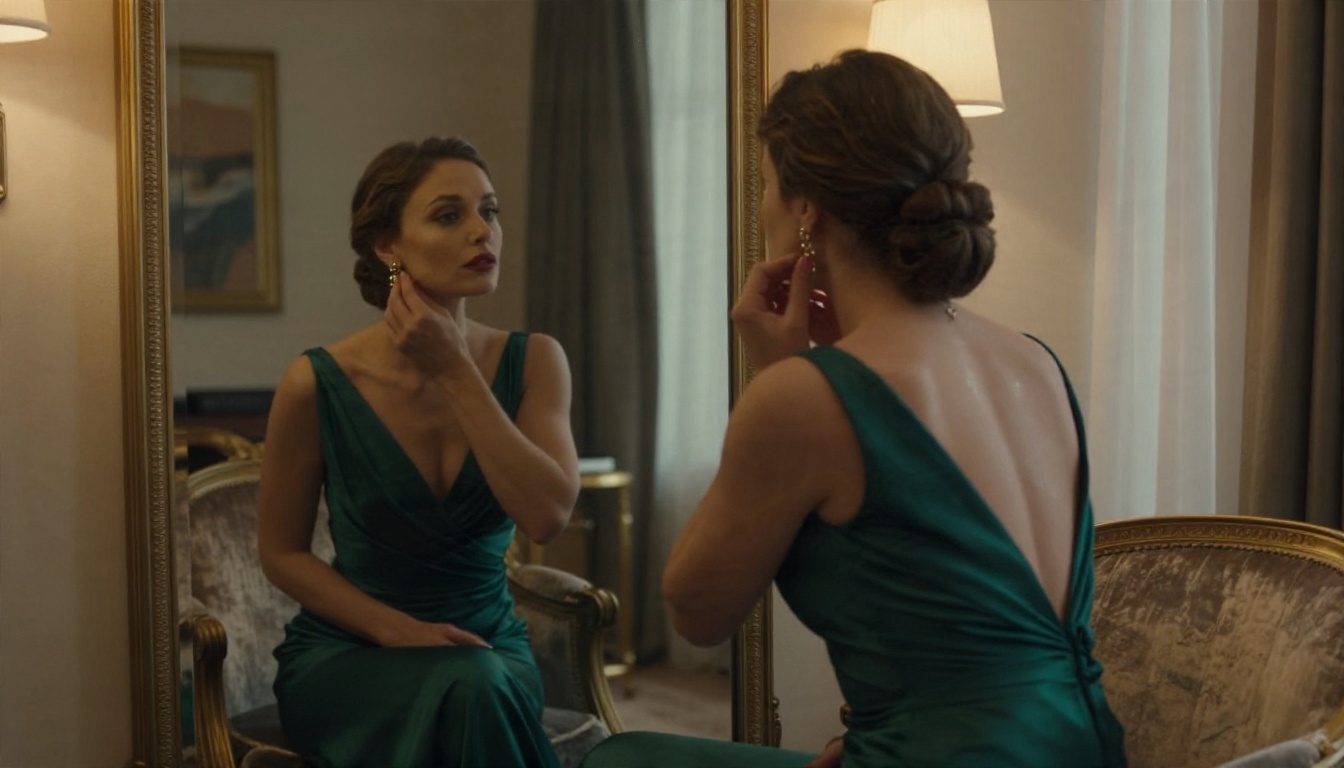
Motion prompt: She finishes adjusting her earring, lowers her hand and looks at herself in the mirror with a small smile. Slow lateral camera slide to the right, warm lamp glow, soft fabric rustle.
What It Actually Costs
Pricing is the part nobody explains well. Three models dominate, and the cheapest one on paper is not always the cheapest in practice.
💡 Reality check: Prices below come from public reviews and vendor claims gathered in late 2026. Rates change often, so confirm on each provider's page before you commit.
Free, Credits or Per Run
| Pricing model | Typical range | Best for | Watch out for |
|---|
| Free tier | 0 USD, a few clips a day | Testing a look | Queues, watermarks, short limits, unclear data policy |
| Credit subscription | Around 20 to 25 USD for roughly 400 credits | Regular creators | One clip can cost around 50 credits on some NSFW-friendly services, so 400 credits may mean only about eight videos |
| Per-run API | Roughly 0.02 to 0.05 USD per clip | Developers, batch work | You need technical setup, and cheap models are often lower resolution |
A quick example: if a service sells 400 credits for about 20 USD and a clip costs 50 credits, each video lands near 2.50 USD. Compare that with a per-run API at a few cents per clip and the gap is huge, but you also give up convenience and often quality.

Hidden Costs Worth Checking
The sticker price is only the start. Before paying, check these:
- Failed generations. Do rejected or broken clips still burn credits?
- Resolution. Is 720p the base price, or is it 480p with an upscale fee?
- Clip length. Five seconds is standard. Eight or ten seconds can double the cost.
- Retries. Glamour motion usually takes two or three attempts to get right. Budget for that.
- Data policy. Free cloud tools rarely say whether uploads are stored or used for training. If your photos are private, that matters more than price.
This last point is why a platform with unlimited image generation changes the math. If your stills cost nothing to iterate, you only pay for the final animation.
Best Alternatives on PicassoIA
Here is a practical stack for glamour image to video work, in the order I would try it. Moderation behavior for adult content can differ by model and by update, so test each one with a tasteful sample before building a whole project around it.
Seedream 4.5 for the First Frame
Seedream 4.5 leads this list because the first frame decides everything. It produces sharp, natural skin, believable fabric and consistent lighting, which are exactly what a video model needs to keep stable. It is also open to tasteful glamour such as swimwear, lingerie-style styling and boudoir portraits.
Image Editor Pro for Fast Fixes
PicassoIA Image Editor Pro is the workhorse. Unlimited generations mean you can regenerate a hand, change a dress colour or fix the background ten times without watching a balance drop. For uncensored-style glamour work, that freedom and speed is the real value, because iteration is where good images come from.
Picking a Video Model
There is no single winner, only trade-offs:
💡 Note: Seedream 5 Lite blocks adult content, so skip it for this kind of project and stay with Seedream 4.5.
How to Animate Stills on PicassoIA
This is the workflow that gives the most consistent results. It uses Wan 2.5 I2V as the example video model, but the same steps apply to the others.
Step 1: Build the Still
- Open Seedream 4.5 and write a photographic prompt: subject, outfit, setting, light direction, lens (for example "85mm f/1.8"), and film look.
- Ask for natural skin texture and avoid words like "perfect" or "flawless", which push the result toward plastic smoothness.
- Generate several variations and keep the one with the best hands, face and clothing detail.
- Open it in PicassoIA Image Editor Pro to correct small flaws. Because generations are unlimited, fix everything now.
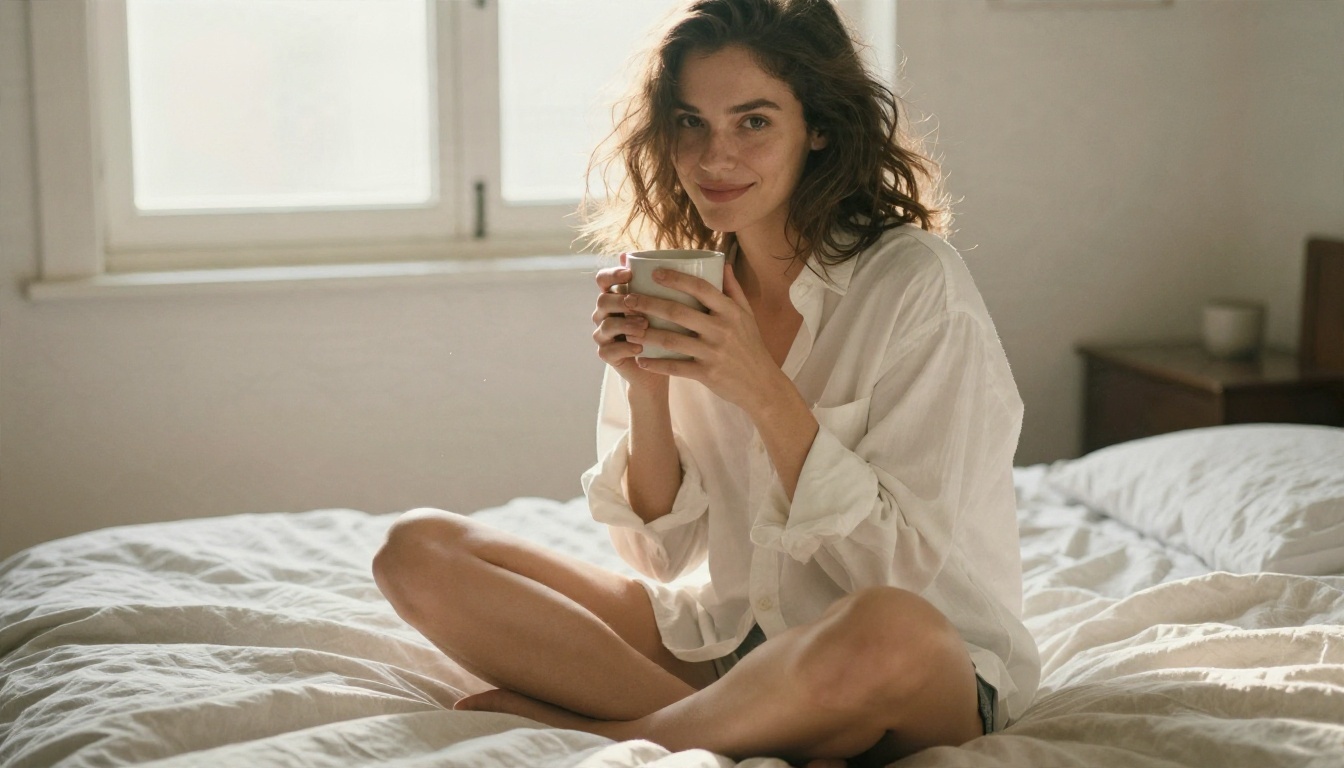
Step 2: Animate the Image
- Open Wan 2.5 I2V and upload your approved still as the first frame.
- Paste your motion prompt. Use the pattern: subject action, camera move, light and sound.
- Choose the highest resolution that fits your budget, since 720p is a sensible base for social posts.
- Generate, review, and change only one variable at a time on the next attempt.
- If you want faster drafts while testing, switch to Wan 2.5 I2V Fast, then run the final on the standard model.
Prompt and Parameter Tips
| Setting | Recommendation | Reason |
|---|
| Clip length | 5 seconds | Longer clips drift more and cost more |
| Camera | One slow move only | Combined moves cause warping |
| Action | One clear gesture | Two actions split the model's attention |
| Resolution | 720p for tests, higher for finals | Saves budget during iteration |
| Seed | Keep it fixed when tweaking | Makes comparisons fair |
| Wording | "gentle", "slow", "subtle" | Limits speed and keeps faces stable |
💡 Tip: Describe motion the way a director would on set. "She turns her head toward the camera" beats "make her move".
Mistakes That Waste Credits
Most disappointing clips come from the same handful of errors.
- Starting with a flawed still. Video amplifies flaws. Fix the photo first.
- Overloading the prompt. Three actions, two camera moves and a weather change is a recipe for mush.
- Fast motion with loose fabric. Silk, hair and water need slow, gentle movement.
- Ignoring the first frame's pose. If her arm is mid-air in the still, the model has to guess what happens next. Start from a settled pose.
- Chasing the cheapest price. A 0.02 USD clip that needs ten retries costs more than a clean one at 0.10 USD.
- Skipping a test clip. Run a short draft with a fast model before paying for the final.
💡 Rule of thumb: If a still looks good at 100 percent zoom, it will animate well. If it looks soft or waxy, redo it.
Keep It Legal and Respectful
Adult content tools are only useful when they are used responsibly, and the rules are simple.
- Adults only. Every subject must be clearly and unmistakably an adult.
- No real people without consent. Do not animate photos of friends, coworkers, celebrities or strangers. Deepfakes made without permission can be illegal and cause real harm.
- Keep it non-explicit. Suggestive and artistic is the lane that works best, with platforms and with advertisers, and it photographs better.
- Label AI content when you publish it, especially on platforms that require disclosure.
- Check local law. Rules about adult content and synthetic media differ by country and are changing quickly.
If a tool has no rules at all, assume it also has no safeguards for your uploads.
Make Your First Clip Today
The best uncensored image to video generator is rarely one tool. It is a short pipeline: a strong still, a flexible editor, and a video model that respects your motion prompt. Build the photo in Seedream 4.5, polish it with unlimited tries in PicassoIA Image Editor Pro, and bring it to life with Wan 2.5 I2V, Kling v2.5 Turbo Pro or Hailuo 02.
Pick one scene from the examples above, copy its motion prompt, and run a five-second draft. Then change one thing and run it again. Within an hour you will have a feel for what each model does well. When you want to try more options, browse every model at picassoia.com/en/all-models and start creating your own images and clips on PicassoIA.


