Type "swimsuit photo, golden hour" into a mainstream image tool and half the time you get a polite refusal, a blurred result, or a woman in a full winter coat. That is the problem an uncensored images generator solves. It is not about shock value. It is about getting the glamour, boudoir and beachwear photos that photographers have shot for a century, without a filter second-guessing every word.
This article shows what the term really means, which free online tools are worth opening, prompts you can paste today, examples of what the output looks like, and the limits nobody mentions on landing pages. Everything here stays on the non-explicit side: suggestive, stylish, attractive, and always adults.
What "Uncensored" Really Means
The word gets thrown around loosely, so let's pin it down before you waste an evening on the wrong site.
Fewer Filters, Not Zero Rules
An uncensored generator is a text-to-image model or app with relaxed content filters. Prompts about swimwear, lingerie, boudoir, artistic body shots and mature fashion go through instead of being rejected. That is the whole difference.
What it does not mean:
- No rules at all. Every responsible platform still blocks content involving minors, non-consensual imagery and real people used without permission.
- Guaranteed explicit output. Many of the best tools stay in glamour territory, and that is where the best-looking photos live anyway.
- Perfect results. A loose filter does not fix bad prompting.
💡 Quick test: if a tool promises "no limits of any kind," treat it with suspicion. Serious services publish what they block. Vague promises usually hide watermarks, tiny free tiers or stolen outputs.
Why People Search for It
Most people landing on this topic are doing one of four things:
- Fashion and swimwear mockups for small brands that cannot afford a beach shoot in Mallorca.
- Boudoir and glamour concept art for photographers planning a session.
- Character and story visuals for novels, games and roleplay projects with adult themes.
- Plain curiosity about what modern models can do when they stop refusing normal fashion prompts.
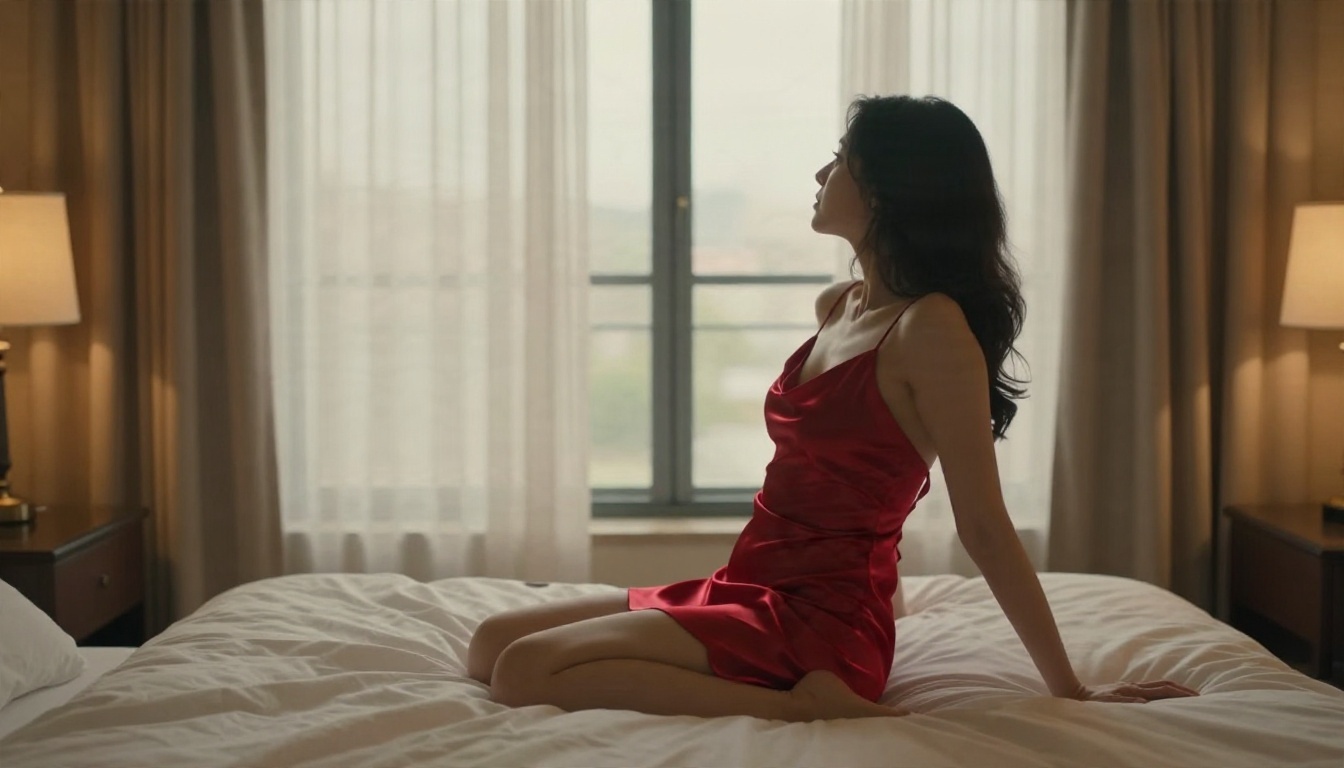
Boudoir lighting: soft window light, satin texture and a relaxed pose. No special tricks, just a prompt that is allowed to go through.
Here is the short list, in the order I would open them. The first two are the ones to start with if photorealism is the goal.
Seedream 4.5 First
Seedream 4.5 is the model I would try before anything else for this kind of work. It produces sharp, high resolution photographs with believable skin, fabric folds and light falloff, and it follows long descriptive prompts closely. It is also forgiving with glamour and beachwear prompts that other models refuse outright.
Where it shines:
- Skin texture: pores, freckles and natural sheen instead of plastic smoothing.
- Fabric: silk, lace and satin with realistic highlights.
- Prompt obedience: camera angle, lens and light direction actually change the picture.
PicassoIA Image Editor Pro
PicassoIA Image Editor Pro is the one for volume. It offers unlimited generations, which matters more than it sounds. Good images come from iteration: ten attempts at lighting, five at pose, three at wardrobe. A tool that counts every attempt against a daily cap punishes exactly the habit that produces good results.
It is also fast, so you can keep a tight loop of prompt, look, adjust, repeat. Use it to edit as well as generate: change an outfit color, fix a hand, swap a background, or extend the frame.
Other Models Worth a Test
Once you know your baseline, these are worth running the same prompt through:
Different models treat the same words differently, so a refusal on one does not mean the idea is impossible on another.
| Model | Best For | Speed | Photorealism |
|---|
| Seedream 4.5 | Final, high detail glamour photos | Fast | Excellent |
| Image Editor Pro | Unlimited iteration and edits | Very fast | Very good |
| Flux Dev | Natural light portraits | Medium | Very good |
| Z Image Turbo | Quick drafts | Very fast | Good |
| Realistic Vision v5.1 | Classic lifelike faces | Medium | Good |
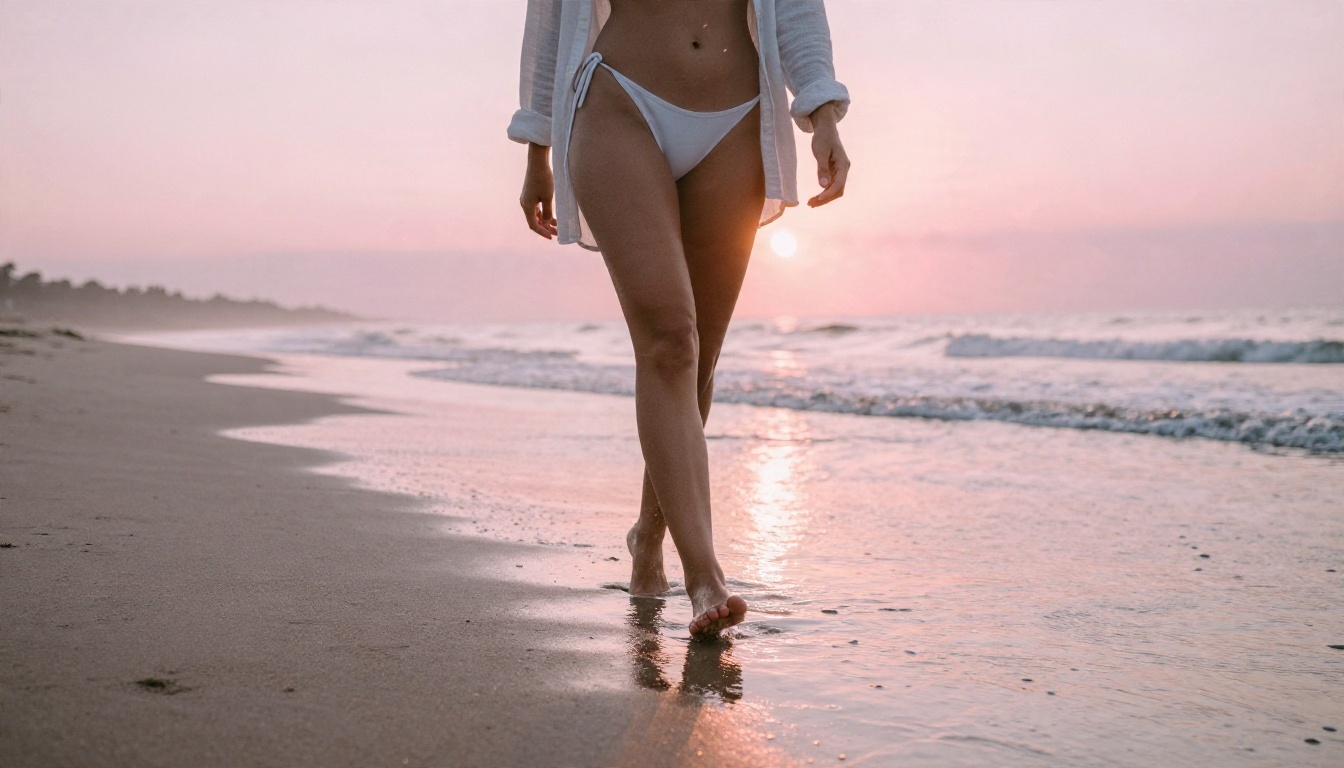
Beachwear at sunrise. A low camera angle and backlight give the scene a campaign feel.
Prompts That Actually Work
Most bad results come from short, vague prompts. "Sexy woman on a beach" gives the model almost nothing to work with, so it fills in the blanks with the most generic image possible.
A Reliable Prompt Formula
Build every prompt in the same order:
- Subject and pose: who, what they wear, what they are doing.
- Setting: a real place with real objects.
- Light: direction, time of day, softness.
- Camera: lens, angle, distance.
- Texture and film: skin, fabric, grain, film stock.
💡 Say "adult" in the prompt. State the age range clearly ("a woman in her late twenties"). It keeps the output unambiguous and is the right habit to build.
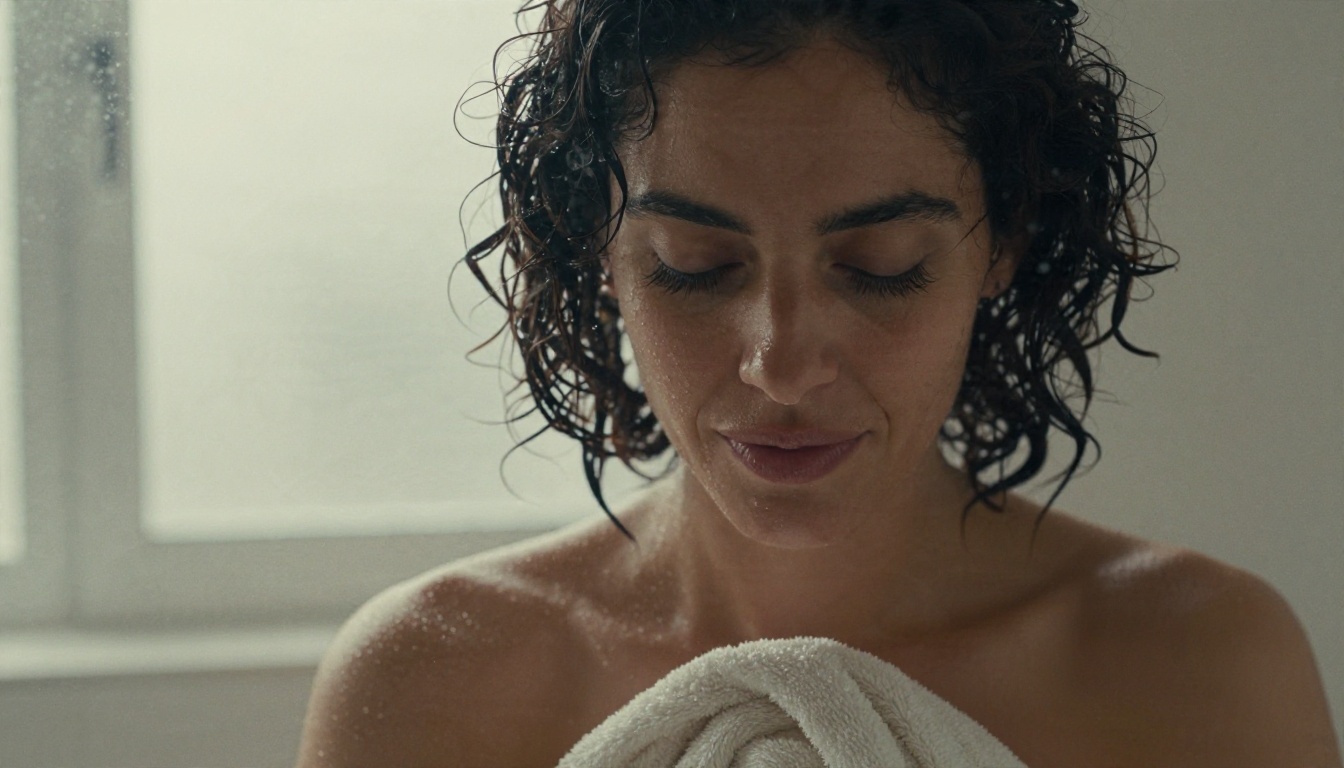
A tight portrait with a 105mm look. Water droplets and stray hairs sell the realism.
Five Prompts to Copy
Paste these into any model above and adjust the details.
1. Villa balcony, golden hour
A confident woman in her late twenties with sun-kissed skin, black silk robe over a two-piece swimsuit, standing at open balcony doors of a seaside villa, low golden sunlight from behind, 85mm f/1.8, shallow depth of field, Kodak Portra 400 grain, visible skin pores.
2. Hotel boudoir
An adult woman in a red satin slip dress sitting on a rumpled white bed, heavy cream curtains, soft window light from the right, 50mm f/2, satin sheen, gentle shadows, film grain.
3. Rooftop pool, aerial
An adult woman in a black one-piece swimsuit floating in a turquoise infinity pool, shot from directly above with a 24mm lens, hazy midday sun, water ripples, wet stone deck, towel and sunglasses.
4. City street at night
An adult woman in a black evening gown with a high slit stepping out of a vintage car onto wet cobblestones, warm street lamps reflecting in puddles, 85mm f/1.4, low angle.
5. Morning window
An adult woman in a navy silk camisole stretching beside a sunlit window in a bright apartment, backlight, dust motes, monstera on the sill, 50mm f/2, natural skin texture.
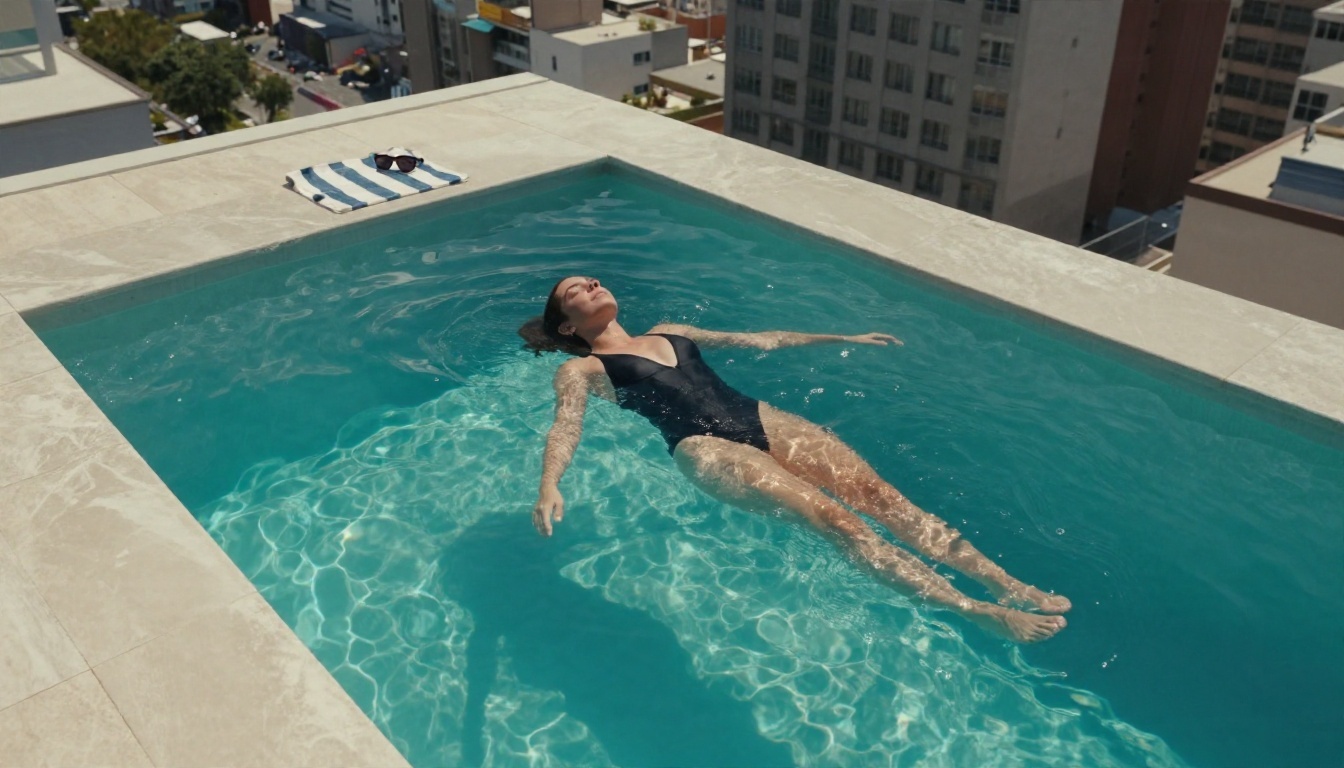
Overhead framing changes everything. The pool becomes a color field and the figure becomes a graphic shape.
Details That Ruin Images
Some phrases quietly wreck the result. Avoid them:
- "Perfect," "flawless," "airbrushed": these produce a waxy, fake look.
- "Ultra HD 8K masterpiece" stacked five times: the model ignores it or gets muddy.
- Conflicting light: "harsh noon sun" and "soft candlelight" in the same prompt.
- Overloaded wardrobe: three outfits in one sentence confuse the layout.
- Ten adjectives about the body: one clear pose description beats a list.
Examples You Can Reproduce
The photos in this article were all built with the same structure: subject, setting, light, lens, texture. Notice how much the setting and lens do compared with the wardrobe. A man behind a laptop in a dim room feels documentary. A woman against a brick wall in a Lisbon alley feels like a magazine street shoot. Same technology, different instructions.
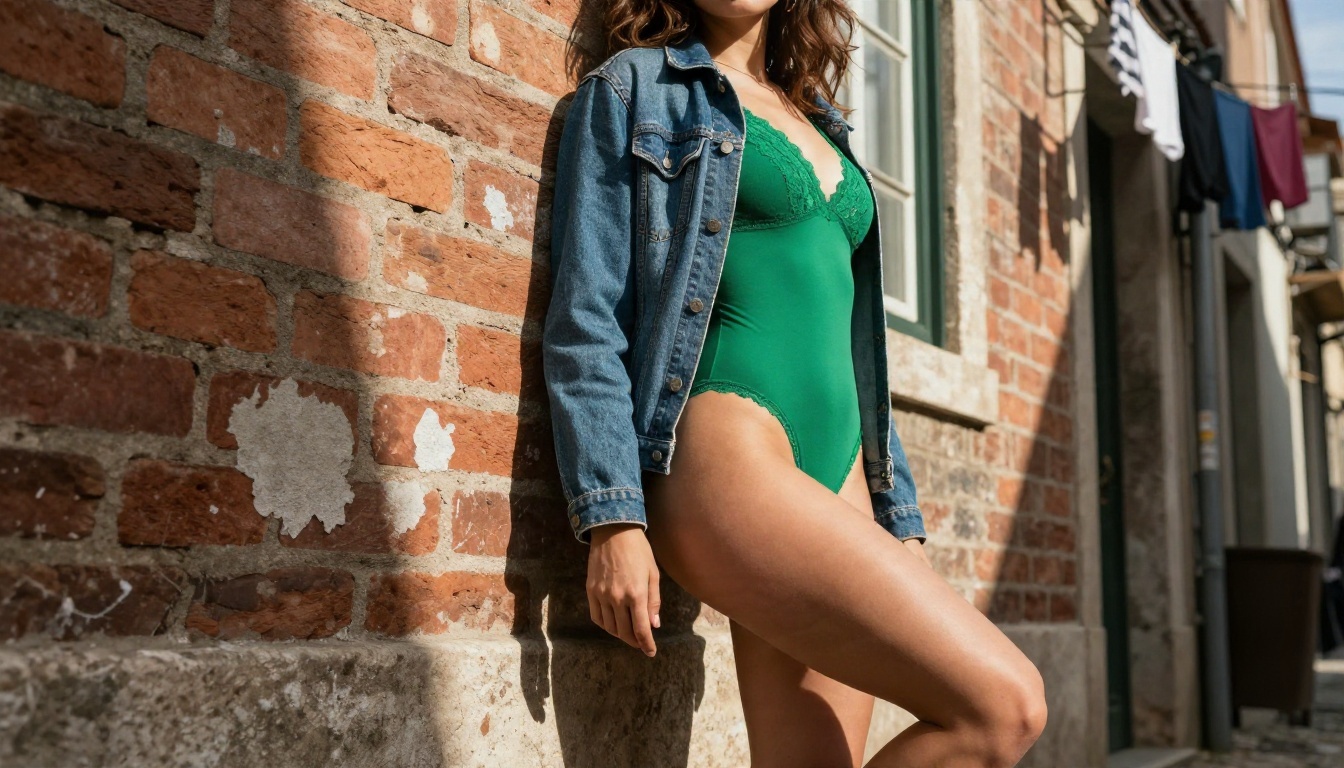
Street glamour: dappled light through hanging laundry, warm side lighting and a three quarter framing.
Studio Looks
Studio images need a believable set. Mention the backdrop, the softbox position and a prop or two, such as a wooden stool or a reflector. These small, boring details make the picture read as a real shoot.
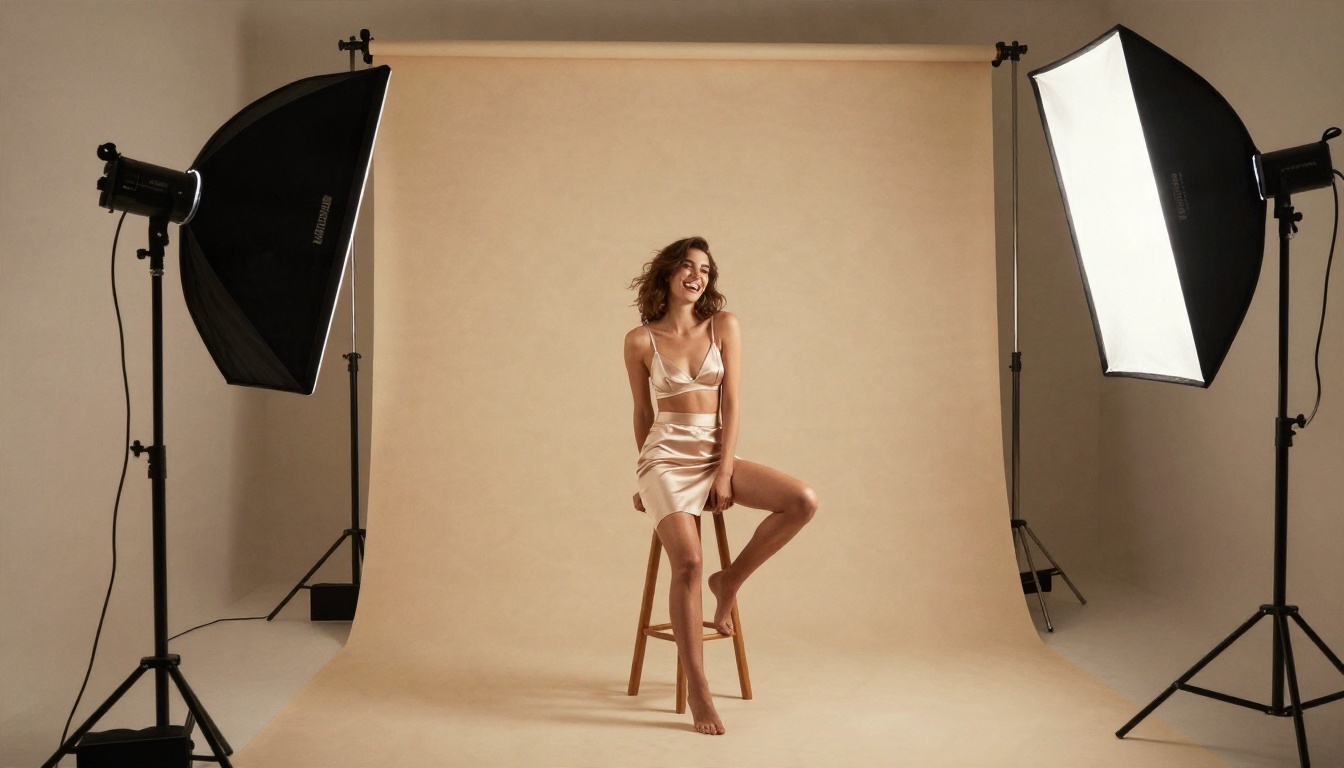
Wide studio shot with a softbox from camera right, cables on the floor and a mid-laugh expression.
Natural Light Looks
Window light is the cheapest, most flattering light there is, and models reproduce it very well. Specify the direction (from the left, behind the subject) and the softness (frosted glass, sheer curtain).
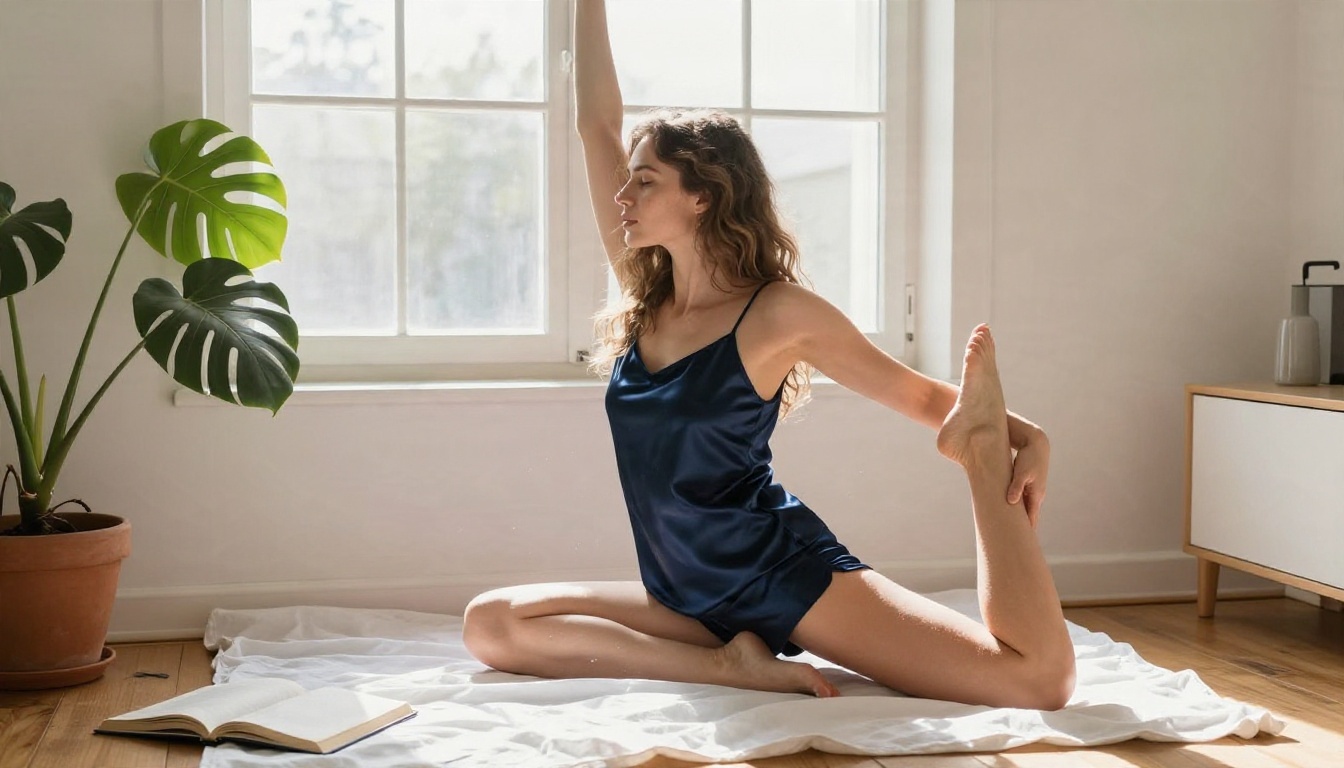
Backlit by a window, with dust motes and a plant on the sill.
Steps for Your First Image
You do not need an account full of settings to get a good result. Here is the shortest path using Seedream 4.5.
- Open the model page and choose Seedream 4.5.
- Paste a structured prompt (subject, setting, light, camera, texture).
- Set the aspect ratio to 16:9 for wide scenes or 2:3 for portraits.
- Generate once, then change one thing. Light, lens or wardrobe, never all three.
- Switch to PicassoIA Image Editor Pro for unlimited edits: fix hands, shift color, change the background.
- Save the winner and keep the prompt in a text file for reuse.
💡 Seed tip: when you find a composition you like, reuse the same seed and only edit one phrase. You will get a controlled variation instead of a brand new image.
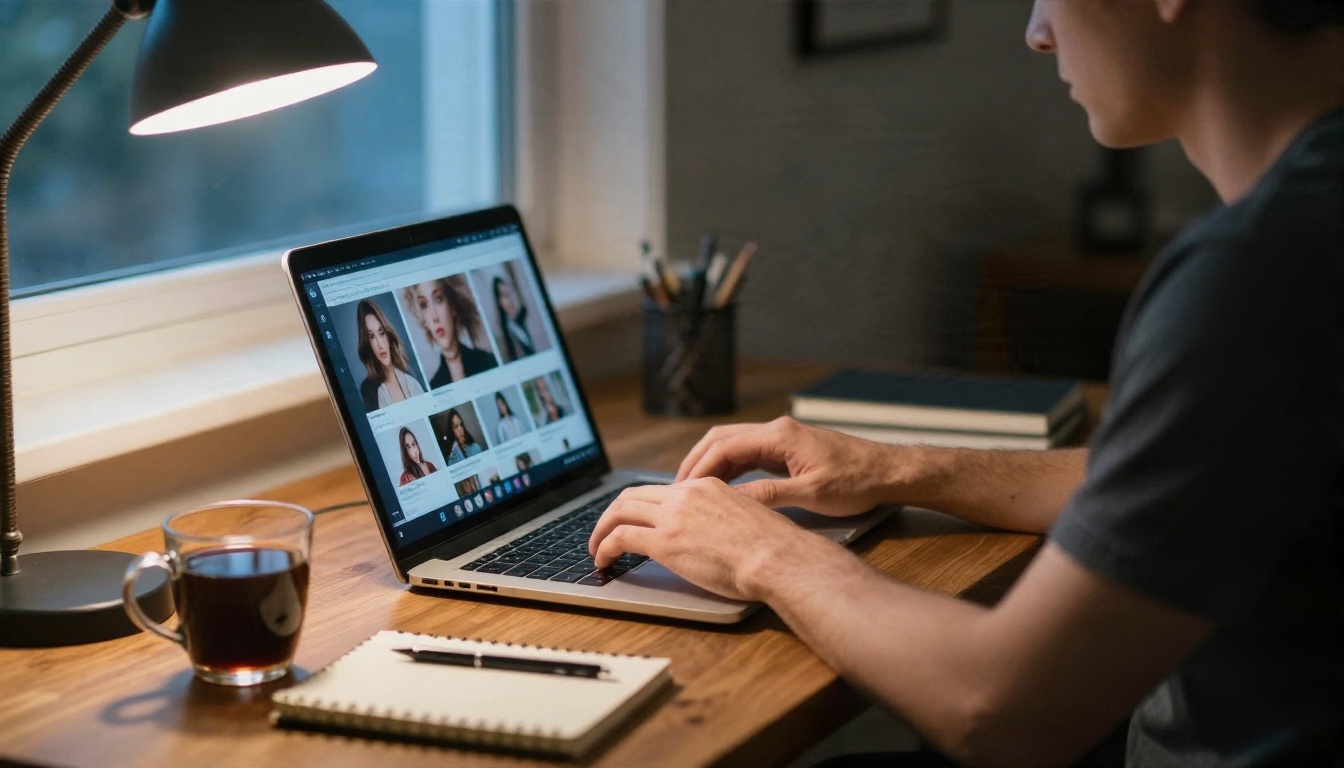
Iteration is the real workflow: write, look, adjust one variable, repeat.
Limits You Will Hit
Every tool has edges. Better to know them before you build a project around one.
Hard Limits
These are blocked on any serious platform, and they should be:
- Anything involving minors. No exceptions, no workarounds.
- Explicit pornographic output on tools that position themselves as glamour and fashion generators. The images in this article are intentionally non-explicit.
- Real people without consent. Celebrity likenesses, ex-partners, coworkers and private individuals are off the table.
Quality Limits
Even the best models stumble in predictable places:
| Problem | Why It Happens | Fix |
|---|
| Odd hands | Fingers are complex and often partly hidden | Hide hands in pockets, hair or fabric, or retouch in an editor |
| Jewelry glitches | Small repeating details | Simplify or remove accessories |
| Text on clothing | Letters render poorly | Leave signs and logos out |
| Face drift between images | No memory between generations | Use the same seed or a LoRA based model |
| Overly smooth skin | Words like "perfect" in the prompt | Ask for pores, freckles, natural sheen |
Free Tier Limits
This is where most "free" tools quietly get you. Watch for:
- Daily credit caps that run out after a handful of images.
- Watermarks that ruin commercial use.
- Low resolution outputs that look fine on a phone and fall apart in print.
- Queue times that stretch to minutes at peak hours.
That is why unlimited generation on Image Editor Pro is a practical advantage and not just a headline. Iteration is cheap, so quality goes up.
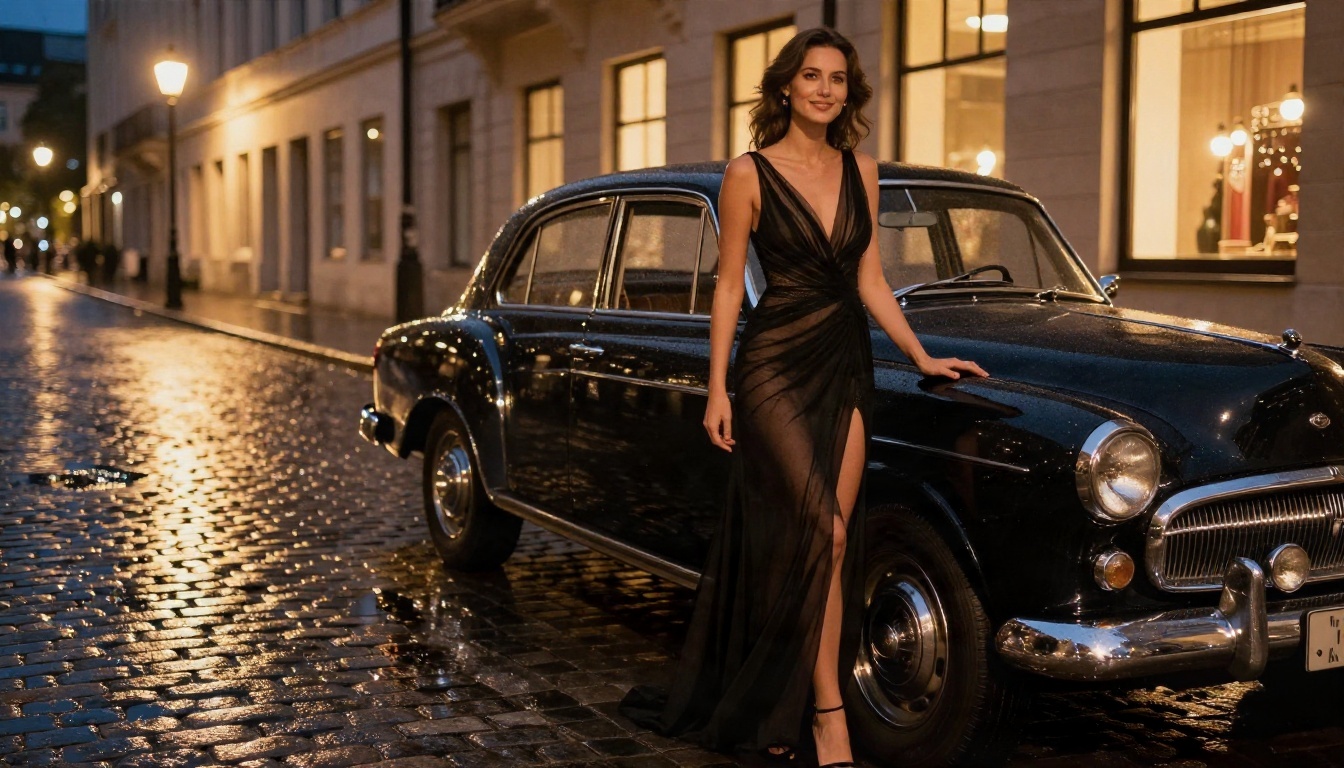
Night scenes with reflections are a tough test. Good models handle puddles, practical lights and fabric together.
Rules for Responsible Use
Fewer filters means more responsibility on your side. Keep it simple:
- Adults only, every time, in every prompt.
- Invented people only. Do not generate real individuals, and never try to recreate someone you know.
- Label AI images when you publish them, especially for commercial work.
- Check platform rules before posting. Social networks and stock sites have their own policies.
- Keep private work private. Store files securely and do not share without a reason.
💡 Commercial use: if you plan to sell prints or use the images in ads, read the license terms of the model you used and keep your prompt history as a record.
Start Creating Your Own Images
You now have the pieces: a clear definition, two strong tools, a prompt formula, five prompts to paste, and an honest list of limits. The only step left is to run something and look at what comes back.
Start with Seedream 4.5 for a polished first image. Then move to PicassoIA Image Editor Pro and iterate without worrying about a counter ticking down. Try the same prompt in Flux Dev or Z Image Turbo to see how each one reads your words.
Want more options? Browse every model at picassoia.com/en/all-models and build the workflow that fits your style. Open Picasso IA, paste the villa balcony prompt, change one detail, and make your first image today.


