You typed "uncensored local AI video generator" into a search bar because you are tired of a hosted tool rejecting a perfectly reasonable prompt, flagging a swimwear shoot, or quietly rewriting your idea into something bland. Fair enough. The good news is that open weights video models exist, they run on a gaming PC, and nobody sits between you and your prompt. The less glamorous news is that "local" comes with a hardware bill, a setup afternoon, and a pile of settings that nobody warns you about.
This article lays out what is actually available in late 2026, which GPU you need for each model, how to get a first clip rendering, and where an online workflow makes more sense than a rig humming under your desk. I will be direct about trade-offs, because the internet is full of "run anything on 6 GB" claims that fall apart the moment you ask for 720p.
💡 Quick answer: For maximum freedom, run Wan 2.2 locally through ComfyUI on a 16 GB+ card. For speed and built in audio, look at LTX. If you do not want to own a GPU, use the online alternatives in the second half of this article.
What "Uncensored" Actually Means
The word gets thrown around loosely, so let's pin it down before spending money on a graphics card.
Open weights versus filtered services
A hosted video service wraps a model in layers: a prompt classifier, an output classifier, and a policy team. When people say a tool is censored, they usually mean those wrapper layers, not the model itself. An open weights model is a file you download. There is no wrapper unless you add one. That is why local generation feels so different: the same prompt that a web service refuses simply renders.
Two nuances are worth knowing:
- Base models are not blank slates. Their training data was curated, so a base release may be weak at certain subject matter even without any filter. Community fine-tunes and LoRAs exist to fill those gaps, and some of the popular Wan 2.2 community remixes are aimed at exactly this.
- Quality varies wildly between community uploads. A merged checkpoint with a dramatic name can be worse than the base release. Test on a short clip before committing disk space.

Consent and legal limits
Freedom from a filter is not freedom from consequences. Keep these lines firm, whether you generate locally or online:
- Never depict real people without their consent, and never create anything sexual involving minors. Both are illegal in most places and are not a gray area.
- Adult content involving fictional or consenting subjects is your responsibility, including the laws where you live and the rules of any platform where you publish.
- Aim for tasteful, non-explicit glamour if you plan to share or monetize the output: swimwear, fashion, boudoir lighting, implied intimacy. It travels further and carries less risk than anything explicit.
Hardware You Need Locally
Video is the heaviest thing you can ask a consumer GPU to do. Frames multiply memory use, and every extra second compounds it.
VRAM tiers that actually work
The numbers below come from community reports and vendor documentation. They are approximate and shift with quantization, resolution and clip length, so treat them as a starting range.
| GPU memory | What is realistic | Typical trade-off |
|---|
| 6 to 8 GB | Small Wan 2.2 5B variants, quantized builds, LTX at low resolution | Slow, short clips, aggressive offloading to system RAM |
| 12 GB | Wan 2.2 5B at comfortable settings, LTX at 720p | Decent daily driver, 14B models need heavy quantization |
| 16 GB | Wan 2.2 14B with reduced precision, most LTX workflows | The sweet spot for price versus capability |
| 24 GB+ | HunyuanVideo at fuller quality, Wan 2.2 14B with fewer compromises | Longer clips, higher resolution, fewer crashes |
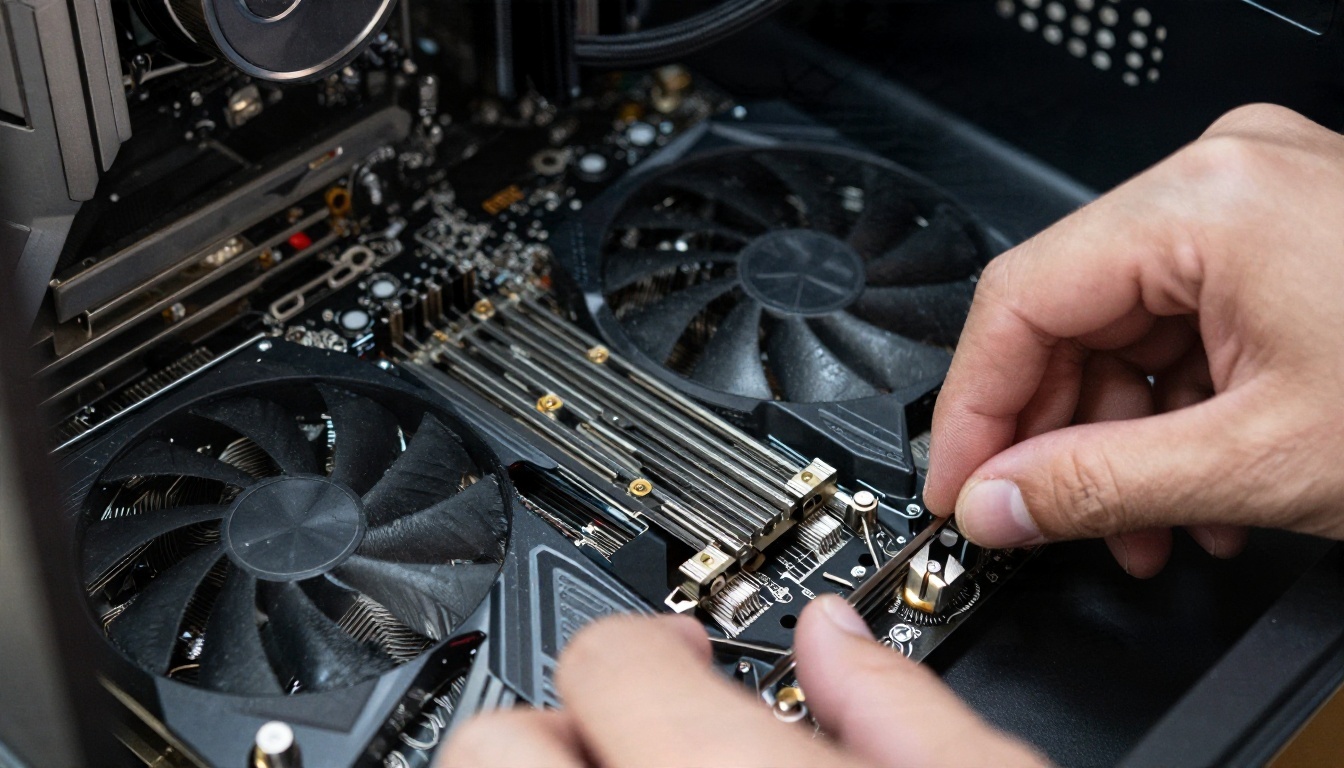
If you are buying hardware specifically for this, prioritize VRAM over raw speed. A slightly slower card with 16 GB beats a faster card with 8 GB every time, because the faster card simply cannot load the model.
Storage and system RAM
Models are big. A single 14B checkpoint can run into tens of gigabytes, and you will accumulate text encoders, VAEs, LoRAs and quantized variants. Plan for:
- 1 TB of fast SSD space as a minimum, since you will keep several models around to compare.
- 32 GB of system RAM if you rely on offloading. Low VRAM setups lean on RAM heavily.
- A separate drive or folder structure for outputs. A single afternoon of experimenting can produce hundreds of clips.

💡 Cheap tip: Generate at a lower resolution first, pick the best clips, then upscale only the keepers. It saves hours.
The Best Open Source Video Models
Three families dominate local video right now. Each has a distinct personality.
Wan 2.2: the community favorite
Wan 2.2 is the model most local users recommend first. It is released under a permissive Apache 2.0 license, it has mature ComfyUI workflows, and it has the largest ecosystem of LoRAs and community remixes. It comes in a lighter 5B size and a larger 14B size, and the 14B version delivers noticeably better motion and prompt adherence.
What it does well:
- Natural human motion and believable physics in short clips
- Both text-to-video and image-to-video workflows
- Strong LoRA support, so you can add styles, characters or motion types
- A wide range of quantized builds for smaller cards
What it lacks: native audio. You add sound in a separate step.
If you want a taste of the Wan family without installing anything, PicassoIA hosts several versions, including Wan 2.2 I2V A14B, Wan 2.2 5B Fast and Wan 2.2 S2V for audio synced clips.
HunyuanVideo: heavy but cinematic
HunyuanVideo has a reputation for cinematic framing and rich detail. It also has a reputation for eating VRAM. Some reports put comfortable full quality use at around 24 GB, although lighter releases have lowered that floor. Check the license of the specific version you download, because some releases carry regional restrictions.
Pick it when you have a big card and care about image quality more than iteration speed.
LTX: fast and with audio
The Lightricks LTX line is the speed option. LTX 2.3 arrived in March 2026 and generates synchronized audio and video in a single pass, which is a genuine convenience. A newer open weights LTX 2.5 release followed later in the year. LTX workflows tend to need less VRAM and render several times faster than Wan, which makes them great for rapid drafts.
The catch is licensing. LTX uses a community license rather than Apache 2.0, and larger commercial users need a paid agreement above a revenue threshold. Read the terms before building a business on it. Community fine-tuning support is younger than Wan's.
You can try the commercial siblings online through LTX 2 Pro and LTX 2.5 Fast.
| Model | Best for | VRAM appetite | Audio | License style |
|---|
| Wan 2.2 | Control, LoRAs, community remixes | Low to high, depending on size | No | Apache 2.0 |
| HunyuanVideo | Cinematic quality | High | No | Custom, check regions |
| LTX 2.3 / 2.5 | Speed, native audio | Low to medium | Yes | Community license |
Setting Up ComfyUI Step by Step
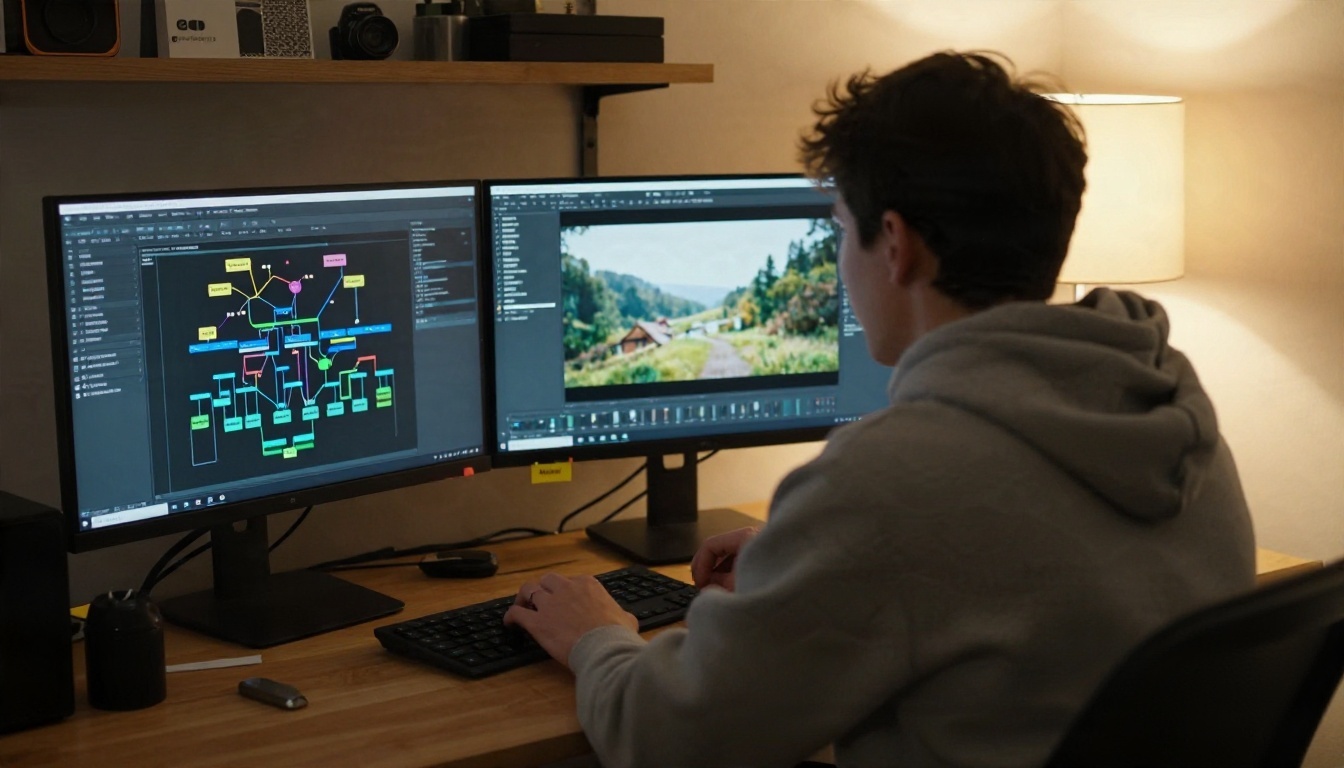
ComfyUI is the most common front end for local video. It is node based, which looks intimidating for about ten minutes and then becomes second nature.
Install and prepare
- Update your GPU drivers and confirm your card is detected. An outdated driver is the number one cause of mysterious crashes.
- Download ComfyUI from its official project page and extract it to a drive with plenty of free space. The portable Windows build avoids most Python headaches.
- Install a node manager so you can add missing custom nodes with one click.
- Create folders for diffusion models, text encoders, VAEs and LoRAs. The workflow templates tell you exactly where each file belongs.
- Download the model files for your chosen family. Match the precision to your VRAM: full precision for 24 GB, FP8 or GGUF quantized builds for smaller cards.
Load a workflow and render
- Open a ready-made Wan 2.2 or LTX template from the built in templates menu.
- Point each loader node at the files you downloaded.
- Write a short prompt: subject, action, camera movement, lighting. Keep it under three sentences at first.
- Set a low resolution and a short frame count for the first run, around 480p and 49 to 81 frames.
- Queue the job and watch memory use. If it crashes, lower resolution before anything else.
- Once it works, raise resolution step by step until you find your card's ceiling.
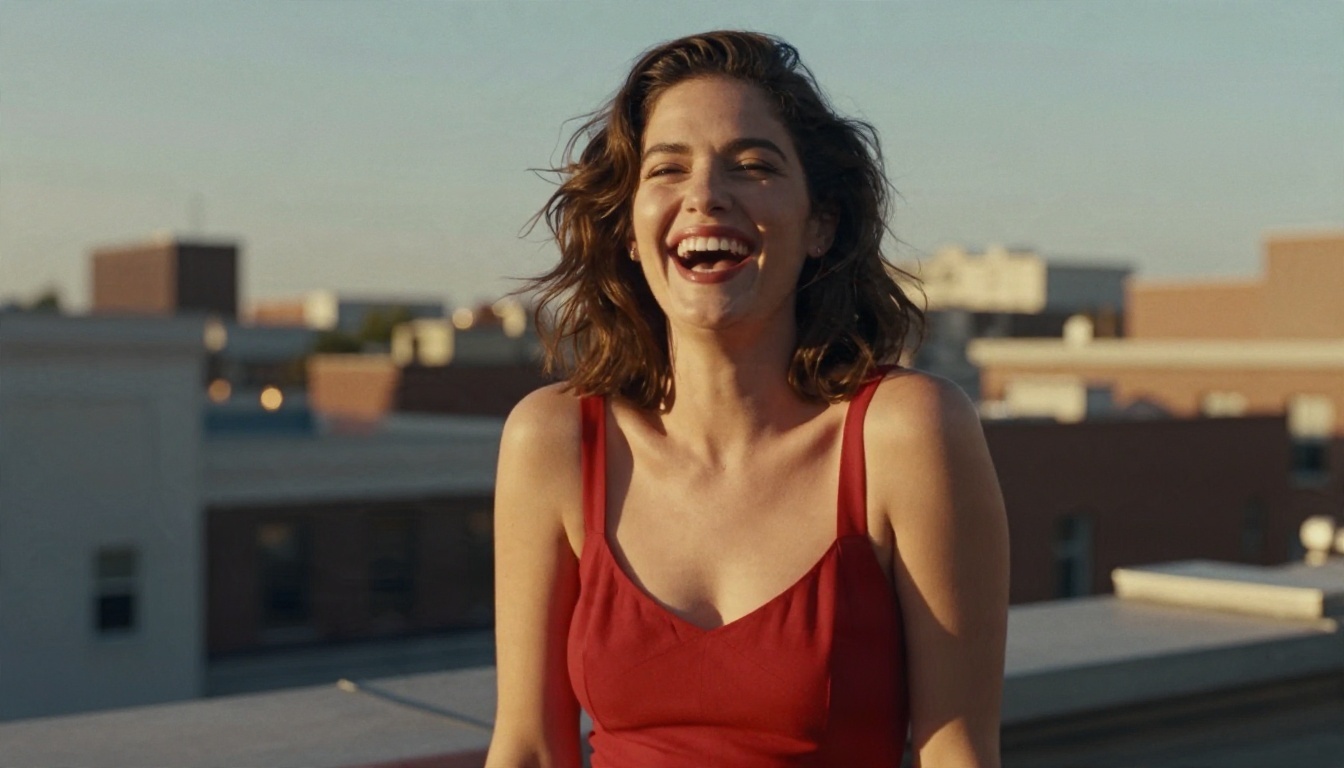
💡 Prompt formula that works: Subject and pose, then motion over time, then camera move, then lighting. Example: "A woman in a red dress laughs on a rooftop at golden hour, hair moving in the wind, slow dolly in, warm backlight."
Local Versus Online Side by Side
Local is not automatically better. Here is the honest comparison.
| Factor | Local open source | Online platform |
|---|
| Upfront cost | GPU, RAM, SSD, power | None |
| Setup time | Hours to days | Minutes |
| Speed per clip | Minutes, slower on weaker cards | Often seconds to a couple of minutes |
| Resolution ceiling | Limited by your VRAM | Limited by the model |
| Content freedom | Total, with your own responsibility | Depends on the platform |
| Model variety | One at a time, large downloads | Many models in one place |
| Maintenance | Updates, broken nodes, driver issues | Handled for you |
| Privacy | Everything stays on your machine | Prompts go to a service |

Local wins on privacy and total control. Online wins on speed, variety and zero maintenance. Many creators use both: they prototype ideas online in seconds, then take the winners into a local pipeline when they need a LoRA or a very specific look.
Online Alternatives on PicassoIA
If you want flexible, fast results without building a PC, PicassoIA gives you a practical workflow: build the still frame first, refine it, then animate it. The still frame decides most of the final quality, so that is where to spend your effort.
Start with Seedream 4.5
Seedream 4.5 is the first model to reach for when you want a photorealistic still with attractive, glamour focused styling: swimwear, evening wear, boudoir lighting, beach shoots. It handles skin texture, fabric and lighting convincingly, and it responds well to specific camera language such as "85mm f/1.8, golden hour backlight, Kodak Portra 400."
Steps:
- Open the model page and write a prompt with subject, outfit, setting, light and lens.
- Keep it non-explicit and aesthetic. Suggestive and beautiful travels well and renders more cleanly.
- Generate a few variations and pick the one with the best face, pose and composition.
Refine with Image Editor Pro
PicassoIA Image Editor Pro is built for fixing the things that spoil a frame: a stray hand, wrong outfit color, a distracting background object. It offers unlimited generations, so you can iterate without watching a counter. Edit the still until it is exactly what you want, because every flaw in the first frame gets carried into the video.
Animate with video models
Once the still is right, push it into motion. These are the models I would try, roughly in order:
For longer projects, PicassoIA Reference To Video lets you feed in reference images, clips and audio so that a character or look stays consistent from shot to shot. That consistency is one of the hardest things to achieve locally without training your own LoRA.
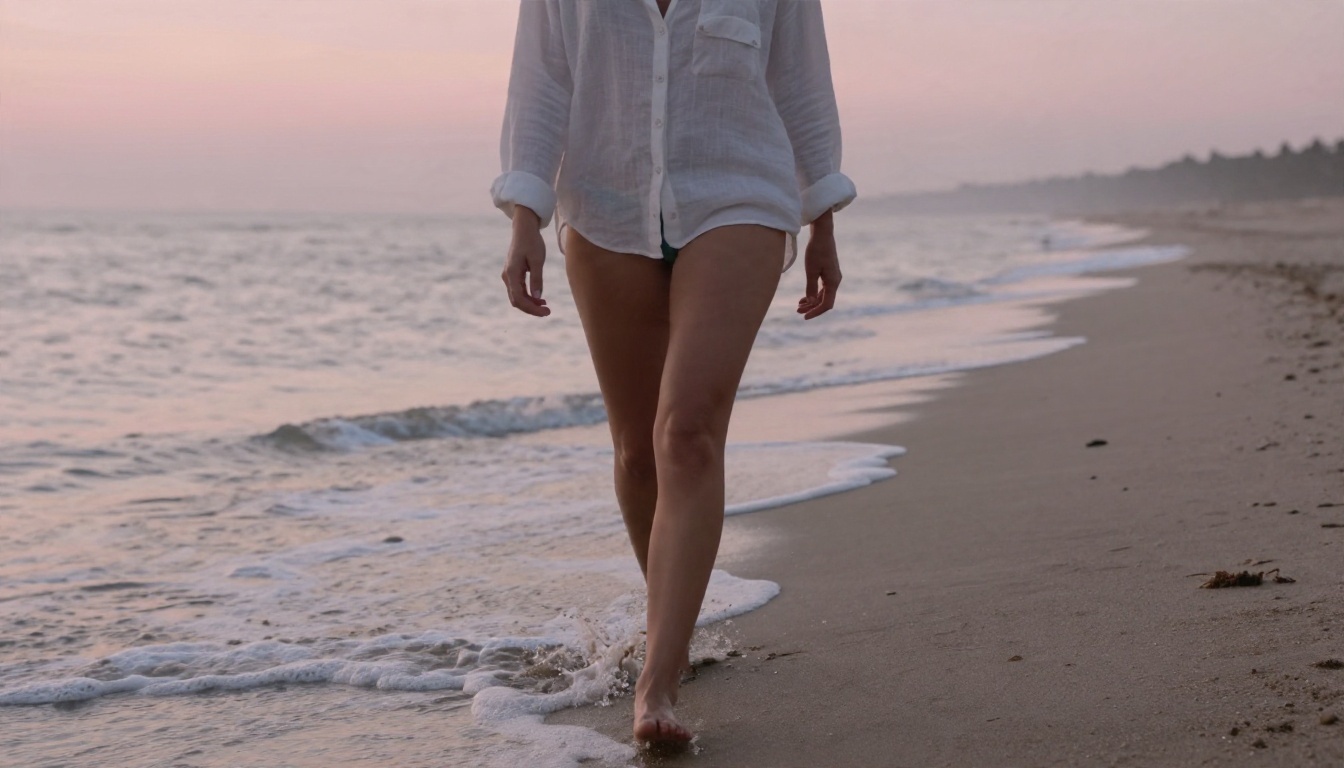
💡 Motion prompt tip: Describe what moves and how the camera behaves, in order. "Waves wash over her ankles, hair lifts in the breeze, slow tracking shot from the side, soft pink sunrise light." Short and chronological beats long and vague.
Fix and finish
After rendering, you can polish with LTX 2 Retake to redo one section of a clip without re-rendering the whole thing. That is a handy way to repair a hand glitch or a stiff head turn in the middle of an otherwise good take.
Common Mistakes to Avoid
Most failures follow the same patterns, whether you work locally or online.
- Starting at maximum resolution. You will run out of memory or waste minutes on a clip that was never going to work. Draft small.
- Writing paragraph-long prompts. Video models respond to clear subject, action and camera direction. Excess detail often confuses motion.
- Skipping the still frame. In image-to-video, a flawed first frame guarantees a flawed clip. Fix the image first.
- Downloading random merged checkpoints. Many are lower quality than the base model and some bundle unwanted files. Stick to well-reviewed releases and scan what you download.
- Ignoring licenses. Apache 2.0, community licenses and custom terms all differ. If you plan to sell your clips, read the fine print.
- Expecting five minute videos. Current models produce clips of a few seconds. Plan to stitch shots together in an editor.
Which Route Fits You
Choose by honest priorities, not by hype.
Go local if you already own a 16 GB or larger GPU, you enjoy tinkering, you want complete privacy, or you plan to train LoRAs for a repeatable character. Start with Wan 2.2 and add LTX when you need speed or audio.
Go online if your card has 8 GB or less, you want results today, or you want to test many models before committing to one. You skip the downloads, the driver fights and the broken nodes.
Do both if you are serious. Draft online, refine locally.
Try It Yourself
You do not need a new graphics card to see what these models can do. Open Seedream 4.5, build a photorealistic glamour still, polish it in Image Editor Pro with unlimited generations, and animate it with Wan 2.2 I2V A14B or LTX 2.5 Fast. The whole loop takes minutes, and it shows you quickly which style deserves a local rig.
Want more options? Browse every image and video model at picassoia.com/en/all-models, pick two that look interesting, and run the same prompt through both. Ten minutes of side by side testing will tell you more than any spec sheet.


