You typed a perfectly reasonable adult prompt into a mainstream image tool and got a polite refusal. Or worse, a blurred rectangle and a warning banner. That frustration is exactly why people search for an uncensored porn generator, and why the results page is full of sketchy sites that bury you in pop-ups, watermarks and paywalls before you see a single image.
This article sorts the useful from the junk. You will see what "uncensored" really means in practice, which free options are worth your time, prompt formulas that produce believable results, a set of examples, and the limits that exist no matter which tool you pick. One note before we start: every example image here is non-explicit glamour and boudoir photography, because that is what I can show you openly. The workflow is identical for whatever adult-themed work you do on your own account.
💡 Quick answer: For free, permissive adult-themed image generation, start with Seedream 4.5, then use PicassoIA Image Editor Pro for unlimited edits and variations. Both are covered in detail below.
What "Uncensored" Actually Means
The word gets thrown around loosely. Some sites use it to mean "no sign-up." Others mean "no filter at all." Neither definition is very useful, so here is a practical one: an uncensored generator is a tool that does not refuse adult themes between consenting, fictional adults, and does not quietly degrade your output when you ask for lingerie, nudity-adjacent glamour or sensual mood.
Filters Versus Training Data
There are two separate things that shape what you get. The first is the safety filter, a layer that scans your prompt and sometimes the finished image. The second is the training data, which decides what the model knows how to draw in the first place. A model with a relaxed filter but weak adult training data will still give you stiff, awkward bodies. A model trained on a wide range of photography, including fashion, boudoir and figure studies, simply draws better people.
That is why switching to a "no filter" tool built on an old, small model often disappoints. You gain permission but lose quality.
Where the Hard Lines Sit
Even the most permissive tools keep a short list of non-negotiables. These are not about taste. They are about harm:
- Anyone who looks under 18. Always blocked, always illegal to create, no exceptions and no workarounds.
- Real people without consent. Deepfakes of actual individuals cause real damage and are against the law in a growing number of places.
- Non-consensual scenarios. Content that depicts coercion or abuse is refused by responsible platforms.
If a site advertises that it has none of these limits, treat that as a red flag about the people running it, not a feature.
Free Options That Actually Work
I tested a lot of generators for this piece, and the pattern was clear. The free options fall into three groups: closed apps with tight filters, shady "free" sites that sell your data or push subscriptions after two images, and platforms that give you access to several capable models at once. The third group is where I would spend time.
Seedream 4.5 Comes First
Seedream 4.5 is my first recommendation for adult-themed photorealism. It renders skin with believable pores and subtle shading, handles fabric like lace and satin without turning it into plastic, and follows long prompts closely. Output goes up to 2K or 4K, which matters when you want to crop or print without the image falling apart.
The speed is also better than most people expect. A single image arrives in seconds, so you can run ten variations in the time another tool takes to produce two.
PicassoIA Image Editor Pro
Generating is half the job. The other half is fixing the one hand, the one strap or the one background detail that spoils an otherwise strong image. PicassoIA Image Editor Pro is built for that. You upload an image, describe the change in plain language and get a new version. It is positioned as an unlimited editor, so you can keep iterating without watching a credit counter drain.
I use it as a second pass on almost everything: change the outfit colour, soften the background, adjust the mood of the lighting, or fix a small anatomical slip.
Other Models Worth Testing
Different models have different personalities. These are the ones I would keep in rotation:
| Model | Best for | Speed | Notes |
|---|
| Seedream 4.5 | Photoreal portraits and glamour | Fast | Up to 4K, long prompts work well |
| PicassoIA Image Editor Pro | Edits, fixes, variations | Fast | Unlimited generations |
| Seedream 4 | A softer, slightly different look | Fast | Good second opinion on the same prompt |
| Z Image Turbo | Rapid drafts and idea testing | Very fast | Great for trying 20 prompts quickly |
| Flux 2 Klein 9B Base LoRA | Styled looks with LoRA support | Medium | Useful when you want a consistent aesthetic |
| Flux Kontext Fast | Quick instruction-based edits | Fast | Handy for background and outfit swaps |
💡 Tip: Run the same prompt through two models before you judge either one. A prompt that looks flat in one tool can look stunning in another.
How to Use Seedream 4.5 on PicassoIA
This is the workflow I follow every time. It takes about two minutes to set up and then you are mostly just refining.
Step by Step
- Open the Seedream 4.5 page on PicassoIA.
- Paste your prompt into the Prompt field. It accepts up to 4000 characters, so do not be afraid to write long.
- Set size to 2K for drafting. Switch to 4K only for the final picks.
- Choose an aspect ratio. Use 16:9 for wide scenes, 3:4 or 2:3 for full-length portraits, and 1:1 for social posts.
- Leave sequential image generation off for single shots. Set it to auto and raise max images when you want a group of related variations, up to 15.
- Run it, then pick the best result and send it to Image Editor Pro for polishing.
Parameter Tips That Save Time
- Image input: Upload one to fourteen reference images when you want the model to hold onto a pose, outfit or location. This is the most reliable way to keep a character similar across several images.
- Safety checker: The model exposes a toggle that relaxes input moderation so that only clearly illegal content is blocked. Use it responsibly and only for adult, fictional subjects.
- Draft small, finish big: Generate at 2K, keep the winners, regenerate those at 4K.
Prompts That Actually Work
Most weak results come from weak prompts, not weak models. A vague line like "sexy woman" gives the model nothing to work with, so it falls back on a generic average. Specific beats suggestive every time.
A Simple Prompt Formula
Use this order and you will get consistent results:
Subject + pose + outfit + setting + light + camera + texture + film look
Here is how that reads in practice:
Adult woman in her late twenties reclining on rumpled linen sheets, black lace bralette and silk robe slipping off one shoulder, sunlit Parisian bedroom with sheer curtains, golden morning light from the left, 85mm f/1.8 shallow depth of field, visible skin pores and fabric weave, Kodak Portra 400 film grain.
Lighting and Skin Words
Lighting does more to make an image feel real than anything else you can type. Some phrases that consistently help:
- "Volumetric morning light from the left" for warm, directional softness.
- "Rim light along the shoulder" for separation from the background.
- "Tungsten bulb glow" for intimate dressing room scenes.
- "Visible pores, faint freckles, no airbrushing" to avoid the waxy look.
- "Kodak Portra 400, fine film grain" to pull the colour toward analog warmth.
Sample Prompts to Copy
Adapt these to your own subject and setting:
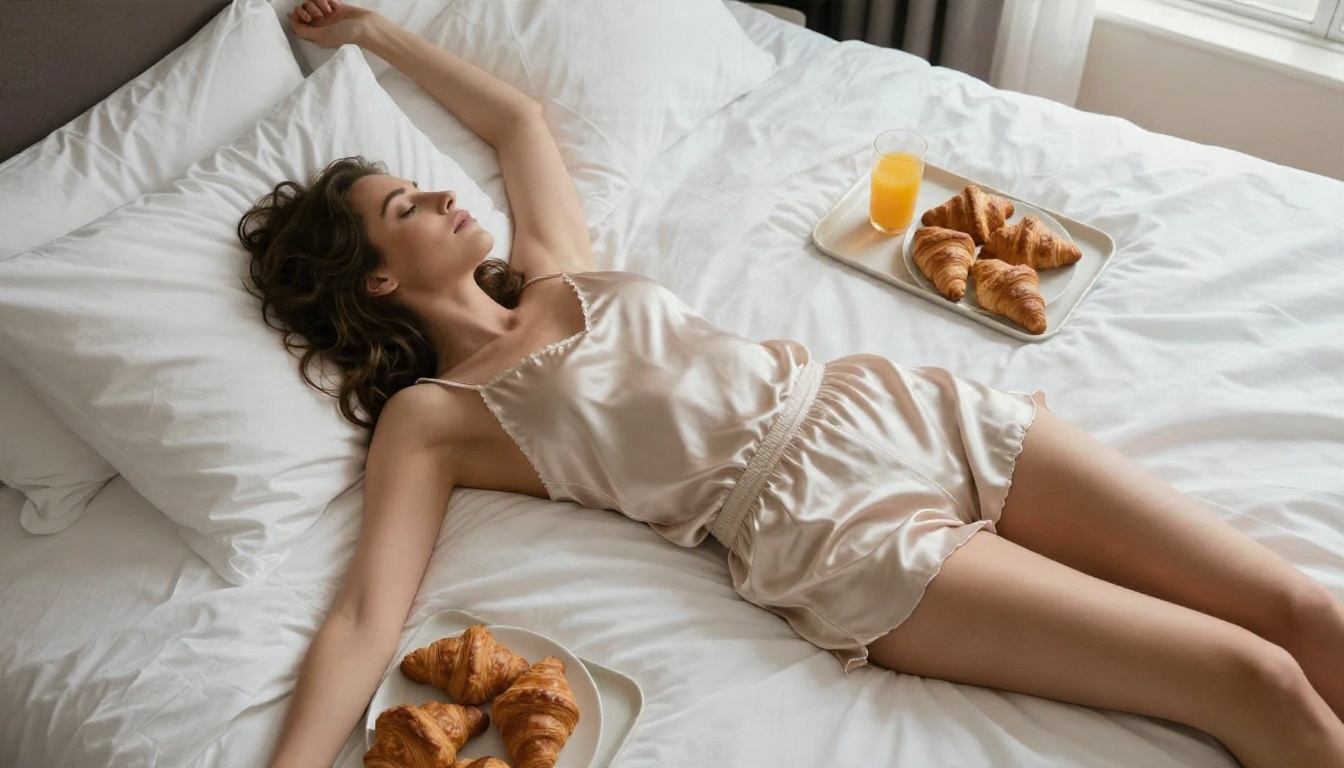
- Adult woman in a champagne silk camisole on white hotel sheets, shot from directly above, soft window light, breakfast tray beside her, 35mm lens, creased fabric detail.
- Adult woman in a navy bikini on a wooden sailboat deck, midday sun with white sail fill, 24mm lens, salt on sun-kissed skin, teak and rope texture.
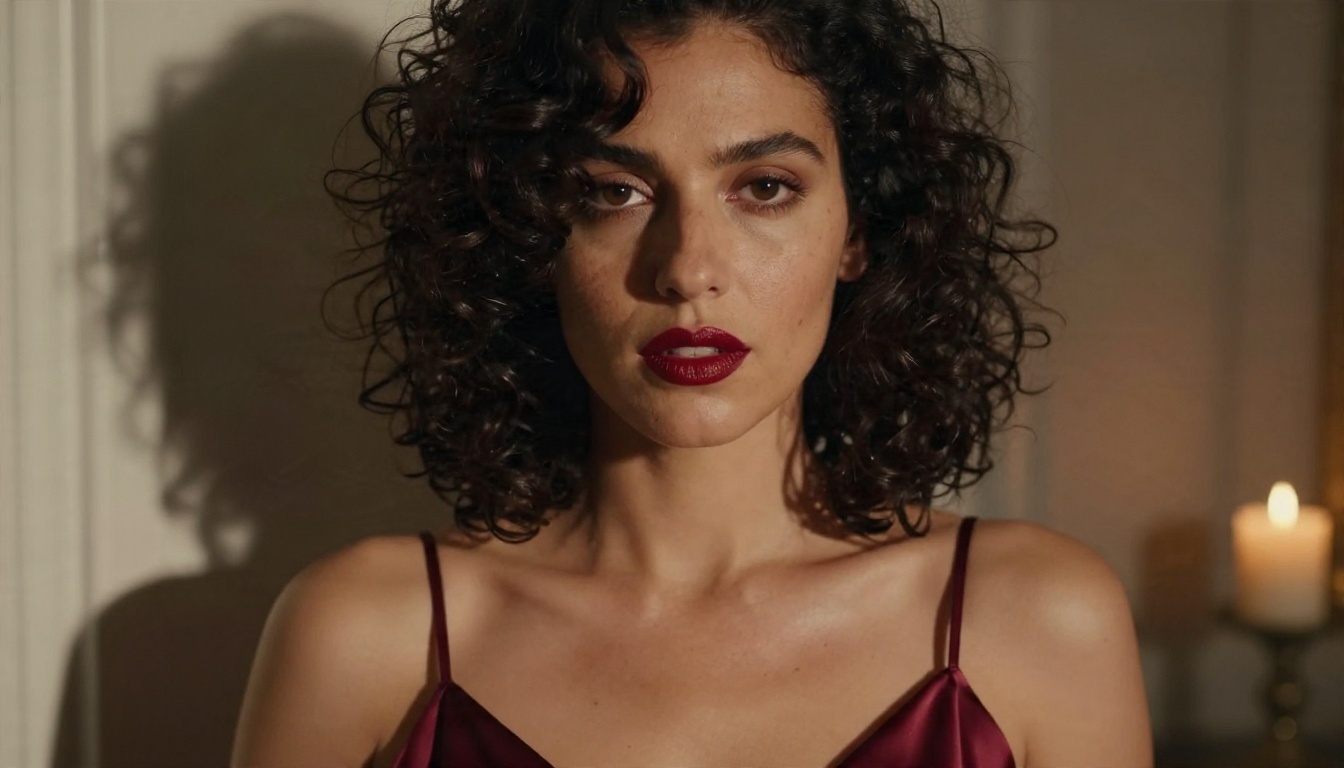
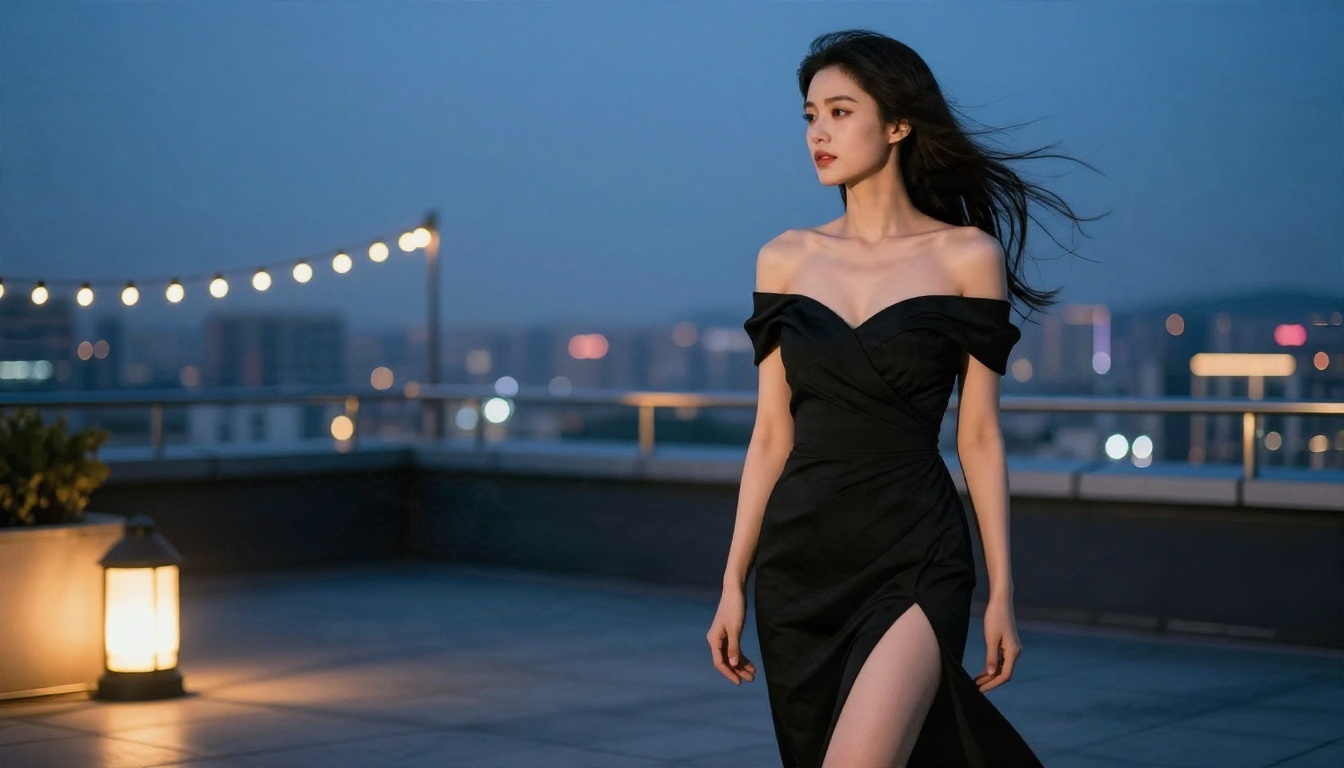
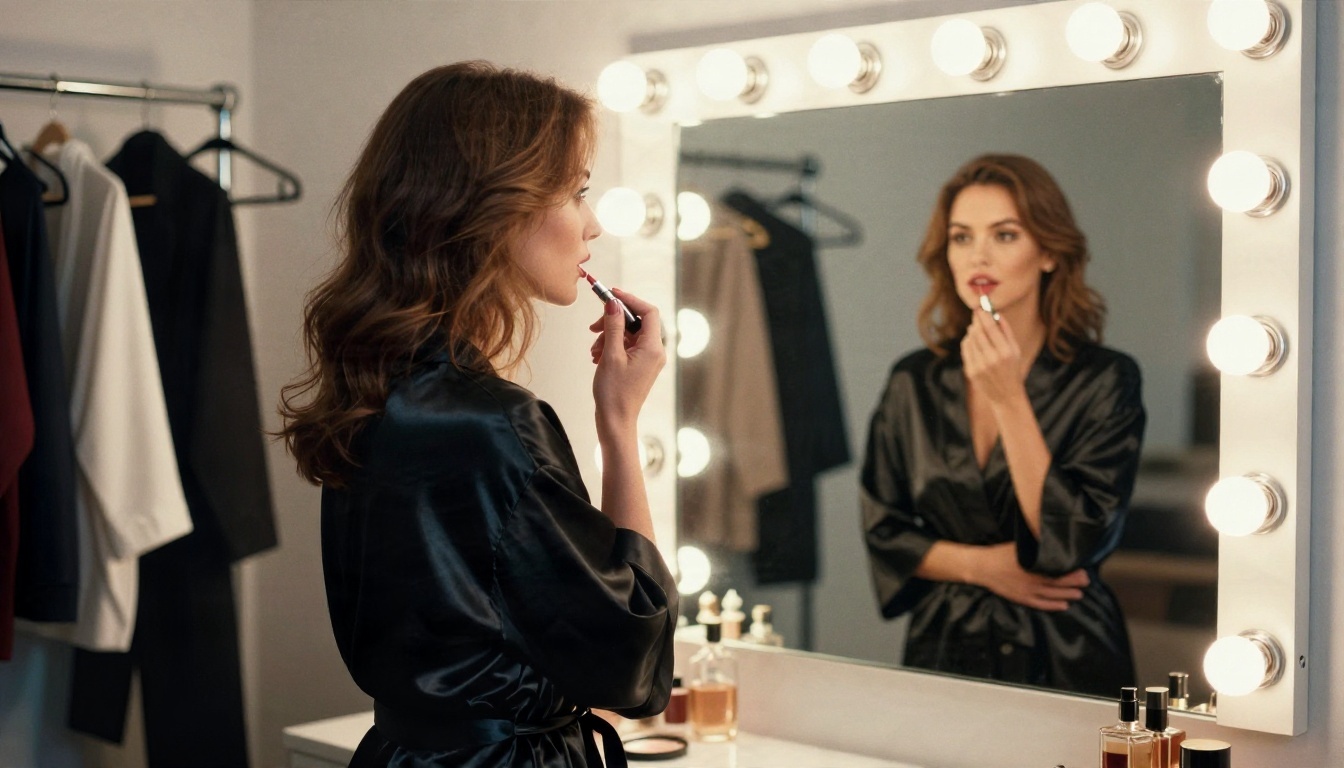
- Adult woman in a satin robe at a bulb-lined vanity, applying lipstick, warm tungsten light with cool fill, 50mm f/1.6, powder and skin texture.
Notice that every prompt states the subject is an adult. It is good practice, and it keeps both the model and the platform on the right side of the line.
Examples and What They Show
Let me walk through a few results and what made them work.
Soft Boudoir in Natural Light
The cover image of this article came from a prompt of roughly 400 words. That sounds extreme, but long prompts pay off with Seedream-class models. Every extra detail about lighting direction, fabric and lens removes a guess the model would otherwise make for you.
Unusual Angles Add Realism
Top-down shots, low angles and slightly tilted frames all feel more like real photography than the centered, eye-level default. The aerial bed shot above is a good example. If your results look "AI" and flat, change the camera position first.
Mixed Light Sources
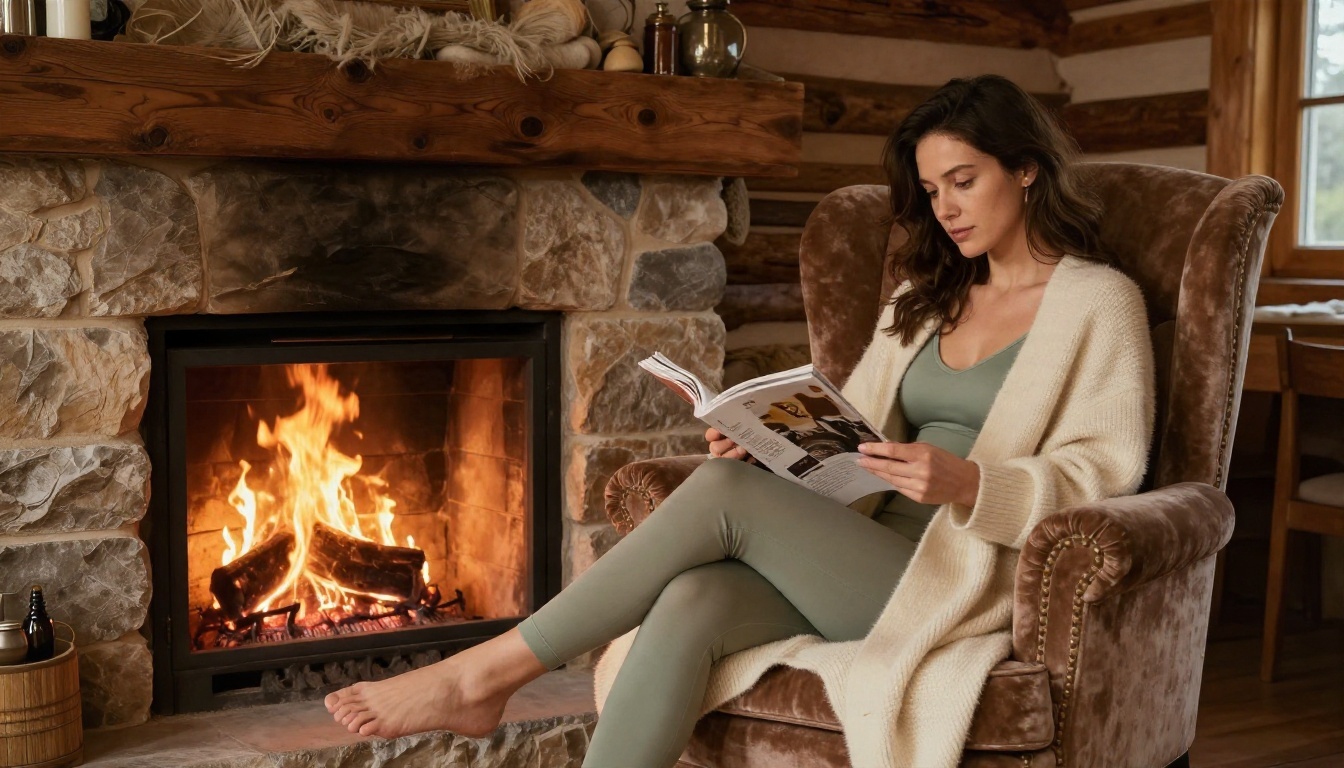
The cabin image mixes warm firelight on one side with cool daylight on the other. Two light sources with different colour temperatures give an image depth that a single light rarely achieves. Ask for it directly in the prompt.
Real Limits to Expect
Honesty time. No generator, however permissive, is magic. Here is what you will still run into.
Anatomy and Hands
Hands, fingers, feet and the way fabric meets skin remain the most common failure points. Expect to regenerate or edit about one image in four. The fastest fix is to send the near-miss to PicassoIA Image Editor Pro and ask for the specific area to be corrected rather than starting from scratch.
Consistency Across Images
Keeping the same face and body across a series is the hardest part of this whole workflow. Three things help:
- Use the image input feature in Seedream 4.5 with a reference you like.
- Keep the same descriptive phrases for hair, skin tone and age in every prompt.
- Consider training a small LoRA if you need a recurring character over dozens of images. P Image Trainer is built for that.

Legal and Consent Lines
These do not move, whatever tool you use:
| Line | Why it exists |
|---|
| No minors or youthful-looking characters | Illegal and harmful everywhere |
| No real people without permission | Deepfake laws are expanding fast |
| No non-consensual themes | Platforms refuse it and it causes real harm |
| Check local laws on distribution | Rules on adult content vary by country and region |
Creating something privately and publishing it are also two very different things. If you plan to post, check the rules of the platform you are posting on first.
Free Does Not Mean Unlimited Everywhere
Many sites advertise "free" and then cap you at a handful of images, add heavy watermarks or push you toward a subscription on the third generation. Before investing time in a tool, test it with five prompts and see what the limit really is.
Editing, Upscaling and Motion
A good first image is only the beginning of a finished piece.
Editing. Use Image Editor Pro or Flux Kontext Fast to swap outfits, change the setting or adjust the mood without losing the pose you liked.
Depth and background. Depth of Field blurs the background after the fact, which is useful when a generated scene feels too busy.
Motion. If you want to animate a still, a video model such as LTX 2.5 Fast can turn a single frame into a short clip. Keep the same photoreal approach: natural light, realistic textures, slow camera movement.
💡 Workflow that works: Draft ten images at 2K, pick two, regenerate at 4K, polish in the editor, then decide if either is worth animating.
If you take one thing from this article, let it be this: the best uncensored porn generator is not the one with the loudest promises. It is the one that gives you a strong model, fast results, reliable editing and no surprise paywall after image three. Seedream 4.5 plus Image Editor Pro gives you that combination, and the other models in the table give you a way to change the look when you want something different.
Write a long, specific prompt. State that your subject is an adult. Fix the small errors in the editor instead of rerolling blindly. Keep your work inside the legal and consent lines above, and you will get results that look like real photography rather than generic AI output.
Ready to try it yourself? Open Seedream 4.5 on Picasso IA, paste one of the sample prompts above, and see what comes back in a few seconds. Then send your favourite to Image Editor Pro and keep refining. When you want more variety, browse every model at picassoia.com/en/all-models and compare the same prompt across several of them.


