Type "swimsuit photoshoot" into most mainstream AI video tools and you get a polite refusal, or a clip so blurred and sanitized it is useless. That is the exact frustration behind every search for an uncensored video creator. Adults want to make glamour, swimwear and boudoir style clips without a filter treating every request like a threat. This article shows which free online tools handle that kind of work, how to build clips step by step, and which prompts give you results worth keeping. Everything here stays tasteful and non-explicit, because that is where the best-looking, most shareable results actually live.
What "Uncensored" Actually Means
The word gets thrown around loosely, so it helps to set expectations before you open a single tool. Most people searching for an uncensored video creator do not want chaos. They want a generator that accepts adult themes such as bikinis, lingerie-style fashion, bare shoulders, sensual lighting and romantic mood, without refusing the prompt.
Less Filtering, Not No Rules
A permissive tool is one with a lighter moderation layer on adult-leaning but non-explicit content. It will still decline anything involving minors, non-consensual scenes or real people who have not agreed to appear. That is a good thing. Platforms that skip those limits tend to disappear, get blocked by payment processors, or leak your uploads.
💡 Rule of thumb: if a tool promises "no limits at all," treat that as a red flag, not a feature. Good tools are permissive on style and strict on consent.
Who These Tools Suit
The audience is wider than you might expect:
- Glamour and fashion creators building swimwear lookbooks and lifestyle reels
- Adult content entrepreneurs who need original, non-explicit teasers and promos
- Digital artists exploring boudoir, editorial and pin-up photography looks
- Storytellers producing romantic or sensual scenes for fiction and music videos
- Curious beginners who simply got tired of refusals from mainstream apps

The strongest workflow is not "type a prompt, get a video." It is two stages: build a perfect still image, then animate it. A still gives you control over face, outfit, pose and lighting. The video model then only has to add motion, which is much easier than inventing everything at once.
Start With Seedream 4.5 Stills
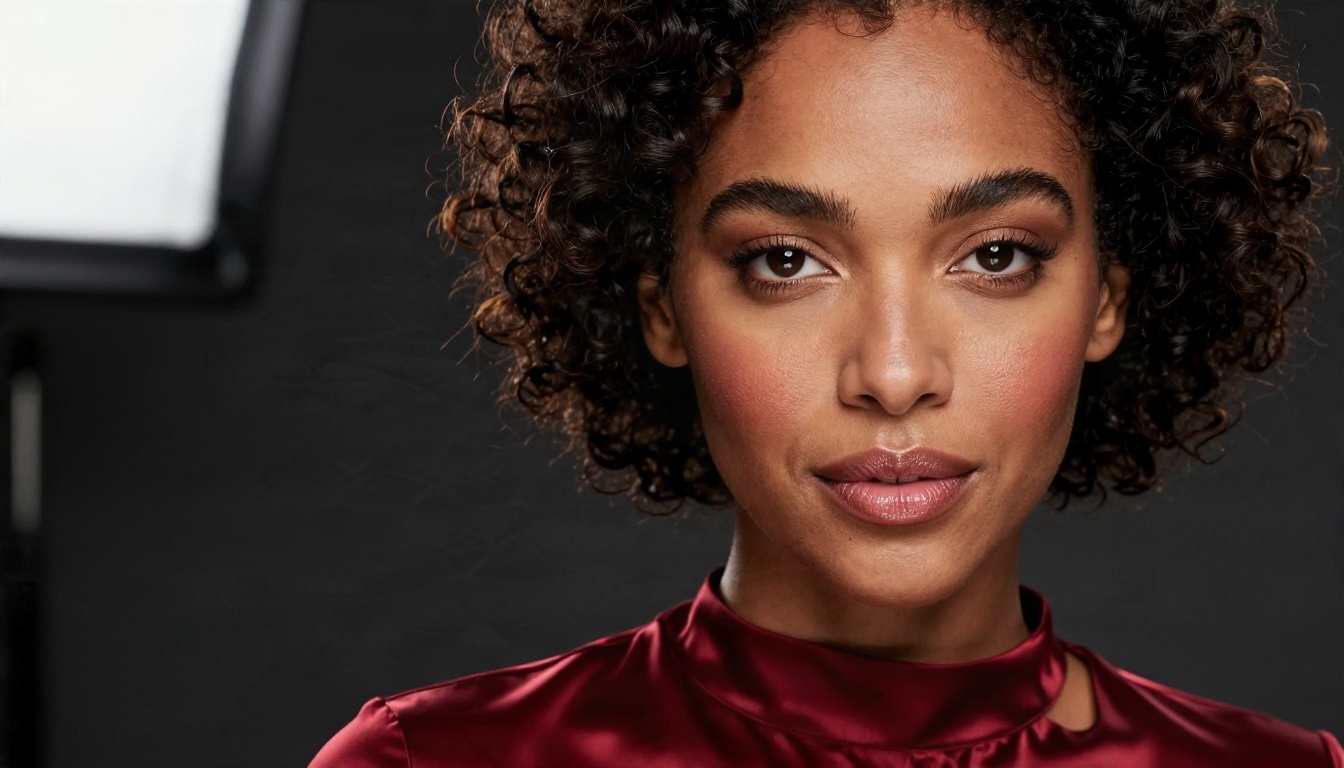
Seedream 4.5 is the first model to open for adult-leaning photography. It produces sharp, high-resolution images with convincing skin texture, believable fabric and natural lighting, and it accepts swimwear, boudoir and glamour prompts that stricter generators refuse. Because it is fast, you can run a dozen variations in the time it takes to make coffee, then pick the single frame worth animating.
Fix Details in Image Editor Pro
No first render is perfect. A strap sits wrong, a hand looks off, the background has a stray object. PicassoIA Image Editor Pro handles these edits with plain-language instructions, and its unlimited generations matter here. You can change an outfit color, relight a scene, swap a backdrop or tidy a detail ten times in a row without watching a credit counter. That freedom is a big part of why people call it an uncensored workflow: you iterate until the frame is right instead of settling for "close enough."
Animate With Free Video Models
Once the still is locked, move to video. These are the models worth trying, all on PicassoIA:
| Model | Best For | Why It Fits |
|---|
| PicassoIA Video | Free, unlimited image to video | No credit anxiety while you test motion prompts |
| Seedance 2.5 Lite | Free clips up to 10 seconds | Smooth, natural body and fabric movement |
| Wan 2.7 I2V | Faithful image animation | Keeps the face and outfit close to your still |
| Hailuo 2.3 Fast | Quick previews | Fast turnaround for testing several ideas |
| Seedance 2.5 | Longer, polished scenes | Up to 30 seconds with consistent motion |
| Veo 3.1 Fast | Cinematic realism | Strong lighting and camera feel |
💡 Start with the free options. Spend time only on the paid or heavier models once you know exactly which motion and framing you want.
A Simple Image to Video Workflow
Here is the process that gives the most consistent results, whether you are making one clip or a whole series.
Step 1: Build the Still
Write a photography-style prompt in Seedream 4.5. Describe the subject, outfit, setting, light direction, lens and film look. Generate four to six versions. Choose the one with the best face, the cleanest hands and the most natural expression, because the video model will inherit every flaw in the frame.
A strong still prompt has five parts:
- Subject and pose: who, doing what, with what expression
- Outfit: fabric, color and fit
- Environment: location, props, background depth
- Light: direction, softness, time of day
- Camera: lens, angle, distance, film grain
Step 2: Animate the Frame
Upload the still to PicassoIA Video or Seedance 2.5 Lite and describe motion only. The image already contains the look, so your prompt should say what moves and how the camera behaves. Keep it to one or two actions per clip.
Example motion prompt: "She turns her head slowly toward the camera and smiles, hair moving gently in a light sea breeze. Slow push-in, warm golden hour light, soft natural film grain."
Step 3: Polish and Repeat
Watch the clip twice. First for motion, then for faces and hands. If something drifts, change one variable at a time: simplify the motion, shorten the action or go back to Image Editor Pro and fix the source still. Re-rendering from a cleaner frame almost always beats rewriting the prompt for the tenth time.
Prompts You Can Copy Today
These prompts follow the structure that works best in practice: concrete nouns, real photography terms, and no vague adjectives like "beautiful" doing all the work. Swap the details for your own character and location.
Beach and Pool Scenes
Water, sand and sunlight give video models rich, natural motion to work with.
Still prompt:
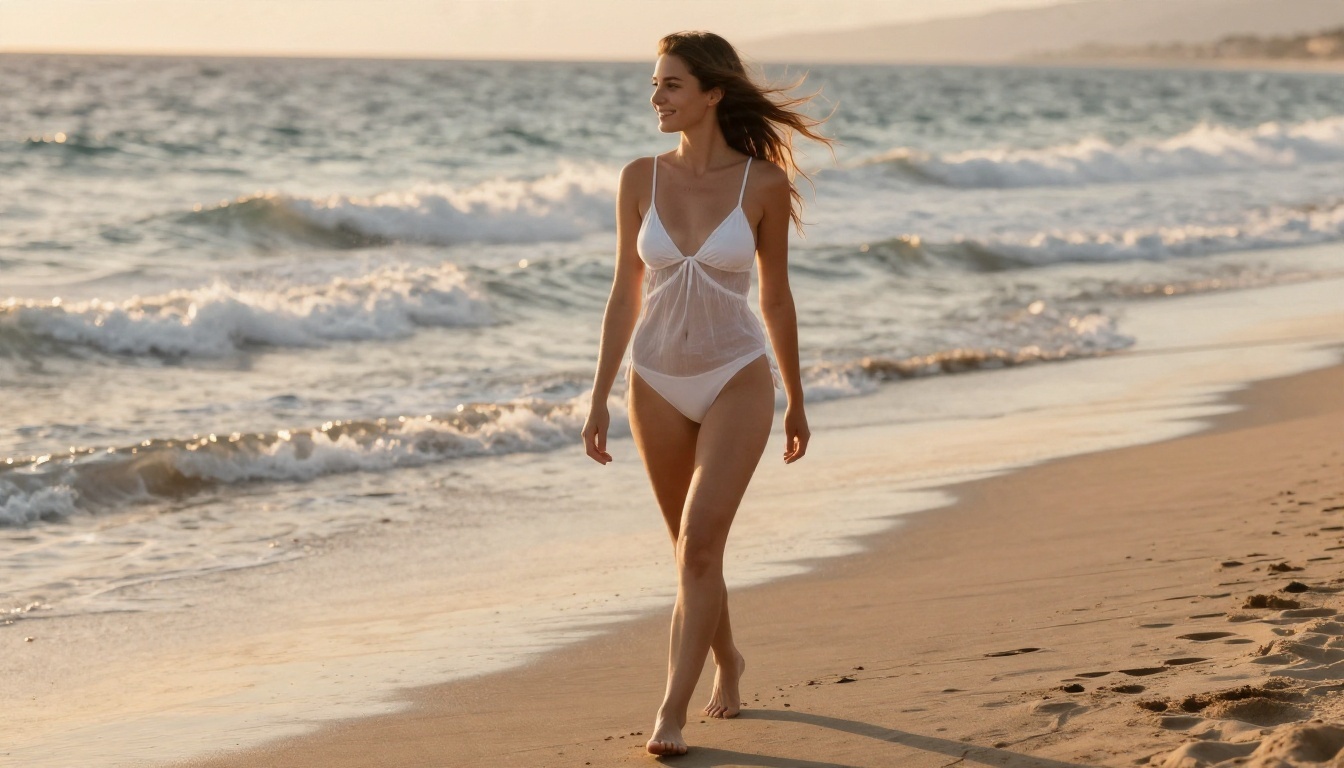
"Adult woman in her late twenties in a white bikini and sheer linen wrap, walking barefoot along a quiet beach at golden hour, smiling over her shoulder. Warm backlight, wet sand reflections, 50mm lens at f/2, shallow depth of field, Kodak Portra 400 grain, realistic skin texture."
Motion prompt:
"She keeps walking, wrap fluttering in the breeze, a small wave rolls over the sand behind her. Camera tracks slowly alongside at hip height."
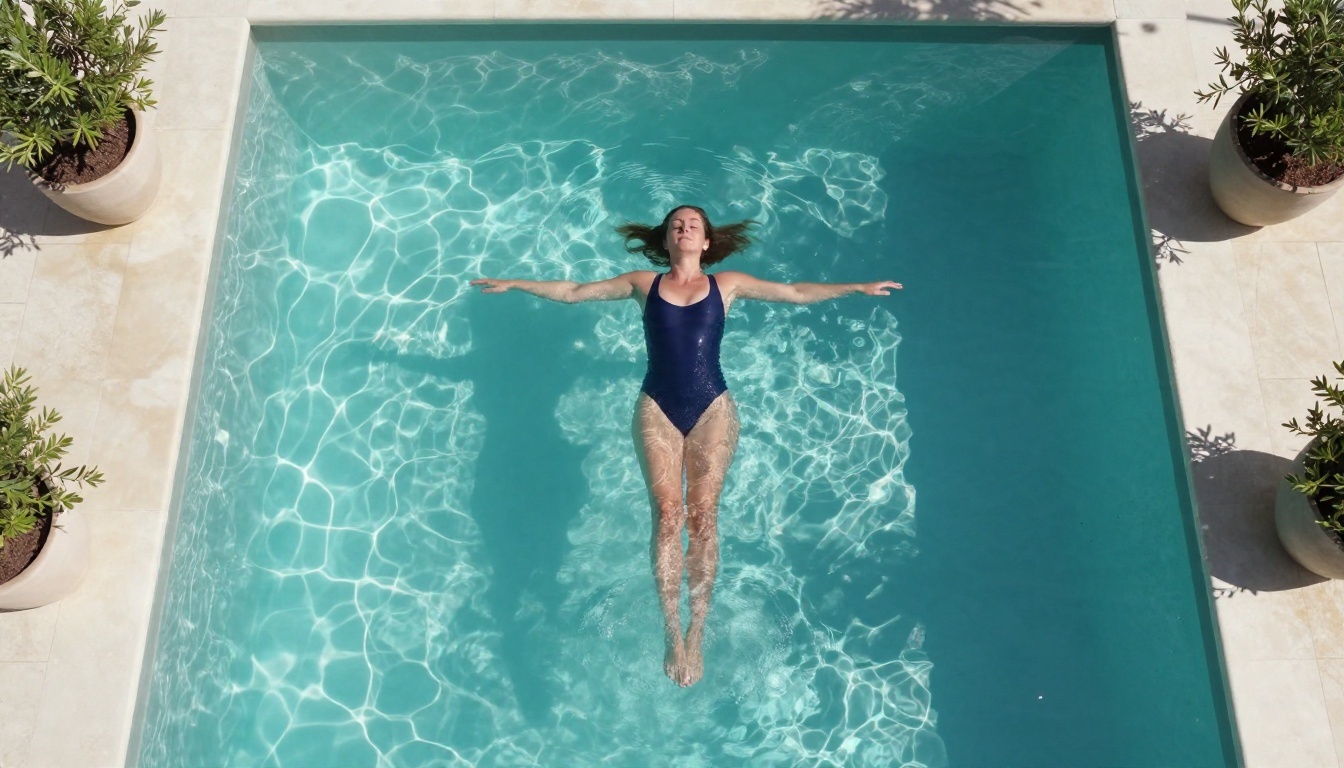
Pool variation: swap the beach for an infinity pool, ask for an overhead drone-style angle, and let the motion be gentle ripples with her arms slowly drifting.
Boudoir and Studio Scenes
Indoor scenes are easier to control because lighting is stable and the background stays calm.
Still prompt:
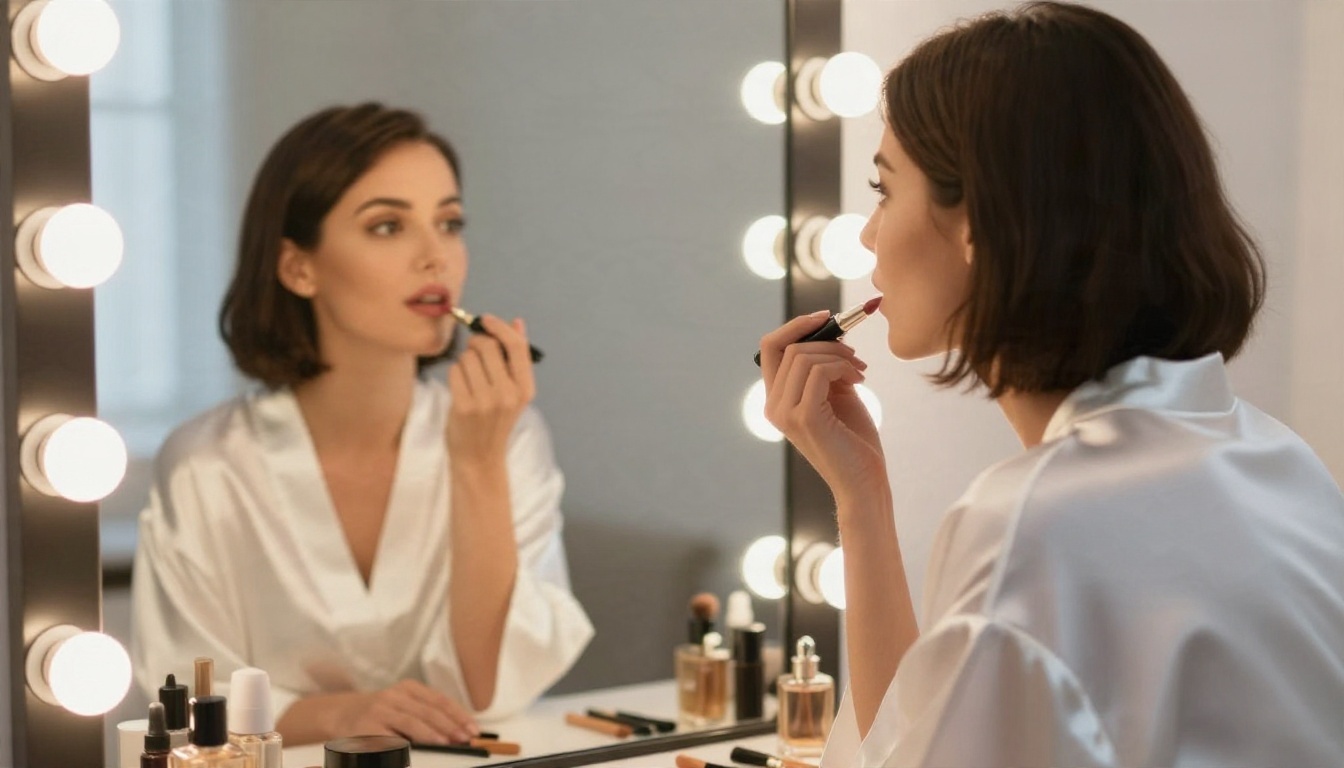
"Adult woman in a white satin robe seated at a vanity mirror with warm bulbs, applying lipstick, her reflection visible. Soft frontal light, 85mm lens at f/1.8, visible satin folds, perfume bottles on the table, subtle film grain."
Motion prompt:
"She finishes applying lipstick, lowers her hand and glances toward the camera with a small smile. Very slow dolly-in, warm bulb glow."
Lifestyle and Rooftop Scenes
Fashion-style outdoor clips are popular because wind and fabric create motion that looks expensive.
Still prompt:
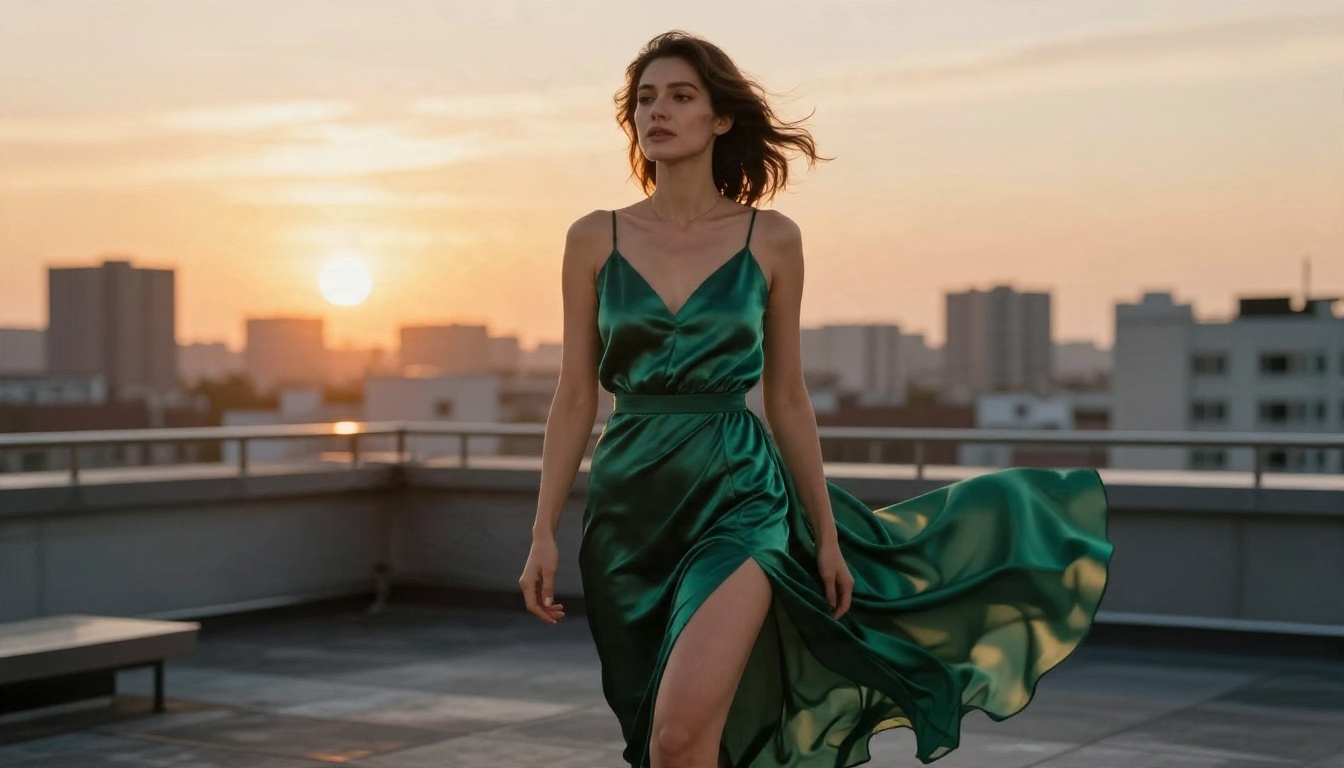
"Low-angle shot of an adult woman in a flowing emerald silk dress with a high slit, standing on a rooftop terrace at sunset, city skyline blurred behind her. Warm backlight, 35mm lens at f/2.2, realistic silk sheen, Kodak Portra 400 grain."
Motion prompt:
"Wind lifts the silk skirt as she turns toward the skyline, hair drifting across her shoulder. Camera slowly rises from low angle to eye level."
Examples That Show the Range
The stills in this article all came from the same photographic recipe: one adult subject, one clear light source, one lens choice and a real-world location. That consistency is what makes a series feel like it belongs to one creator.
Here is how different scene types behave when animated:
| Scene Type | Best Motion | Watch Out For |
|---|
| Beach walk | Walking, hair and fabric in wind | Feet and sand merging |
| Pool float | Water ripples, slow arm drift | Reflections flickering |
| Vanity mirror | Small hand and head movement | Mirror reflection mismatch |
| Rooftop dress | Skirt movement, slow camera rise | Fast fabric becoming distorted |
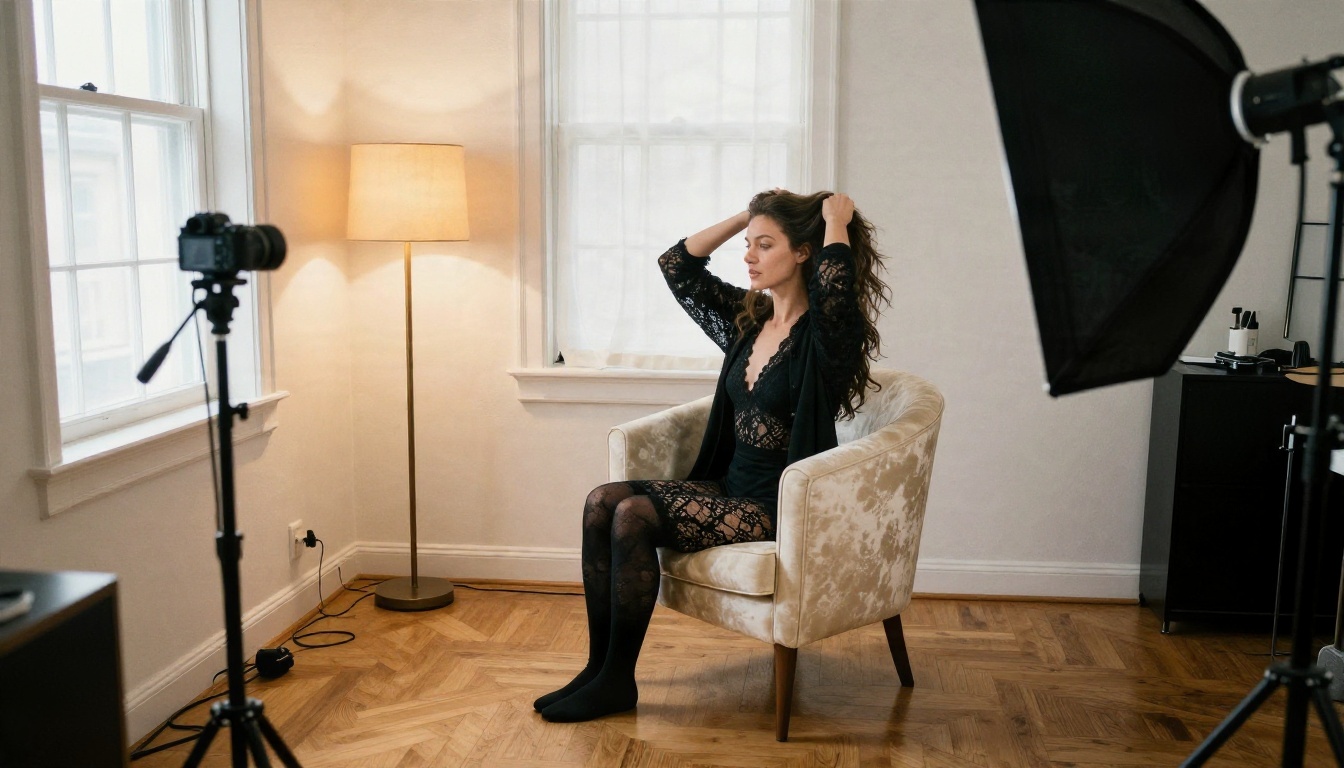
| Studio armchair | Hair adjustment, posture shift | Props appearing or vanishing |
Behind the Scenes Matters Too
Some of the best content in this niche is not the glamour shot at all. It is the setup: the tripod, the softbox, the mirror, the editing timeline. Behind-the-scenes stills and clips build trust and give followers a reason to care about the creator behind the account.
Keep One Character Across Clips
If you are building a series, consistency of the same face and style is what sets amateurs apart from creators with a recognizable brand. Reuse the same still as the source for several clips, or try PicassoIA Reference To Video, which builds video from your own reference images, clips and audio. That keeps the character stable from one scene to the next.
Common Mistakes to Avoid
Vague Motion Prompts
"Make it sexy and cinematic" tells a video model nothing. Replace mood words with physical actions: turns, smiles, lifts a hand, walks forward, adjusts hair. Then name the camera move: slow push-in, gentle pan, low tracking shot. Specific verbs beat adjectives every time.
Overloading One Prompt
Five actions in five seconds produces melted faces and floating limbs. One main action plus one camera move is the safe formula. If you want a longer sequence, generate several short clips and cut them together, or try Seedance 2.5 for longer scenes.
Skipping the Source Frame
Many people animate the first image they like and wonder why the video looks off. Zoom into the still first. Check the hands, teeth, jewelry and background edges. A thirty-second fix in PicassoIA Image Editor Pro saves you ten failed video renders.
Rules That Keep You Safe
Adults and Consent
Use only fictional adult characters or your own likeness. Do not generate videos of real people without their permission, and never create anything involving minors, even implied. These are not just platform rules. In many countries, non-consensual synthetic imagery is illegal, and getting caught in that net can end an account or a career.
Label and Protect Your Work
Mark AI-generated clips clearly when you publish them, keep your original prompts and source files, and check the rules of each platform where you post. Adult-leaning content has different limits on different sites, and a clip that is fine on one can get you banned on another.
💡 Safe workflow: fictional adult character, non-explicit outfit, clear AI label, platform-appropriate posting. Boring, but it keeps your account alive.
Make Your First Clip Today
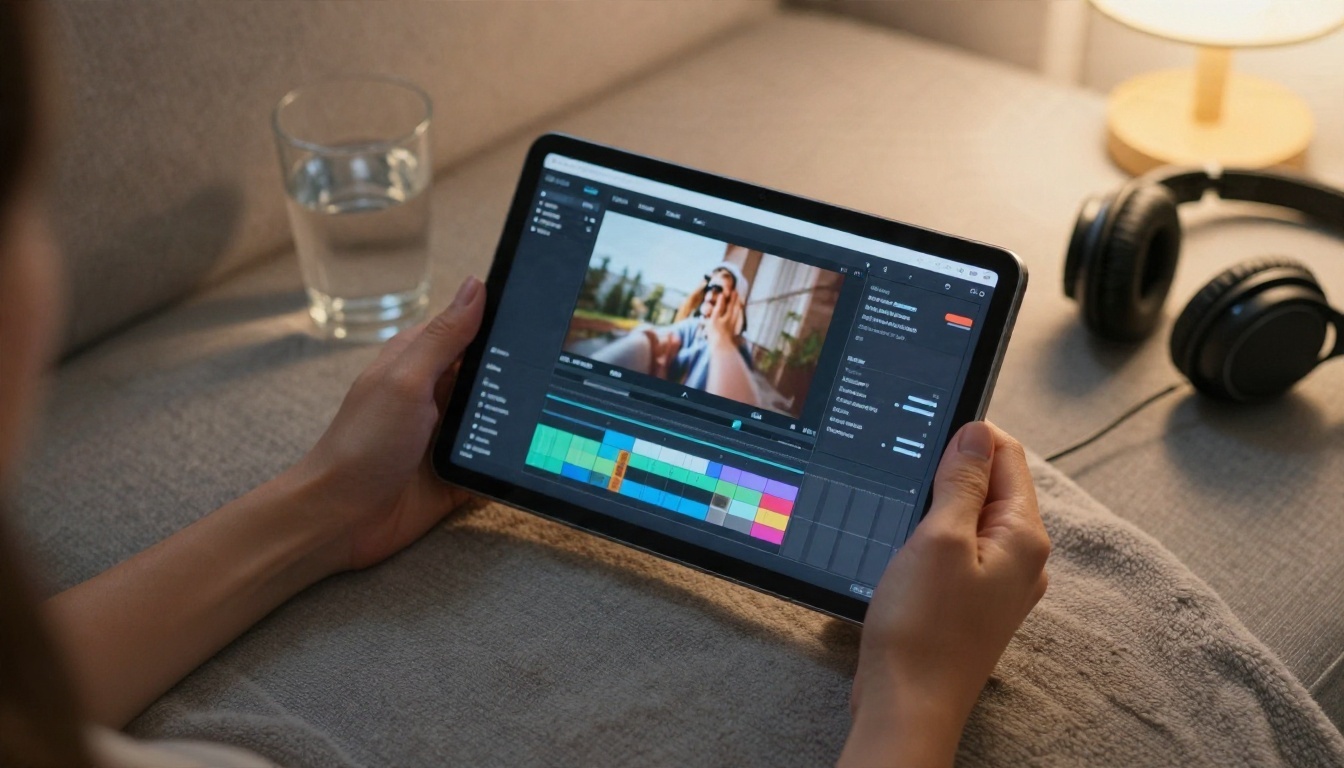
You do not need a studio, a budget or a camera. You need one good still and one clear motion prompt. Open Seedream 4.5, write a photography-style prompt with a real lens and a real light source, and pick your favorite frame. Refine it in PicassoIA Image Editor Pro until nothing in the picture bothers you. Then drop it into PicassoIA Video or Seedance 2.5 Lite and describe one simple movement.
Picasso IA puts all of these models in one place, with fast generation and room to experiment without counting every attempt. Try the prompts above exactly as written, then change one detail at a time: the outfit, the location, the lens, the camera move. Within a few runs you will have your own style.
For the full list of image and video generators, including more options for adult glamour work, visit picassoia.com/en/all-models and start building your first clip.


