You typed a perfectly reasonable prompt for a swimwear shoot, a boudoir portrait or a moody dance scene, and the generator answered with "content blocked." If that sounds familiar, you already know why people search for uncensored video generation. The frustration is real: some tools refuse anything that looks remotely adult, even when the result would be a tasteful, magazine-style clip.
This article sorts out what the word "uncensored" actually means in practice, which models are worth testing, how to write prompts that survive the filters without tricks, which settings change the output, and where you can try everything for free or with unlimited generations. Everything here stays on the glamour and artistic side of the line. Explicit content is a different topic, and no mainstream platform should be expected to produce it.
What "Uncensored" Really Means
Filters Are Not One Switch
Most people picture a single on/off switch labeled "censorship." Reality is messier. A typical video service stacks three separate layers:
- Prompt filters that scan your text for flagged words before anything is generated.
- Model training, where the model itself learned to avoid or distort certain content.
- Output filters that scan the finished clip and block or blur it.
A tool described as "uncensored" usually relaxes one or two of these layers, not all three. That is why two models can accept the exact same prompt and behave completely differently. One renders a swimsuit scene without a fuss, the other returns an error.
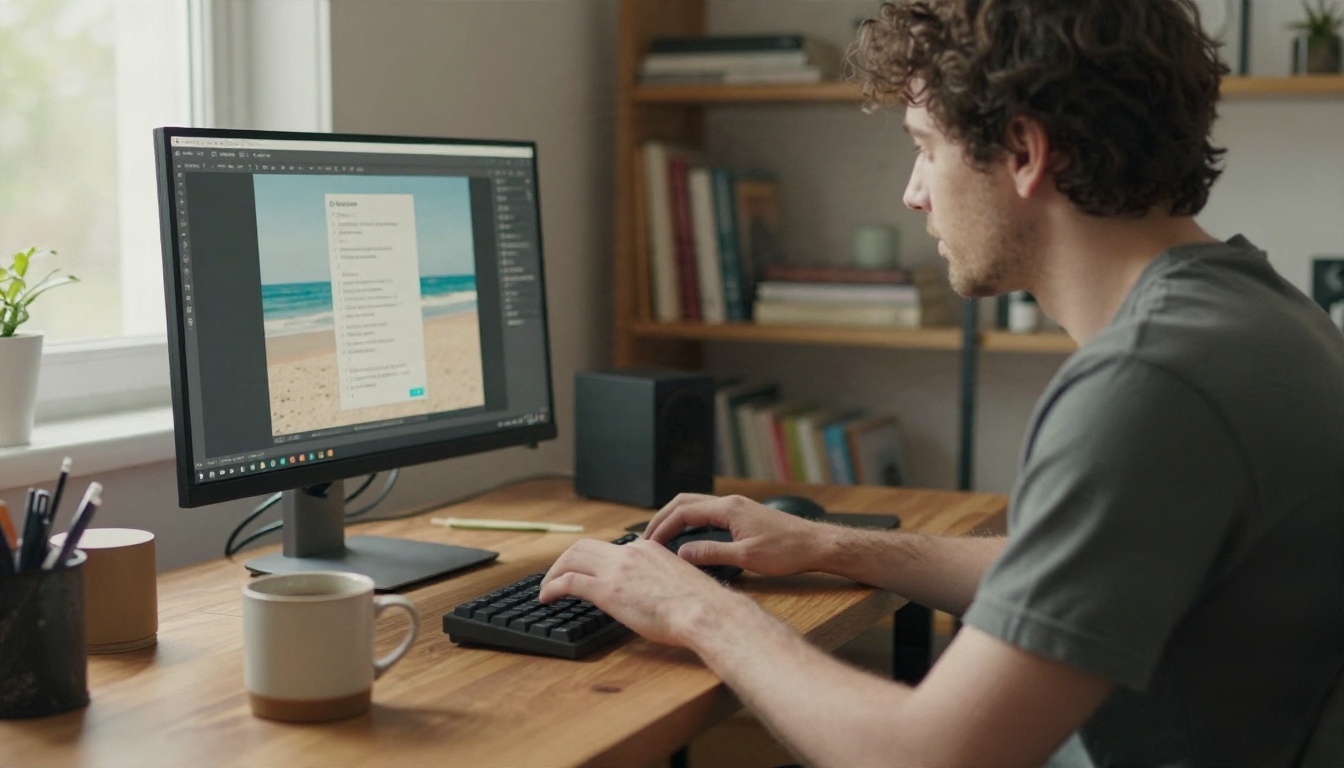
💡 Quick rule: if a generation fails, change the model before you rewrite the prompt. Filter strictness varies far more between models than between wordings.
What Stays Off Limits
Even the most permissive tools keep a few hard lines, and you should too:
- No real people without consent. Never generate mature scenes of a real person's likeness, including celebrities and acquaintances.
- No minors, ever. Any hint of youthfulness is a hard stop, and sensible prompts always specify adult subjects.
- No explicit pornography. Suggestive, sensual and artistic work is realistic to ask for. Hardcore material is not.
Think of the target as editorial fashion film: bikinis, lingerie campaigns, boudoir lighting, beach and pool scenes, slow dance and music video moods. That territory is wide, and the right model handles it comfortably.
Best Models for Mature Video
Start With a Strong Still
Here is a workflow shift that saves hours: make the image first, animate second. Image-to-video gives you control over wardrobe, face, lighting and composition before a single frame of motion is rendered. It also behaves more predictably with filters, because the starting frame already defines the scene.
For stills, two options deserve the first slot:
- Seedream 4.5 produces sharp, photoreal portraits with believable skin texture and handles swimwear, glamour and boudoir prompts with far fewer refusals than most hosted models. It is the starting point for nearly every workflow in this article.
- PicassoIA Image Editor Pro is the editing partner. It offers unlimited generations, so you can fix a hand, change an outfit, adjust a background or swap the lighting and keep iterating without watching a credit counter.

Video Models Worth Testing
Once the still looks right, pick a motion model. These are the ones worth putting through the same test prompt:
| Model | Best for | Strength | Watch out for |
|---|
| Seedance 2.5 Lite | Free, unlimited experiments up to 10 seconds | Zero cost per attempt | Less detail than the full model |
| Seedance 2.5 | Long clips and polished motion | Up to 30 seconds | Slower to iterate |
| Wan 2.2 I2V A14B | Animating a still with natural body motion | Realistic movement and fabric | Needs a clean source image |
| Wan 2.5 I2V Fast | Quick image-to-video drafts | Speed | Shorter, simpler motion |
| Wan 2.5 T2V | Pure text-to-video | Prompt adherence | Face drift without a reference |
| Kling v2.5 Turbo Pro | Cinematic camera moves | Smooth, film-like motion | Can be stricter on prompts |
| Hailuo 02 | 1080p dance and body motion | Expressive movement | Sensitive to long prompts |
| LTX 2.5 Fast | Rapid previews | Very fast turnaround | Lower consistency |
| Veo 3.1 Fast | Native audio and realism | Sound with the picture | Tends to be the most cautious |
💡 Test method: write one prompt, run it on three models, and keep a note of which accepts it. After a week you will have a personal map of which model suits which scene.
Prompts That Actually Work
The Five Part Formula
Video prompts fail for the same reason image prompts do: they are vague. A reliable structure has five parts, in this order:
- Subject: who, what they wear, what they are doing.
- Setting: location, time of day, surfaces.
- Motion: what moves and how fast.
- Camera: lens feel and movement.
- Light and mood: direction, color, atmosphere.
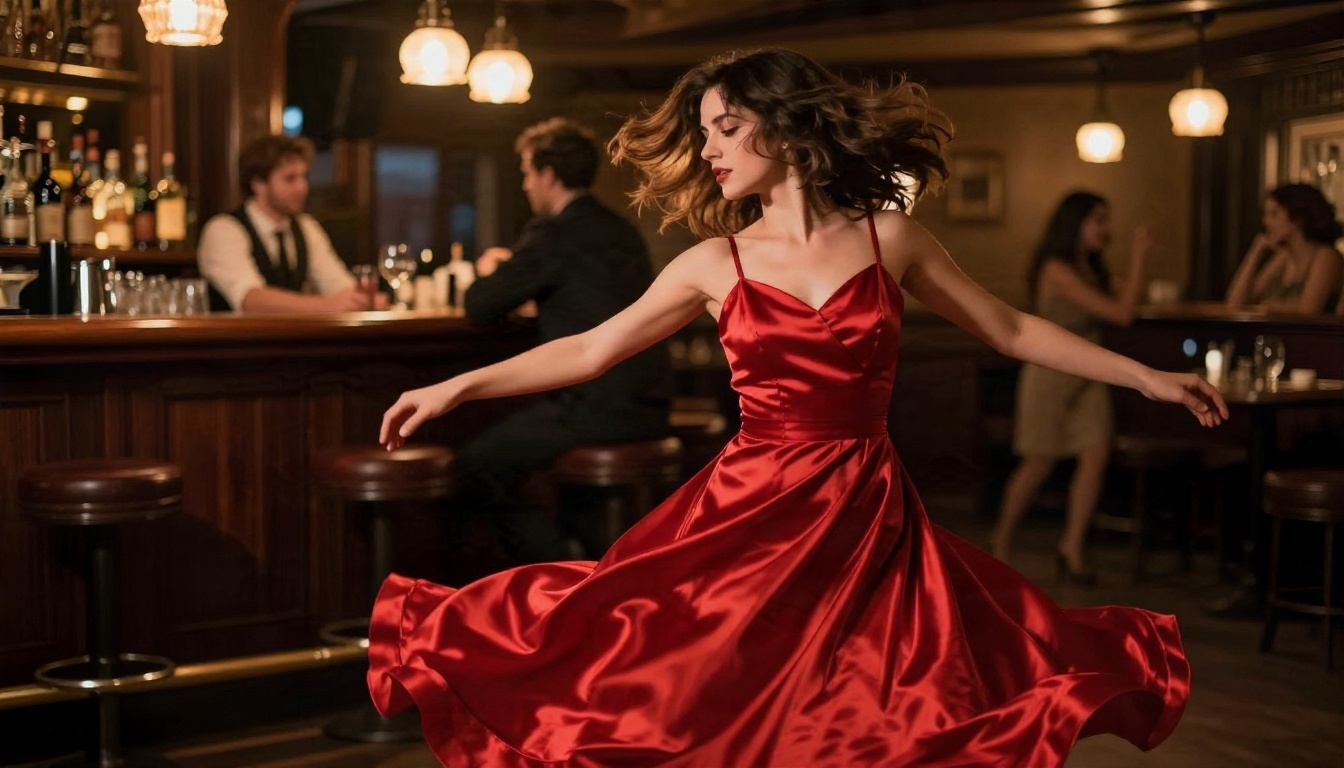
Here is the formula applied to a mature but tasteful scene:
An adult woman in a red satin evening gown dances slowly in a dim vintage jazz bar, warm tungsten lights behind her. She turns her head and lets her hair swing, the hem of the dress trailing a half beat behind. Slow dolly in, 50mm lens, shallow depth of field. Soft side light catches the satin, subtle film grain.
Notice what the prompt does not do. It never tries to be shocking, and it never leans on euphemism. Plain, cinematic language works better than coded wording, and it is less likely to confuse the model.
Motion Words That Behave
Video models respond to a small set of motion terms very reliably:
- Slow, gentle, subtle: reduces jitter and keeps faces stable.
- Drifts, sways, ripples, flutters: good for hair, fabric and water.
- Dolly in, orbit, tilt up, handheld drift: camera vocabulary the models know well.
- Holds, pauses, settles: tells the model to end on a stable frame.
Avoid piling on action. Three or four motions per five seconds is the ceiling. Past that, limbs warp and faces melt.
Prompts for Common Scenes
| Scene | Prompt core |
|---|
| Beach | Adult woman in a coral bikini walks along the shoreline at sunrise, foam curling around her ankles, slow aerial drift, warm side light |
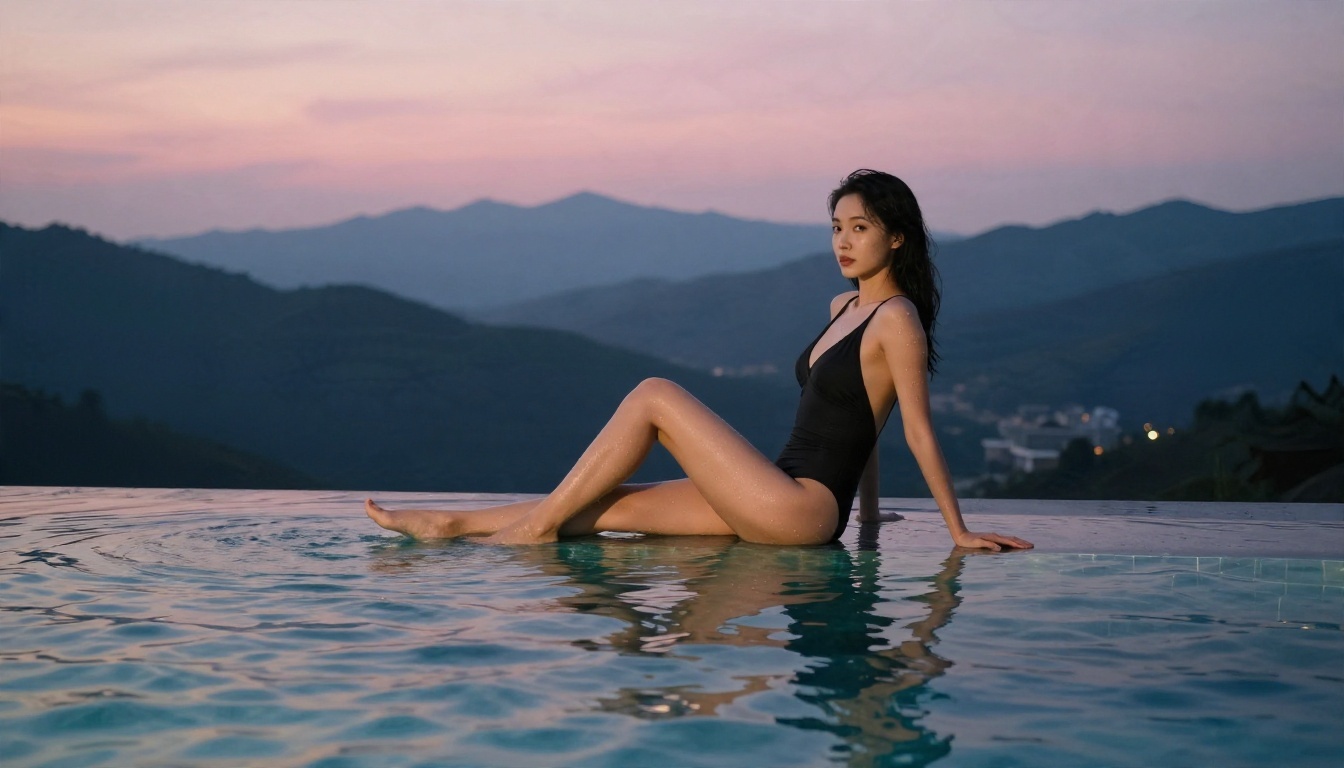
| Pool | Woman in a black swimsuit sits at an infinity pool at dusk, glances over her shoulder, water ripples, slow push in |
| Boudoir | Woman on white linen in morning window light, soft smile, a slow breath, curtains moving, 85mm shallow focus |
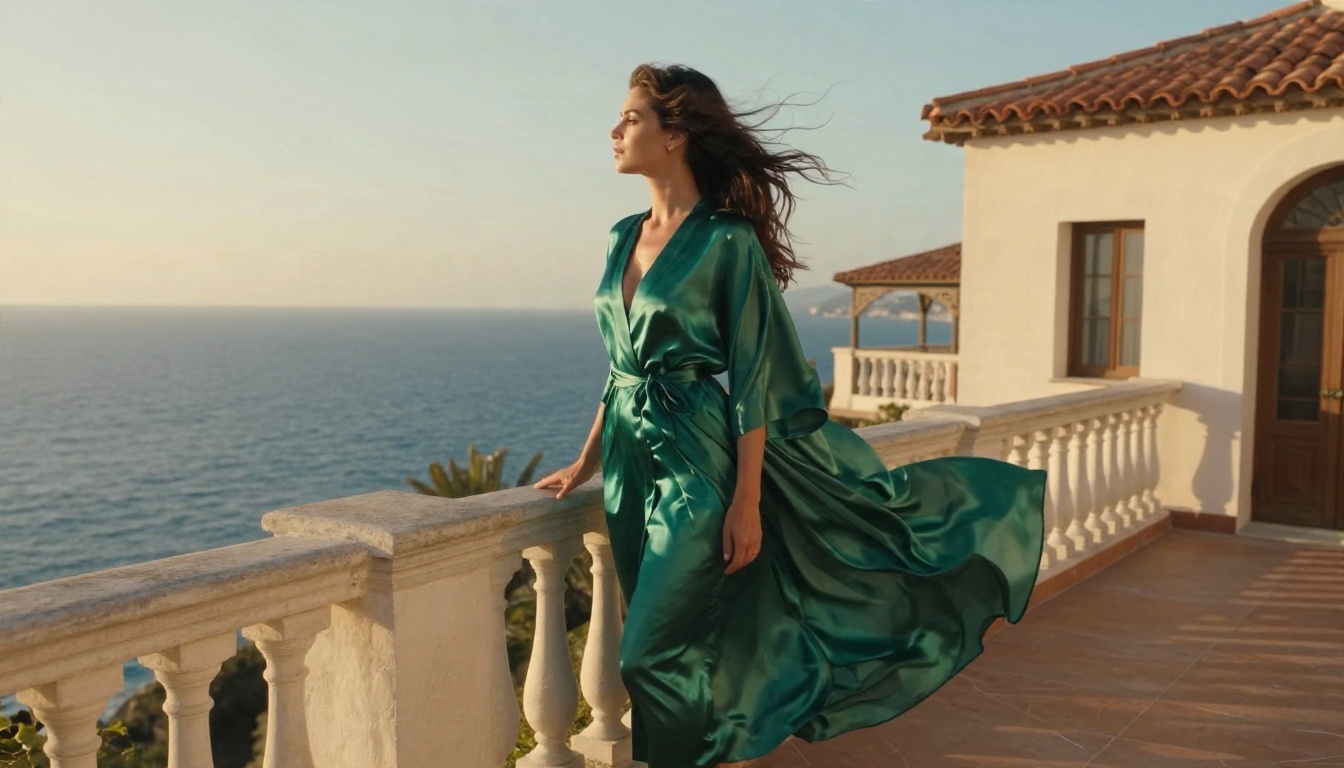
| Balcony | Woman in an emerald silk robe on a villa balcony at sunrise, breeze lifts the fabric, wide shot, gentle pan |
Settings That Matter
Image to Video Beats Text to Video
For anything involving a person, image-to-video is the stronger choice. Text-to-video must invent the face, the outfit and the room all at once, and every new attempt produces a different woman. With a source image, the face stays put and you only direct the motion. If you want a consistent character across several clips, generate one portrait with Seedream 4.5, polish it in Image Editor Pro, and feed that same image to every video run.
Duration and Resolution
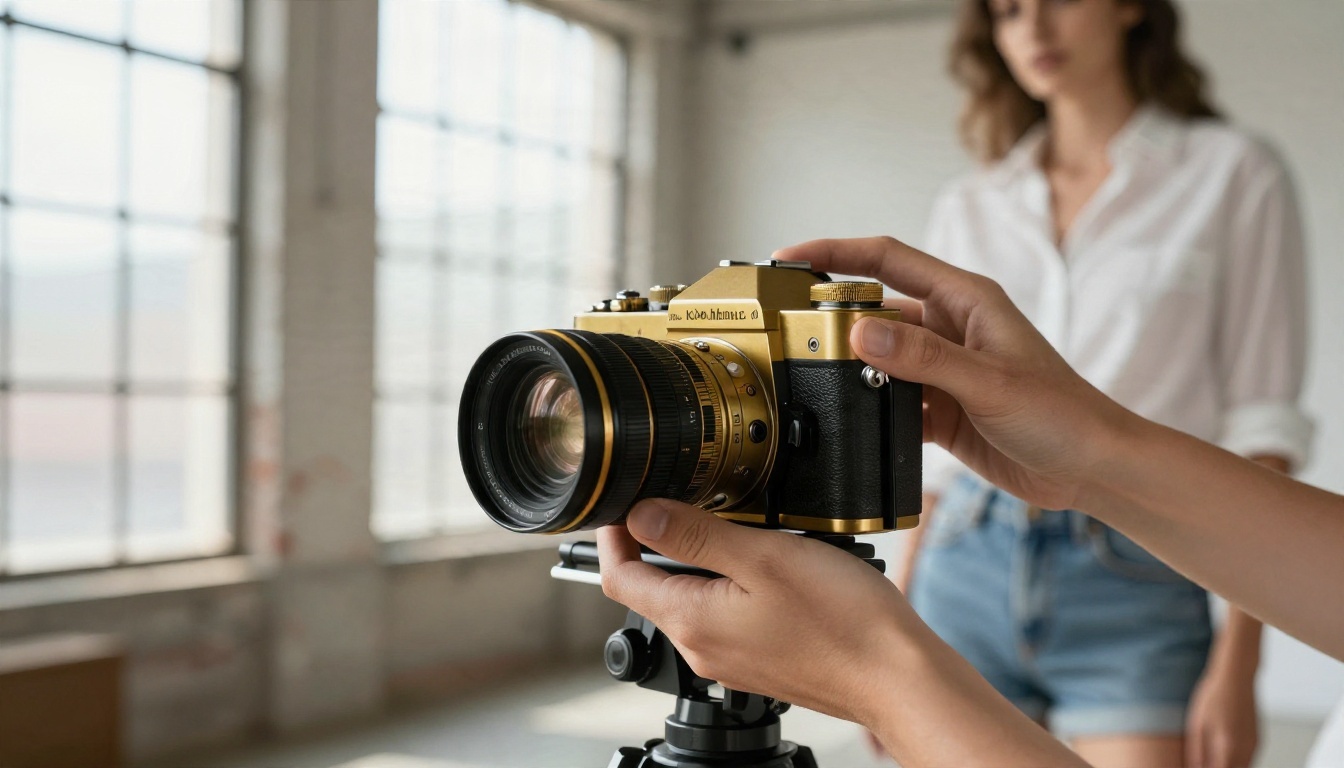
Longer is not better. Every extra second gives the model more room to drift. A practical approach:
- Draft at 3 to 5 seconds on a fast or free model such as Seedance 2.5 Lite or LTX 2.5 Fast.
- Pick the winner, then rerun that prompt on a higher quality model at 720p or 1080p.
- Stitch short clips together in an editor rather than asking for 20 seconds in one shot, unless you are using a model built for length like Seedance 2.5.
Seeds and Iteration
If a model exposes a seed, treat it as a bookmark. When a clip is 80 percent right, keep the seed and change only one phrase in the prompt. Changing five things at once tells you nothing. Keep notes: model, seed, prompt, result. It feels tedious for the first ten runs and saves hours after that.
💡 Negative prompts: where a negative prompt field exists, list the defects, not the subject. "Warped hands, extra fingers, flickering face, blurry, text, watermark" does more than any attempt to describe what you do not want to see.
Free and Unlimited Options
What Is Free on PicassoIA
Cost is the biggest obstacle to good iteration, because you will burn ten failed clips for every keeper. Two tools on PicassoIA remove that pressure:
- PicassoIA Image Editor Pro gives you unlimited image generations and edits, so the still that starts your video can be perfected at no cost.
- Seedance 2.5 Lite is a free, unlimited video generator for clips up to 10 seconds, ideal for drafting motion before you commit to a premium model.
A smart low-cost pipeline looks like this:
- Generate three or four portraits in Seedream 4.5 and pick the best.
- Fix details in Image Editor Pro until the frame is clean.
- Animate on Seedance 2.5 Lite as many times as it takes.
- Take the best prompt to Wan 2.2 I2V A14B or Seedance 2.5 for the final render.
Running Models Locally
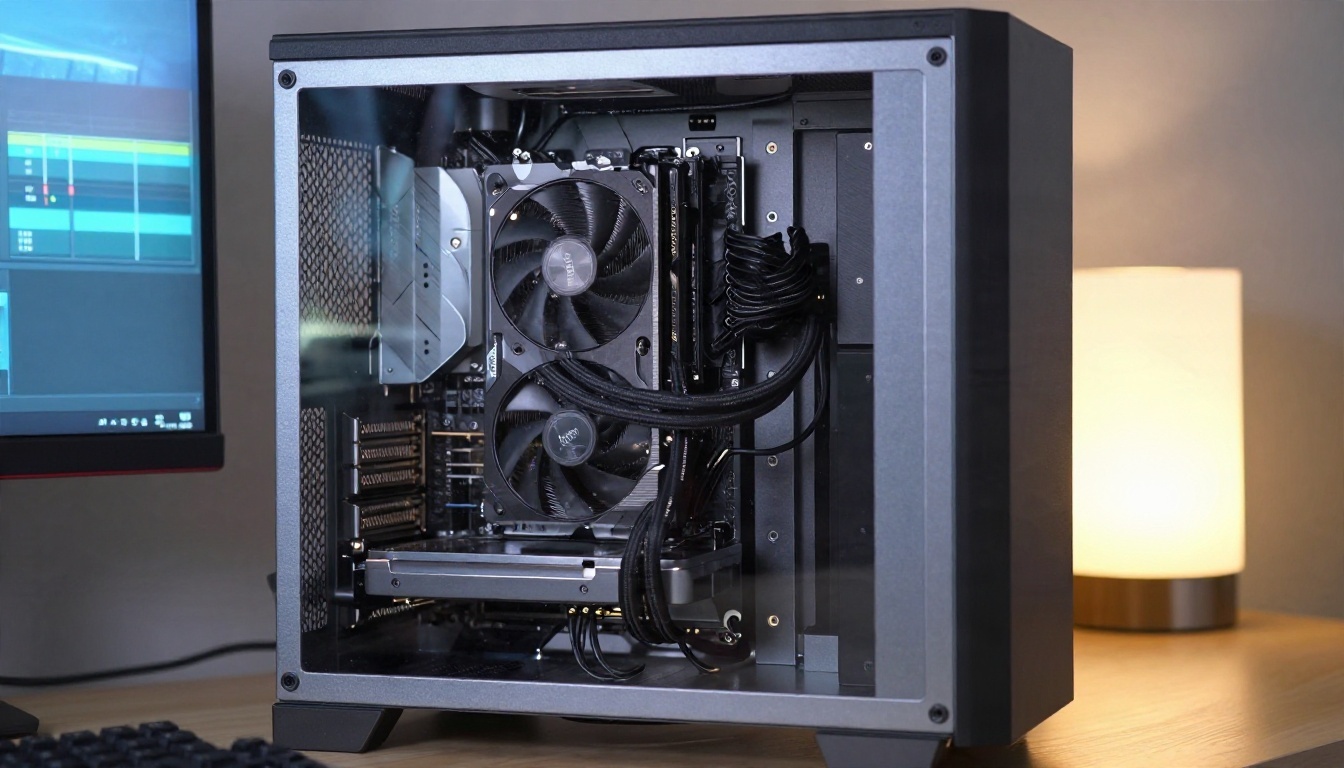
Open-weight models such as Wan 2.2 and LTX can be run on your own computer, and that is where the most freedom exists, because no hosted filter sits in front of you. The trade-off is hardware and effort. Smaller variants run on a graphics card with around 16GB of memory, while the full versions want far more, and you will need to set up a workflow tool such as ComfyUI. Expect a few evenings of setup and some troubleshooting.
Local also means you are responsible for what you make. The same rules apply: adults only, no real people without consent, nothing explicit shared publicly. For most creators, a hosted setup with unlimited free tiers is simply faster and easier.
Mistakes That Waste Your Time
Fighting the Filter With Tricks
Misspelled words, coded phrases and long chains of workarounds rarely help. Modern filters read meaning, not just keywords, and the tricks often make the output worse because the model gets a confused prompt. Switch models, simplify the wording, or start from an image instead.
Overloading One Prompt
A prompt that asks for a dance, a costume change, a camera orbit, rain and a smile in five seconds will produce a mess. One subject, one setting, two or three motions. Done.
Ignoring the Source Image
In image-to-video, the first frame carries most of the quality. A soft, noisy or awkwardly cropped still will produce a soft, noisy, awkward video. Spend your effort on the still, and the motion model has much less to fix.
Skipping Light Direction
"Soft light" does little. "Warm window light from the left, gentle rim light on the shoulder" gives the model a physical setup to follow, and clips look noticeably more real. Everything in the photos above was built on a clear light description, and the same applies to video.
Expecting One Model to Do Everything
No single model wins on every scene. Wan models shine at natural body motion, Kling at camera work, Hailuo at dance, Veo at sound, and Seedance at length and cost. Keep two or three in rotation.
Try It Yourself on Picasso IA
You now have the full pipeline: a strong still, a clean five part prompt, short drafts, and a final render on the right model. The fastest way to see the difference is to run it once.
- Open Seedream 4.5 and generate a portrait of an adult subject in the outfit and location you want.
- Refine it in PicassoIA Image Editor Pro with unlimited edits.
- Animate it with Seedance 2.5 Lite for free, then try Wan 2.2 I2V A14B for a higher quality pass.
Every model mentioned here, and many more, is listed at picassoia.com/en/all-models. Pick a scene, write your first prompt, and see what comes out. Your tenth clip will be far better than your first, and on Picasso IA you can afford to make all ten.


