Search for a free, uncensored video generator and you get a wall of tabs promising unlimited clips, zero filters and no sign-up. Then you click, sit in a queue for eleven minutes, and get a watermarked three-second loop or a red error banner. This article sorts out what actually works in November 2026: which apps deserve your time, what the pricing looks like once the free credits disappear, what an API call costs per clip, and how to fix the usual failures when a generator stops responding or refuses your prompt.
💡 Short version: truly free and truly uncensored rarely come together in a hosted app. Free hosted tools limit credits, resolution or length. The only zero cost route is running open weights on your own graphics card. Everything in between is a trade between money, time and hardware.
What "Free and Uncensored" Really Means

Both words get stretched by marketing pages. Before comparing tools, it helps to pin down what each one means in practice.
Three Kinds of Free
- Free trial credits. You get a one-time pile of credits. When they run out, the tool asks for a card. Honest, but short.
- Free tier with limits. A daily or monthly allowance, usually at low resolution, with a watermark and a slow queue.
- Free because you pay in hardware. Open source model weights on your own machine. No per-clip fee, but you carry the electricity, the setup time and the graphics card.
Reviews published through 2026 keep landing on the same finding: every credible option has at least one catch, whether that is one-time credits, low resolution, branding on the output, a cap on clips, or a narrow set of features. Any page that claims unlimited, watermark-free, unfiltered video at no cost deserves a close read of its terms.
What Uncensored Should Mean
Uncensored does not mean anything goes. It means a tool that does not refuse ordinary adult-leaning creative work: glamour, swimwear, boudoir styling, sensual mood, artistic implied nudity. Aggressive filters often flag a beach scene or a satin dress because of a single word in the prompt. A good uncensored generator lets those through without a lecture.
It does not mean explicit pornography, content involving minors, or anyone's face used without their consent. Reputable platforms block those regardless, and in many countries producing them is illegal. This article is about the first category only: attractive, suggestive and non-explicit video.
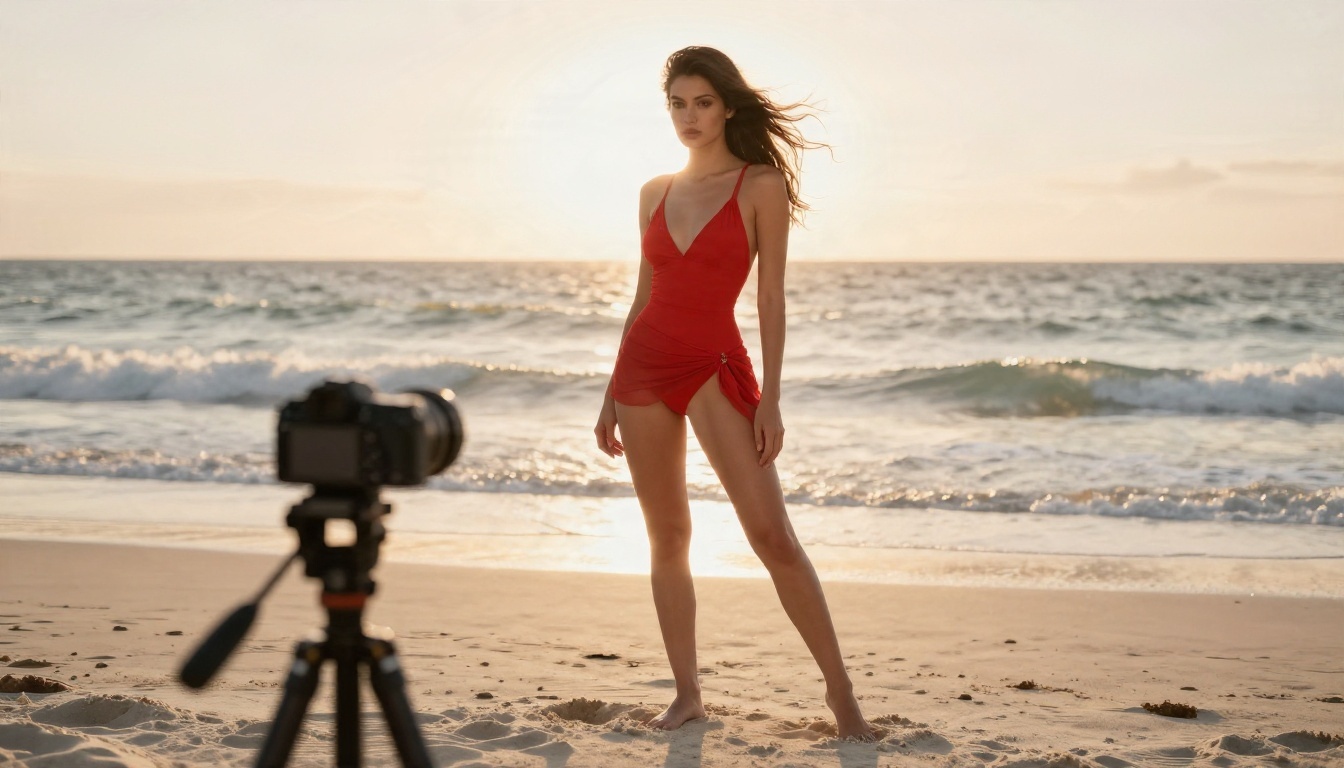
Tools fall into three buckets. The right one depends on whether you value speed, privacy or price.
Browser Generators
Browser tools are the fastest way to a result. You type a prompt or upload a still, pick a length, and wait. The best ones offer both text-to-video and image-to-video, because animating a still you already like gives far more control than hoping a prompt lands.
On PicassoIA, Seedance 2.5 Lite is the free and unlimited option for Elite and Infinite members: clips up to 10 seconds at 480p or 720p, from text or from an image, with no per-clip cost or daily counter. If you want longer or sharper output, the full Seedance 2.5 handles up to 30-second videos, and Seedance 2.0 Mini adds native audio at a lighter weight.
For image animation specifically, Wan 2.5 I2V Fast turns a single photo into motion quickly, and Hailuo 2.3 Fast is a solid pick for photo-to-video with natural body movement.
Phone Apps

Phone apps are convenient and the worst place to look for unfiltered output. App store rules force strict moderation, so the apps that stay listed tend to block swimwear prompts that a browser tool allows. Many also hide the real price behind a weekly subscription that starts after a three-day trial. If you use a phone, a mobile browser pointed at a web generator avoids both problems.
💡 Quick check before installing anything: read the subscription line on the store page. A weekly charge that looks small becomes a large annual number.
Local Open Weights
Running an open source video model such as the Wan family inside ComfyUI on your own machine is the one route with zero per-generation cost and no one else's filter. The trade-offs are real. You need a capable graphics card with plenty of video memory, patience with installs and node graphs, and clips that are slower to produce than a hosted service. Some people skip the home hardware and rent a cloud GPU by the hour instead, which works well for weekend projects.
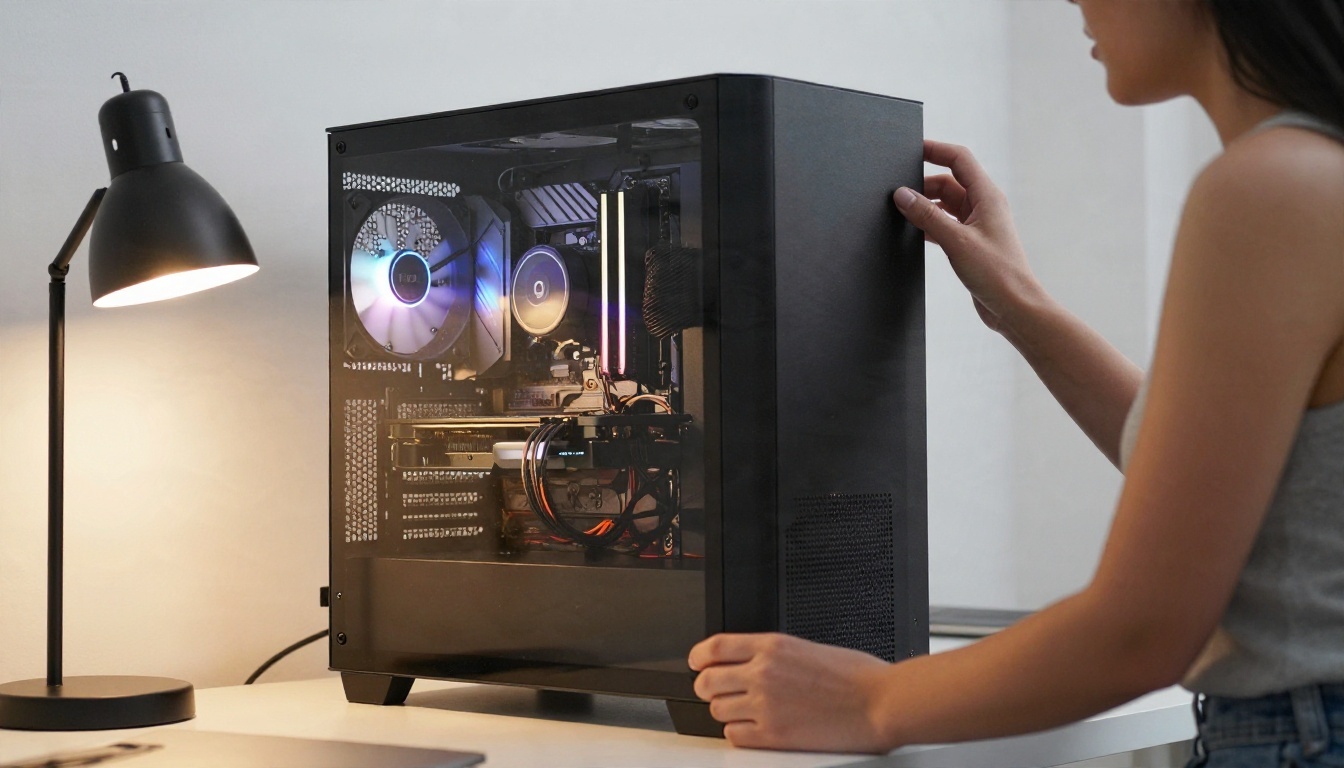
| Route | Cost per clip | Filters | Setup time | Best for |
|---|
| Browser tool with free tier | Free, capped | Varies, often strict | Minutes | Quick tests |
| Browser tool with unlimited plan | Flat monthly fee | Lighter on glamour content | Minutes | Regular creators |
| Phone app | Trial then weekly fee | Strict | Minutes | Casual use only |
| Local open weights | Electricity only | None added | Hours to days | Technical users |
| Pay-per-run API | A few cents | Provider dependent | An afternoon | Developers |
The Real Cost of Free

Free is a pricing strategy, not a gift. Here is where the money hides.
Credit Caps and Watermarks
A free credit pack of 50 or 100 credits sounds generous until one 5-second clip at decent quality burns 10 to 20 of them. Test runs, failed generations and retries all eat credits. Budget for roughly three failed attempts for every clip you keep. Watermarks are the second cost: a logo burned into the corner makes the result useless for anything you plan to post.
What Paid Plans Usually Cost
Subscription plans for video tools mostly sit between a few dollars and a few tens of dollars per month. A plan that is truly unlimited at 720p is usually the better value for anyone making more than a handful of clips a week, because the cost per kept clip falls once you stop counting credits.
💡 Rule of thumb: divide the monthly price by the number of clips you realistically keep. If the answer is above two dollars a clip, a different route will serve you better.
API Access and Per-Run Costs
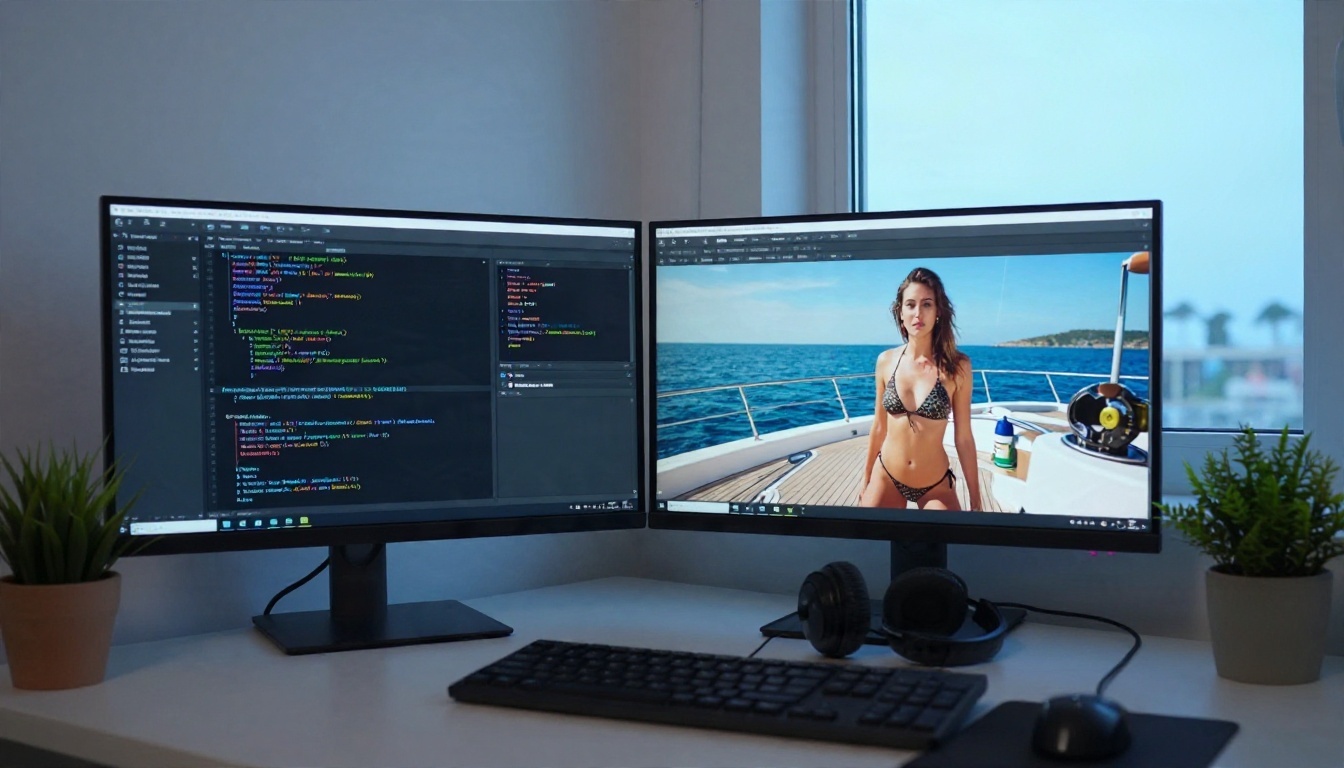
Developers often want an API so a script can generate clips in bulk. Be careful with the word free here too.
What APIs Charge
Pay-per-run listings for open-weight Wan variants have been seen at roughly two to five cents per run, for clips of around 4 to 12 seconds at 24 frames per second. Aggregator services sell monthly plans starting around the price of a nice dinner. Closed models from large labs cost noticeably more per second of video and moderate their output more strictly.
Treat any API that advertises unlimited free calls with suspicion. Free API access is nearly always rate limited, and the output filter is set by the provider, not by you.
Check the Endpoint Still Exists
Before debugging your code for an hour, confirm the model you call is still offered. OpenAI's Sora, for example, was reported to have its web and app access shut down on April 26, 2026, with its API following on September 24, 2026. Any script still pointing at a retired endpoint will fail no matter how clean the code is. Providers retire and rename model IDs often, so keep the model name in a config file instead of hard coding it in ten places.
Why Your Generator Stops Working
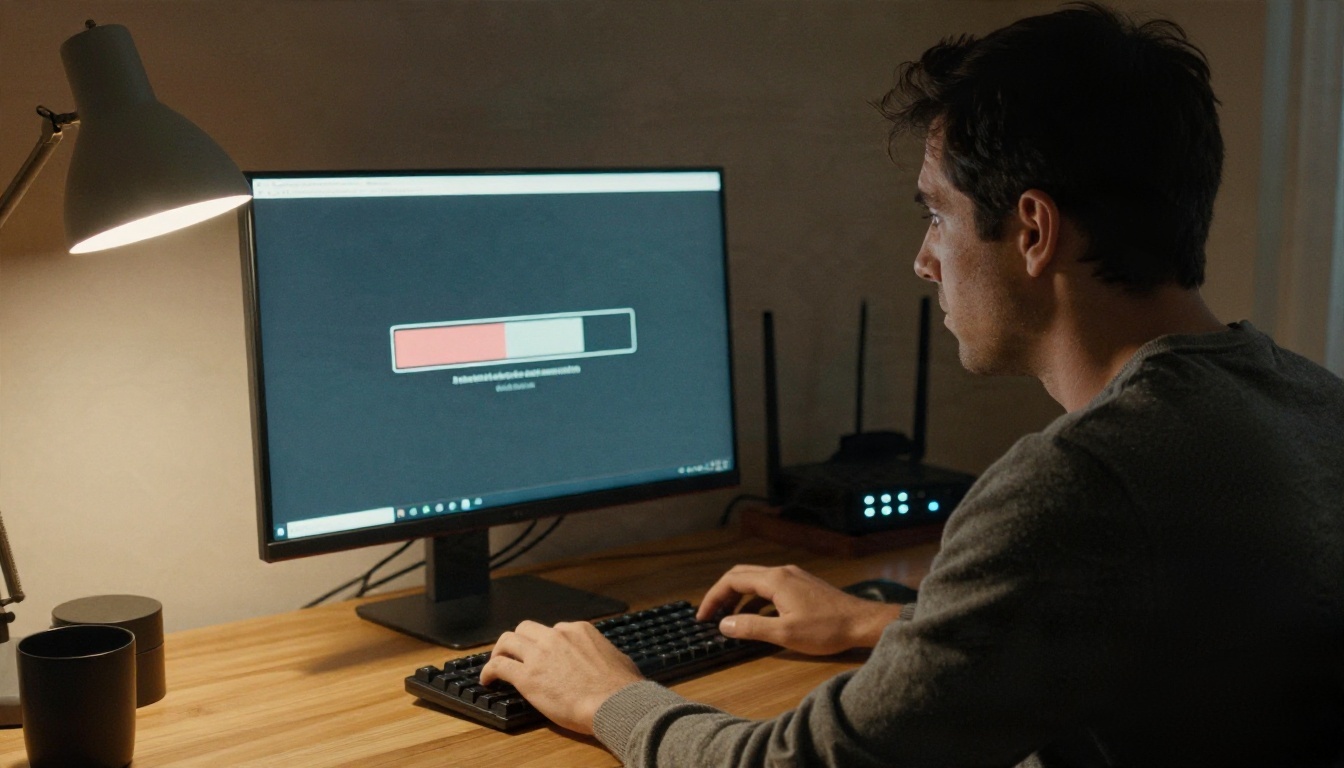
Most failures fall into three groups. Identify yours first, then apply the matching fix.
Queue and Server Errors
Symptoms: a progress bar stuck at 90 percent, a spinner that never ends, or a message about high demand.
Fixes:
- Wait ten minutes before resubmitting. Hitting retry repeatedly pushes you to the back of the line.
- Switch to a lighter model or lower resolution. A 480p job is accepted when a 1080p job times out.
- Shorten the clip. A 5-second request clears faster than a 10-second one.
- Try off-peak hours. Early morning in the United States is usually quieter.
- Clear the browser cache or open a private window if the page never loads the result.
Filter Rejections
Symptoms: "content not allowed", a blank result, or a clip that ignores half your prompt.
Fixes:
- Remove trigger words and describe the visual instead. "Woman in a navy swimsuit on a sailboat deck" passes where a vague loaded phrase fails.
- Use image-to-video. A clean, tasteful still as the first frame passes moderation far more often than a text prompt alone.
- Lead with setting, lighting and camera movement, and describe the body only briefly.
- Move to a tool with lighter moderation for glamour content rather than fighting a strict one.
Dead Endpoints and Billing Errors
Symptoms: 401, 402, 404 or 429 responses from an API, or an app that suddenly asks for payment.
Fixes:
- A 401 means a bad or expired key. Regenerate it.
- A 402 usually means the credit balance reached zero. Top it up.
- A 404 often means the model name was retired. Check the current list of model IDs.
- A 429 means rate limiting. Add a delay between calls and retry with growing waits.
💡 Tip: read the full error text. Many providers name the exact problem, from moderation flags to missing parameters, in the response body.
How to Use Seedance 2.5 Lite on PicassoIA

Seedance 2.5 Lite is the practical answer to the free and unlimited question for hosted video. It is the lightweight version of Seedance 2.5, tuned for fast 480p and 720p output, and Elite and Infinite members can run it without a per-clip cost or a daily counter.
Step by Step
- Open the Seedance 2.5 Lite page on PicassoIA.
- Choose your input: a text prompt, or an image to use as the opening frame.
- Write the prompt as motion over time: who is where, what moves, how the camera behaves.
- Pick the duration, either a 5-second beat or a full 10-second shot.
- Pick 720p for sharper output, or 480p for faster drafts.
- Generate, review, and refine one detail at a time.
Parameter Tips
| Setting | Recommendation | Why |
|---|
| Duration | 5 seconds for tests, 10 for the final | Short drafts cost no extra when unlimited, but they iterate faster |
| Resolution | 480p to draft, 720p to publish | Check motion at low resolution first |
| Input | Image-to-video for people | Keeps faces and outfits consistent |
| Prompt length | 40 to 80 words | Enough detail without contradictions |
| Camera | One movement only | A slow dolly or a gentle pan avoids warped frames |
A prompt that works well: a woman in a white linen shirt over a bikini top walks along the surf at golden hour, hair moving in a light breeze, slow camera push-in, warm backlight, natural skin texture, handheld feel.
If you need more length or resolution, move up to Seedance 2.5. For a different motion style, Wan 2.5 T2V and Hailuo 02 are worth testing on the same prompt, since each model reads movement a little differently.
Better Stills Mean Better Video
Image-to-video is where uncensored generation gets reliable. The first frame sets the face, the outfit, the lighting and the mood, so the video model only has to add motion. Building that first frame well matters more than any video setting.
Start with Seedream 4.5
For adult-leaning glamour stills, Seedream 4.5 is the model to lead with. It makes sharp, high-resolution photographic images up to 4K, with believable skin, fabric and light. Generate three or four candidates of the same scene, pick the one with the cleanest hands and face, and use that as the opening frame for your video.
Tips for a strong first frame:
- Describe lens and light: "85mm f/1.8, soft window light from the left".
- Keep the pose simple so the motion model has room to move it.
- Leave space in the frame for camera movement.
- Avoid text on clothing or signs, which tends to warp in motion.
Fix Flaws with Image Editor Pro
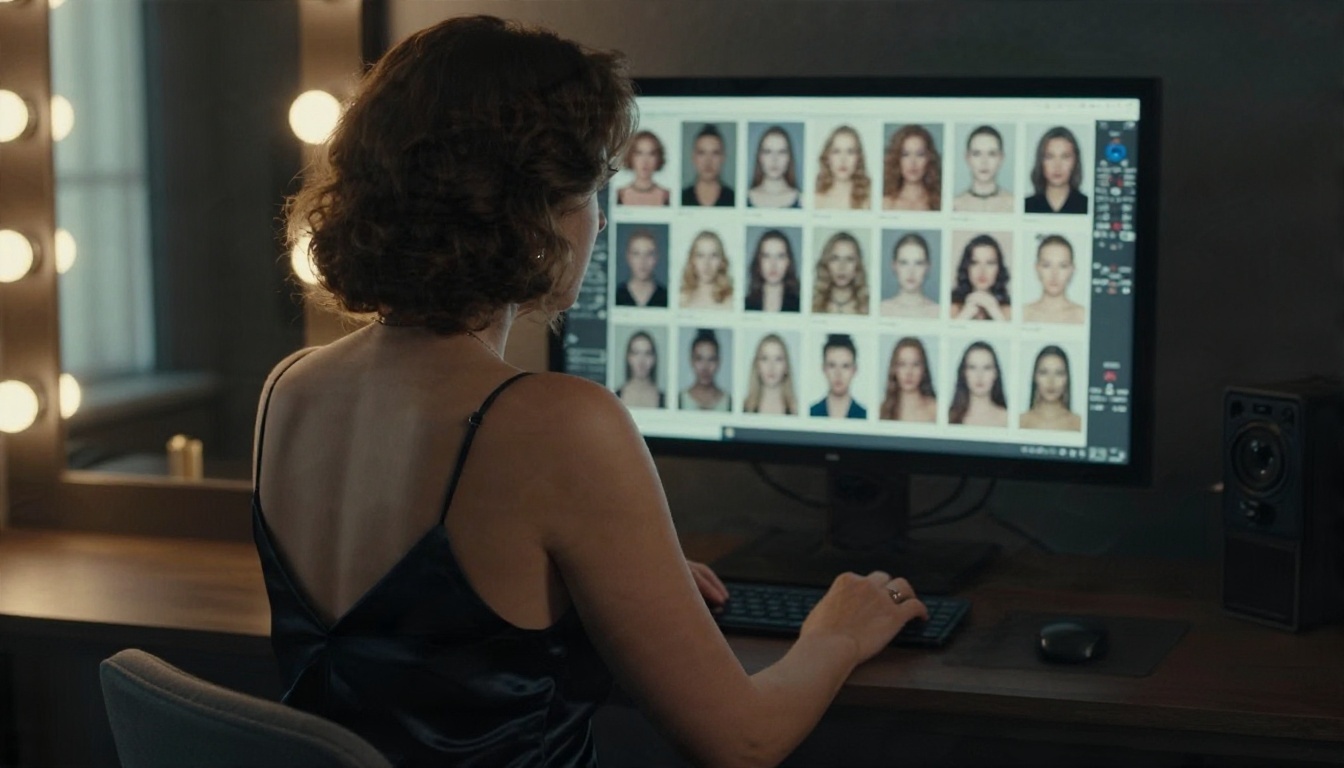
When a still is almost right, with a stray finger, an odd strap or the wrong background, PicassoIA Image Editor Pro lets you edit it with unlimited generations. That removes the credit anxiety: you can swap an outfit color, change the setting or tidy a detail ten times without watching a counter. Once the frame is right, send it to Seedance 2.5 Lite or Wan 2.5 I2V Fast.
Other image models worth a test for specific looks: Seedream 5 Pro for clean 2K output and Qwen Image 3 Pro for photorealistic scenes.
A Workflow That Saves Credits
This routine keeps failures low whichever tool you use:
- Write the scene in one sentence before touching a generator.
- Make the still with Seedream 4.5 and pick the best of four.
- Fix flaws with Image Editor Pro.
- Draft the video at 480p for 5 seconds to check motion.
- Render the final at 720p, at 10 seconds if the action needs it.
- Keep notes: save the prompts that worked, so a new project starts from a proven base.
| Problem | Likely cause | Fast fix |
|---|
| Face changes mid clip | Text-only prompt | Use image-to-video |
| Hands look warped | Too much action | Simplify the motion |
| Clip is blocked | Loaded wording | Describe the visual, not the label |
| Result looks soft | Low resolution draft | Render the final at 720p |
| Stuck queue | Peak hours | Retry later at lower resolution |
Try It Yourself Today
You do not need to commit to a subscription, a graphics card or an API key to find out what works. Pick one scene, generate a still with Seedream 4.5, polish it in PicassoIA Image Editor Pro, and animate it with Seedance 2.5 Lite. You will know within an hour whether the quality and the filter behavior fit your projects.
Picasso IA puts these image and video models in one place, so you can test several on the same prompt and keep the one you like. Browse the full list at picassoia.com/en/all-models and start creating your own suggestive, photorealistic videos today.


