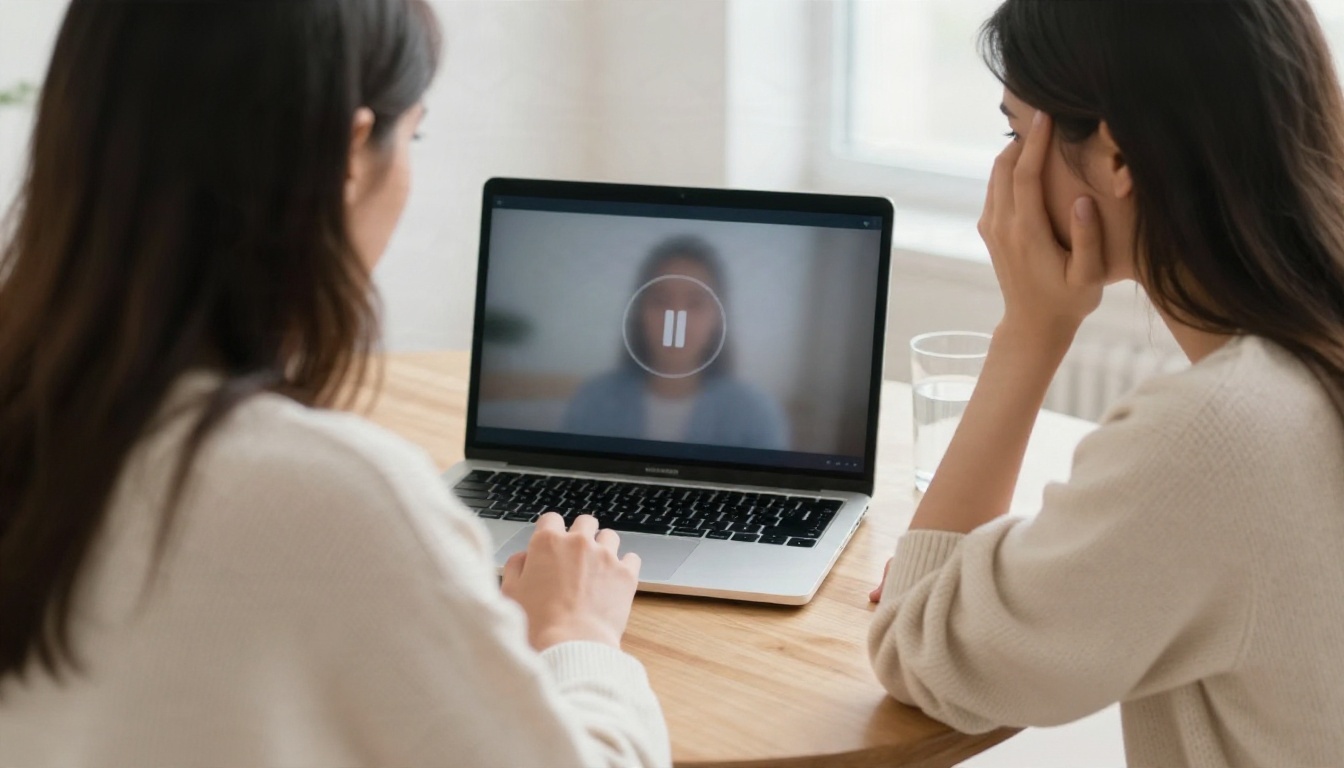
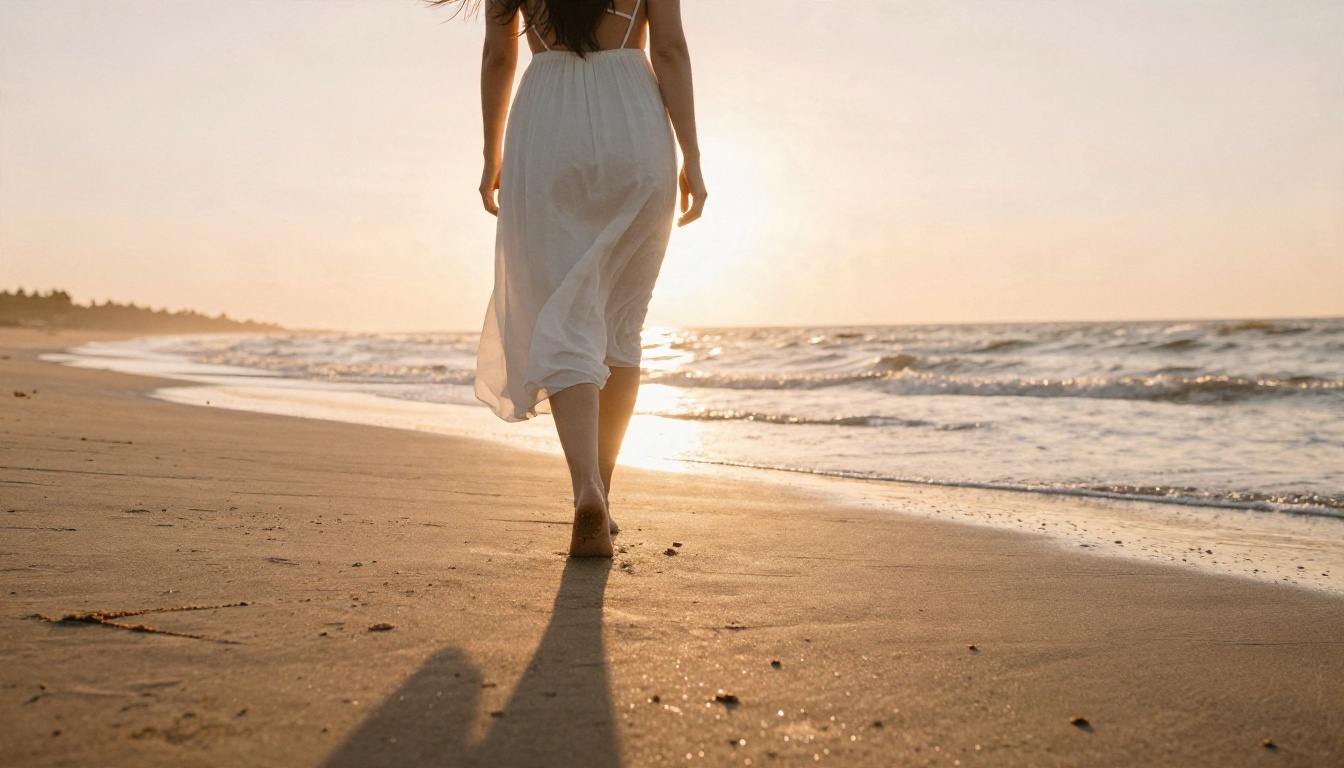
You typed a perfectly normal prompt, a woman in a white sundress walking along the shore at sunrise, hit generate, and got a refusal instead of a clip. So you searched for an uncensored Wan 3.0, and now you are buried in forum posts, "unfiltered" download links and vague promises. Here is the short version: Wan 3.0 is a hosted model with moderation on the server side, there is no confirmed uncensored build, and most "filter not working" problems come from how the prompt and the first frame are written, not from a bug you can toggle off. This article separates what is real from what is rumor, shows the settings worth changing, and lists alternatives that work right now.
💡 Quick answer: Wan 3.0 has no official uncensored switch. If a clip gets blocked, rewrite the prompt around motion and mood, use a cleaner first frame, and try a model with more room for glamour and swimwear content. Details below.
What Wan 3.0 Actually Is
Wan 3.0 is the video model from Alibaba that arrived in public beta in August 2026. It generates clips up to 30 seconds long at 480p, 720p and 1080p, from text or from a single starting image. That length is a big jump from the 5 to 10 second clips most video models produced a year ago.
Facts at a glance
| Detail | What is confirmed |
|---|
| Maker | Alibaba |
| Access | Hosted API and web tools, no public download |
| Clip length | Up to 30 seconds |
| Resolutions | 480p, 720p, 1080p |
| Inputs | Text prompt, or text plus a first frame image |
| Open weights | Not confirmed, and the official listing says it is not open source |
| Uncensored version | None announced |
Wan 2.2 was the last release in the family with open weights. Everything after it has been API only. Any page that offers "Wan 3.0 weights" with a 1.3B or 14B label is almost certainly recycling the spec sheet of an older model.
Is there an uncensored version?
No official one. Claims of an uncensored Wan 3.0 fall into three buckets:
- Fake download pages that bundle installers you should never run.
- Old Wan 2.x community checkpoints renamed to sound new.
- Hosted wrappers that call the same server and add nothing.
If a site claims to remove moderation from a model that is not distributed as weights, ask how. There is no file to edit. The honest framing is this: you can reduce false blocks on legitimate prompts, and you can pick tools with a wider content range for glamour, bikini and boudoir style footage. You cannot flip a hidden setting.
Why the Filter Seems Broken
Most people say the filter is "not working" in one of two ways. Either it blocks things that look harmless, or it behaves differently from one day to the next. Both have ordinary explanations.
Moderation runs on the server
When you submit a job, the prompt and the first frame go to a hosted service. That service runs its own checks before and after generation. Nothing in your browser tab can change that. It also means the rules can be updated without notice, which explains why a prompt that passed on Tuesday fails on Friday.
Harmless prompts get flagged
Automated filters score the wording, not your intent. Words that often push a prompt over the line without any bad intent include:
- Body-focused adjectives stacked together in one sentence
- Words tied to undressing or wetness in a close-up context
- Age-ambiguous descriptions such as "girl", "teen" or "schoolgirl"
- Long lists of clothing items that read like a checklist
The age wording matters most. Always describe adults as adults, with phrases like "a woman in her late twenties". That alone clears a surprising number of false blocks.
The first frame gets checked too
With image-to-video, the starting picture is scanned separately. A photo that is fine on its own can still fail if it is cropped tight on skin or has heavy compression artifacts that confuse the classifier. A calm, well-lit, clearly adult subject in a full or medium shot passes far more often than a tight crop.
Fixes That Work for Real Prompts
These steps are about getting legitimate swimwear, fashion and glamour footage through, not about defeating anything. They are quick to test, so run them in this order.
Describe motion before appearance
Video models respond to verbs. A prompt that spends 40 words on a body and 5 words on movement reads badly to a human and worse to a filter. Flip the ratio.
Weak prompt: "Beautiful woman in a tiny swimsuit, perfect figure, close up."
Stronger prompt: "A woman in her late twenties in a white sundress walks along a wet shoreline at sunrise, waves foam around her ankles, the camera tracks low and slow, warm golden backlight, soft film grain."
The second one gives the model a scene, a camera move and a mood. It also happens to produce better footage.
Start from a cleaner first frame
If you animate a picture, choose a framing that shows the person in context: a pier, a pool, a doorway, a rooftop. Medium shots with visible environment are safer and usually look more cinematic. A portrait with a rich background gives the model more motion to work with than a tight crop.

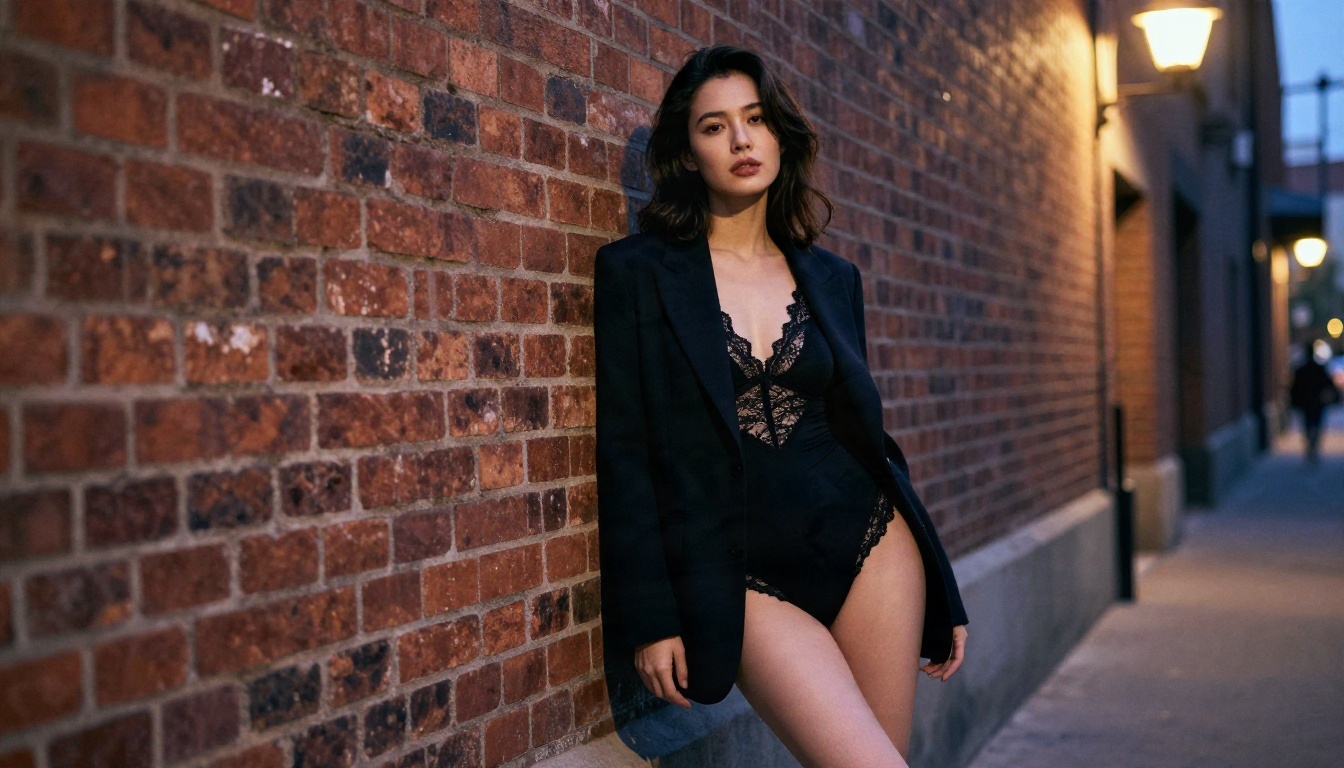
A close beauty portrait like the one above works well as a first frame because the motion comes from hair, light and a slow push-in, not from anything the filter cares about.
Use the negative prompt properly
Wan 3 accepts a negative prompt. Most people leave it empty or paste a giant wall of terms. Keep it short and practical:
blurry, warped hands, extra fingers, flickering, text, watermark
A tidy negative prompt improves quality, which matters because poor artifacts such as melted skin or distorted limbs are exactly what trips a moderation pass after generation.
Change one thing per retry
If a job fails, do not rewrite everything. Change the wording, or the image, or the resolution, then test. Otherwise you never learn which change worked.
Online Settings That Matter
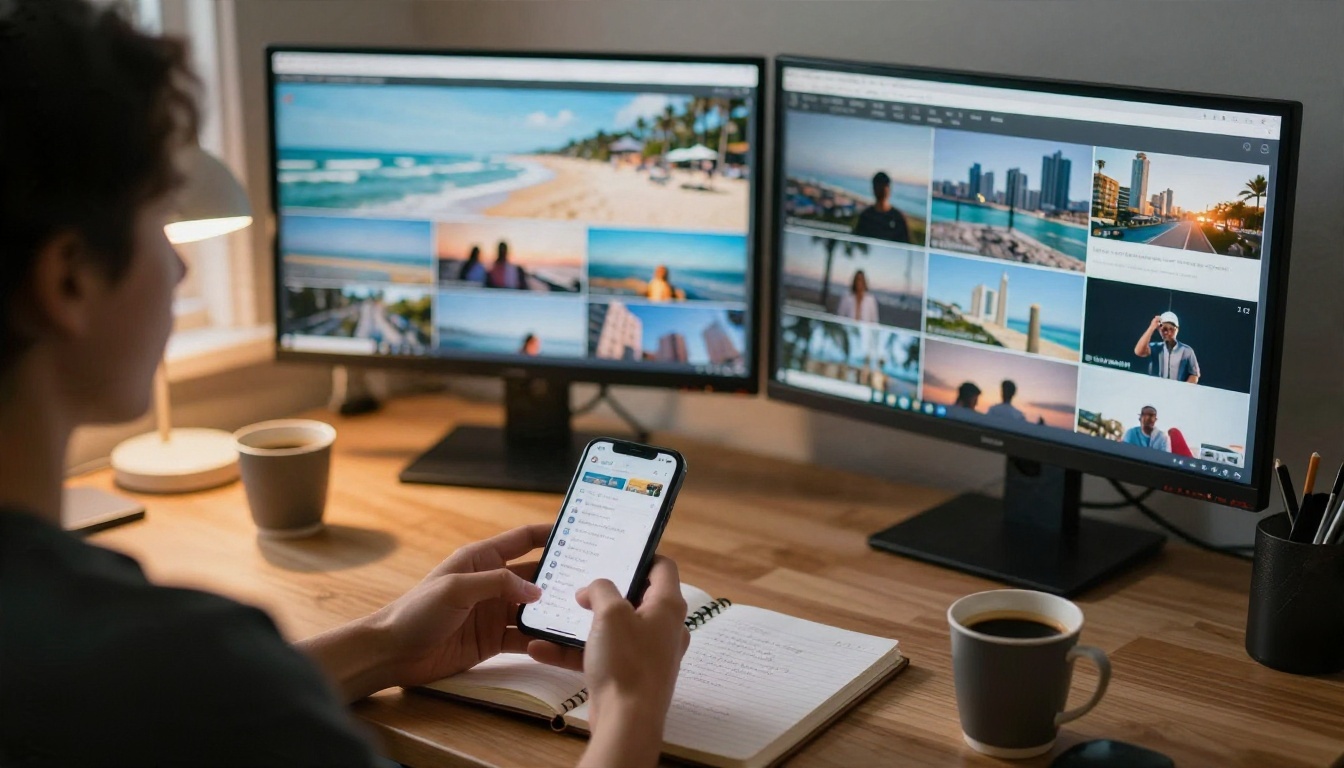
The online interface for Wan 3 exposes only a handful of controls. Here is what each one does and the value to start with.
| Setting | Options | Starting value | Why |
|---|
| Resolution | 480p, 720p, 1080p | 720p | Faster tests, then render the winner at 1080p |
| Duration | Seconds per clip | 5 | Short clips fail less and cost less |
| Aspect ratio | adaptive, 16:9, 9:16, 1:1, 4:3, 3:4 | 16:9 | Ignored when you supply a first frame |
| Negative prompt | Free text | Short artifact list | Cuts flicker and warped details |
| Prompt expansion | On or off | On for short prompts | Adds detail, but adds latency |
| Seed | 0 to 2147483647 | Fixed once you like a result | Lets you reproduce a good take |
Resolution and duration
Test at 720p and 5 seconds. A clip that fails at 5 seconds will not magically pass at 30, and you waste credits finding out. Once the motion and framing look right, raise the duration and resolution together for the final render.
Prompt expansion
Prompt expansion rewrites your text into a longer, more detailed one. For short prompts that is useful. The catch is that the expanded version is not shown to you in every interface, so a short, clean prompt can occasionally become a longer one with words you never wrote. If you keep getting blocked on a prompt that looks innocent, turn expansion off and write the detail yourself.
💡 Tip: Fix the seed once you find a take you like. Then change only the camera wording. You get variations of the same shot instead of a random new one every time.
How to Use Wan 3 on PicassoIA
Wan 3 is available on PicassoIA, so you can test everything above without setting up an API account. It supports text to video, image to video, up to 1080p and clips up to 30 seconds. The same rules about moderation apply, since it is the same kind of hosted model, but the workflow is quick enough that iteration is cheap.

Step by step
- Open the Wan 3 page.
- Write a prompt that starts with the subject and the action, then the camera move, then the light.
- Optionally upload a first frame. Use a JPG, PNG or WebP under 10 MB.
- Set resolution to 720p and duration to 5 for your first test.
- Add a short negative prompt such as
blurry, flicker, warped hands, text.
- Leave prompt expansion on, unless your last attempt was blocked.
- Generate, review, then fix the seed if you like the result.
- Re-render at 1080p and a longer duration once the shot works.
Parameter tips
- Keep prompts between 40 and 90 words. Shorter ones wander, longer ones contradict themselves.
- Name one camera move only: slow dolly in, gentle pan, low tracking shot.
- Mention light direction, such as "warm backlight from the left".
- Avoid stacking more than two clothing details in one sentence.
For longer, sharper renders, Wan 3 Prime is the sibling worth trying. It targets 1080p output and clips up to 30 seconds, with an optional starting image.
Alternatives When Wan 3 Says No
Sometimes the right move is to change tools. Different models draw their lines in different places, and some give glamour, swimwear and boudoir style content more room. Here is a sensible order to try, with the picture side first because a strong first frame solves most video problems.
Seedream 4.5 for first frames
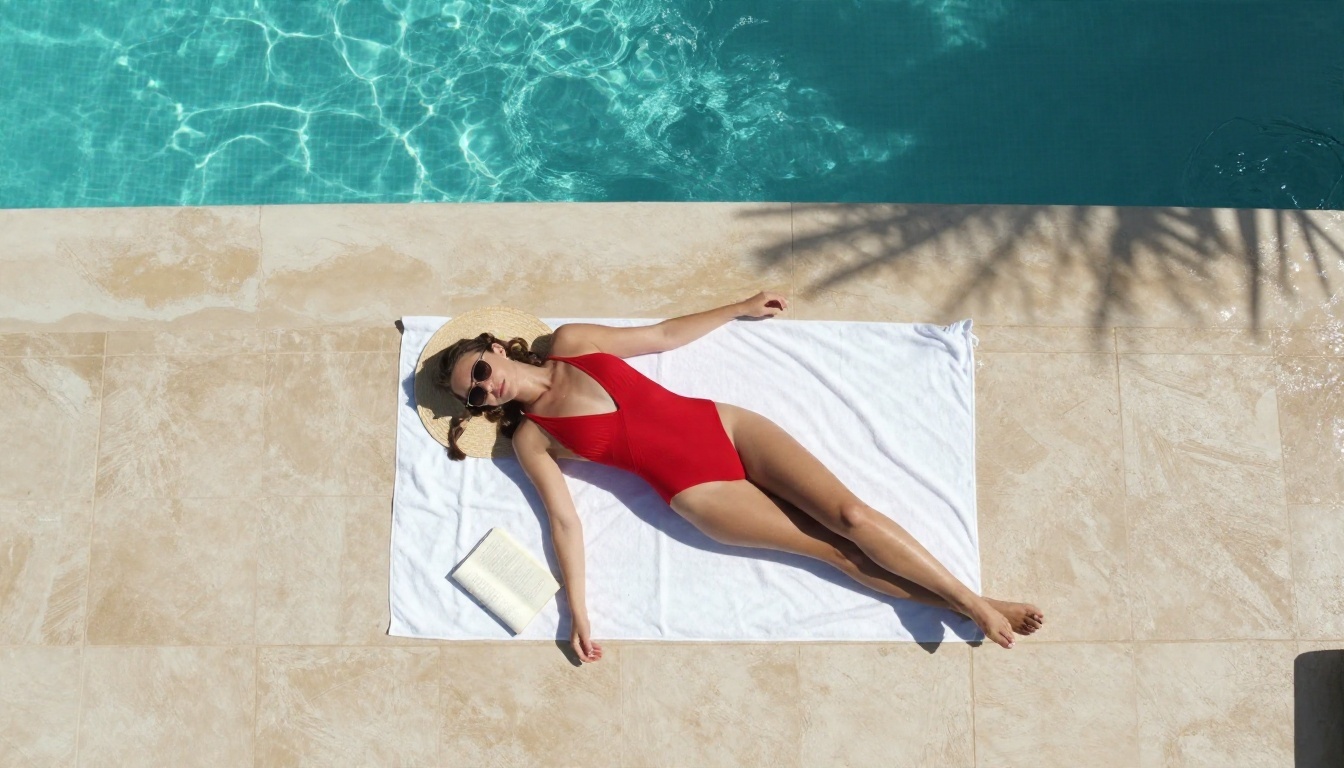
Seedream 4.5 is the first tool to reach for when the image is the problem. It produces sharp photoreal images up to 4K, handles skin, fabric and light convincingly, and copes well with swimwear, lingerie style fashion and glamour portraits that are suggestive but not explicit. Generate your first frame here, then animate it elsewhere.
PicassoIA Image Editor Pro
PicassoIA Image Editor Pro is built for people who iterate a lot. It offers unlimited generations, so you can try ten wordings of the same idea without watching a credit counter. Use it to fix a first frame that keeps failing: change the framing, adjust the outfit, soften the crop, then send the result to a video model.
Video models to try next
If the picture is fine and only the video step fails, switch the video model:
- Wan 2.6 I2V animates any photo and is a close relative of Wan 3 with a slightly different behavior.
- Wan 2.6 I2V Flash is the faster version for quick tests.
- Wan 2.5 I2V Fast is cheap and useful for checking motion ideas.
- Seedance 2.5 produces long clips, up to 30 seconds, with strong motion.
- LTX 2.5 Fast renders quickly and is good for drafts.
Quick comparison
A Workflow That Avoids Most Blocks
Here is the sequence I would use for a swimwear or glamour video from scratch.
- Make the first frame in Seedream 4.5. Aim for a medium shot with a real location. Use film language: lens, light direction, grain.
- Fix details in Image Editor Pro. Because generations are unlimited, you can polish the face, the fabric and the framing without hesitation.
- Animate at 720p, 5 seconds. Use Wan 3 or Wan 2.6 I2V with one camera move.
- Change the model if it still fails. Do not keep hammering the same wording.
- Upscale and render the final take. Go to 1080p, longer duration, fixed seed.
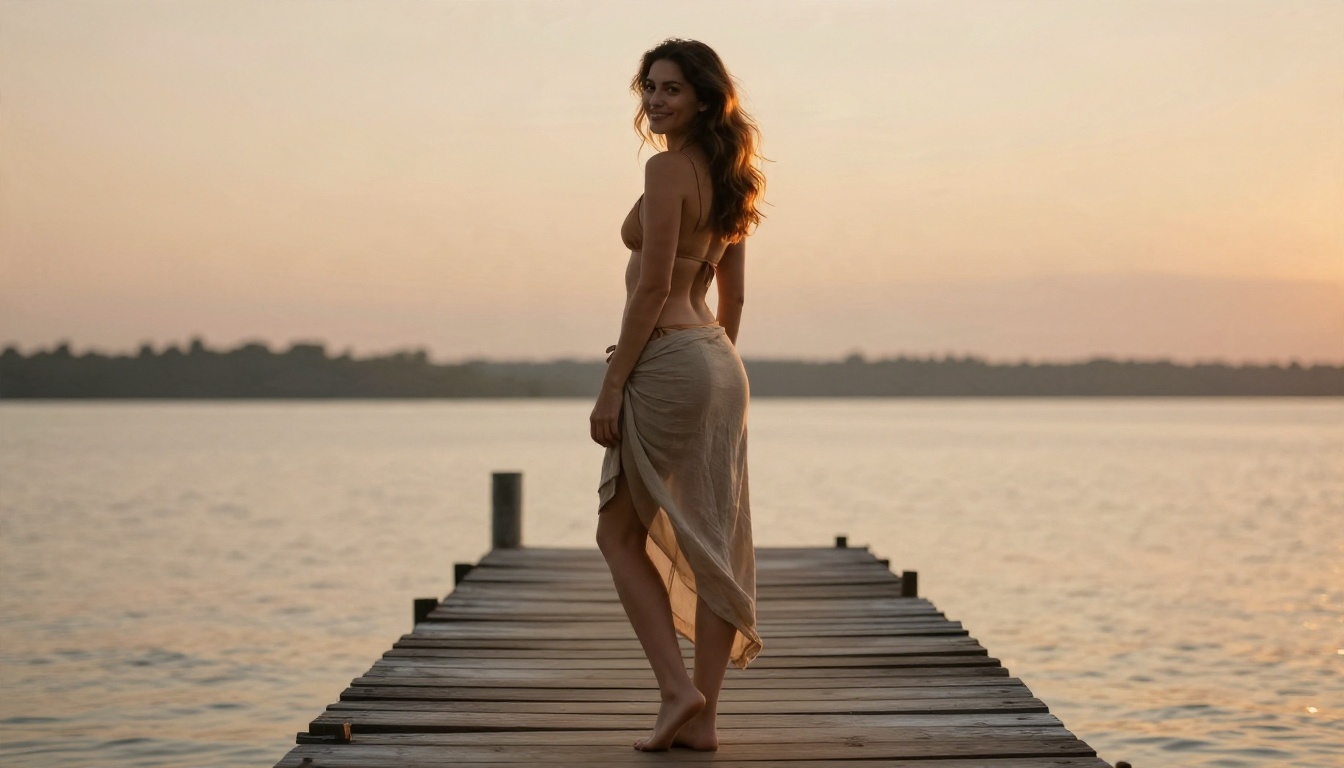
The pier frame above is the kind of image that works well in this pipeline: adult subject, clear location, warm light, and a pose that suggests a natural motion, like turning her head or walking forward.
Mistakes That Waste Credits
Chasing "uncensored" downloads
Anything that asks you to install a launcher, disable antivirus or pay for a "private build" of a hosted model is a risk to your device and your money. Skip it.
Rewriting too much at once
If you change the prompt, the first frame, the resolution and the model in the same retry, you will never know what fixed it. Change one thing.
Starting at 30 seconds
Long clips are tempting, but a blocked or flawed 30 second render costs far more than a 5 second test. Test short, finish long.
Ignoring age wording
Always describe subjects as adults. It is the single most common reason harmless prompts are blocked, and it is the easiest to fix.
Skipping the negative prompt
Glitchy anatomy and flicker produce more moderation flags than most people expect, because the classifier reads the frames it receives, not your intent. Cleaner output passes more often.
Try It Yourself Today
There is no hidden switch that makes Wan 3.0 uncensored, and the pages promising one are selling you something. What works is a better prompt, a cleaner first frame, sensible settings and a second tool when the first one says no. Start with Seedream 4.5 for a strong still, polish it in PicassoIA Image Editor Pro with unlimited generations, then animate it with Wan 3, Wan 3 Prime or Wan 2.6 I2V.
Pick one idea, such as a sunrise walk on the beach or a rooftop at dusk, and run it through the whole pipeline today. You will have a finished clip in minutes and a clear sense of which wording your tools like best. For the full list of image and video tools, browse picassoia.com/en/all-models and build your own set of favorites.


