Type "unlimited AI video generator free" into a search bar and you will get a hundred promises and almost no straight answers. Some tools give you six clips a day. Some give you a one-time pile of credits that vanishes in an afternoon. Some are open source and cost nothing, as long as you own a graphics card that costs more than a used car. The word "unlimited" and the word "free" almost never describe the same product.
This article sorts the real options into three buckets: open source models you run yourself, online tools with free tiers, and platforms that remove the counter entirely. You will see what each one costs in money, time and patience, plus where the marketing falls apart.
💡 Quick answer: Truly free and truly unlimited exists only when you run an open source model on your own hardware. Everything online has a catch: a daily cap, a watermark, a lower resolution, or a paid membership behind the "unlimited" label.
What "Unlimited and Free" Really Means
Before comparing tools, it helps to split the phrase into its two halves. Each half has a different failure mode.

Free is not the same as unlimited
Free means you pay no money at the moment of use. Unlimited means no counter limits how many clips you can make. A free tier with 66 daily credits is free, but it is capped. A paid membership with no per-clip cost is unlimited, but it is not free. Hardly any online product is both at once, and the ones that claim to be usually hide a throttle, a queue, or a quality ceiling.
The four ways a limit shows up
Limits rarely appear as a hard "you are out" message. They tend to show up in one of four places:
- Credits: A daily, weekly or monthly allowance that depletes with every render.
- Watermarks: A visible logo burned into free exports, which makes clips unusable for client work.
- Resolution and length: Free output capped at 480p or 720p, often limited to about five or six seconds.
- Queue time: Free users wait behind paying customers, sometimes for many minutes per clip.
Why the numbers keep changing
Free tiers are marketing budgets. They expand when a company wants users and shrink when the compute bill arrives. Reports I found while researching this topic disagree with each other on watermark rules and daily credit counts for several well-known tools, which tells you the details shift often. Treat any number in a listicle, including the ones below, as a snapshot and check the tool's own pricing page before you plan a project around it.
Open Source Models You Can Run Locally
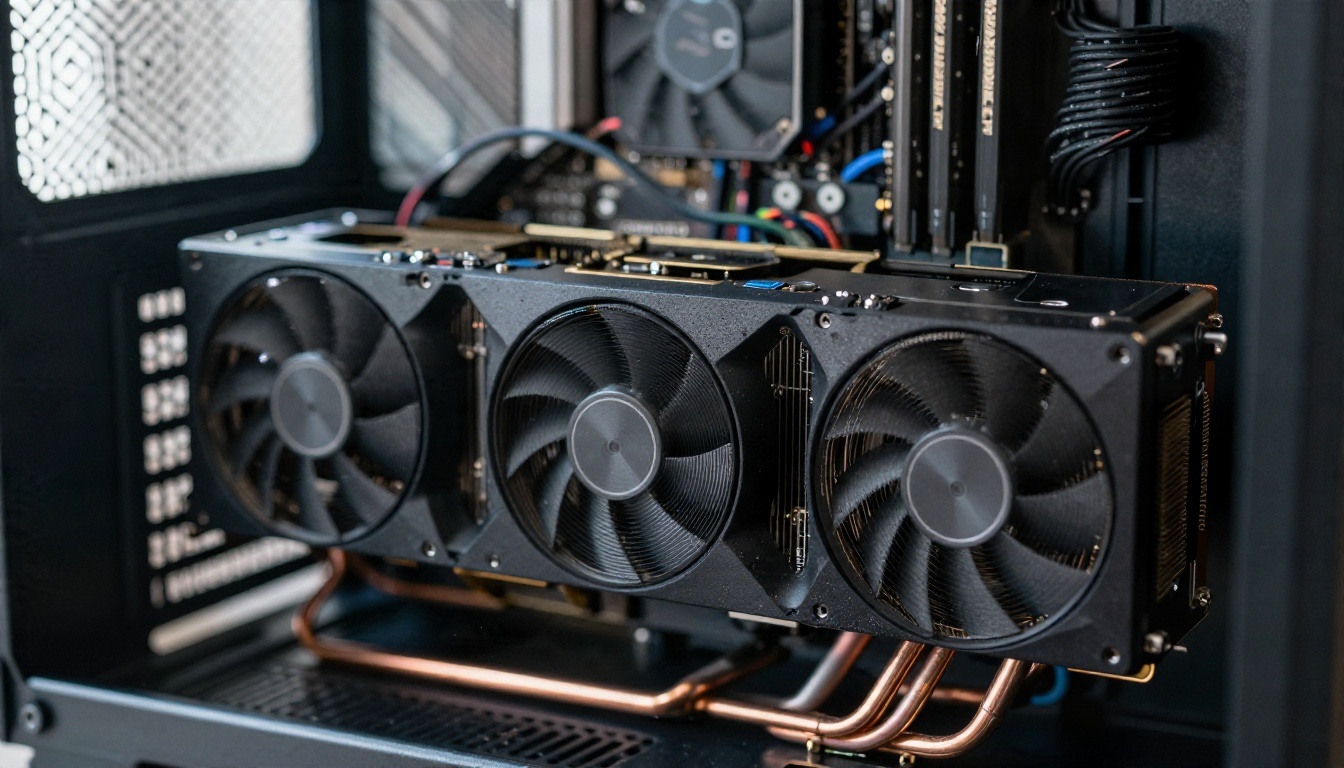
If you want zero recurring cost and no cap, open weights are the only honest answer. You download a model, run it on your own machine, and generate as many clips as your electricity bill tolerates.
The main families worth knowing
Several families dominate the open source conversation in 2026:
| Model family | Maker | Strength | Typical hardware reality |
|---|
| Wan | Alibaba | Best overall quality among open options, strong motion | 16GB can work for the larger variants with quality compromises, more for 720p at full precision |
| LTX Video | Lightricks | Fast, light, near real-time on good cards | Runs on roughly 8GB and up in smaller configurations |
| HunyuanVideo | Tencent | Realistic look, solid detail | Heavier, often around 24GB for full quality |
| CogVideoX | Zhipu | Reasonable quality, easy tooling | Mid-range GPUs with offloading |
| Mochi 1 | Genmo | Smooth motion, research focus | High VRAM expectations |
| Open-Sora | Community | Transparent research project | Varies a lot by version |
VRAM figures differ from source to source because settings change everything: resolution, frame count, precision and offloading all move the number. The pattern holds, though. LTX is the lightest, Wan is the strongest, and Hunyuan sits in between on quality and above both on memory.
What running locally really costs
The software is free. The rest is not.
- Hardware: A capable GPU is the entry ticket. A 16GB card is a realistic floor for comfortable work with the larger models.
- Setup time: Python environments, node-based interfaces, model weights of tens of gigabytes, and the occasional broken dependency.
- Speed: A five-second clip can take from under a minute on a strong card to a long coffee break on a modest one.
- Electricity and heat: A GPU pulling several hundred watts for hours adds up, and your room will notice.
Who should actually go local
Local generation fits people who already own a gaming-class GPU, enjoy tinkering, need privacy for their footage, or want to batch hundreds of experiments without anyone watching a meter. If you just want one clip for a birthday message, it is a heavy road to travel.
💡 Middle path: You do not need to own the hardware to use the same model families. Wan 2.2 5B Fast, Wan 2.2 I2V A14B, LTX Video, LTX 2.5 Fast and Hunyuan Video all run in the browser on PicassoIA, so you can test quality before investing in a GPU.
Browser tools remove the setup. You sign up, type a prompt, and watch a clip appear. In exchange, the provider decides the rules.

Daily credits versus one-time trials
This distinction matters more than any feature list. A recurring allowance refreshes every day, week or month, so you can come back and keep working. A one-time trial gives you a lump of credits that never returns. Runway, for example, was reported to give a single starter pool worth roughly 25 seconds of video in total. Kling is most often described as offering the most generous recurring free allowance, with sources citing around 66 daily credits, enough for a handful of short clips. Other sources describe a weekly allowance instead, so confirm which one applies today.
Watermarks and commercial use
Watermark reports are the least consistent detail across the sources I checked. Several say Kling, Hailuo, Pika and Luma stamp free exports, while others say specific tools do not. What is consistent is the commercial side: free tiers on most platforms restrict commercial use. If a clip is going into an ad, a client deliverable or a monetized channel, read the license terms before you export anything.
Resolution and clip length caps
Expect free output to top out at 480p to 720p and five to six seconds per clip. Pika's free plan was reported as 480p only. Hailuo free users were reported to get roughly three clips per day at 720p with a six-second ceiling. These caps are fine for testing a concept and rough for anything you plan to publish at full screen size.
Free Tier Limits Compared
Here is a snapshot based on the most recent reports I could find. Numbers move, so use this as a starting point rather than a promise.
| Tool | Free model | Reported limit | Watermark and license notes |
|---|
| Kling | Recurring credits | About 66 daily credits, roughly 6 short clips | Reports conflict on watermark |
| Hailuo | Recurring credits | About 3 clips per day, 720p, 6 seconds | Often watermarked, limited commercial use |
| Pika | Monthly credits | Around 80 monthly credits, 480p on free | Watermark-free downloads not included on free in several reports |
| Luma | Monthly credits | Roughly 30 generations per month | Commercial use restricted |
| Runway | One-time | About 125 credits total, around 25 seconds | One-time pool, no refill |
| Google Veo via AI Studio | Rate limited | Capped by rate, not a fixed pool | Described as watermark-free, terms unverified |

What the table tells you
Daily refresh beats monthly refresh for experimenting, because video prompting is a trial-and-error loop. You rarely land the shot on the first attempt. A tool that gives you six tries a day lets you improve a prompt over a week. A tool that gives you thirty tries a month burns through them in one evening.
The Hidden Costs of Free Video
Even a perfectly generous free tier has a price. It just gets paid in different currency.

Time is the real budget
A free tool that makes you wait fifteen minutes per clip is not free if you need twenty clips. Queue time, failed generations and re-runs add up faster than most people expect. For a short project, a few waiting periods are fine. For a campaign, they become the bottleneck.
Quality ceilings and consistency
Free tiers often route you to a lighter or older model. That is reasonable for the provider, but it means the clip you see in a launch demo is not always the clip you get on the free plan. Character consistency across shots, fine hand detail and readable text remain hard even on top models, and they get worse on reduced versions.
Data and privacy trade-offs
Free online tools may use your prompts and uploads to improve their systems, depending on their terms. If you are working with unreleased product shots or private footage, local open source generation or a paid plan with clear data terms is the safer pick.
💡 Rule of thumb: If the clip will be public and branded, pay attention to watermark and license terms first. If the clip is a private experiment, the free tier is usually enough.
There is a third path between "tinker locally" and "ration credits": a membership that removes the per-clip meter. It is not free, but it is predictable, and for people who generate daily it often costs less than the time wasted on rationing.
Where PicassoIA fits
PicassoIA offers Seedance 2.5 Lite, a lightweight edition of Seedance 2.5 tuned for 480p and 720p. Elite and Infinite members can run it without a per-clip cost or a daily counter, with clips of 5 or 10 seconds and synchronized audio. To be precise: it is unlimited for members of those plans, not free for everyone. What you gain is the ability to iterate freely, which is the actual benefit people want when they search for an unlimited generator.
Other models worth testing
When you want a different look, PicassoIA hosts a wide set of video models you can switch between in one place:
How to Use Seedance 2.5 Lite on PicassoIA
If you want to test the unlimited route, here is a simple workflow.

Step by step
- Open the model page. Go to Seedance 2.5 Lite on PicassoIA.
- Choose text or image input. Write a prompt, or upload a still image to use as the opening frame.
- Set duration. Pick 5 seconds for a quick beat or 10 seconds when the action needs room.
- Pick resolution and ratio. Choose 480p for fast drafts and 720p for the keeper. Use 16:9 for web, 9:16 for vertical social, or square for feeds.
- Keep audio on. Synchronized sound is generated by default, so the clip arrives ready to post.
- Generate, review, repeat. Lock the seed when you like a result and want to tweak only the wording.
Parameter tips that matter
| Setting | Recommendation | Why |
|---|
| Resolution | Draft at 480p, final at 720p | Faster iteration, same composition |
| Duration | 5 seconds for tests | Shorter clips show motion problems quickly |
| Seed | Lock after a good take | Lets you change one variable at a time |
| First frame | Use an image for brand work | Keeps product and character appearance steady |
💡 Workflow tip: Generate a still with an image model first, approve the look, then animate it. Starting from a locked first frame is the easiest way to avoid a clip that drifts off brand.
Prompting Tips That Save Credits
On any platform, wasted generations are the hidden tax. Better prompts reduce it.

Describe motion in order
Write what happens first, then what happens next, then what the camera does. "A woman steps onto a rooftop, lifts a camera to her eye, the camera slowly pushes in as sunset light catches her hair" beats "cinematic rooftop woman golden hour" every time. Models follow sequences better than mood boards.
Keep one subject and one action
Clips of five or ten seconds have no room for a plot. One subject, one action, one camera move. If you want a second action, make a second clip and cut them together.
Use a real reference
A photo you took yourself makes a strong first frame. Image-to-video keeps lighting, wardrobe and setting consistent, and it cuts the number of retries you need. This is also the cheapest way to stay within a free tier's daily limit.
Draft low, finish high
If a platform lets you pick resolution, draft at the lowest setting and only render the final at the higher one. You lose almost nothing in composition and save a large share of your allowance.
Pick Your Setup and Start Creating
The right answer depends on what you value most. Use this as a shortcut:
| If you are... | Best route | Trade-off |
|---|
| A hobbyist with a gaming GPU | Local Wan or LTX | Setup time, heat, VRAM limits |
| Testing ideas on a budget | Daily-credit free tiers | Caps, watermarks, queues |
| Producing clips every day | A no-counter membership like Seedance 2.5 Lite | Monthly cost instead of per-clip cost |
| Making client work | Paid plan with clear license terms | Cost, but safe to publish |
No option is perfect, and anyone telling you otherwise is selling something. The honest approach is to mix: run a light open source model locally for rough drafts, use free tiers for occasional tests, and rely on a no-counter plan when you need volume.
If you want to see how this works in practice, open Picasso IA, pick a video model, and run your first prompt today. Try the same idea on Seedance 2.5 Lite, Wan 2.2 5B Fast and Kling v3 Video, compare the three results side by side, and keep the one that fits your project. A few experiments will teach you more than any comparison table.


