You type a prompt, hit generate, and get a polite refusal. Or worse, a login wall, a "0 credits" banner and a countdown timer. That is the daily reality for anyone hunting for unrestricted AI tools, and it explains why the search term keeps growing. People are not necessarily after anything shady. Photographers want swimwear and fashion shots that a nervous filter keeps blocking. Writers want dark fiction scenes. Designers want a model that does not flag a harmless beach photo as a policy violation.
The catch is that "unrestricted" is a marketing word, not a technical state. Every hosted service has rules, and the free ones usually have the tightest limits on speed, resolution and volume. This article separates what works from what only sounds good: which free options hold up, which apps are worth installing, how to write prompts that get past needless refusals, and which limits you should expect no matter where you generate.
💡 Short version: no cloud tool is limitless, local models come closest, and the best hosted setup is one that gives you strong models, loose filtering on tasteful adult aesthetics, and no generation counter ticking down.
What "Unrestricted" Really Means

Filters Sit in Three Places
When a prompt gets blocked, the refusal can come from three different layers, and knowing which one hit you saves a lot of wasted retries.
| Layer | What it does | Can you change it? |
|---|
| Prompt filter | Scans your text for flagged words before anything runs | Sometimes, by rewording |
| Model training | The model itself was trained to avoid certain output | Only by choosing another model |
| Output filter | Checks the finished image and hides it if it looks risky | Only on self-hosted setups |
A reworded prompt fixes the first layer. A different model fixes the second. The third is built into the platform, which is why two services running the very same model can behave differently.
Why No Tool Is Limitless
Recent roundups of the so-called no-restriction generators agree on one point: hosted tools all apply some policy, and the difference is only how tight. Some are more permissive than others, and a test from mid 2026 named Grok Imagine as the most relaxed mainstream hosted option at that moment. Venice also keeps showing up as a permissive hosted choice with a free tier. Treat any ranking as a snapshot, because policies shift every few months and many of those rankings come from vendors writing about themselves.
The honest definition is simple. An "uncensored" tool removes some of the platform's filtering. It does not remove the law, and it does not remove the technical limits of credits, queues and watermarks.
Free Options That Hold Up

Hosted Tools With Free Tiers
Free tiers exist, but read them as samples, not subscriptions. Hands-on tests of tools advertising "free and unlimited" generation found a recurring pattern: the page loads, you write a prompt, and then a sign-in request or a credit message appears. One popular "no restrictions" page opened a trial workspace showing zero credits, and the first generate attempt returned an error instead of an image. In another test, two out of three free tools capped output before producing a single picture.
What a genuinely useful free tier looks like:
- A visible daily or monthly allowance before you sign up
- Output at usable resolution, not a 512 pixel thumbnail
- No watermark across the middle of the frame
- A clear statement about what content is allowed
Local Models on Your Own PC
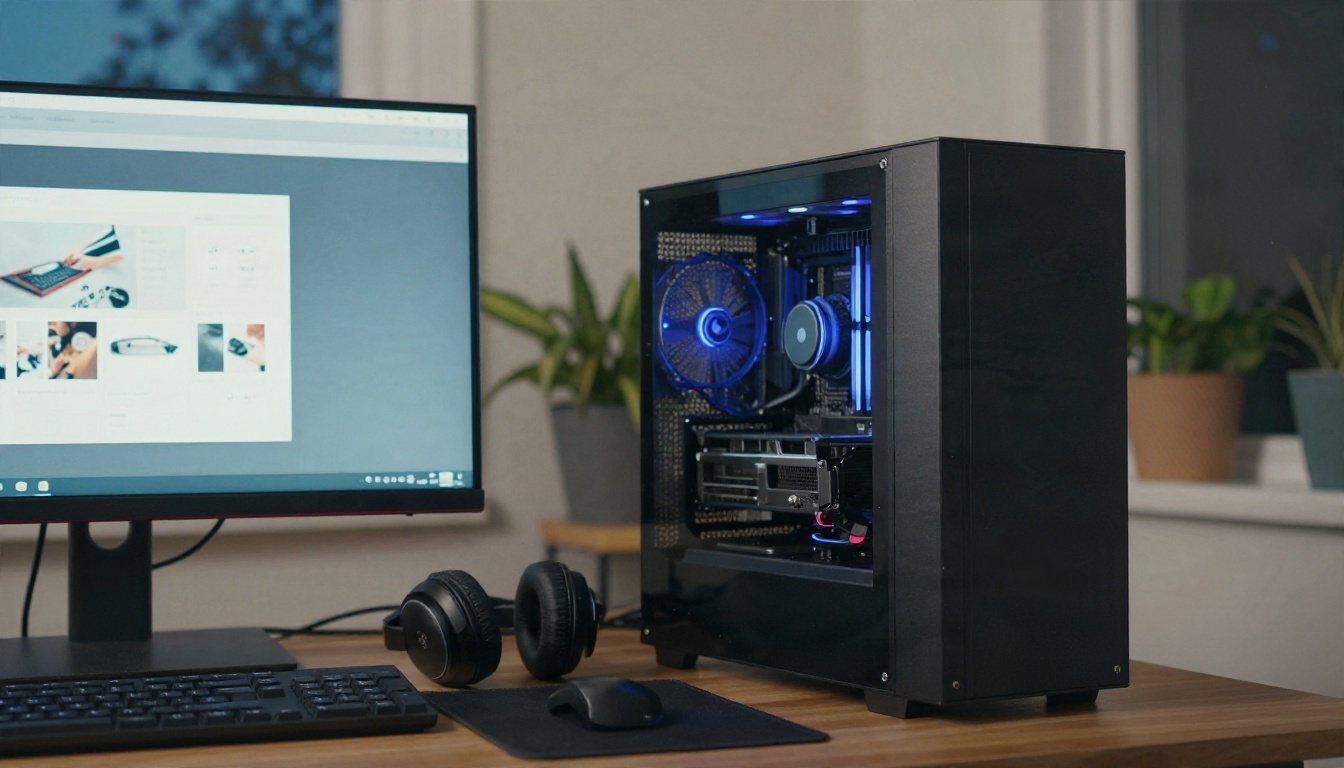
If you want the loosest filtering, run a model yourself. Stable Diffusion and FLUX family models, driven through tools like ComfyUI or Forge, have no output filter, no account and no usage meter. Privacy is also complete, since nothing leaves your machine.
The price is paid in hardware and patience:
- A recent graphics card with plenty of video memory
- Tens of gigabytes of disk space for checkpoints
- An evening of setup, plus occasional troubleshooting after updates
- Slower results than a cloud server on modest hardware
Free Trials Worth Skipping
Skip any service that hides its pricing, asks for a card before showing a single sample, or promises "unlimited 4K" with no explanation of how it pays for the servers. If the maths cannot work, the limit is hiding somewhere else: in a slow queue, in tiny output sizes, or in prompts quietly rewritten behind your back.
| Option | Cost | Filtering | Best for |
|---|
| Free hosted trial | Free, limited credits | Medium to strict | Quick tests |
| Local Stable Diffusion or FLUX | Hardware you own | None built in | Privacy and volume |
| Permissive hosted apps | Subscription or credits | Looser, but present | Casual use |
| Unlimited hosted editor | Plan based | Tuned for tasteful adult aesthetics | Daily creative work |
Apps for Phone and Desktop
Mobile Apps
Phone apps are convenient for quick portraits and outfit ideas, but they come with the most aggressive upsells. Many run the same generic model behind a different skin and a weekly subscription. Before paying, check three things: whether you can export without a watermark, whether the app discloses which model it runs, and whether cancelling is as easy as subscribing.
💡 Quick test: generate the same simple prompt in two apps. If the images look nearly identical, they share a backend and you only need one of them.
Browser Tools
A browser tool wins on flexibility. You get a bigger screen for reviewing details, easier file handling and no storage cost. It also keeps your options open: you can swap between models without installing anything. For editing existing photos, a browser based editor with inpainting and outpainting is far more practical than juggling filters on a small screen.
Models Worth Using on PicassoIA
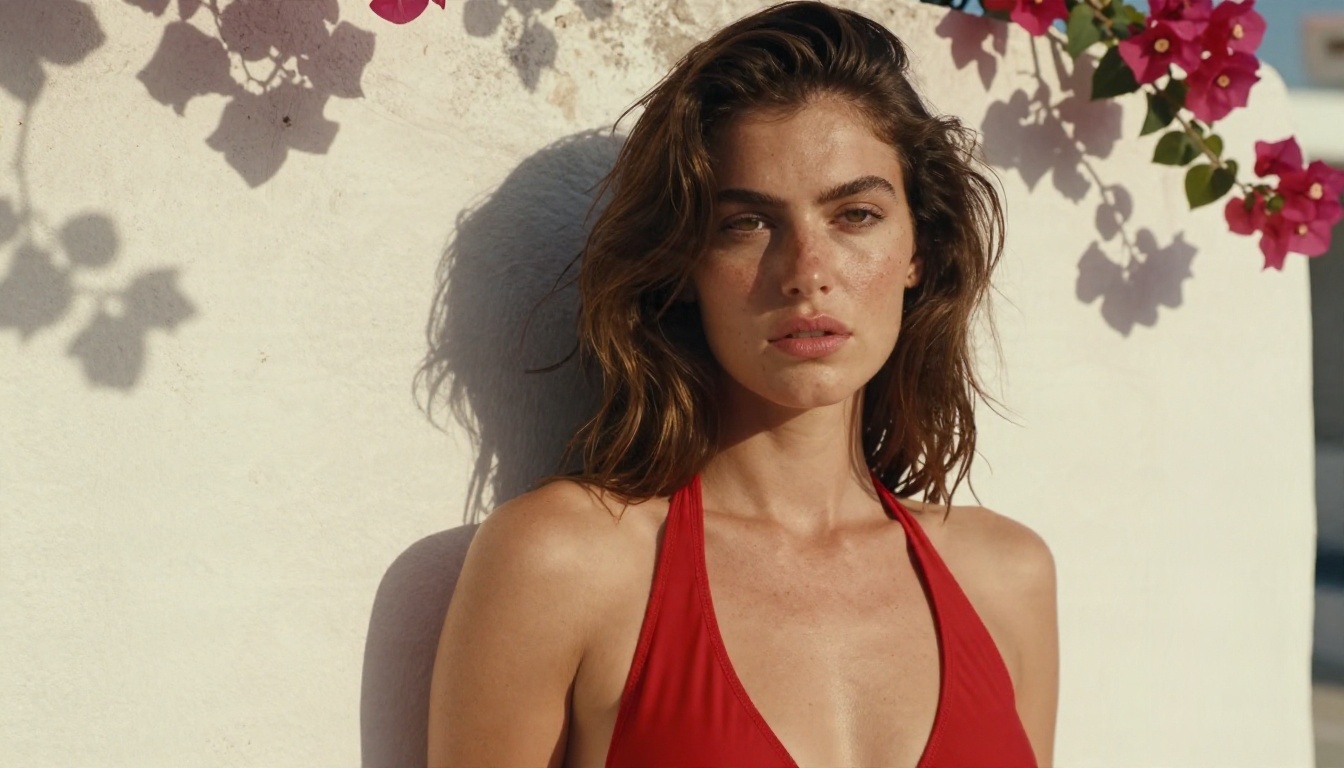
If your goal is attractive, non-explicit adult aesthetics such as swimwear, glamour portraits and boudoir style fashion, the practical route is a platform that gives you strong models and does not meter every attempt. Here is the order I would try them.
Seedream 4.5 First
Seedream 4.5 is the first model to open when you want skin that looks like skin. It handles fabric, light on wet hair and complex poses without the plastic finish that gives AI portraits away. It outputs up to 4K, follows long prompts closely and is forgiving when you describe swimwear, lingerie style fashion or sensual lighting in plain terms.
Parameter tips:
- Write prompts of 60 to 100 words with clear lighting and lens details
- Use a 16:9 or 3:2 ratio for editorial scenes, 2:3 for portraits
- Generate in batches of four, then pick one and refine the wording rather than starting over
Image Editor Pro for Unlimited Edits
PicassoIA Image Editor Pro is where the "limits" problem largely disappears, because generations are unlimited. That changes how you work. Instead of rationing attempts, you can iterate ten, twenty, fifty times: change the outfit, swap the background, soften the light, fix a hand, and try again. Speed matters here too. Fast results keep you in a creative rhythm, which is what separates a finished set from a folder of half ideas.
💡 Workflow: draft the base image in Seedream 4.5, then bring it into Image Editor Pro for outfit changes, retouching and variations.
Other Strong Picks
Once the first two are in your rotation, these fill specific gaps:
You can browse the whole catalog at picassoia.com/en/all-models.
Prompts That Get Better Results
Most refusals come from vague or clumsy wording, not from the subject. A prompt written like a photographer's shot list passes more often and also looks better.
Describe the Camera, Not Just the Subject
Models respond well to photographic language. Lens, light direction and film stock tell the model the intent is a photograph, which pulls the output toward realism and away from anything that reads as crude.
A reliable formula:
- Subject and pose: who, wearing what, doing what
- Setting: where, with two or three concrete props
- Light: direction, time of day, softness
- Camera: lens length, aperture, angle
- Texture and mood: skin detail, fabric, film grain
Three Sample Prompts
Use these as starting points and adjust to taste.
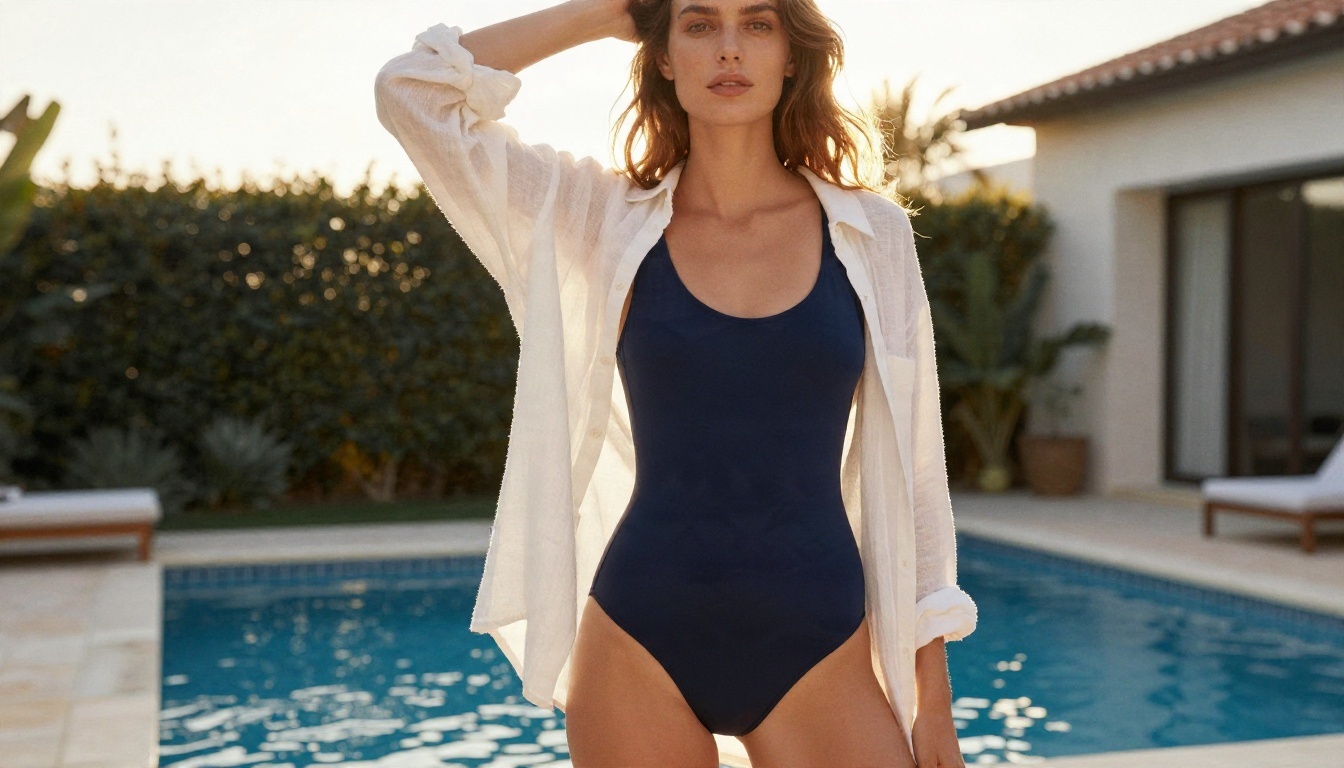
- Resort editorial: "Elegant woman in a navy one piece swimsuit and loose white linen shirt on a villa terrace, calm blue pool behind, golden hour light from the right, 35mm f/2, realistic skin texture, Kodak Portra 400 grain."
- Glamour portrait: "Auburn haired woman in a black satin slip dress on a velvet armchair, warm lamp light from the left, 85mm f/1.8, shallow depth of field, visible fabric sheen."
- Beach lifestyle: "Woman laughing on a sunny balcony in a cream knit top, city rooftops softly blurred, backlight with lens warmth, 70mm f/2."
Mistakes That Trigger Refusals
- Stacking intense adjectives in one sentence, which reads as a keyword dump
- Naming a real person, which many platforms block outright
- Asking for explicit acts, which no mainstream hosted tool will deliver
- Repeating a blocked prompt unchanged ten times, when one wording tweak would do

A blocked image is not wasted time if you read it as feedback. During the testing for this article, a prompt with a very short, revealing swimsuit description was refused outright, while a nearly identical scene with a one piece swimsuit and a loose shirt went through at once. Small shifts in clothing and framing change the outcome more than any clever trick.
Limits You Should Respect
Law and Consent
A tool with loose filters does not change what is legal. Some lines hold everywhere and are not up for debate:
- No content involving minors, in any form, ever
- No real people without consent: that includes celebrity likenesses, classmates, coworkers and exes
- No deceptive use, such as passing generated images off as real photos of a real person
- No harassment, including targeted or humiliating imagery
Deepfake and non-consensual image laws are tightening in many countries, and platforms are quicker to ban accounts than they used to be. If a scenario makes you hesitate, treat that as your answer.
Credits, Queues and Watermarks
Technical limits are the ones that hit most users day to day:
| Limit | What to expect | Workaround |
|---|
| Daily credits | A handful of free generations | Use a plan with unlimited generations |
| Queues | Slow results on free tiers at peak hours | Generate off peak or use a faster model |
| Watermarks | Logos stamped on free exports | Pick tools with clean exports |
| Resolution caps | Small outputs on trial plans | Generate at 4K or upscale afterward |
| Prompt rewriting | The service quietly changes your wording | Test the same prompt on a second model |
Privacy Before Convenience
Hosted tools store prompts and sometimes outputs. Read the retention policy, avoid uploading personal photos you would not want leaked, and use throwaway prompts for experiments. If maximum privacy matters most, local generation is still the safest route.
Pick by what you actually need, not by which landing page shouts "no limits" the loudest.
| Goal | Best route |
|---|
| Realistic glamour and swimwear portraits | Seedream 4.5 |
| Unlimited edits, outfit swaps and retouching | PicassoIA Image Editor Pro |
| Fast brainstorming of many ideas | Z Image Turbo |
| Total privacy and no filter at all | Local Stable Diffusion or FLUX |
| Bringing a still to life | Wan 2.6 I2V |
Make Your First Image Today
You do not need ten tabs, three subscriptions and a folder of expired promo codes. Open Seedream 4.5, paste one of the sample prompts above, and see how close the first result lands. Then take your favourite frame into PicassoIA Image Editor Pro and push it: new outfit, new light, new location, as many tries as you like, with no meter running.
Change one thing at a time, keep the wording photographic, and save the prompts that work. In an hour you will have a personal prompt library that beats any list of "unrestricted" apps. When you want more options, the full catalog is waiting at picassoia.com/en/all-models. Start creating on PicassoIA and see what your own ideas look like.


