Every few weeks a new AI video model claims to look "indistinguishable from real footage," and every few weeks someone posts a clip with six-fingered hands or water that flows uphill. If you are trying to decide whether Google's Veo 3 deserves a place in your workflow, headline demos will not help you. A repeatable benchmark will. This article lays out a realism test you can run yourself, shows the scenes that expose weak spots fastest, summarizes the quality scores reviewers have published, and points to four alternatives you can use today.
One note before we start: Veo 3 is not on PicassoIA. Veo 3.1, its successor, is, and so are several rivals. Those are covered in the alternatives section with direct links.
Why Veo 3 Still Gets Benchmarked
Veo 3 launched in May 2025 and changed expectations for AI video because it generated synchronized audio together with the picture: dialogue, footsteps, ambient noise, all in one pass. Before that, most text-to-video models gave you silent clips and left sound design to you.
Veo 3.1 followed on October 15, 2025, about five months later. One third-party analysis describes the two versions as sharing the same underlying architecture, with the gains showing up in audio quality, lip-sync and vertical video support rather than in a ground-up redesign. That claim comes from a secondary source, so treat it as an informed opinion, not a confirmed spec.
Why does that matter for a benchmark? Because Veo 3 remains the reference point many creators compare against. When a new model appears, the first question is usually "is it better than Veo 3?" To answer that fairly, you need a test that does not depend on cherry-picked clips.
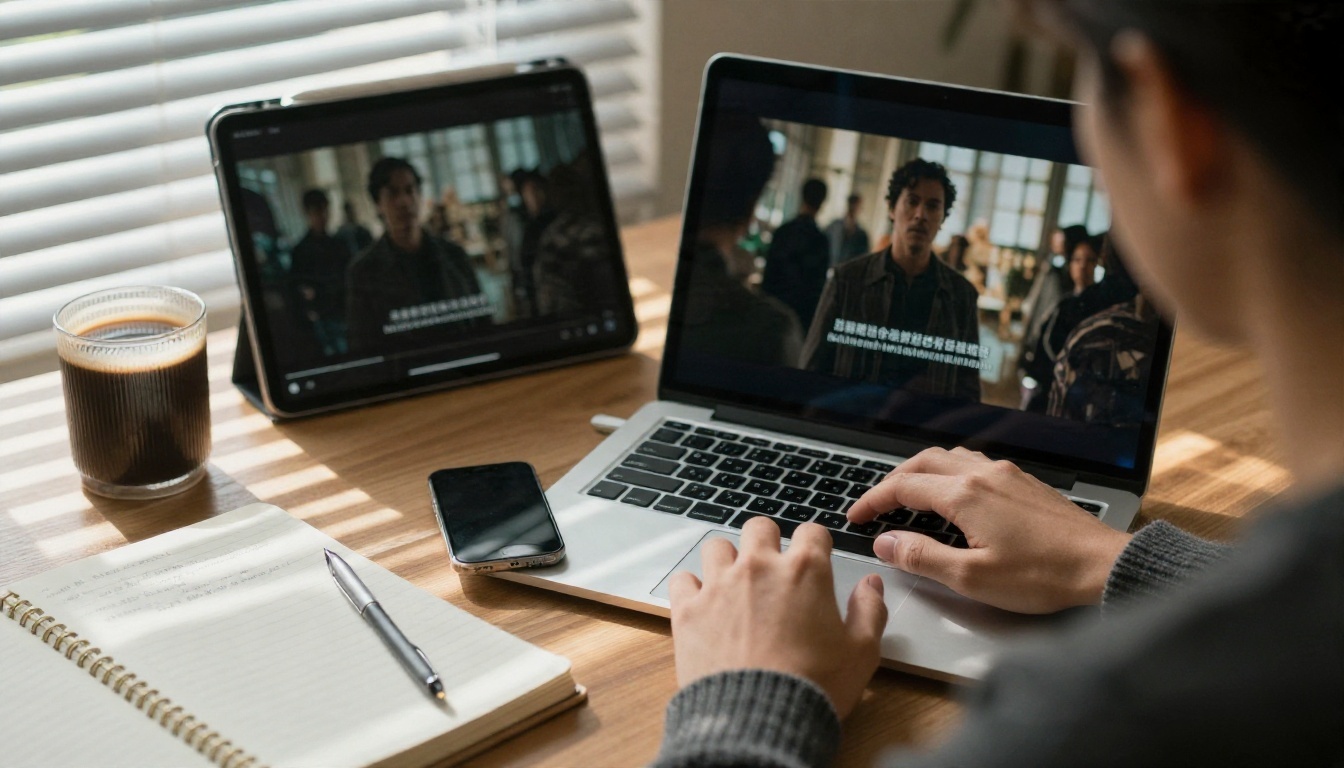
💡 A transparency note: the photographs in this article are illustrative reference frames of each test scene, showing what a pass looks like. They are not outputs from Veo 3, and the article does not publish invented Veo 3 scores. The numbers quoted later come from public reviews and are described in my own words.
The Scoring Rubric
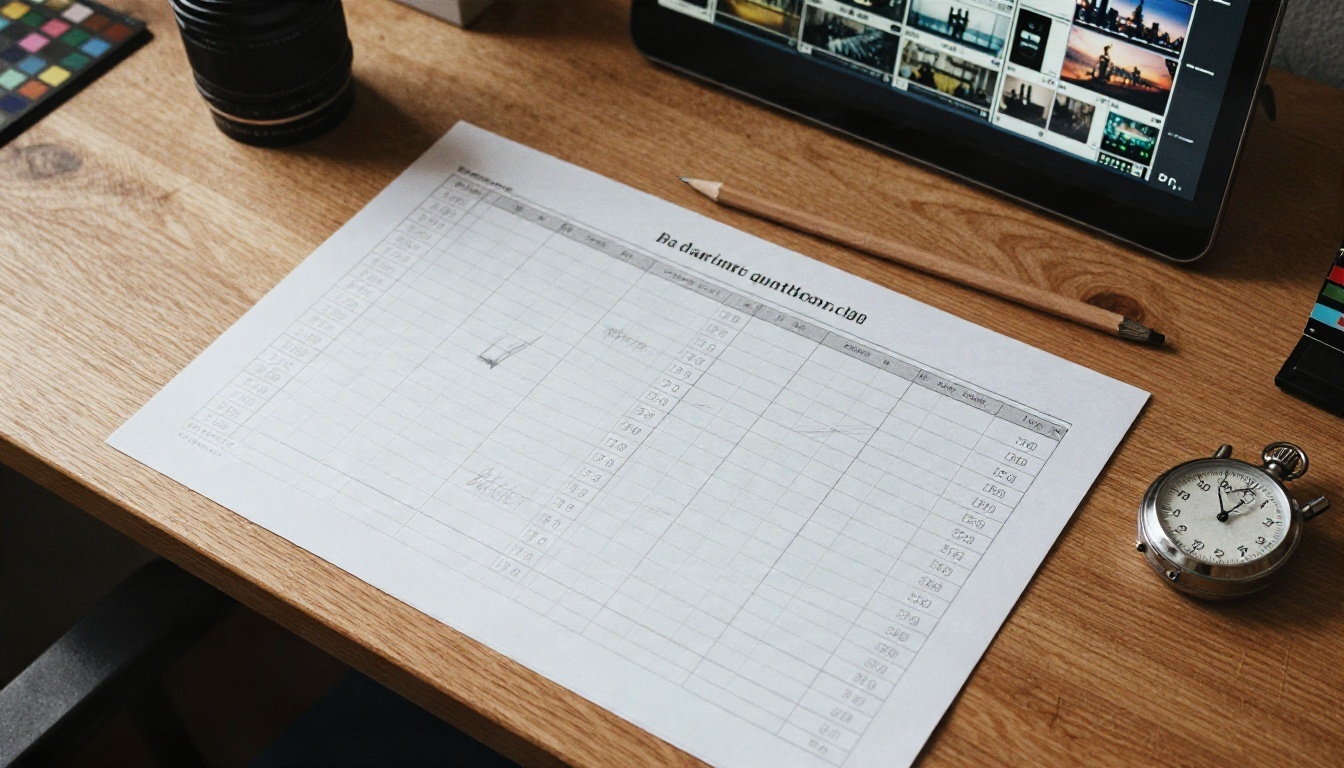
Realism is not one thing. A clip can have flawless skin and still fail because the coffee steam moves in a loop. A good benchmark splits realism into parts and weights them.
Six categories, one score each
Rate each category from 1 to 10, then apply the weights below.
| Category | What you check | Weight |
|---|
| Faces and skin | Pores, asymmetry, blink rate, micro-expressions | 20% |
| Hands and body | Finger count, grip, joint bending, gait | 20% |
| Physics | Water, cloth, smoke, gravity, collisions | 20% |
| Camera and light | Lens behavior, depth of field, consistent shadows | 15% |
| Temporal stability | Objects keeping shape and identity across frames | 15% |
| Audio match | Sound fits the action, lip-sync, no drift | 10% |
Faces, hands and physics get the heaviest weights because viewers catch those failures instantly. Audio gets the lowest weight only because plenty of projects replace it in post.
The 5-second rule
Watch each clip once at full speed, then again with the sound off. Most flaws hide in the second viewing. If you notice something odd inside five seconds, the audience will too. Mark that category down by at least two points.
Keep the prompt constant
Use the same prompt text across every model you compare. Change one model, not the wording. Generate at least three takes per prompt, because a single lucky clip says almost nothing about consistency. Score the median take, not the best one.
Realism Tests That Expose Weak Spots
These six scenes are chosen because each one stresses a different failure mode of video models. Run them in order.
Test 1: Skin and faces
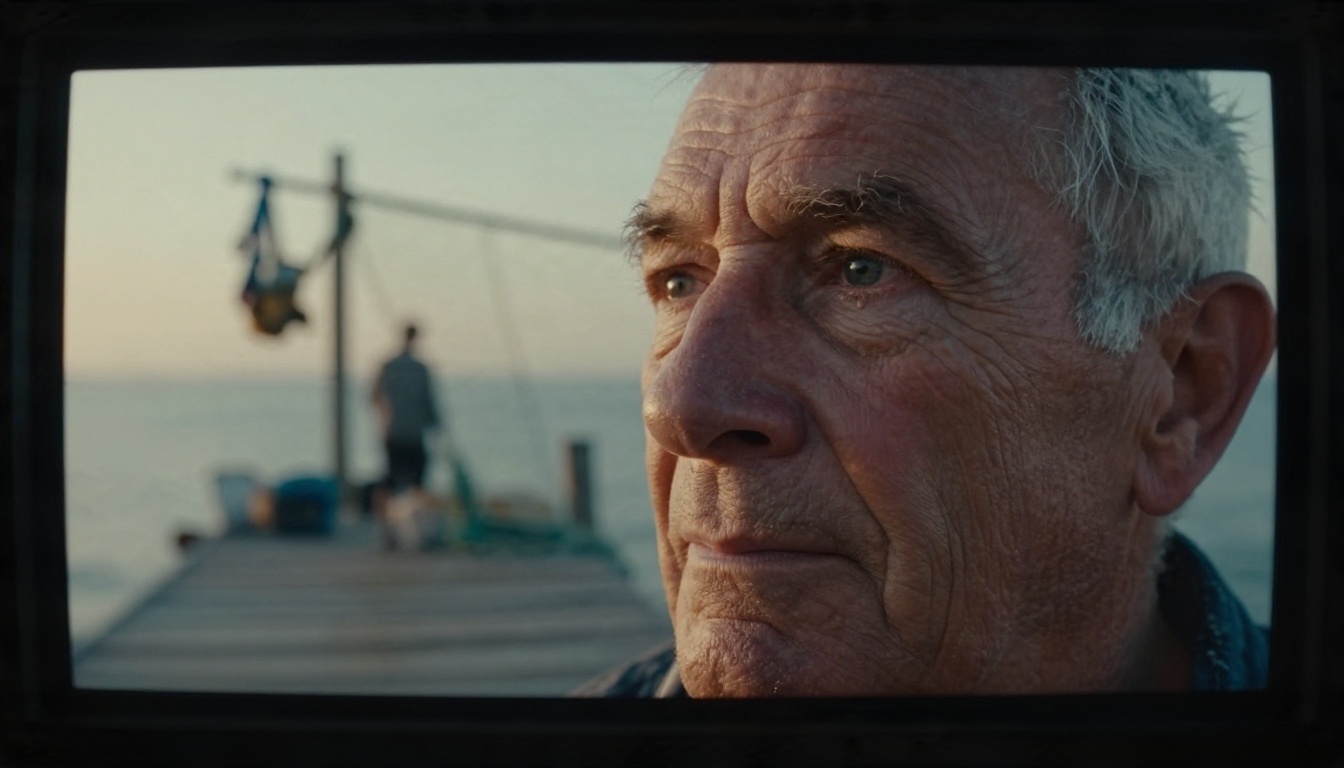
Prompt idea: an elderly fisherman mending a net on a wooden dock at sunrise, close-up, soft side light. Look at pores, the wetness of the eyes, and whether wrinkles move naturally when he squints. Over-smoothed skin is the classic tell of a model that is generating "a face" instead of a face under light.
A pass means visible texture, slightly uneven lighting across the cheek, and eyes that track the work in his hands. A fail looks waxy, with eyes that stare past the camera.
Test 2: Hands and fingers
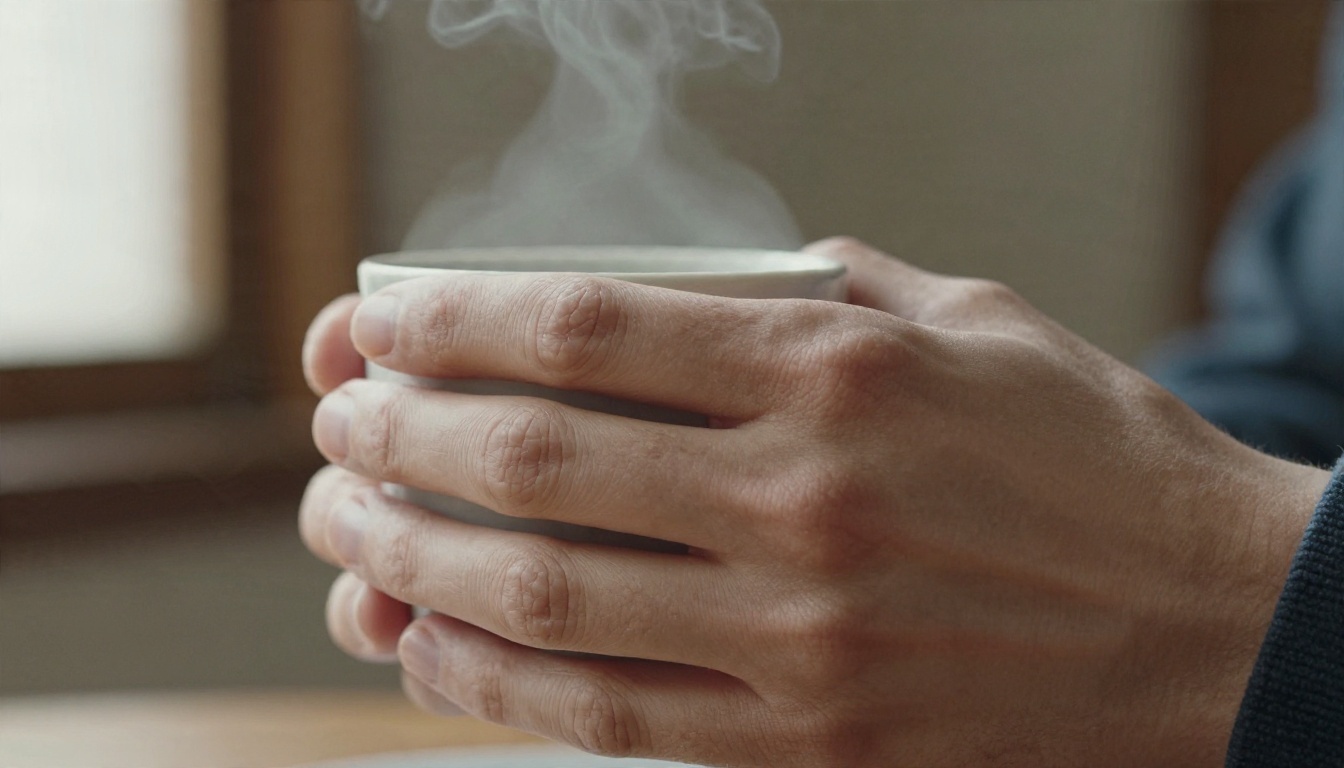
Prompt idea: close-up of a hand wrapping around a ceramic coffee cup, steam rising, wool sleeve. Hands are the oldest stress test in generative media because the geometry is complicated and the training data is full of partial views.
Count fingers on frame 1, frame 60 and the final frame. Check that the fingers deform when gripping, and that the cup does not slide through the palm. Hand failures usually appear mid-motion, not in the first frame, so never judge from a thumbnail.
Test 3: Water and physics
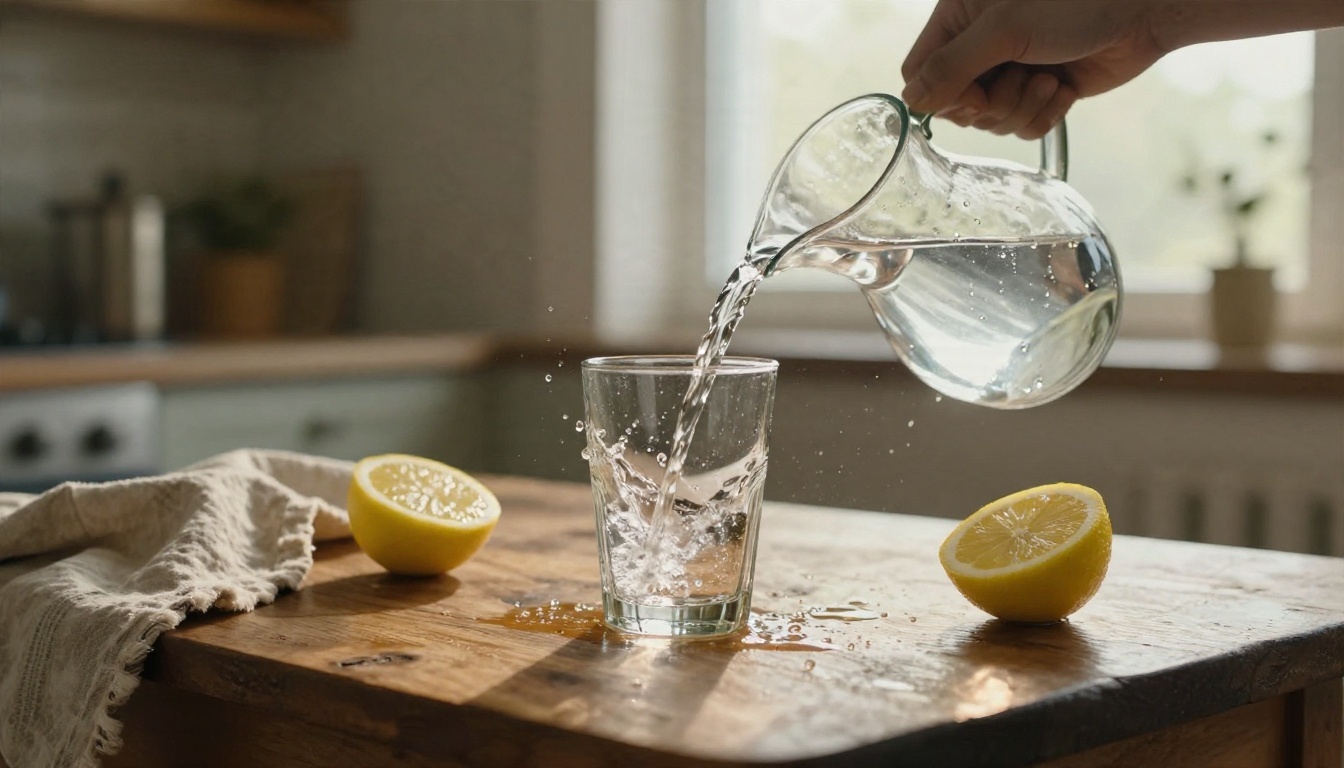
Prompt idea: low-angle shot, water poured from a steel pitcher into a glass on an oak table, droplets splashing, window light from the right.
Water is brutal. It needs refraction, a believable surface tension, splashes that follow arcs, and a glass that fills at the right rate. Many models produce a glass that fills while the stream is still in the air. If the liquid level does not rise in proportion to what was poured, mark physics down hard.
A Tsinghua benchmark called WorldReasonBench reached a similar conclusion at a larger scale: video models can look stunning and still fail to reason about how the physical world works. Veo 3.1 was among the models it evaluated. In short, visual polish and physical correctness are separate skills.
Test 4: Landscapes and camera moves
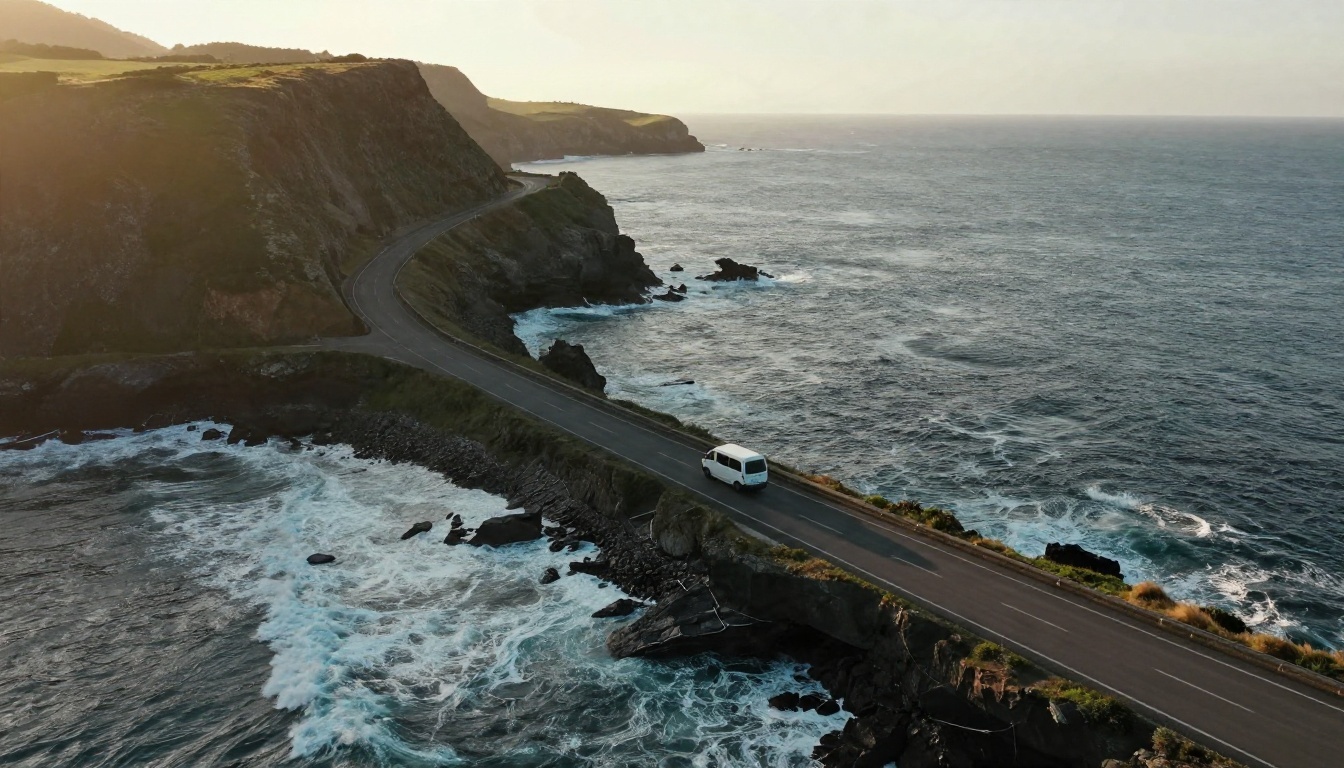
Prompt idea: aerial drone shot following a white van along a coastal cliff road at golden hour.
Here you check parallax, atmospheric haze, wave motion and whether the vehicle keeps the same shape and color as the camera moves. Landscapes are where most video models score best, since the scenes are forgiving. A high score here should not carry much weight in your overall verdict.
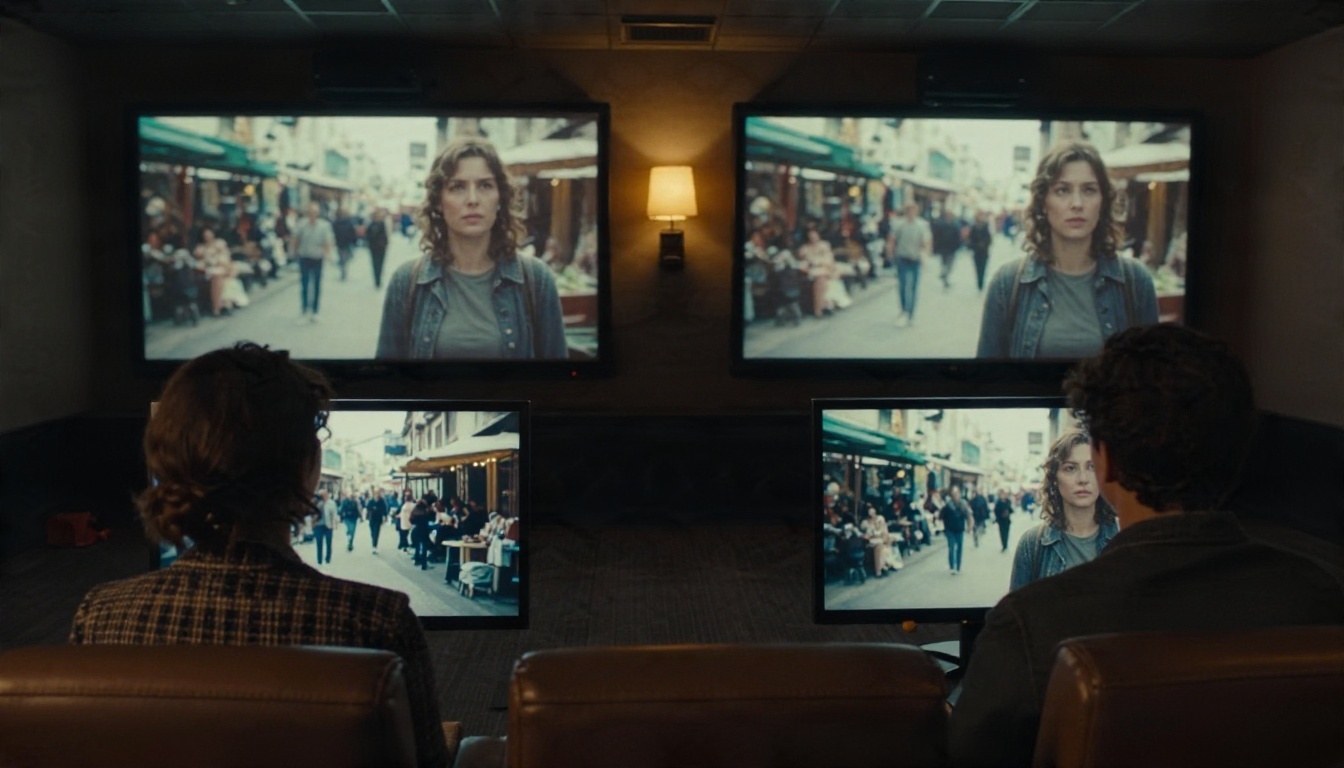
Test 5: Crowds and background motion
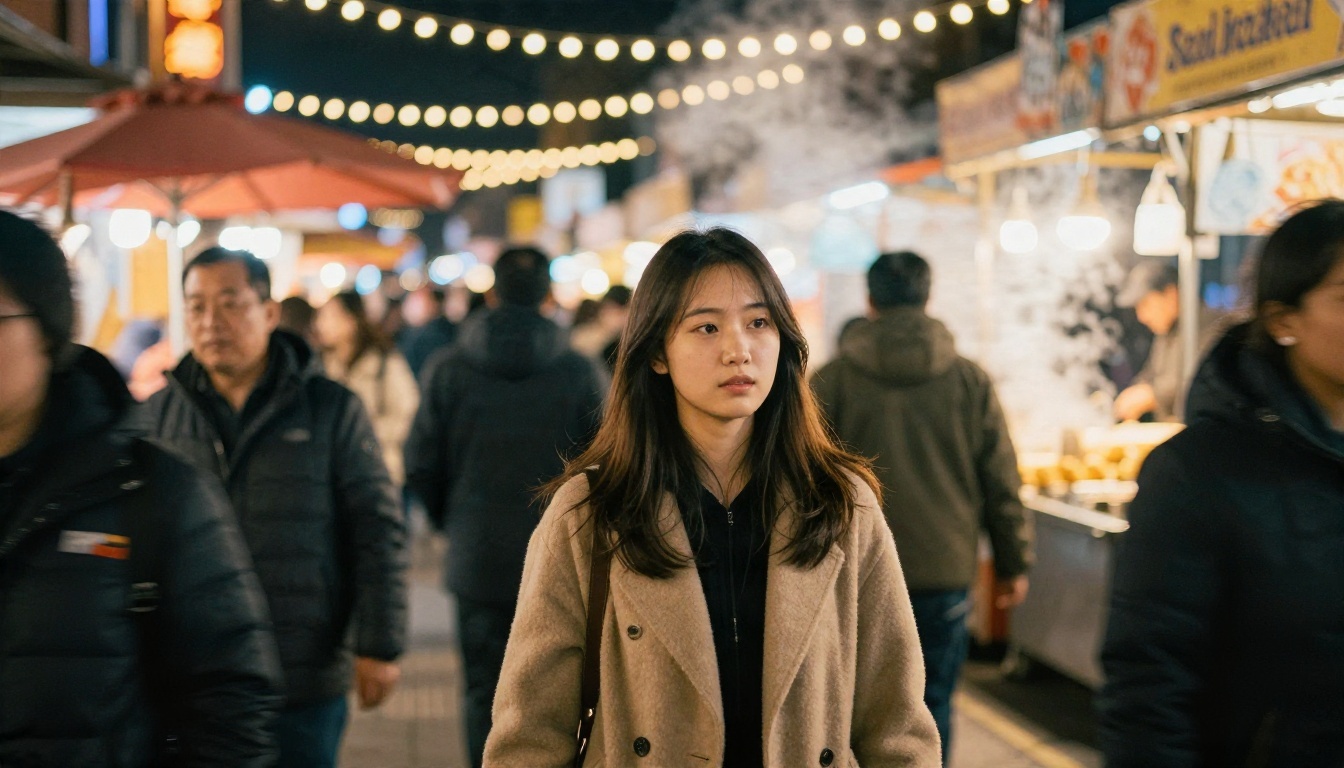
Prompt idea: a young woman walking through an outdoor night market, handheld camera, warm bulbs overhead.
Background people are where identity drift shows up. Watch the extras: do faces morph as they pass? Do stall owners keep the same hands and aprons? Does the main character's jacket keep its seams? Motion blur on passersby should look like a real shutter, not a smear filter.
Test 6: Native audio
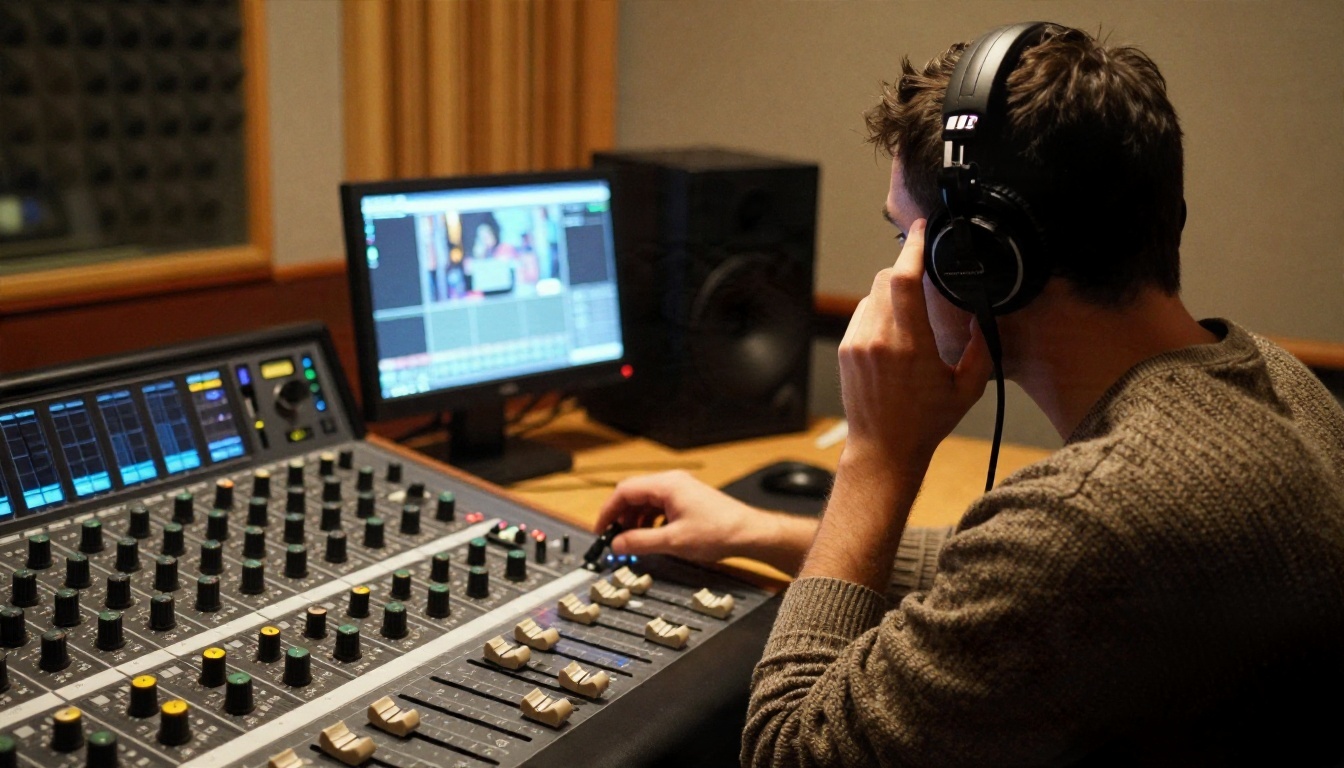
Prompt idea: a person pours water into a glass in a quiet kitchen; we hear the pour, then a chair scrape.
This is Veo 3's signature feature, so it deserves its own check. Close your eyes and listen. The pour should start when the stream hits the glass. The chair scrape should line up with the visible movement. Room tone should stay steady across the clip. If you work with spoken lines, check lip-sync on plosive sounds like "b" and "p", where lips visibly close.
Quality Scores From Public Reviews
Official, apples-to-apples numbers for Veo 3 are hard to find. A search for MovieGen Bench results for the model turned up no primary report. One secondary source says independent MovieGenBench and VBench runs place Veo 3.1 at the top tier for prompt adherence, visual quality and audio synchronization, but its underlying numbers could not be located, so that claim stays unverified.
What does exist are individual reviewer scores. Here is what one detailed review of the Veo family reported:
| Model | Overall | Visual fidelity | Style and cinematic realism |
|---|
| Veo 3.1 | 7.2 / 10 | 7.1 / 10 | 7.0 / 10 |
| Veo 3.1 Fast | 6.9 / 10 | 7.1 / 10 | not reported here |
The same reviewer noted that Veo 3.1 can still produce scenes with the classic "AI look." A 7 out of 10 is respectable, but it is not "indistinguishable from reality," which is a useful reality check on the marketing.
What the scores really tell you
Two lessons stand out:
- Fast variants keep most of the visual fidelity. The Fast model matched the standard one on that sub-score. If you are iterating on ideas, the cheaper and quicker option loses little.
- Reviewer scores are subjective. A different reviewer with different prompts will land elsewhere. Your own rubric, run on your own use cases, is worth more than any published number.
Cost versus quality
Veo 3.1 is reported to cost roughly 15% more than Veo 3 for video-only output. For a short campaign that is pocket change. For a batch of hundreds of clips it adds up, which is another reason to run the rubric before you commit to a model.
Veo 3 Alternatives You Can Use Today
Veo 3 is not on PicassoIA yet. For similar results today, these four video models are, and each can be run through the same six-test rubric above.
| Model | Best for | Notes |
|---|
| Veo 3.1 | Closest successor to Veo 3 | Text to 1080p video with native audio |
| Veo 3.1 Fast | Quick iteration | Faster and lighter, good for testing prompts |
| Kling v3 Video | Cinematic motion | Strong camera movement and scene flow |
| Sora 2 | Synced audio from OpenAI | Text to video with matching sound |
Veo 3.1 for the closest match
If you liked Veo 3 and want the same family of results, Veo 3.1 is the obvious first stop. It keeps the audio-with-video approach, and its reported gains are in sound quality, lip-sync and vertical formats. It is also the model the public review scores above refer to.
Veo 3.1 Fast for test runs
Run your first drafts through Veo 3.1 Fast. Since reviewers found its visual fidelity close to the standard model, it is a sensible way to check composition, pacing and prompt wording before spending time on final renders.
Kling v3 for camera work
Kling v3 Video is worth including in any comparison when your scenes depend on moving cameras: tracking shots, orbits, and drone-style passes like Test 4. Run the landscape and crowd scenes first and judge how well it keeps identity stable.
Sora 2 for audio and storytelling
Sora 2 also generates synced audio, so it is the fairest direct rival for Test 6. One published head-to-head of Sora 2 and Veo 3.1 used seven audio-focused prompts, which shows how central sound has become to these comparisons.
How to Get Similar Results on PicassoIA
This walkthrough uses Veo 3.1, the closest option to Veo 3 on the platform.
Step 1: Open the model page
Go to the Veo 3.1 page and pick text-to-video mode. If you only want to test an idea quickly, open Veo 3.1 Fast in a second tab.
Step 2: Write a structured prompt
Use this order, which mirrors how a director would brief a shot:
- Subject and starting pose: who or what is in frame.
- Action over time: what happens, in order.
- Camera: lens feel, movement, angle.
- Light and atmosphere: time of day, source direction.
- Sound: what we should hear, written as plain sentences.
Example: An elderly fisherman sits on a wooden dock at sunrise, mending a net. He pauses, squints at the horizon, then resumes. Slow push-in, 85mm look, soft low sun from the left. We hear gulls, water lapping against the pilings and the rustle of rope.
Step 3: Set resolution and duration
Pick the highest resolution the page offers for final renders and a shorter duration for experiments. Short clips fail less often, because there is less time for drift.
Step 4: Generate three takes
Never judge from one result. Generate three takes of every test prompt, then score the median one on the rubric.
Step 5: Compare against a rival
Send the exact same prompt to Kling v3 Video or Sora 2. Keep wording identical so the model is the only variable.
💡 Prompt tip: describe lighting by direction and quality, such as "soft window light from the right," instead of vague phrases like "cinematic lighting." Models respond far better to physical descriptions than to genre labels.
Common mistakes to avoid
- Stacking too many actions. One main action per five to eight seconds gives cleaner motion.
- Describing emotions only. "She feels nostalgic" gives the model nothing to render. Describe the glance, the pause, the hand movement.
- Ignoring the sound line. If you omit audio direction, the model improvises, and the result can clash with the action.
- Judging a clip by its thumbnail. Always watch the full duration, twice.
Run Your Own Benchmark in 30 Minutes
You do not need a lab. Here is a compact plan that fits in half an hour.
| Time | Task |
|---|
| 0 to 5 min | Write the six prompts and keep them in one text file |
| 5 to 20 min | Generate three takes of each on two models |
| 20 to 27 min | Watch every clip twice, once muted |
| 27 to 30 min | Fill in the rubric and compute weighted scores |
To compute a weighted score, multiply each category score by its weight and add the results. A model scoring 8 on faces, 6 on hands, 7 on physics, 8 on camera, 7 on stability and 9 on audio lands at roughly 7.3 overall. Anything above 8 is excellent. Anything below 6 means you will spend more time fixing clips than using them.
How to read the result
Do not chase the highest total alone. A model with an overall 7 but a 4 on hands may be unusable for a product demo, while the same model could be perfect for landscape b-roll. Match the weak spot to your project. If your videos show people handling objects, give hands double weight. If you make travel content, lower it.
When to re-test
Models are updated often, and a version that failed a test last quarter may pass it today. Keep your prompt file and re-run it whenever a new release lands. Over time you will have a personal scoreboard that is far more useful than any social media comparison clip.
Your Turn: Build a Test Reel
Benchmarks are only useful when you run them. Pick the six prompts from this article, open Veo 3.1 on PicassoIA, and generate your first takes today. Then send the same prompts to Kling v3 Video, Sora 2 and Veo 3.1 Fast and compare the scores side by side.
You will quickly see which model suits your style, your budget and your tolerance for odd hands. When you want to try more options, browse everything on offer at picassoia.com/en/all-models, and start building your own test reel.


