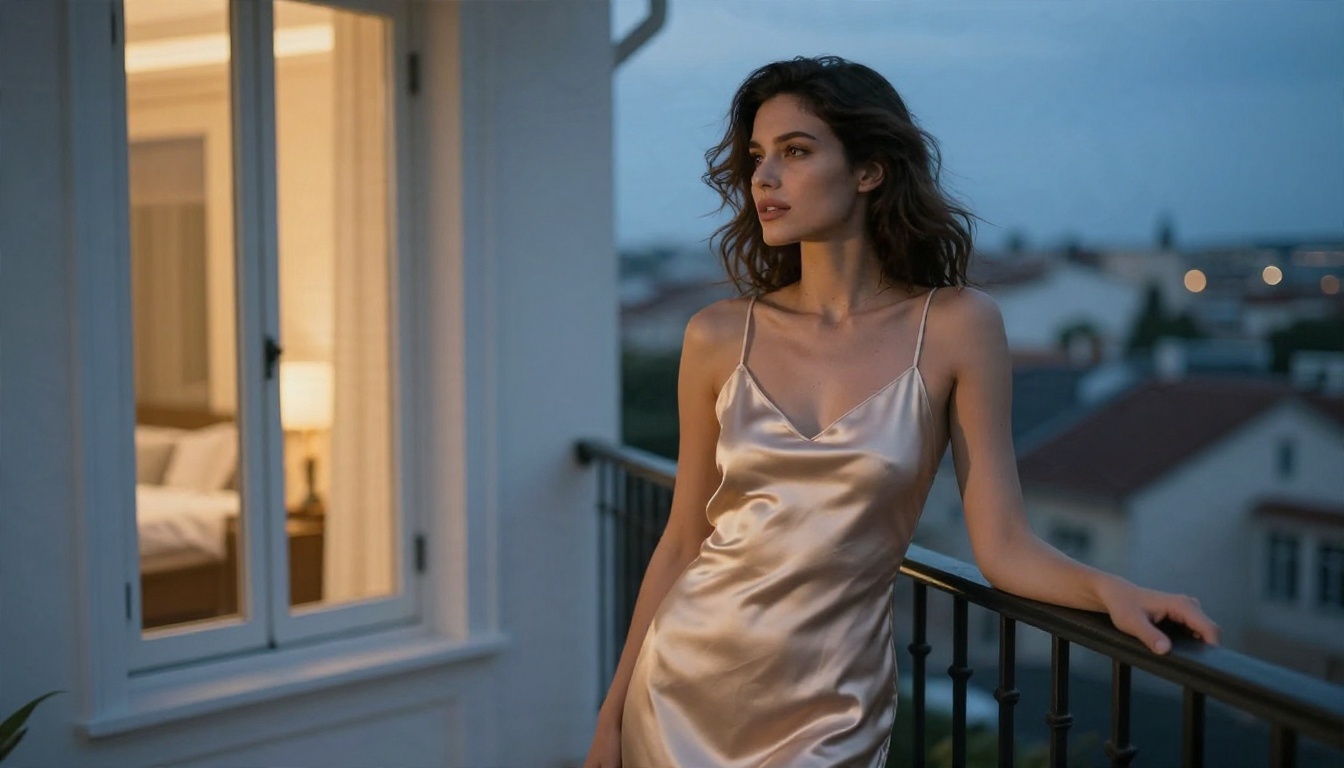
Short answer: Veo 3 will not make explicit adult content, and it gets nervous well before that line. If you type a prompt that sounds even mildly sexual, you will probably meet the grey "this prompt may violate our policies" message and lose a few credits for nothing. That is the frustrating part, because a lot of what people actually want is not explicit at all. A woman in a bikini on a beach, a silk robe in morning light, an evening dress on a hotel balcony. Glamour, not pornography.
This article sorts out what Veo 3 really blocks, where the free options stand right now, and which prompts tend to pass. You will also get a plain-language look at why results feel random, and a practical alternative workflow on PicassoIA for when Google's filters get in the way.
💡 Quick note on availability: Veo 3 is a Google model and it is not on PicassoIA. Everything below about its behavior comes from Google's public safety documentation and user reports. For similar looks you can actually produce on PicassoIA, jump to the section on getting similar results.
What Veo 3 Actually Blocks
Google does not publish a neat list of banned words. What it does say, in its safety documentation for Veo, is that every prompt is checked against a set of filters covering categories such as violence, sexual content, derogatory language and toxicity. Anything that trips a filter returns a generic message instead of a video.
Prompt-level filtering
The first checkpoint reads your text. Explicit anatomy, sexual acts, fetish terms and obvious "undress" phrasing get refused immediately. So do prompts that name real people in suggestive situations. The filter is not just a banned-word list, either. It reads intent, so rewording a blocked sentence with synonyms often fails too.
What surprises people is the gray zone. Words like "sensual", "seductive", "lingerie" or "topless" can trigger a refusal even when the imagined scene is tame. The model is tuned to err on the side of caution.
Output-level checks
The second checkpoint happens after generation. Reports from users say a finished clip can still be withheld if the result looks too revealing, even when the prompt passed. Google's documentation describes safety checks on generated videos, and that matches what people see: a prompt that works once can fail the next time because the output, not the text, was flagged.
💡 Practical consequence: a refusal does not always mean your prompt was bad. Sometimes the clip simply drifted into territory the output check dislikes. Trying the same idea with a calmer framing often works.
Regional restrictions
There is one more layer that few people mention. In some regions, including the EU, UK, Switzerland and parts of the Middle East and North Africa, Veo 3 and 3.1 reportedly only allow generation of adult people. That is mostly about protecting minors and is not an NSFW rule as such, but it adds friction: images of realistic people used as a starting frame can be rejected depending on where you are.
What Still Gets Through
If you accept the limits, Veo 3 is still excellent for the tasteful end of the spectrum. Its strength is realistic motion and native audio, which makes a beach scene with crashing waves feel alive.
Swimwear and glamour
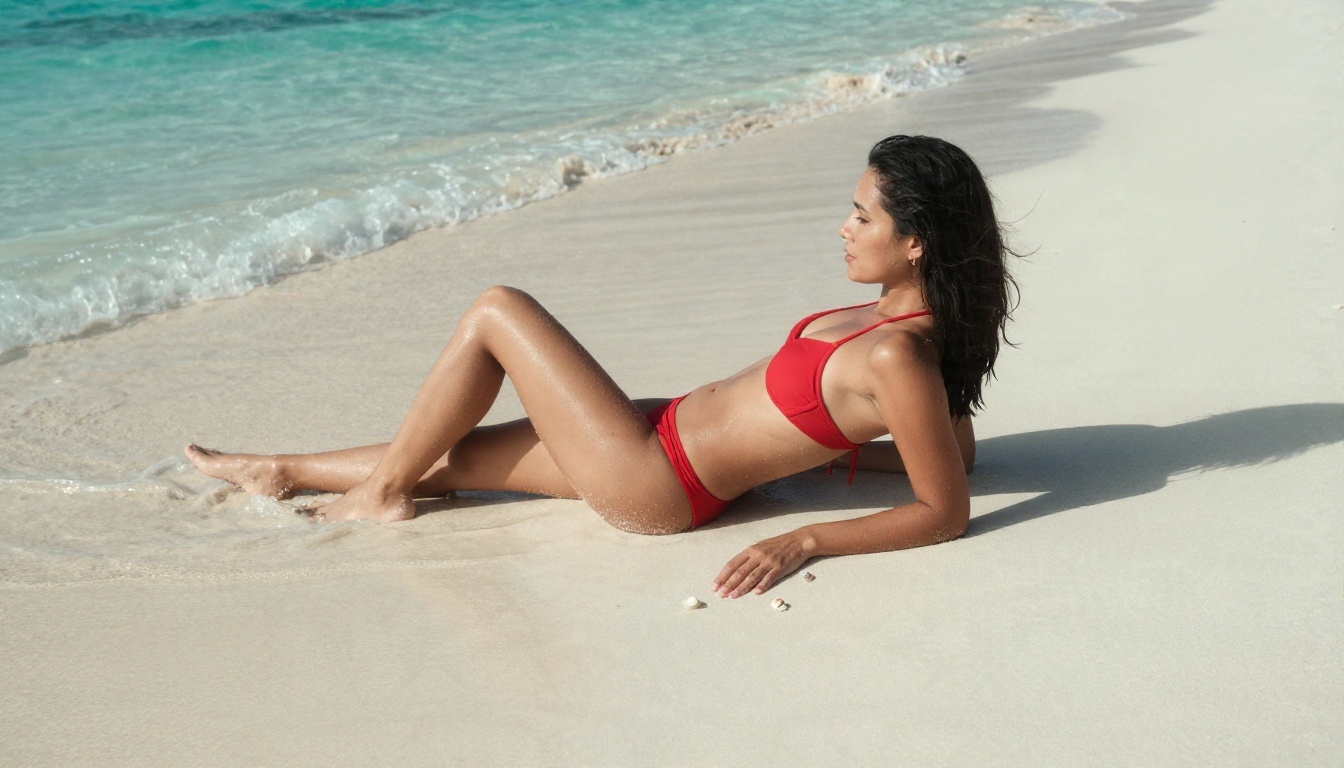
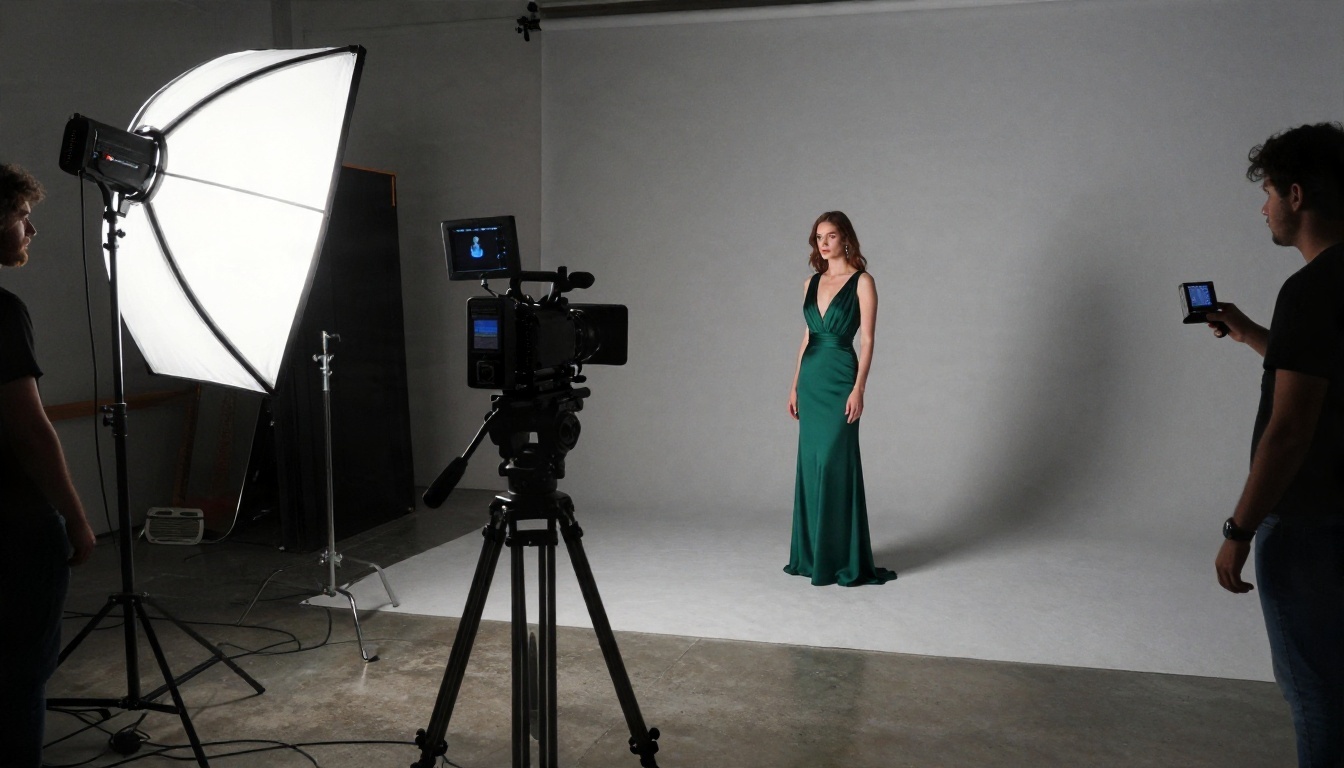
Clips with swimwear in a normal setting, such as a beach, a pool or a boat deck, regularly pass. So do fashion-style scenes: satin dresses, silk robes, evening gowns, studio photoshoot setups. The common thread is context. When the prompt describes a travel shoot or a fashion editorial, the filter reads it as ordinary content. When it describes the body itself, it does not.
Why results feel inconsistent
Three things cause the randomness:
- Output scoring: the same prompt can produce one clip that passes and another that gets withheld.
- Wording drift: adding one adjective like "sultry" can flip a prompt from allowed to blocked.
- Image inputs: when you start from a picture, the picture is judged too, and a revealing frame is refused even with an innocent text prompt.
| Scenario | Typical result on Veo 3 |
|---|
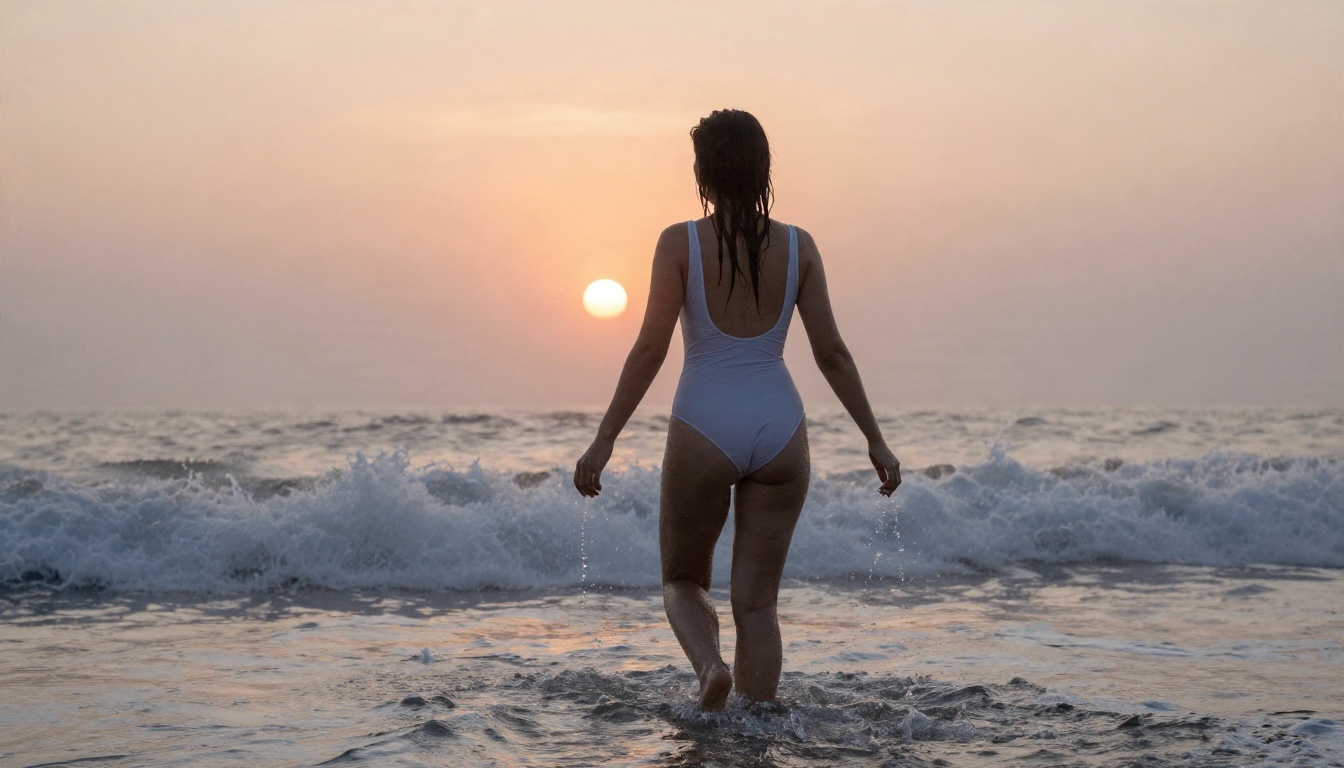
| Woman walking on a beach in a swimsuit, travel style | Usually passes |
| Evening gown fashion shoot in a studio | Usually passes |
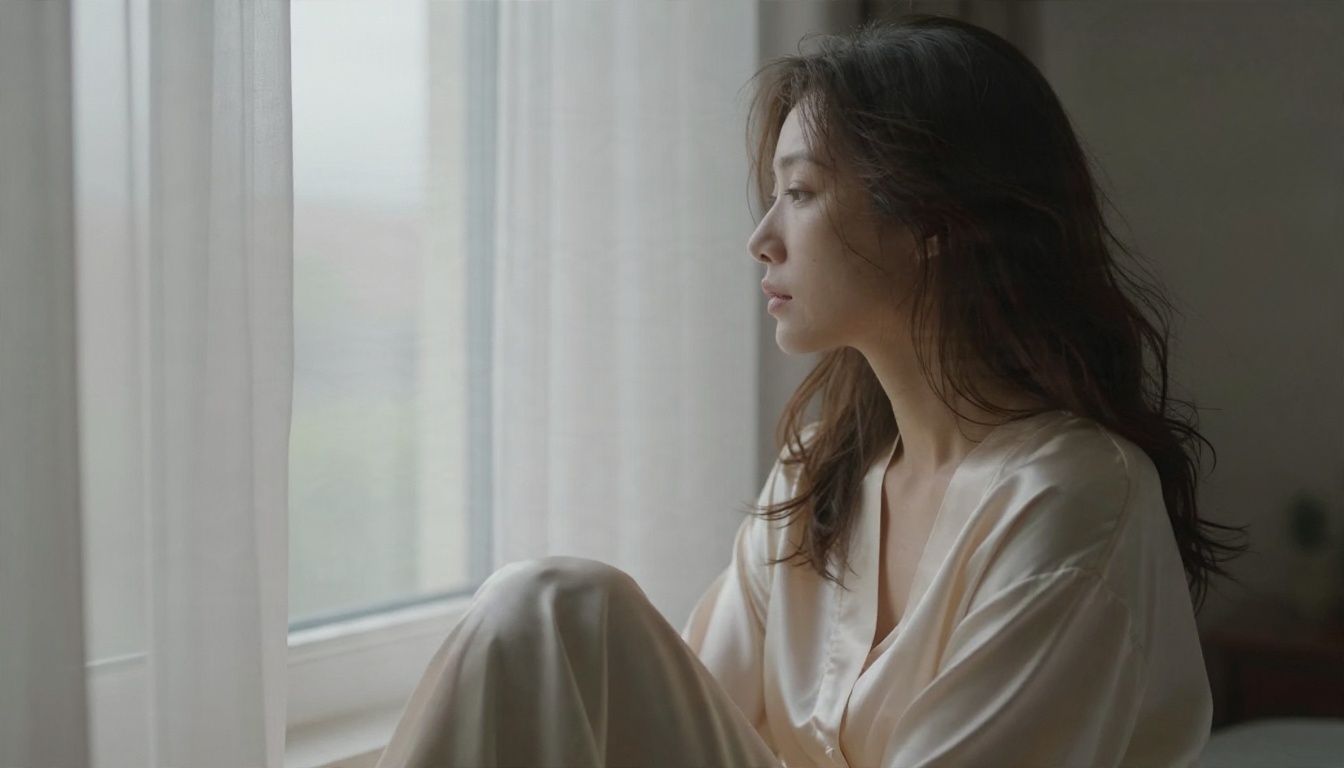
| Silk robe by a window, soft morning light | Often passes, sometimes withheld |
| "Sensual", "seductive" or "lingerie" in the prompt | Frequently blocked |
| Nudity or sexual acts, even implied | Blocked |
| Real person named in a suggestive scene | Blocked |
Free Ways to Try Veo 3
Free access to Veo changes often, and many blog posts that promise "unlimited free Veo 3" are recycled marketing. Here is what reports from 2026 actually point to, with the caveat that you should confirm it on Google's own pages before relying on it.
Flow free credits
Google's Flow tool has been described as offering a free tier with a small batch of starter credits and a daily top-up that resets every 24 hours. Each Veo generation costs credits, and the fast variants cost less than the top-quality ones, so a daily allowance usually buys you only a few short clips. Treat it as a way to test prompts, not to produce a project.
Student and plan offers
Google has run offers that give students a free period of its AI Pro plan, which includes limited access to Veo 3 Fast. Paid plans unlock more: AI Pro gives restricted access in Flow, and the higher Ultra tier gives fuller access. Whether the Gemini app itself lets free accounts generate video is reported inconsistently, so check before you count on it.
The API is paid
Developers who call Veo through Google's API are generally told it is paid only, with no free tier. Fine for a production workflow, pointless if you just want to see how a bikini prompt behaves.
💡 Reality check: a free daily credit allowance plus a safety filter that refuses borderline prompts means you can burn most of your free attempts on refusals. This is the real cost of testing NSFW-adjacent ideas on a tool with strict moderation.
Prompt Examples That Pass
Good Veo prompts read like a shot list. They name a setting, a light source, a lens feel and a single slow action. They avoid describing skin or anatomy and let the clothing and environment carry the mood.
A safe prompt formula
Use this order: subject and outfit, setting, lighting, camera movement, sound.
Example structure: "An adult woman in a [outfit], [simple action], in [location], [light direction and time of day], [camera movement], with [ambient sound]."
Stick to a single action. Walking, turning, adjusting a hat or looking out at the water all work. Multiple actions raise the odds of an odd output that gets flagged.
Five prompts to copy
- Beach travel clip: "An adult woman in a red bikini walks along the shoreline at golden hour, waves washing over her ankles, slow tracking shot from the side, warm sunlight, sound of surf and distant gulls."
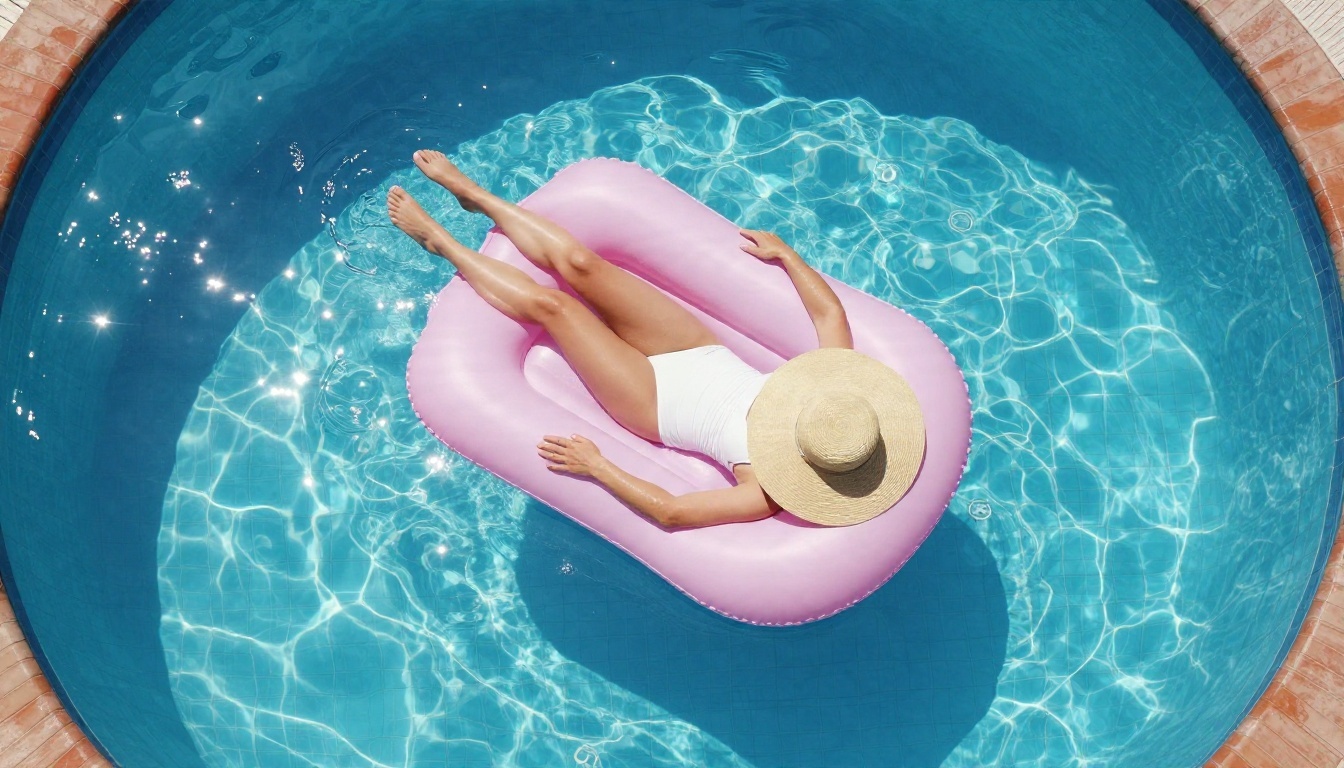
- Pool day: "Aerial view of an adult woman in a white swimsuit and straw hat floating on a pink inflatable in a blue pool, slow drone descent, midday sun with rippling reflections, gentle water sounds."
- Hotel balcony: "An adult woman in a champagne satin dress leans on a balcony railing at dusk, city lights beginning to glow, slow push-in, soft breeze, faint street ambience."
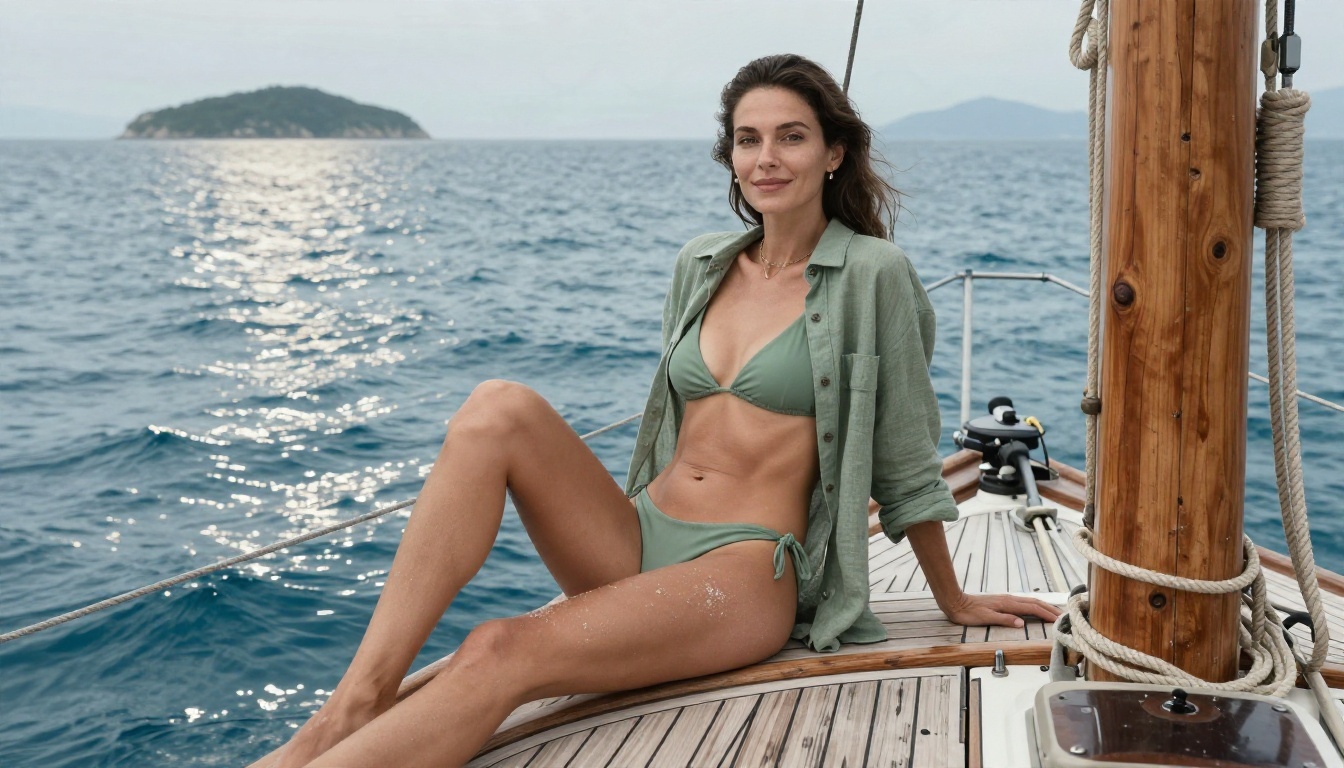
- Sailboat portrait: "An adult woman in a green bikini and open linen shirt sits on a teak sailboat deck, looks toward the horizon and smiles, handheld camera with gentle sway, creaking rope and wind."
- Morning window: "An adult woman in an ivory robe sits by a tall window, soft overcast light, she turns her head slowly toward the glass, slow dolly in, quiet room tone."
Prompts that get blocked
These patterns are the usual reasons for a refusal:
- Anatomy words or direct descriptions of undressing.
- Mood words like "seductive", "sensual", "erotic" or "naughty".
- Named celebrities or real individuals in any suggestive setup.
- Anything that could read as a minor, including "girl", "schoolgirl" or youthful-sounding descriptions.
- Starting images that are already revealing.
A useful habit: when a prompt is refused, remove adjectives about the body first, then mood words, then try again. Do not try to trick the filter with misspellings. It rarely works, and it wastes credits.
How to Get Similar Results on PicassoIA
If your goal is glamour imagery and motion with fewer refusals, a different workflow makes more sense. Build the look as a still, then animate it. That order gives you control over the frame before any motion is added, and it avoids the lottery of text-to-video moderation.
Seedream 4.5 is the place to start. It produces sharp, photorealistic images with natural skin texture and believable fabric, which is exactly what bikini, swimwear and fashion looks depend on. Seedream 4.5 is the lead recommendation for this kind of work on PicassoIA.
Step by step
- Open the Seedream 4.5 page on PicassoIA.
- Write a prompt with the same shot-list logic as above: subject, outfit, setting, light, lens.
- Set the ratio to 16:9 so the frame is ready for video later.
- Generate a few variations and keep the one with the best pose and light.
- Refine details such as outfit color, hair or background in PicassoIA Image Editor Pro, which offers unlimited generations, so you can iterate without watching a credit counter.
- Animate the final frame with an image-to-video model such as Wan 2.5 I2V Fast.
Parameter tips
| Setting | What to do |
|---|
| Aspect ratio | 16:9 for cinematic clips, 9:16 for vertical social posts |
| Prompt length | 40 to 80 words, one subject, one setting |
| Lighting | Name a direction and time of day: "golden hour from the left" |
| Skin and fabric | Mention texture: "natural skin texture, satin sheen, fine film grain" |
| Lens | "85mm f/1.8" for portraits, "35mm" for environmental shots |
| Variations | Generate 3 to 4 and pick the best before editing |
💡 Why this works better: a still image lets you check the result in seconds. When the frame looks right, the motion step only has to add a slow camera move and some ambient movement, which is far more predictable than asking a text-to-video model to invent everything at once.
Other Options Worth a Try
Beyond the lead recommendation, a few more models are worth keeping in your rotation:
- PicassoIA Image Editor Pro: unlimited generations and fast edits. It is the one to use when you want to change an outfit, a background or a pose without starting from scratch.
- Flux 2 Klein 9B Base LoRA: good for styled looks, and a solid pick when you want a specific photographic mood across a series.
- Wan 2.5 I2V Fast: quick image-to-video for bringing a finished still to life with gentle motion.
PicassoIA also lists Veo 3 Fast and Veo 3.1 as separate models. They are siblings of Veo 3, not the same thing, and since they come from the same Google family you should expect similarly cautious moderation around adult themes. They shine for safe, polished video with native audio rather than for glamour edge cases.
| Goal | Best fit |
|---|
| Photoreal glamour still | Seedream 4.5 |
| Quick edits and unlimited tries | Image Editor Pro |
| Consistent styled series | Flux 2 Klein 9B Base LoRA |
| Animate a finished still | Wan 2.5 I2V Fast |
| Safe cinematic clip with audio | Veo 3 Fast or Veo 3.1 |
Mistakes That Waste Your Credits
A few habits cost people the most:
- Rewording the same blocked prompt ten times. If a prompt fails twice, change the scene, not the synonyms.
- Using a revealing starting image. Image-to-video tools judge the picture first.
- Stacking actions. "She dances, spins, and removes her hat while the camera orbits" is asking for trouble.
- Skipping the still stage. Building the frame first saves far more time than it costs.
- Trusting "unlimited free Veo" pages. Many are recycled promotions that fall apart once you click through.
Try It Yourself on Picasso IA
Veo 3 is a superb video model that plays it very safe, and that is fine as long as you know the rules going in. For swimwear, fashion and glamour that stays non-explicit, a still-first workflow gives you more control and far fewer dead ends.
Start with a single prompt in Seedream 4.5, polish it in Image Editor Pro, then bring it to life with an image-to-video model. Experiment with lighting, outfits and locations, and keep the shots you like. When you want to see every option, browse the full catalog at picassoia.com/en/all-models and build your own look from there.


