You open an "AI adult video app," type a prompt, and wait. Six seconds later you get a watermarked clip that ends before anything happens, plus a pop-up asking for $29 a month. Sound familiar? That is the standard experience with free AI adult video apps in 2027, and it is why so many people end up comparing five tabs and still not knowing what they will pay.
This breakdown puts numbers on it. You will see what "free" usually includes, what paid plans cost, why almost every tool stops at 5 to 10 seconds per clip, and how to build tasteful, glamour-style adult-themed videos without burning credits on guesses. Everything here stays non-explicit and adults only, because that is where the safest and most reliable tools live.
💡 Quick answer: Free tiers typically give you short clips (about 5 to 10 seconds), a watermark, and a small daily or monthly credit pool. Paid plans in 2026 mostly land between roughly $12 and $50 per month, and the real price is the credit cost per clip, not the headline number.

What "Free" Really Means
The word "free" is a marketing label, not a promise. Across the tools people search for under terms like free AI adult video generator, NSFW video maker and uncensored AI video app, the same pattern repeats. Something is always limited. Your job is to find out what, before you invest an evening in prompts.
The Five Common Catches
Almost every free tier uses at least one of these restrictions:
| Catch | What it looks like | Why it matters |
|---|
| Watermark | Logo burned into every export | Unusable for posting or sharing |
| Credit cap | 3 to 10 free generations, then nothing | You run out mid-project |
| Length cap | Clips stop at 3 to 10 seconds | No room for a story beat |
| Resolution cap | 480p or 720p only | Looks soft on a big screen |
| Queue priority | Free users wait minutes or hours | Slow iteration |
A tool can hide three of these and still call itself free. The honest question is: can I finish one usable clip without paying?
Credits, Not Minutes
Most apps do not sell time. They sell credits, and each clip burns a different amount depending on length, resolution and model. One adult-focused service reported in 2026 reviews charges about 10 credits for a 5 second clip on a plan that includes 100 credits per month. That is ten clips, total, before you are out. Another sells 400 credits for about $20 where each clip costs 50 credits, which is eight clips for the price of a lunch.
That is why a plan that looks cheap can turn out to be expensive per clip. Always divide the monthly price by the number of clips you can actually generate.

Typical Pricing in 2026
Prices move constantly, and most published comparisons are written by the vendors themselves, so treat every number below as a range and check the current pricing page before you pay. Still, the shape of the market is consistent.
Subscriptions vs Credit Packs
Two models dominate:
- Monthly subscription. You pay a flat fee for a credit pool that resets each month. Entry plans are often around $12 to $20, and professional plans with higher resolution and batch generation sit near $45 to $50.
- Credit packs. You buy a bundle once, such as 400 credits for about $20. Credits can last longer, but each clip often costs more of them.
Annual billing usually knocks a visible discount off the monthly rate, though you are locked in. One entry plan advertised in 2026 reviews was about $13 per month or roughly $91 per year.
Cost Per Clip Math
Here is the math that matters. Use this table as a template and plug in the real numbers from whichever app you are testing.
| Plan example | Price | Credits | Cost per 5 s clip | Clips per plan | Effective cost per clip |
|---|
| Entry subscription | ~$13/month | 100 | 10 credits | 10 | ~$1.30 |
| Credit pack | ~$20 once | 400 | 50 credits | 8 | ~$2.50 |
| Pro subscription | ~$29 to $49/month | Varies | Varies | Often 30 to 100 | ~$0.50 to $1.50 |
💡 Rule of thumb: If a clip costs more than about $1 and you need five attempts to get one good result, the real price of a single usable clip is $5. Prompt carefully, and test with the cheapest settings first.

Length Limits Per Clip
If you only remember one number, make it this one: free AI video clips are normally capped at 5 to 10 seconds each. Paid tiers raise the ceiling, but even then most tools top out around 10 to 15 seconds per generation, with a few newer models stretching much further.
Why 5 to 10 Seconds
Video models predict every frame in a sequence, and the longer the clip, the more the faces, hands, fabric and lighting can drift. Short clips keep the subject consistent. They also cost less to render, which is why free tiers stay close to the minimum.
For glamour-style content, 5 seconds is enough for a clean beat: a slow turn toward the camera, a robe settling on a shoulder, a hair flip, a smile. It is not enough for a scene with dialogue and a setting change.
Stitching Longer Scenes
If you need 30 seconds, you stitch. The standard workflow is:
- Generate a strong first frame as a still image.
- Animate it for 5 seconds.
- Grab the last frame of that clip.
- Use it as the first frame of the next clip.
- Cut the clips together in any editor.
This keeps the character, outfit and room identical across shots, which is the hardest thing for AI video to hold on its own.
Rules You Should Not Skip
Search results for this topic are full of tools bragging about having "no filters." Before you sign up for one, consider what that actually means for you.
Adults Only, Always
Every character you create must be an unmistakable adult. Prompts that blur age, even as a joke, are a fast way to get an account banned and can be illegal. Reputable apps block these prompts. Use clear adult descriptors such as "adult woman in her late twenties" and keep your content clearly in that lane.
Consent and Likeness
Never use a real person's face or body without their written permission. That includes celebrities, coworkers and exes. Face swaps and "AI girlfriend" clones built from someone's photos create real legal exposure in many countries. Fictional characters generated from scratch are the safe path.
Data, Billing and Privacy
Check three things before paying anyone:
- Billing: Is cancellation a single click? Does the plan auto-renew annually?
- Storage: Are your generations private by default, or public in a gallery?
- Policy: Does the app say what it allows? Some mainstream platforms ban adult content entirely, and a few that advertise otherwise remove it later.
💡 Reality check: An app that says "uncensored" in its ad may still block your prompt, delete your account, or hide your clip behind a paywall. Read the terms, not the banner.
Where PicassoIA Fits
Here is the practical angle. Instead of paying per second inside one locked app, you can build the still image, edit it, and animate it using separate models, each good at one job. That gives you control over cost and consistency. Everything below is intended for suggestive, glamour-style, non-explicit work: bikinis, lingerie-style fashion, boudoir lighting, artistic mood.
Start With Seedream 4.5
For the first frame, Seedream 4.5 is the strongest place to begin. It produces sharp, photorealistic skin, fabric and light, with fine detail that survives being animated later. A good first frame saves you more credits than any pricing trick.
Prompt tips that work:
- Name the lens and light: "85mm f/1.8, warm window light from the left."
- Describe fabric texture: "champagne silk robe with soft sheen."
- State the adult age range and a calm, confident expression.
- Keep the background simple, so the video model does not invent chaos.

Edit With Image Editor Pro
Got a good frame that is almost right? Use PicassoIA Image Editor Pro to fix the outfit color, adjust the background, tweak the pose or clean up small flaws. It is built for unlimited generations, so you can iterate as many times as you need without watching a credit counter drop. For anyone who got burned by 10 credit clips, that is the biggest practical difference.
Another useful image option is Seedream 5 Pro for sharp 2K stills, and Qwen Image 3 Pro when you want a different photographic look to compare against.
Animate With Video Models
Once the still is locked, animate it. These models are on PicassoIA and cover different needs:
Remember that the video models apply their own content rules. Keep your clips on the glamour and fashion side, and you will hit fewer blocks and wasted attempts.
A Simple Workflow for Short Clips
Here is a process that wastes the fewest credits.
Step 1: Write the Still Prompt
Describe one subject, one setting, one light source. Example: "Adult woman in her late twenties in a champagne silk robe on a cream sofa, golden hour window light from the left, 85mm f/1.8, shallow depth of field, Kodak Portra 400 grain." Short and specific beats long and vague.
Step 2: Refine the Frame
Generate several versions in Seedream 4.5, pick one, and polish it in Image Editor Pro. Fix the hands, check the face, and make sure the outfit and room look right. Anything wrong in the still will be wrong in the video.
Step 3: Test With a Free Model
Run the frame through Seedance 2.5 Lite first. You get a 5 to 10 second preview without worrying about spending. If the motion looks right, move up to a higher quality model for the final render.
Step 4: Write Motion Prompts Like a Director
Describe what happens over time, in order: "She slowly turns toward the camera, the silk robe shifts on her shoulder, curtains drift in the breeze, camera pushes in slowly." One main movement per clip. Two or three simultaneous actions tend to produce glitches.
Step 5: Chain Clips Together
Use the last frame of clip one as the opening frame of clip two. Repeat until you have 20 to 30 seconds. Add music or a voiceover afterward in any editor.
Checklist Before You Pay
Run through this list for any app, including the ones you already use.
- Does the free tier export without a watermark? If not, it is a demo.
- How many credits does one 5 second clip cost? Divide the plan by that number.
- What is the maximum clip length on the plan you want?
- Can you animate from your own image? Image-to-video gives you far more control than text-only.
- Are your generations private?
- Can you cancel online in one step?
- Does the app allow what you plan to create? If it bans adult themes, a "free trial" is a trap.
Free vs Paid at a Glance
| Feature | Typical free tier | Typical paid tier |
|---|
| Clip length | 3 to 10 s | 10 to 30 s |
| Watermark | Yes | No |
| Resolution | 480p to 720p | 1080p and up |
| Queue | Slow | Priority |
| Commercial use | Often banned | Sometimes allowed |
| Monthly cost | $0 | About $12 to $50 |
Three Common Mistakes
- Paying annually on day one. Test for a week first.
- Using text-only prompts. Starting from a still saves a lot of retries.
- Chasing "uncensored" claims. Pick a tool with clear rules and stable access instead of one that disappears next month.
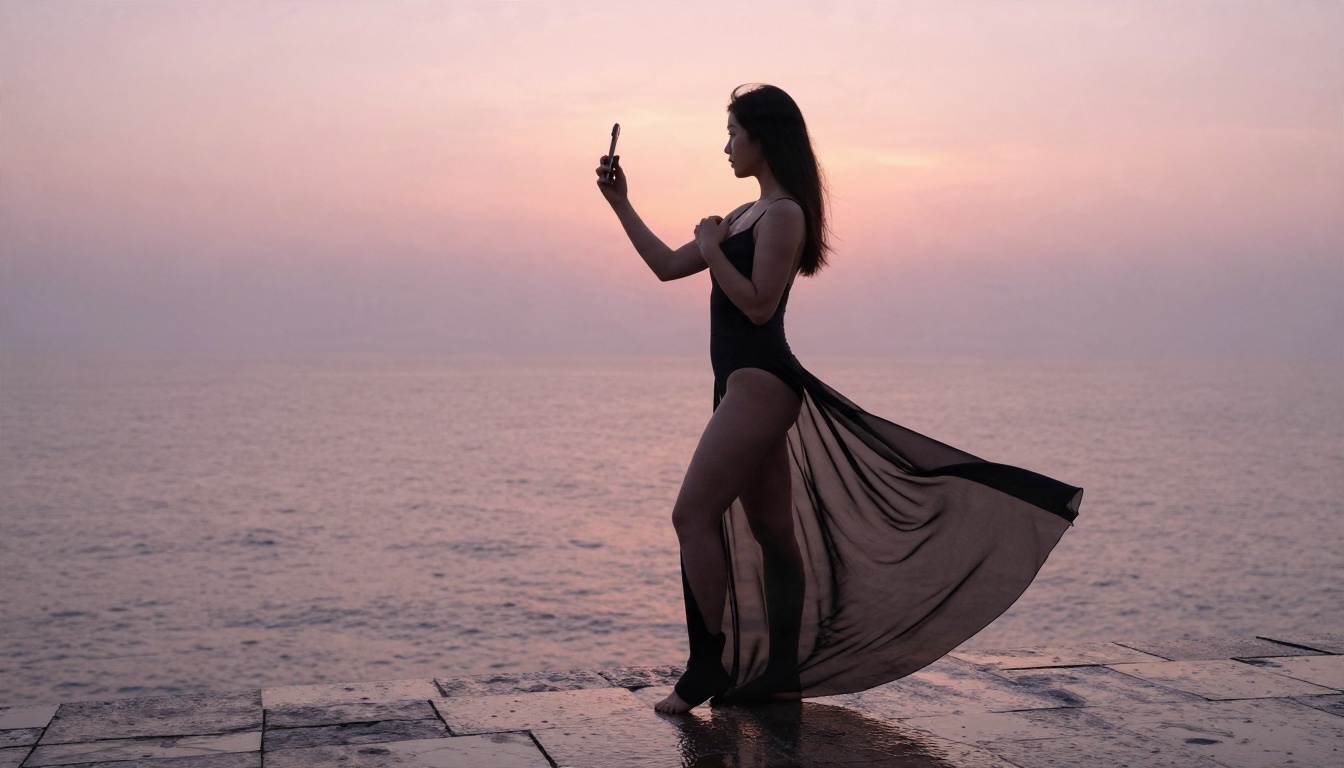
Create Your Own Clips Today
You now know what the free tiers hold back, what paid plans cost per clip, and why 5 to 10 seconds is the standard limit. The next step is to stop reading comparison pages and make something.
Open Seedream 4.5 and build your first frame, polish it in PicassoIA Image Editor Pro with unlimited generations, and test the motion with Seedance 2.5 Lite. If you want a longer scene, move up to Seedance 2.5 and chain your clips.
Want to compare more models side by side? Browse the full catalog at picassoia.com/en/all-models and try a few prompts of your own. Your first usable clip is probably one good prompt away.


