Type "video generator 18" into a search bar and you get a wall of tools that promise everything, then stop you at the first render with a paywall, a watermark or a blank "content blocked" message. The frustration is real. Most people looking for an 18+ video generator want something simple: a sensual, glamour-style clip of a swimsuit shoot, a boudoir portrait that moves, a beach scene with wind in the hair. Nothing extreme. They just want a tool that does not panic at the word "bikini."
This article sorts out what actually works in late 2026. You will see which kinds of free online options are worth your time, whether an app or a browser tool is the smarter pick, how to build a clip from a still image, and which prompts produce smooth, believable motion. Everything here stays on the suggestive and artistic side: swimwear, lingerie-style fashion, glamour lighting. No pornographic output, and no real-person likeness without consent.
What "Video Generator 18" Really Means
The search intent behind it
People who type this phrase are usually after one of three things: a tool that allows adult-leaning themes without blocking, a tool that is genuinely free, or an app they can run on a phone. Often it is all three at once. That is a narrow target, and it explains why so many results disappoint.
The tools that satisfy it share a few traits. They accept swimwear and glamour prompts without refusing. They do not slap a giant watermark across the frame. And they let you generate more than two or three clips before asking for a card.
Free versus unlimited
These two words get mixed up constantly. Free usually means a trial: a handful of credits, then a wall. Unlimited means you can keep generating without a meter running. For adult-leaning creative work, where you might need ten attempts to get one clip with the right mood, unlimited matters far more than free.
💡 Quick test: Before you invest time in any tool, generate three clips back to back. If the third one triggers a paywall or a quality drop, the "free" label is a trial in disguise.
Free Online Options Worth Trying
Browser tools beat most apps
A browser tool needs no install, runs on any laptop, and updates silently. For video generation, where the heavy lifting happens on remote GPUs anyway, a browser is usually all you need. That is why most serious options live online first and in an app store second.
On PicassoIA, two options stand out for this exact use case. PicassoIA Video is listed as a free, unlimited generator that works from text or an image. Seedance 2.5 Lite is described as a free and unlimited video generator with clips of up to 10 seconds. Both are easy places to run the three-clip test above.
Where the limits hide
Even good tools hide limits in odd places. Watch for these:
- Duration caps: many free tiers stop at 3 to 5 seconds.
- Resolution drops: a clip that looks sharp in the preview exports at 480p.
- Queue times: free users wait behind paying ones, sometimes for minutes.
- Silent filters: the tool returns a blurred or static result instead of an error.
Quick comparison
| Option type | Cost | Adult-leaning prompts | Typical limit |
|---|
| Unlimited browser generator | Free | Accepts glamour and swimwear | Shorter clip length |
| Credit-based premium model | Paid credits | Varies by model | Credits run out fast |
| Mobile "video AI" app | Free with ads or trial | Often blocks | Watermarks, weekly caps |
| Open-source local setup | Free software, your hardware | Fully your call | Needs a strong GPU |
App or Browser: Which Wins?
Why apps feel convenient but fall short
A phone app is quick for casual use. You open it, tap, and get a clip. The trade-offs show up fast, though: aggressive content filters (app stores demand them), forced subscriptions after a trial, and exports stamped with a logo. Many apps are thin wrappers around the same models you can reach directly in a browser, with a price markup on top.
When a browser is the better call
If you plan to make more than a couple of clips, the browser wins on nearly every count: bigger preview, easier file handling, access to many models in one place, and no store-imposed restrictions on suggestive themes. You can also open your image generator in one tab and your video tool in another, which matters for the workflow below.
💡 Phone-only? Use the browser on your phone. Mobile browsers handle these tools fine, and you skip the app store filters entirely.
The Best Workflow: Still Image First
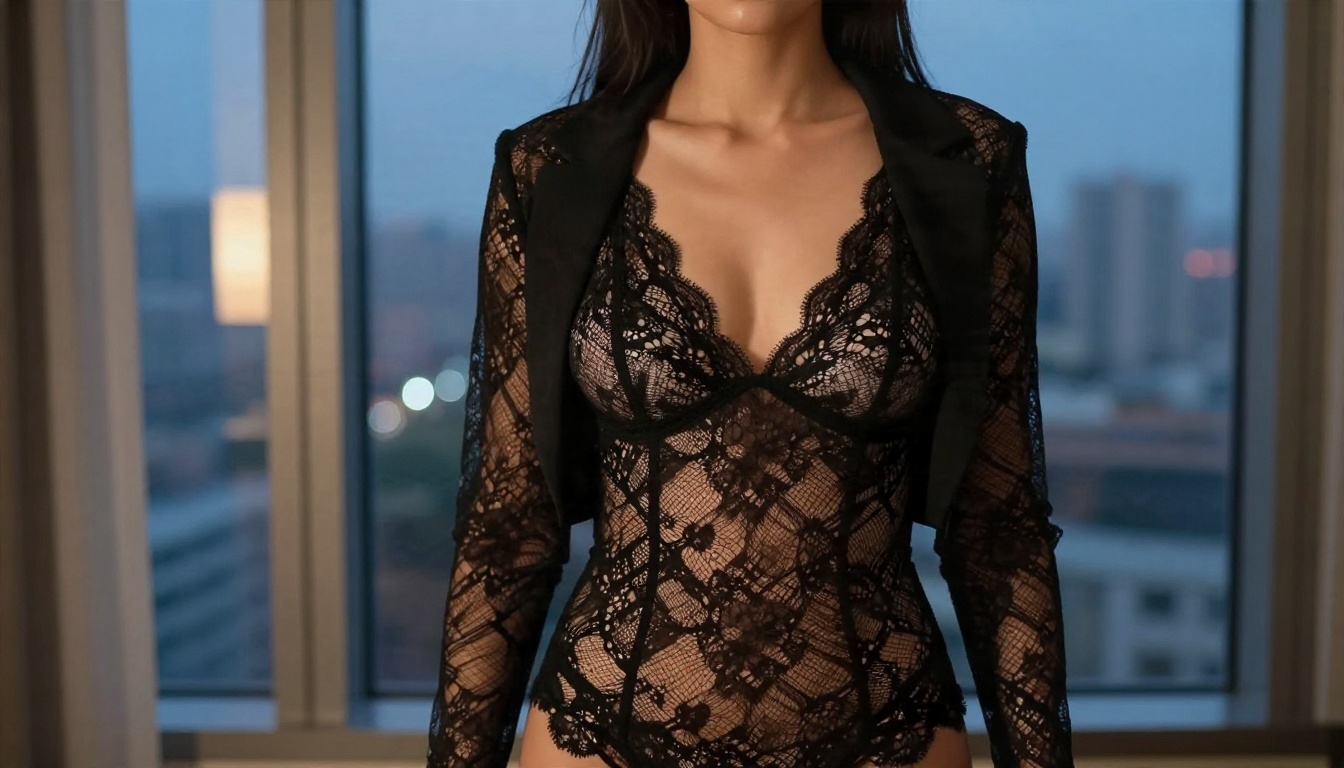
Direct text-to-video works, but for sensual or glamour content it is the less reliable path. Faces drift, outfits change mid-clip, and you cannot control the opening frame. The better method is to build the still first, then animate it. You approve the look before spending a single video render.
Step 1: Create the base photo
For realistic skin, fabric and light, Seedream 4.5 is the strongest starting point. It produces 4K images from text and handles swimwear, satin, lace and golden-hour skin tones without refusing. Describe the shot like a photographer would: lens, light direction, location, outfit, mood.
Step 2: Fix details with an editor
Rarely is the first image perfect. Maybe the strap sits wrong, the background is cluttered, or you want a different outfit color. PicassoIA Image Editor Pro is built for this: an unlimited AI photo editor where you can adjust clothing, backdrop and lighting with plain-language instructions. Because it is unlimited, you can iterate ten or twenty times without watching a counter.
Step 3: Animate the approved frame
Now take that image into a video model. Upload it as the first frame, then write a motion-only prompt (more on that below). Since the identity, outfit and composition are already locked, the model only has to add movement. That is why this path gives more consistent results than text-only prompts.
A quick sequence you can copy
- Generate three to five stills with Seedream 4.5 until one nails the mood.
- Open the winner in Image Editor Pro and fix straps, hair or background.
- Upload the final still to your chosen video model as the first frame.
- Write a short motion prompt: one subject action, one camera move, one light cue.
- Render, review, and adjust only one variable per retry.
Video Models Worth Your Time
Once the base image is ready, the choice of video model changes the feel of the result. Here is how the main PicassoIA options compare for glamour and swimwear clips.
| Model | Strength | Best for |
|---|
| PicassoIA Video | Free and unlimited, text or image input | Testing ideas without limits |
| Seedance 2.5 Lite | Free and unlimited, up to 10 seconds | Longer, slow sensual motion |
| Kling v3 Video | Cinematic motion and body movement | Polished hero clips |
| Wan 2.6 I2V | Turns a photo into video faithfully | Keeping a face and outfit consistent |
| Hailuo 02 | 1080p output, smooth physics | Fabric, hair and water movement |
| Veo 3.1 Fast | Native audio and quick renders | Clips with ambient sound |
Free first, premium when it counts
A sensible habit: prototype on the unlimited options, then move only your best prompt to a premium model for the final render. You avoid burning credits on experiments, and you still get top-tier quality on the clip you actually publish.
Other image-to-video options
If you want to experiment further, Wan 2.7 I2V, Grok Imagine Video 1.5 and Happyhorse 1.1 all accept an image as the first frame. Each has a slightly different motion style, so run the same still through two or three and compare.
Prompts That Actually Work
The biggest beginner error is writing video prompts like image prompts. An image prompt describes a frozen scene. A video prompt describes what changes over five seconds. Keep it short, chronological and physical.
The motion formula
Use this structure: [subject pose] → [one action over time] + [one camera move] + [light and atmosphere].
💡 One action rule: every extra action in a prompt raises the odds of warped hands or a drifting face. One slow, clear movement beats three busy ones.
Prompts to copy
Beach glamour
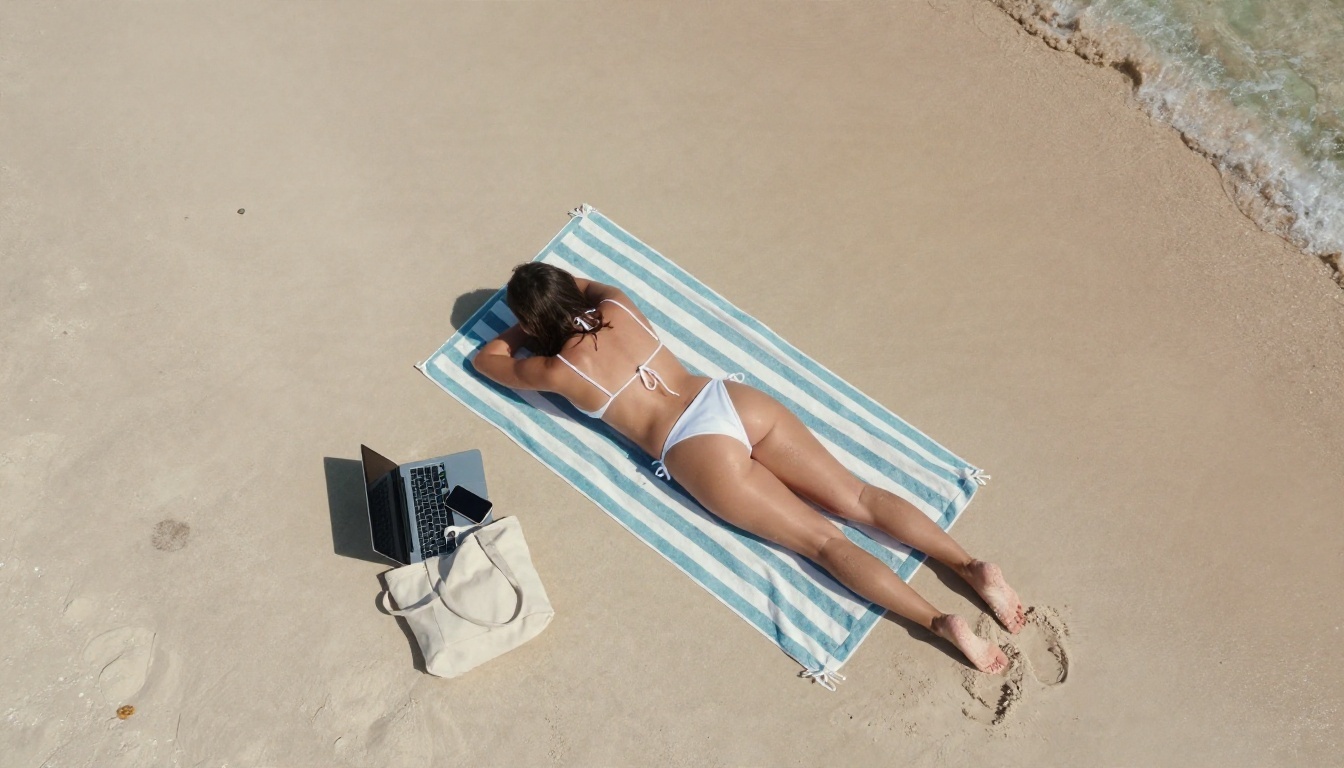
"A woman in a white bikini lies on a striped towel, she slowly turns her head toward the camera and smiles, gentle sea breeze moves her hair, slow push-in, warm midday sun, soft ocean ambience."
Boudoir morning
"A woman in a cream satin slip sits on the edge of a white bed, she lifts a hand to tuck hair behind her ear, sheer curtains drift, slow dolly-in at eye level, soft morning light from the left."
Evening walk
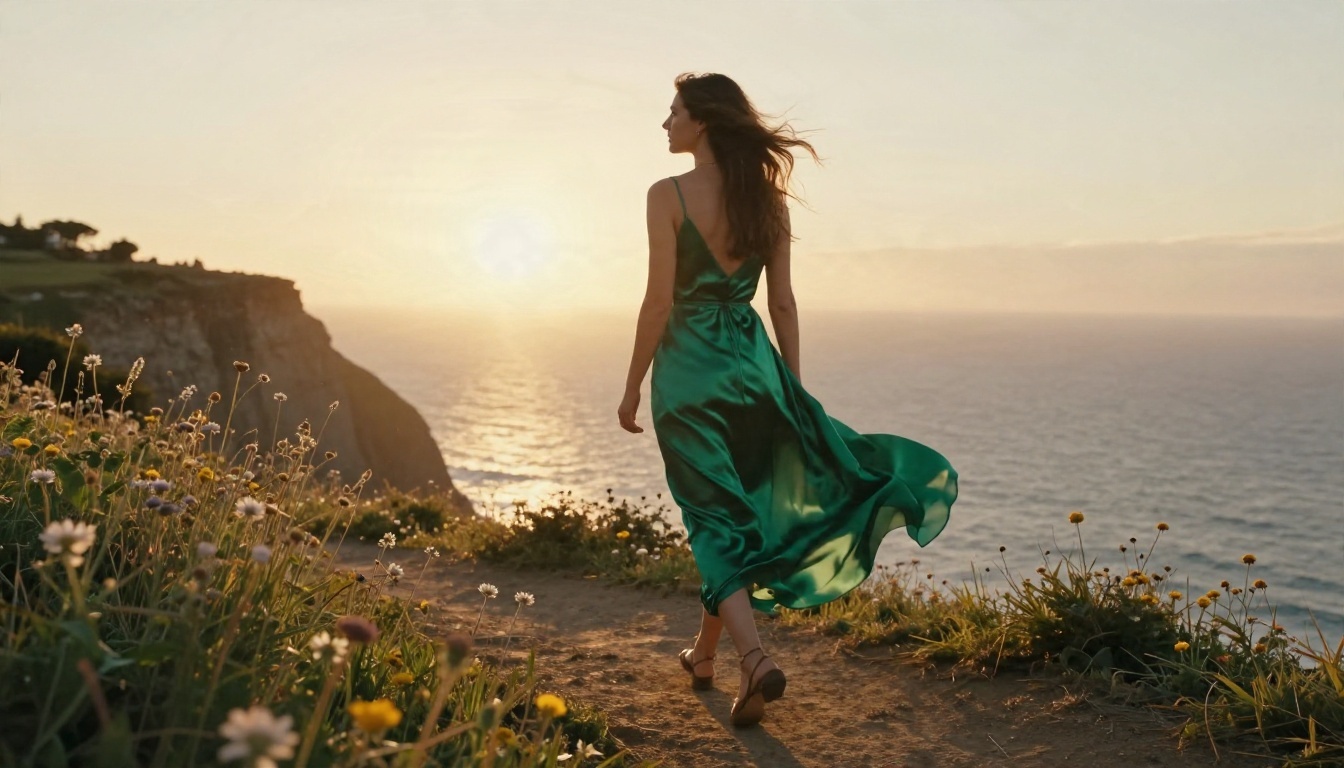
"A woman in a flowing emerald dress walks along a cliff path, the fabric lifts in the wind, camera tracks sideways at walking pace, golden hour backlight, distant waves."
Poolside night
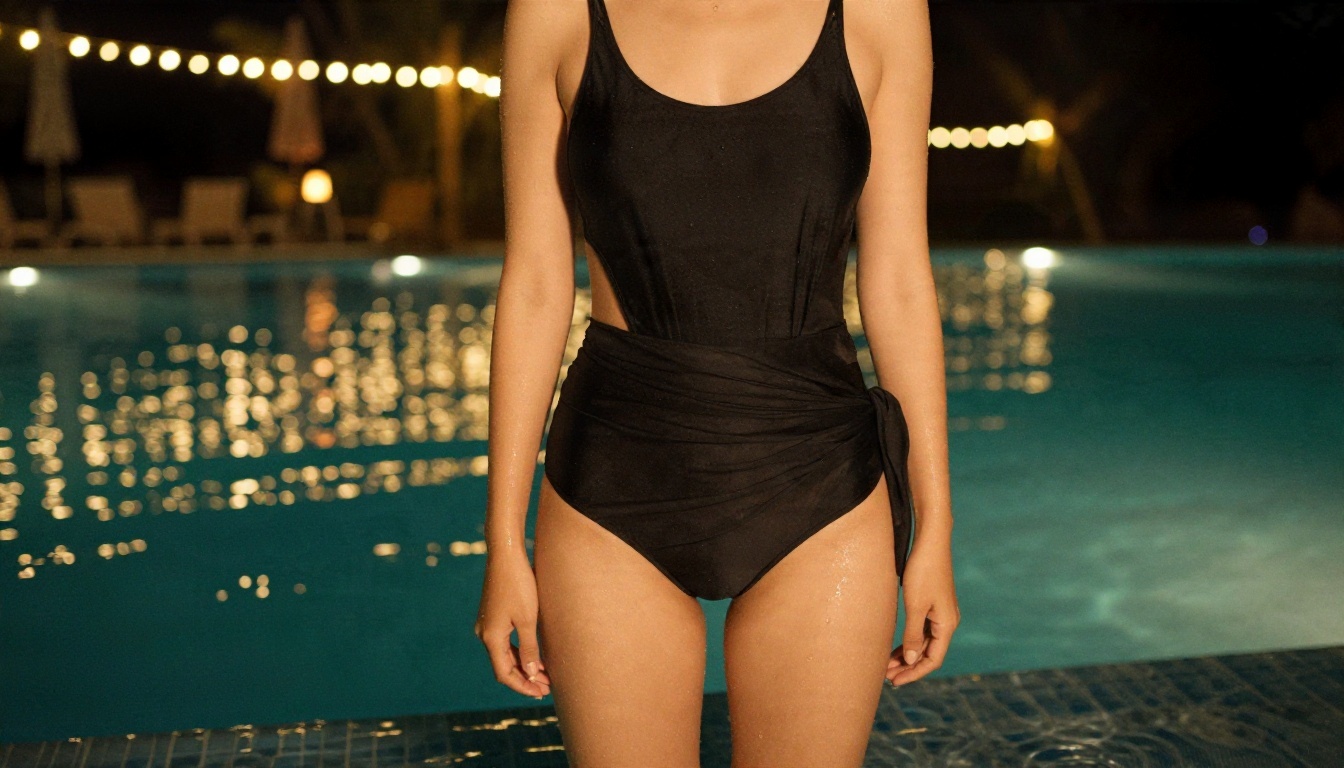
"A woman in a black swimsuit stands at the edge of an infinity pool, she steps forward and glances over her shoulder, water ripples behind her, slow orbit around her, warm lantern light."
Camera words that work
| Phrase | Effect |
|---|
| Slow push-in | Builds intimacy without cutting |
| Gentle pan | Reveals the setting around the subject |
| Orbit | Gives depth and a premium feel |
| Handheld, subtle | Adds a candid, documentary look |
| Static locked-off | Keeps faces stable; best for portraits |
Light and mood phrases
Light does most of the work in sensual clips. Phrases like "warm tungsten lamp from the right," "soft diffused window light," "golden hour rim light" and "dusk blue fill" give the model clear instructions. Avoid vague words such as "sexy" or "hot." They produce generic results and often trigger filters, while concrete lighting and fabric descriptions get you the same mood with more control.
Mistakes That Waste Credits
Most failed clips trace back to a handful of habits:
- Stacking actions: "she dances, spins, laughs and walks" produces mush. Pick one.
- Starting from a weak image: a soft or cluttered first frame stays soft and cluttered.
- Overlong prompts: past roughly 60 words, models start ignoring details.
- Changing everything per retry: adjust one variable so you know what worked.
- Ignoring the first frame's pose: if the arm is already mid-air, the model has nowhere to go.
- Skipping the unlimited tier: paying for premium renders before the prompt is proven.
Fixing common glitches
| Problem | Fix |
|---|
| Face drifts mid-clip | Use image-to-video and a static or slow camera |
| Hands look warped | Keep hands out of frame or in a simple pose |
| Fabric flickers | Shorten the prompt and name the fabric once |
| Motion too fast | Add "slow" and "gentle" to the action |
| Output looks plastic | Add skin texture, film grain and natural light cues to the source still |
Rules for Adult Content
Keep it clean on the legal and personal side. Generate only fictional adult characters or people who have given consent. Never use someone's face without permission, and never create anything involving minors. Choose platforms that state their content policy clearly, and keep your own output suggestive and artistic rather than explicit. That keeps your account safe and your work shareable on more platforms.
Make Your First Clip Today
You do not need a stack of subscriptions to get a good result. You need one strong still image, a short motion prompt and a tool that lets you try again without penalty. Start with Seedream 4.5 for the photo, refine it in PicassoIA Image Editor Pro, then animate it with PicassoIA Video or Seedance 2.5 Lite. When a prompt works, send it to Kling v3 Video or Hailuo 02 for a polished final render.
Pick one of the four prompts above, swap in your own outfit and location, and run it. Then change a single detail and run it again. Ten minutes of that will teach you more than any list of tools. When you want to try other models, browse the full catalog at picassoia.com/en/all-models and see which motion style fits your look best.


