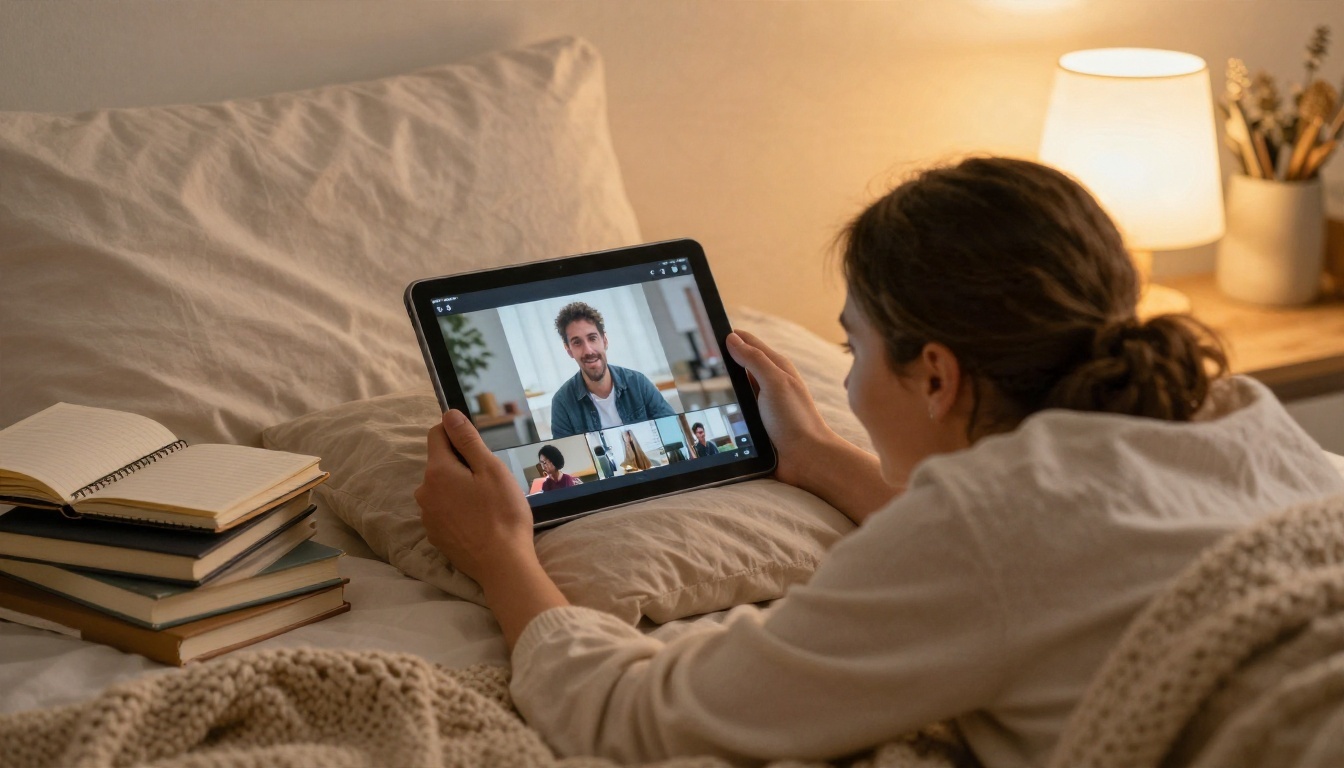
Nobody goes viral because they own a cinema camera. They go viral because a five second clip made a stranger stop scrolling, and that clip is now something a beginner can produce in an afternoon with a phone, a laptop and a decent prompt. The hard part is no longer gear. It is knowing which viral video creation tools are worth your time, which free options have real value, and what to type so the result looks intentional instead of random.
This article walks through exactly that. You will see how short clips spread, which free routes work for a first video, which prompts you can paste right now, and what finished examples look like in different niches.
Why Viral Videos Look So Hard
Scroll through any short video feed and the winners seem effortless. A cat knocks a glass off a table, a chef flips an omelet in slow motion, a traveler walks through a market at golden hour. None of it looks expensive, yet it all feels polished. That gap between "simple" and "polished" is where beginners get stuck.
What Actually Makes a Clip Spread
Clips travel when viewers do something with them: watch to the end, replay, send to a friend, or save for later. Platforms read those signals and show the clip to more people. So the real goal is not "go viral." It is to make a clip that earns watch time and shares from the first small audience that sees it.
Three ingredients show up again and again:
- A hook in the first second: a surprising image, a bold motion or a question on screen.
- One clear idea: one subject, one action, one feeling.
- A loop or a payoff: an ending that connects to the start or delivers the promise of the opening.
Hooks Beat Budgets
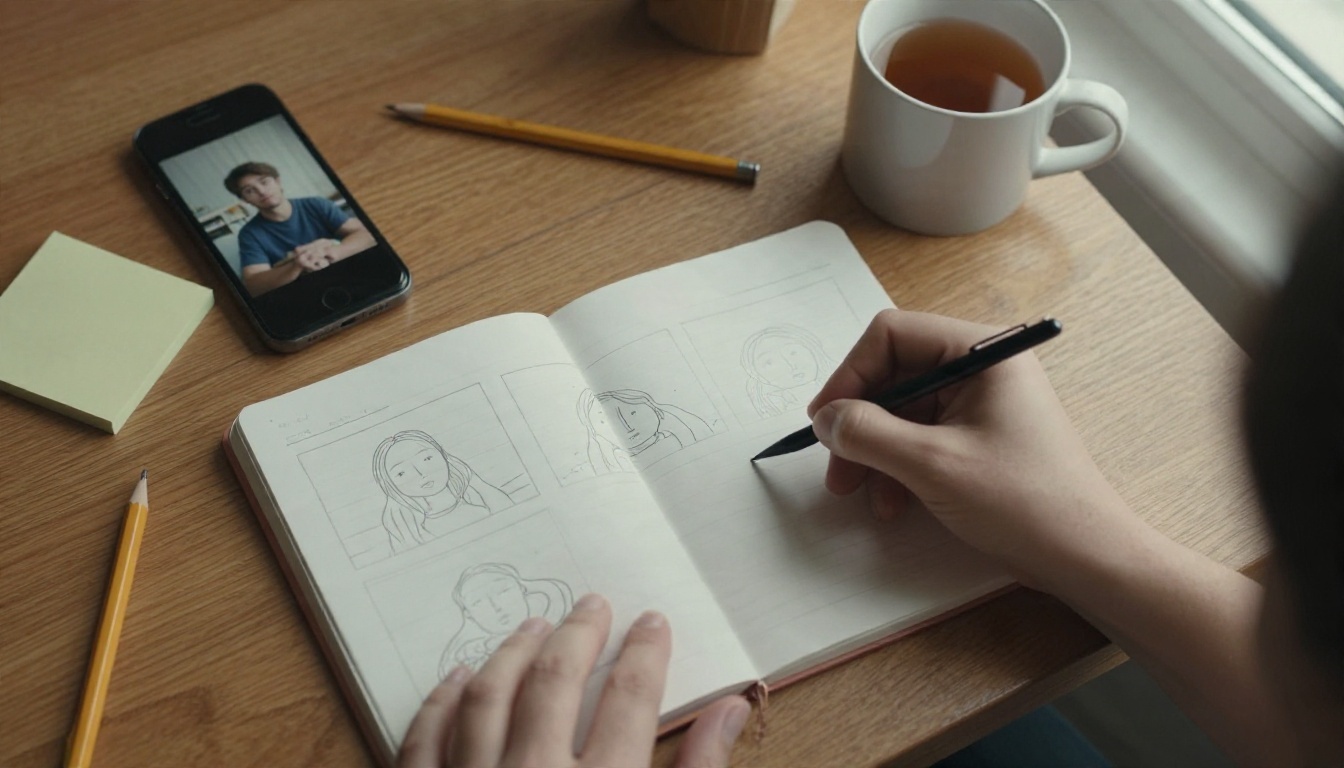
A phone clip with a sharp hook will outperform a glossy clip with a slow start almost every time. That is good news if you are starting from zero. You do not need a studio. You need a idea you can state in one sentence, such as "a tiny bakery wakes up at 5 a.m." or "a suitcase packs itself." If you cannot say it in one line, the clip is not ready to be made.
💡 Quick test: show your idea to a friend as a single sentence. If they ask a follow up question out of curiosity, you have a hook. If they nod politely, rewrite it.
Free Options That Actually Work
"Free" gets thrown around loosely. Some tools are free for a week, some are free with a watermark, and some are free with daily limits. Before you commit, decide which kind of free fits your goal.
Free Text to Video Generators
AI video generators turn a written description into a short clip, which removes the biggest barrier for beginners: you do not need footage. On PicassoIA, Seedance 2.5 Lite is described as a free and unlimited generator for clips up to 10 seconds, which makes it a sensible place to practice. You can test fifty hook ideas without watching a credit counter.
When you want more length or a bigger step in quality, Seedance 2.5 handles longer clips, and Wan 2.5 I2V Fast turns a single still image into motion quickly.
Phone Editors and Template Apps
Every major phone now ships with a basic video editor, and several popular apps offer template based editing where you drop clips into a prepared layout. These are excellent for trimming, adding captions and fitting audio to the beat. They are weaker at creating footage from nothing, which is why pairing them with an AI generator is such a good beginner workflow.
What Free Usually Costs You
Free options almost always trade something. Be honest about which trade you can live with.
| Trade off | What it looks like | When it is fine |
|---|
| Watermark | A logo in the corner of the export | Practice clips and tests |
| Length cap | 5 to 10 second maximum per generation | Hooks, loops and b-roll |
| Queue time | Slower generation during busy hours | Batch work while you plan |
| Lower resolution | 480p or 720p output | Phone feeds, where screens are small |
| Daily limits | A fixed number of free runs | Light, steady posting |
You do not need a dozen subscriptions. A small kit covers the whole path from idea to upload: one generator for footage, one editor for polish, and one helper for sound or sharpness.
Generators for Fresh Footage
Different models suit different jobs. Here is a practical comparison for beginners.
| Model | Best for | Why a beginner would pick it |
|---|
| Seedance 2.5 Lite | Practice and daily hooks | Free and unlimited for short clips |
| Kling v3 Video | Cinematic motion | Smooth camera moves and realistic people |
| Veo 3.1 Fast | Clips with sound | Quick results with believable audio |
| Hailuo 2.3 Fast | Animating photos | Turns a still into a short moving shot |
| Sora 2 | Story style scenes | Synced audio and strong scene logic |
| Wan 2.5 T2V Fast | Rapid drafts | Fast turnaround when testing many ideas |

Editors for Polish and Fixes
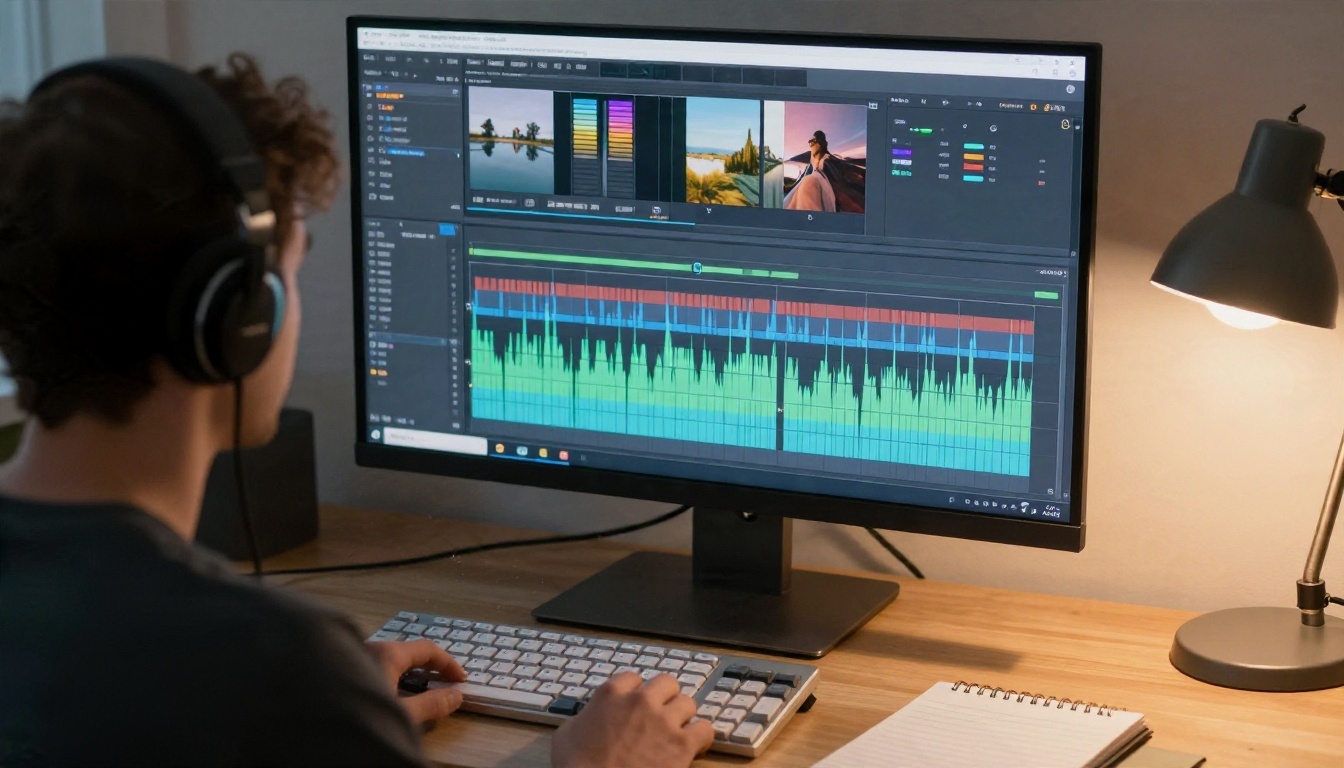
Raw AI footage is rarely the final cut. A few edits make a clip feel finished:
- Trim the first half second. Start on the action, not the setup.
- Edit by text: P Video Edit and Lucy Edit 2 let you change a clip by describing what you want, such as a different time of day or a new jacket color.
- Fit the platform: Reframe Video changes aspect ratio so a horizontal clip becomes a vertical one without awkward cropping.
- Remove distractions: Video Erase Object clears a stray sign, cup or passerby from the frame.
Helpers for Sound and Sharpness
Sound is half of a short video, and silence reads as amateur. Video To SFX v1 adds synced sound effects to a silent clip. If you want a character to speak, Kling Lip Sync matches a mouth to your audio. Before posting, Video Upscale sharpens footage and can bring a 720p clip closer to 4K.
Prompts You Can Copy Today
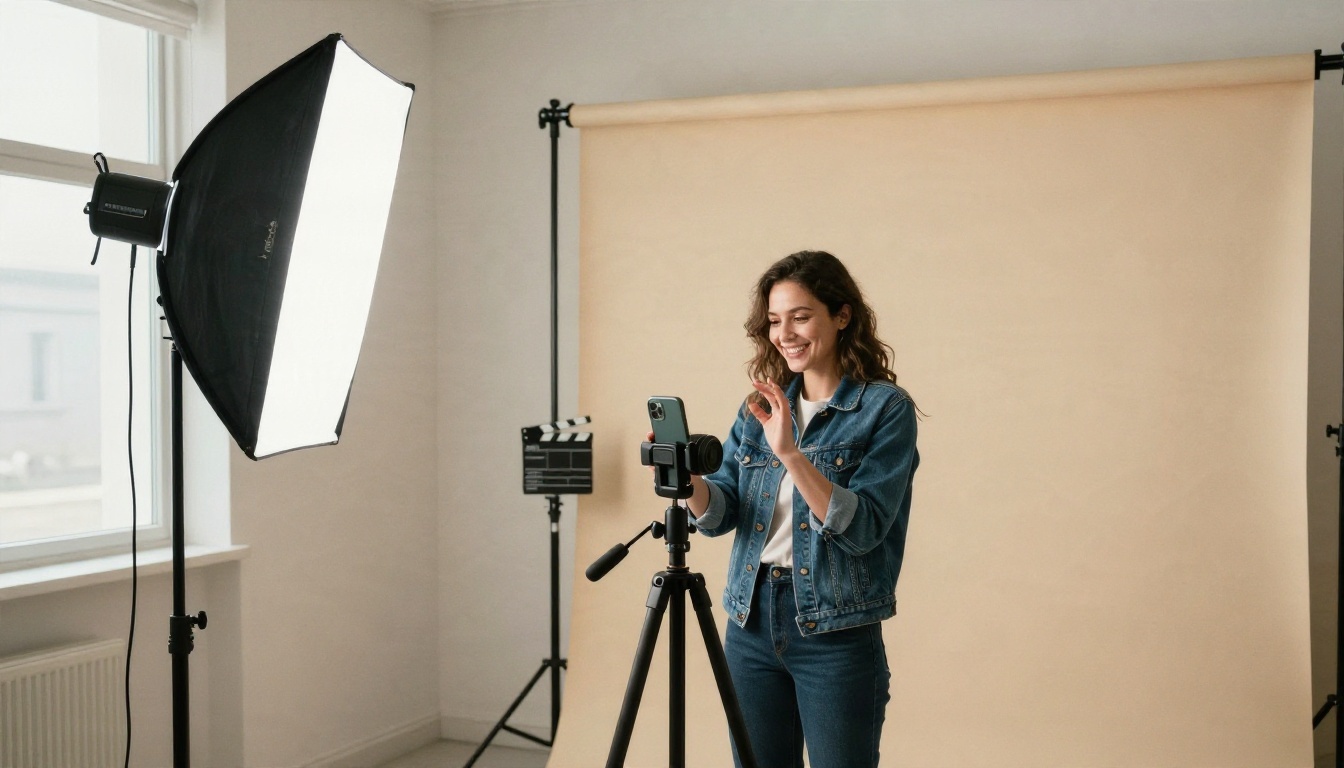
A prompt is a mini shot list. The model cannot read your mind, so the more clearly you describe the subject, the motion and the camera, the closer the clip lands to what you pictured.
The Four Part Prompt Formula
Use this order every time, and your results will become more predictable:
- Subject: who or what is on screen, with one or two visual details.
- Action: what moves, and how fast.
- Camera: a slow push in, a handheld follow, a low angle, a top down shot.
- Light and mood: golden hour, soft window light, rainy street, warm kitchen.
💡 Tip: keep one action per clip. "A woman pours coffee" works. "A woman pours coffee, dances, and answers the phone" produces chaos.
Hook Prompts for Short Clips
Copy these and swap in your own subject:
- A close up of a hand cracking an egg into a hot pan, steam rising, slow motion, shallow depth of field, warm morning light from a window, natural kitchen sounds.
- A suitcase on a hotel bed zips itself closed as clothes fold into it, fixed camera from above, soft daylight, playful and calm.
- A golden retriever walks into a quiet cafe, looks at the camera, and sits at a table, handheld camera at dog eye level, warm interior light.
Product and Small Business Prompts
Product clips sell best when they feel tactile:
- A potter's hands shape a wet clay mug on a wheel, slow push in, clay splatter on a linen apron, soft window light from the left.
- A hand opens a kraft paper box and lifts out a ceramic mug, macro shot, shallow depth of field, gentle ambient music.
- A candle is lit in a dim living room, flame flickers, camera slowly drifts right, cozy and warm.

Story and Lifestyle Prompts
For clips that feel like a tiny scene from a film:
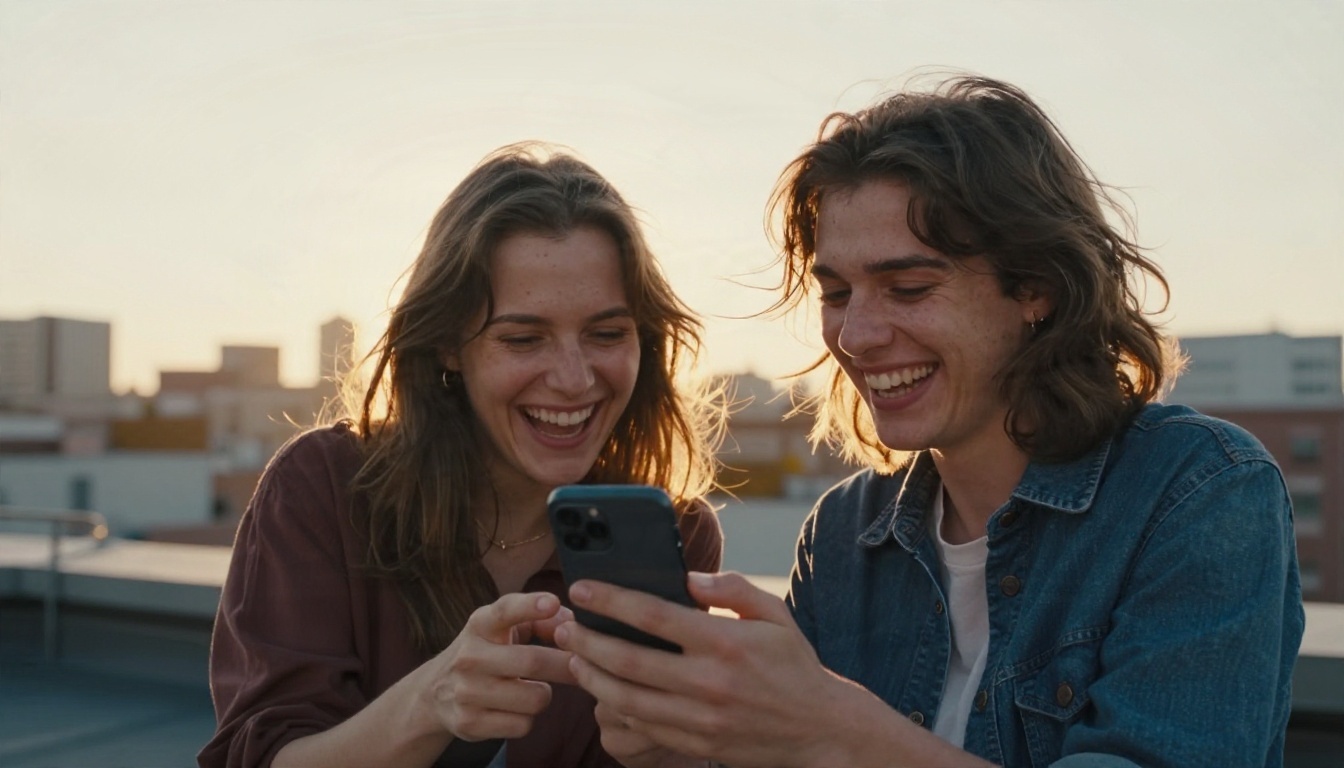
- Two friends on a rooftop at sunset look at a phone and burst out laughing, handheld camera, warm backlight, city skyline behind them, ambient wind and laughter.
- A traveler walks through a narrow market street holding a paper map, camera follows from behind at walking pace, soft afternoon light, street chatter.
- A woman in a knit sweater watches a video on her phone and smiles with surprise, sofa near a window, soft morning light, shallow depth of field.
Add a Reference Image
When you want a character or product to look the same across several clips, start from a still. Generate or upload a first frame, then animate it. Nano Banana is a handy way to produce a clean starting image, and PicassoIA Reference To Video lets you guide a clip with your own images, video and audio for more consistent results.
Real Examples by Niche
Seeing the pattern makes it easier to copy. Here is how the same tools and prompts adapt to three common niches.
Travel and Lifestyle
Travel clips live on atmosphere. A slow walk through a market, a window seat at sunrise, a coffee on a balcony. Use soft natural light, one movement, and ambient sound. The finished clip is usually 5 to 8 seconds and works as a loop. Pair a generator like Kling v3 Video for smooth camera work with a sound pass from Video To SFX v1.
Small Business and Products
A craft seller can show the making process, the packing process or the unboxing. Those clips build trust because viewers see real hands and real materials. A common pattern: generate a macro shot of the product, then film a real clip of yourself holding it, and cut between the two. The mix feels honest, and the AI footage adds polish where a phone cannot.
Friends, Humor and Daily Life
Relatable moments spread because viewers recognize themselves. Two friends laughing at a phone, a person reviewing a draft late at night, a pet doing something unexpected. These work best with a simple setup and a strong caption on screen. Keep the text to a few words and make sure it is large enough to read on a small screen.
Make Your First Clip in Six Steps
Here is a workflow you can follow in under an hour. It uses the free route first and adds paid tools only if you want them.
Step 1: Write One Sentence
State the idea in a single line. "A tiny bakery wakes up before sunrise." If you need two sentences, split it into two clips.
Step 2: Draft the Hook Prompt
Use the four part formula and write the prompt in plain language. Keep it under 60 words for the first draft. Long prompts often make models ignore the middle.
Step 3: Generate Three Variations
Open Seedance 2.5 Lite and run the same prompt three times, changing only one detail each time (camera angle, light or speed). Compare them side by side. The best one is usually obvious.
💡 Parameter tip: keep the clip at the shortest duration while testing. Short clips render faster, cost less and reveal problems sooner.
Step 4: Fix and Polish
Trim the first half second, then use a text editor like P Video Edit for one change if needed, such as softening the light or swapping a color. If the clip has no sound, add effects with Video To SFX v1.
Step 5: Add Captions and a Voice
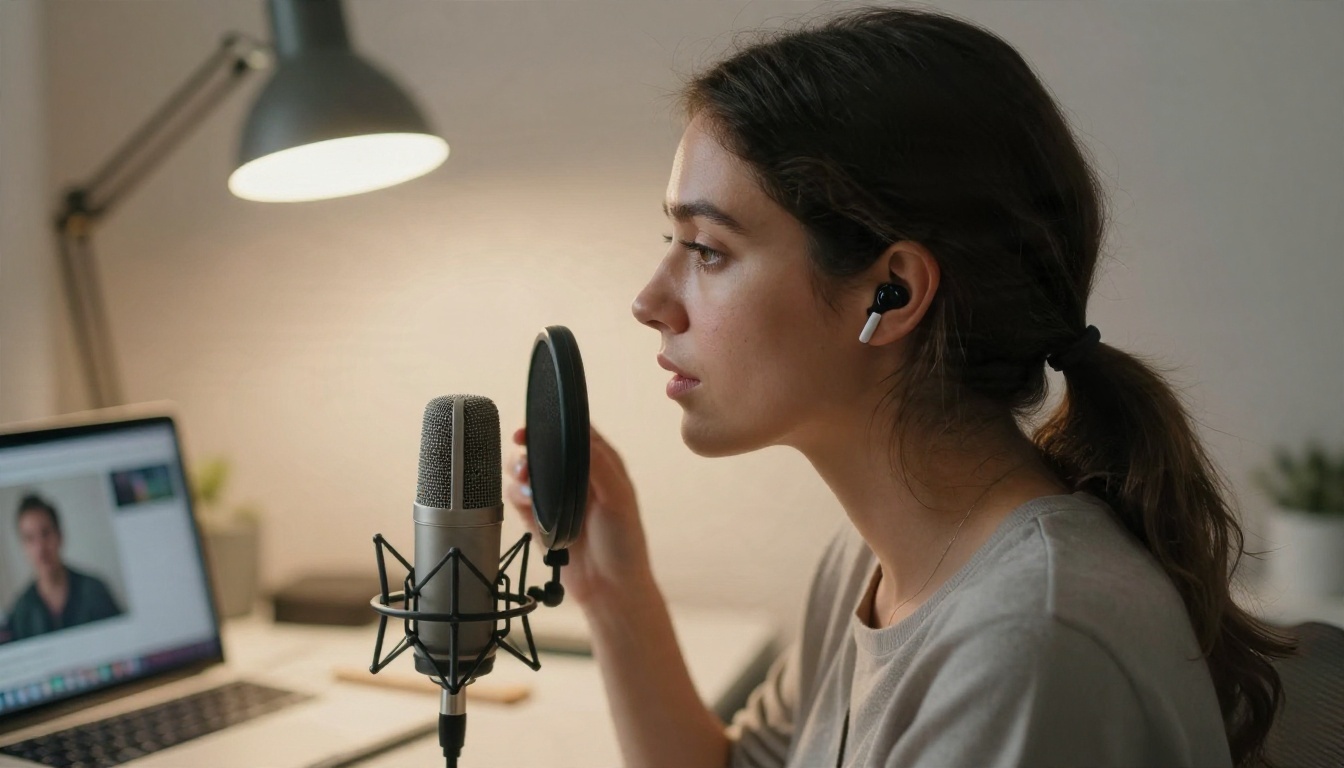
Burn in short captions in your phone editor, and record a voiceover if the clip needs context. Clear audio matters more than fancy visuals. A cheap microphone placed close to your mouth beats an expensive one placed far away.
Step 6: Export for the Platform
Make sure the clip is vertical, then upscale if it looks soft. Reframe Video handles the aspect ratio, and Video Upscale sharpens the final export.
Common Beginner Mistakes
Most failed first videos share the same handful of problems. Fix these and your hit rate climbs fast.
- Starting slow. If the first second is a logo or a title card, viewers leave. Start on motion.
- Packing in too much. One idea per clip. Always.
- Ignoring sound. Silent clips feel unfinished. Add ambient audio or effects at minimum.
- Overlong prompts. A 200 word prompt rarely beats a clean 40 word one.
- Posting once and quitting. A single clip is a lottery ticket. Ten clips are a pattern. Post on a steady schedule and compare what worked.
- Copying trends without a twist. Borrow the format, change the subject, and add your own detail.
Check Your Rights and Labels
If you use AI footage, label it where the platform asks you to. Avoid using someone else's face or voice without permission, and avoid imitating a real brand. Clear, honest clips build an audience that sticks around.
Track What Worked
After each upload, write down the hook, the length and the first three seconds of watch time. After ten posts you will see which hooks hold attention. Then run more of those, with new subjects.
Start Making Your Own Videos
You do not need a bigger budget, a better camera or a lucky break. You need one clear idea, a prompt that describes it well, and a short routine you can repeat. Begin with the free route, test a handful of hooks, polish the best one, and post it.
Open Seedance 2.5 Lite on Picasso IA, paste one of the prompts above, and see what comes back in a few moments. When you want more control, move on to Kling v3 Video or Veo 3.1 Fast, and finish with the editing tools mentioned above. Browse the full catalog at picassoia.com/en/all-models, pick a model, and make your first clip today.