You have thirty seconds of your own voice on a phone, a Hindi script ready to go, and no budget. Can that become a voice clone that sounds like you speaking Hindi, with the right stress, the right nukta sounds and no English accent leaking into every sentence? In most cases, yes. You need a tool that supports Hindi, a clean sample, and a script written the way the model expects to read it. This article walks through free online options, how long your sample should be, and the pronunciation habits that separate a natural clone from a flat one.
What Free Hindi Voice Cloning Means
Voice cloning takes a short recording of a person and builds a reusable voice from it. After that, you type text and the cloned voice reads it aloud. The clever part is that the text can be in a different language from the sample. A clone built from Hindi speech can read Hindi scripts, and some models can carry a voice across languages while keeping its character.
Free needs a careful definition. Most online tools give you a free trial, a limited number of generations, or a small allowance of credits. Very few give unlimited, watermark-free cloning forever. When a tool says "free to try," that is what you get: a real test, not a production pipeline. Treat the free stage as a way to check whether the clone sounds right in Hindi before you commit to anything.
How the Process Works
Every tool follows the same three steps:
- Upload a reference sample of the voice you want to copy.
- Create the voice (the model extracts pitch, timbre, pace and accent traits).
- Type or paste text and generate speech with that voice.
Some tools merge steps two and three, so the clone is built at the moment you generate. Others, like the one in the tutorial below, create a reusable voice you can call again and again.
Why Hindi Is Harder Than English
English dominates the training data of most speech models. Hindi has fewer resources, and it adds challenges that English scripts never face: aspirated consonants like ख and घ, retroflex sounds like ट and ड, nasalized vowels, and the habit of dropping the inherent "a" at the end of many words. A model that was never tuned for Hindi will read your script with English vowel sounds. That is the most common complaint, and it is why tool choice matters more here than for English.
💡 Quick test: Before you record anything, generate a Hindi sentence with a preset voice in the tool you plan to use. If the preset already mispronounces it, your clone will too.
Not every voice tool handles Hindi, and not every cloning tool works with the languages you need. These are the options available on PicassoIA, with an honest note on Hindi support for each.
MiniMax Voice Cloning
Voice Cloning is the most direct route for this topic. You upload an MP3, M4A or WAV file between 10 seconds and 5 minutes (under 20 MB), and it creates a reusable voice. It offers noise reduction and volume normalization toggles, and the resulting voice works with several MiniMax speech models. Speech 2.6 HD lists Hindi among its supported languages (roughly 40 in total, according to the sources I checked), so it is the natural pairing for Hindi output. The newer Speech 2.8 HD is worth testing for tone, though the cloning tool itself lists the 2.6 and 02 series as its model options.
Qwen3 TTS
Qwen3 TTS offers preset voices, voice cloning from a reference file, and voice design from a text description. It is easy to use, but its language list covers Chinese, English, Japanese, Korean, French, German, Italian, Spanish, Portuguese and Russian. Hindi is not on that list. Use it for English or the supported languages, and test carefully before trusting it with Devanagari text.
Chatterbox
Chatterbox clones a voice from a few seconds of reference audio and gives you sliders for emotion, pace and randomness. It shines for expressive English narration. For Hindi, run a short test first, since the model is built primarily around English and results can drift toward an English accent.
Preset Voices for Hindi Drafts
If you only need a Hindi voiceover and not your own voice, multilingual presets can be faster. v2 Multilingual and Gemini 3.1 Flash TTS both advertise wide language support, so Hindi presets are worth a quick listen. They are not cloning tools in this setup, but they make a useful pronunciation benchmark.
Tool Comparison
| Tool | Cloning | Hindi support | Sample needed | Best use |
|---|
| Voice Cloning + Speech 2.6 HD | Yes, reusable voice | Listed | 10 s to 5 min | Hindi narration in your own voice |
| Qwen3 TTS | Yes | Not listed | Short clip | English and other listed languages |
| Chatterbox | Yes | Test first | A few seconds | Expressive English delivery |
| v2 Multilingual | Preset voices | Wide language list | None | Hindi pronunciation benchmark |
How Long Should the Sample Be
The honest answer is: longer than 10 seconds, shorter than 5 minutes, and cleaner than both. The tool's minimum is a technical floor, not a quality target. Ten seconds of crisp, steady speech beats three minutes recorded next to a ceiling fan.
Sample Length Table
These ranges are a practical rule of thumb based on the tool limits above and how cloning behaves in testing, not a hard specification.
| Sample length | What you get | Good for |
|---|
| Under 10 seconds | Often rejected or unstable | Nothing |
| 10 to 20 seconds | Recognizable tone, misses quirks | Quick tests |
| 30 to 60 seconds | Strong balance of tone and pace | Most projects |
| 1 to 3 minutes | Wider emotional range | Long narration, audiobooks |
| 3 to 5 minutes | Little extra gain | Only if you vary delivery |
What to Say in the Sample
Read natural Hindi, not a list of random words. Pick a paragraph with questions, short statements and one slightly longer sentence, so the model hears rising and falling intonation. Include a few of the sounds you care about most: ट, ड, क़, ज़, and nasal vowels like "हूँ" and "में". If you plan to mix English words into your scripts, say two or three of them in the sample as you naturally would.
Keep the same energy from start to finish. A sample that jumps between whispering and shouting teaches the model a confusing average.
A Recording Checklist
- Pick a soft room. Curtains, sofas and rugs absorb echo. A bedroom beats a tiled kitchen.
- Hold the mic about a hand's width away. Too close creates boomy bass and plosive pops on प and ब.
- Turn off fans, ACs and notifications. Hiss and buzz get baked into the clone.
- Record in WAV if you can. MP3 and M4A work, but a lossless file keeps more detail.
- Do one take, then listen back. Remove any version with clipping, coughs or clipped word endings.
- Avoid background music. The model cannot separate it from your voice.
💡 Phone tip: A modern smartphone in a quiet room can outperform a cheap USB microphone in a noisy one. Room quality matters more than gear price.
Pronunciation Tips for Hindi Text
Even a perfect clone mispronounces Hindi if the script is written badly. The voice model reads what you give it, so the text is half of the result.
Write in Devanagari
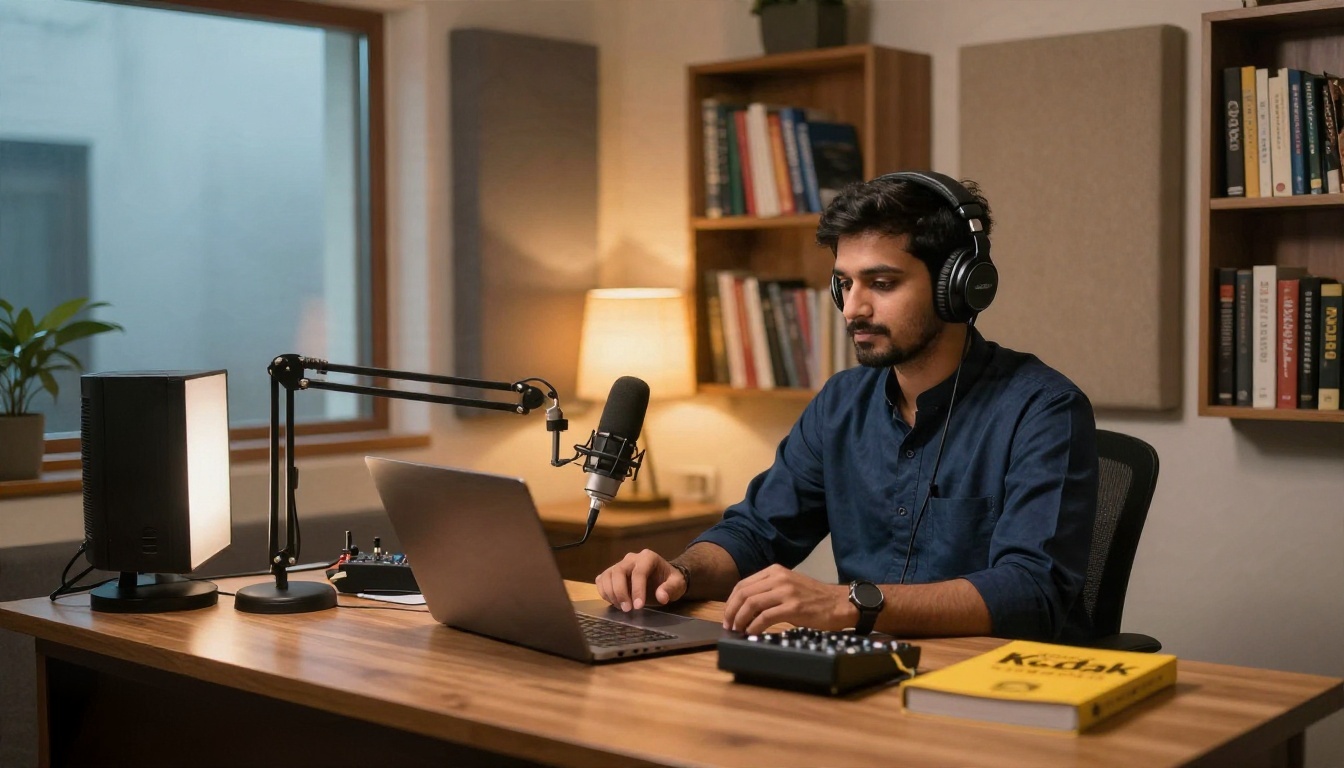
Romanized Hindi ("aap kaise hain") forces the model to guess how to read Latin letters, and it usually picks English rules. Devanagari ("आप कैसे हैं") removes that guesswork. If your source text is Romanized, convert it first. A language model such as those in the large language model category can do the conversion in seconds, and then you only need to proofread it.
Handle Nukta Letters Carefully
The dotted letters क़, ख़, ग़, ज़ and फ़ matter for natural speech. Some keyboards and copy-paste workflows drop the dot, turning "ज़िंदगी" into "जिंदगी." Many speakers do blur these sounds, so choose what matches your accent, but be consistent between the sample and the script.
Write Numbers as Words
A model may read "2026" in English, in Hindi, or digit by digit. Spell it out instead: "दो हज़ार छब्बीस." The same applies to dates, prices and phone numbers. Add spaces between digit groups if you want them read one by one.
Use Punctuation to Control Pace
The danda (।) works as a full stop in Hindi, and most models treat it like a period. Commas create short pauses, and ellipses create longer ones. Short sentences with clear punctuation sound more human than a single paragraph that runs forty words without a break.
| Problem | Fix |
|---|
| Flat, rushed delivery | Split long sentences with commas and dandas |
| Odd stress on a name | Rewrite the name phonetically in Devanagari |
| Robotic questions | End with "?" and keep the question short |
| English words sound off | Write them in Devanagari: "कंप्यूटर", "मोबाइल" |
Mixed Hindi and English
Everyday Hindi is full of English words. Decide for each one: write it in Latin letters if you want an English pronunciation, or in Devanagari if you want it to sound like natural Hindi speech. Mixing both in one sentence without a plan is the fastest way to get uneven accents.
How to Use Voice Cloning on PicassoIA
The fastest path for Hindi on PicassoIA is a two-step workflow: create the voice with Voice Cloning, then generate speech with a compatible model such as Speech 2.6 HD.
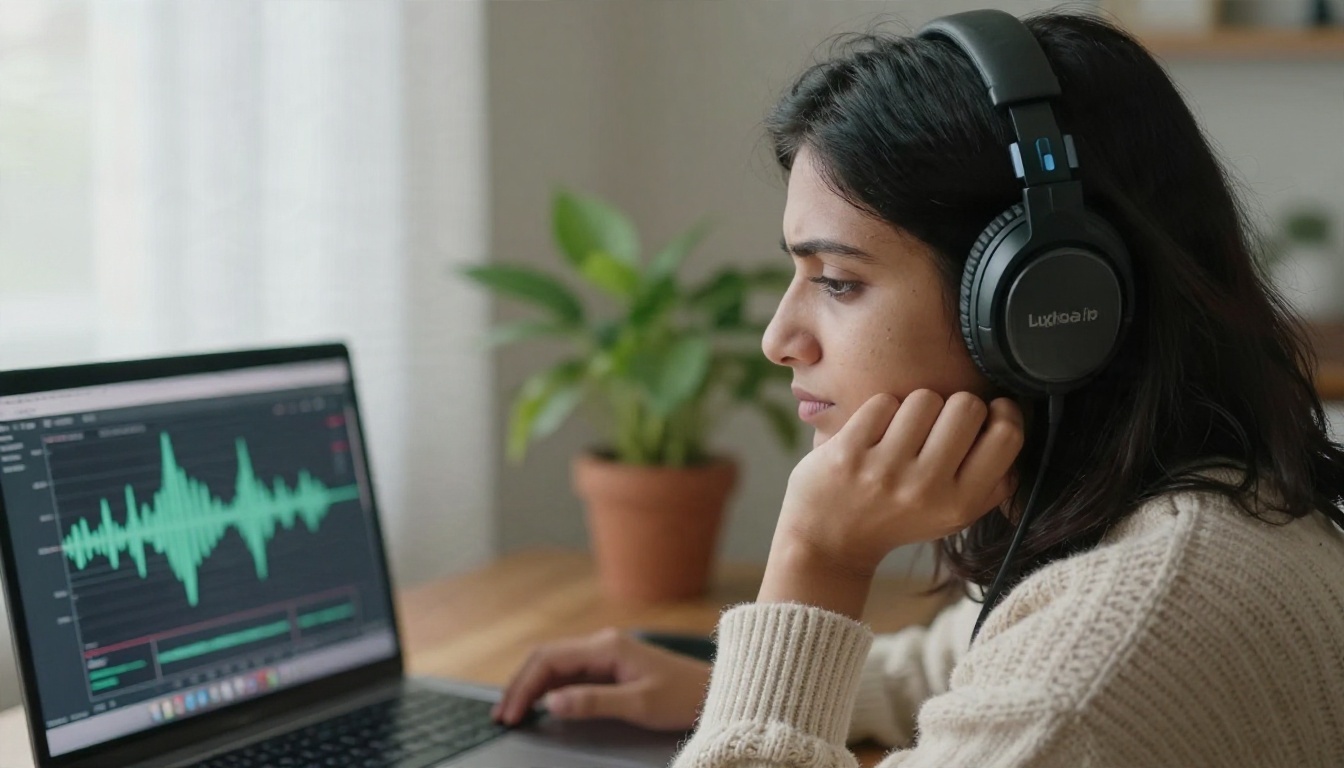
Step 1: Create the Voice
- Open the Voice Cloning page.
- Upload your sample in MP3, M4A or WAV format. It must be between 10 seconds and 5 minutes and under 20 MB.
- Turn on noise reduction only if the room had background hiss. Leave it off for a clean recording, since it can soften the voice.
- Turn on volume normalization if your levels rise and fall.
- Choose the model to train. The default is
speech-2.6-hd, which is the best fit for Hindi.
- Run it and keep the returned voice ID.
Step 2: Generate Hindi Speech
- Open Speech 2.6 HD.
- Paste a short Devanagari script, around two or three sentences, as a first test.
- Select your cloned voice ID.
- Set the language or language hint to Hindi if the option is available.
- Generate, then listen on headphones, not laptop speakers.
Step 3: Check the Pronunciation
Run the generated audio through a transcription model such as GPT 4o Transcribe. If the transcript differs from your script, the model mispronounced something. This catches errors faster than listening a dozen times.
💡 Fast turnaround: For quick drafts, Speech 2.6 Turbo is cheaper and faster. Switch to HD for the final render.
Common Mistakes and Fixes

Five Problems People Hit
| Mistake | What happens | Fix |
|---|
| Recording near a fan | Hiss in every generated line | Re-record in a quiet room, or enable noise reduction |
| Sample under 15 seconds | Voice drifts between sentences | Record 30 to 60 seconds |
| Romanized Hindi script | English accent on every word | Convert to Devanagari |
| Very long single generation | Pace and tone drift | Generate in chunks of a few sentences |
| Different mic for sample and test | Mismatched tone | Use one recording setup throughout |
When the Clone Sounds Too English
If the output has an English accent despite a good sample, check three things in this order. First, is the script in Devanagari? Second, is the language set to Hindi? Third, did your sample contain mostly English? A clone built from English speech carries English rhythm into Hindi. Re-record the sample in Hindi and the difference is usually immediate.
When the Voice Sounds Robotic
Add more variety to the sample, and break the script into shorter lines. A single flat paragraph read at one speed produces a flat clone. Natural speakers pause, rise on questions and slow down on important words.
Consent and Safe Use
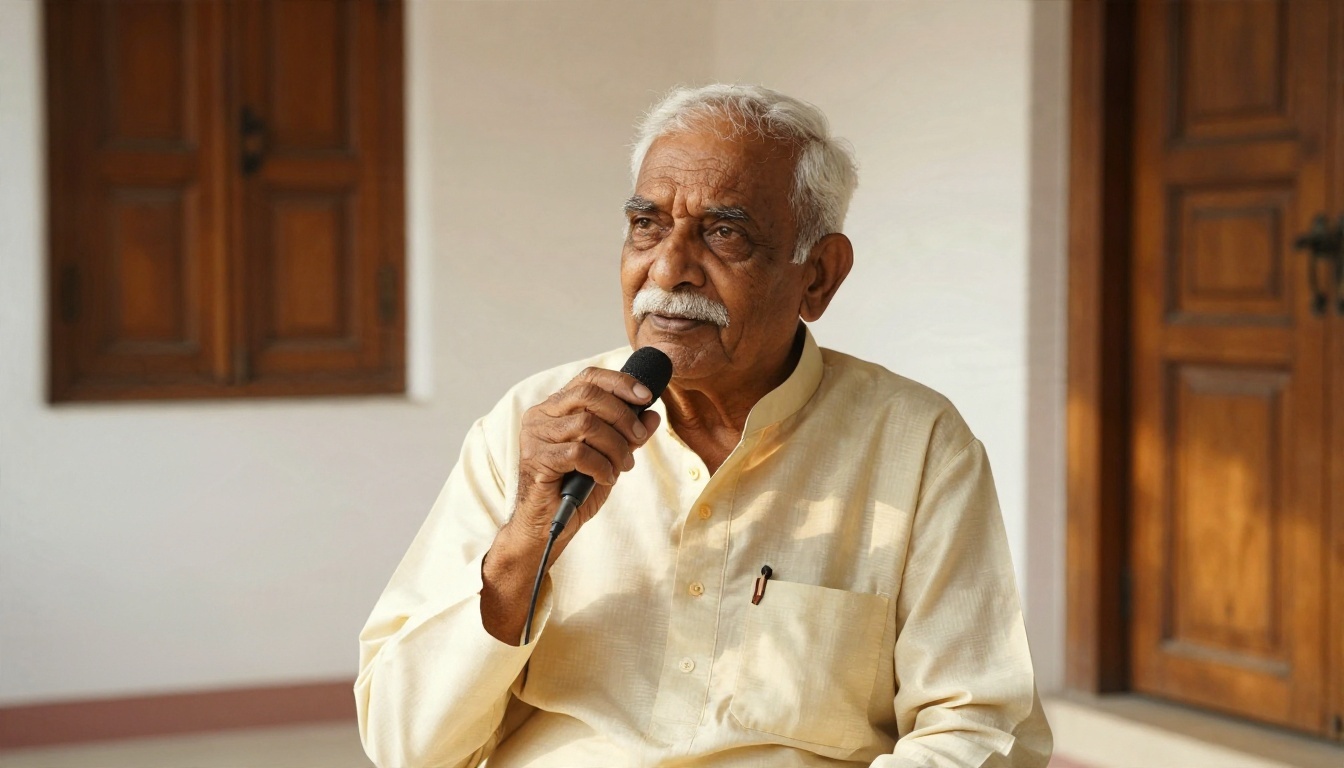
A voice is personal. Only clone your own voice, or a voice whose owner has agreed in writing. That includes family members, colleagues, voice actors and public figures. Cloning someone without permission can be illegal in many places, and it harms real people.
Good practices are simple:
- Keep a record of who agreed and what the voice may be used for.
- Label synthetic audio in public projects, especially news style or ads.
- Never use a cloned voice for scams, impersonation or fake endorsements.
- Store original samples safely, since they identify the speaker.
Voice cloning has real uses: preserving a grandparent's storytelling voice with their blessing, narrating your own YouTube channel without re-recording every correction, or producing multilingual lessons in a teacher's voice. Those uses work because everyone involved knows about them.
💡 Lip sync option: If you plan to put the cloned Hindi audio on a video of yourself, Lipsync 2 can match mouth movement to the new audio.
Try Your Own Hindi Voice Today
You now have the full workflow: pick a Hindi-capable tool, record 30 to 60 seconds of clean speech, write the script in Devanagari with numbers spelled out, and check the result with a transcription pass. Each step takes a few minutes, and the first test costs little or nothing.
Open Voice Cloning on PicassoIA, upload your sample, and generate your first Hindi line with Speech 2.6 HD. If you want to compare other voices, browse every text to speech model at picassoia.com/en/all-models. Record one more sample, tweak one setting, and listen again. A few rounds of small changes is usually all it takes to get a Hindi voice that sounds like you.


