You typed "free voice cloning app" into a search bar, and now you are staring at a dozen tools that all promise your exact voice in thirty seconds. Some of them deliver. Many hide the clone behind a paywall, cap you at a few minutes of audio, or quietly forbid commercial use. This article sorts the real options from the marketing, shows what free actually means in 2027, and explains where every voice cloning app, free or paid, still falls short.
What a Voice Cloning App Does
A voice cloning app takes a short recording of a real person and builds a reusable synthetic voice from it. After that, you type text and the app reads it aloud in that voice. That second half is plain text to speech, and the first half is what makes it personal.
Cloning vs. Plain Text to Speech
Standard text to speech gives you a menu of preset voices: a calm British narrator, an upbeat American presenter, and so on. Voice cloning swaps the menu for your own voice, or the voice of a colleague who agreed to it. The output engine is often the same. Only the voice identity changes.
| Feature | Text to speech | Voice cloning |
|---|
| Voice source | Preset library | Your own recording |
| Setup time | None | 10 seconds to a few minutes of audio |
| Best for | Quick voiceovers, accessibility | Brand voice, personal narration, dubbing |
| Consent needed | No | Yes, from the speaker |
What the Sample Needs
Almost every tool asks for a clean recording. Think one voice, no music, no echo, steady volume. A sample of 10 seconds can produce a recognisable result, but 30 to 60 seconds of natural speech usually sounds better, because the model hears more of your rhythm and breath.
💡 Tip: Record in a closet full of clothes or a room with soft furniture. Fabric kills echo better than any filter, and a dry recording gives a cleaner clone than a noisy one run through noise reduction.
Free Options and What They Hide
Free is a flexible word in this category. Some tools are free forever with limits. Some are free for a trial. Some are free because you run them yourself and pay with setup time.
Free Plans From Big Platforms
The most searched example is ElevenLabs. At the time of writing, its free plan gives around 10,000 credits a month, which works out to roughly ten minutes of audio. The catch is that instant voice cloning is reserved for paid tiers, and free output comes without a commercial license. Voice.ai offers a free plan too, with a monthly credit pool of about 5,000. Voicemod has a free download for real-time voice changing on a PC, but that is a voice changer, not a clone you can type into.
Prices and limits shift often, so check each pricing page before you plan a project around them.
Open-Source Tools You Run Yourself
If you are comfortable with a command line and a decent graphics card, open-source voice models can clone a voice at no cost. You trade money for time: installing Python, matching driver versions, and fixing the odd crash. For a one-off personal project, that can be fine. For a weekly podcast, the maintenance gets old fast.
Trials and Credit Packs
Many apps hand out a trial that includes cloning, then lock it after a few days. That is useful for testing quality, and a poor choice for ongoing work. A simple rule: if the free version cannot produce a full minute of audio you would actually publish, treat it as a demo.
| Free option | Cloning included | Commercial use | Main limit |
|---|
| Platform free plan | Often no | Usually no | Monthly credits, about ten minutes |
| Open-source model | Yes | Depends on licence | Setup time and hardware |
| Short trial | Yes | Varies | Expires within days |
| Browser tool with credits | Yes | Check terms | Credits run out per clone |
Online Alternatives Worth Trying
You do not need to install anything. A browser-based clone is faster to test, works on a laptop or a phone, and keeps your files out of strange local folders.
Browser-Based Cloning
On PicassoIA, the Voice Cloning model accepts an MP3, M4A or WAV file between 10 seconds and 5 minutes, up to 20 MB. It has optional noise reduction and volume normalisation, and the cloned voice can drive several speech engines, from fast turbo versions to high-definition output. No code, no installation.
Two other cloning-capable models are worth a test:
- Qwen3 TTS can clone a voice from a sample or let you design a new one from a text description.
- Chatterbox clones voices with emotion control, which helps when a flat read will not do. Chatterbox Pro is the step up for polished voiceovers.
Text to Speech With Preset Voices
Sometimes you do not need a clone at all. If you only need a clear narrator for a tutorial or a product video, a preset voice is faster and carries no consent questions. A few strong picks:
💡 Tip: Generate the same paragraph with three different models before committing. Each engine handles numbers, acronyms and pauses differently, and a thirty-second test saves you from re-recording a whole project.
How to Clone a Voice on PicassoIA
Here is the quickest route from a recording to finished speech, using the Voice Cloning model.

Step 1: Record a Clean Sample
Read a natural paragraph, not a list of words. Aim for 30 to 60 seconds at your usual speaking pace. Keep the phone about a hand's width from your mouth and avoid fans, traffic and keyboard clicks. Save as MP3, M4A or WAV under 20 MB.
Step 2: Set the Parameters
- Upload your file as the voice file.
- Turn on noise reduction only if there is audible background hiss. On a clean recording it can make the voice sound slightly thin.
- Turn on volume normalisation if you spoke louder in some sentences than others.
- Choose the speech model to train. The default, Speech 2.6 HD, targets quality. Pick a turbo option when speed matters more than polish.
- Leave accuracy at its default of 0.7 unless you have a reason to change it.
Step 3: Generate Speech
Run the model, then use the resulting voice with a speech engine such as Speech 2.8 HD or Speech 2.8 Turbo. Test with a short paragraph first. If the clone sounds off, the cause is almost always the source recording, not the settings.
Limits You Will Hit
No voice cloning app, free or paid, is perfect. These are the walls everyone eventually bumps into.
Quality and Emotion
Clones copy tone and timbre well. They copy emotion less well. A cloned voice reading a joke, a eulogy or a shouted warning often sounds too even. Models with emotion controls, like Chatterbox, narrow the gap but do not close it. Long passages can also drift: the voice may subtly change pace or pitch after a few minutes.
Languages and Accents
Many clones are strongest in the language of the sample. Ask an English-trained clone to read Spanish and you may hear an English accent bleed through. If you need multilingual output, test every target language before you commit, and consider a multilingual engine such as ElevenLabs v2 Multilingual.
Consent and Commercial Use
Only clone a voice you own or have written permission to use. That includes friends, family, actors and anyone whose voice you pulled from a video. Many platforms require you to confirm consent, and some free tiers ban commercial use outright. If the audio will sit in a paid product, an ad or a monetised channel, read the terms first and keep a signed release on file.
| Limit | What it means | What to do |
|---|
| Sample length | 10 seconds works, 30 to 60 is better | Record a natural paragraph |
| Emotion range | Flat on extreme feelings | Use emotion-aware models |
| Languages | Accent drift across languages | Test each target language |
| Licence | Free tiers often non-commercial | Read terms, keep consent records |
| Drift | Voice shifts over long reads | Split scripts into shorter chunks |
Which Option Fits Your Job
The best choice depends less on the tool name and more on the work you are doing.
Podcasts and Audiobooks
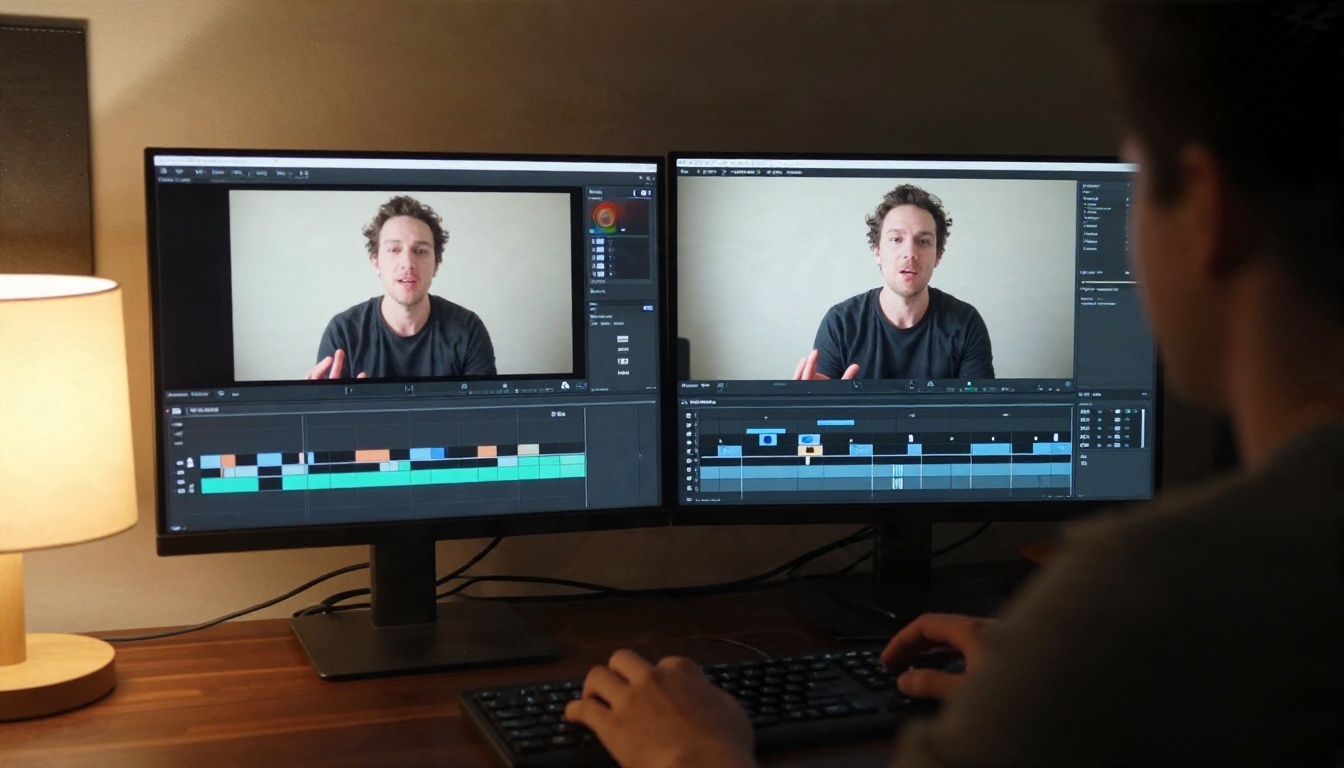
Consistency matters most here. Clone your own voice, generate in short chunks, and listen back to every segment. Many creators use a clone for intros, ad reads and corrections, while recording the main show live. That keeps the personal feel and cuts re-recording time.
Video Voiceovers and Dubbing
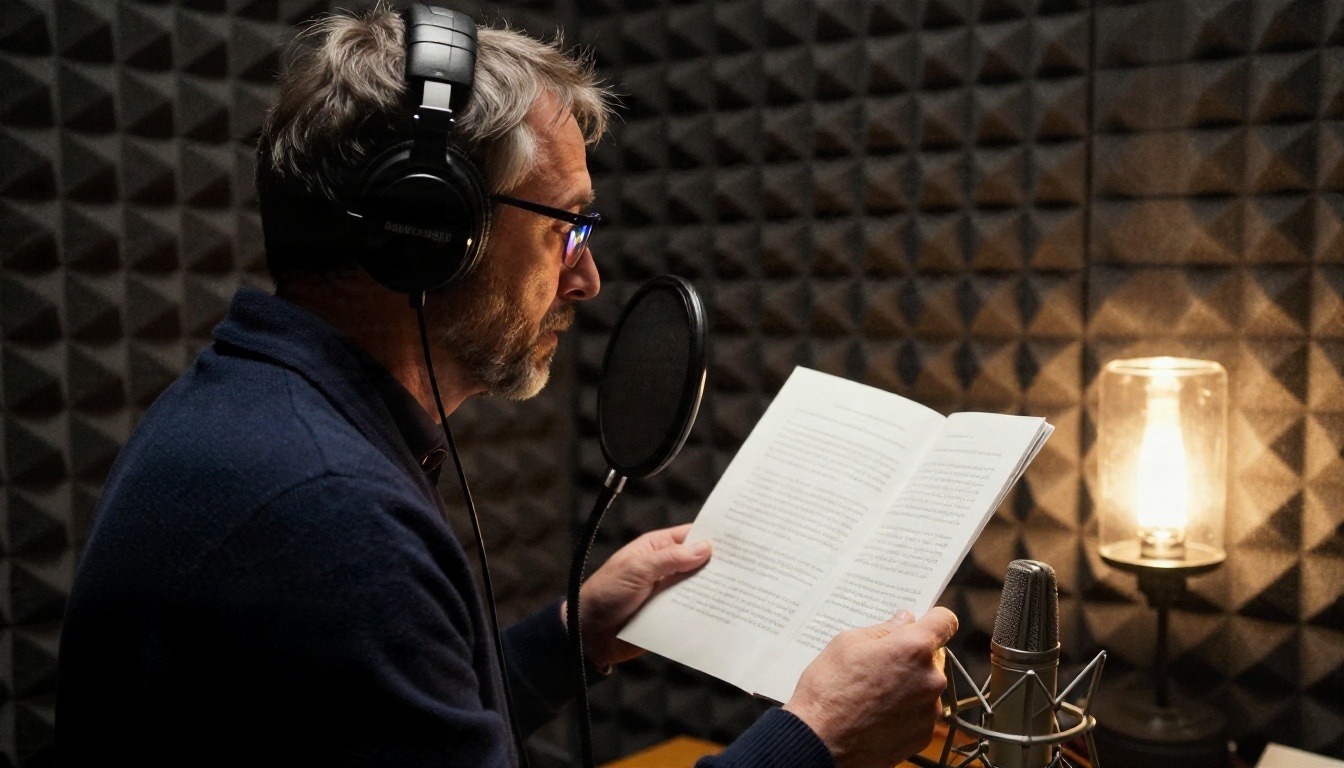
For video, pair your cloned or preset voice with a timing tool. The Dubbing model translates videos into more than 90 languages, and Lipsync 2 matches a speaker's mouth movement to the new audio so the dubbed result feels natural instead of out of sync.
Accessibility and Personal Use
Text to speech is a lifeline for people who read slowly, have low vision, or want articles read aloud on a walk. A cloned voice adds comfort for anyone who wants a familiar reader, with the same consent rule: only voices you have permission to use.
Quick Decision Table
| Your goal | Best fit |
|---|
| Test cloning for free | Short trial or browser tool with credits |
| Weekly podcast or channel | Browser-based clone plus a high-definition engine |
| Many languages | Multilingual engine, tested per language |
| Fast narration, no clone | Preset voice from a text to speech model |
| Dubbed video | Dubbing plus lip sync |
Common Mistakes to Avoid
Most disappointing clones come from the same handful of errors.

- Using a noisy sample. Room echo, background music and a cheap mic all get baked into the clone. Fix the recording first.
- Recording in a monotone. A flat sample produces a flat voice. Speak the way you want the clone to sound.
- Skipping the listening test. Always play the first 20 seconds before generating a full script. Mispronounced names and odd pauses show up fast.
- Cloning someone without permission. This is the one mistake that can cause real legal and personal harm. Get a written yes.
- Trusting free limits. A plan that sounds generous can run out after two scripts. Check the credit cost per minute.
- Ignoring the licence. Free audio is often restricted to personal use. If you publish it for money, you may be in breach.
💡 Tip: Keep a small "voice kit" folder: your best sample, the consent note, and a one-paragraph test script. Reusing the same test script makes it easy to compare models side by side.
Try Your Own Voice Clone Today
A good voice cloning app does not need to cost a thing to test. Record 30 to 60 seconds of clean speech, upload it to the Voice Cloning model on PicassoIA, and listen to what comes back. Then try the same script on Qwen3 TTS and Chatterbox, and pick the one that sounds most like you.
When your voice is ready, take it further: add a translation with Dubbing, sync it to a speaker on screen with Lipsync 2, or browse every speech, video and image model at picassoia.com/en/all-models. Start with one short script, compare the results, and build from there.


