You record yourself for thirty seconds, upload the clip, type a paragraph, and a few moments later you hear your own voice reading words you never said out loud. That is voice cloning in 2027, and it no longer needs a studio, a developer or a monthly contract. The hard part now is picking the right tool, because the market is split between free demos, browser tools, phone apps and software that runs on your own PC.
This article sorts those options by how you actually work. You will see what each category does well, where it falls short, which recording habits matter more than any setting, and how to clone a voice online with a few clicks.
What Voice Cloning Software Does
Voice cloning software takes a short recording of a real person and builds a reusable digital voice from it. Once that voice exists, you type text and the software reads it back with the same tone, accent and rhythm as the original speaker.
It is related to text to speech, but not identical. A normal text to speech tool gives you a fixed list of stock voices. A cloning tool lets you bring your own voice to the table. Most modern tools do both: stock voices for quick jobs, cloned voices for anything that has to sound like a specific person.
Instant Clones vs Trained Clones
There are two broad approaches, and the difference affects both your wait and your results.
- Instant (zero shot) cloning: you provide a clip of 10 seconds to a few minutes, and the voice is ready almost immediately. Quality is good, and it is the easiest route for most people.
- Trained cloning: you provide much more audio, often an hour or more, and the system trains a dedicated voice model. It can capture fine habits of a speaker, but it takes longer and usually costs more.
For podcasts, explainer videos, audiobooks drafts, game prototypes and social clips, instant cloning is plenty. Trained models only make sense when you need broadcast-level consistency across many hours of audio.
Who Uses It Most
Creators who record the same intro fifty times, teachers who narrate slides, small businesses that need a consistent brand voice, video editors who fix a flubbed line without a re-record, and people who simply want a voice for a project when their own throat is tired. It also helps people who have lost or may lose their speaking voice and want a personal copy preserved.
💡 Rule of thumb: only clone a voice you own or have written permission to use. Your own voice, a hired voice actor who agreed, or a family member who said yes. Anything else invites legal and personal trouble.
Free Voice Cloning Software: What You Get
Free options are real, but they come with trade-offs. Here is the honest picture before you spend any money.
Free Online Trials
Many browser tools let you clone a voice for free with a small daily limit or a short output cap. That is enough to test quality and decide whether the voice sounds like you. Expect restrictions such as shorter audio lengths, a limited number of generations, or watermarked output.
The right way to use a free trial is to run one short, clean sample and listen carefully. If the voice passes your ear test on a 20 second paragraph, a paid plan is worth considering. If it does not, you saved money.
Open Source Models You Run Yourself
Open source voice models exist, and some of them are very good. The catch is the setup. You need a reasonably strong graphics card, a working Python environment, and patience with installation errors. For a developer that is a fun weekend. For everyone else it is a time sink.
If you want open weight quality without the install, some of those models are available as ready to use tools on PicassoIA. Chatterbox lets you clone a voice from a short reference clip and dial the emotion up or down with a single slider. Qwen3 TTS can clone a voice or design a new one from a description.

What "Free" Usually Costs You
| Free option | Typical limit | Best for |
|---|
| Browser trial | Short clips, daily cap | Testing quality fast |
| Open source on your PC | Needs a GPU and setup time | Developers and tinkerers |
| Free tier of a paid app | Watermark or small credit pool | Occasional personal projects |
| Hosted open models | Pay per use, low cost | Quality without installing anything |
Online tools are the sweet spot for most people. There is nothing to install, the heavy processing happens on a remote server, and you can work from any laptop, tablet or even a borrowed computer.
Why Browser Tools Win for Most People
- No hardware requirements. A cheap laptop works as well as a gaming PC.
- Always current. New model versions appear without you updating anything.
- Fast iteration. Change the text, press a button, hear the result.
- Easy sharing. Download an audio file and drop it into any editor.
The downside is privacy. Your audio travels to a server, so read what the tool says about storing recordings, and avoid uploading anything sensitive.
Models Worth Trying Online
PicassoIA gathers several speech models in one place, so you can compare them with the same script:
Voice Cloning Apps for Your Phone
A phone is a surprisingly good recording device. Modern handsets have microphones that beat many cheap USB models, and you always have one within reach.
What a Phone App Does Well
Phone apps shine when speed matters. You record a voice memo, upload it, and get a clone before you leave the room. They are ideal for social clips, quick voiceovers and testing ideas on the go.
Where Apps Fall Short
- Small screens make editing text painful for long scripts.
- Many apps push subscriptions after a brief trial.
- Audio quality depends on the room, because phone microphones pick up everything around you.
A smart workflow: record the sample on your phone, send it to your laptop, and run the cloning in the browser where you have a bigger screen and clearer controls.
💡 Quick phone trick: hold the phone about a hand's width from your mouth, slightly off to the side, to avoid breath pops. Record in a room with curtains, a couch or a closet full of clothes.
PC Software for Voice Cloning
Desktop software gives you the most control. If you work with long projects, large files or video timelines, a PC setup fits naturally.
Local Software vs Cloud Tools
| Feature | Local PC software | Cloud tools |
|---|
| Setup time | Hours | Minutes |
| Hardware needed | Strong GPU | Any device |
| Privacy | Audio stays on your machine | Audio goes to a server |
| Updates | Manual | Automatic |
| Long projects | Great | Good, depends on limits |
| Cost pattern | Hardware plus time | Pay per use or subscription |
Local software wins on privacy and on offline work. Cloud tools win on speed, convenience and quality of the newest models. Many professionals mix both: they record and edit on a PC, then send the clean sample to a cloud tool for the cloning step.
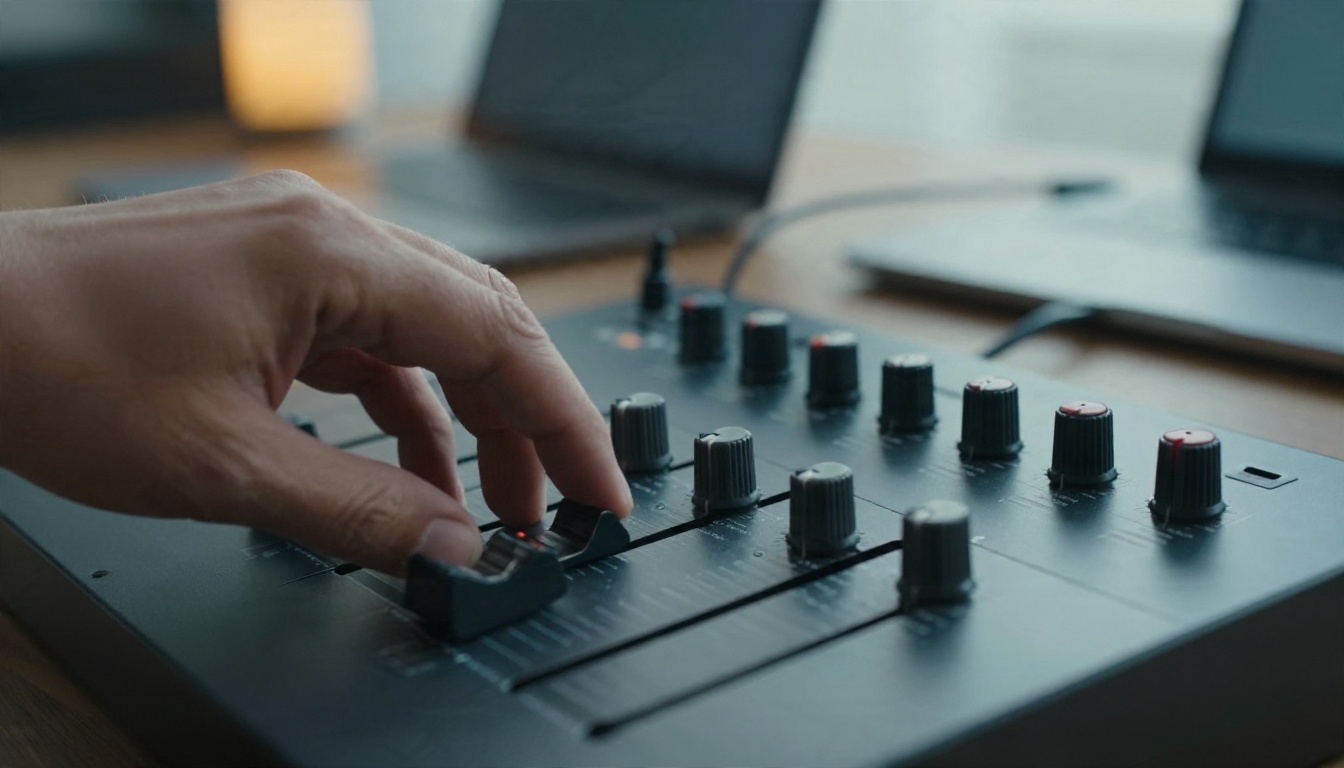
The PC Recording Chain That Works
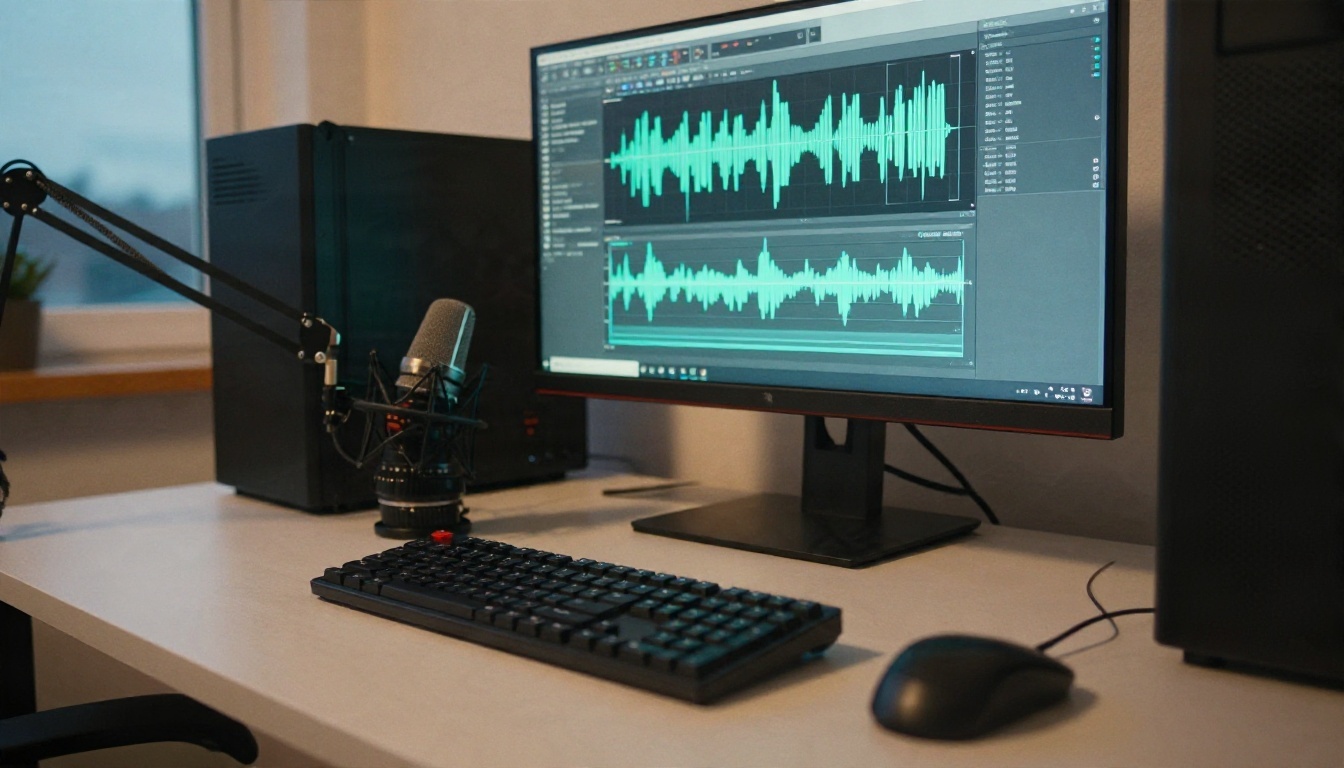
You do not need a pro studio. A solid chain looks like this:
- A decent microphone. A USB condenser or dynamic microphone is fine.
- A pop filter. It costs very little and removes harsh plosive sounds.
- An audio interface (optional). It helps when you use an XLR microphone.
- A simple audio editor. Trim silence, remove clicks and export as WAV or MP3.
How to Use Voice Cloning on PicassoIA
This is the fastest route if you want to try everything above without installing a thing. The Voice Cloning model accepts an audio clip and builds a reusable voice from it, free to try in the browser.
Step by Step
- Open the model page. Go to Voice Cloning on PicassoIA.
- Upload your voice file. Use MP3, M4A or WAV, between 10 seconds and 5 minutes long and under 20 MB.
- Pick the speech model. The choices are speech-2.6-turbo, speech-2.6-hd, speech-02-turbo and speech-02-hd. The default is speech-2.6-hd, which is the best starting point for quality.
- Switch on noise reduction if needed. Use it when your recording has background hiss, a fan or street sound.
- Switch on volume normalization if the clip is uneven. It levels loud and quiet moments so the clone sounds consistent.
- Leave accuracy at the default (0.7) for your first attempt. This is a text validation threshold, so only tweak it if the result seems off.
- Run the model and listen. Then use the resulting voice with a speech tier to generate your script.
Parameter Tips That Save Time
| Setting | When to change it | Suggested value |
|---|
| Model | Draft vs final | Turbo for drafts, HD for final |
| Noise reduction | Recorded outside a quiet room | On |
| Volume normalization | Clip has loud and quiet parts | On |
| Accuracy | Output feels off | Stay at 0.7, adjust slowly |
💡 Testing tip: generate the same 20 second paragraph with a Turbo model and an HD model. If you cannot hear the difference, use Turbo and save time on long scripts.
When to Choose Another Model
If you want emotion control, try Chatterbox. It exposes an exaggeration slider, a pace control and a temperature setting, which is handy for character voices. If you want multilingual speech from stock voices, ElevenLabs Turbo v2.5 handles 32 languages quickly. Speech 02 HD and Speech 02 Turbo are also options for the same family.
Record a Sample That Clones Well
Most disappointing clones come from weak samples, not weak software. Spend ten minutes on your recording and the result improves more than any setting could.
The Five Rules of a Good Sample
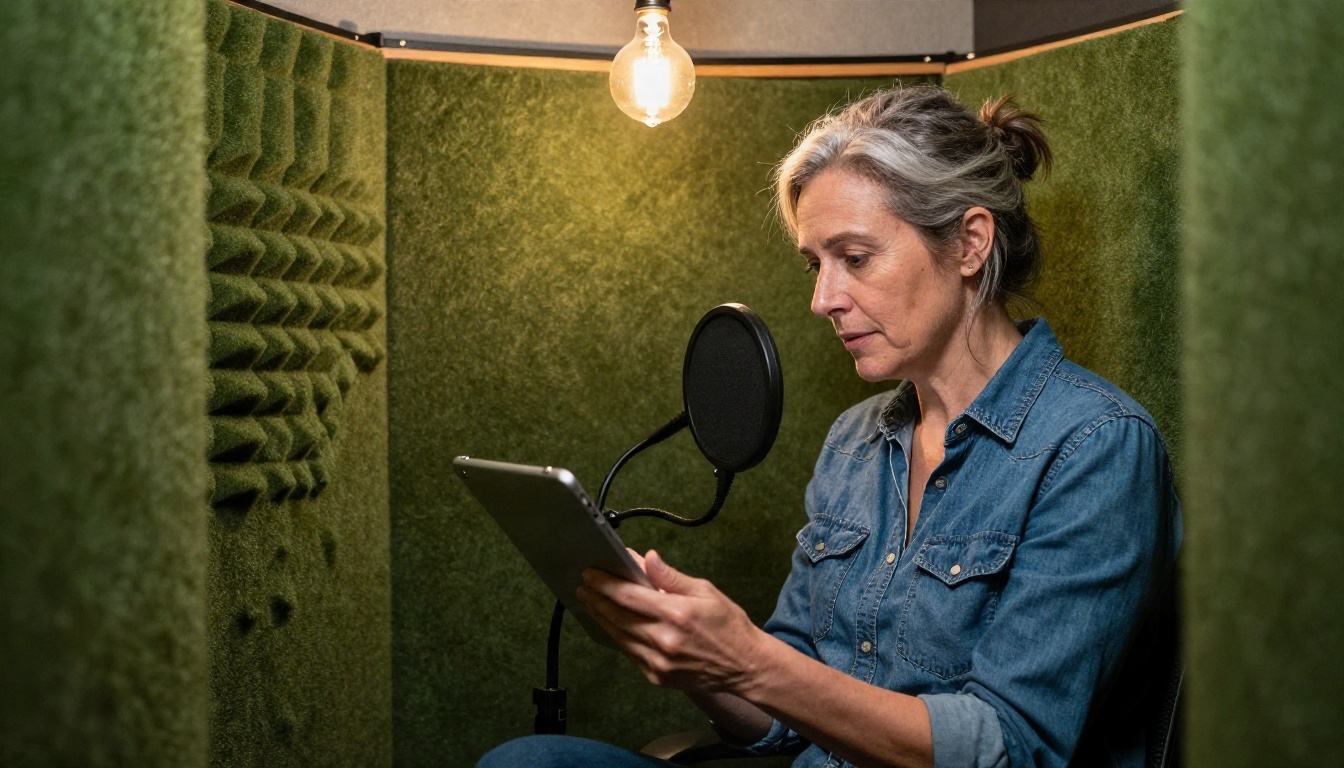
- Quiet room. Turn off fans, air conditioning and notifications.
- Soft surroundings. Curtains, rugs and furniture absorb echo.
- Consistent distance. Keep your mouth the same distance from the microphone.
- Natural pace. Read a paragraph the way you would speak to a friend.
- One speaker only. No music, no second voice, no background television.
What to Read
Pick text with a mix of sentence lengths, questions and statements. A short news paragraph or a few pages from a book work well. Include numbers and a few longer words so the clone hears how you handle them. Avoid whispering and avoid shouting, unless that is the style you want to reproduce.
Check the Result Before You Commit
Listen with headphones, not laptop speakers. Look for three things: does it sound like the person, does the pacing feel natural, and do names and numbers come out right? If any of the three fail, fix the sample first, then try again.
Choose the Right Option for You
Here is a fast way to decide without reading every product page.
| Your situation | Best choice |
|---|
| Curious, no budget | Free browser trial, one clean sample |
| Creator who needs speed | Online tool with a Turbo model |
| Always recording on the go | Phone for capture, browser for cloning |
| Long projects and privacy needs | PC setup with local recording and editing |
| Developer who likes control | Open source model on your own GPU |
| Video dubbing and translation | Online tools with dubbing and lip sync |
For Podcasters and Audiobook Narrators
A clone can patch retakes. Instead of calling your guest back for a missed word, generate a short insert in the speaker's voice (with their permission). It also helps when you create a spoken version of articles for readers who prefer listening.
For Video Creators and Editors
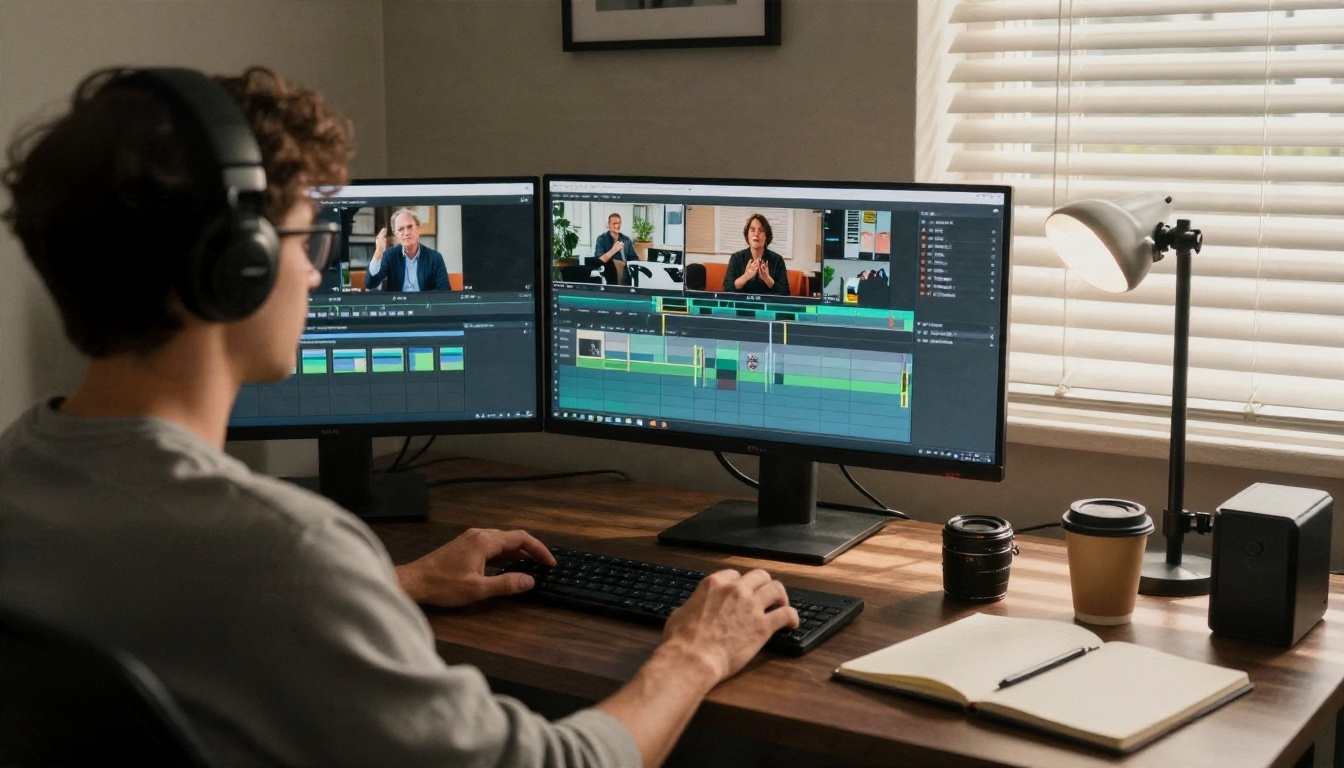
Cloned voices pair naturally with video work. After you generate speech, you can sync it to a face with Lipsync 2, or translate an entire video into other languages with Dubbing. If you also need a transcript of the original audio, GPT 4o Transcribe turns recordings into text.
For Businesses and Teachers
Consistency is the real benefit. A clone lets a single trusted voice narrate training videos, product walkthroughs and phone menus without scheduling a recording session each time something changes. Keep written permission on file for anyone whose voice you clone.
Mistakes That Waste Your Time
Most people repeat the same handful of errors. Avoid these and you skip hours of frustration.
- Using a compressed voice message. Messaging apps squash audio. Record directly instead.
- Cloning from a noisy clip and hoping. Noise reduction helps, but it cannot rebuild a ruined recording.
- Writing for the eye, not the ear. Long sentences with many commas sound robotic. Shorten them.
- Skipping the listening test. Always check the first 20 seconds before generating a full script.
- Ignoring permission. Cloning someone without consent can break laws and trust.
💡 Script tip: read your text aloud once before generating. If you run out of breath, the clone will sound strained too. Add a period where you would pause.
Try It With Your Own Voice
You now have a clear map: free trials for testing, browser tools for speed, phone apps for capture, and PC software for control. The difference between a clone that sounds fake and one that sounds like you comes down to a clean sample and a patient first listen.
The quickest way to find out is to run a real test. Record 30 seconds in your quietest room, open Voice Cloning on PicassoIA, upload the clip, and generate a paragraph of your own script. Then compare it against Chatterbox or Qwen3 TTS with the same text. Ten minutes of comparison will tell you more than any review.
When you are ready to go beyond voices, PicassoIA also brings together image, video, music and lip sync models under one roof. Browse them all at picassoia.com/en/all-models and build your next project, voice included.


