Most people who search for Wan 2.1 NSFW want the same thing: a short, good-looking clip of a person moving naturally, without a filter stopping the job halfway and without paying per second. Wan 2.1 can do that, but only if you pick the right way to run it, write prompts the model can actually follow, and accept a few hard limits. This article covers all three, using adult, non-explicit glamour and boudoir as the reference point, because that is where the model is most reliable.
💡 Quick answer: Wan 2.1 is an open-weights video model, so the weights are free. The free part ends there: running it takes a strong GPU or a hosted service. The most reliable workflow is picture first, then animation. Build a great still, then bring it to life with image-to-video.
What Wan 2.1 Actually Is
Wan 2.1 is a video generation family released by Alibaba in early 2025 with open weights. It comes in a small text-to-video model of about 1.3 billion parameters, a larger 14 billion parameter text-to-video model, and 14B image-to-video checkpoints at 480p and 720p. A standard generation is about 81 frames, which lands near 5 seconds of footage.
That open release is the reason "NSFW" and "Wan 2.1" show up together. Anyone can run the weights on their own hardware, and the community trains small add-on files called LoRAs to teach the model particular looks, outfits, motion styles and characters. Hosted services, on the other hand, apply their own content rules, and those differ from one platform to the next.
Text-to-video versus image-to-video
| Mode | What you give it | Best for | Weak spot |
|---|
| Text-to-video | A written prompt | Exploring a mood or setting | Faces and outfits drift between runs |
| Image-to-video | A still photo plus a motion prompt | Consistent people and styling | Motion is limited by the first frame |
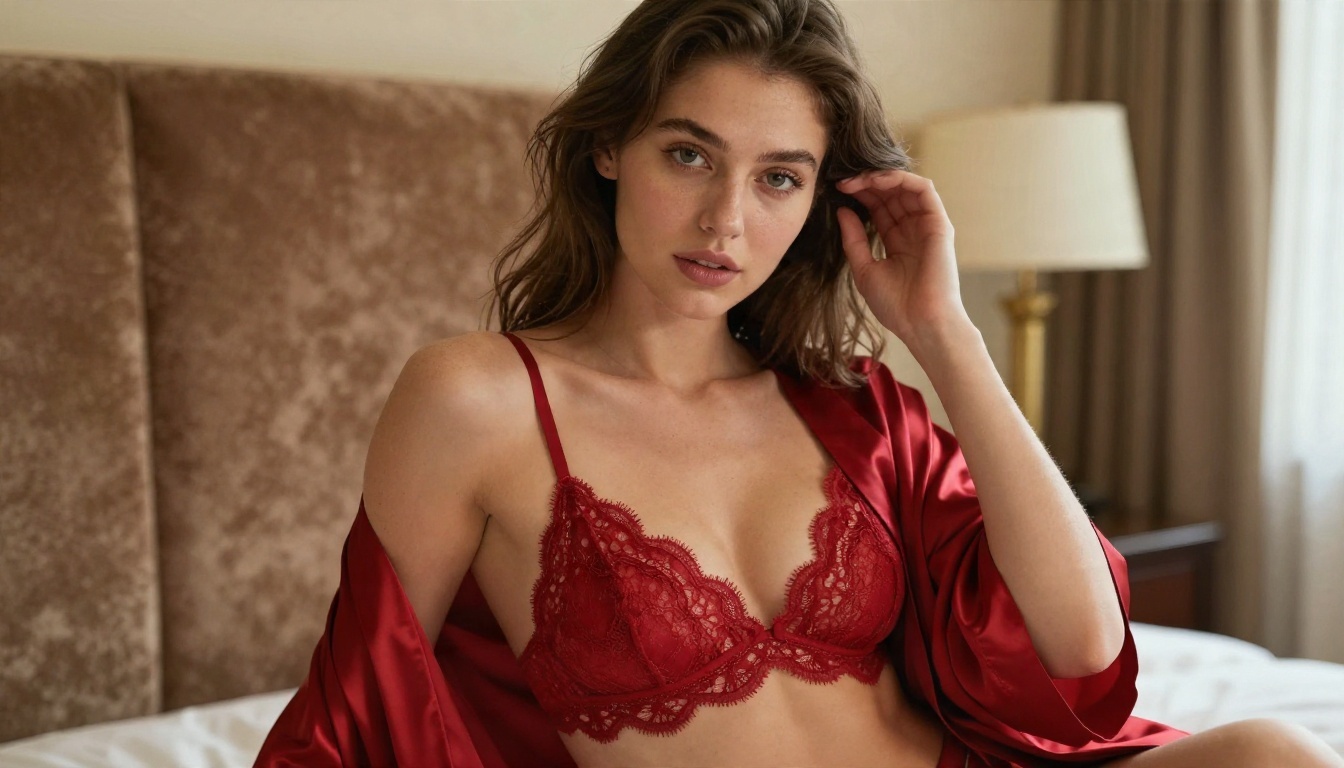
For glamour content, image-to-video wins almost every time. The still locks in the face, the outfit, the lighting and the framing. The prompt only has to describe movement, which is a much smaller job.
Free Options That Actually Work
"Free" can mean three different things here, and mixing them up is where most people waste an afternoon.
Run it on your own GPU
The weights are free to download. The 1.3B text-to-video model is the light option and runs in roughly 8 GB of VRAM with the right settings. The 14B models are far better looking but want 16 to 24 GB or more, especially at 720p. Community tools like ComfyUI make this practical, and quantized builds (fp8 and GGUF) shrink the memory need at a small quality cost.
You pay in setup time and electricity instead of money. If you already own a recent graphics card, this is the cheapest long-term route and it keeps everything on your machine.
Use hosted free tiers
Several websites offer daily credits or a trial allowance for Wan 2.1. They are fine for testing a prompt, but expect watermarks, queues, short resolution caps, and content filters that vary widely. Read the rules of any service before you rely on it for adult material, because a filter that rejects your job after a long queue wastes more time than a paid run would.
Use PicassoIA for the picture-first workflow
Wan 2.1 is available on PicassoIA as Wan 2.1 I2V 720p, Wan 2.1 I2V 480p and Wan 2.1 T2V 720p. For the still image, the adult-friendly route is Seedream 4.5 first, then PicassoIA Image Editor Pro, which offers unlimited generations so you can keep refining one frame until it is right before you spend anything on video.
💡 Hosted video models follow their own platform rules. Keep your clips tasteful and non-explicit, and check the model page for what it accepts before you plan a project around it.
Prompts That Hold Up
Wan 2.1 follows clear, physical instructions better than poetic ones. Write what the camera sees, in the order it happens.
The five-part prompt formula
- Subject and starting pose: who is in frame and what they are doing at second zero.
- Motion: one or two actions, not six.
- Camera: static, slow push-in, gentle pan or slight handheld drift.
- Light: direction and quality, such as soft window light from the left.
- Texture and mood: fabric, skin, atmosphere, film grain.
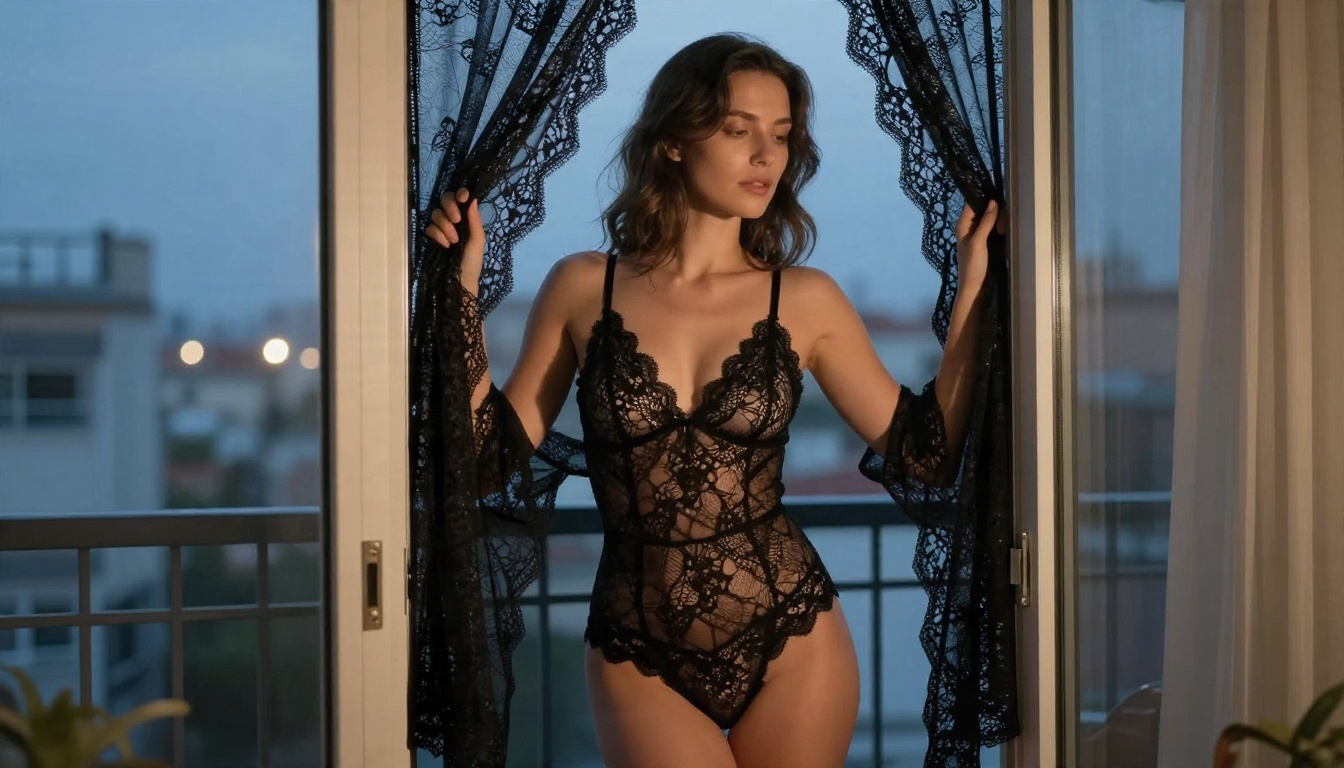
Here is a template for a boudoir-style clip:
A woman in a black lace bodysuit and sheer kimono stands at a balcony door at dusk. The curtain lifts in a light breeze and she slowly turns her head toward the camera with a soft smile. Slow push-in, shallow depth of field, warm lamp light inside and cool blue twilight outside, natural skin texture, fine film grain.
Motion words that work
Wan 2.1 reacts well to small, believable movements. These are reliable:
- Hair and fabric: "hair drifts in the breeze", "silk robe settles", "curtain lifts"
- Head and eyes: "turns her head slowly", "glances toward the camera", "blinks and smiles"
- Body: "shifts her weight", "tucks hair behind her ear", "rests a hand on the railing"
- Camera: "slow dolly in", "gentle pan right", "locked-off tripod shot"
Words that cause trouble
Big, fast or crowded actions break the clip. Avoid "dancing wildly", "spinning", "running toward the camera", and anything involving several people touching each other. Hands are the usual casualty: fingers merge, multiply or slide through objects. If a prompt needs a precise hand action, expect to rerun it.
| Instead of | Write |
|---|
| "Dances energetically" | "Sways gently, hair moving with her" |
| "Walks toward camera and turns" | "Walks slowly along the shore, camera tracking sideways" |
| "Changes outfit" | "Adjusts her robe on one shoulder" |
| "Beautiful sexy video" | "Warm soft light, confident calm expression" |
💡 Vague adjectives give the model nothing to animate. Name the motion, the camera and the light, and leave the mood to the lighting description.
Settings Worth Changing
Defaults are a decent starting point, but a few controls decide whether a clip looks stable or melts.
Resolution and aspect ratio
Match the checkpoint to the resolution. The 480p image-to-video model is happiest around 480 by 832 pixels (or the landscape equivalent), and the 720p model is built for roughly 720 by 1280. Pushing a 480p checkpoint to a bigger size rarely adds detail and often adds artifacts. Use the 720p checkpoint when you want a sharper result, and expect longer generation times.
Use a first frame whose proportions already match your target. A 16:9 still gives a 16:9 clip without awkward cropping.
Frames and duration
The model is trained around 81 frames, close to 5 seconds. Asking for far more frames usually produces looping, slow motion or a face that slowly changes. If you need longer footage, make several 5-second clips and cut them together instead of stretching one.
Steps, strength and seed
| Setting | Starting value | Effect of going higher | Effect of going lower |
|---|
| Sampling steps | 30 to 40 | Cleaner detail, slower run | Softer, noisier frames |
| Prompt strength (CFG) | 5 to 6 | Follows the prompt harder, can look stiff | Looser, more random motion |
| Seed | Random, then lock | Same seed repeats a composition | Not applicable |
| Frames | 81 | Drift and slow motion | Shorter, choppier clip |
Lock the seed once you like a composition, then change one thing at a time. That is the fastest way to find what each word in your prompt does.
Negative prompt
A short negative prompt helps with the usual flaws: "blurry, distorted face, extra fingers, deformed hands, flickering, jitter, watermark, text". Keep it short. A long list of negatives can flatten the whole image.
The Real Limits
Wan 2.1 is impressive for an open model, but it is not magic. These are the limits you will hit.
Short clips, always
Five seconds is the practical ceiling. Everything longer is stitched together, which means managing consistency by hand. Reusing the final frame of one clip as the first frame of the next works, but small errors compound with each generation.
Hands, hair and fast motion
Fingers, strands of hair crossing a face and quick limb movement are the weakest areas. Slow, simple motion looks far more realistic than energetic action.
Consistency without a LoRA
In text-to-video, the same character will not stay the same across runs. Image-to-video solves most of that. Character LoRAs solve the rest, but training one takes a dataset, time and a capable GPU.
Audio
Wan 2.1 produces silent video. Sound has to be added afterward with a separate tool. If you want video that comes with synchronized audio, newer models are a better fit, and a few are listed below.
Rules differ by host
Running the weights on your own machine puts the content decisions in your hands. Hosted services decide for themselves, and a job that works on one platform may be refused on another. Always use adult subjects only, never use a real person's likeness without their consent, and keep to the law where you live.
How to Use Wan 2.1 on PicassoIA
The simplest way to get a clean result is to build a strong still image, then animate it. Here is the workflow, step by step.
Step 1: Build the first frame
Open Seedream 4.5 and write a photographic prompt: subject, outfit, setting, lens, light and film look. Choose a 16:9 ratio so the clip needs no cropping. Generate a few options and pick the one with the cleanest face and hands.
Step 2: Refine the frame
Take your favorite still into PicassoIA Image Editor Pro. Because it has unlimited generations, you can fix small details, adjust the outfit or lighting, and repeat until the frame is exactly what you want. A clean first frame removes most of the problems later.
Step 3: Animate with Wan 2.1
Open Wan 2.1 I2V 720p, upload the still and paste a motion prompt using the five-part formula. Keep it to one or two actions and name the camera move. For a quick test, Wan 2.1 I2V 480p renders faster and is good for checking whether the motion works before you commit to the sharper version.
Step 4: Iterate on one variable
If the result is close but not right, change one thing: the camera move, the motion verb or the seed. Do not rewrite the whole prompt. When the motion is right, rerun at 720p.
Step 5: Pick the right model for the job
Wan 2.1 T2V 720p is the choice when you do not have a still and want to start from text. Expect less consistency than image-to-video.
Newer Models Worth Trying
Wan 2.1 is a solid baseline, but newer models fix several of its limits: longer clips, better motion and, in some cases, built-in audio. These are on PicassoIA:
| Model | Why try it | Link |
|---|
| Wan 2.2 I2V A14B | Better motion and detail than 2.1 from the same still | Wan 2.2 I2V A14B |
| Wan 2.2 5B Fast | Faster 720p output for quick tests | Wan 2.2 5B Fast |
| Wan 2.5 I2V Fast | Newer generation with a quicker turnaround | Wan 2.5 I2V Fast |
| LTX 2.5 Fast | High resolution, quick generation | LTX 2.5 Fast |
For the still image stage, stick with Seedream 4.5 and PicassoIA Image Editor Pro. They give you the best control over a glamour-style first frame, and the unlimited generations in the editor mean you can iterate without watching a credit counter.
Common Mistakes to Avoid
Writing a novel
Long prompts with ten actions confuse the model. Keep one subject, one or two motions and one camera move.
Skipping the still
Going straight from text to video sounds faster, but you will spend more time rerunning. A good first frame saves hours.
Ignoring the frame ratio
A square image into a landscape setting gets cropped or stretched. Match the ratio before you animate.
Chasing length
Stretching one clip past 5 seconds causes drift. Make short clips and edit them together.
Overusing negatives
Five or six negative terms are enough. A giant list can make the whole video look flat.
Try It Yourself
Wan 2.1 rewards a simple routine: a clean photographic still, one clear motion, one camera move and a locked seed. Start with a 480p test, move to 720p when the motion looks right, and move on to a newer Wan or LTX model when you need more length or detail.
Open Seedream 4.5 and Image Editor Pro on PicassoIA, build your first frame, and animate it with Wan 2.1 I2V 720p. When you want to compare other options, browse the full catalog at picassoia.com/en/all-models and see which model fits your style.


