Search for Wan 2.2 NSFW and you get a mess: forum threads, half-working ComfyUI graphs, "uncensored" claims on sites that want your card number. This article sorts it out. You'll see what the open model does and doesn't do on its own, what community Remix checkpoints add, which settings give clean motion, where you can try it free online, and where the walls are. It's written for adults making suggestive, glamour-style clips: swimwear, boudoir light, slow editorial movement. It is not about explicit material, and it treats consent and age as hard rules.
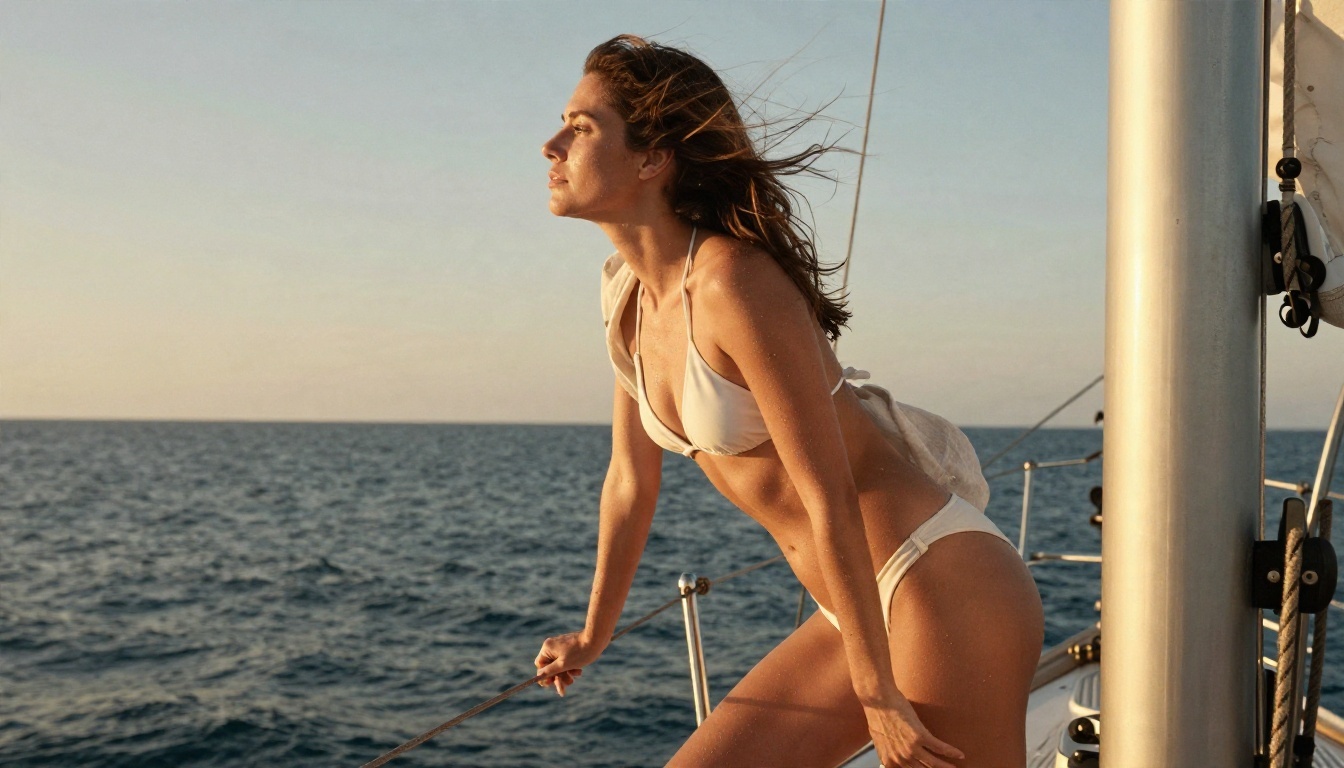
What Wan 2.2 Actually Allows
Wan 2.2 is an open-weights video model family from Alibaba's Wan team, released in mid 2025. It uses a mixture-of-experts design: one expert handles the noisy early steps (layout, motion, composition) and a second handles the clean late steps (skin, fabric, fine detail). The big variants are labelled A14B, and there is also a smaller 5B model that runs on much lighter hardware.
Open Weights, Not Open Season
"Open weights" means you can download the files and run them yourself. It does not mean the model was trained to produce adult content. The base release is fairly neutral: it renders swimwear, bare shoulders, wet hair and sensual camera moves well, but it was not built around explicit material. That gap is exactly why the community Remix checkpoints and LoRAs exist.
Where Filters Live
Filters don't sit in one place. They depend on how you run the model:
| Where you run it | Who applies the filter | What to expect |
|---|
| Local ComfyUI with base weights | Nobody, only you | Neutral output, no hard block |
| Local with Remix or NSFW LoRAs | Nobody, only you | Stronger adult bias, lighting quirks |
| Hosted app with a safety checker | The platform | Blocks or blurs based on its policy |
| API providers | Provider terms | Varies, read the terms first |
💡 Tip: "No content filters" on a landing page is marketing, not a feature. Check what the platform's terms say about adult content before you build a workflow around it.
Remix Models Explained
What a Remix Checkpoint Is
A Wan 2.2 Remix is a community merge. Someone takes the base high-noise and low-noise experts, blends in LoRAs (often adult-oriented ones, plus speed LoRAs like Lightning), and saves the result as a single checkpoint pair. You drop the pair into ComfyUI and run it with a text encoder and VAE. Typical files are fp8 versions of the 14B image-to-video experts, which is how they fit on consumer cards.
Versions and What Changed
Early Remix NSFW releases were known for a flat lighting look: even, shadowless skin that read as artificial. Later v3 checkpoints reportedly fixed much of that, with better contrast and more natural highlights. Treat version numbers as a rough ordering, not a promise. Every author merges differently, so test two or three on the same source image before committing.
| Variant | Typical use | Trade-off |
|---|
| Base A14B | Clean, neutral clips | Needs more steps, heavier |
| Base 5B | Low VRAM tests | Softer detail |
| Remix I2V (fp8) | Adult-leaning image-to-video | Merge quality varies |
| Remix T2V | Text-only starts | Less control over the face |
| Base plus LoRA | Targeted style or motion | LoRA strength needs tuning |
Why Remix Isn't on PicassoIA
Remix checkpoints are community files you run yourself, and they are not on PicassoIA. They are named here in plain text only. For similar results today, PicassoIA has the official Wan 2.2 family and its newer siblings: Wan 2.2 I2V A14B, Wan 2.2 I2V Fast, Wan 2.5 I2V Fast and Wan 2.6 I2V Flash. No downloads, no ComfyUI.
Settings That Actually Work
Most bad Wan clips come from three mistakes: too few frames, the wrong shift value, and a prompt that describes a still photo instead of motion.
Steps and Split Step
On a local Remix workflow with a Lightning-style speed LoRA, popular community defaults are 8 total steps with the split at step 4: four steps on the high-noise expert, four on the low-noise expert. CFG stays near 1 with those LoRAs. Without a speed LoRA, plan on roughly 20 steps with a split around the halfway mark and a CFG around 3 to 4 as a starting point. These numbers come from community tutorials, not official documentation, so adjust them to your checkpoint.
Frames, FPS and Length
Wan 2.2 A14B is happiest at 81 frames. At its native 16 fps that gives about five seconds. The 5B model targets 24 fps, where 121 frames is also about five seconds. Push past that and faces start drifting, fabric patterns crawl and hands melt.
| Setting | Safe starting value | Why |
|---|
| Frames | 81 | Best stability on A14B |
| FPS | 16 native, 24 after interpolation | Smoother playback |
| Resolution | 480p to test, 720p to keep | Faster iteration |
| Steps (with speed LoRA) | 8, split 4 | Fast, usable quality |
| Steps (without) | About 20 | Cleaner detail |
| Seed | Fixed while testing | Isolates your prompt changes |
Resolution and Shift
Test at 480p, then rerun the winning seed at 720p. The sample shift value controls how much the sampler leans on early, structural steps. Higher values give steadier composition with less fine motion; lower values loosen things up. On PicassoIA's Wan 2.2 I2V Fast page the default is 12, which is a sensible place to start.
Prompt Structure
Write the prompt as a short film shot, not a photo caption. Use this order: subject and pose, motion, camera, light.
- Good: "A woman in a white bikini stands in shallow turquoise water, turns her head toward the camera and smiles, slow dolly-in, warm golden hour backlight, gentle ripples."
- Weak: "Beautiful woman in a bikini, 8k, masterpiece."
💡 Tip: One motion per clip. "Turns her head" or "walks forward," not both plus a camera orbit. Wan 2.2 follows a single clear action far better than a list.
Free Online Options
Local ComfyUI Costs Time
Running Remix locally is free in money and expensive in time. Budget a few hours for the first setup if you're comfortable with file paths and Python, around 30 GB of disk for the checkpoints, text encoder and VAE, and a GPU with enough memory for the fp8 14B experts. After that, each clip is only electricity and patience.

Hosted Free Tiers
Hosted options skip the setup. The catch is usually credits, watermarks or a policy filter. PicassoIA's Wan 2.2 I2V Fast is listed as free online with unlimited generations and no usage caps, running at 720p. It also exposes a safety checker setting; read the model page and the platform terms to see what's permitted before you rely on it for suggestive material.
| Route | Cost | Setup | Best for |
|---|
| Local ComfyUI | Free after hardware | Hours | Full control, Remix files |
| PicassoIA browser | Free, unlimited per model page | Minutes | Fast tests, 720p clips |
| Credit-based apps | Per second or per clip | Minutes | Occasional use |
| Rented GPU | Hourly | An hour or so | Heavy batches |
Real Limits to Expect
Clip Length and Drift
Five seconds is the practical ceiling for a single generation. If you want longer, chain clips: take the last frame of one clip, use it as the first frame of the next, and keep the prompt consistent. Expect small identity shifts over each chain.
Hardware Floor
A14B models in fp8 want a card with plenty of VRAM, and 720p raises that cost fast. If your card is small, drop to 480p, shorten the clip to 49 or 65 frames, or use the 5B model. Slow generation is not a bug; it's the model doing two expert passes.
Content Rules
These limits don't move, whatever model you use:
- Adults only. Never depict anyone who looks under 18.
- No real people without consent. No celebrity likenesses, no photos of someone who didn't agree.
- No explicit output on platforms that forbid it. Respect each service's terms.
- Label synthetic media where the platform or law asks for it.
A blog about video tools won't tell you which laws apply where you live. Check them.
How to Use Wan 2.2 I2V Fast on PicassoIA
If you want Wan 2.2 motion without setting up ComfyUI, Wan 2.2 I2V Fast is the quickest route. It takes one image plus a prompt.
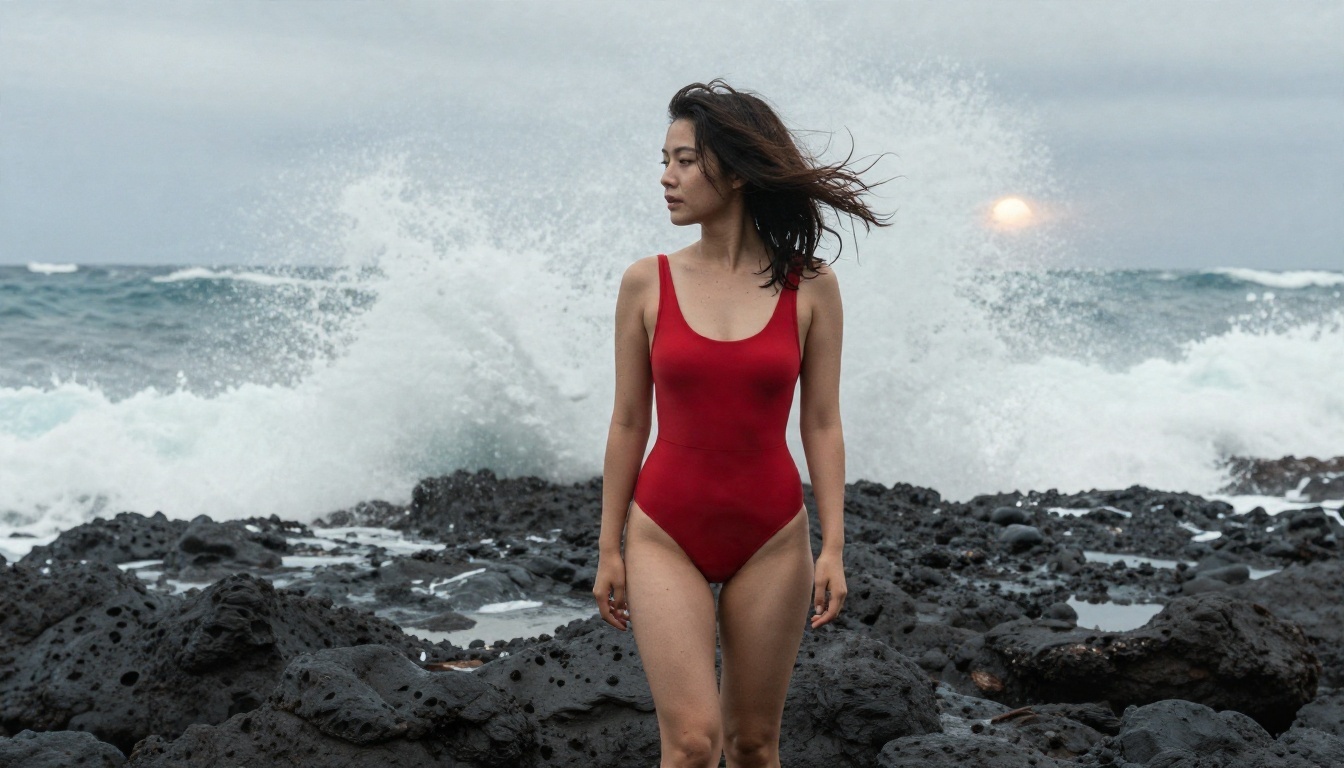
- Open the model page. Go to Wan 2.2 I2V Fast.
- Upload your first frame. Use a sharp, well-lit image with the subject clearly framed. Photorealistic source images give the cleanest results.
- Write a motion prompt. Follow the subject, motion, camera, light order shown above. One action only.
- Pick resolution. The default is 480p. Switch to 720p for the final render.
- Set frames. The default is 121, but the model page notes that 81 frames gives the best results. Keep FPS at 24.
- Keep Go Fast on for quick iteration and leave sample shift at 12 for a first run.
- Fix a seed once you like a result, then change one prompt word at a time.
- Generate, compare, repeat. Run two or three seeds and keep the one where the face stays stable.
| Parameter | Value to try | Effect |
|---|
| Resolution | 720p | Sharper final clip |
| Num Frames | 81 | Most stable motion |
| FPS | 24 | Smooth playback |
| Sample Shift | 12 | Steady composition |
| Go Fast | On | Quicker tests |
| Seed | Fixed | Reproducible results |
💡 Tip: If you need more control on longer or more detailed shots, try Wan 2.2 I2V A14B. For audio-driven clips, there is Wan 2.2 S2V.
Better Source Images Mean Better Clips
Image-to-video can only keep what the first frame gives it. A soft, noisy or awkwardly cropped photo turns into a soft, noisy, awkward video. So the real work happens before the video model.
For source images, start with Seedream 4.5. It handles swimwear, glamour and editorial prompts without the blocks that some newer Seedream variants apply, and it outputs sharp images with natural skin texture. Then use PicassoIA Image Editor Pro to refine: fix a hand, change an outfit colour, clean the background, adjust the crop. It offers unlimited generations, so you can iterate on a source frame ten times without watching a credit counter.
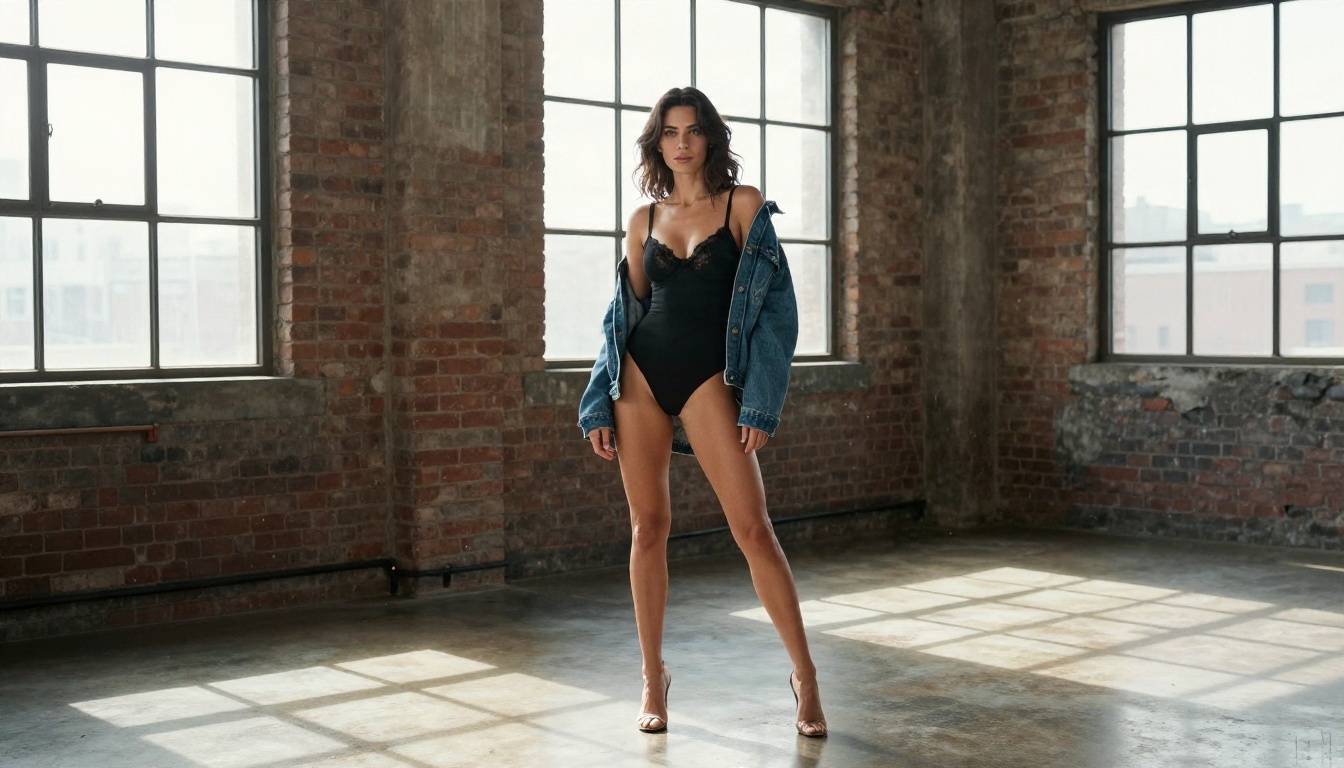
A Simple Pipeline
- Generate the still in Seedream 4.5.
- Polish it in Image Editor Pro.
- Animate it in Wan 2.2 I2V Fast at 720p.
- Pick the best seed and extend with the last-frame method if you need more time.
💡 Tip: Keep the pose natural and the limbs uncrossed in the first frame. Overlapping hands and arms are where Wan 2.2 makes most of its mistakes.
Alternatives When Wan 2.2 Isn't Enough
Wan 2.2 is good, but it's not the end of the line. Newer Wan releases on PicassoIA improve length, audio and prompt following:
| Model | Best for | Link |
|---|
| Wan 2.2 I2V Fast | Quick free tests | Open |
| Wan 2.2 I2V A14B | Heavier detail | Open |
| Wan 2.5 I2V Fast | Faster, newer motion | Open |
| Wan 2.6 I2V Flash | Quick turnaround | Open |
| Wan 2.7 I2V | Newest Wan image-to-video | Open |
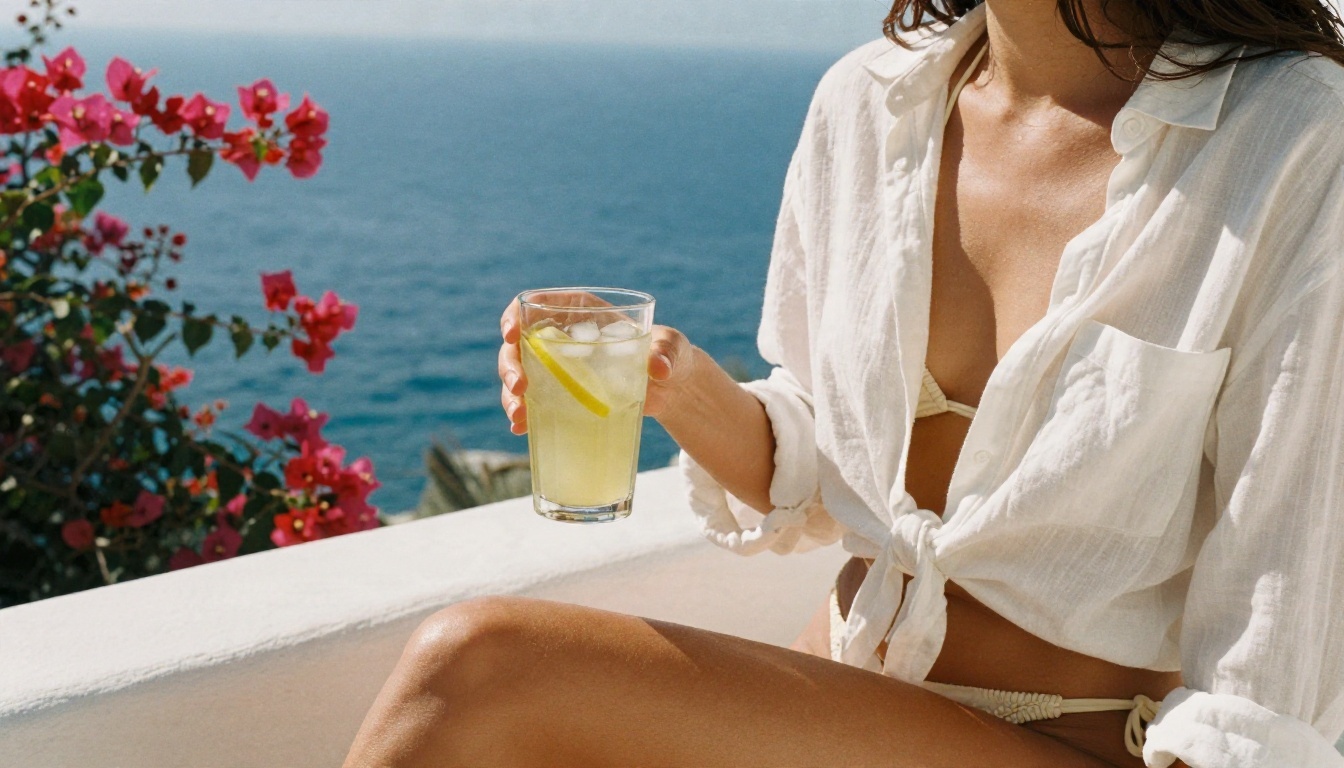
For text-first video, Wan 2.2 T2V Fast generates directly from a prompt, though you give up control over the face. Because the first frame decides so much, image-to-video is usually the better pick for portrait-style clips.
Make Your Own Clip Today
Here's the short version. Wan 2.2 open weights are neutral. Remix checkpoints push them toward adult content and need a local ComfyUI setup. Eight steps with a split at four works for speed-LoRA workflows. Eighty-one frames is the sweet spot for stability. Five seconds is the real ceiling per clip. And the rules about adults and consent don't flex.
The fastest way to test all of this is to skip the install. Generate a still with Seedream 4.5, polish it in PicassoIA Image Editor Pro, then animate it with Wan 2.2 I2V Fast at 720p. Try a few seeds, change one prompt word at a time, and see what you get. Picasso IA lets you experiment as much as you like, so pick a photo and start your first clip. When you want to try other models, browse the full list at picassoia.com/en/all-models.


