If you typed "Wan 2.6" into a search bar this week, you probably have three questions: when did it come out, can I download it for free, and what will a clip cost me. The answers are scattered across API marketplaces, social posts and half-updated model pages, and some of them contradict each other. This article puts the facts in one place, flags what is still fuzzy, and shows you the quickest way to run it yourself.
The short version: Wan 2.6 is Alibaba's Wan family video model that arrived in December 2025, it is not open source in the way Wan 2.2 was, and it is priced per second of output, usually around $0.10 at 720p on third party APIs. You can try it right now through Wan 2.6 T2V and Wan 2.6 I2V on PicassoIA.

Wan 2.6 at a Glance
Before the details, here is the snapshot most people are looking for.
| Question | Short answer |
|---|
| Who makes it? | Alibaba's Wan team (the same lab behind Wan 2.1, 2.2 and 2.5) |
| Release window | December 2025 for the original launch; some marketplaces list later dates |
| Open source? | No public weights for 2.6 as far as I could confirm. Wan 2.2 is the open one |
| Output | Text to video and image to video, with native audio |
| Typical clip length | 5 to 15 seconds depending on provider |
| Resolution | 720p and 1080p |
| Typical API price | About $0.08 to $0.15 per second for the standard tier |
| Cheaper tier | Flash variant, roughly half the standard rate |
💡 Tip: Treat every price and date you read online (including here) as a snapshot. Providers change rates often, and Wan 2.6 shows up on many platforms with different listing dates.
The Release Date Question
What the timeline looks like
Wan 2.6 was first presented in December 2025, following the Wan 2.5 preview that had introduced synchronized audio generation a few months earlier. That is the date most coverage and model pages agree on, and it is the one I would use if you need to cite a launch month.
Why some pages show a different date
You may have seen March 2026 attached to Wan 2.6 in places. That does not mean the model launched then. Aggregators and routing platforms often list a model on the day they added it, and some list dated snapshots of the same model. A listing that says "released March 28, 2026" is describing the platform's version entry, not Alibaba's debut.
💡 Quick rule: When two sources disagree on a release date, the earliest credible announcement from the model's maker wins. Marketplace dates are arrival dates.
Variants that followed
The Wan 2.6 name now covers more than one model. Besides the standard text to video and image to video versions, there is a Flash image to video variant built for speed and lower cost. On PicassoIA you will find Wan 2.6 I2V Flash next to the main pair.
Is Wan 2.6 Open Source?
The honest answer
No, not in the way many people hope. The open weights release the community loves belongs to Wan 2.2, which shipped with permissive licensing and could be downloaded and run locally. For Wan 2.6, the picture is different: most sources describe it as a commercial model reached through APIs and hosted platforms, and I could not confirm a public weights download.
You will still find a few pages that call it "open source". Treat those with suspicion. Wan as a brand has open releases, so the label gets copied onto newer versions by mistake.
What that means in practice
| If you want to... | Wan 2.6 | Wan 2.2 |
|---|
| Download weights | Not confirmed | Yes |
| Run on your own GPU | Not confirmed | Yes, with enough VRAM |
| Fine tune or build LoRAs | Not possible without weights | Yes |
| Use through a hosted tool | Yes | Yes |
| Get native audio in the output | Yes | Limited to specific variants |
If local control matters to you, the earlier open models are still the route. If you care more about output quality and sync audio than about owning the weights, a hosted Wan 2.6 is easier.
Open weights alternatives on PicassoIA
PicassoIA hosts several earlier Wan models that came from the open lineage, including Wan 2.2 I2V A14B and Wan 2.2 5B Fast. They are handy when you want the older look at a lower cost, with no hardware to maintain.
What Wan 2.6 Actually Does
Multi-shot storytelling
The headline upgrade over earlier versions is that Wan 2.6 can hold a scene together across several shots. Instead of a single static take, you can describe a wide shot, a cut to a close-up, and a reaction, and the model tries to keep the same character, clothing and setting through them. Earlier Wan versions tended to drift between cuts.
Native audio and lip sync
Wan 2.6 generates sound together with picture: ambient noise, effects, music cues and speech that lines up with mouth movement. You write the dialogue or the sound you want in the prompt, and it is rendered in the same pass. That cuts a post production step for short social clips.
Reference to video
Some providers expose a reference to video mode, where you supply a short clip of a person or object and the model reuses that appearance in a new scene. Availability depends on the platform, so check the input options before planning a workflow around it.
Quick feature list
- Text to video with detailed scene control
- Image to video that keeps the source photo as the first frame
- Native audio with dialogue and effects
- Multi-shot sequences in one generation
- 720p and 1080p output on most hosts
- Longer durations than Wan 2.2, up to 15 seconds on some providers
What It Really Costs
Per second pricing on third party APIs
Wan 2.6 is billed by output seconds, not by tokens or images. The numbers below come from the price pages of several API providers I checked. They are rounded and they move.
| Tier | 720p | 1080p |
|---|
| Standard (common listing) | about $0.10 per second | about $0.15 per second |
| Standard (cheaper hosts) | about $0.07 to $0.08 per second | about $0.12 per second |
| Flash | about $0.05 per second | about $0.075 per second |
| Flash without audio | as low as $0.025 per second | varies |

What a clip works out to
Do the math before you budget a project:
- A 5 second 720p clip at $0.10 per second costs about $0.50.
- A 10 second 1080p clip at $0.15 per second costs about $1.50.
- A 15 second 1080p clip costs about $2.25.
- A batch of 20 test generations at 5 seconds each on 720p costs about $10.
Iteration is where the cost hides. Most people generate three to six takes before one is usable, so multiply your estimate accordingly.
Ways to keep the bill down
- Draft on Flash or 720p, then render the final shot at the higher setting.
- Start from an image so the model has less to invent and fewer retries are needed.
- Keep clips short. Five seconds is enough for most social cuts.
- Switch audio off when you plan to add your own soundtrack, where the provider allows it.
💡 Budget tip: If you want to try the model without watching a meter, a platform with a flat credit system is easier to plan around than raw per second API billing.
Where to Try It
Hosted APIs
Wan 2.6 is available through Alibaba Cloud's own service and through many third party providers, among them fal.ai, Runware, PiAPI and several routing platforms. These suit developers who want to call the model from code, and they all bill per second.
On PicassoIA, no setup
If you just want to type a prompt and watch the result, PicassoIA is the faster path. You do not need an API key, a billing account or a GPU. Three Wan 2.6 models are available:

How to Use Wan 2.6 on PicassoIA
Text to video in five steps
- Open Wan 2.6 T2V on PicassoIA.
- Write your prompt using the formula below.
- Choose your resolution. Start at 720p for tests.
- Pick a duration. Five seconds is the best value for a first try.
- Generate, review, and adjust one thing at a time before running it again.
A prompt formula that works
Use this order: subject and action, setting, lighting, camera movement, sound. For example:
"A woman in a yellow raincoat walks along a harbor at dawn, fishing boats rocking behind her, soft grey light with warm streaks on the water, slow tracking shot from the side, gulls crying and rope creaking against the dock."
For multi-shot, label the cuts: "Shot 1: wide of the harbor. Shot 2: close-up of her face turning toward the sea. Shot 3: boats drifting in the mist."
Image to video in five steps
- Open Wan 2.6 I2V.
- Upload a sharp, well lit photo as the first frame.
- Describe only the motion and sound. The picture already defines the look.
- Keep the camera instruction simple: a slow push in, a gentle pan, or a static shot.
- For quick drafts, switch to Wan 2.6 I2V Flash and then re-render the best one on the standard model.
Parameter tips
| Setting | Recommendation |
|---|
| Resolution | 720p to test, 1080p for the final |
| Duration | 5 seconds for drafts, 10 or more only for a locked prompt |
| Prompt length | 60 to 120 words, with sound described separately |
| Dialogue | Put spoken lines in quotes and name who speaks |
| Camera | One movement per shot. Stacked moves cause wobble |
💡 Common mistake: Asking for five things to happen in five seconds. Give each beat room, or split it into shots.
Standard vs Flash
Where each one wins
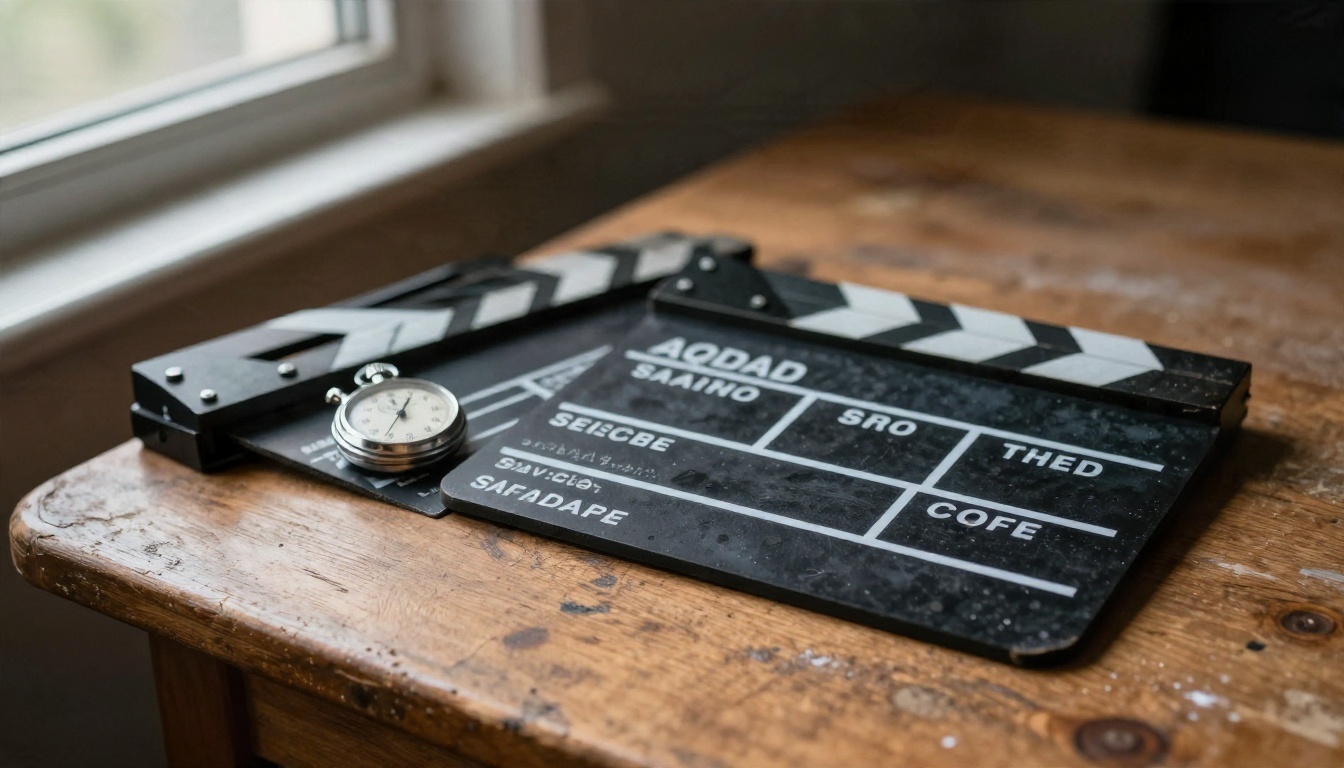
| Factor | Standard | Flash |
|---|
| Speed | Slower | Noticeably faster |
| Cost | Higher | About half |
| Detail and motion | Best of the two | Good, occasionally softer |
| Input | Text or image | Image to video |
| Best use | Final shots | Drafts and quick social posts |
A sensible routine: draft with Flash, finish with standard. You find the right prompt for a fraction of the price, then spend the extra only on the take you will publish.
Wan 2.6 Alternatives on PicassoIA
No single model wins every shot. If Wan 2.6 does not give you the look you are after, these are worth testing on the same platform:
| Model | Strength | Pick it when |
|---|
| Wan 2.6 T2V | Multi-shot and audio | You need a short scene with sound |
| Kling v3 Video | Motion realism | Characters must move naturally |
| Seedance 2.5 | Duration | You need a long single take |
| Veo 3.1 Fast | Audio and polish | You want quick 1080p with sound |
| Wan 2.5 T2V | Price | You are testing ideas cheaply |

Who Should Use Wan 2.6
Good fits
- Social creators who need short clips with sound in one pass
- Marketers building product teasers from still photos
- Filmmakers testing storyboards and shot ideas before a real shoot
- Small teams who want a quick draft to review together
Poor fits
- Anyone who requires downloadable weights for offline or private use
- Projects that need clips longer than 15 seconds in one take
- Workflows that rely on custom LoRA training

Facts Worth Double Checking
Some details about this model change faster than articles can keep up. Before you commit budget, confirm these:
- Current per second price on the platform you pick.
- Whether audio is included in the quoted rate.
- Maximum duration and resolution on that host.
- Commercial use terms for the generated clips.
- Open weights status, in case Alibaba changes its release plans.
If any of these matter for a client project, check them on the day you start, not the day you read about them.
Try Wan 2.6 Yourself
Release dates and license labels are useful, but a ten second test tells you more than any spec sheet. Open Wan 2.6 T2V, paste in the harbor prompt from above, and see how the model handles light, motion and sound. Then take one of your own photos to Wan 2.6 I2V and watch it move.
When you want to compare it against other engines, the full catalog of video, image and audio models is at picassoia.com/en/all-models. Pick a prompt, run it through two or three models, and keep the one that matches the shot in your head. That side by side test costs very little and settles the question faster than any article can.


