Type "Wan 2.6 Spicy" into a search bar and you get a pile of contradicting pages: some say it is fully uncensored, some say it filters everything, and a few say it does not exist at all. All three can be partly true. The name points to a relaxed-moderation version of Alibaba's Wan 2.6 image-to-video model that some third-party hosts sell, not to a product Alibaba itself ships. That difference changes the answers to almost every question people ask about it: what it costs, how it behaves, and where you can try it for free.
This article sorts out the facts, gives you suggestive prompt patterns that work for image-to-video, and shows how to get close to the same look on PicassoIA today.
💡 Quick answer: Wan 2.6 Spicy is a third-party variant, its moderation claims are mostly vendor marketing, and it is not on PicassoIA. For similar suggestive, non-explicit results right now, build your source image with Seedream 4.5 and PicassoIA Image Editor Pro, then animate it.
What Wan 2.6 Spicy Actually Is
A Third-Party Variant, Not an Official Release
Wan is Alibaba's open video model family. Wan 2.6 added longer clips, better motion and native audio compared with Wan 2.5. The "Spicy" label does not come from Alibaba. It is a product name used by API aggregators and workflow platforms that wrap the base model with looser prompt and output handling. WaveSpeed, Atlas Cloud, Muapi and a ComfyUI node pack all list some form of it, and each one describes it a little differently.
That matters because you are not dealing with one model with one rulebook. You are dealing with several hosts, each with its own filters, its own pricing and its own terms of service. When a review says "Wan 2.6 Spicy blocked my prompt," the real subject is a particular host, not the model.
Specs You Will See Listed
Across listings, the numbers are fairly consistent for the image-to-video version:
| Spec | What hosts list |
|---|
| Input | One source image plus a text prompt |
| Clip length | 5, 10 or 15 seconds |
| Resolution | 720p or 1080p |
| Audio | Native synchronized audio on the base model |
| Pricing | Roughly $0.07 to $0.095 per second on API hosts, about $1.00 for a 5 second 720p clip on some playgrounds |
| Access | Pay-per-use APIs and workflow nodes |
Treat the prices as a snapshot. They shift often, and some hosts bundle credits differently.
Is Wan 2.6 Spicy Censored?
What the Evidence Shows
The honest answer is "less filtered than the standard model, but not a free-for-all, and not verified." Here is what can be said with some confidence:
- I found no official Alibaba statement describing a Spicy tier or its moderation rules.
- At least one host's API response includes a per-output flag that marks whether NSFW content was detected. That suggests outputs are still inspected, even if the documentation does not say whether flagged clips are blocked or just labeled.
- The strongest "uncensored" language comes from third-party directories and vendor blog posts. Those are marketing pages, so weigh them accordingly.
- One vendor's claim about removing classifier weights during fine-tuning refers to Wan 2.2 Turbo, an older model, not to Wan 2.6.
Why Claims Contradict Each Other
Three things produce the mess. First, hosts differ: one may run a relaxed prompt filter while another keeps the base model's checks. Second, listings go stale. A page that says a Spicy endpoint exists on one platform may be outdated, and comparison pages even disagree on whether certain big hosts offer it. Third, "uncensored" is a sales word. It can mean "we do not block swimwear and boudoir" or it can mean something far broader, and the page rarely says which.
Test Before You Pay
If you decide to use a third-party host anyway, spend the smallest amount possible first:
- Run one 5 second, 720p clip with a mild swimwear or lingerie prompt.
- Check whether the output arrives intact, blurred or refused.
- Read the host's acceptable-use terms and refund policy before topping up credits.
- Never upload photos of real people without their consent. That is a hard line on any platform, and many hosts ban it outright.
⚠️ Heads up: Anything involving real people's likeness without permission, or anyone who looks like a minor, is off the table everywhere. Reputable hosts block it, and you should too.
NSFW Prompts That Work

Image-to-video models reward prompts that describe motion and mood rather than a list of body parts. The best suggestive results come from styling, lighting and slow movement. Everything below stays on the glamour and boudoir side, which is also where results are most consistent across models.
The Prompt Formula
Use this structure for the source image:
Subject and outfit + pose + setting + light direction + lens + film look
For example: "A woman in a satin robe over a black lace bralette, looking over her shoulder beside a tall window, boutique hotel suite, warm morning light from camera left, 85mm f/1.8, Kodak Portra 400 grain, photorealistic."
Good source images do most of the work. A sharp face, clear hands and a simple background give the video model something stable to animate. Cluttered frames cause warping.
Motion Prompts for Image to Video
Once you have the image, describe what moves, in the order it happens:
| Goal | Motion prompt pattern |
|---|
| Slow glamour reveal | "She turns her head toward the camera and smiles, hair settles over her shoulder, slow dolly-in, soft window light" |
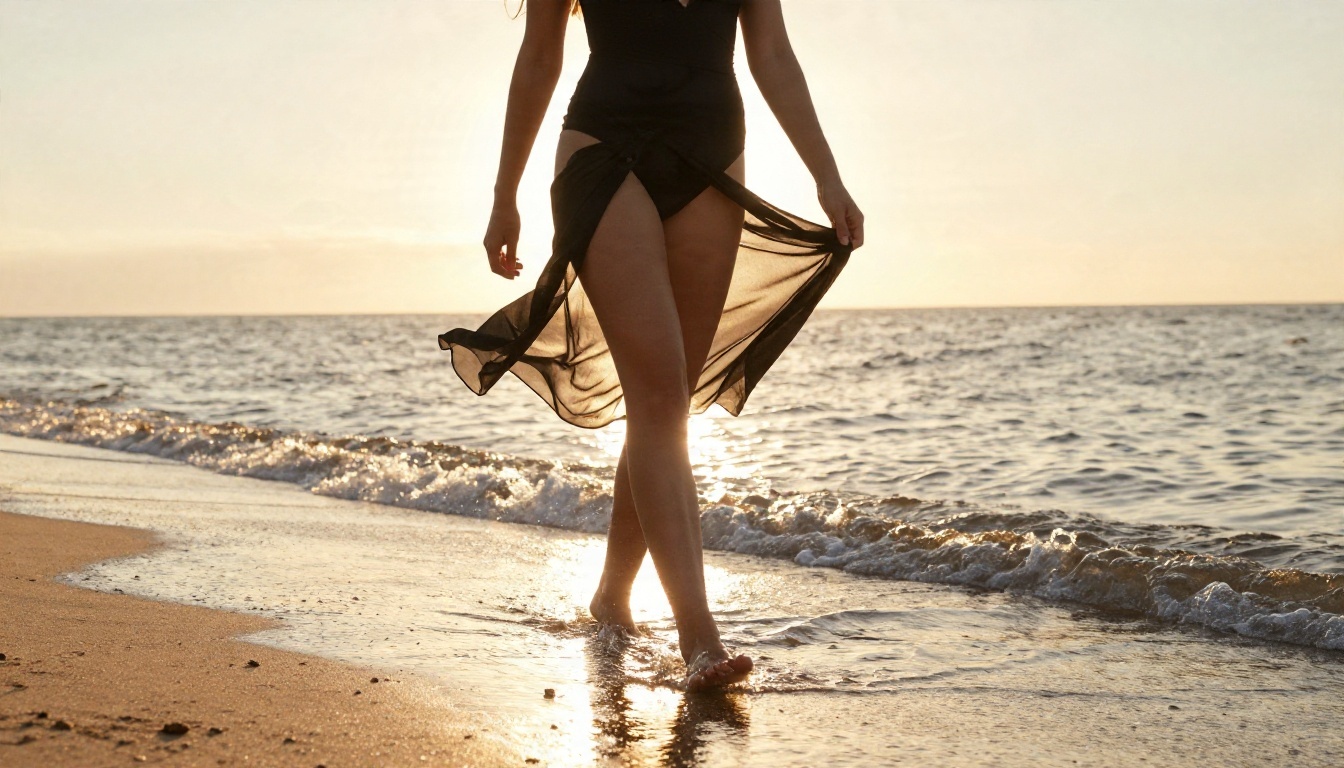
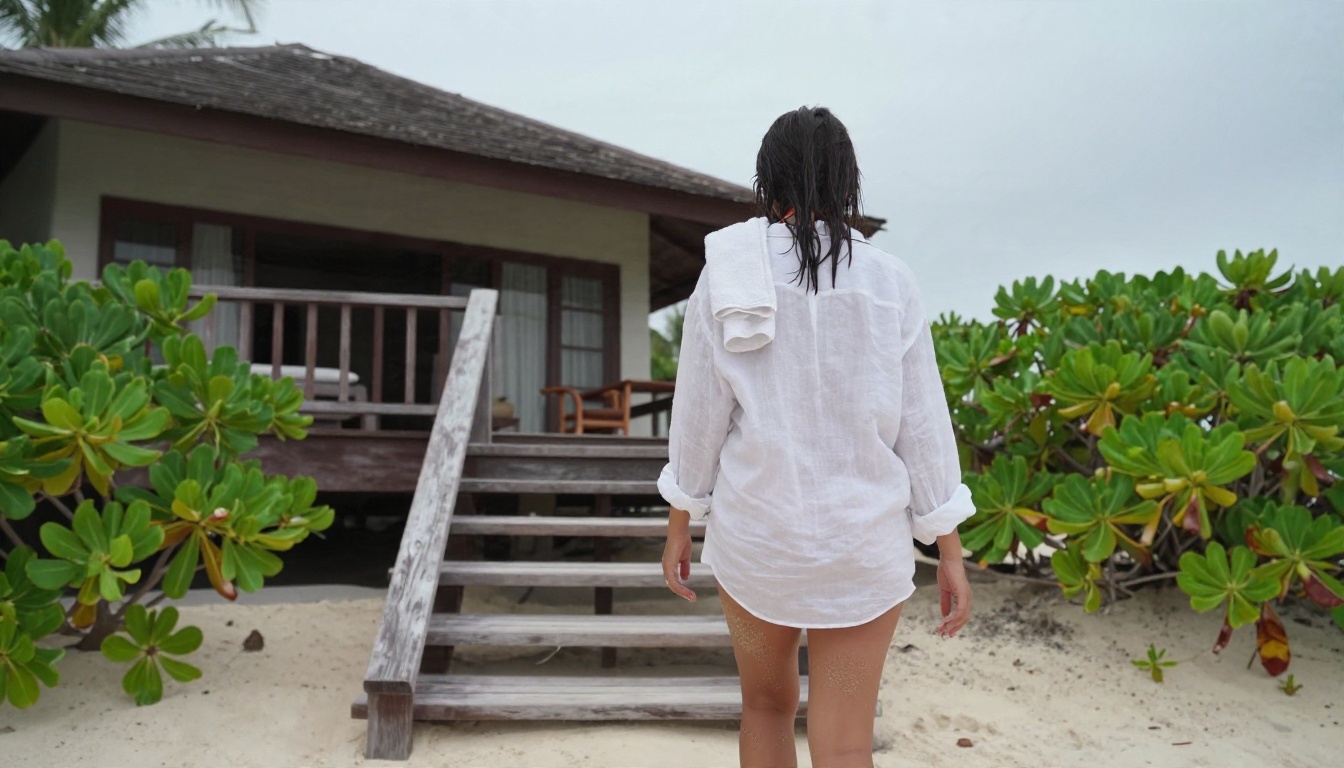
| Beach walk | "She walks along the waterline, wind lifts the sarong, waves foam around her ankles, low tracking shot, golden hour" |
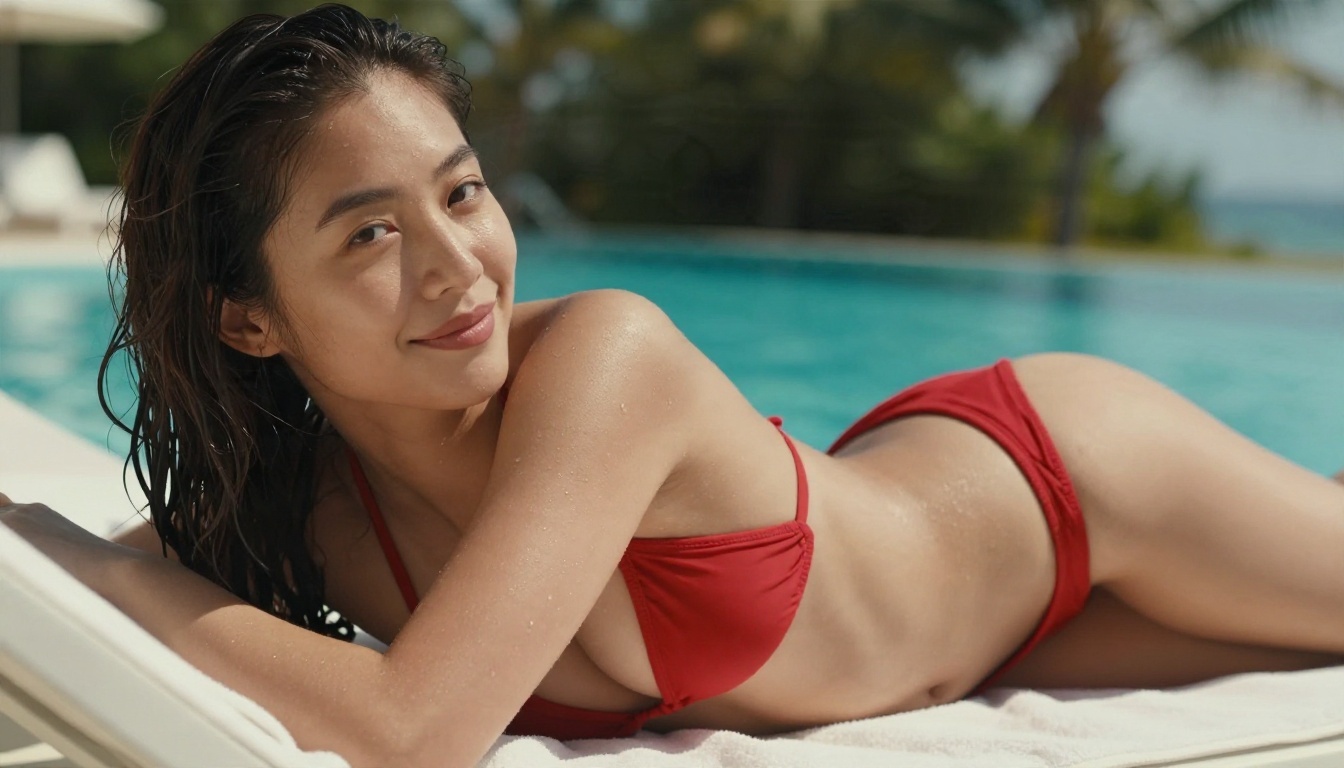
| Pool lounger | "She shifts on the lounger and glances at the lens, water droplets run down her arm, gentle handheld sway" |
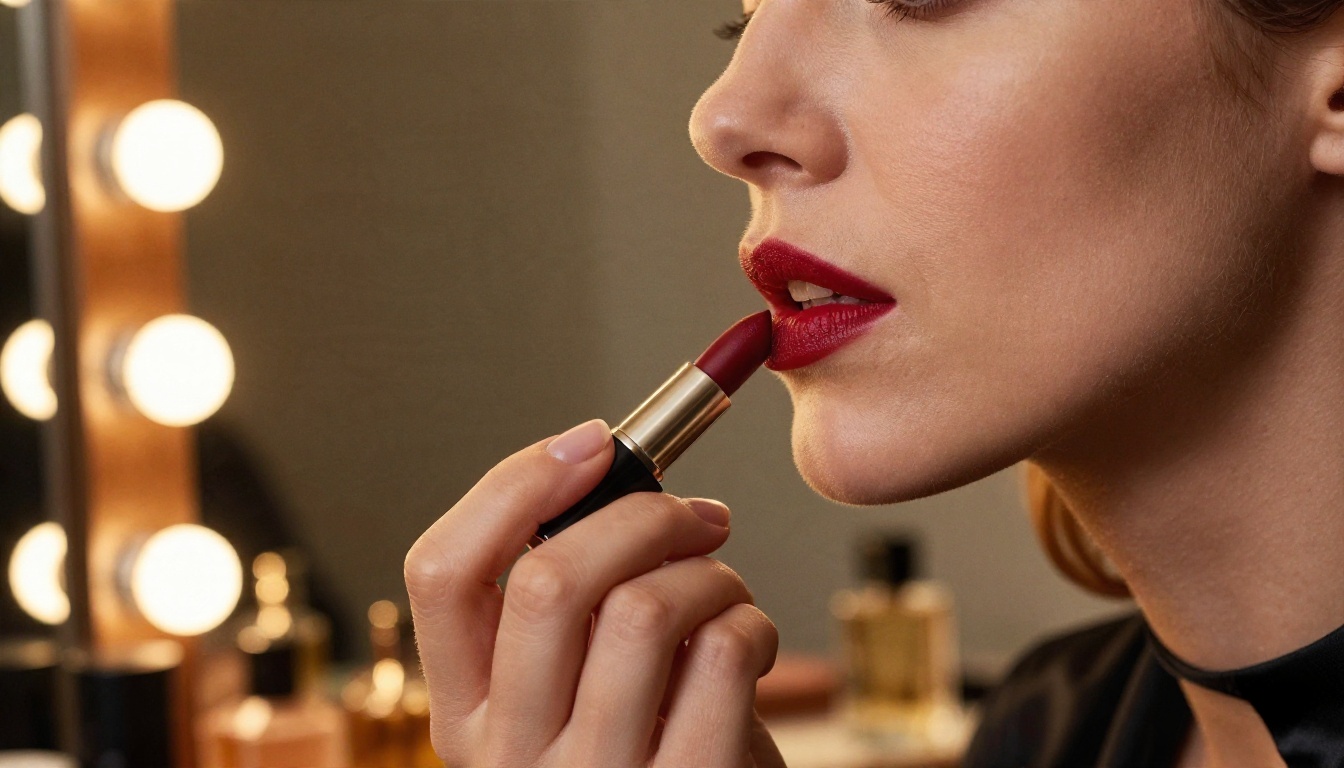
| Vanity close-up | "She applies lipstick in the mirror, bulb light flickers softly on her cheek, slow push-in" |
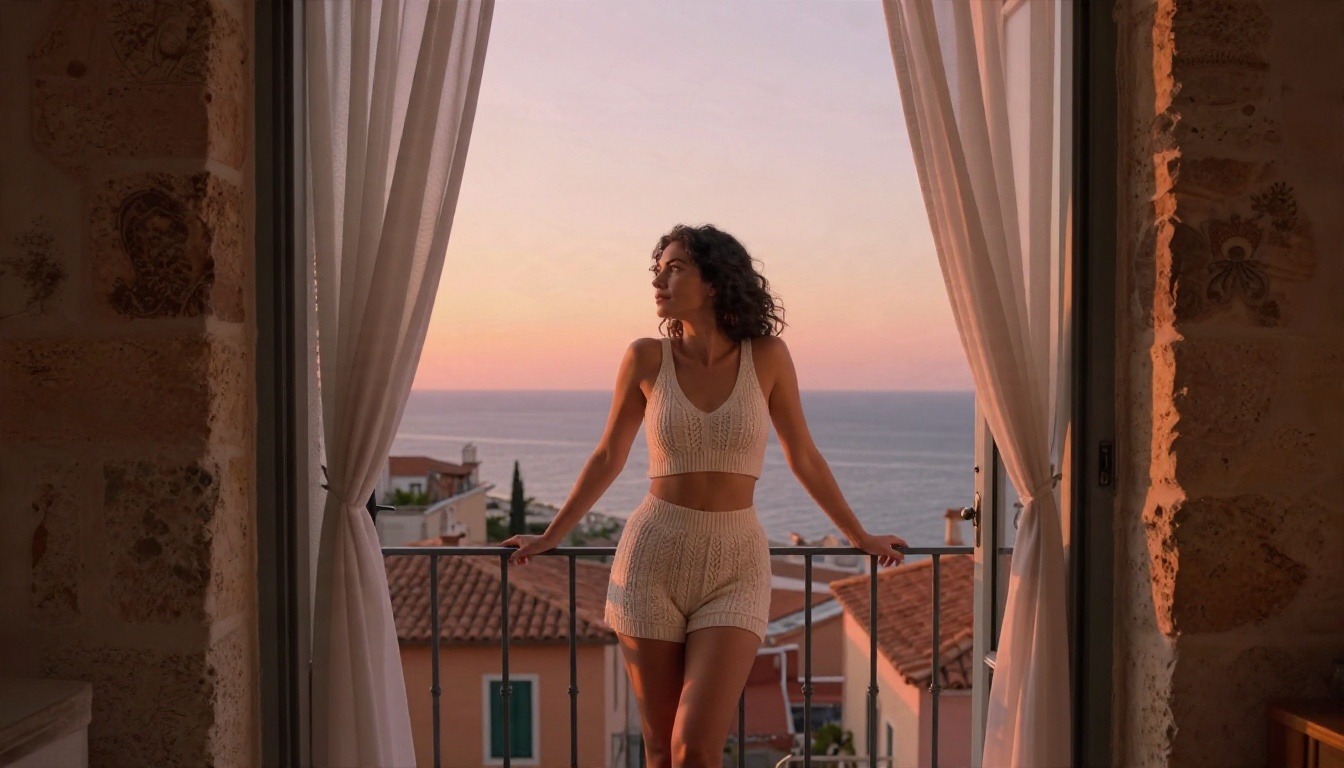
| Window curtain | "Curtains drift in the breeze, she leans against the frame and exhales, subtle rack focus to her face" |
Short, chronological sentences beat long, piled-up adjectives. One camera move per clip is plenty.
Words That Trigger Rejections
Even on relaxed hosts, a few habits cause blocked or degraded outputs:
- Naming real celebrities or public figures
- Explicit anatomical terms, which also make faces and hands worse
- Age-ambiguous words such as "teen" or "schoolgirl"
- Stacking five or six style references in one prompt
Swap those for styling words like silk, lace, wet hair, golden skin, backlit, candlelight, boudoir, resort. They steer the look without tripping filters.
Free Online Options Compared
Free Tiers and Trials
True free access to a Spicy-tier Wan 2.6 is rare. Hosts that offer a trial usually give a handful of credits that vanish after one or two clips, and those offers change without notice. Check the current terms on the host's own page. Be wary of any site that promises unlimited free uncensored 1080p video with no account, since those are often scraped front ends, ad traps or data collectors.
Pay-Per-Second API Hosts
If you are comfortable with APIs or a ComfyUI workflow, the per-second route gives you the most control. A 10 second 1080p clip at about $0.095 per second costs close to a dollar, and failed or filtered runs can still burn credits. That is cheap for one clip and expensive for the twenty tries it takes to get a good one.
| Route | Cost pattern | Control | Best for |
|---|
| Third-party Spicy API | Per second, about $0.07 to $0.095 | High, but moderation varies by host | Developers and ComfyUI users |
| Playground pages | Per clip, about $1.00 and up | Medium | Quick one-off tests |
| PicassoIA workflow | Image tools with unlimited generations, then animate | High on the image, simple on the video | Creators who want fast iteration |
How to Get Similar Results on PicassoIA

Wan 2.6 Spicy is not on PicassoIA. The platform does have the standard Wan 2.6 I2V and Wan 2.6 T2V, but those are the regular variants, not the Spicy one, so do not expect relaxed handling from them. For suggestive, non-explicit glamour work today, the strongest route starts with the image, and that is where Seedream 4.5 leads.
Step 1: Build the Source Image With Seedream 4.5
Seedream 4.5 produces sharp, photographic 4K frames with natural skin and fabric detail, which is exactly what a video model needs as a first frame.
- Open the model page and paste a prompt built with the formula above.
- Ask for a 16:9 frame so the video matches your target format.
- Describe light direction and lens in plain words ("warm light from camera left, 85mm f/1.8").
- Generate three or four variants and pick the one with the cleanest hands and face.
💡 Tip: Keep the pose simple. A subject turning her head or leaning on a frame animates far better than a twisted, complicated pose.
Step 2: Refine in Image Editor Pro
PicassoIA Image Editor Pro has unlimited generations, so this is where you iterate without watching a meter. Use it to change an outfit color, relight a face, fix a hand or swap a background. Fast, repeatable edits are the real advantage over pay-per-second hosts, because you only spend on the final animation once the frame is right.
Other image models are worth a try when you want a different look or faster drafts:
Step 3: Animate the Frame
Take the final frame to Wan 2.6 I2V for general, safe-for-work animation, or to the newer Wan 2.7 I2V if you want the latest Wan generation. Use the motion pattern table above: one subject action, one camera move, one lighting note. Expect standard moderation on these models, so keep the content to swimwear, resort and glamour styling.
Parameter tips that save credits:
| Setting | Recommendation |
|---|
| Resolution | Start at 720p, move to 1080p only for the final take |
| Duration | 5 seconds for tests, longer once the motion works |
| Prompt length | 20 to 40 words of motion, not a paragraph |
| Source image | Sharp, evenly lit, single subject, simple background |
Common Mistakes
Chasing the Label Instead of the Look
People spend hours hunting for "Wan 2.6 Spicy" when what they want is a warm, cinematic, suggestive clip. That look comes from a strong source frame, good light and gentle motion. Any capable image-to-video model gives you most of it when the first frame is right.
Skipping the Image Stage
Generating video straight from a weak prompt wastes the expensive step. Fix faces, hands and outfits in the image stage first. Repairing them after animation is nearly impossible.
Over-Describing the Motion
Prompts like "she dances, spins, laughs, flips her hair, walks forward and sits" force the model to cram too much into five seconds. You get jitter and melting limbs. Pick one action.
Trusting Unverified Claims
A bold "100% uncensored" banner is not evidence. Run a cheap test, read the terms, and assume policies can change next week.
Ignoring Consent and Age Rules
Using real people's photos without permission, or anything ambiguous about age, is the fastest way to lose an account, and it harms real people. Stick to fictional, clearly adult subjects you generated yourself.
Try It on PicassoIA Today
The simplest plan is also the cheapest: build the frame, polish it, then animate it once. Start with Seedream 4.5, refine with PicassoIA Image Editor Pro and its unlimited generations, and finish with Wan 2.6 I2V or Wan 2.7 I2V. Try the five motion prompts from the table above on your own frames and see which one fits your style.
Want more options? Browse the full lineup of image and video models at picassoia.com/en/all-models, pick a few, and run the same prompt through each. Side by side, the differences in skin, light and motion show up fast, and you will know which model deserves your next hour.


