Search for "Wan 2.7 NSFW" and you will find a pile of pages that all promise the same thing: unlimited, uncensored, free adult video from Alibaba's newest Wan release. Some of that is true. A lot of it is copy written to get you to click. This article separates the two. You will see what Wan 2.7 can really do, what "free" usually means, which prompts produce attractive, non-explicit glamour clips, and where the walls are.
I also tested the practical side: how to get a similar look today on PicassoIA, using models that have live pages and real settings you can touch.
💡 Quick answer: Wan 2.7 is a strong video model family, but no official content policy I could find says it is built for adult output. Whether a clip renders depends on the platform running it, not on the model name. Free access almost always means trial credits or daily caps.
What Wan 2.7 Actually Is
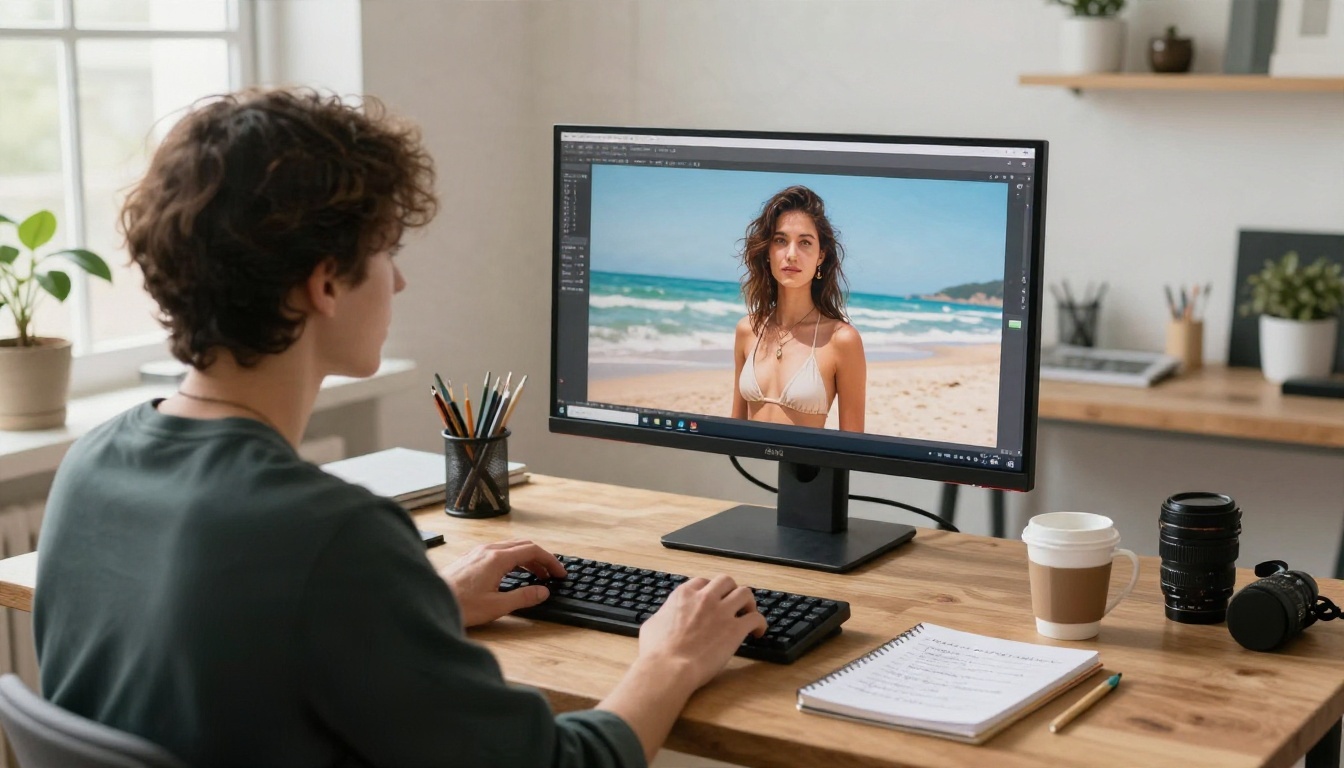
Wan is Alibaba's family of video generation models. Earlier versions (2.1, 2.2, 2.5, 2.6) became popular because they were fast, handled motion well and, in the case of some releases, shipped with open weights that other platforms could host. Version 2.7 arrived in spring 2026. Reports on the exact date disagree: some say March, others April, and the image model reportedly landed first with the video model following.
The Release in Short
Wan 2.7 is not one model but a small suite. Public descriptions mention text to video, image to video, reference to video and instruction based video editing, plus first and last frame control. Clips run from roughly 2 to 10 seconds, output goes up to 1080p, and the reference mode accepts up to seven reference images so one character can stay consistent across shots.
Four Modes, One Family
| Mode | What you give it | What you get |
|---|
| Text to video | A written prompt | A short clip from scratch |
| Image to video | One still plus a prompt | The still brought to life |
| Reference to video | Up to 7 reference images | A clip that keeps the same subject |
| Video editing | A clip plus an instruction | The same footage, changed by text |
Here is the honest availability note. The Wan 2.7 video generation model itself (the text to video and image to video modes) does not have a PicassoIA page yet, so this article does not tell you to run it there. PicassoIA does list Wan 2.7 Videoedit for editing existing clips with text, along with Wan 2.7 Image and Wan 2.7 Image Pro for stills. For generating new clips with a similar workflow, the alternatives further down are the ones to use.
Does Wan 2.7 Allow NSFW?

This is the question behind most searches, and it deserves a careful answer rather than a yes or no.
What I Could Confirm
I found no official Alibaba statement that sets a content policy for adult material in Wan 2.7. Most of the confident claims online come from sites that sell access to the model, and several of those pages contradict each other. One says the filter reads what the model generates. Another says the lack of hard coded limits comes from open weights. A third says third party hosts skip upstream restrictions entirely.
Earlier Wan releases did ship open weights. I could not confirm that for 2.7, so treat any "it is open, therefore unrestricted" claim as unverified.
Why Hosted Filters Differ
Even when a model has no strict rules inside it, the website running it adds its own. That means the same prompt can give you three different outcomes on three services:
- One service blocks the prompt before generation starts.
- One service generates the clip, then blurs or rejects it after a classifier check.
- One service lets suggestive content through but refuses explicit material.
💡 Rule of thumb: judge a service by its published terms and by a test clip, never by a landing page that says "uncensored."
Everything in this article stays at the glamour level: swimwear, silk, evening wear, backlit silhouettes. That is also the content that tends to survive filters on almost every platform.
Is It Really Free Online?

"Free" is the most stretched word in this niche. Here is how it usually breaks down.
Free Trials vs Free Forever
| Offer | What it really means | Typical catch |
|---|
| Free credits on signup | A handful of clips, once | Runs out fast at 720p or longer durations |
| Daily free quota | A few generations per day | Queues, watermarks, lower priority |
| Free tier with watermark | Unlimited but branded | Unusable for publishing |
| Open weights on your own PC | No fee per clip | Needs a strong GPU and setup time |
Video is expensive to render, so any service offering unlimited video at no cost is either throttling you or earning money elsewhere. Read the fine print before you build a workflow around it.
Where PicassoIA Fits
Stills are far cheaper to render than video, which is why the smartest low cost workflow starts with images. PicassoIA Image Editor Pro offers unlimited generations, so you can iterate on a first frame as many times as you like, and only spend video credits once the still is right. That single habit saves more money than any free trial.
Prompts That Work for Glamour Clips
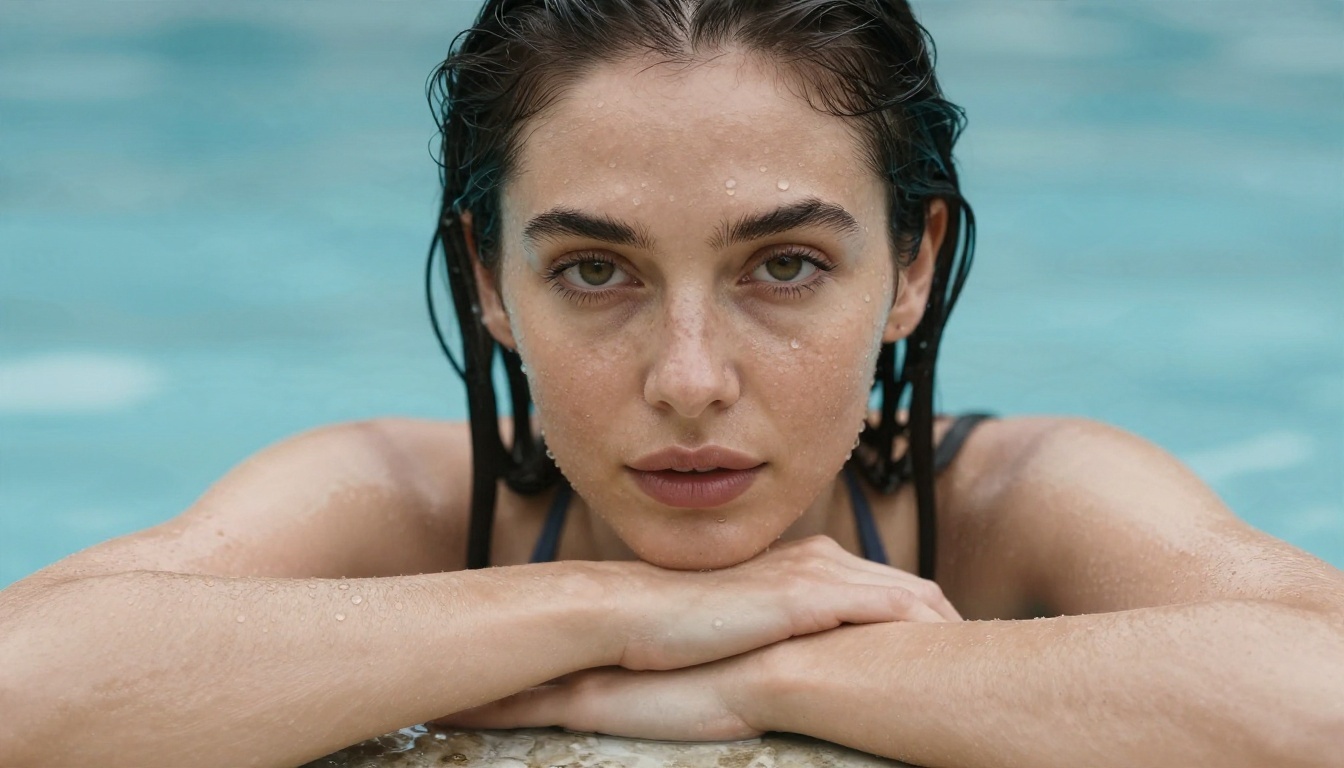
Whichever Wan version or alternative you use, video prompts follow the same logic: describe what moves, how the camera moves, and what the light does. Vague prompts like "sexy woman dancing" produce stiff, generic motion.
The Five Part Formula
- Subject and starting pose: who is in frame and what they are doing at second zero.
- Action over time: one clear movement, not five.
- Camera movement: slow dolly in, gentle pan, handheld drift, static tripod.
- Light and atmosphere: golden hour, window light, overcast softness.
- Texture cues: fabric, water, skin sheen, wind.
Keep it to one action per clip. A five second video cannot hold a walk, a turn, a laugh and a camera orbit.
Ready to Copy Prompts
Use these as starting points. Each one stays tasteful and works for image to video.
| Scene | Prompt |
|---|
| Pool edge | A woman in an ivory swimsuit stands at an infinity pool, turns her head toward the camera and smiles. Slow dolly in. Warm golden hour light, water ripples behind her, a light breeze moves her hair. |
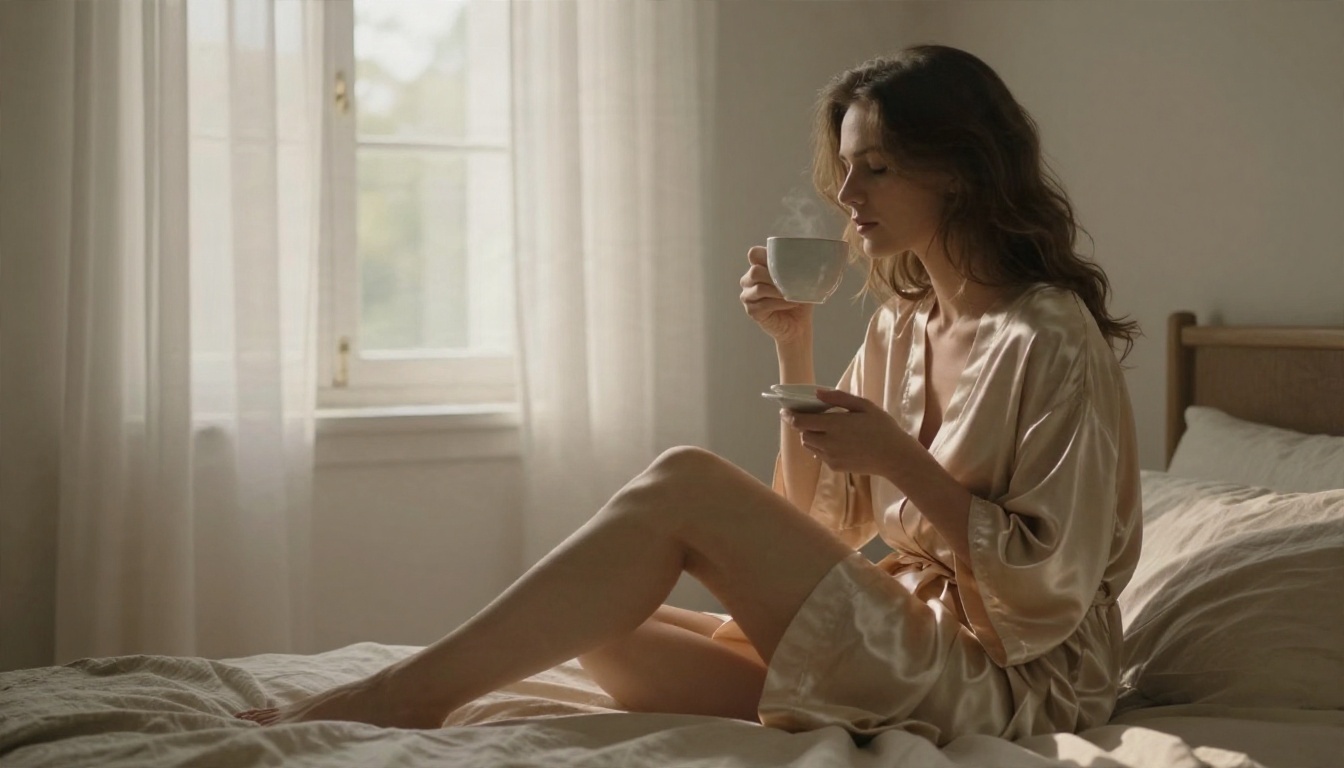
| Silk robe | A woman in a champagne silk robe lifts a coffee cup, sheer curtains drift in a morning breeze. Static camera, soft window light, visible fabric sheen. |
| Beach sunrise | A woman in a white bikini and sheer sarong walks along wet sand, foam washing around her ankles. Gentle tracking shot from the side, pink and gold sky. |
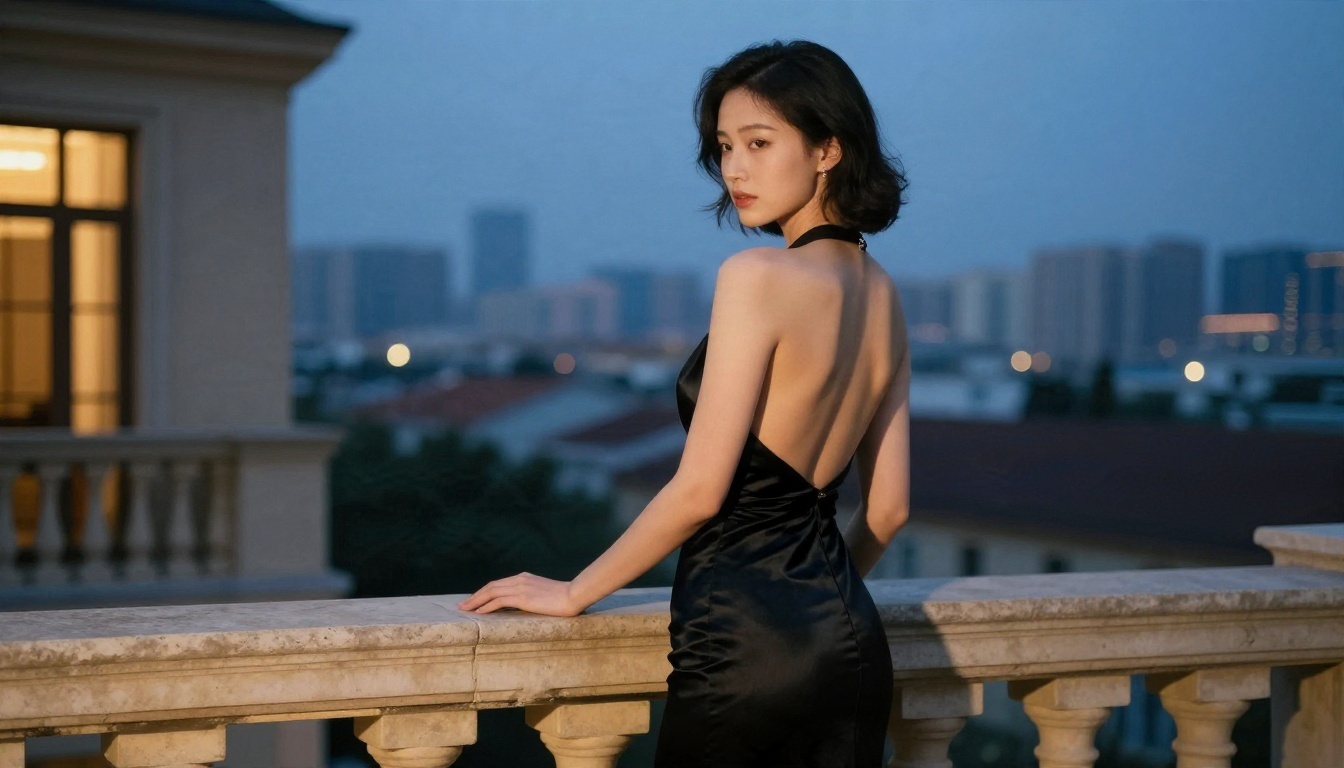
| Balcony dusk | A woman in a black satin evening dress rests a hand on a stone railing and looks out at the city. Slow push in, warm room light on her shoulders, blue hour sky. |
Camera Moves That Behave
Some moves are far more reliable than others in short clips.
- Reliable: slow dolly in, slow dolly out, gentle pan, static shot with subject motion.
- Hit and miss: fast orbit, whip pan, handheld shake.
- Avoid: cuts and scene changes inside a 5 second clip unless the model has a dedicated multi shot mode.
The Real Limits
Every AI video model has the same weak spots. Wan 2.7 improves several of them, but none disappear.
Length and Resolution
Clips are short. Expect about 2 to 10 seconds per generation and up to 1080p. Longer sequences mean stitching clips together, and that is where consistency problems begin. Higher resolution and longer duration both cost more credits, so test at the lowest setting first.
Consistency and Hands
- Faces drift between clips unless you use a reference mode or start every clip from the same still.
- Hands and jewelry warp during fast movement.
- Fabric and hair physics look best with gentle wind, worst with violent motion.
- Text on clothing or signs is unreliable, so leave it out.
Moderation Walls
Even on permissive services, expect limits you cannot prompt around:
- No content involving minors, ever. Every legitimate platform blocks it, and so should you.
- No real people without their consent. Do not use a real person's photo as a first frame.
- No explicit material on most hosted tools, and none in this article.
- Regional and payment processor rules, which shape what hosts allow.
💡 Use only adult, fictional or properly consented subjects. That keeps your account safe and your work publishable.
How to Get Similar Results on PicassoIA
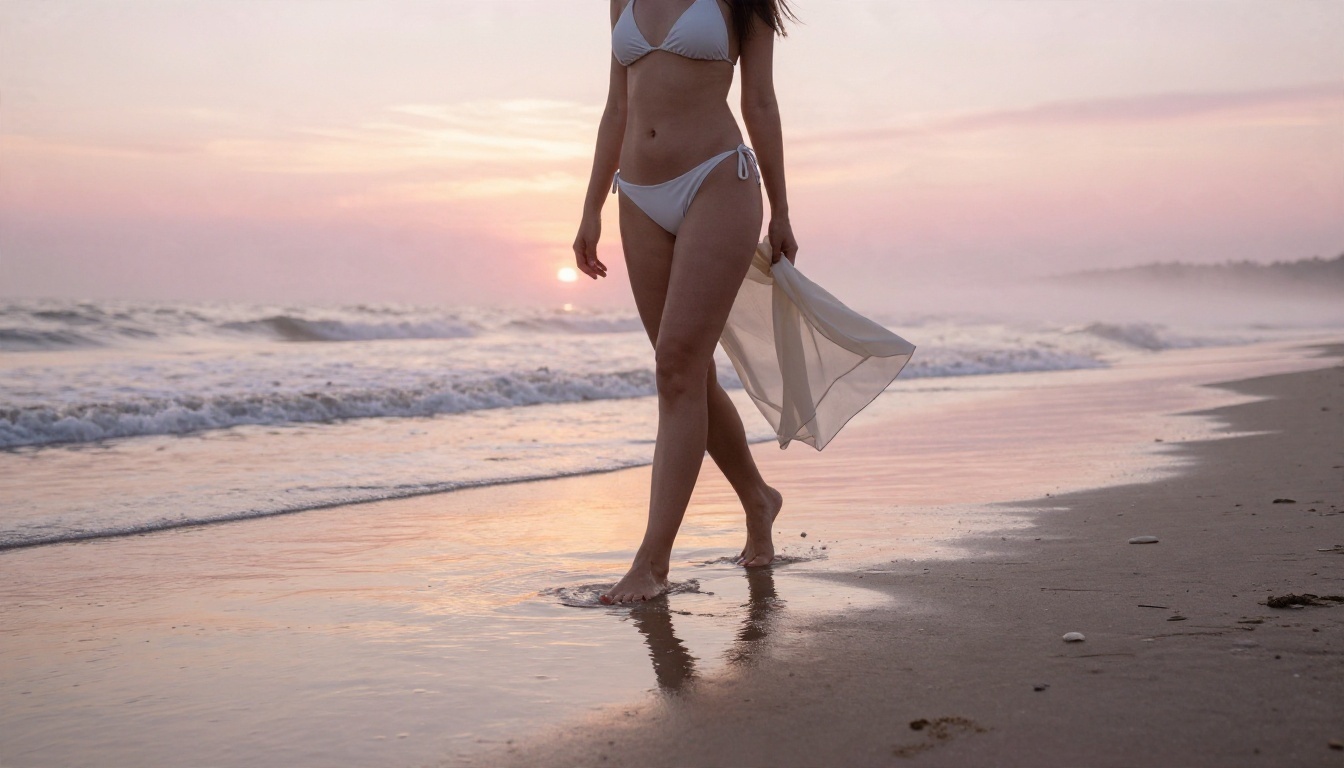
Since Wan 2.7 video is not on PicassoIA yet, here is a workflow that gets you the same kind of result today. It starts with Seedream 4.5 for the first frame, polishes it in Image Editor Pro, then animates it with Wan 2.6 I2V, an earlier Wan release that is on the platform.
Step 1: Build the Still in Seedream 4.5
Open Seedream 4.5 and write a photographic prompt: subject, outfit, setting, light, lens. For example: "A woman in an ivory swimsuit and open linen shirt at an infinity pool, golden hour, 85mm lens, shallow depth of field, natural skin texture, Kodak Portra 400 look."
Parameter tips:
- Size: start at 2K. Use 4K only for the final frame.
- Aspect ratio: 16:9 for landscape clips, 9:16 for vertical social video.
- Max images: turn on sequential generation and ask for several variations at once.
- Safety checker: the model has a setting that relaxes input moderation so that only illegal content is blocked. Use it responsibly, and keep your work to adult, fictional subjects.
Step 2: Polish in Image Editor Pro
Take your best still into PicassoIA Image Editor Pro. Because generations are unlimited, this is the place to fix small flaws: a stray strap, a hand with an odd finger, a background that is too busy. A clean first frame is the single biggest factor in how good the video looks.
Step 3: Animate with Wan 2.6 I2V
Now open Wan 2.6 I2V, upload the still and paste a motion prompt from the table above.
| Setting | Recommended value | Why |
|---|
| Resolution | 720p for tests, 1080p for finals | Saves credits while you iterate |
| Duration | 5 seconds | Best motion quality, lowest cost |
| Prompt expansion | On | Adds useful motion detail to short prompts |
| Multi shots | Off for one clean take | Turn on only if you want cuts |
| Negative prompt | "blurry, distorted hands, text, watermark" | Cuts common artifacts |
| Seed | Fix it once a clip works | Lets you reproduce and tweak |
| Audio | Optional WAV or MP3 | Syncs music or voice to the clip |
The model accepts durations of 5, 10 or 15 seconds, and a fixed seed lets you change only the prompt wording while keeping the same base motion.
Alternatives Worth Trying Today
Wan 2.7 is not the only route. These models are on PicassoIA now, and each one fits a different part of the pipeline.
Which One to Pick
- Want the cheapest iteration loop? Image Editor Pro for stills, then one video render.
- Want the closest feel to Wan? Wan 2.6 I2V, since it is the same family.
- Want fast drafts? LTX 2.5 Fast.
- Already have a clip and want to change the outfit, color or setting? Wan 2.7 Videoedit.
Seedream 5 Lite is a poor fit for this kind of work because it blocks adult content, so skip it for glamour or swimwear projects.
Make Your Own Clips Today
The takeaway is simple. Wan 2.7 is a capable model, but "NSFW" and "free" are claims about platforms, not about the model. Check terms, run a test clip, and build a workflow that does not depend on any single filter staying the same.
Here is a plan that works right now:
- Generate five or six stills in Seedream 4.5.
- Refine your favorite in PicassoIA Image Editor Pro with as many unlimited generations as you need.
- Animate it in Wan 2.6 I2V with one of the prompts above.
- Adjust the wording, keep the seed, and render the final at 1080p.
That takes minutes, not hours, and you control the look from the first frame to the last. Browse every available model at picassoia.com/en/all-models, pick a prompt from the table, and make your first clip today.


