Type "Wan 2.7 porn" into a search bar and you get a wall of confident claims, half of them contradicting the other half. One page says the model has no filter at all. The next says every frame gets scanned before you see it. Both can be true, depending on where you run the model, and that gap is exactly what this article sorts out.
Here is the short version: Wan 2.7 is a video model from Alibaba's Wan family, and whether it blocks adult prompts depends mostly on the host, not on the name. Below you will find how the filtering layers work, what free limits usually look like, and which alternatives on PicassoIA give you sharp, suggestive, photorealistic results without the usual refusals.
💡 Quick note on scope: this article is about adult, consenting, fictional subjects and glamour style imagery (swimwear, lingerie, boudoir, fashion editorial). Nothing here covers explicit content, real people without consent, or anyone under 18.
What Wan 2.7 Actually Is
Wan is a family of video and image generation models released by Alibaba. Earlier versions such as Wan 2.1 and 2.2 gained a big following because the weights were opened up, which meant developers could run them on their own hardware. Later releases moved toward hosted access, and the 2.7 generation sits in that newer wave.
Open Weights vs Hosted Services
This distinction explains most of the confusion online.
- Open weights: the raw model file. If you run it yourself, there is no moderation layer unless you add one.
- Hosted service: a website or API that runs the model for you. The host decides what prompts get through, and almost every large host adds a filter.
So when someone says "Wan is uncensored," they usually mean the weights were open in an earlier version. When someone says "Wan blocked my prompt," they were using a hosted service with its own rules. Both people are describing real experiences.
Why People Search This Exact Phrase
Three reasons keep showing up. Creators want to make glamour or boudoir style clips without being refused over a bikini. Others hit a vague "content policy" error and want to know if it is the model or the platform. And a large group simply wants to know whether a free tier exists before they commit to anything.
Is Wan 2.7 Censored?
Honest answer: it depends on the host, and I could not confirm a single universal rule. My research turned up mostly promotional pages from platforms that sell access to these models, and those pages contradict each other. One says a two stage filter checks prompts and then output frames. Another says there is no filter at all. I would not trust either claim without testing it yourself.
Where Filters Usually Live
Moderation on any video model can happen in three places:
- Prompt check: your text is scanned before anything is generated.
- Image check: for image-to-video, your uploaded start frame is scanned.
- Output check: the finished frames are scanned before delivery.
A host can use one, two or all three. That is why the same prompt can pass on one site and fail on another, even though both run the "same" model.
What I Could and Could Not Confirm
| Claim | Status |
|---|
| Wan is an Alibaba model family | Confirmed |
| Earlier Wan versions had open weights | Confirmed |
| Hosted platforms add their own filters | Common practice, varies by host |
| Wan 2.7 has one fixed NSFW policy everywhere | Not confirmed |
| Exact free limits for Wan 2.7 on every platform | Not confirmed |
If a site promises "100% uncensored Wan 2.7," treat that as a marketing line until you have run your own test with a harmless borderline prompt.
Why Results Differ So Much
Even on the same host, outcomes shift. A prompt that says "woman in a bikini on a beach" is rarely blocked. A prompt packed with explicit terms is blocked almost everywhere that runs a filter. The middle ground, suggestive but not explicit, is where hosts disagree the most, and it is also where most useful glamour work lives.
What Free Limits Look Like
People often ask whether Wan 2.7 is free. The model itself is not a product you "buy." What you pay for is compute, and video is expensive compute. That is why free access is usually thin.
Daily Caps and Queues
On most platforms, free video generation comes with a small number of generations per day, or a one-time batch of trial credits. Free users also tend to wait longer, because paid jobs jump the queue. Exact numbers change often, and I could not verify current figures for Wan 2.7 on any specific host, so check the pricing page before you plan a project around it.
Watermarks and Resolution
Free tiers commonly add a watermark, lower the output resolution, or shorten clip length. A 5 second clip at a modest resolution can be fine for testing a prompt, but it rarely works for publishing.
The Real Cost of a "Free" Tier
Free is not free if you burn an hour retrying prompts that keep getting refused. For adult-leaning work, the hidden cost is refusals: every blocked prompt can still eat a credit. A tool with generous or unlimited generation can be cheaper in practice than a "free" video model with strict caps.
💡 Tip: build your look in still images first, where iteration is cheap, and only spend video credits on the shot you are sure about.
Uncensored Alternatives That Work Today
Wan 2.7 video generation is not on PicassoIA yet. For similar results today, these are the tools to start with. They are image models, which is the fastest way to get a polished glamour look, and they are strong at the skin texture, fabric and lighting that make a still feel photographic.
Seedream 4.5 for Sharp Detail
Seedream 4.5 is the first model I would reach for. It outputs 2K or 4K images, accepts up to 14 reference images, and can produce batches of related shots in one run. Its settings include an option that relaxes input moderation so that only illegal content is blocked, which is why it handles swimwear, lingerie and boudoir prompts without constant refusals. Skin detail, fabric sheen and lighting are where it shines.
PicassoIA Image Editor Pro for Unlimited Edits
PicassoIA Image Editor Pro is built for editing a photo with a text prompt, and it has no per-edit cap and no daily quota. That matters for glamour work, where you rarely nail the outfit, pose or lighting on the first try. Swap a dress, change the background, fix a hand, then do it again. You can supply up to three reference images and address each one by name in the prompt, and most edits finish in seconds.
P Image Edit and P Image Edit LoRA
P Image Edit is a very fast editor that handles quick changes in well under a few seconds, which suits rapid trial and error. P Image Edit LoRA adds LoRA style control, useful when you want a consistent look across a series of images.
Side by Side
How to Get Similar Results on PicassoIA
Since the Wan 2.7 video model itself is not on PicassoIA, the most practical route is Seedream 4.5, then PicassoIA Image Editor Pro for polish.
Step by Step With Seedream 4.5
- Open the Seedream 4.5 page.
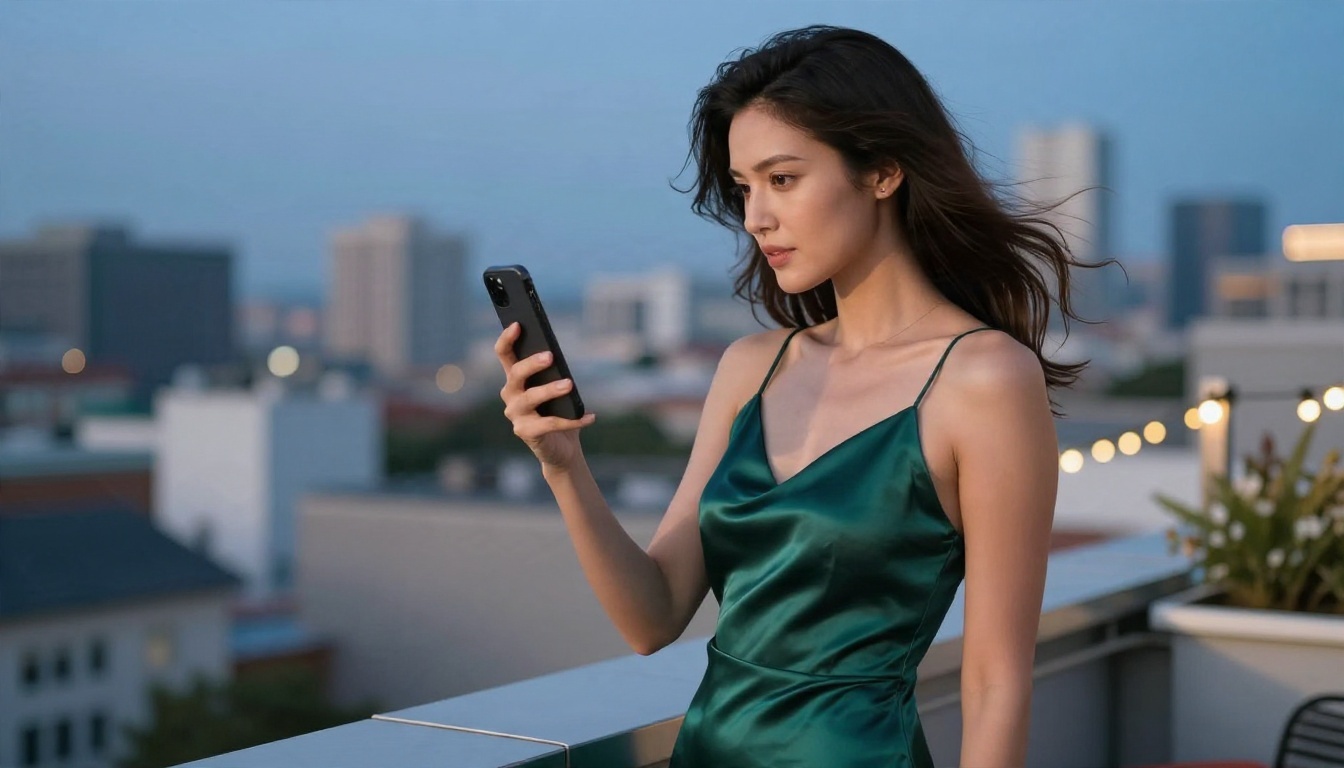
- Write a prompt that names the subject, outfit, setting, light direction and lens. For example: "adult woman in an emerald satin slip dress on a rooftop at dusk, side profile, 70mm f/2, warm string lights, natural skin texture, film grain."
- Set size to 2K for drafts and 4K for finals.
- Set aspect_ratio to 16:9 for video-style frames, or 9:16 for vertical social posts.
- Generate, pick your favorite, then refine the prompt rather than rewriting it from scratch.
Parameter Tips That Matter
- sequential_image_generation = auto with max_images between 4 and 8 gives you a set of related variations in one run, handy for picking a best frame.
- image_input accepts 1 to 14 references. Add a previous result to keep the same face, outfit or mood.
- Keep prompts under the 4,000 character limit, but you rarely need more than 80 to 120 words.
- Describe light and lens, not just the subject. "Soft window light from the left, 85mm f/1.8" does more than "beautiful, high quality."
Polishing With Image Editor Pro
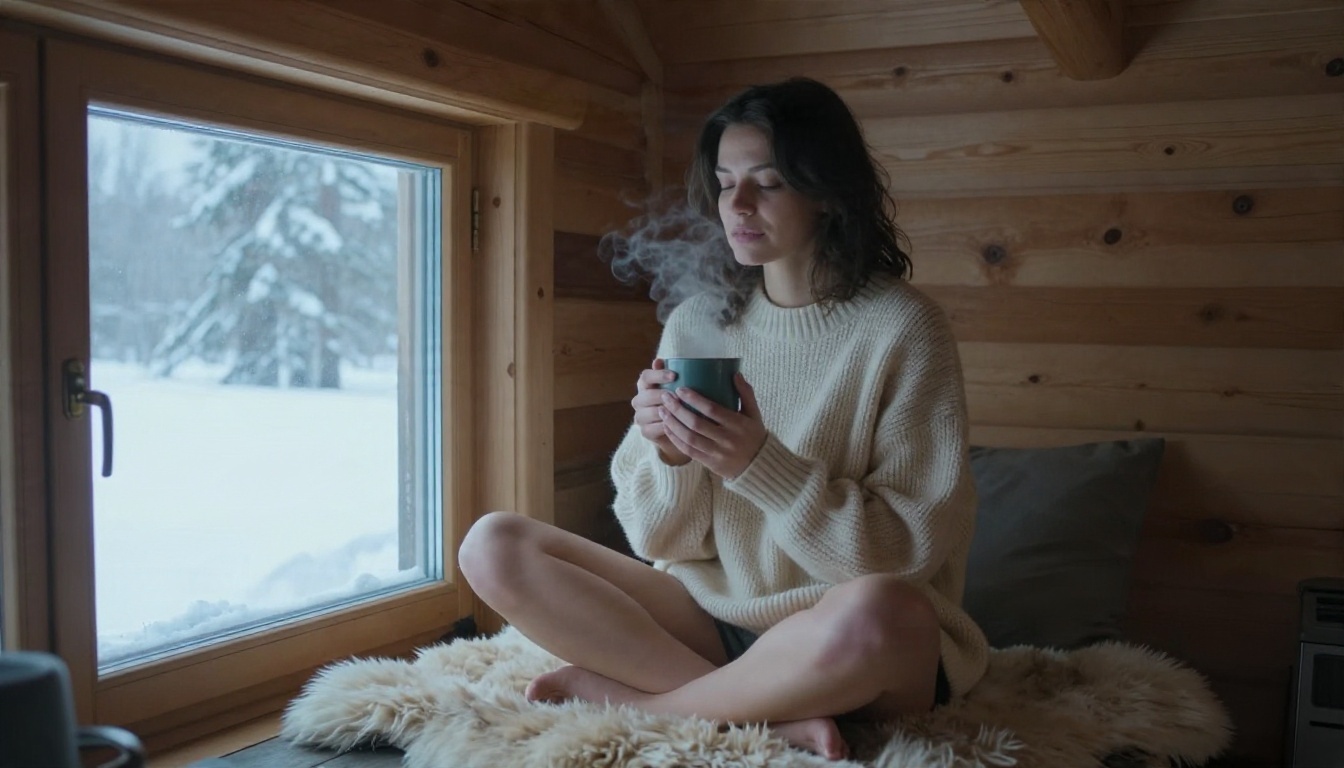
Take your best Seedream frame into Image Editor Pro and run targeted edits: change the color of a dress, soften a harsh shadow, move the scene from indoors to a beach, or adjust the pose. Because there is no daily limit, you can try ten versions of the same idea and keep the best one.
💡 Tip: give each edit one job. "Change the dress to deep red satin" works better than a paragraph with five changes.
Adding Motion Without a Filter Fight
Video is where most people hit walls, so here is a calmer workflow.
Build the Still First
A strong still image is 80 percent of a good clip. Lock down the face, lighting and outfit with Seedream 4.5 and Image Editor Pro, then animate only the final frame. This saves credits and cuts the number of times a video filter can trip you up.
Wan Models That Are on PicassoIA
The Wan family does have several pages here, just not the Wan 2.7 video generator. Wan 2.7 Image creates 2K images, Wan 2.7 Image Pro goes up to 4K, and Wan 2.7 Videoedit edits existing videos with text. For turning a photo into a clip, Wan 2.6 I2V and Wan 2.6 I2V Flash are older, available options. I have not verified how any of these treat adult prompts, so run a small test first and do not assume they behave like Seedream 4.5.
Prompts That Look Like Photography
The most common mistake is writing prompts like a tag list. Photoreal results come from describing a photograph.
A Prompt Formula That Works
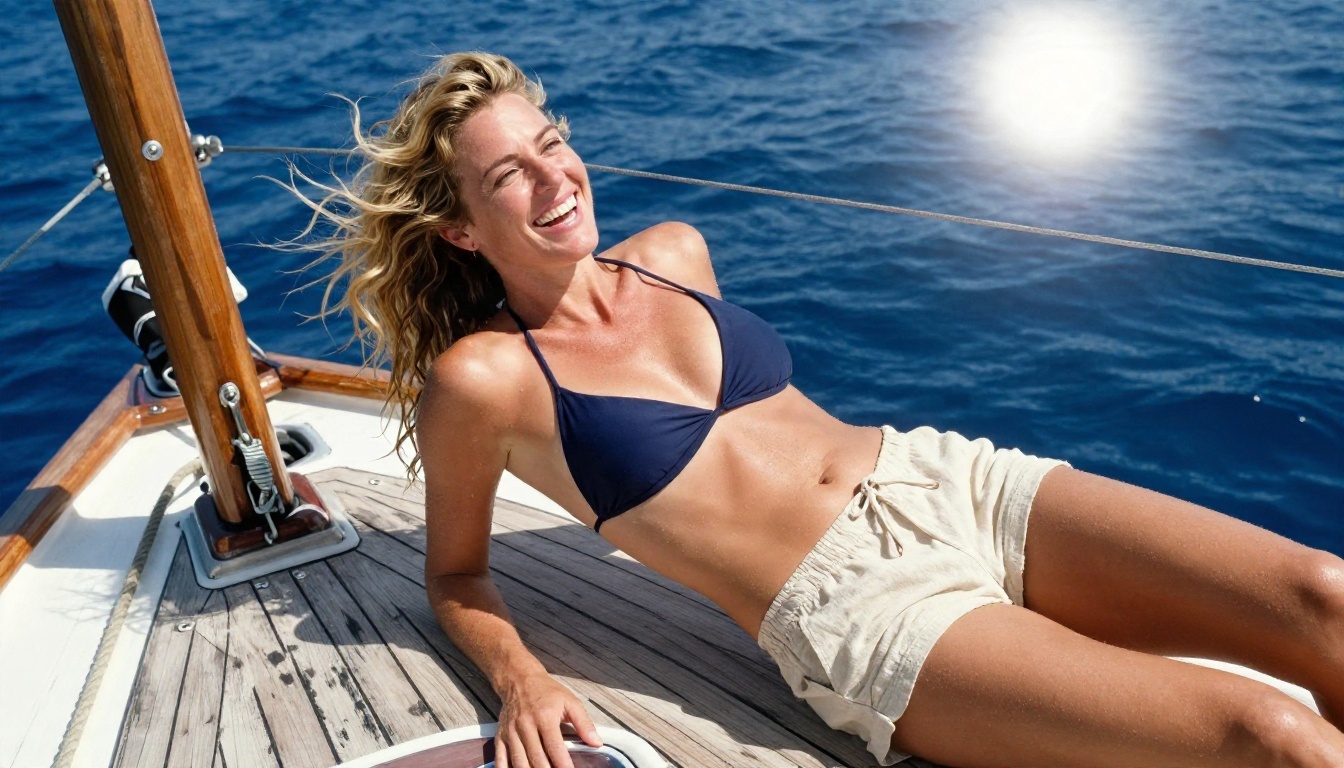
Use this order: subject and pose, environment, light direction, camera and lens, texture details. For example: "adult woman in a navy bikini top laughing on a wooden sailboat, deep blue sea behind her, bright sun from behind, 35mm lens, salt spray on skin, weathered teak, Kodak Portra 400 grain."
Three Common Mistakes
- Stacking adjectives like "stunning, gorgeous, perfect." They add nothing the model can use.
- Ignoring light. Without a light direction, images look flat and artificial.
- Skipping texture. Pores, fabric weave and grain are what tell the eye "this is a photo."
Rules That Keep You Safe
Uncensored does not mean unlimited in every sense. A few lines are worth holding.

Adults and Consent Only
Create fictional adult subjects. Never generate sexual or suggestive content of a real person without their consent, and never of anyone under 18. This is not a gray area, and every serious platform, including this one, treats it as a hard limit.
Read the Host's Terms
Each platform has its own rules on adult content, commercial use and where you may publish results. If you plan to post on social networks, check their policies as well, since most restrict explicit material even when the generator allows it. Suggestive, non-explicit glamour is the safest place to publish.
Your Next Step
Wan 2.7 may or may not block your prompt, and the only reliable answer comes from testing on the host you plan to use. If you would rather skip the guessing, start with Seedream 4.5 to generate a sharp glamour frame, then refine it with PicassoIA Image Editor Pro, where edits are unlimited and quick.
Open Picasso IA, write one prompt using the formula above, and see how far a single afternoon of iteration gets you. When you want more options, browse every available model at picassoia.com/en/all-models.


