You have a great still photo, and you want it to move: hair lifting in the wind, a slow camera push, a glance toward the lens. That is the exact job Wan 2.7 Spicy was built for. It is an image-to-video model in the Wan family, and it has become one of the more talked-about picks for glamour, swimwear and fashion clips since it started showing up on hosting platforms in spring 2026.
The catch is access. Wan 2.7 Spicy is sold through third-party API platforms, prices vary a lot, and "free" usually means a small trial balance at best. This article gives you the real picture: what the model does, what it costs, how to write prompts for it, what good source images look like, and which tools on PicassoIA give you similar results without a per-clip bill.
💡 Quick answer: Wan 2.7 Spicy is not on PicassoIA. For similar image-to-video results today, use Wan 2.6 I2V or the free and unlimited Seedance 2.5 Lite.
What Wan 2.7 Spicy Actually Is
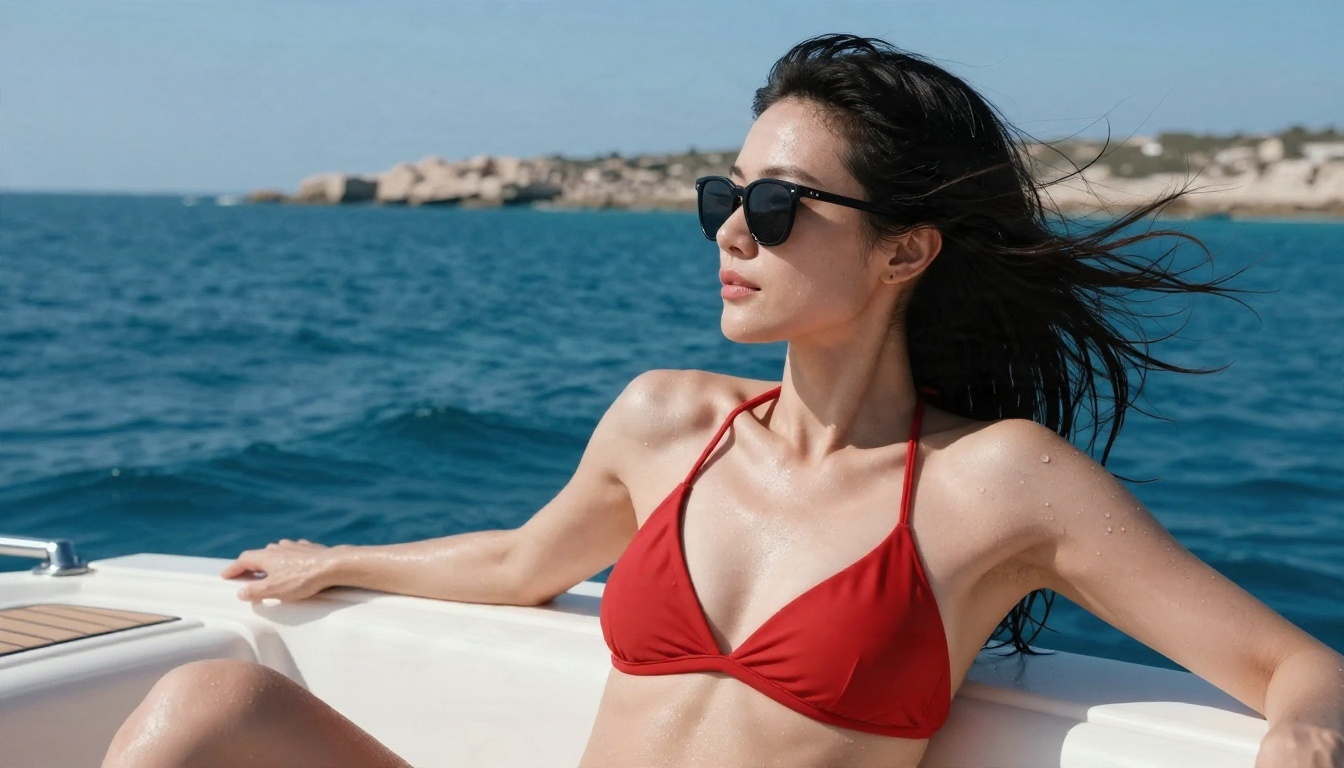
Wan 2.7 Spicy takes one image and a text prompt, then returns a short video that keeps the subject, outfit and setting of your still. The "Spicy" label marks a looser, more expressive variant of the base Wan 2.7 image-to-video model. Think bolder motion, higher contrast styling and more dramatic camera moves, aimed at glamour and adult-leaning creative work that stays on the suggestive side.
Where it sits in the Wan family
Wan is Alibaba's video model line. Wan 2.6 brought stronger motion and sound handling, and Wan 2.7 pushed quality further with better prompt following and cleaner faces. The Spicy variant is offered by hosting platforms such as Atlas Cloud, WaveSpeed and Muapi as an API endpoint. A newer Wan 3.0 Spicy line has also appeared on some catalogs, with text-to-video and reference-to-video on top of image-to-video.
I could not find an official Alibaba model card for the Spicy variant. Most details come from the hosts that sell it, so treat specs and prices as platform claims, not guarantees.
What you get from the model
Based on what the hosting platforms list:
- Input: one still image plus a text prompt
- Output: a short clip, typically in 720p or 1080p
- Audio: optional audio guidance, not a default soundtrack
- Framing: single-shot or multi-shot sequences on some hosts
- Motion style: dramatic camera moves, strong contrast, expressive body motion
The model is strongest when your first frame is already well lit and well composed. It adds motion. It does not rescue a muddy photo.
Free Online Access: The Honest Answer
Let me save you some searching. I did not find an official free tier for Wan 2.7 Spicy. Some hosts give new accounts a small credit balance, but those offers change often, and I cannot confirm any of them are active today.
What it costs on hosting platforms
| Platform type | Reported price | Notes |
|---|
| WaveSpeed | From about $0.50 per run | 1080p is billed at roughly 1.5 times the 720p rate |
| Muapi | Roughly $1.00 to $4.50 per generation | 720p and 1080p options |
| Atlas Cloud | Pay per use API | Listed as an image-to-video endpoint |
| Creator apps | Credit based | One app announced support on May 21, 2026 |
Prices shift, so check each host before you commit. At $1 to $4 per clip, a session of 30 test generations gets expensive fast. That matters because glamour clips usually need several attempts before the motion looks natural.
Free options that work today
If your real goal is "animate a glamour still without paying per clip," you have better routes:
- Seedance 2.5 Lite is free and unlimited on PicassoIA, with clips up to 10 seconds.
- Wan 2.6 I2V animates any photo and sits in the same Wan family as the Spicy model.
- Wan 2.6 I2V Flash is the faster pick when you want quick drafts.
Wan 2.7 Spicy is not on PicassoIA yet. The options above are the closest matches available now.
Prompts That Work for Spicy Clips
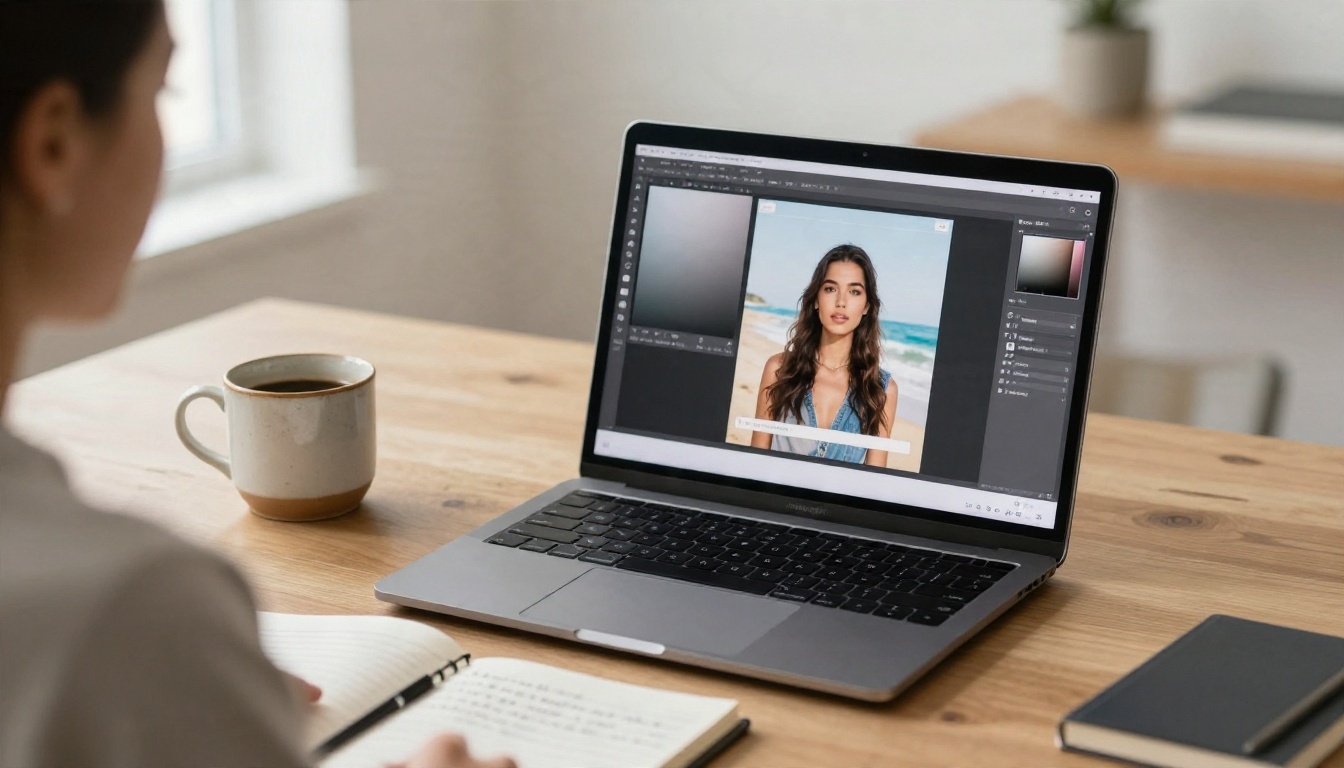
Image-to-video prompts are different from text-to-image prompts. The image already says who, what and where. Your prompt only has to say what moves and how the camera behaves. Repeating the outfit and background wastes words and sometimes pushes the model to redraw things you wanted to keep.
A simple prompt formula
Use this order:
Subject motion + secondary motion + camera move + light and mood
For example: "She slowly turns her head toward the camera and smiles, hair drifting in a light breeze, slow dolly-in at eye level, warm golden sunlight, soft film look."
Keep it to one or two sentences. One clear action beats five competing ones.
Five prompts to copy
Replace the details to match your own still.
- Poolside: "She rises from the water and pushes her wet hair back with one hand, droplets sliding down her shoulder, slow upward tilt, bright midday sun, sparkling highlights."
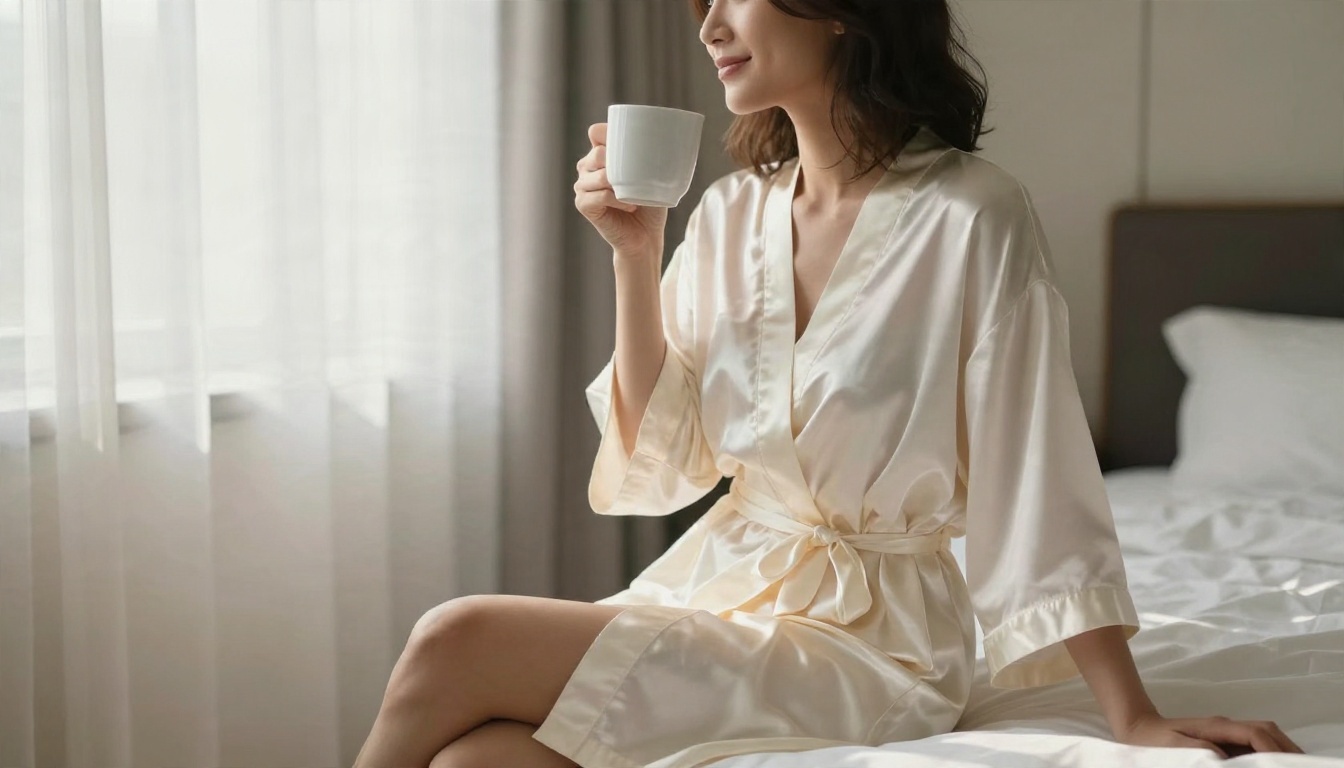
- Morning room: "She lifts a coffee cup, glances out the window, then looks back with a calm smile, curtains moving gently, soft handheld drift, warm morning haze."
- Beach walk: "She walks along the shoreline as foam rolls around her ankles, hair swaying, high camera slowly descending, pink sunrise light."
- Rooftop dusk: "She leans on the railing, wind moving her dress and hair, a slow orbit around her, city lights flickering in the background, blue hour glow."
- Studio portrait: "She shifts her weight, tilts her chin, and holds a confident look, fabric rippling slightly, locked-off camera with a subtle push-in, soft key light from the left."
Mistakes that waste credits
- Too many actions. "She dances, spins, waves and jumps" produces mush. Pick one.
- Fighting the photo. Asking for a night scene when your still is sunlit makes the model guess.
- Ignoring the camera. If you do not name a camera move, you often get a static clip.
- Tiny faces. Wide shots where the face is small tend to drift. Use medium or close framing for expressive motion.
- Skipping drafts. Test at 720p first. Only upscale or re-render at 1080p when the motion is right.
💡 Tip: Write the motion as if you were directing a real model on set. "Turn slowly," "glance away," "exhale" work better than abstract words like "sexy" or "dramatic."
Examples: Source Stills and Motion
A good Spicy clip starts with a good still. Below are the kinds of first frames that work well, with the motion I would ask for in each.
Beach and water scenes
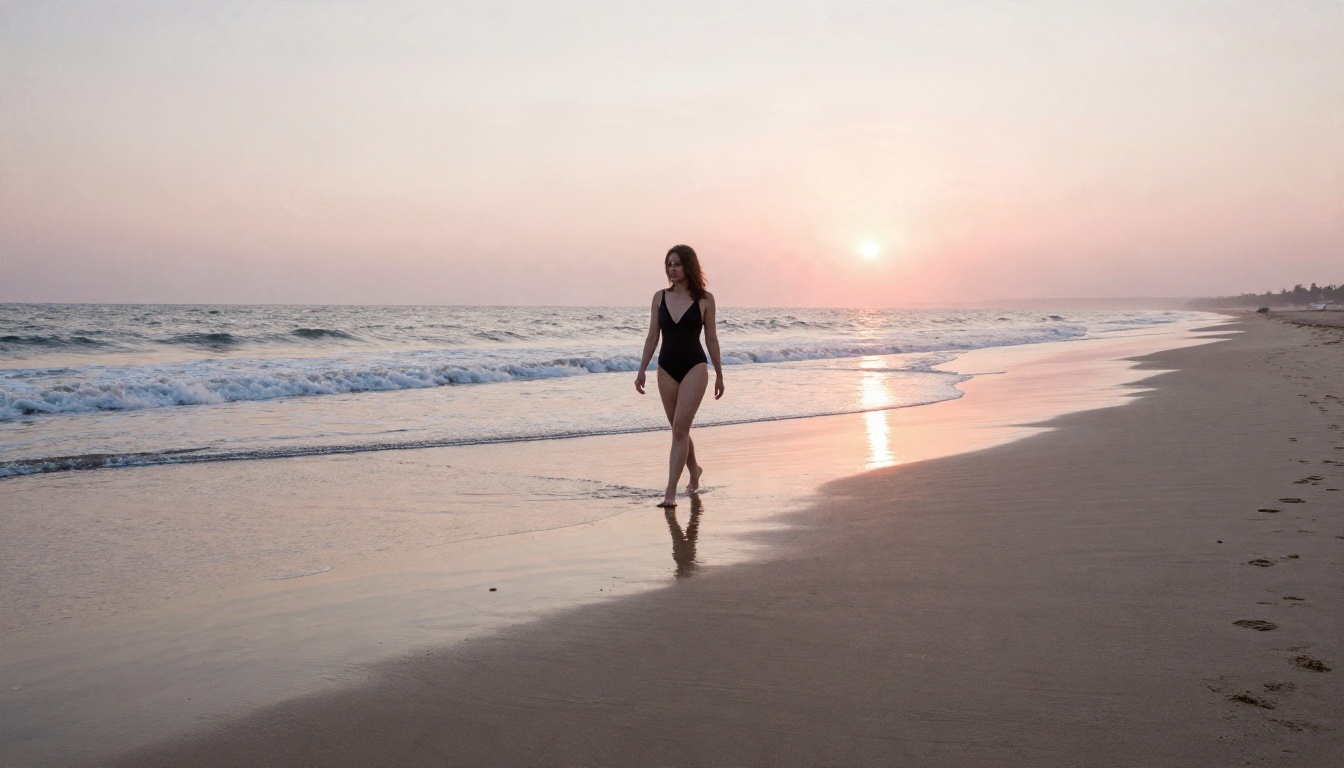
Wide beach frames give the model lots of natural movement to work with: foam, wind, reflections and footsteps. For this sunrise shoreline, a prompt like "she walks toward camera, foam washing over her feet, slow crane down" keeps the motion simple and believable.
Close-up water frames work too, as long as the face stays large in the shot.
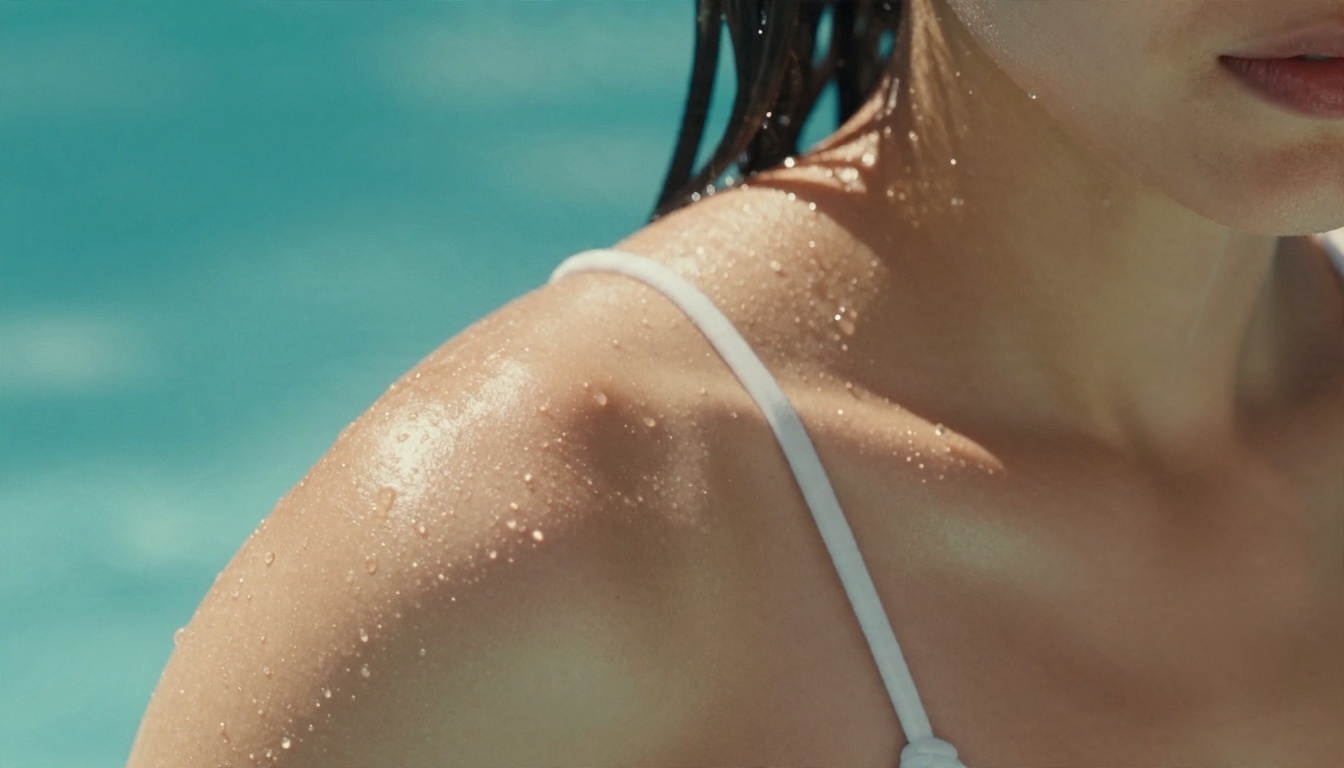
Water droplets, wet hair and strong sun create high-contrast detail. That suits the Spicy model's punchy style. Ask for a slow upward tilt and a single hair push, and the beads of water do the rest.
Indoor glamour scenes
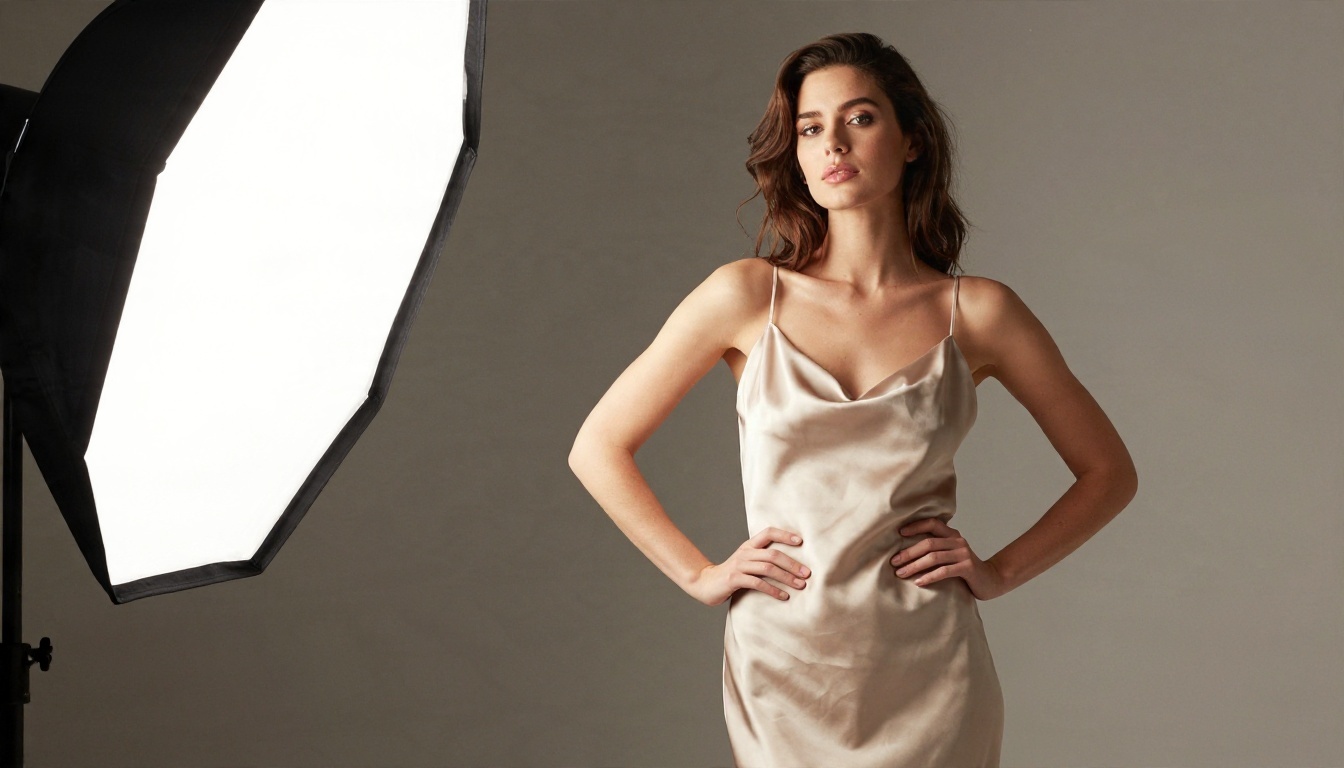
Studio portraits are the safest source images. The background is simple, the lighting is controlled, and the fabric gives you a natural secondary motion. Silk is especially good: even a small shift in posture makes the sheen travel across the dress.
Evening and city scenes
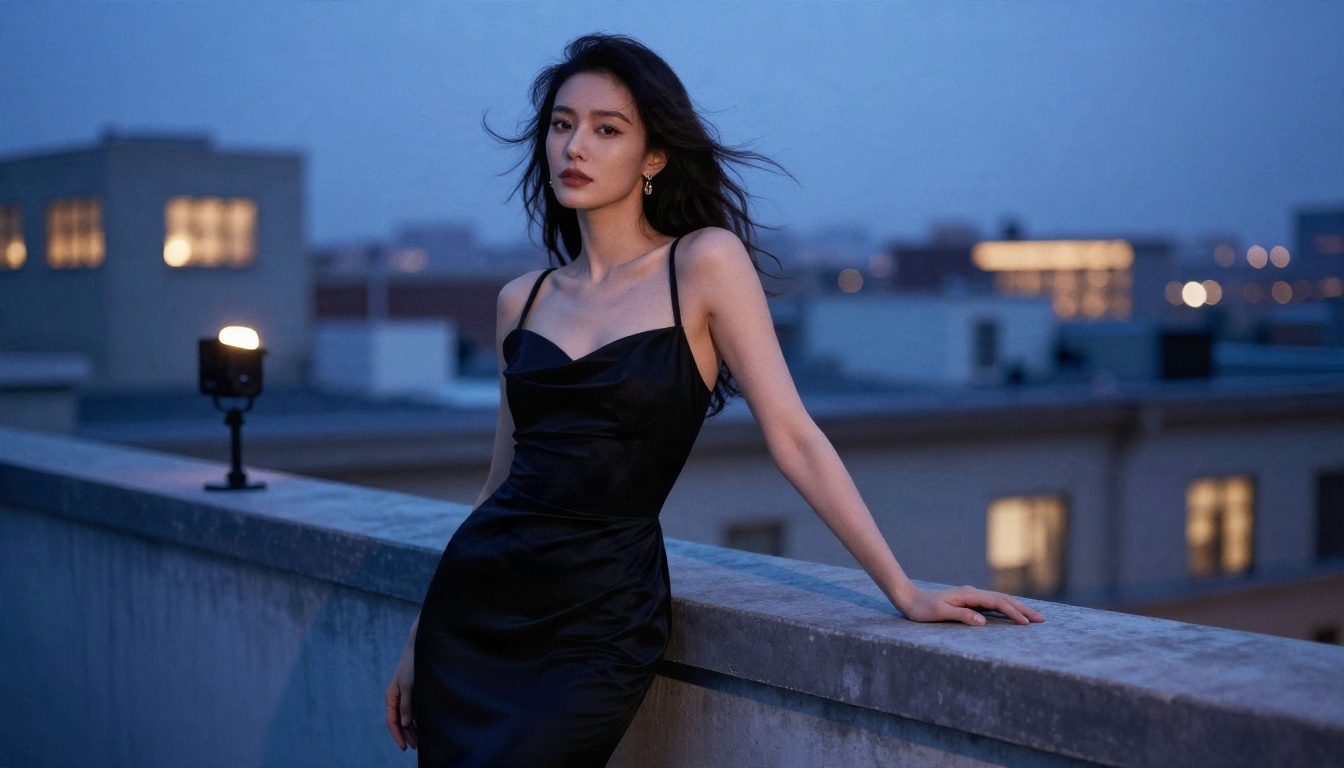
Dusk shots pair well with an orbiting camera. The blurred skyline gives depth, and the warm lamp on one side makes the rim light shift as the camera moves. Keep wind and fabric motion light, or the dress can warp.
Build Better First Frames
The single biggest quality factor in any image-to-video workflow is the source image. If you pay per clip, it makes sense to spend your time on stills first, where generations are cheap or free.
Seedream 4.5 for fresh stills
Seedream 4.5 is my first pick for glamour source images. It makes sharp 4K stills with believable skin, fabric and light, and it handles swimwear, silk and fashion looks without fuss. Write your still prompt like a photographer: subject, outfit, setting, light direction, lens, film look.
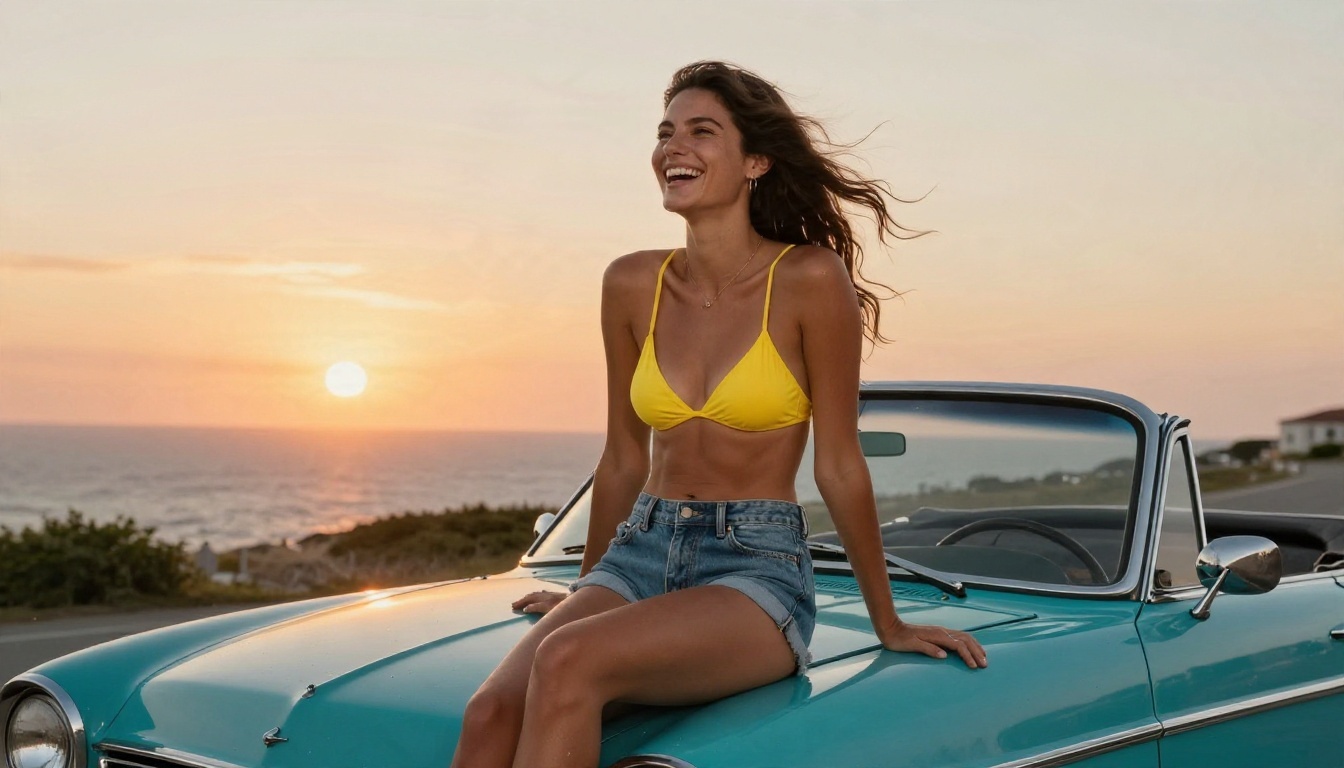
A candid pose like this one gives you a lot to animate: a laugh, wind in the hair, a warm sunset rim light. Natural expressions animate far better than stiff, posed ones.
Image Editor Pro for fixes
Already have a photo that is almost right? PicassoIA Image Editor Pro is an unlimited AI photo editor, so you can retouch, change outfits, fix backgrounds or adjust lighting as many times as you need before you animate. Because the generations are unlimited, you can iterate on a still ten times without watching a credit counter.
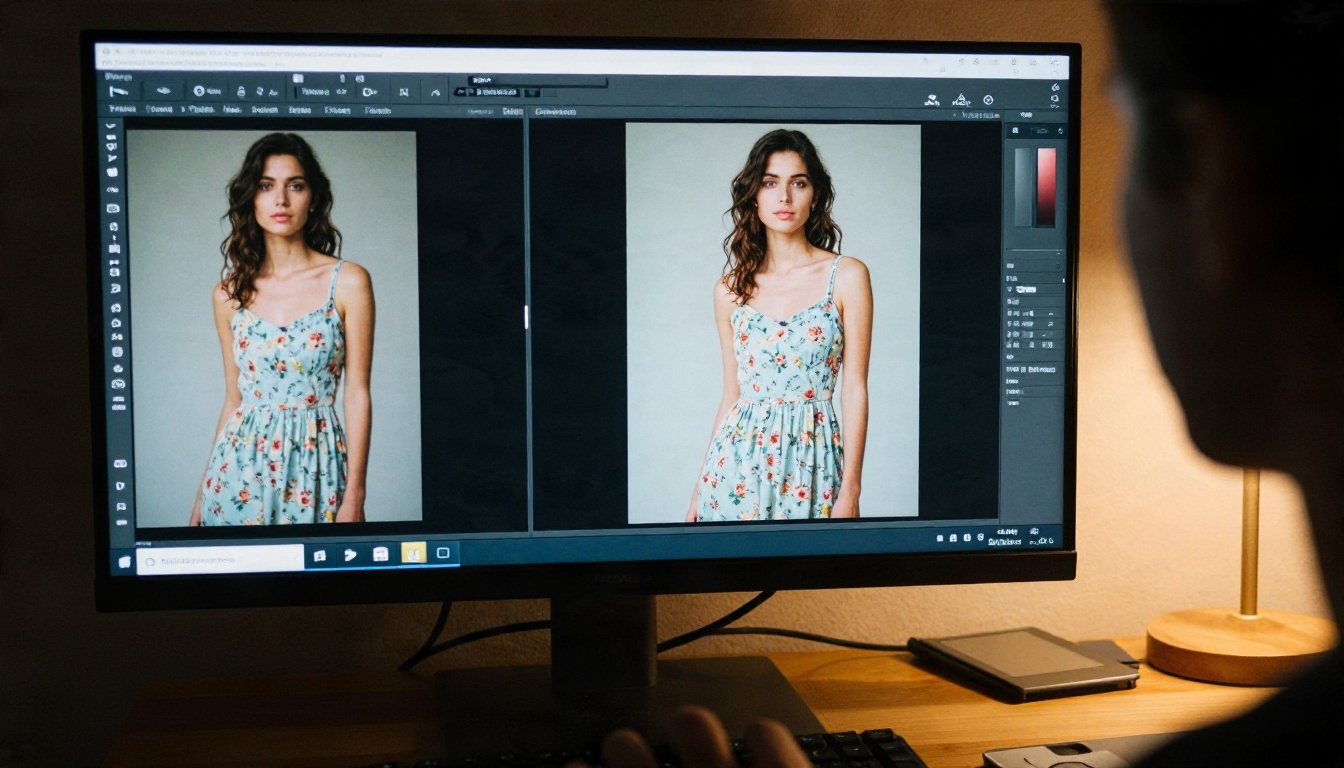
A simple prep checklist before you animate any still:
- Face is sharp and large enough in the frame
- Hands look natural, with no extra fingers
- Lighting direction is clear
- Background has no text or clutter that could warp
- Aspect ratio matches the clip you want
How to Get Similar Results on PicassoIA
Wan 2.7 Spicy is not on PicassoIA, so here is the closest workflow using Wan 2.6 I2V, the image-to-video model from the same family.
Step by step
- Make your still. Generate it with Seedream 4.5 or fix an existing photo in Image Editor Pro.
- Open the model. Go to the Wan 2.6 I2V page.
- Upload the image. Use the best version of your still. Higher resolution gives the model more detail to hold on to.
- Write a short motion prompt. Use the formula from earlier: subject motion, secondary motion, camera move, light.
- Pick a resolution. Start at a lower setting for drafts.
- Generate and review. Watch the face and hands first. If they drift, simplify the prompt.
- Re-run with one change. Change only the camera move or only the action, never both.
Settings worth adjusting
| Setting | Draft pass | Final pass |
|---|
| Resolution | Lowest available | Highest available |
| Prompt length | One sentence | Two sentences max |
| Camera move | Static or slow push | Slow orbit or tilt |
| Attempts | 3 to 5 | 1 or 2 |
If you want unlimited testing, run your drafts through Seedance 2.5 Lite first. It is free and unlimited, with clips up to 10 seconds, so you can find the right motion idea before moving to a heavier model.
💡 Tip: For cinematic camera work, try Kling v3 Video. It handles smooth, controlled camera moves well.
Wan 2.7 Spicy vs Alternatives
Here is how the options stack up for glamour and fashion clips.
| Model | Best for | Access | Link |
|---|
| Wan 2.7 Spicy | Bold motion, high contrast | Paid API hosts, per clip | Not on PicassoIA |
| Wan 2.6 I2V | Animating existing photos | On PicassoIA | Open model |
| Wan 2.6 I2V Flash | Fast drafts | On PicassoIA | Open model |
| Seedance 2.5 Lite | Free, unlimited clips up to 10 seconds | On PicassoIA | Open model |
| Kling v3 Video | Cinematic camera moves | On PicassoIA | Open model |
Which one should you pick?
- You want zero cost while testing: Seedance 2.5 Lite.
- You want the Wan look from a photo: Wan 2.6 I2V.
- You need quick drafts: Wan 2.6 I2V Flash.
- You care most about camera work: Kling v3 Video.
- You specifically need Spicy: use a paid host, and prepare your stills elsewhere first to save credits.
Start Your Own Clips Today
You do not need to pay per attempt to get a moving glamour clip. Build a sharp still with Seedream 4.5, polish it in Image Editor Pro, then bring it to life with Wan 2.6 I2V or Seedance 2.5 Lite.
Pick one of the five prompts above, swap in your own scene, and run a draft. Then change only one thing and run it again. Within a handful of tries you will have a feel for what the motion needs.
Ready to try more? Browse every image and video model at picassoia.com/en/all-models and see which one fits your style.


