Everyone asks the same thing the moment a new video model drops: can I try it for free, and what happens when the free part runs out? With Wan 3.0, the honest answer is "sort of." There is no permanent free plan at the source, trial credits are small and change from platform to platform, and the price of one clip depends on resolution, length and where you run it. This article lays out the numbers as they stood in November 2026, so you can budget before you press generate.
💡 Quick answer: Wan 3.0 is a paid, metered model. Free access comes as small signup credits on certain platforms, or as a free-to-try page like Wan 3 on PicassoIA. Expect to pay roughly $0.05 to $0.28 per second of video depending on resolution and provider.
What Wan 3.0 Actually Is
Wan 3.0 is the latest video model from Alibaba's Tongyi Lab. It turns a text prompt, or a single starting image, into a clip with up to 30 seconds of footage. That is a big jump from the 5 to 10 second limits most competitors still work with, and it is the reason so many creators are hunting for a free way in.

Release status and access
Reports on the launch date differ. One source says Alibaba opened a public beta on 6 August 2026 through Alibaba Cloud Model Studio and Qwen Cloud, where the model ID is wan3.0-video. Another points to a broader release on 24 August 2026. Either way, it is a closed model with no downloadable weights, so you reach it through an API or through a platform that has already integrated it.
That matters for the free trial question. Open weight models can be run at home for the price of electricity. A closed model cannot, so every second of video has a real compute bill behind it.
Core specs at a glance
| Spec | What reports say |
|---|
| Developer | Alibaba Tongyi Lab |
| Input | Text prompt, or text plus a first frame image |
| Resolutions | 480p, 720p, 1080p |
| Clip length | 2 to 30 seconds |
| Access | API and integrated platforms, no open weights |
| Native 4K | Claimed on some pages, not verified |
Treat any "native 4K" claim with suspicion. Multiple providers list 1080p as the ceiling, and that is the number to plan around.
Is There a Real Free Trial?
Short version: there is no standing free tier. What exists is a patchwork of small promotional allowances.
Free credits you may find
Here is what turned up while researching, with the caveat that promotions change often:
- Picsart reportedly gives 200 free credits at signup for its Wan 3.0 video access.
- Morphic lists a free plan with up to 20 credits and a limited model selection.
- Wan's own consumer plan is described by a third party test page as $0 per month, with a Pro plan at about $5 per month on annual billing for 300 credits.
- Aggregator APIs usually give nothing free, or a tiny starter balance.
Do not assume 200 credits means 200 seconds. Credits are a private currency, and each platform sets its own exchange rate.
💡 Reality check: One provider bills 23 credits per second at 720p and 35 credits per second at 1080p. At those rates, 200 free credits buy under 9 seconds of 720p footage. That is a taste, not a project.
Why no permanent free tier exists
A 30 second 1080p generation consumes serious GPU time. Giving that away daily is not sustainable for a closed model, which is why trials are capped small and tied to account creation. If a site promises "unlimited free Wan 3.0" with no catch, read the fine print: it usually means low resolution, short clips, a watermark, or a queue measured in hours.

Wan 3.0 Pricing Per Second
Billing is per second of generated video, and the rate climbs with resolution. Official and reseller numbers do not match, so here is the spread.
Reported rates by provider
| Provider | 480p | 720p | 1080p |
|---|
| Alibaba (as reported by a blog, unconfirmed) | about $0.05/s | about $0.10/s | about $0.20/s |
| Krea API | $0.075/s | $0.15/s | not listed in results |
| EmpirioLabs Standard tier | $0.07/s | $0.14/s | $0.28/s |
| OpenRouter | from $0.0425/s | varies | varies |
Alibaba's own rates were quoted in yuan as 0.3, 0.6 and 1.2 per second for 480p, 720p and 1080p. The dollar conversions above are approximate, and I could not confirm them against Alibaba's rate card, so check it before budgeting anything serious. One provider even said pricing was not published at all, which tells you how fluid things are.

What a real clip will cost
Using a mid range of the reported prices, here is what typical jobs look like:
| Job | Resolution | Length | Approx. cost |
|---|
| Quick concept test | 480p | 5 s | $0.25 to $0.35 |
| Social clip | 720p | 10 s | $1.00 to $1.50 |
| Product shot | 1080p | 15 s | $3.00 to $4.20 |
| Full length scene | 1080p | 30 s | $6.00 to $8.40 |
And you will almost never get the perfect clip on the first try. Plan for two to five attempts per final shot. A 30 second 1080p scene that takes four tries can cost you $24 to $34 before you have a keeper. That is exactly why budget testing at low resolution matters.
💡 Plan math: One guide estimates that a $25 per month plan with 3,000 credits produces roughly four full 30 second clips per month. Sources disagree on credits per clip (figures of 690 and 730 credits at 720p were quoted), so your mileage may vary.
Limits You Will Hit
Price is only half the story. Even with money in the account, a few ceilings apply.
Rate and queue limits
One API host reported these limits for Wan 3.0 requests:
- 2 concurrent requests at a time
- 30 requests per minute
- A 50 task async queue
Those are fine for a solo creator but tight for an agency batch rendering dozens of variants. Other providers set different caps, and trial accounts are often throttled harder than paid ones.
Duration, resolution and credit traps
Watch for these quiet limits:
- Length caps on trials. A free allowance may only unlock 5 to 10 seconds, not the full 30.
- Resolution caps. Free users are frequently stuck at 480p or 720p.
- Credits depend on the route. Cost can change with duration, resolution, reference images, number of outputs and active promotions.
- Failed or filtered generations. Some platforms still charge when a safety filter rejects the output. Check the refund policy.
- Expiring credits. Monthly credits often vanish at renewal.

How to Use Wan 3 on PicassoIA
If you want to test the model without wiring up an API key, Wan 3 on PicassoIA is listed as free to try online. It supports text to video and image to video, resolutions from 480p to 1080p, clips up to 30 seconds, and negative prompts.
Step by step
- Open the Wan 3 model page and sign in.
- Write your prompt: subject, action, camera move, lighting. One or two sentences is plenty.
- Optionally upload a first frame image if you want to animate an existing photo.
- Pick your resolution. Start at 480p for testing.
- Set a short duration for the first pass, around 5 seconds.
- Add a negative prompt for anything you want gone, such as text overlays or warped hands.
- Generate, review, adjust the prompt, and repeat before committing to a longer, sharper render.
Parameter tips that save credits
- Prompt the camera. "Slow dolly in" or "handheld, shallow depth of field" gives the model something concrete.
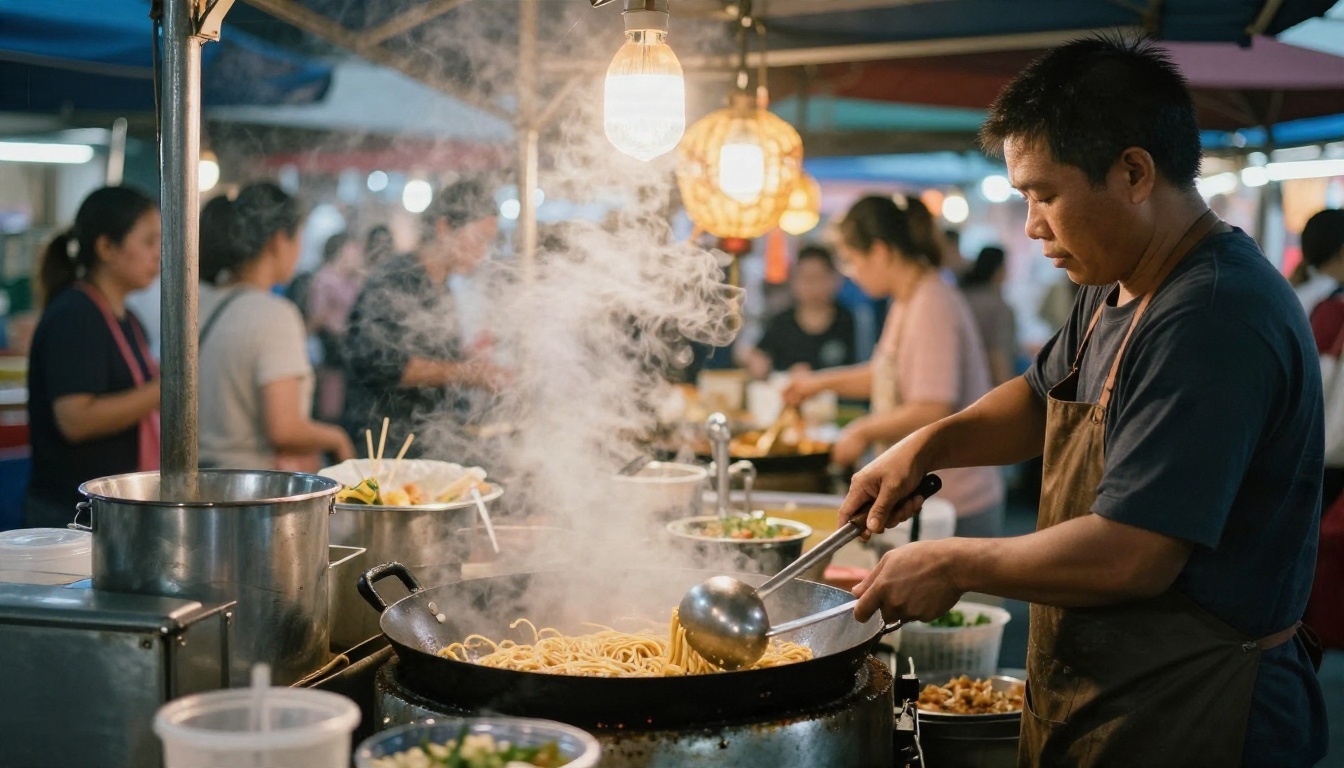
- One action per clip. A man flipping noodles beats a man flipping noodles, serving customers and dancing.
- Use the negative prompt. Listing "text, watermark, distorted hands" cuts down on rerolls.
- Match the aspect ratio to the destination before you generate, not after.
💡 Need more polish? Wan 3 Prime is built for 1080p text to video up to 30 seconds, with 16:9, 9:16, 1:1, 4:3 and 3:4 aspect ratios plus an optional starting image. Use plain Wan 3 for drafts and Prime for the final render.
Stretch Your Free Credits Further
Free credits vanish quickly if you spend them like a full budget. Spend them like a sketchbook.
Draft low, finish high
Run every idea at the lowest resolution and the shortest length first. A 5 second 480p test costs a fraction of a 1080p one, and it tells you whether the motion, framing and mood work. Only the winning prompt gets upgraded.
Other habits that pay off:
- Keep a text file of prompts that worked, with notes on what changed the result.
- Reuse a strong first frame instead of regenerating a new scene every time.
- Batch your tests in one session so you can compare them side by side.
- Skip trial credits for long scenes. Use them to validate the idea, then pay once.
Alternatives Worth Testing
Wan 3.0 is impressive for length, but it is not always the cheapest way to get a good clip. Depending on your project, these models on PicassoIA may be a better fit.
Seedance 2.5 Lite and Seedance 2.5
Seedance 2.5 Lite is tuned for 480p and 720p and clips up to 10 seconds. According to its page, Elite and Infinite members can generate with it without a per clip cost or daily counter, which makes it ideal for volume testing. If you need more length, the full Seedance 2.5 is described as capable of 30 second videos.
Wan 2.6 and Kling v3
If you like the Wan look but want an earlier, often cheaper generation, try Wan 2.6 T2V for text prompts or Wan 2.6 I2V to animate a photo. For polished cinematic motion, Kling v3 Video is another strong pick.
Is the Paid Route Worth It?
For most people the smartest path is a staged one. Test the idea on free credits, refine on a cheap resolution, and only pay for 1080p when you already know the shot works. A freelancer producing a few hero clips a month will spend far less than an agency pushing out daily batches, and the per second pricing rewards discipline.

Before you pay anywhere, run through this short checklist:
Start Making Your Own Clips
The best way to judge Wan 3.0 is to put your own prompt through it. Open Wan 3 on PicassoIA, run a 5 second draft at 480p, and see how the motion feels. If you like it, move up to Wan 3 Prime for a 1080p finish, or batch more ideas with Seedance 2.5 Lite. Pricing and promotions shift weekly, so a quick test today will tell you more than any table can. Pick a scene, write one clear sentence, and make something.
You can browse every video, image and audio model at picassoia.com/en/all-models.


