Wan 3.0 Prime is the speed-focused version of Alibaba's newest video model, and people searching for it usually want three answers fast: can I try it for free, what does it really cost, and what do I type to get good-looking glamour footage? This article gives you all three, with honest notes on what an NSFW workflow looks like when you stay on the suggestive, non-explicit side of the line.
Short version: you can try Wan 3 Prime free on PicassoIA, clips run up to 30 seconds at 1080p, and the smartest way to get attractive swimwear, boudoir and fashion motion is to start from a strong still image and animate it. Details below.
💡 Quick answer: Wan 3 Prime is live on PicassoIA, free to try, and accepts an optional first-frame image. Third-party API prices run from roughly $0.07 to $0.28 per second depending on resolution and provider.
What Wan 3.0 Prime Actually Is
Wan 3.0 is Alibaba's all-in-one video generation model, handling text-to-video and image-to-video in one system, with synchronized sound in the standard release. The Prime variant is the fast-mode sibling. Providers describe it as dramatically quicker than the base model, with some claiming up to seven times faster, in exchange for a higher per-second price on several platforms.
It showed up on API providers in late August 2026, and release dates differ by a few days depending on which provider you check. That is normal for a model that rolled out through several platforms at once.
Prime vs Standard Wan 3.0
| Feature | Wan 3.0 Prime | Wan 3.0 Standard |
|---|
| Speed | Fast mode, built for quick turnaround | Slower, built for maximum fidelity |
| Resolution | Up to 1080p | Up to 1080p |
| Max clip length on PicassoIA | 30 seconds | Varies by model page |
| Image-to-video | Yes, optional first frame | Yes |
| Best for | Iterating on prompts quickly | Final polished renders |
| Price per second | Higher on most providers | Lower on most providers |
The practical takeaway: use Prime while you are testing prompts, because every extra second you wait is a second you are not refining. Once a prompt works, you can decide whether the cheaper standard Wan 3 is worth the wait for the final take.
What "NSFW" Means Here
When people type "Wan 3.0 Prime NSFW" into a search bar, they are usually after glamour, swimwear, lingerie-style fashion, boudoir lighting and sensual movement. That is the lane this article stays in: suggestive, beautiful, attractive, never pornographic or explicit.
Two honest points:
- Models released by large companies often ship with content filters on their own hosted services, so results vary by platform.
- Every subject you generate should be an adult, and you should never use a real person's likeness without consent.
Keep both rules and you will avoid most of the headaches that come with this category.
Free Online Access Options
"Free" is the most searched word in this topic, so let's be specific about where it actually applies.
Free Tries on PicassoIA
Wan 3 Prime on PicassoIA is listed as free to try, runs in the browser, and needs no install or GPU. You get the same controls the model exposes everywhere: prompt, optional first-frame image, resolution (480p, 720p or 1080p), duration, aspect ratio, negative prompt and a seed for repeatable results.
Because everything happens online, you can test a prompt in a few minutes, download the clip, and move on. That makes it the lowest-friction option for anyone who just wants to see whether the model suits their style.
Free Tiers Elsewhere
Some API platforms and creative apps give new accounts a handful of starter credits for Wan 3.0 models. These offers change often, expire quickly and sometimes require a card on file, so treat any "free forever" claim with suspicion. A few launch promotions also made the model free for a single day on certain providers, which is the kind of deal you cannot plan around.
💡 Rule of thumb: if a site promises unlimited free 1080p video with no account and no limits, assume there is a catch: watermarks, long queues or tight moderation.
The Real Cost of Wan 3.0 Prime
Pricing is where search results get confusing, because every provider sets its own rate and quotes it per second of output video. Here is what the published numbers looked like in autumn 2026.
API Rates by Resolution
| Resolution | Typical price per second | 5 second clip | 30 second clip |
|---|
| 480p | about $0.07 | about $0.34 | about $2.04 |
| 720p | about $0.13 to $0.18 | about $0.63 to $0.90 | about $3.80 to $5.40 |
| 1080p | about $0.28 to $0.36 | about $1.40 to $1.80 | about $8.40 to $10.80 |
These are third-party reseller figures. I could not confirm Alibaba's own current price sheet, and numbers shift as providers adjust their margins, so check the live rate before you budget a project.
Cost of One Test Clip
The cheapest way to work is a three-step ladder:
- Draft at 480p. Cheap and fast, good enough to judge motion and framing.
- Confirm at 720p. Check faces, fabric and hands.
- Render the keeper at 1080p. Only the clips you actually plan to publish.
A creator who drafts ten clips at 480p and finishes two at 1080p spends a fraction of what ten 1080p renders would cost. On a free-to-try platform you skip the math entirely until you decide to scale.
How to Use Wan 3 Prime on PicassoIA
Here is the exact flow, from blank page to downloaded clip.
Step by Step
- Open the Wan 3 Prime page.
- Paste your prompt into the Prompt field.
- Optionally upload a first-frame image (jpg, png, bmp or webp, up to 10 MB).
- Pick a resolution. Start with 480p or 720p for drafts.
- Set the duration. Five seconds is the default and the best size for testing.
- Choose an aspect ratio, or leave it on adaptive. If you upload an image, the image's own ratio wins.
- Add a negative prompt to block unwanted artifacts.
- Press generate, preview, and download.
Settings That Matter
| Setting | Recommended value | Why |
|---|
| Resolution | 720p for tests, 1080p for finals | Saves time while you iterate |
| Duration | 5 seconds first | Longer clips drift more |
| Prompt expansion | On for short prompts, off for detailed ones | Expansion adds latency and can change your wording |
| Seed | Lock it once you like a result | Lets you change one word at a time |
| Aspect ratio | 16:9 for cinematic, 9:16 for social | Match the platform before you render |
💡 Seed trick: when a clip is almost right, keep the seed and edit only one phrase in the prompt. You will see exactly what that phrase changes.
Prompts That Actually Work
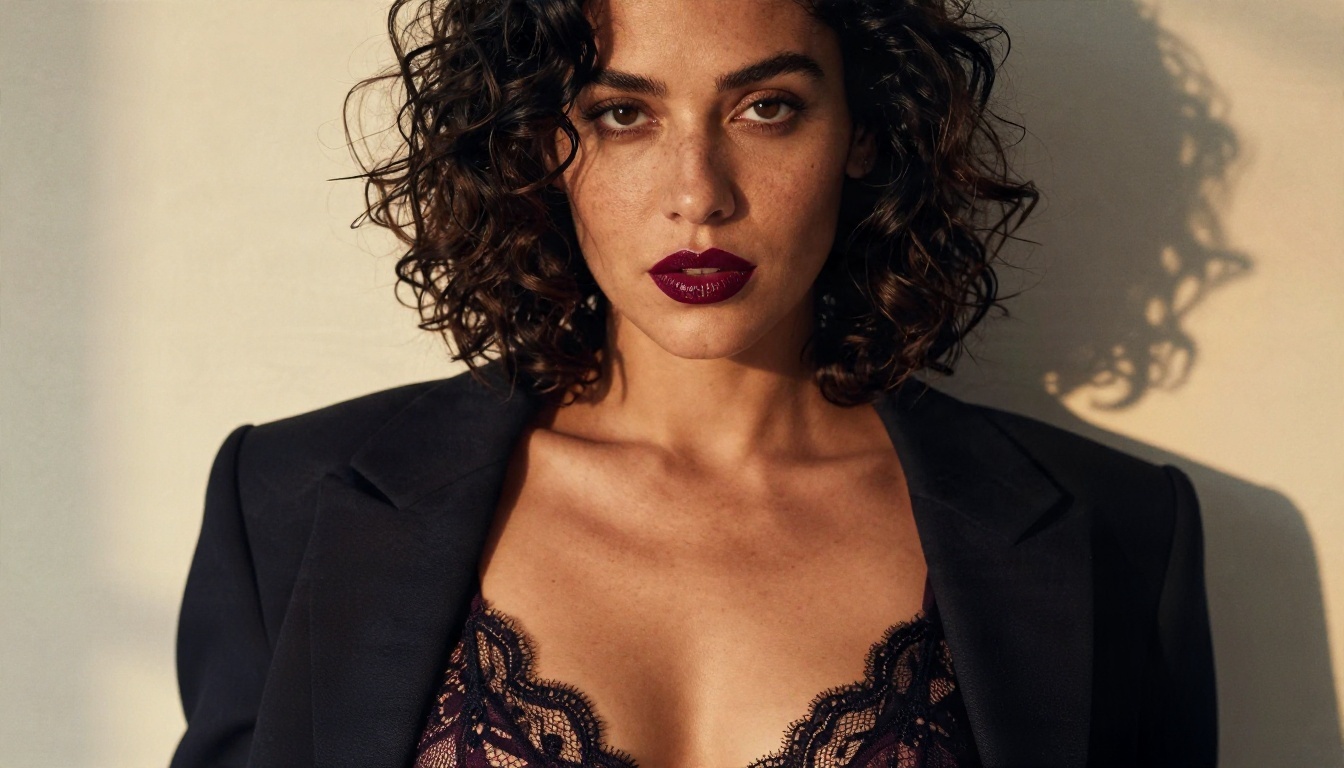
Video prompts reward chronology: what the subject does first, what happens next, and how the camera moves while it does. Vague adjectives such as "beautiful" and "sexy" do little. Specific light, fabric and motion do a lot.
A Simple Prompt Formula
Use this order:
Subject and starting pose + motion over time + camera movement + light and atmosphere
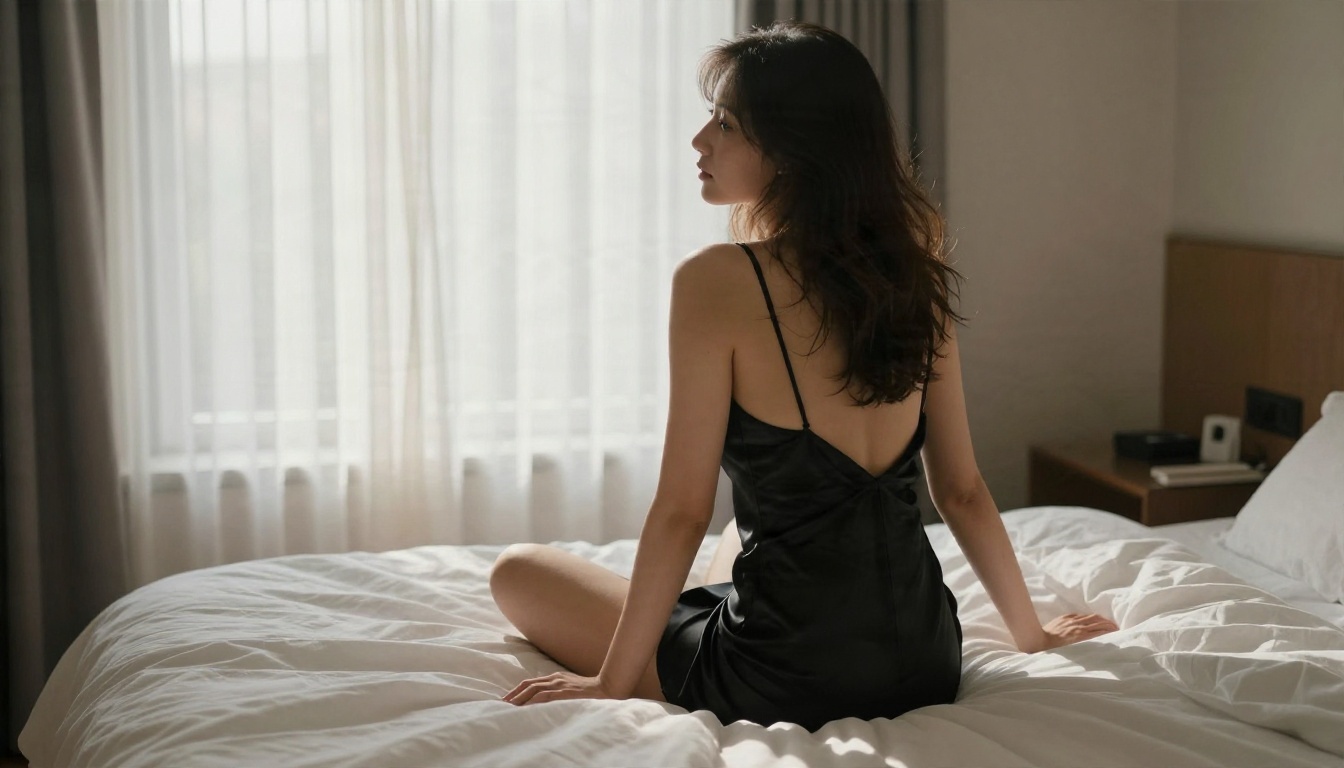
For example: "A woman in a black silk slip dress sits on the edge of a hotel bed, glances over her shoulder, then slowly turns to face the camera while sheer curtains drift in the morning breeze. Slow dolly-in, warm window light from the left, shallow depth of field, natural film grain."
Five Ready Prompts
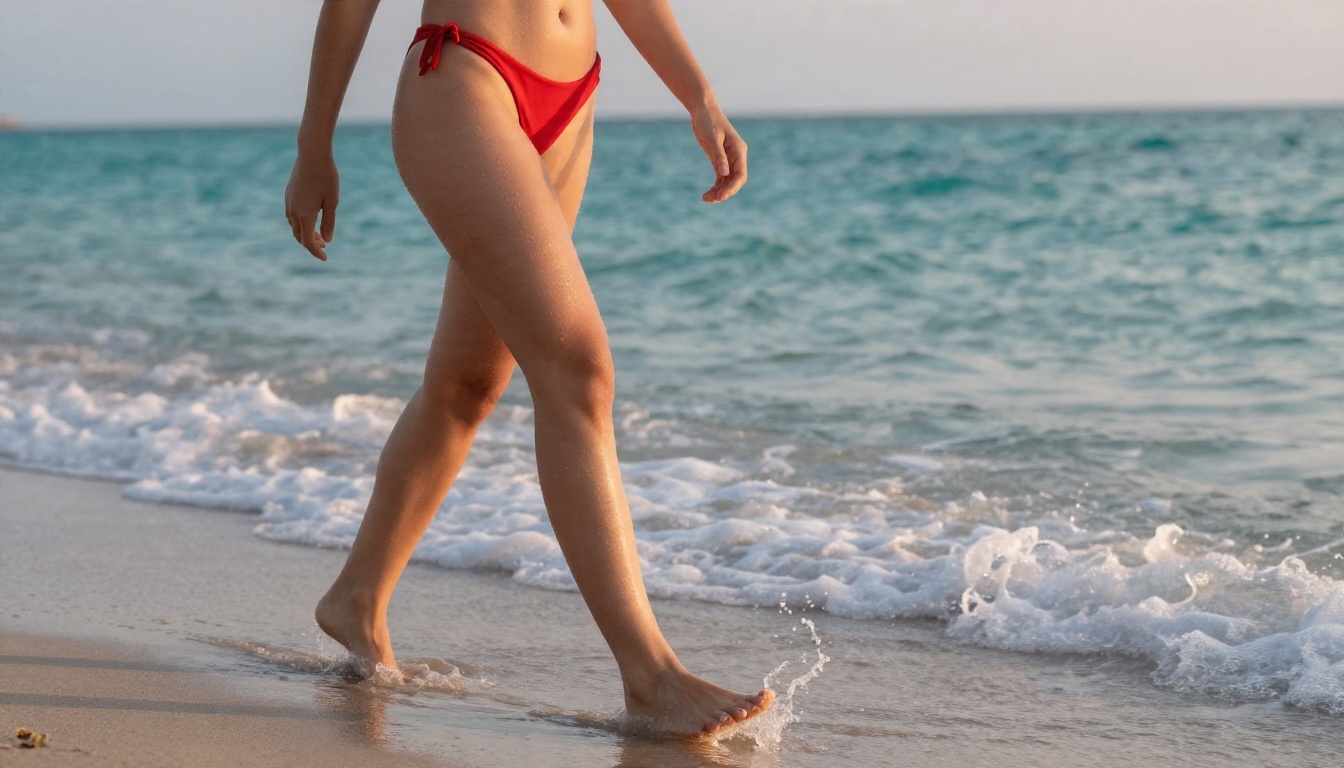
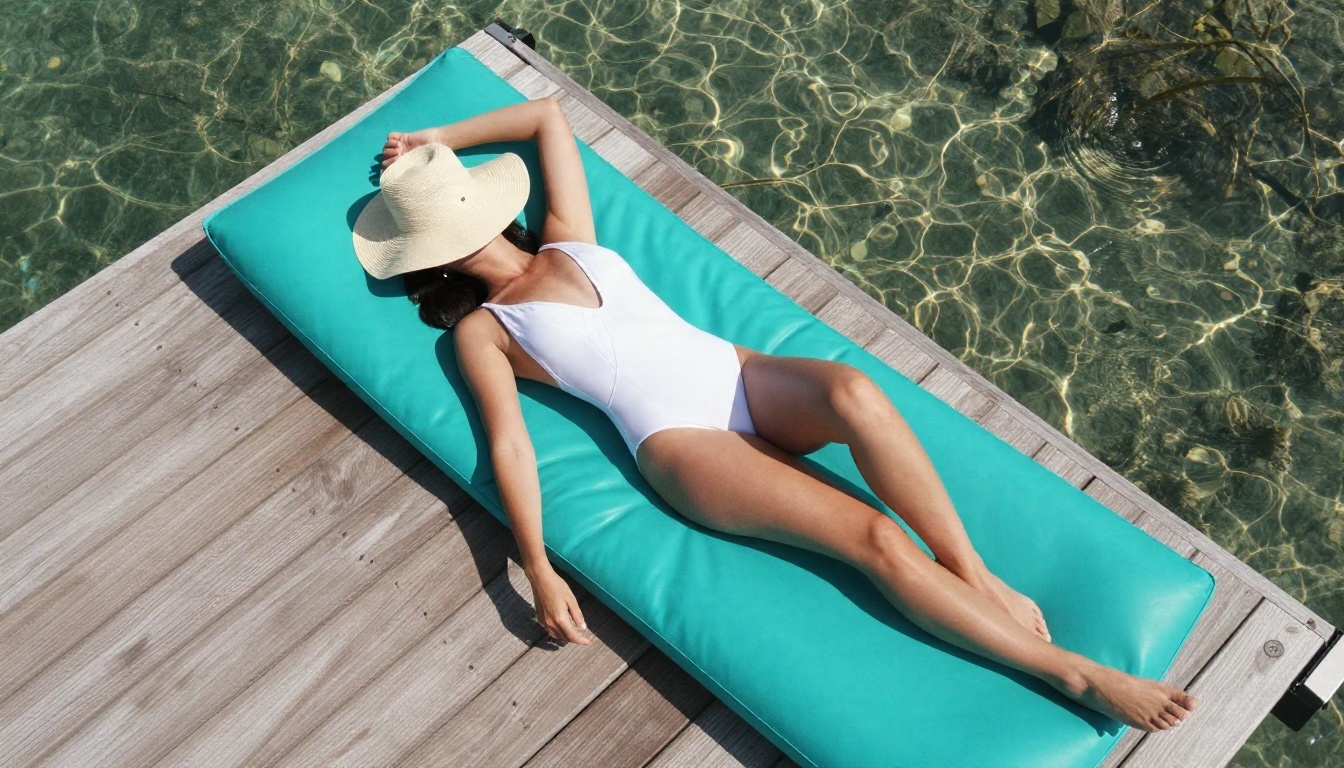
- Beach sunrise: "A woman in a red halter bikini walks out of shallow turquoise surf, water running down her shoulders, wet hair swept back. Low-angle tracking shot, pink and gold sunrise behind her, foam swirling around her ankles."
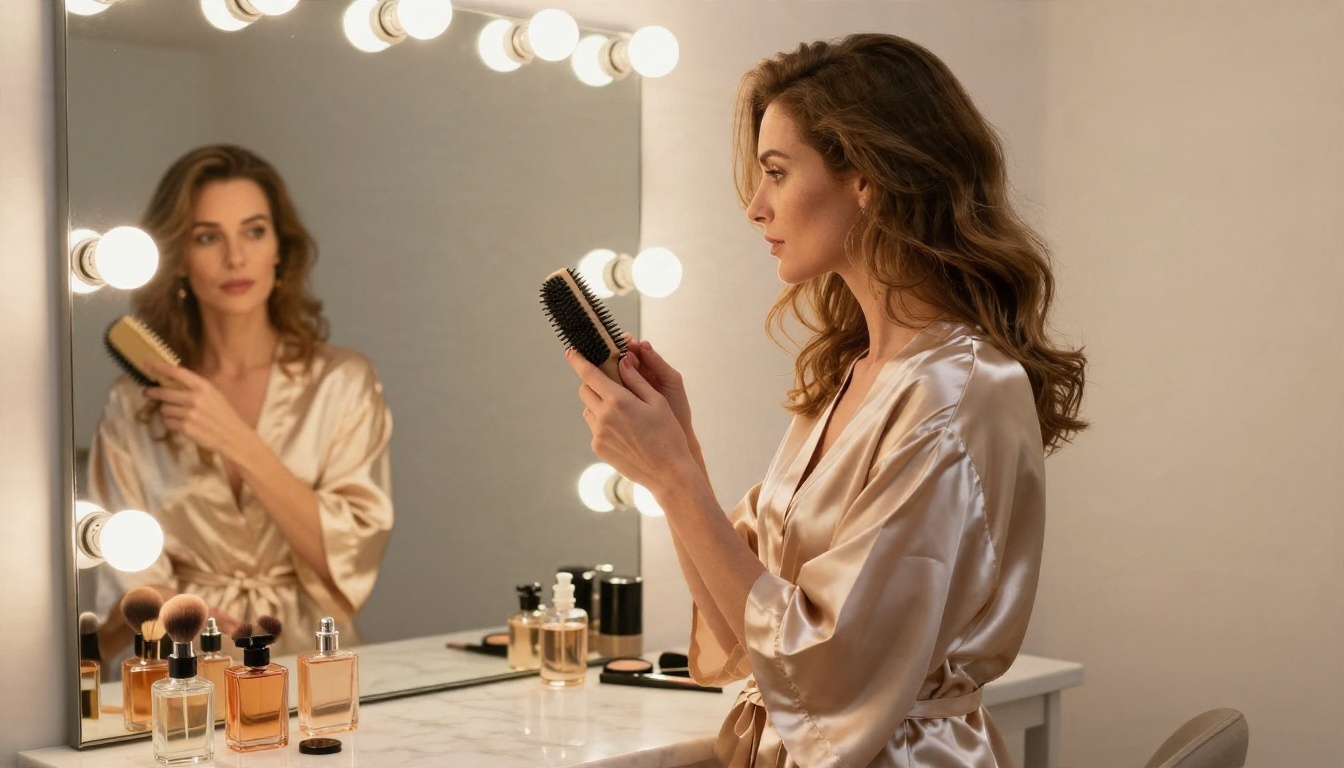
- Dressing room: "A woman in a champagne satin robe brushes her hair at a vanity mirror, bulbs glowing warm around the glass, she meets her own eyes in the reflection and smiles. Slow push-in, soft frontal light, marble and perfume bottles in the background."
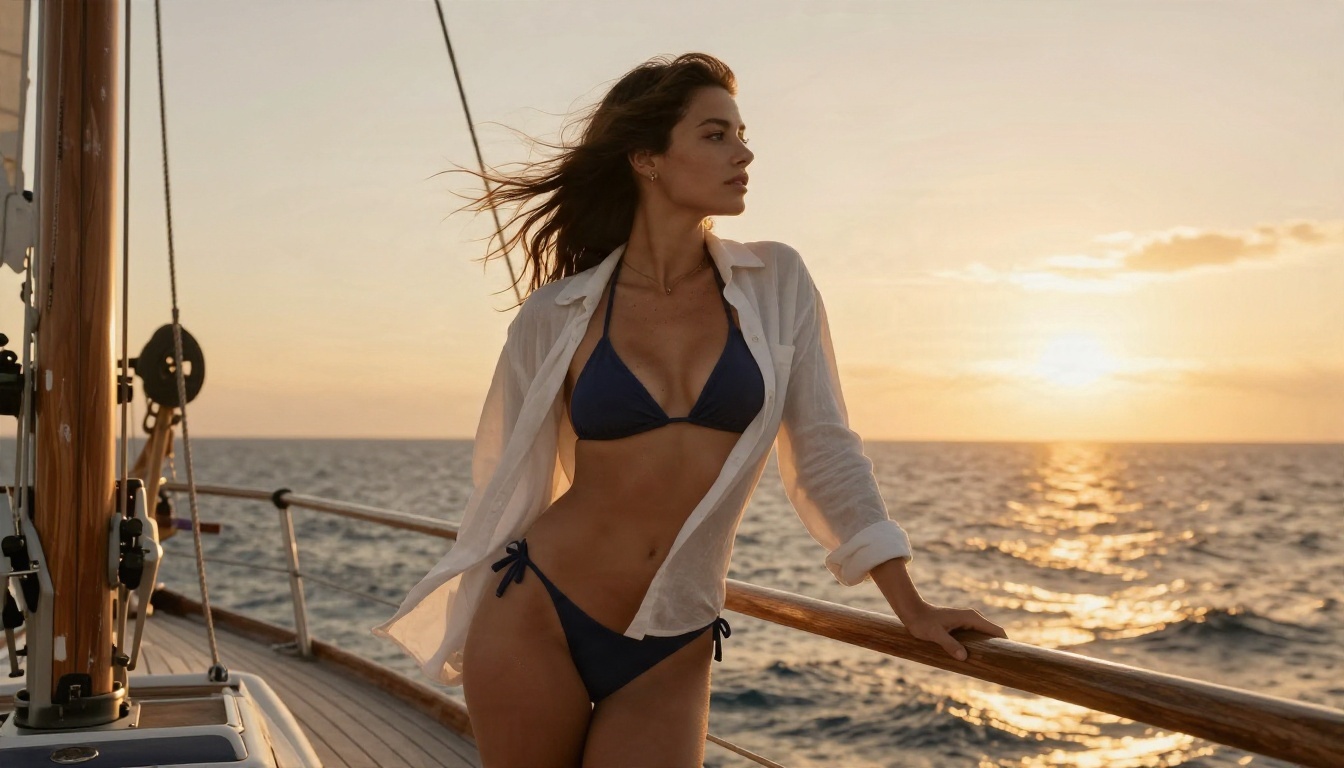
- Sailboat dusk: "A woman in a navy bikini and open white shirt leans on a teak railing as wind lifts her hair, sunset light from the right, ropes swaying. Gentle handheld sway, ocean horizon, golden haze."
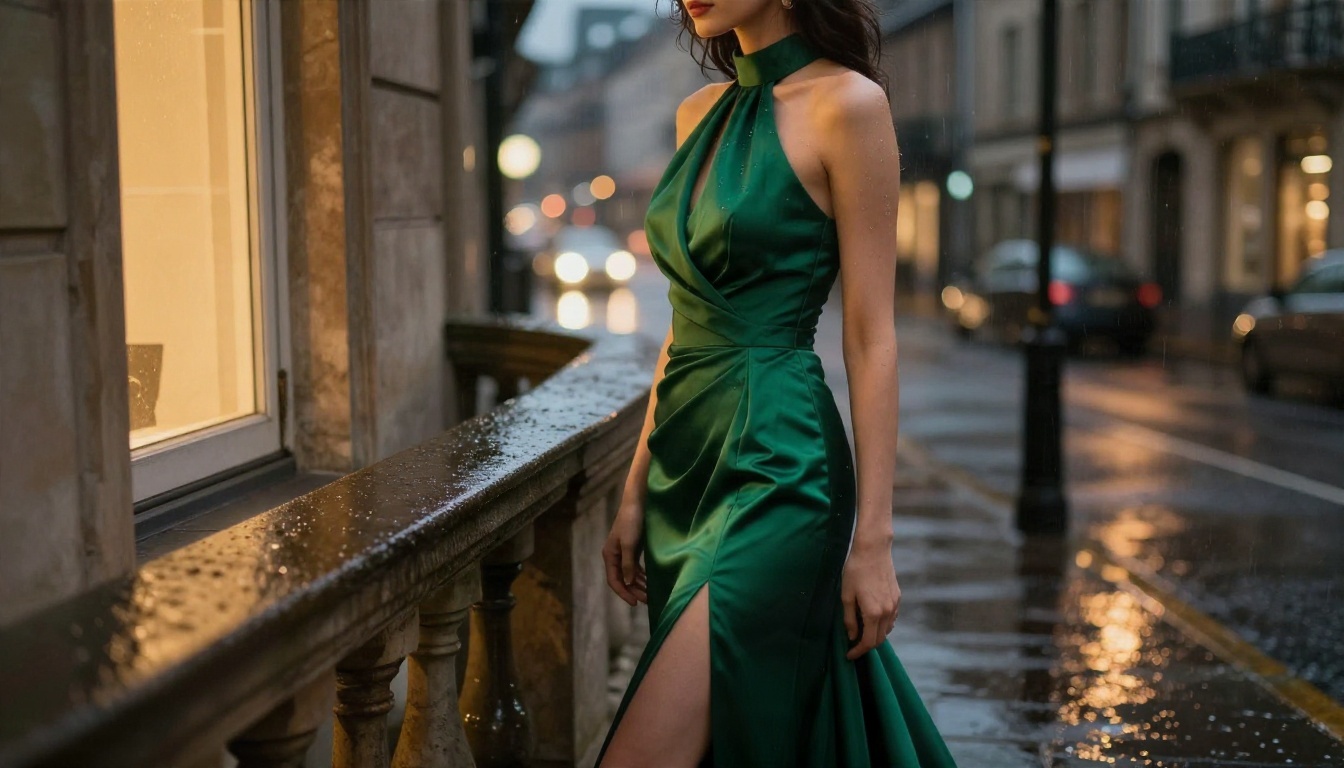
- Rainy balcony: "A woman in an emerald evening gown stands on a rainy balcony, silk moving in the wind, she turns her head toward the city lights. Slow orbit, warm window glow, raindrops on the railing."
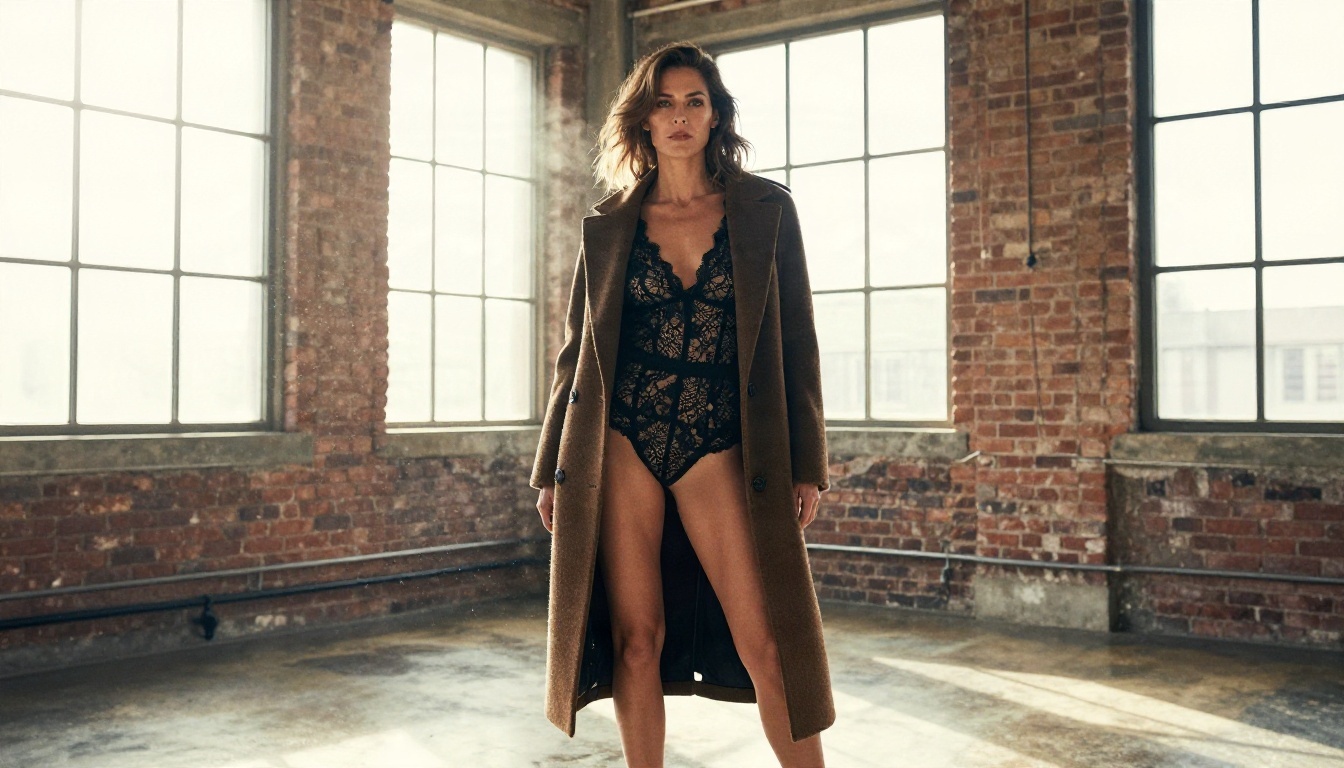
- Loft walk: "A woman in a long camel coat walks through a sunlit loft studio, coat swinging, dust drifting through a shaft of light. Dutch-angle tracking shot, exposed brick, polished floor reflections."
Negative Prompt Starters
Paste these into the negative field and adjust:
- distorted hands, extra fingers, warped face
- text, watermark, logo, subtitles
- flickering, jitter, sudden cuts
- plastic skin, over-smoothed texture
- cartoon, illustration, 3D render
Camera Words the Model Respects
| Phrase | Effect |
|---|
| slow dolly-in | gentle push toward the subject |
| low-angle tracking shot | camera moves alongside from below |
| slow orbit | camera circles the subject |
| overhead drift | top-down slow movement |
| handheld sway | subtle documentary wobble |
| rack focus | focus shifts from foreground to subject |
The Image to Video Workflow
This is the method that gives the most consistent glamour results, because the first frame locks in the face, outfit, pose and lighting before any motion is added.
Build the First Frame
For stills, lead with Seedream 4.5. It produces sharp, photorealistic 4K images with natural skin texture and believable fabric, which is exactly what a video model needs as a starting point. Then bring the result into PicassoIA Image Editor Pro, which offers unlimited generations and is the fastest way to adjust an outfit, a background or a lighting mood without paying per attempt.
💡 Tip: write the still prompt in the same photographic language you plan to use in the video prompt: same lens, same light direction, same time of day. The motion then feels like a continuation, not a new scene.
Animate It
- Generate the still in Seedream 4.5 and refine it in Image Editor Pro.
- Upload it as the first frame in Wan 3 Prime.
- Write a prompt that describes only the motion, not the whole scene again.
- Render a 5 second draft at 720p.
- If the face drifts, shorten the prompt and lock the seed.
Keeping the prompt focused on movement avoids a common mistake: re-describing the image and accidentally asking the model to change it.
Three Common Mistakes
- Overlong clips on the first try. A 30 second render amplifies every small error. Test at five seconds.
- Too many actions. One subject, one main movement, one camera move.
- Contradictory light. "Golden hour" and "neon night" in one prompt produce muddy results.
Alternatives Worth Trying
Wan 3 Prime is not the only strong option, and different models suit different shots. All of these are on PicassoIA:
Which One to Pick
- Need speed? Wan 3 Prime or Wan 2.6 I2V Flash.
- Need the best polish? Standard Wan 3.
- Need a longer story? Seedance 2.5.
- Need the lowest cost per draft? Wan 2.5 I2V Fast.
For stills, the order is simple: Seedream 4.5 first, then PicassoIA Image Editor Pro for unlimited edits and variations. Seedream 5 Lite is not a fit for adult-themed work because it blocks that content.
Make Your Own Clips Today
You now have the whole loop: a free place to test, a price ladder that keeps spending low, a prompt formula that works, and an image-first method for consistent results.
Here is a simple plan for your first session:
- Generate one glamour still in Seedream 4.5.
- Polish it in Image Editor Pro with unlimited tries.
- Open Wan 3 Prime, upload the still, and write a motion-only prompt.
- Render at 720p for five seconds, then adjust one phrase at a time.
- Upscale your best take to 1080p.
Want to see every image and video model in one place? Browse the full catalog at picassoia.com/en/all-models and start building your own clips on Picasso IA right now. The first draft takes minutes, and the second one will always look better than the first.


