Search for Wan 3.0 uncensored and you will find bold claims, shady "unfiltered" download links and very few straight answers. Here is the short version: Wan 3.0 is a closed model from Alibaba, it was never released as open weights, and nobody can honestly sell you a magic switch that removes every filter. What you can do is write smart, suggestive, non-explicit prompts, pick the right tools around the model, and avoid wasting money on the wrong ones. This article walks through what the model is, what "uncensored" realistically means, which prompts work, what the output looks like, and where the walls are.
💡 Quick take: Wan 3.0 is a powerful video model with a 30-second ceiling, but it is hosted, priced per second and moderated. The best "spicy" workflow today is a strong still image first, then motion on top.
What Wan 3.0 Actually Is
Wan is Alibaba's video generation family. The earlier versions, up to Wan 2.2, were released with open weights under a permissive license, which is why so many people still associate the name with "run it on my own GPU". Wan 3.0 changed that. It launched in August 2026 after a public beta, and as far as I could confirm, it lives behind hosted services rather than on download pages.
Specs at a Glance
| Feature | Wan 3.0 |
|---|
| Maker | Alibaba |
| Max clip length | Up to 30 seconds in a single run |
| Output resolution | 480p, 720p and 1080p tiers |
| Input types | Text prompts, reference images, even documents in some hosts |
| Weights | Not released |
| Typical price on third-party hosts | Roughly $0.20 per second of video |
| Native audio | Supported on most hosts |
The jump from the 5 to 10 second clips of older Wan versions to a 30-second single run is the real headline. You can now stage a short scene with a beginning, middle and end without stitching clips together.
Closed Weights, No Download
This matters for the "uncensored" question. With open weights, the community can fine-tune a model, strip safety layers or run it with no moderation at all. That is exactly how older Wan releases got their "unfiltered" reputation. With Wan 3.0, you are talking to a hosted endpoint. The host decides what passes. Any website promising a "Wan 3.0 uncensored download" is either mislabeling an older Wan 2.x model or selling you something that does not exist.
Is It Really Uncensored?
Short answer: no, not in the sense of "anything goes". I found nothing from Alibaba or the major hosts that describes Wan 3.0 as an unmoderated model, and hosted video services nearly always run prompt and output checks.
What Filters Usually Block
Based on how hosted video models generally behave, expect these categories to be refused or silently softened:
- Explicit sexual acts and pornographic framing
- Real, identifiable people used without consent
- Anything involving minors, always and without exception
- Graphic violence and self-harm
- Prompts that try to trick the filter with coded wording
That list is not a Wan quirk. It is the baseline for almost every serious hosted platform, and it is a good thing. This article stays firmly on the tasteful side: swimwear, lingerie-style fashion, glamour, boudoir lighting and flirtatious motion.
Where the Line Sits
In practice, the gap between "refused" and "accepted" is wide for suggestive-but-clothed content. Bikini shoots, satin slip dresses, wet-hair beach walks and moody late-night portraits generally pass because they read as fashion photography. What triggers a block is intent, not skin count. A prompt that sounds like a magazine editorial gets through. A prompt that sounds like an adult site does not.
💡 Rule of thumb: If you would see the scene in a swimwear catalog or a perfume ad, the model will probably render it. If it needs a content warning, expect a refusal.
Free Access: What Is Realistic
Let me be blunt, because this is where most "free Wan 3.0" pages mislead people. There is no free, unlimited, self-hosted copy of Wan 3.0. Anyone offering one is repackaging an older model or collecting your email.
Stills First, Then Motion
The smartest way to keep costs down is to stop paying video prices for ideas that fail. A 30-second render that misses the mark wastes real money. A still image costs almost nothing. So build the look first:
- Generate the base frame with Seedream 4.5, which handles skin texture, fabric and lighting very convincingly and is comfortable with suggestive, non-explicit glamour such as swimwear and lingerie-style portraits.
- Refine details, outfit, background or expression with PicassoIA Image Editor Pro, which offers unlimited generations, so you can iterate as many times as you need without watching a meter.
- Only when the frame is right, send it to a video model for motion.
This order turns an expensive guessing game into a cheap, controlled process.
Cost per Second Adds Up
At roughly $0.20 per second on third-party hosts, a single 30-second clip lands near six dollars. Ten attempts to get one good take is sixty. Short 5 to 8 second tests at 720p are the sensible way to check a prompt before committing to a long run.
| Clip length | Approx. cost at $0.20/s | Best use |
|---|
| 5 seconds | about $1 | Prompt test |
| 10 seconds | about $2 | Social clip |
| 30 seconds | about $6 | Final scene |
Spicy Prompts That Actually Work
"Spicy" in a prompt does not mean explicit. It means mood, styling, light and body language. The model responds to cinematography far better than to adjectives like "hot" or "sexy", which add nothing visual and can trip filters.
The Prompt Formula
Use this structure and you will get more consistent results:
Subject and outfit + action over time + camera movement + light + atmosphere
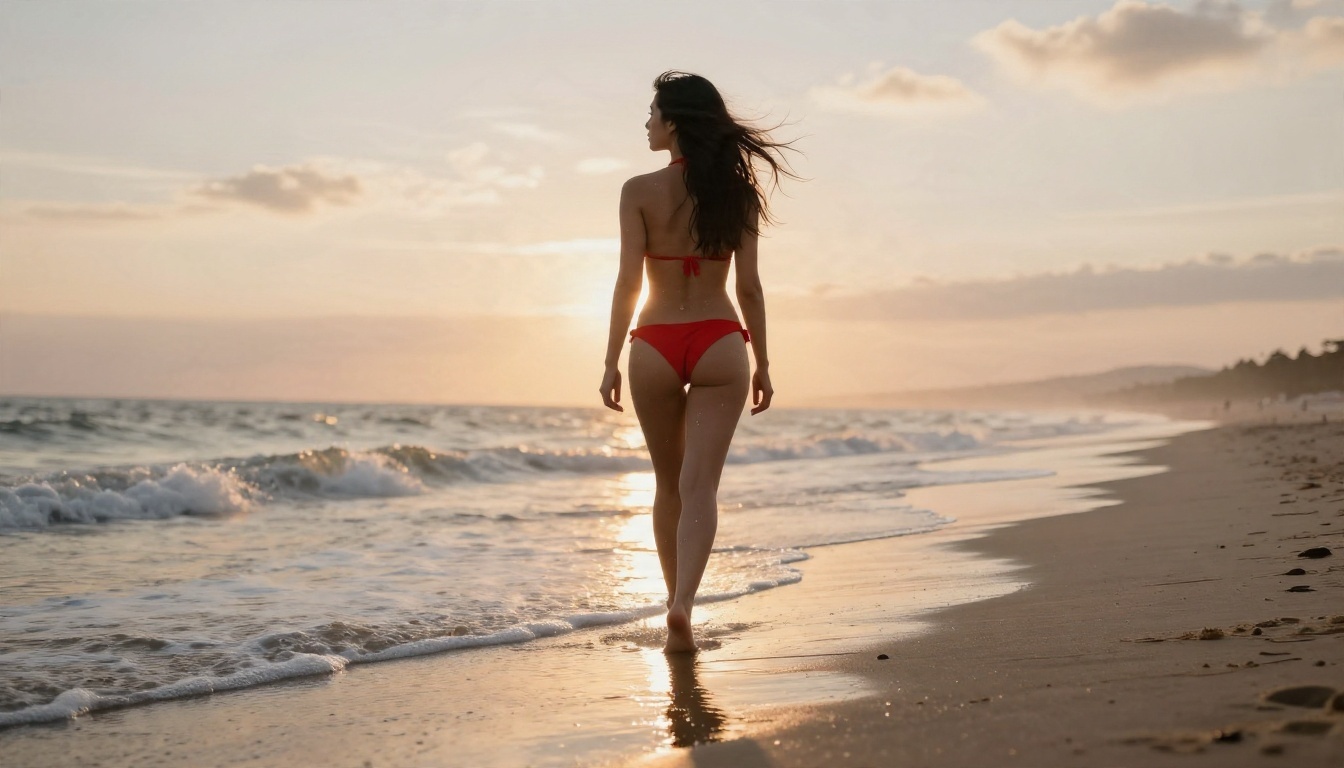
Instead of "sexy girl on beach", write: "A woman in a red halter bikini walks barefoot along wet sand at sunrise, wind lifting her hair, foam washing over her ankles, slow low-angle tracking shot, backlit golden light, soft ocean ambience."
Tips that make a visible difference:
- Name the fabric. Satin, lace, crochet and linen all render with distinct highlights.
- Describe the motion in order. First this, then that. The 30-second window rewards a clear arc.
- Specify light direction. "Warm window light from the left" beats "nice lighting".
- Add a lens. "85mm shallow depth of field" gives the portrait look people want.
- Ask for sound. Waves, rain, city murmur or soft music improve the native audio track.
Five Prompt Ideas to Try
- Sunrise walk: red bikini, wet sand, slow tracking shot, backlight, wind in hair.
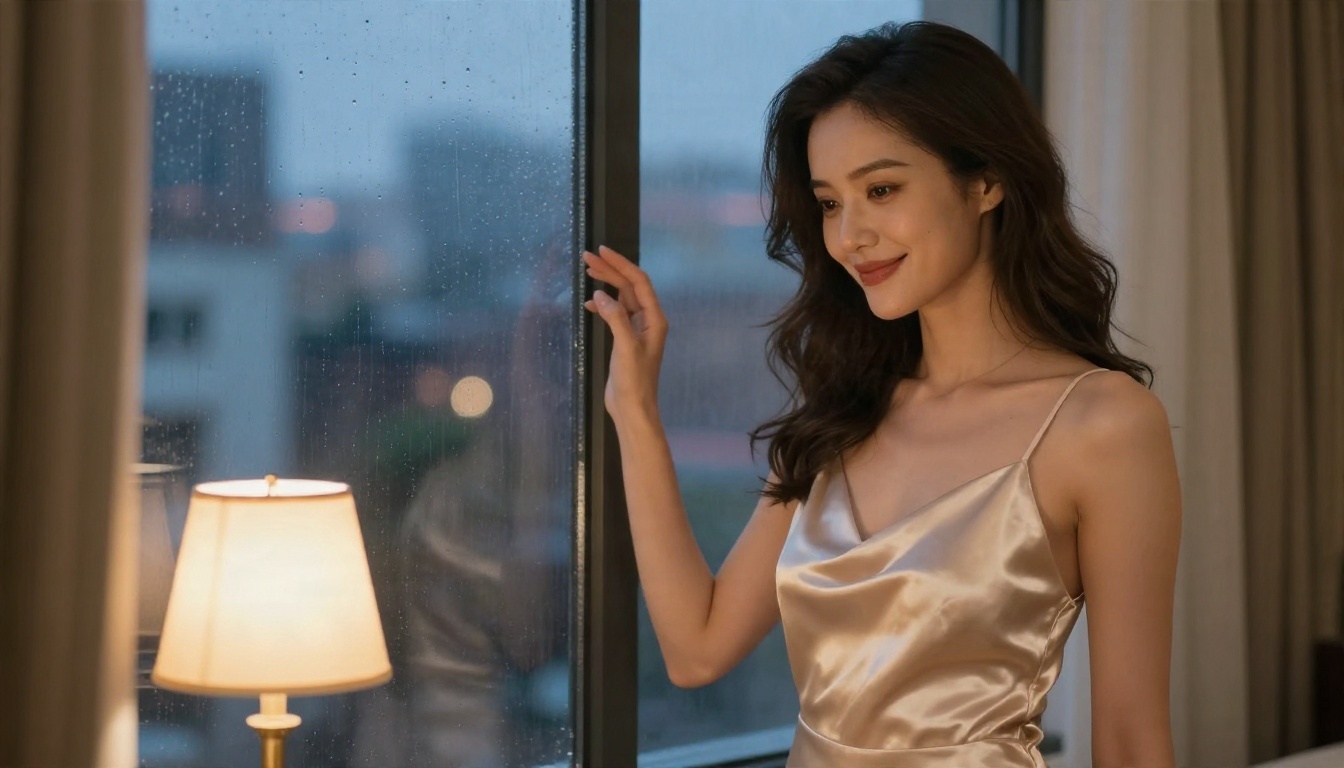
- Hotel window: champagne slip dress, rain on glass, hand resting on the window, tungsten lamp and blue dusk, slow push-in.
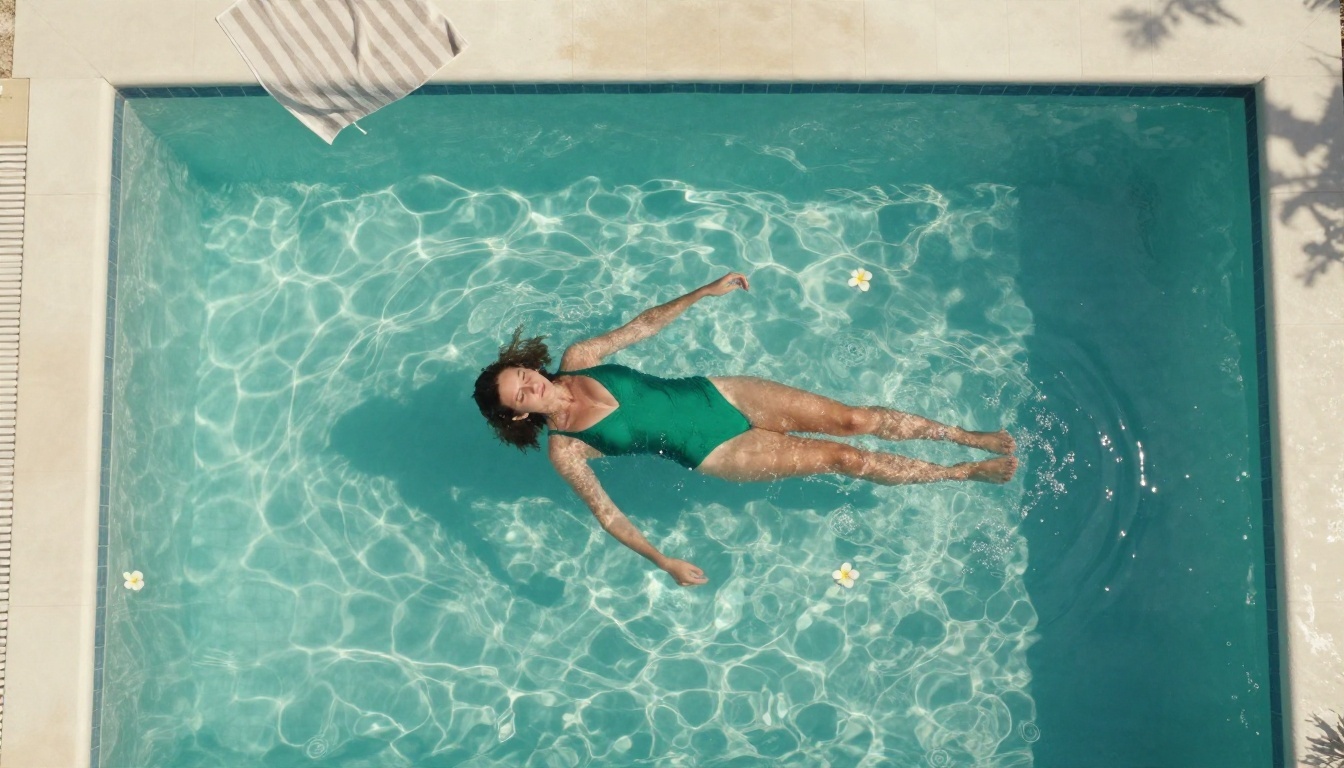
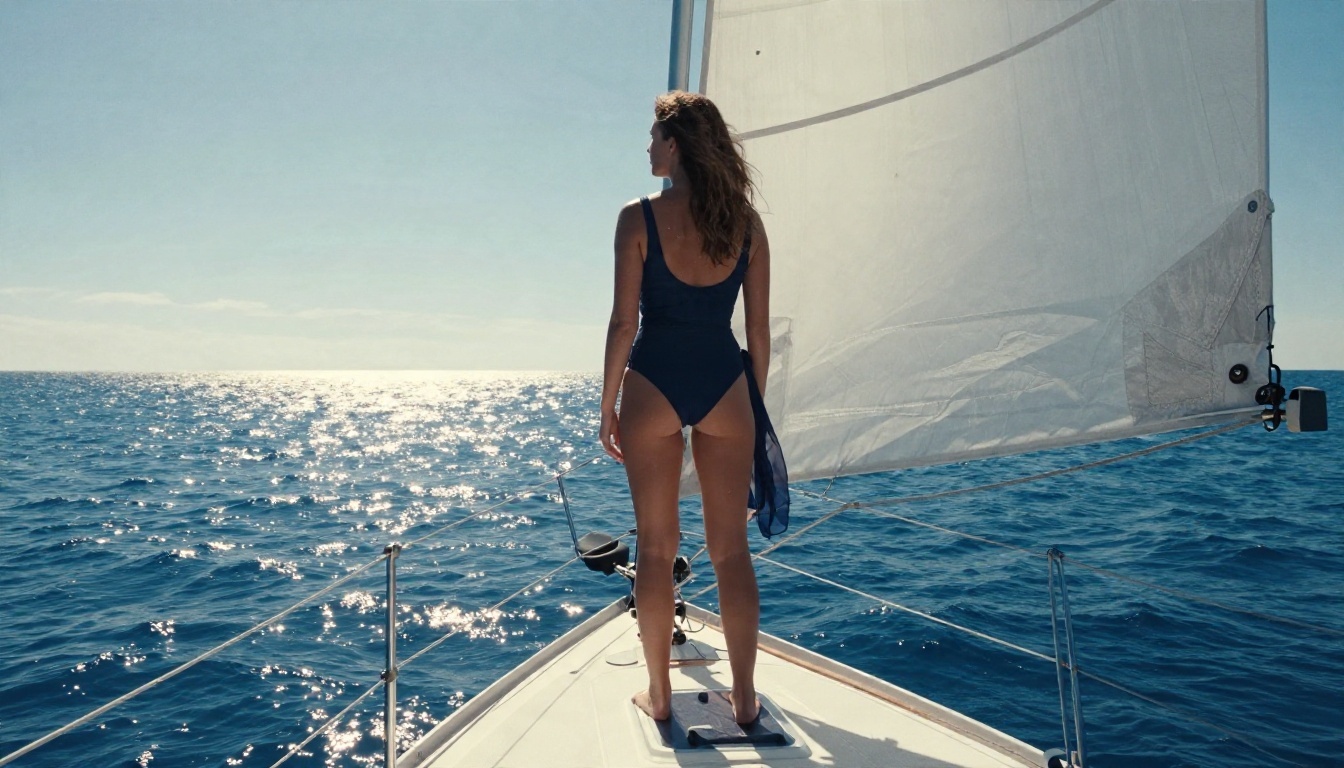
- Poolside float: emerald swimsuit, aerial view descending slowly, ripples spreading, flowers drifting.
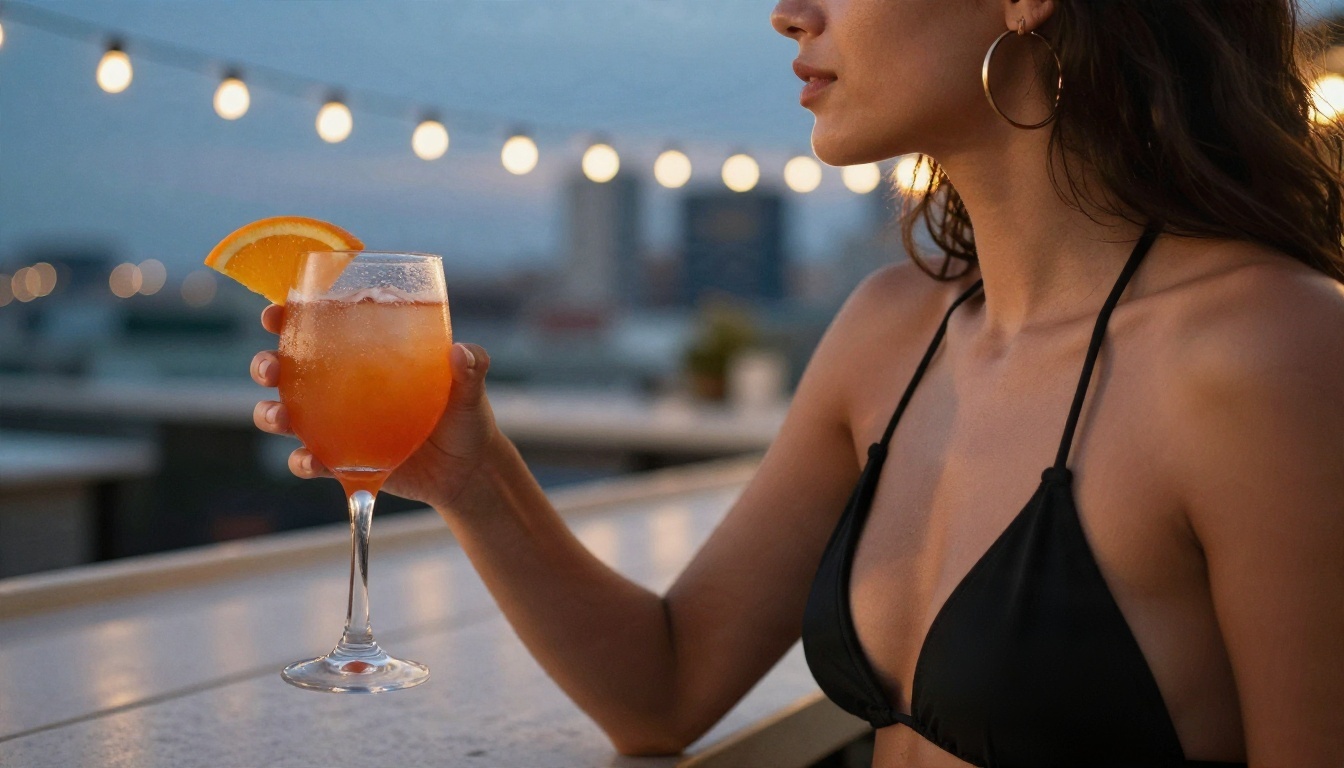
- Rooftop evening: black bikini top, cocktail, string lights flickering, shallow focus, gentle turn of the head.
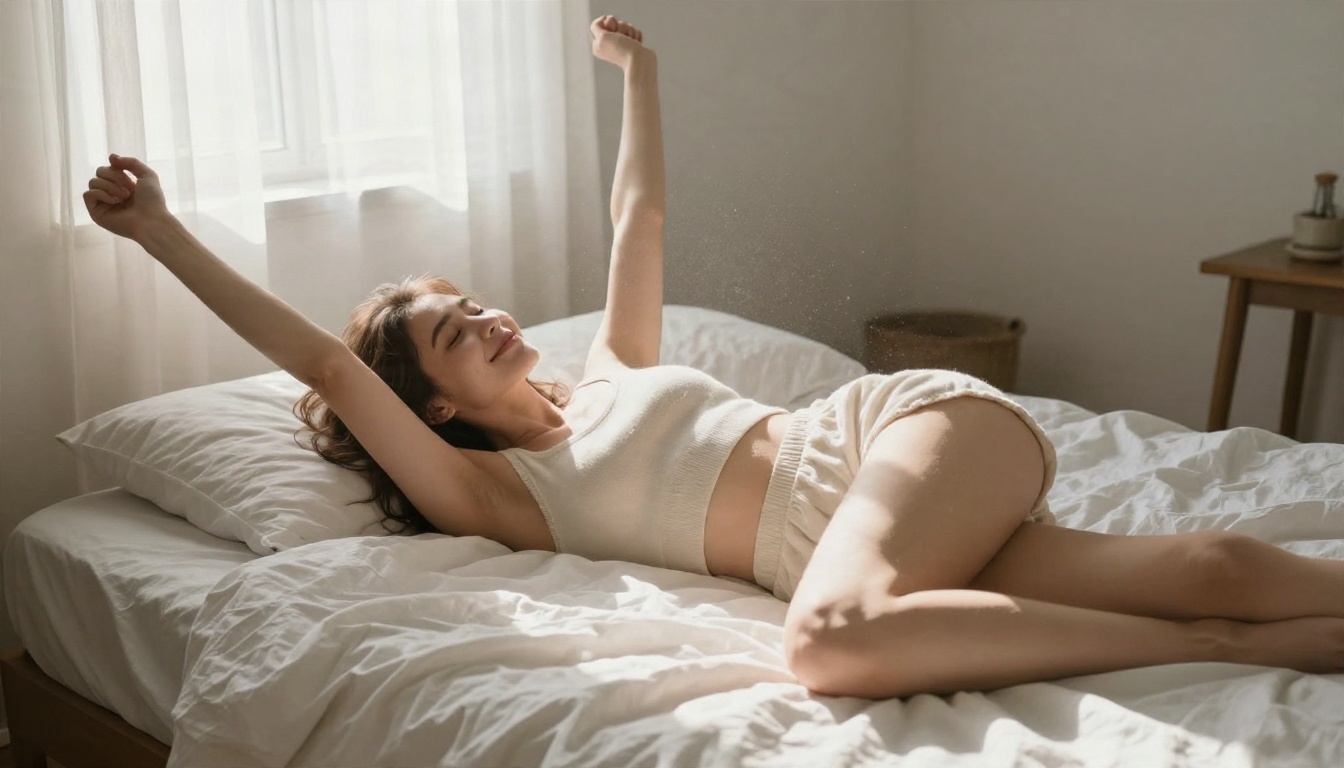
- Lazy morning: knit top, white sheets, sheer curtains moving with the breeze, soft stretch, warm sunbeams.
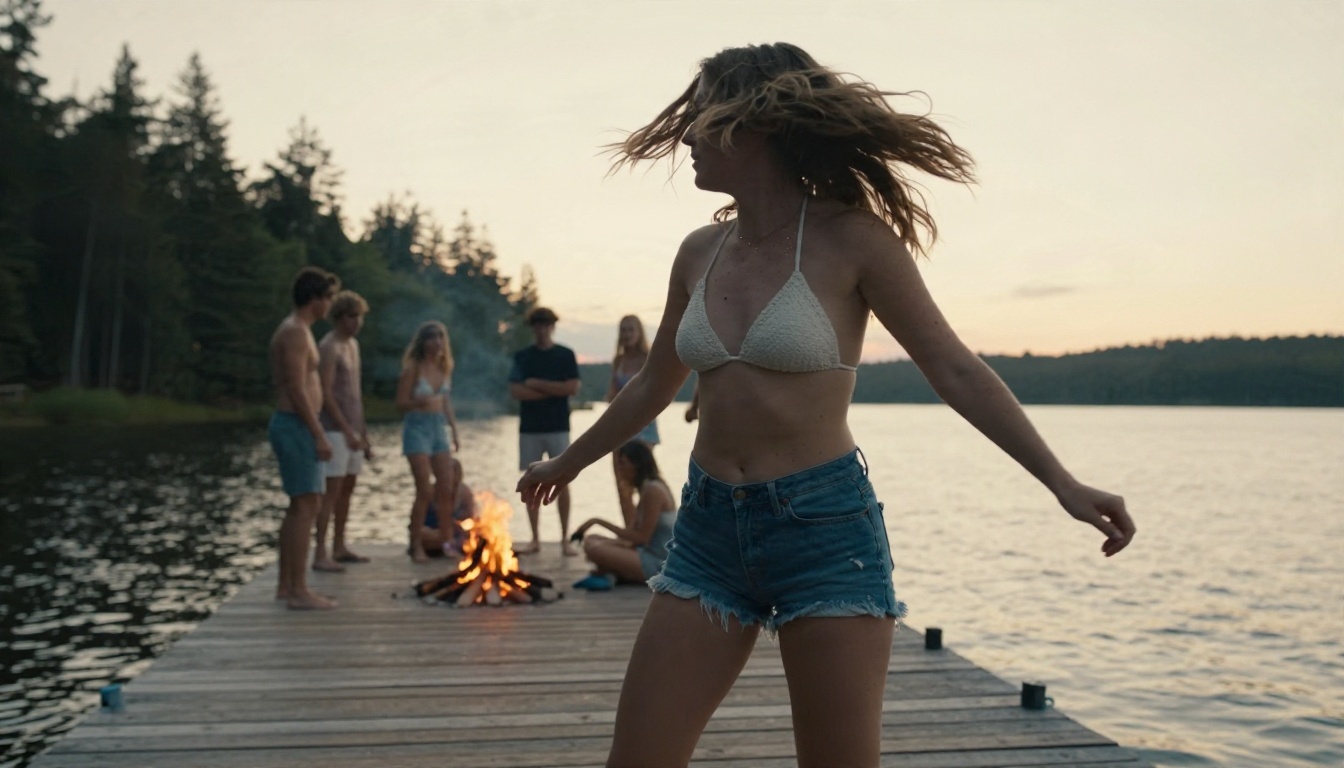
Example Scenes and What to Expect
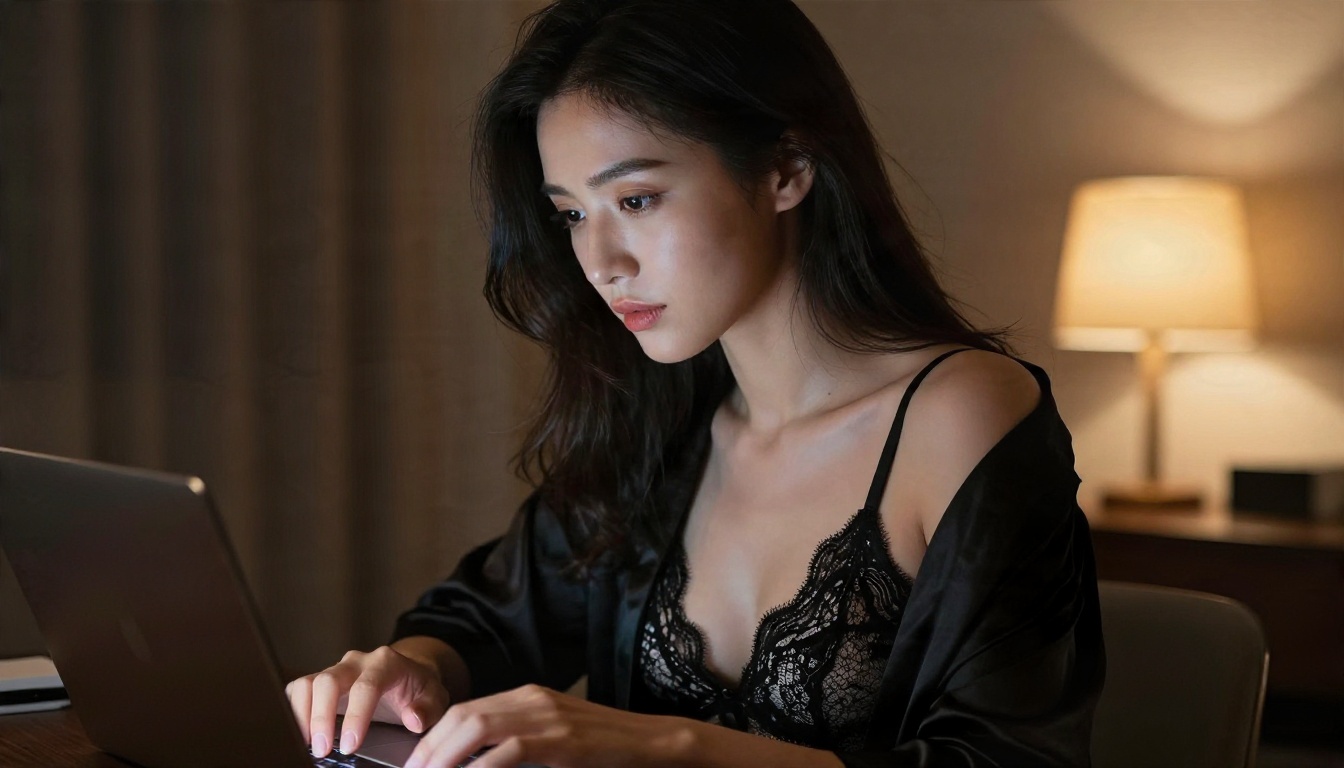
The scenes below show the sort of look you can aim for when stills and motion work together. These are the styles that tend to pass filters and still look striking.
Beach, Water and Sunlight
Water is the hardest test for any video model, and also where Wan 3.0 shows its strength. Foam, ripples, wet skin and wind-blown hair move with believable physics. The longer clip length lets a wave actually arrive, break and retreat in one take.
Evening, Rooftops and Interiors
Warm interior light, string lights and window reflections are great for the mood people usually mean by "spicy". The trick is contrast: one warm source and one cool source, a slow camera, and a calm action. Rapid movement is where faces start to drift.
💡 Pro habit: Keep one subject, one outfit and one location per clip. Every extra element is another thing that can go wrong over 30 seconds.
How to Use Wan 3 on PicassoIA
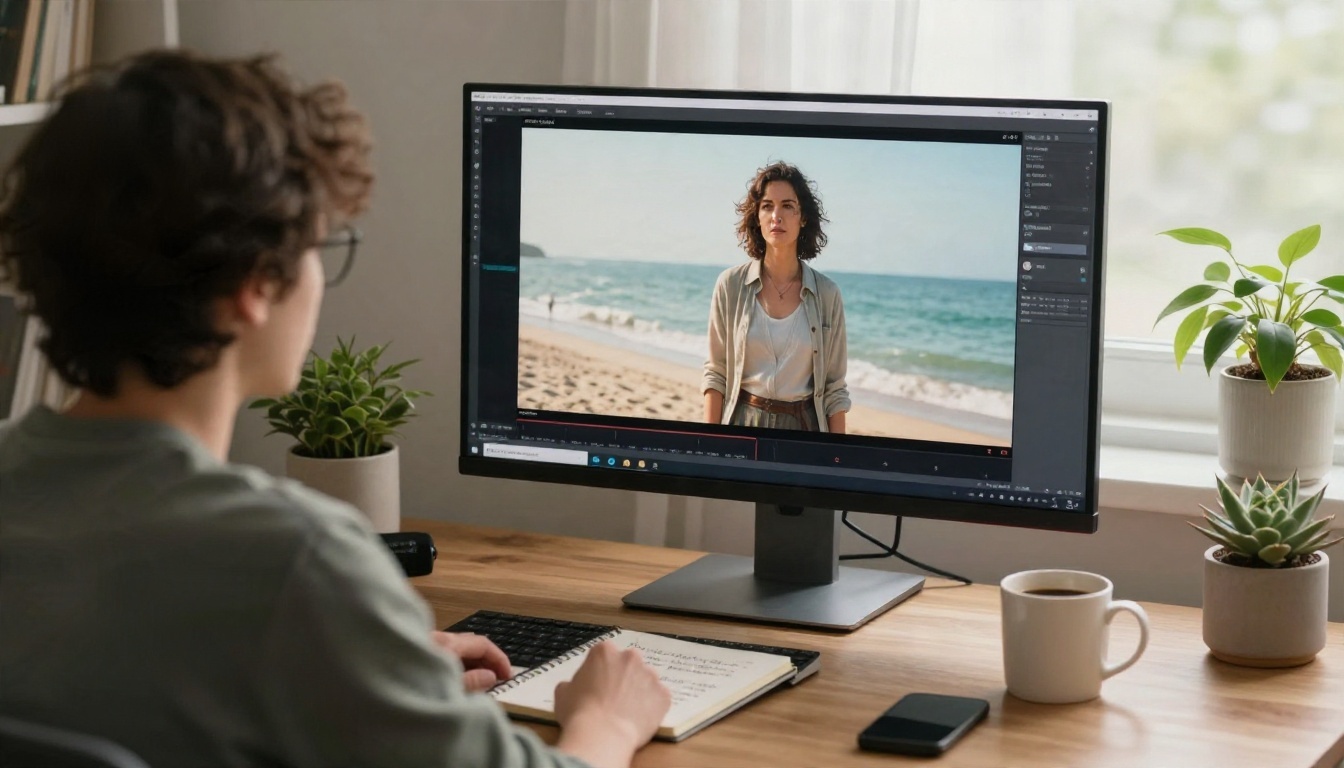
Wan 3 is available on PicassoIA, so you do not need a separate account with Alibaba or a third-party API key. There is also Wan 3 Prime, a variant aimed at 1080p output.
Step by Step
- Open the Wan 3 page on PicassoIA.
- Write your prompt using the formula above: subject, action, camera, light, atmosphere.
- If you have a reference frame from Seedream 4.5 or Image Editor Pro, upload it as the starting image so the face, outfit and setting stay consistent.
- Choose a short duration first, around 5 seconds, and a lower resolution for the test.
- Generate, watch the result, and adjust one variable at a time.
- Once the take works, rerun at your final length and resolution, or switch to Wan 3 Prime for the sharpest delivery.
Parameter Tips
- Duration: Test at 5 seconds. Go long only after the motion is right.
- Resolution: 720p is plenty for social posts. Save 1080p for the final export.
- Starting image: An image-led clip is much more predictable than text only, especially for faces.
- Prompt length: Aim for 60 to 120 words. Short enough to stay clear, long enough to direct the camera.
- Negative habits: Avoid stacking contradictory styles such as "cinematic film" plus "cartoon".
Limits You Should Expect
Even a strong model has edges, and hype pages rarely mention them.
Duration and Consistency
Thirty seconds is the ceiling, not the average. The longer the clip, the more likely hands, jewelry, hair edges and background details drift. Faces hold best when the camera stays calm and the starting image is clear. Fast dancing, quick head turns and crowded scenes are the usual failure points.
Moderation and Policy
Expect refusals, softened outputs and occasional false positives. A prompt that mentions a swimsuit and a pool can still get flagged if other words push it toward an adult reading. Rewrite the scene as a photographer would describe it. If it still fails, that is the filter doing its job, and no workaround is worth trying.
Alternatives Worth Knowing
If Wan 3 is not the right fit for a particular scene, these models on PicassoIA are worth a test:
Start Creating Your Own
The honest takeaway on Wan 3.0 uncensored is simple. There is no unfiltered download, no free unlimited copy, and no trick that beats a well-written editorial prompt. What works is a smarter pipeline: build the frame with Seedream 4.5, polish it with unlimited edits in PicassoIA Image Editor Pro, then bring it to life with Wan 3.
Pick one scene from the prompt ideas above, make a still, run a 5-second test and see what comes back. Every model mentioned here is one click away at picassoia.com/en/all-models, so open it, try a prompt, and make your first clip today.


