You typed "Wan 3.0 Unlimited" into a search bar hoping for a simple answer: can I generate as many AI videos as I want, and does it cost anything? The honest answer is it depends on where you run the model. Wan 3.0 is Alibaba's latest video model, and it is sold in credits, seconds and API quotas almost everywhere it appears. An "unlimited" tier has been teased by some platforms, but as of mid November 2026 the picture is inconsistent, and a lot of pages promising endless free clips are not what they claim to be.
This article sorts the facts from the marketing. You will see what free credits actually look like, how the per-second pricing compares, which limits you will hit in real projects, and which alternatives let you keep creating today without counting every clip.
💡 Quick answer: Wan 3.0 is billed by usage on most platforms. "Unlimited" is either upcoming, restricted to specific plans, or not offered at all. If you want to generate now, Wan 3 on PicassoIA is a direct way to try it, and the alternatives below cover the cases where you need volume.
What "Unlimited" Really Means
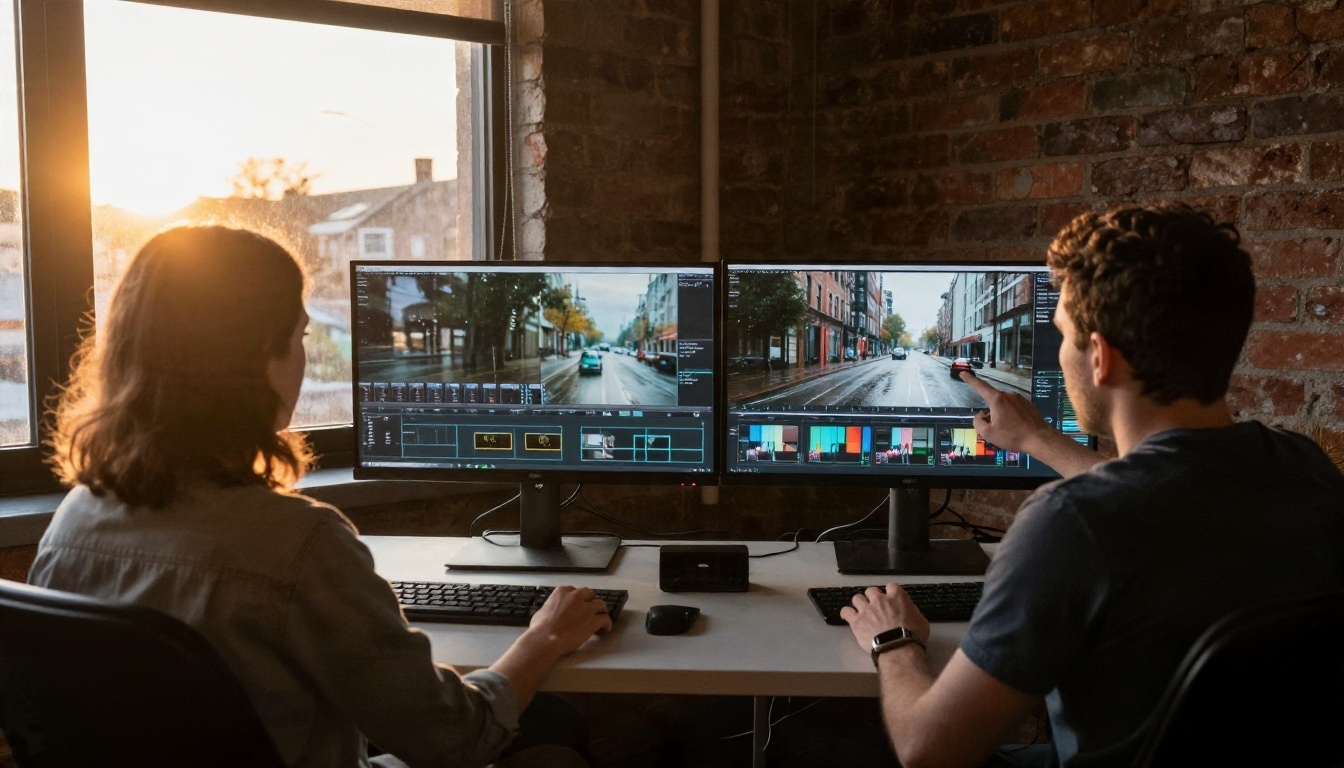
Wan 3.0 vs Wan 3.0 Unlimited
Wan 3.0 is the model. It turns a text prompt, or a single starting image, into a cinematic clip with natural camera motion, and it can output up to 1080p with clips that run much longer than the 5 second standard of earlier releases.
Wan 3.0 Unlimited is not a separate model. It is a label some platforms use for a plan, or a promised plan, where generation does not draw down your credit balance. The model is identical. Only the billing changes.
That distinction matters because you will see the phrase on landing pages, in ad copy and in search snippets, often without any explanation of whether the unlimited part is live right now.
Where the Label Appears
From what is publicly visible, the status is mixed:
- One creative platform describes a Wan 3.0 Unlimited option as coming soon, while Wan 3.0 itself already runs on paid credits.
- Another page from the same ecosystem suggests the model is not part of its unlimited plans at all.
- A large generative video hub's pricing, checked at the end of October, had no plan that made Wan 3.0 unlimited, so every clip spent credits.
So when someone tells you "Wan 3.0 is unlimited and free", treat it as a claim to verify, not a fact. Pricing and plan terms shift quickly in this market, so always check the current checkout page before you commit money.
Free Credits: What You Actually Get

Daily Check-In Credits
Alibaba's own route to free use runs through the official Wan site, where logged-in users can collect daily check-in credits. The amount is not clearly published, which makes it hard to say how many clips that really buys. In practice, expect enough for a few short tests per day, not a production workflow.
Alibaba's cloud platform also offers a small trial quota for API access, reported as roughly 30 seconds of generated video for new accounts. That is useful for a technical proof of concept, and not much more.
Trial Credits on Third-Party Apps
Many apps that host Wan 3.0 give new users a small welcome balance, or none at all. One major platform's free account, for example, starts with zero credits for this model. The pattern is consistent:
| Free route | What you get | Realistic use |
|---|
| Official daily check-in | Small daily credit drip | A handful of short tests |
| Cloud API trial quota | Around 30 seconds of video | Developer experiments |
| Third-party welcome credits | Varies, sometimes none | One or two clips |
| Platform free trial | Limited generations | Quality check before paying |
💡 Tip: Spend free credits on 480p or 720p test renders. Save 1080p for the prompt you have already tuned.
Watch Out for Fake Sites
Searching "free Wan 3.0" returns a lot of pages that are not run by Alibaba and often have nothing to do with the real model. Some use older open weights under the new name, some are wrappers that cap you after one clip, and a few exist only to collect emails or push subscriptions.
Quick checks before you sign up:
- Does the page say which exact model and version it runs?
- Is the resolution and clip length stated clearly?
- Is the price per second or per credit visible before you generate?
- Does the platform have a real model page with examples and documentation?
If the answer to any of these is no, move on.

Credits Per Second
Every platform uses its own credit currency, so numbers are hard to compare directly. Reported figures from different services at the time of writing:
| Platform type | 720p | 1080p | Notes |
|---|
| Creative studio A | About 23 credits per second | About 35 credits per second | Unlimited tier listed as upcoming |
| Video hub B | About 8.75 credits per 5 seconds | About 17.5 credits per 5 seconds | No unlimited plan for this model |
| Design suite C | Not listed | About 400 credits per 2 seconds | Marked as discounted |
Notice how 1080p roughly doubles the cost of 720p in the tables where both are listed. That ratio is the single most useful rule of thumb in this whole pricing landscape.
API Pricing
If you build your own tool, the cost is quoted in dollars. One API provider lists roughly $0.075 per second at 480p and $0.15 per second at 720p. A single 5 second 720p clip therefore lands under a dollar, but a 30 second clip at the same resolution is around $4.50 before any retries.
Here is a simple way to estimate your spend:
- Decide your final clip length and resolution.
- Multiply by the per-second rate.
- Add 2x to 4x for retries, because the first render is rarely the keeper.
For example, ten finished 10 second clips at 720p, with three attempts each, comes to 300 seconds of generation. At the rate above that is about $45. Not terrible for a marketing batch, but far from "free" or "unlimited".
💡 Why unlimited is tempting: Retries are where budgets disappear. A plan that stops metering retries would be valuable, which is exactly why platforms advertise it before it exists.
Limits You Will Hit

Resolution and Clip Length
The model itself supports 480p, 720p and 1080p and can produce clips up to about 30 seconds per generation. Not every host exposes the full range. Some cap you at 5 or 10 seconds on cheaper plans, and some lock 1080p behind a higher tier.
Before you judge Wan 3.0 on a platform, check which settings it actually gives you. A 5 second 480p preview looks nothing like a 1080p long take.
Queues and Daily Caps
Even plans labelled "unlimited" often include soft limits:
- Concurrent job caps, such as one or two renders at a time.
- Slower queue priority after heavy use.
- Fair use clauses that throttle accounts producing hundreds of clips a day.
- Resolution restrictions, where unlimited applies only to lower settings.
This is common across the industry, so read the fine print under the word "unlimited". It rarely means what it means in everyday speech.
Prompt and Safety Filters
Hosted services apply content filters, and rules vary by platform. A prompt that renders fine in one app can be blocked in another. If a clip fails, you may still be charged credits depending on the platform's policy, so check whether failed generations are refunded.
Is Unlimited Worth Paying For?

Who Benefits Most
An unlimited plan makes sense if you:
- Produce social clips daily and iterate heavily on prompts.
- Run client work where revisions are expected and unpredictable.
- Test many styles and camera moves before choosing a final take.
- Create ad variations for A/B testing.
For a small business owner making a handful of promo clips per month, pay-as-you-go is usually cheaper than a monthly unlimited subscription.
Who Should Skip It
Skip unlimited if you only need one or two clips a week, or if the plan restricts the settings you actually want, such as 1080p. A plan that is "unlimited" at 480p but metered at 1080p can cost more than straightforward credits.

💡 Rule of thumb: If you would spend less than the monthly price in pay-as-you-go credits, you do not need an unlimited plan.
How to Use Wan 3 on PicassoIA

If you want to try the model itself rather than read about plans, Wan 3 on PicassoIA lets you generate from a text prompt or a starting image, with resolutions up to 1080p and clips up to 30 seconds. It is free to try online, so you can judge the motion quality before paying anywhere.
Step by Step
- Open the Wan 3 model page.
- Write your prompt describing the subject, the action and the camera move. For example: "A woman walks through a quiet wet street at dusk, slow tracking shot, warm shop windows, light rain".
- Optionally upload an image to use as the first frame. When you do, the aspect ratio follows your image.
- Pick the resolution: 480p, 720p or 1080p.
- Set the duration. The default is 5 seconds, which is the best length for a first test.
- Press generate, review the clip, and refine the prompt.
Settings Worth Tweaking
| Setting | Default | Recommendation |
|---|
| Resolution | 1080p | Test at 480p or 720p, then finalize at 1080p |
| Duration | 5 seconds | Stay short until the motion looks right |
| Aspect ratio | Adaptive | Choose 16:9 for web, 9:16 for short vertical video |
| Negative prompt | Empty | Add "text, watermark, distorted hands" when needed |
| Prompt expansion | On | Keep on for short prompts, turn off for exact control |
| Seed | Random | Fix it when you want to compare small prompt changes |

💡 Tip: Describe motion in the order it happens. "She lifts the cup, turns toward the window, the camera slowly pushes in" gives the model a timeline, and the clips feel far more intentional.
If you need maximum resolution from text alone, Wan 3 Prime is the sibling to try next, also built for 1080p and long clips.
Alternatives That Work Today

If you want volume without watching a credit counter, or you simply want to compare outputs, these video models are on PicassoIA right now.
Wan 3 Prime
Wan 3 Prime produces 1080p video from text and supports clips up to 30 seconds, with an optional first frame image to animate. It is the closest match if you liked Wan's look and want another route into the same family.
Seedance 2.5 Lite
Seedance 2.5 Lite is the practical answer to the "unlimited" question. It is tuned for 480p and 720p, creates clips up to 10 seconds, and is described as unlimited for Elite and Infinite members, with no per-clip cost or daily counter. It accepts both text prompts and starting images, which makes it ideal for heavy iteration. Its bigger sibling, Seedance 2.5, is the one to pick for clips up to 30 seconds.
More Models Worth Testing
| Model | Best for | Link |
|---|
| Kling v3 Video | Cinematic motion and realistic physics | Kling v3 Video |
| Veo 3.1 Fast | Quick 1080p clips with native audio | Veo 3.1 Fast |
| Wan 2.6 T2V | Reliable HD text to video from the same family | Wan 2.6 T2V |
| Wan 2.6 I2V | Animating a single photo | Wan 2.6 I2V |
| Sora 2 | Text to video with synced audio | Sora 2 |
A sensible workflow: draft quickly with Seedance 2.5 Lite, then render the final shot with Wan 3 at 1080p, and compare against Kling v3 Video when you need a second opinion on motion.
Make Your First Clip Today
Chasing a "Wan 3.0 Unlimited" plan is mostly a way of asking how to stop worrying about cost while you experiment. The practical path is shorter than the search results suggest: test at low resolution, keep clips short until the motion works, and use a model with a clear access policy for the heavy iteration.
Open Wan 3 on PicassoIA, paste in the street scene prompt from the tutorial above, and see what 5 seconds of motion looks like. Then try the same prompt on Seedance 2.5 Lite and Wan 3 Prime to compare. You can browse every video, image and audio model at picassoia.com/en/all-models, and the fastest way to find your favorite is to run one prompt through three of them.


