You have a great still photo. A woman in a silk robe by a window, a bikini shot on a sunlit terrace, a glamour portrait you spent an hour perfecting. Now you want it to move: hair lifting in the breeze, a slow turn toward the camera, fabric shifting as she breathes. That is exactly what Wan image to video does, and it is the reason the search for Wan image to video NSFW keeps growing. The catch is that results swing wildly depending on settings, source image, prompt wording and where you run the model.
This article sticks to the practical side. You will see which settings matter, what "free" actually means for Wan, where the limits bite, and which alternatives are worth a test run. Everything here is about suggestive, non-explicit, glamour-style content: swimwear, lingerie-adjacent fashion, boudoir mood. That is also where Wan performs best.
💡 Quick answer: Wan is an open model family from Alibaba. You can run older versions free on your own GPU, or use hosted versions online. Free hosted tiers are small, local runs are slow, and content filters depend on the host, not on Wan itself.
What Wan Image to Video Actually Does
Wan takes one still image plus a text prompt and generates a short clip that starts from your picture. The first frame is your photo. Everything after that is the model's guess about plausible motion, guided by your wording.
For glamour and swimwear content, that works well because the motion is gentle: hair, fabric, water, light, a shift of weight. Wan handles those subtle movements better than most models, which is why the family became so popular in the adult-leaning creator scene.
The Wan Model Family at a Glance
Wan has moved fast. Several versions are now available as image to video models, and each one trades speed against quality.
| Model | Best for | Typical trade-off |
|---|
| Wan 2.2 I2V A14B | Natural motion, open-weights lineage | Slower, heavy hardware needs |
| Wan 2.2 I2V Fast | Quick tests at 720p | Slightly less refined detail |
| Wan 2.5 I2V | Better prompt following | Higher cost per clip |
| Wan 2.6 I2V | Smoother, more stable faces | Longer waits than Flash |
| Wan 2.6 I2V Flash | Rapid iteration | Less depth in lighting |
| Wan 2.7 I2V | Latest image to video quality | Newest, so fewer community tips |
What "NSFW" Means in Practice
Wan itself is a general video model. There is no "NSFW switch" inside the weights. What changes is the host. A local install has no filter at all. A hosted service applies its own rules, and those rules differ a lot from one platform to the next.
On PicassoIA, the sensible target is non-explicit adult aesthetics: bikinis, glamour lighting, boudoir portraits, implied artistic mood. Keep that frame in mind and you will get cleaner, more usable clips on every host.
Settings That Change the Result
Most people blame the model when a clip looks wrong. In reality, four or five settings decide whether you get a polished shot or a melted face.
Resolution and Duration
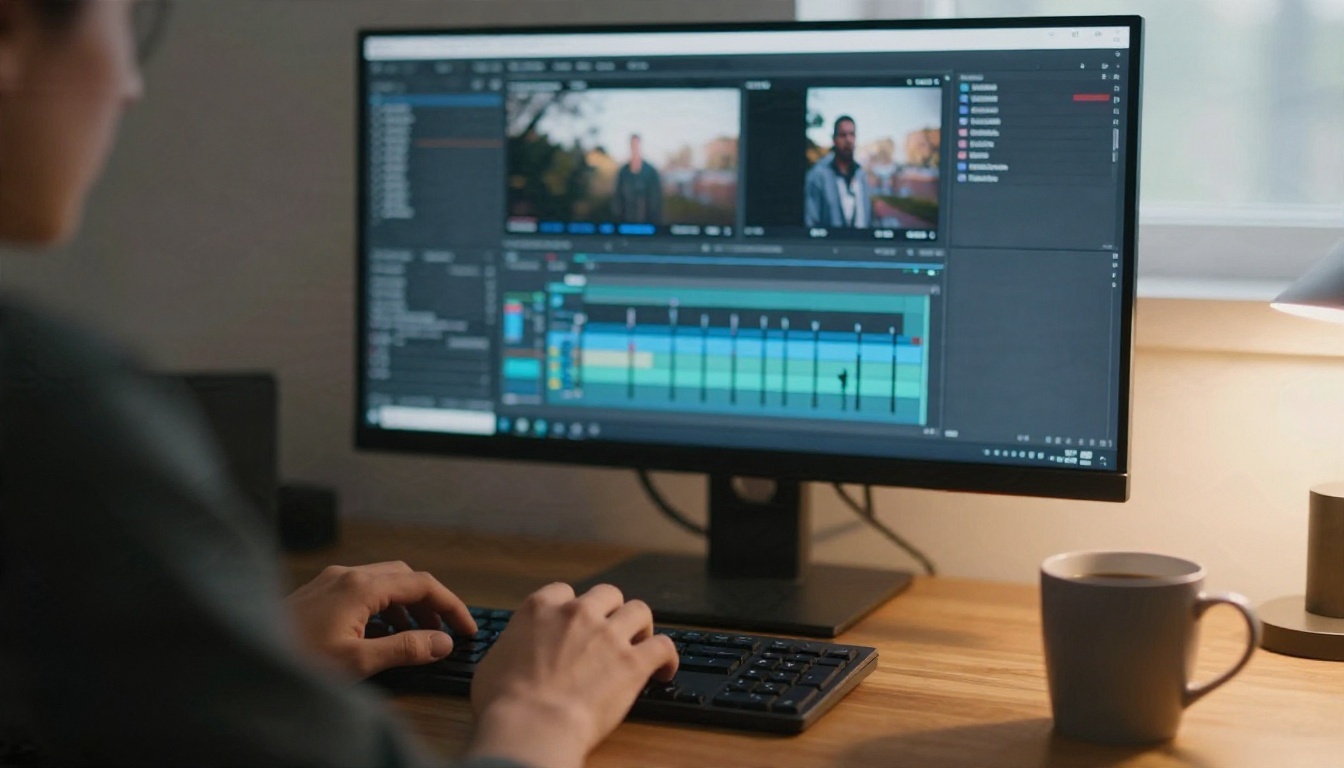
Wan clips are short. Expect roughly 5 seconds per generation on most hosted versions, sometimes a bit longer on newer ones. Resolution usually comes in 480p and 720p, with higher options on the newest models.
- 480p: fine for testing a prompt, cheap and fast.
- 720p: the sweet spot for final clips. Skin texture and fabric detail hold up.
- Longer durations: more motion means more drift. Faces and outfits start to change after a few seconds.
My rule: test at 480p, then rerun the winning prompt at 720p with the same seed.
Steps and Guidance
If your host exposes sampling steps, more steps usually mean cleaner detail but longer waits. Going from 20 to 30 steps often helps. Going from 30 to 60 rarely justifies the wait.
Guidance (sometimes called CFG or prompt strength) controls how closely the model follows your words. Too low and the clip drifts into generic motion. Too high and you get stiff, jittery movement and burned highlights. A moderate value is almost always the right call for skin and fabric.
Seed and Frame Count
A fixed seed lets you repeat a good result while changing one variable at a time. Change the prompt, keep the seed, and you see exactly what the new wording did. Change two things at once and you learn nothing.
Frame count and frame rate decide clip length. A common setup is 81 frames at 16 or 24 fps, which gives roughly 3 to 5 seconds. Pushing the frame count higher is possible on some builds, but quality drops toward the end.
Source Image Quality
This is the setting nobody lists, and it matters most. Wan inherits everything from your first frame: face, skin, lighting, outfit, background.
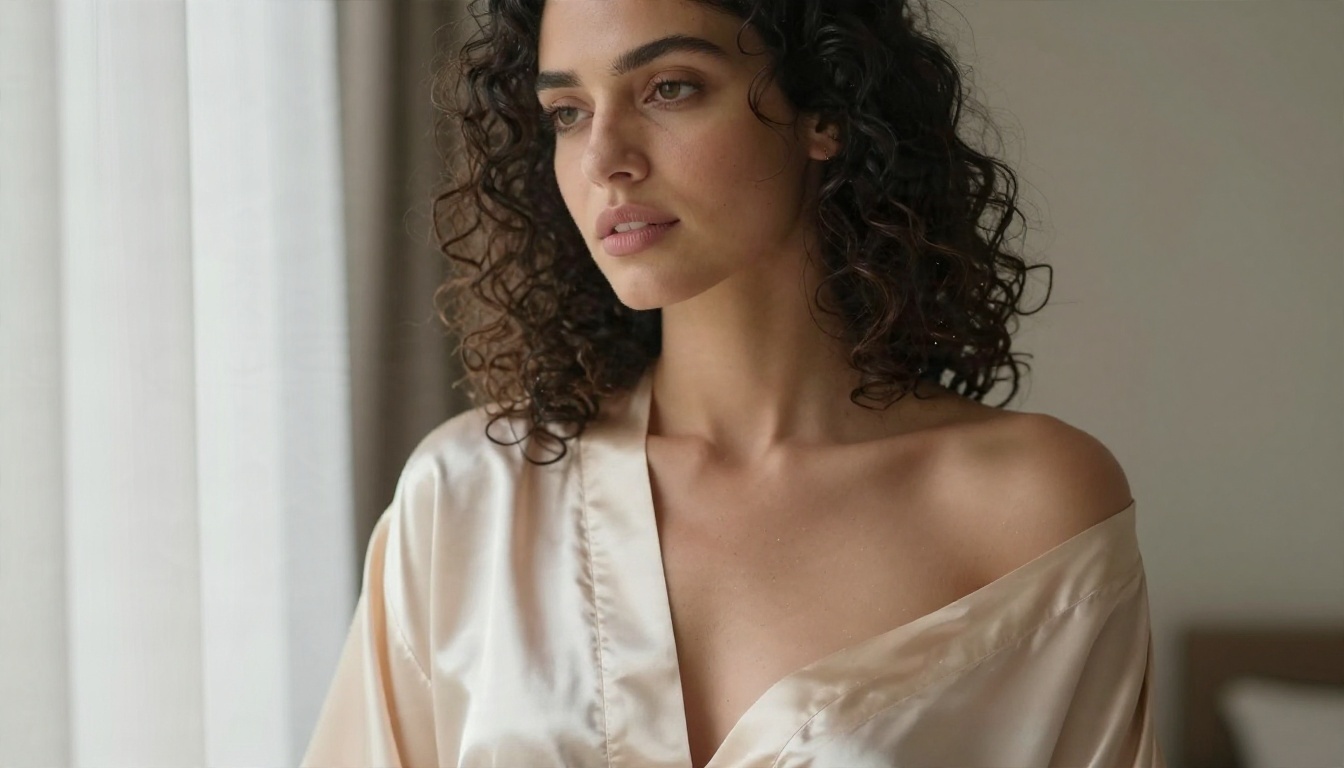
Good source images share a few traits:
- Sharp eyes and clear skin texture. Blurry sources produce wobbly faces.
- Simple, soft lighting. Window light works better than mixed color lighting.
- Room for motion. Leave space around the subject so hair and fabric can move.
- Natural pose. Mid-gesture poses give the model less to guess.
If your source looks plastic, the video will too. Generate the still with Seedream 4.5 first, then animate it. That combination consistently beats animating a mediocre photo.
Prompts That Move Bodies Naturally
Image to video prompts are not image prompts. You are not describing what is in the frame, because the model already sees it. You are describing what happens next.
Motion First, Then Camera
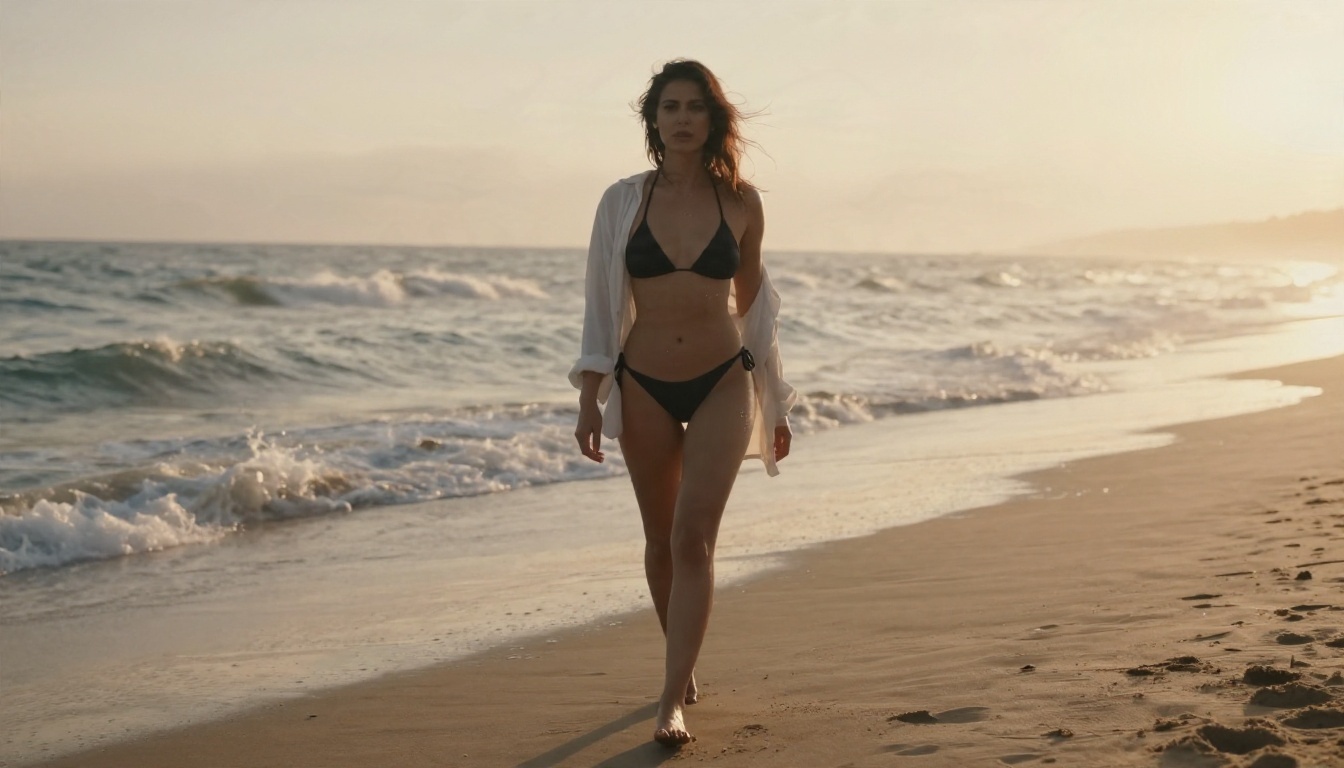
Write the prompt in the order things happen. Subject movement first, camera second, atmosphere last.
Weak prompt: "beautiful woman on beach, bikini, cinematic."
Strong prompt: "She walks slowly toward the camera, hair lifting in the sea breeze, shirt fluttering open, waves rolling behind her. Slow dolly back, warm sunrise light, natural film grain."
The strong version gives the model a clear chain of events. The weak version just repeats what the image already shows.
A few phrases that reliably help:
- "slow, gentle movement" for calm, flattering motion
- "hair and fabric moving in a light breeze" for natural secondary motion
- "slow push in" or "slow dolly back" for controlled camera work
- "soft natural light, subtle film grain" to protect the photographic look
Negative Prompts Worth Keeping
If your host supports negative prompts, a short list does more than a long one. Keep it focused on the usual failures:
- extra fingers, distorted hands
- warped face, changing facial features
- flickering, jitter, sudden jumps
- overexposed highlights, blurry details
Avoid stuffing in fifty terms. Long negative lists can flatten motion and make clips look lifeless.
Free Options and What They Cost
Free is real, but it always costs something: time, hardware or limits.
Running Wan Locally
Wan 2.2 was released with open weights under the Apache 2.0 license. That means you can download it and run it on your own machine, typically through ComfyUI. Community-made LoRA adapters then bend the model toward specific styles or motion types.
What you pay:
- A strong GPU. A 24 GB card is the comfortable range. Quantized versions run on less, with quality loss.
- Setup time. Installing nodes, weights and LoRAs is a weekend project for beginners.
- Waiting. Reports from creators suggest a 5-second 720p clip can take 5 to 10 minutes on a high-end consumer card, depending on steps and optimizations.
- Zero filtering. That is freedom, but also responsibility. You decide what is appropriate.
If you already own the hardware, local is the cheapest long-term route. If you do not, a GPU purchase makes no sense just for this.
Free Hosted Tiers
Many websites offer a limited free tier for Wan-based image to video. The pattern is similar almost everywhere:
| Typical free tier feature | What to expect |
|---|
| Daily generations | Often around 5 per day |
| Wait time | Roughly 30 to 90 seconds, longer at peak hours |
| Resolution | Often capped at 480p |
| Watermarks | Common on free output |
| Storage | Clips may be deleted after about 24 hours |
Treat these numbers as a rough pattern rather than a promise. Terms change often, and free tiers are built to nudge you toward paid plans.
💡 Tip: If a free tool hides its resolution cap or watermark until after you generate, move on. Good hosts state limits up front.
PicassoIA takes a different approach with PicassoIA Video, a free, unlimited video generator that accepts text or an image, so you can iterate on motion without watching a counter.
The Real Limits
Wan is impressive, but it has boundaries you should know before you invest time.
Length and Consistency
Five seconds is the norm. You can chain clips by using the last frame of one as the first frame of the next, but each handoff risks small changes in face, lighting and outfit. For a 15-second sequence, expect to reroll several segments.
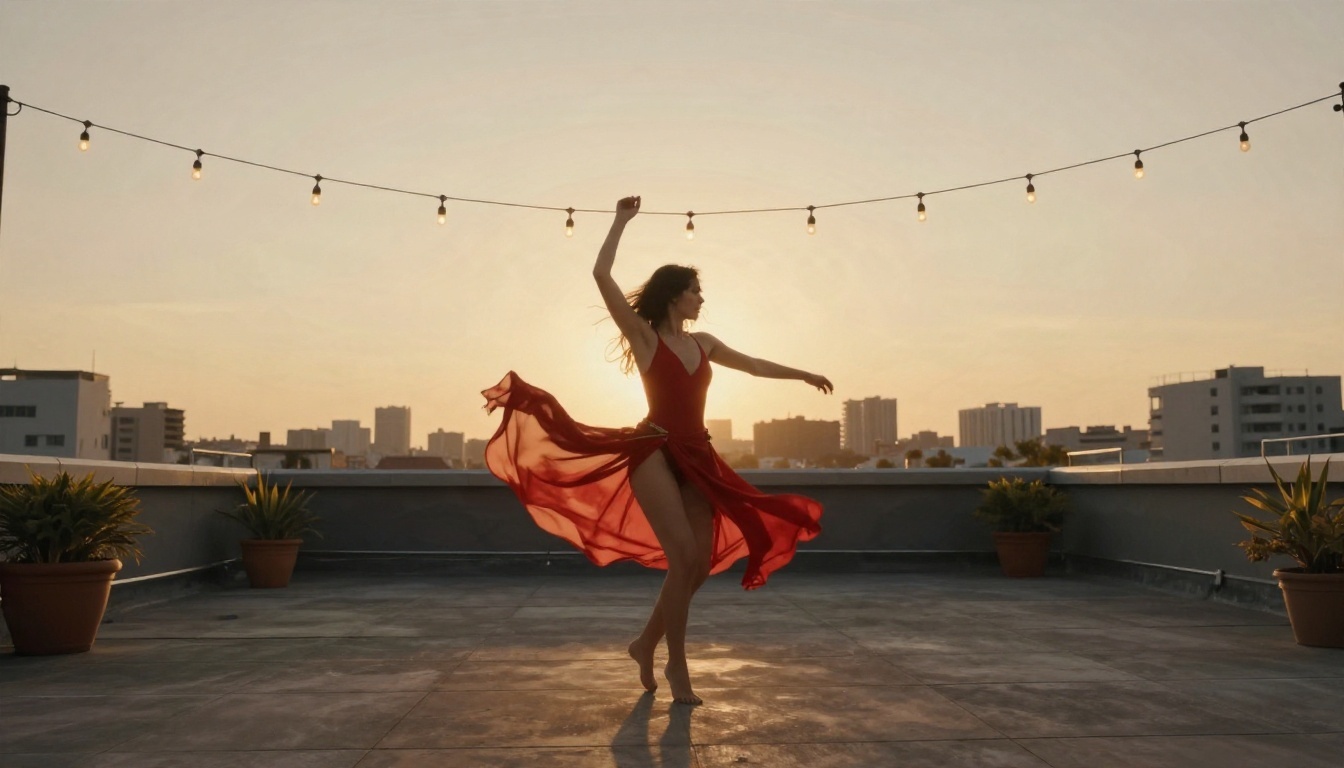
Fast, large motion is the weak point. A spinning dance, a jump or a quick head turn makes the face drift. Slow, small movements stay stable.
Hardware and Wait Times
Local generation lives and dies by VRAM. Running out of memory means crashes or forced downscaling.

Speed tricks exist: caching methods, quantization and lighter "fast" model variants all cut wait time. The trade-off is a small loss in detail, which is easy to accept for drafts and harder to accept for final clips.
Filters and Rules
Every hosted platform sets its own content policy. Some block anything suggestive. Others allow swimwear and glamour but reject explicit material. Policies also shift without notice, so a prompt that worked last month may fail today.
A few practical rules:
- Only animate images of adults, and only people you have the right to depict.
- Never animate a real person's likeness without their consent.
- Keep content non-explicit if you plan to publish it on mainstream platforms.
Alternatives Worth Trying
Wan is not the only route. Depending on your goal, another model might give you smoother skin, longer clips or less waiting.
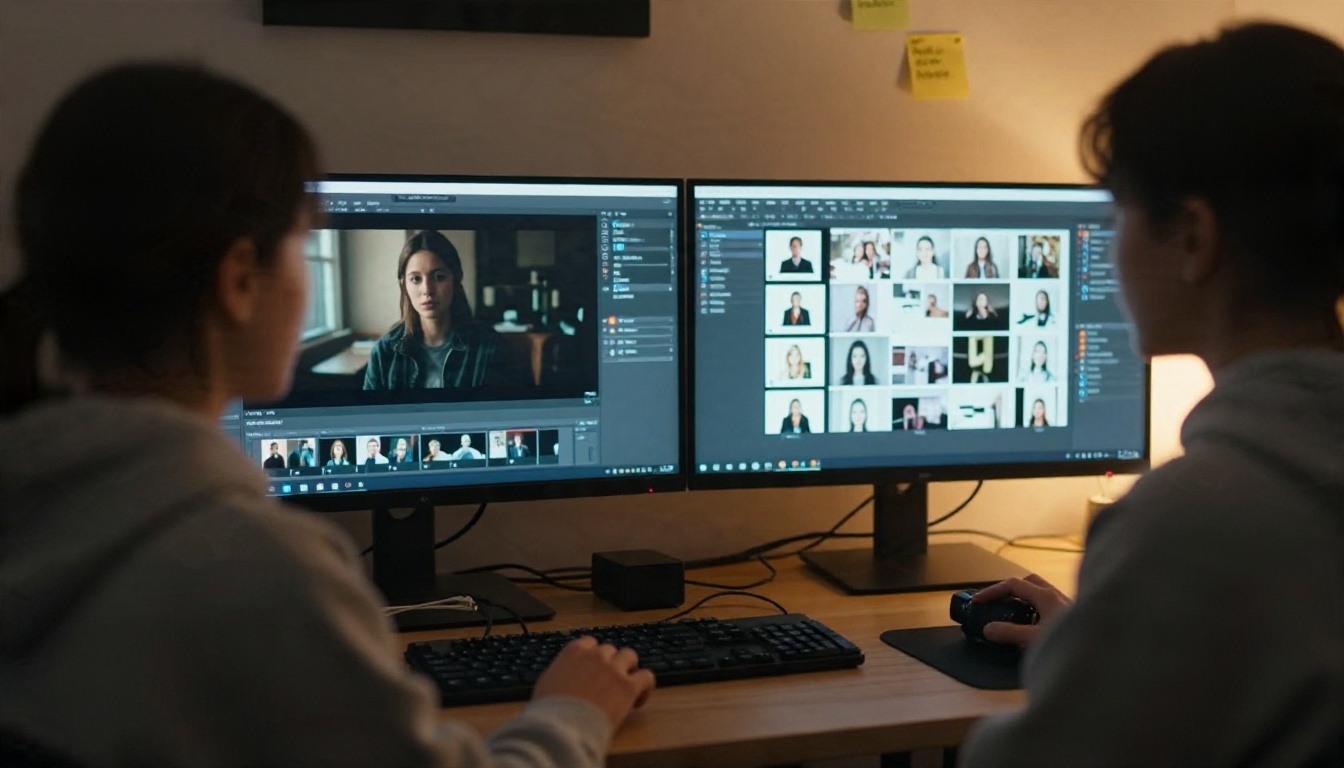
Start with the image, since animation quality depends on it:
- Seedream 4.5 is the first model to reach for when you want glamour and swimwear stills with realistic skin. It is fast and handles adult-leaning aesthetics well.
- PicassoIA Image Editor Pro gives you unlimited generations and edits, which is ideal when you need ten tries to get the perfect first frame.
Then pick your video engine:
You can browse every option at picassoia.com/en/all-models.
💡 Workflow that works: Build the still in Seedream 4.5, refine it in Image Editor Pro, then animate with a Wan model. Three steps, and each one is easy to redo.
How to Use Wan I2V on PicassoIA
You do not need a GPU, ComfyUI or any install. Here is the fastest route using Wan 2.6 I2V. The steps are identical for Wan 2.2 I2V Fast and Wan 2.7 I2V.
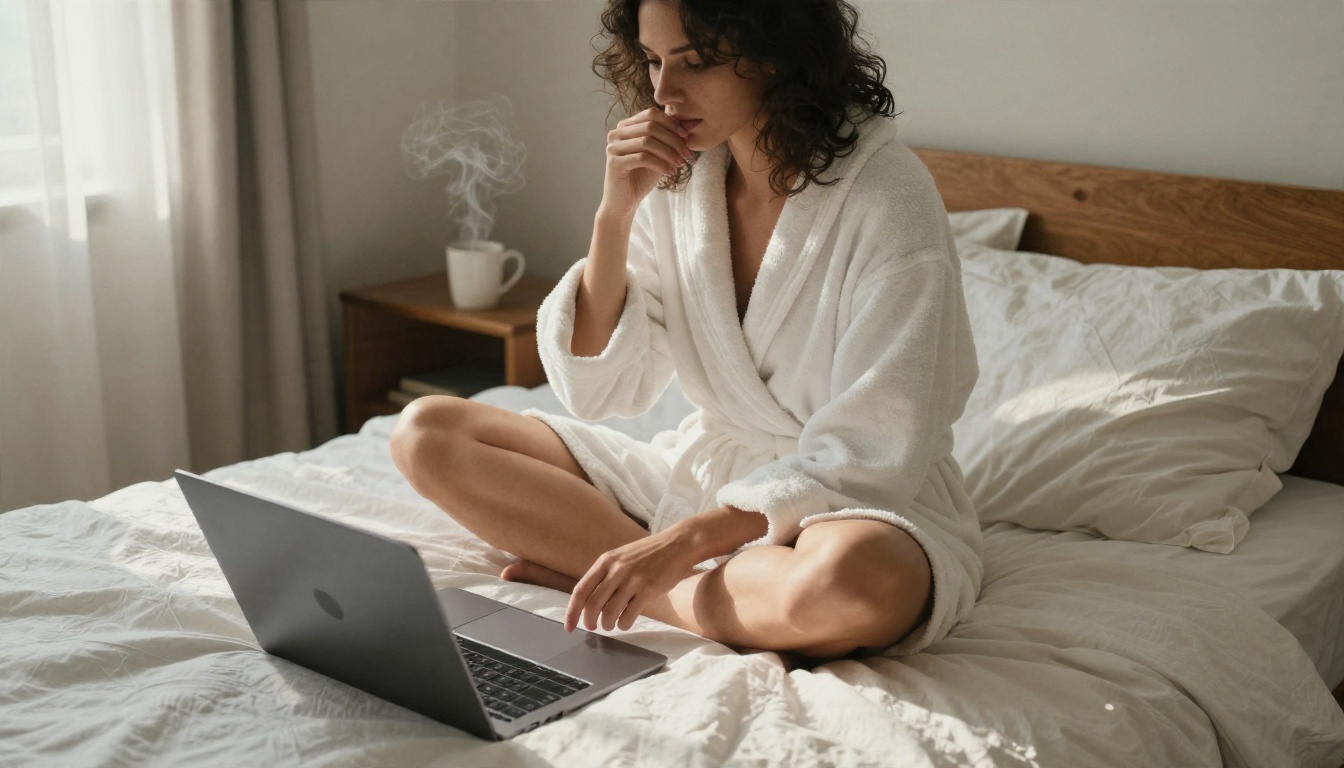
- Prepare your first frame. Generate a sharp, softly lit image with Seedream 4.5, or polish an existing photo in PicassoIA Image Editor Pro.
- Open the model page. Go to Wan 2.6 I2V and upload your image.
- Write a motion prompt. Describe what happens next: "She turns her head slowly toward the window, silk robe shifting, soft morning light, slow push in."
- Choose 720p for finals. Use a lower resolution for drafts, then rerun the best one at 720p.
- Keep the seed. If a result is close, change one phrase and generate again with the same seed.
- Generate and review. Check faces and hands in the final second, since that is where drift appears.
- Try a faster variant for drafts. Wan 2.6 I2V Flash is quick for testing motion ideas before spending time on a final render.
Parameter tips:
- Keep motion slow and small. Gentle breeze, subtle turn, slow camera.
- One main action per clip. Two actions compete.
- Mention lighting in the prompt so the model preserves it.
- If a face drifts, shorten the motion description rather than lengthening it.
💡 Mistake to avoid: Pasting your image prompt into the video prompt box. The model already sees the picture. Tell it what moves.
Quick Troubleshooting
| Problem | Likely cause | Fix |
|---|
| Face changes mid clip | Large motion or low-quality source | Slow the motion, sharpen the source |
| Stiff, robotic movement | Guidance too high | Lower prompt strength |
| Nothing moves | Prompt describes the image, not action | Rewrite as a sequence of events |
| Flicker in skin | Too many negative terms or high steps | Shorten negatives, reduce steps |
| Clip ends abruptly | Duration limit | Chain from the last frame |
Make Your First Clip Today
Wan image to video rewards simple habits: a clean first frame, slow motion, one action per clip, a fixed seed and a short negative list. Free options exist, but they trade money for time, hardware or limits, so pick the one that fits how often you create.
The easiest way to find out is to run a test. Generate a still in Seedream 4.5, polish it with PicassoIA Image Editor Pro, and animate it with a Wan I2V model or the free PicassoIA Video. One afternoon of experiments will teach you more than any spec sheet.
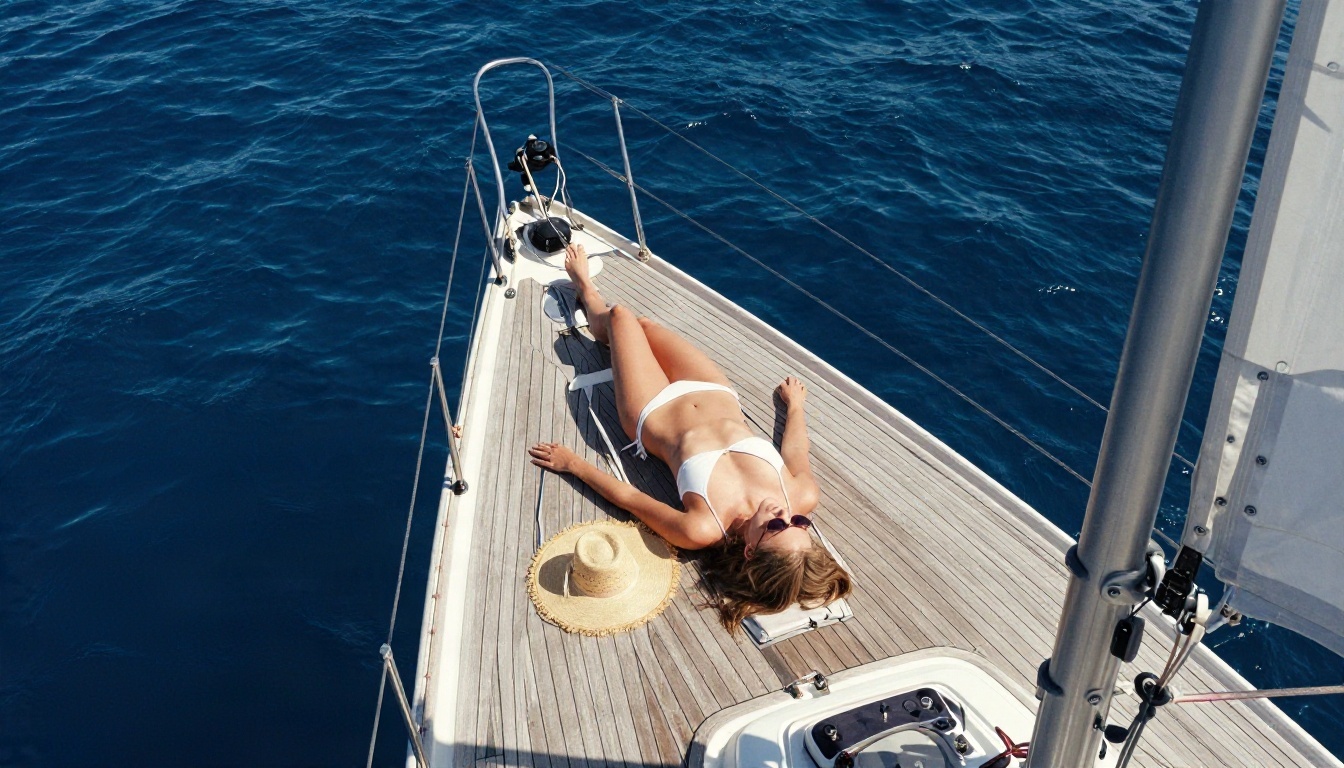
Ready to start? Open PicassoIA, pick your favorite photo and bring it to life. The full model list is waiting at picassoia.com/en/all-models.


