Search "Wan image to video porn" and you will find a swamp of promises: "100% uncensored", "free forever", "no login", "unlimited 1080p". Most of those claims fall apart after the first upload. The real picture is less exciting and a lot more useful: Wan is a family of video models, some versions can be run on your own machine, hosted versions come with moderation, and every free tool has a catch. This article sorts out which is which, what the limits actually are, and how to get good, adult-oriented but non-explicit motion from a still photo without wasting a weekend.
What This Search Really Means
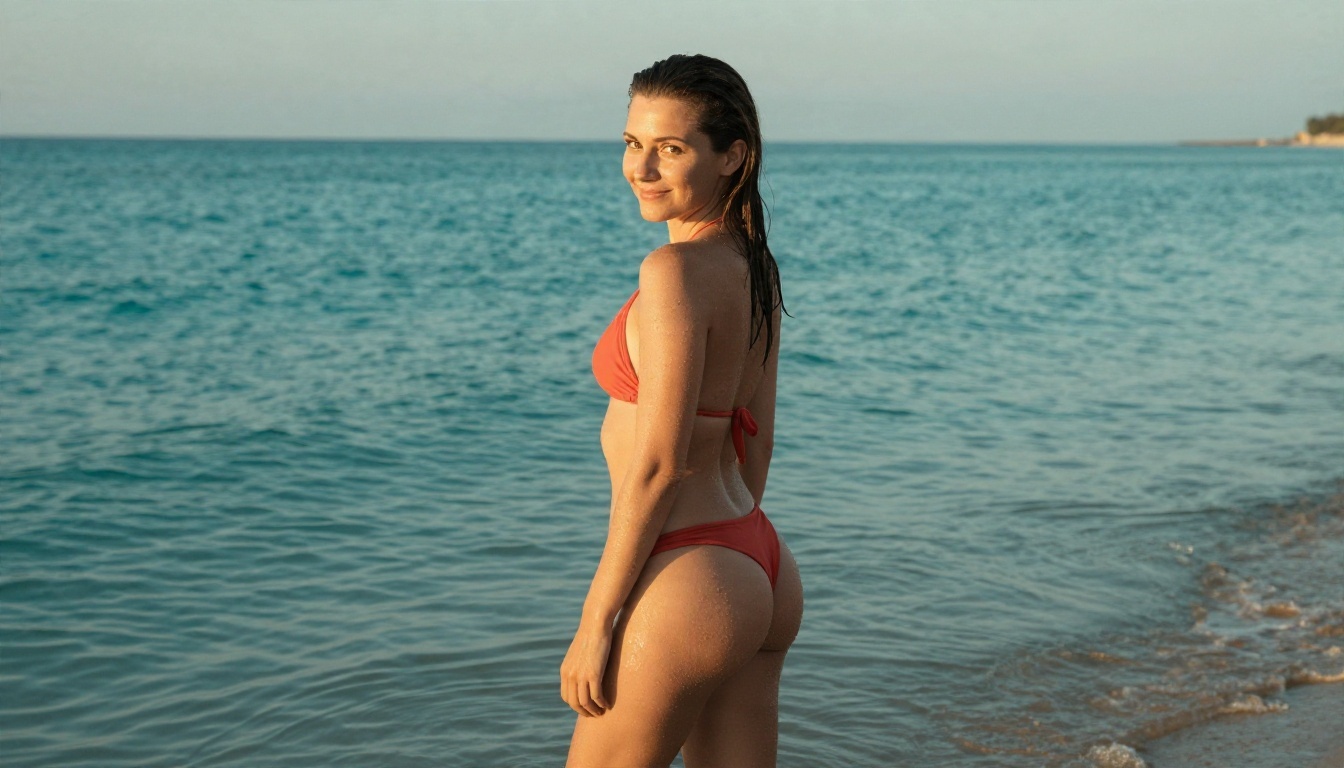
People typing this phrase usually want one of three things: a way to animate an adult image they already have, a tool that will not refuse the request, or a free option so they do not pay for credits. Those are three different problems, and mixing them up is why so many people end up on sketchy sites.
Image to video, not text to video
Image to video (I2V) means you give the model a starting frame, plus a short motion prompt, and it generates a few seconds of movement that continues from that frame. The model does not invent the person, the outfit or the room. It inherits them from your picture. That is why I2V is more controllable than text to video: the look is locked in before motion starts.
Where Wan fits in
Wan comes from Alibaba and has gone through several releases. The 2.2 generation was published with open weights under a permissive Apache 2.0 license, which is the reason the community built so many LoRAs and workflows around it. Later versions, such as 2.5, are mainly known as hosted models, and I could not confirm open weights for them, so treat any "download Wan 2.5" claim with suspicion.
💡 Quick rule: "open weights" means you can run it yourself. "Hosted" means someone else runs it and decides what the filter allows.
Wan Models You Can Use Here
PicassoIA hosts a long list of Wan image to video models. Here is how they differ in practice.
Fast versus full models
Fast and Flash variants trade a little detail and motion subtlety for speed. A smart habit is to test your idea on a fast model, check whether the motion prompt does what you wanted, then run the best frame through the full model. It saves credits and patience.
Which version for which job
For slow, cinematic movement like hair in the breeze or a gentle camera push, 2.6 and 2.7 usually hold the subject together better than older versions. For stylized or looping experiments, the cheaper 2.2 and 2.5 models are fine.
Uncensored Options, Honestly
Here is the part most articles skip. "Uncensored" is not one thing. It depends on where the model runs.
Running open weights at home
With Wan 2.2 weights, you run the model on your own PC, usually through a node-based workflow tool, and no external filter sits between you and the output. Community LoRAs add specific motions and styles. The trade-offs are real:
- Hardware: the larger variants want a strong GPU with plenty of VRAM. Smaller variants run on modest cards but with lower quality and shorter clips.
- Setup time: installing dependencies, downloading several large files and fixing version conflicts takes hours the first time.
- Quality control: nobody curates LoRAs. Some are excellent, some are badly trained and wreck faces.
- Your responsibility: no filter also means no safety net. The legal and consent rules still apply to you.
Hosted tools and their filters
Almost every hosted Wan service applies some level of moderation, on the input image, on the prompt, or on the output. Some are strict, some are loose, and the rules change without notice. Sites that advertise "no filter" often remove it for a few weeks and bring it back, or hide it behind a paid plan. Be skeptical of absolute claims, and never upload anything you would not want stored on someone else's server.
Stills first, then motion
A workflow that works better than fighting filters: build the image in a generator that allows adult-oriented, non-explicit imagery, then animate it. This is where an image-first pipeline pays off.
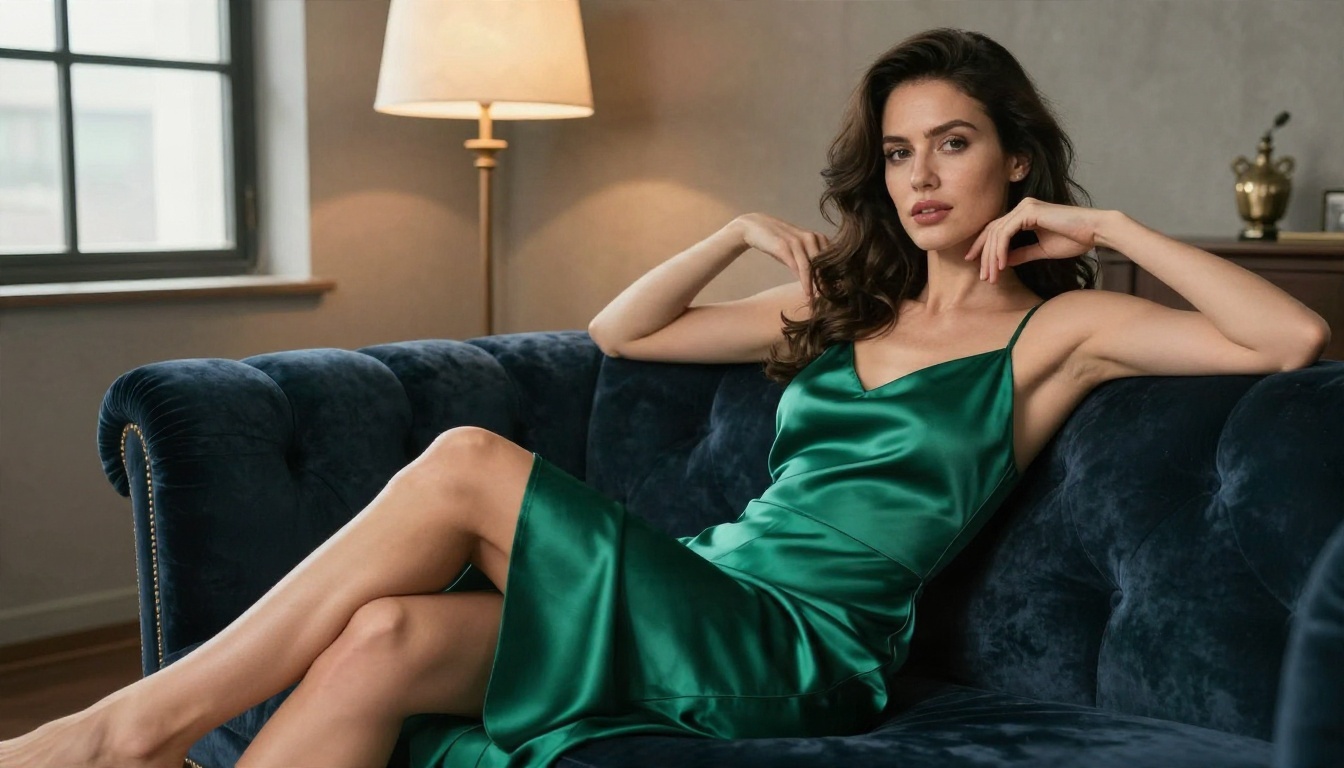
- Start with Seedream 4.5 for the base image. It produces sharp, photorealistic glamour, swimwear and boudoir style portraits with believable skin and fabric.
- Refine with PicassoIA Image Editor Pro, which offers unlimited generations, so you can keep adjusting outfit, lighting or pose without watching a credit counter.
- For fast edits, try P Image Edit or P Image Edit LoRA.
- For instruction-based changes to an existing photo, Flux Kontext Fast is quick and keeps the subject consistent.
- Send the final still to a Wan I2V model for the motion.
💡 Seedream 5 Lite blocks adult content, so skip it for this kind of project. Seedream 4.5 and Image Editor Pro are the better fit.
Free sounds great until you read the fine print. Here is what free tiers usually look like.
What free really gives you
- Daily credits that cover a handful of short clips, then stop.
- Watermarks on every export, sometimes covering a corner, sometimes the whole frame.
- Queues that can run from minutes to hours at peak times.
- Lower resolution, often 480p or 720p, with 1080p behind a paywall.
- Short clips, typically a few seconds each.
- Tighter moderation on free accounts than on paid ones.
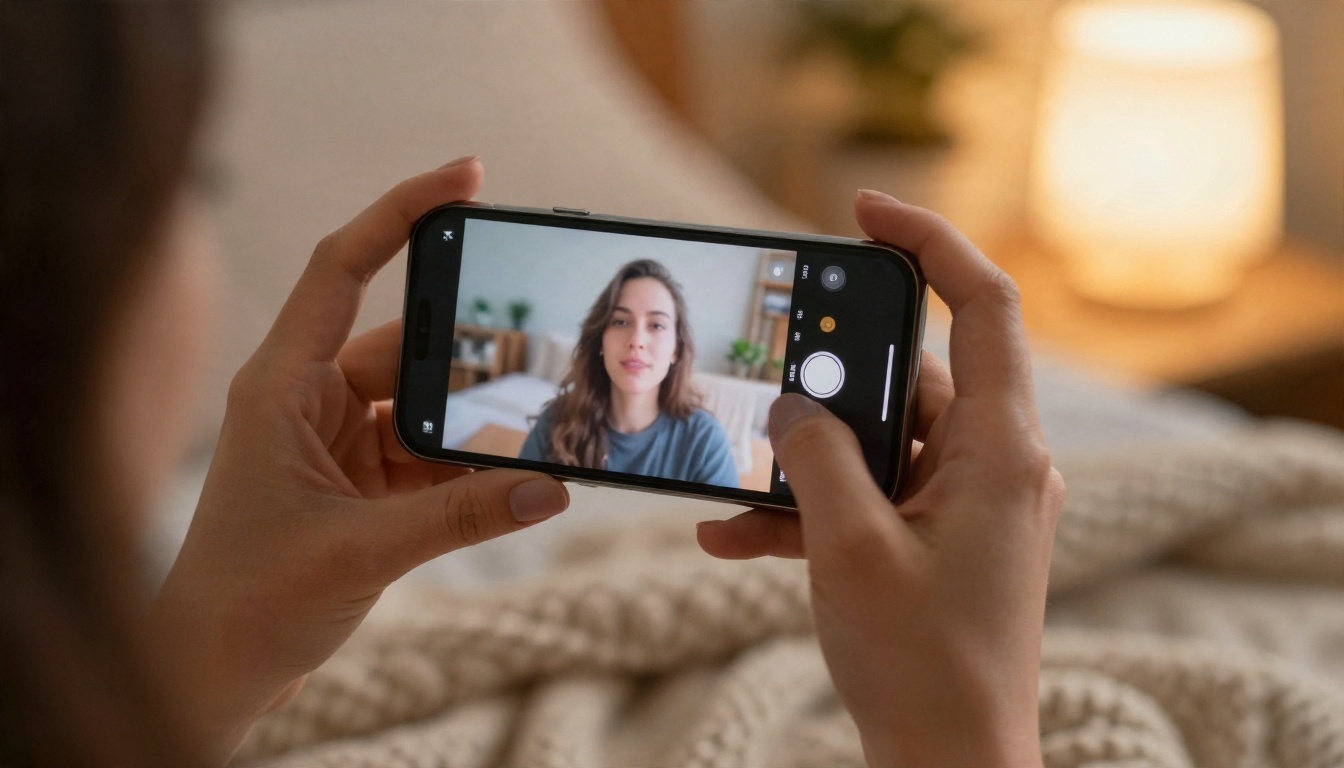
Free versus paid at a glance
| Factor | Free tier | Paid or unlimited plan |
|---|
| Clips per day | A few | Many to unlimited |
| Watermark | Common | Usually removed |
| Queue time | Long at peak | Short, priority |
| Resolution | Lower | Up to the model maximum |
| Moderation | Strict, changes often | Varies by service |
| Privacy | Often unclear | Check the terms |
Red flags on "free uncensored" sites
Watch for sites that demand a download before generating, ask for a card "for verification", hide who owns the service, or promise results that no current model can deliver. Another warning sign is a tool that asks you to upload photos of real people for "face animation". That is a privacy and legal problem, not a feature.
The Hard Limits of Wan I2V
Even the best setup has ceilings. Knowing them stops you from blaming your prompt for something the model simply cannot do.
Clip length and resolution
Wan clips are short. Expect roughly five to ten seconds per generation, depending on the version and settings. Longer scenes are made by chaining clips, using the last frame of one as the first frame of the next. Each hop loses a little consistency, so plan for it.
Motion artifacts
The usual problems are warped hands, shifting jewelry, flickering fabric patterns and faces that drift off-model during larger movements. Gentle motion always looks better than fast action. A slow head turn works. A full spin usually breaks.
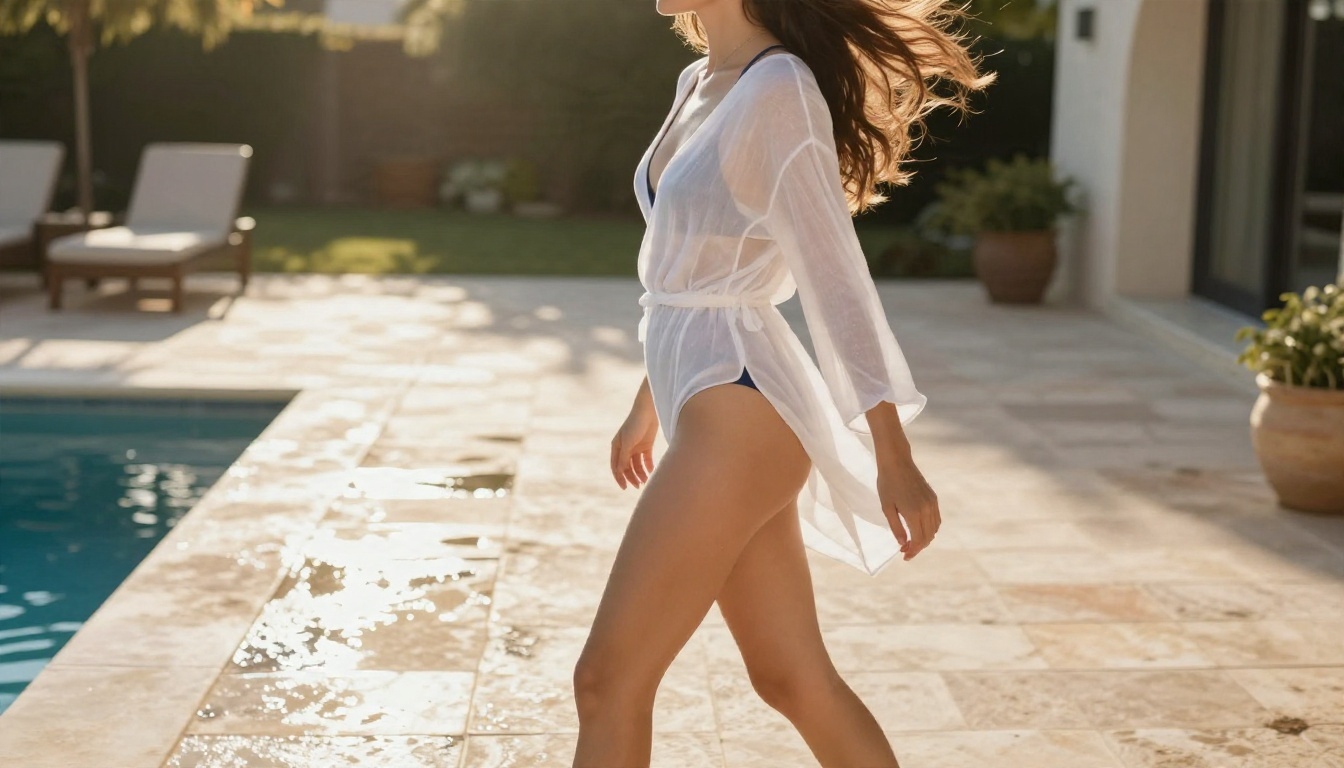
Face and body consistency
Because the model is guessing what the hidden parts of a scene look like, anything not visible in your starting frame is invented. A back view, an unseen hand or a different angle can look wrong. Choose a start image where the pose already implies the motion you want.
Audio and sound
Some newer Wan releases can generate synchronized sound, but behavior depends on the version and the host. Check the model page before you count on it, and plan to add music or ambient sound separately if needed.
How to Use Wan 2.6 I2V on PicassoIA
Wan 2.6 I2V is a sensible default: stable motion, good prompt following and reasonable cost. Here is the practical routine.
Step 1: Prepare the source image
Use a sharp, well-lit, photorealistic image with the subject clearly visible and room around them for movement. Avoid heavy cropping at the edges, because the camera may move and the model has to invent what appears there. A 16:9 frame is a safe pick for landscape output.
Step 2: Write a motion prompt
Describe what moves, how the camera moves and what the light does, in chronological order. For example: "She slowly turns her head toward the camera and smiles, hair moving in a light breeze, slow dolly-in, warm golden hour light." Keep it to one action and one camera move. Piling on instructions causes artifacts.
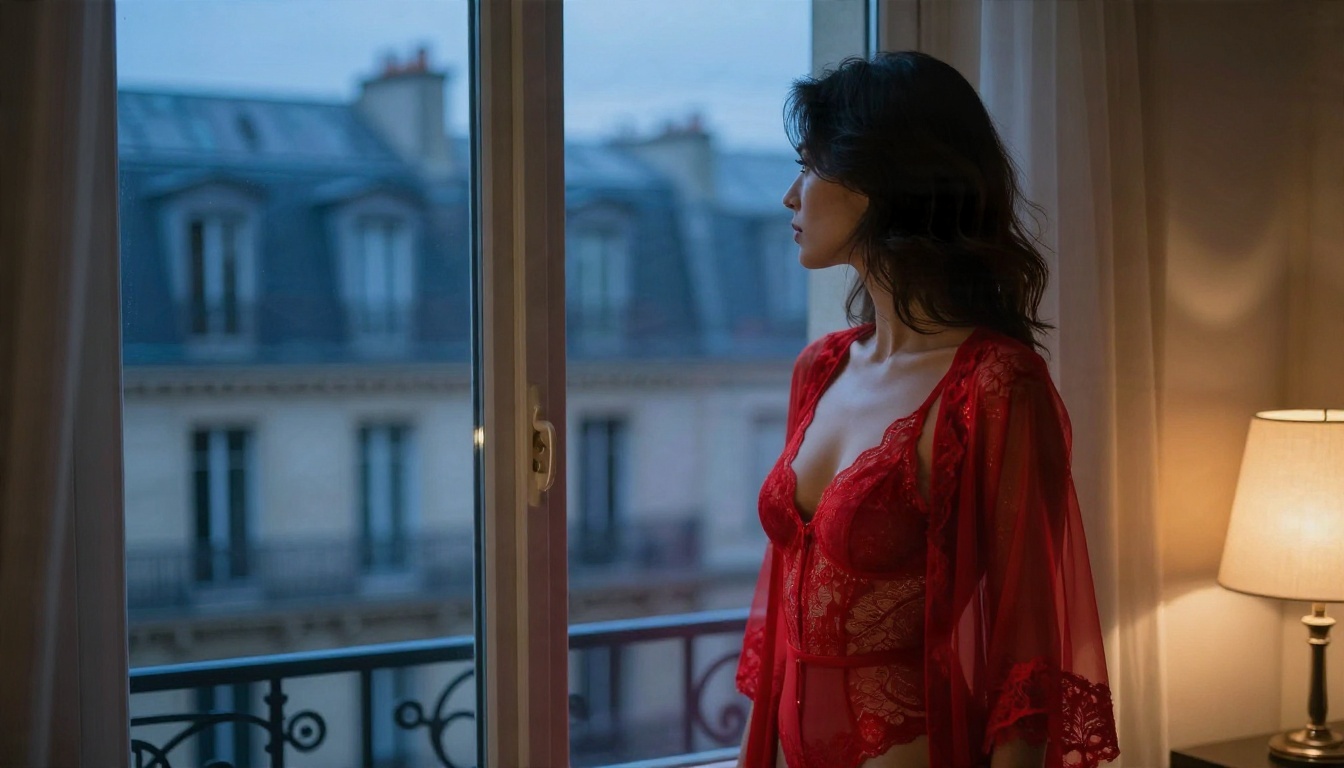
Step 3: Choose settings
- Resolution: start at 720p for tests, go higher for the final render if the model offers it.
- Duration: pick the shortest option while testing.
- Seed: reuse a seed you liked when you tweak only the prompt, so you can see what changed.
Step 4: Iterate
Generate, watch twice, change one thing, generate again. If the motion is jittery, simplify the prompt. If the face drifts, choose a start frame with a clearer face. If the camera moves too much, say "static camera" or "locked-off shot".
💡 Test cheap, finish premium. Draft on Wan 2.6 I2V Flash, then run the winner on Wan 2.7 I2V.
Motion prompts that work
| Goal | Prompt idea |
|---|
| Soft portrait life | Slow blink, slight smile, hair moves in breeze, static camera |
| Beach scene | Gentle waves around ankles, slow push-in, golden light flicker |
| Poolside walk | Side tracking shot, steady stride, backlit glow |
| Boudoir mood | Curtain drifts, slow head turn, warm lamp light |
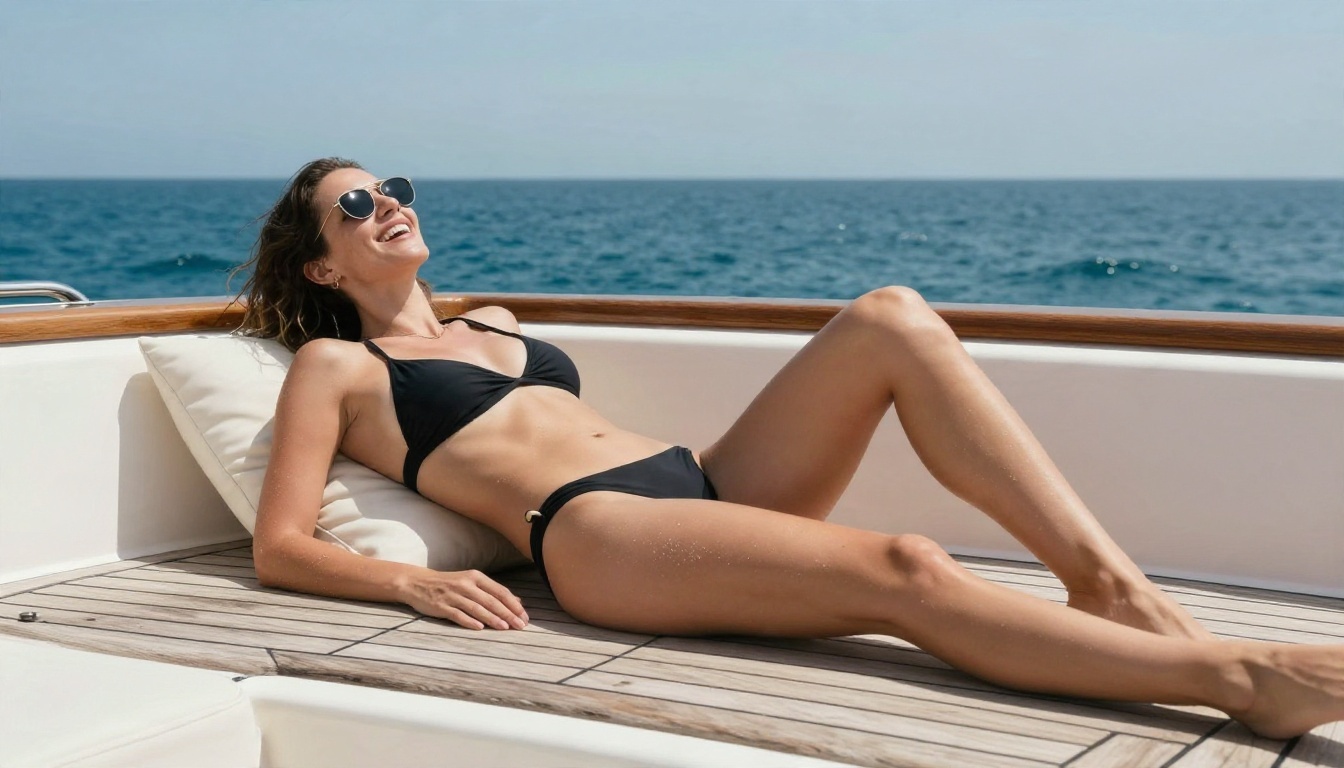
| Lifestyle | Laughs and leans back, subtle handheld sway |
Rules That Keep You Safe
This is not the fun section, but it matters more than any model choice.
Adults and consent only
Only animate images of adults who are entirely fictional or who gave clear consent for this use. Never use a real person's photo without permission, whether a celebrity, a coworker, an ex or a stranger from social media. Non-consensual deepfakes are illegal in a growing number of places and cause real harm. Anything involving minors is absolutely off the table, with no exceptions and no gray area.
Protect your own data
Treat every upload as stored. Remove metadata from photos, avoid images where your own face, location or home is recognizable, and read what a service says about retention. A free tool that does not explain its privacy terms is not free.
A short safety checklist
- The subject is fictional or a consenting adult.
- You own or may use the source image.
- You stripped metadata and personal details.
- You are not publishing anywhere that bans adult content.
- You labeled the clip as AI-generated where platforms require it.
Make Your Own Clips Today
The honest answer to "Wan image to video porn, uncensored and free" is this: the truly unfiltered route means running open Wan 2.2 weights yourself, hosted tools always have rules, and free tiers always have limits. The most reliable middle path is an image-first workflow. Build a strong, tasteful still with Seedream 4.5, polish it with PicassoIA Image Editor Pro where generations are unlimited, then animate it with a Wan I2V model such as Wan 2.6 I2V or Wan 2.7 I2V.
Pick one image, write one simple motion prompt and generate a five-second test. You will know within a minute whether the idea works. When you want to try other models, browse the full catalog at picassoia.com/en/all-models and start creating your own with Picasso IA.


