Typing "Wan NSFW free" into a search bar usually ends the same way: ten tabs, three sign-up walls, and one clip that came out blurry after a twenty-minute queue. The Wan video family is genuinely strong at motion, and plenty of people want to use it for glamour, swimwear and boudoir-style content. The catch is that "free" and "unrestricted" rarely arrive in the same package.
This article sorts the real options from the noise. You will see what Wan itself allows, which free online routes exist, what they cost you in time and privacy, and which alternatives get you suggestive, good-looking results faster. Everything here stays on the tasteful side: think bikinis, satin, lace and editorial lighting, not explicit material.

💡 Short version: the official Wan service is restrictive, open weights give you freedom but demand hardware, and free web tiers come with tight daily caps. A still-image-first workflow, then animation, is the cheapest way to get results that look good.
What Wan Actually Allows
Wan is a family of video generation models from Alibaba, released in several versions over time (2.1, 2.2, 2.5, 2.6 and newer). The name covers very different things: a hosted consumer service, downloadable weights, and dozens of third-party sites that run those weights behind their own interface. Each of these has different rules, so "does Wan allow NSFW" has three different answers.
Official Site Rules
The official hosted service applies a content policy that prohibits adult material. Prompts that lean explicit get refused, and borderline requests can be blocked after generation. If you try swimwear or lingerie prompts there, expect inconsistent results: one clip passes, the next one is flagged for a nearly identical prompt.
That is not a flaw in the model. It is a decision by the company running the service, and it applies to anything generated on their servers.
Open Weights Explained
Several Wan versions, notably Wan 2.1 and 2.2, were released as open weights. That means anyone can download the model files and run them on their own machine. A model running locally has no provider moderation by definition, because nobody sits between you and the output.
This is the reason Wan has such a large community around adult-leaning content. It is also why the phrase "Wan NSFW free" exists at all: the software costs nothing, and the rules are whatever you decide they are on your own hardware.
⚠️ Worth knowing: "free" refers to the software only. Hardware, electricity and your time are still on your bill.
Free Online Options That Exist
If you do not own a strong GPU, the next stop is a browser. A large number of sites host Wan models and sell access by credits. Some offer a free tier to pull you in.

Browser Platforms With Daily Caps
The most common free pattern is a small daily allowance. Reports across community pages describe tiers of roughly five generations a day, no payment card, waits of 30 to 90 seconds per clip, and outputs that disappear after about 24 hours. These numbers vary by site and change often, so treat them as a typical range and not a promise. Always read the current terms before you rely on any platform.
What you usually get on a free tier:
- A handful of clips per day, often 5 seconds each
- Lower resolution than paid plans, commonly 480p or 720p
- A visible watermark on the output
- Slower queue priority than paying users
- Short storage windows, so you need to download immediately
Trial Credits and Watermarks
Other sites hand out a one-time pack of credits when you register. Once the pack is gone, you pay or you leave. It looks free for the first session, but it is really a demo. Watermarks are the usual price for staying at zero, and removing them normally needs a paid plan.
Why Free Tiers Disappear Fast
Video generation is expensive to run. Every five-second clip burns real GPU time, so free offers are marketing budgets, not charity. When a site gets popular, the daily cap shrinks, the queue grows, or the free option quietly vanishes. If a tool you liked last month feels different today, that is the pattern at work.
The Real Limits of Free
Even when you find a working free route, a handful of limits show up quickly. Knowing them in advance saves you an afternoon.
Queue Times and Clip Length
Free users wait behind paying users. A clip that takes under a minute to render can sit in a queue for ten. Length is also capped: most Wan clips run about five seconds, so anything longer means stitching several generations together and hoping the character stays consistent.
Filters That Block Prompts
Third-party sites often add their own filter on top of the model. Some scan the text prompt, some scan the uploaded image, and some scan the finished video. A site that advertises itself as "uncensored" in its marketing may still refuse a prompt in practice. The only reliable test is to try a short, tasteful prompt first and watch how it behaves before spending credits on anything longer.
Privacy and Storage Risks
When you upload a photo to a free web tool, you are handing it to a stranger's server. Terms differ, but a reasonable rule is simple: never upload a photo of a real person without their clear consent, and never upload anything you would not want stored. This is also a legal matter. Creating adult-leaning content of real people without permission is harmful and illegal in many places. Use fictional or AI-generated subjects only.
| Limit | What it looks like | Workaround |
|---|
| Daily cap | About 5 clips a day on many free tiers | Plan prompts in advance, test with stills |
| Resolution | 480p to 720p, sometimes watermarked | Upscale afterward with a super resolution model |
| Queue | 1 to 10 minutes at busy hours | Generate off-peak |
| Clip length | Around 5 seconds | Plan short loops and cuts |
| Filters | Prompt or output blocked | Keep prompts suggestive, not explicit |
| Storage | Files deleted after about a day | Download right away |
Running Wan on Your Own PC
For people who want zero rules from a provider and no daily cap, local generation is the route. It is also the most demanding.
Hardware You Need
Wan models at the larger size want a lot of video memory. A mid-range gaming card can run smaller or quantized builds, but slowly, while the full-quality versions want a high-end card with plenty of VRAM. Expect to spend time on setup: installing a workflow tool, downloading several gigabytes of weights, matching versions, and fixing the occasional out-of-memory error.
Realistic expectations for a home setup:
- Setup time: an hour or two the first time, longer if anything breaks
- Render time: several minutes per five-second clip on mid-range hardware
- Disk space: tens of gigabytes for models and outputs
- Upkeep: updates and version conflicts happen regularly
Community LoRAs and Their Catch
Small add-on files called LoRAs are the main way people steer Wan toward a specific look. Community collections exist for styles and subjects. The catch is quality: the base model on its own tends to produce weaker results for adult-leaning prompts than the community-tuned remixes do, and LoRAs from unknown authors vary a lot. Download only from sources you trust, since files from random uploads can be mislabeled or poorly made.
💡 Pro tip: if your goal is glamour, swimwear or boudoir-style motion, you rarely need a LoRA at all. A strong starting image does most of the work.
Better Alternatives on PicassoIA
Here is the practical shortcut: build a great still image first, then animate it. Stills are cheap, fast and easy to refine. Animation is the expensive step, so you only spend it on images you already like.

Seedream 4.5 for Stills
Seedream 4.5 is the first model to try for glamour and swimwear imagery. It produces sharp, photorealistic skin, convincing fabric and clean lighting, and it renders quickly, so you can iterate through a dozen variations in the time a free video tier makes you wait for a single clip. It handles suggestive, attractive subjects well, which is exactly the kind of source frame you want before animating.
Prompt ideas that work well:
- "Woman in a white bikini on a rooftop at golden hour, warm backlight, 35mm lens, Kodak Portra 400 grain"
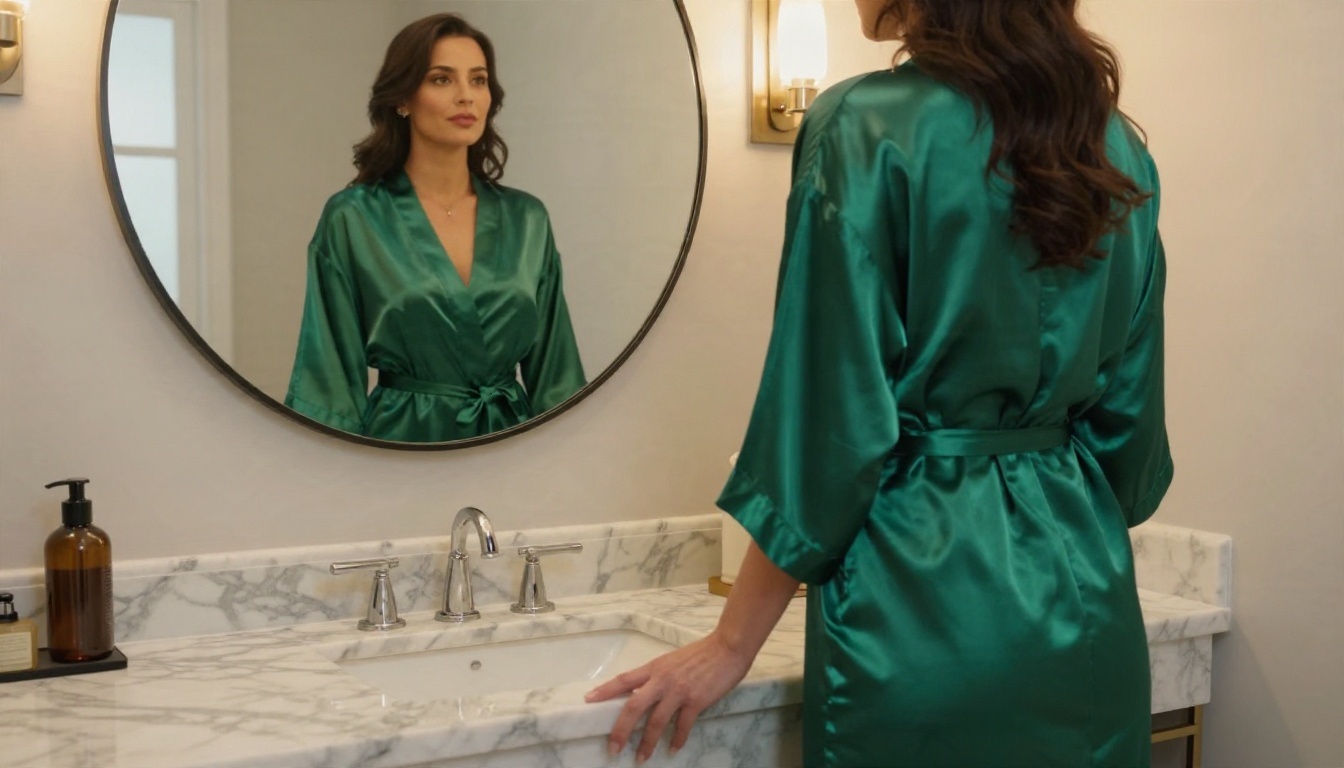
- "Satin robe, marble bathroom, soft window light from the left, shallow depth of field"
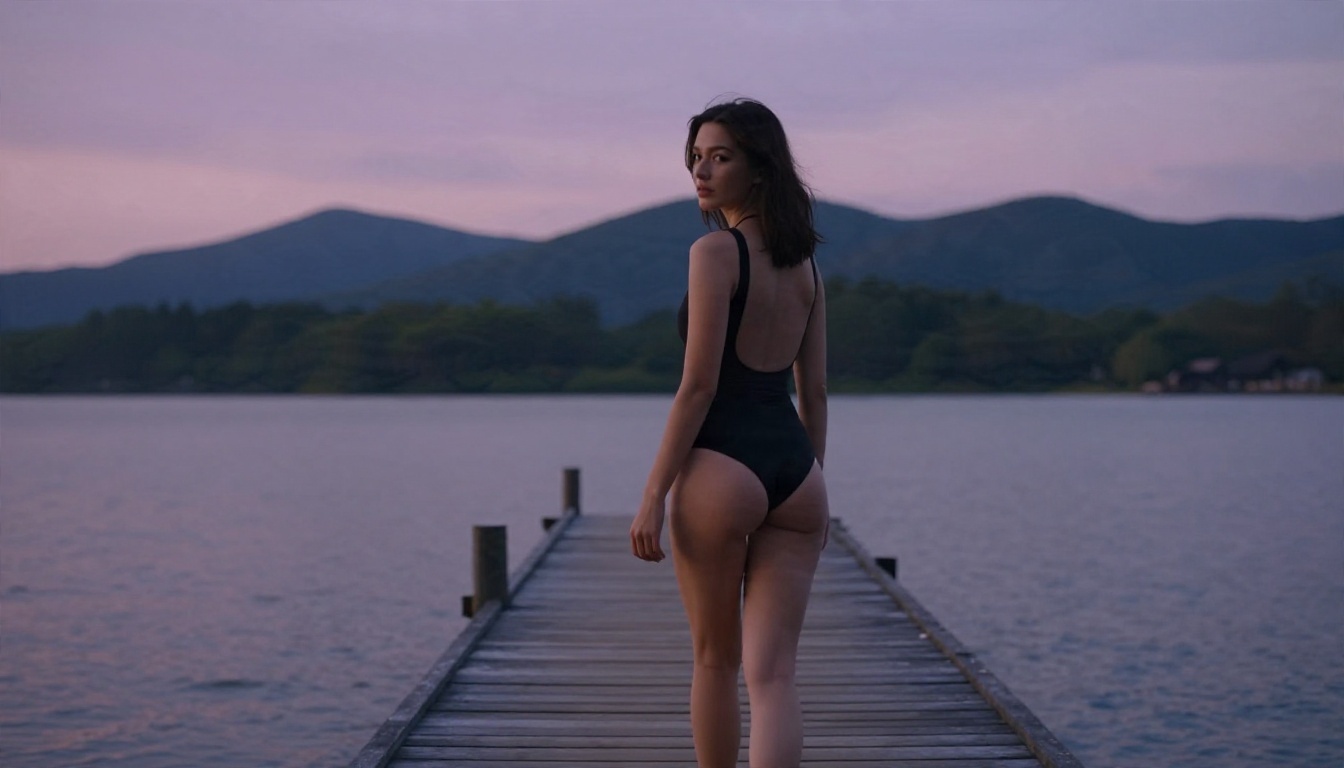
- "Black halter swimsuit on a wooden pier at blue hour, calm lake, 85mm portrait lens"
Image Editor Pro, Unlimited
PicassoIA Image Editor Pro is built for the part free tiers punish: repeated attempts. It offers unlimited generations, so you can change an outfit, adjust a pose, fix a hand or swap a background as many times as you need without watching a daily counter drop to zero. For anyone tired of "3 of 5 generations left", this is the practical difference.
Other Models Worth Trying
If you want variety in look and style, test these alongside the first two:
Content rules differ from model to model, so run a short suggestive test prompt first and keep your wording on the glamour side.
How to Use Wan on PicassoIA
Wan itself is on PicassoIA in several versions, including Wan 2.2 I2V A14B, Wan 2.5 I2V Fast, Wan 2.6 I2V and Wan 2.6 I2V Flash. That means you can skip the local install and the queue lottery. The best results come from animating a still you already like.
Step by step:
- Create the source frame. Generate your still in Seedream 4.5, or refine it in Image Editor Pro until the pose, outfit and lighting are right.
- Open a Wan image-to-video model. For a first test, Wan 2.5 I2V Fast or Wan 2.6 I2V Flash return results quickly. For richer motion, step up to Wan 2.6 I2V.
- Upload the image as the first frame.
- Write a motion prompt. Describe what moves and in what order, plus the camera.
- Pick resolution and run. Start at the lower setting for a draft, then regenerate at 720p or higher for the final.
- Review and refine. If the motion drifts, shorten the prompt and try again.
Prompt formula that works:
Subject in starting pose, then the motion over five seconds, then the camera move, then light and atmosphere.
Example: "A woman on a rooftop terrace turns slowly toward the camera, hair lifting in the breeze, slow dolly-in, warm golden hour backlight, natural film grain."
Parameter tips:
- Keep motion simple. One action per clip (a turn, a breeze, a slow walk) beats a busy description.
- Use gentle camera moves. Slow pans and dolly-ins hold face and body consistency better than fast cuts.
- Match the input. Image-to-video keeps the look of your still, so lighting and outfit carry straight into the clip.
- Draft cheap, finish once. Test on a fast model, then spend your best render on the winner.
- Upscale afterward with a super resolution model if you want extra sharpness.
Quick Comparison Table
| Route | Cost | Speed | Limits | Best for |
|---|
| Official Wan service | Free tier plus paid | Fast | Strict content policy | Safe-for-work clips |
| Free third-party sites | Free to start | Slow at peak hours | Daily caps, watermarks, filters | Quick curiosity tests |
| Local install | Hardware only | Minutes per clip | Your GPU and patience | Full control, no daily cap |
| Stills first, then animate on PicassoIA | Credits | Fast | Model-specific rules | Efficient, high-quality results |
Common Mistakes to Avoid
A few errors waste more time than any hardware limit.
- Spending credits on the first draft. Always test with a still before you animate.
- Overloaded prompts. Ten instructions in one clip produce warped limbs and drifting faces.
- Ignoring terms of service. Each platform has rules, and breaking them can lose you your account and your files.
- Uploading real people's photos. Do not do this without consent, and do not do it at all for adult-leaning content.
- Trusting "uncensored" marketing. Test the behavior, not the slogan.
- Forgetting to download. Free storage windows are short, so save your clips as soon as they finish.
Make Your Own Images Today
If your search for "Wan NSFW free" started with frustration at queues, caps and blurry watermarked clips, the fix is a better order of operations. Build a polished still in Seedream 4.5, refine it with unlimited edits in PicassoIA Image Editor Pro, then bring it to life with Wan 2.6 I2V or a faster Wan variant when you are ready.
Start with one idea: a bikini on a sunlit terrace, a satin robe by a window, a swimsuit at blue hour. Generate five versions, keep your favorite, and animate only that one. You will spend less, wait less and end up with something that looks far more polished than a free-tier clip.
Ready to experiment? Browse every model, from image generators to video tools, at picassoia.com/en/all-models and make your first image in minutes.


