Search for a Wan NSFW model and you land in a maze of checkpoint names, Lightning merges, high and low noise pairs and half-written settings threads. Most of it is scattered across community pages, and half of it contradicts the other half. This article sorts the noise into something you can use: what these models are, which versions people keep coming back to, the sampler and step settings that behave, prompt formulas that hold up, and free alternatives that skip the local install entirely.
One thing up front. Everything here stays on the suggestive, non-explicit side: glamour, swimwear, boudoir, fashion. That is where these tools give the most consistent results anyway, and it is where you avoid the worst of the platform filters.
💡 Quick answer: If you have a strong GPU and patience, community Wan 2.2 14B checkpoints with baked-in Lightning speedups are the usual pick. If you want results in minutes with no setup, generate a still with Seedream 4.5 and animate it in the browser.
What a Wan NSFW Model Really Is
Alibaba's Wan family is a line of open video models. The official releases are general purpose: text to video, image to video, and a few specialty variants. Nobody ships an official "NSFW Wan." When people say Wan NSFW model, they mean a community fine-tune, merge or LoRA stack built on top of a base Wan release to loosen its behavior around adult and glamour content.
Base Wan vs community checkpoints
A base Wan model is trained to refuse or soften many adult prompts. A community checkpoint is usually one of three things:
- A merge: several LoRAs baked into the base weights so you load one file.
- A fine-tune: the weights themselves are trained further on curated data.
- A LoRA pack: small add-on files you attach to a stock model at load time.
Because these are community projects, names change fast and quality varies. Treat any specific version label you see as a moving target, and check the model page and the comments before you download.
Why people look for them
Three reasons come up again and again. First, motion quality: Wan handles fabric, hair and body movement better than many older open models. Second, control: running locally means no prompt filter, no queue and no per-clip fee. Third, style consistency: with an image-to-video workflow you can keep the same character across many clips.
The trade-off is effort. Community checkpoints are not on PicassoIA, so there is no link for them here, and they need a local or rented GPU setup with a node-based workflow.
Best Wan NSFW Versions Right Now
The community scene moves monthly, so think in families rather than exact file names. Based on what creators report across community model pages, these are the families that matter.
Wan 2.2 14B checkpoints
Wan 2.2 is the generation most community work centers on. It uses a two-expert design: a high noise model handles the early, structural steps and a low noise model refines detail at the end. Community checkpoints therefore ship as a High + Low pair, and you must load both.
Popular examples people mention include the DaSiWa Wan 2.2 I2V 14B line, which is described by its own page as a flagship release and is often named by creators as a top choice for adult-oriented work. Names like that come and go, so use them as search terms, not as promises.
Lightning and Lightspeed merges
Many checkpoints now arrive with Lightning LoRAs already merged in. These speed LoRAs let you generate in very few steps instead of 20 or 30. The practical effect: a clip that used to take ten minutes can finish in one or two on a decent card.
⚠️ Do not stack speed LoRAs. Several community pages warn that adding another Lightning LoRA on top of a checkpoint that already includes one degrades quality. Read the description before you add anything.
Older Wan 2.1 builds
Wan 2.1 community builds still circulate and run on lower VRAM. They are lighter and more forgiving, but motion is less smooth and prompt understanding is weaker. They make sense on an older GPU, not as a first choice.
Version comparison
| Family | Strength | Weak spot | Best for |
|---|
| Wan 2.2 14B High + Low pair | Smooth motion, strong detail | Heavy on VRAM, two files | Quality-first image to video |
| Wan 2.2 Lightning merge | Very fast, 2 to 4 steps | Can look slightly flat | Fast iteration |
| Wan 2.1 community build | Runs on modest hardware | Stiffer motion | Older GPUs |
| LoRA on stock Wan | Flexible, easy to swap | Less consistent across clips | Testing a look |
Settings That Actually Work
Settings advice online is noisy, but a few numbers repeat across creators, and they make sense given how the speed merges work.
Sampler and steps
For a Wan 2.2 checkpoint with Lightning already baked in, the commonly reported setup is:
- Steps: 2 on the high noise model and 2 on the low noise model (a 2+2 split).
- CFG: 1.
- Sampler: Euler with a simple scheduler. Creators note other samplers also work well.
- LoRA strength: leave the merged speed LoRA alone, and keep any style LoRA between 0.6 and 1.0.
If your checkpoint does not include Lightning, expect to raise steps to the 20 to 30 range and CFG to the 3 to 4 range, and you will wait much longer per clip.
Resolution and frame count
Start small and scale up. A reliable pattern is to test at 480p for composition and motion, then rerun the keepers at 720p. Wan clips are typically built around a five-second window at 16 to 24 frames per second. Pushing the frame count much higher tends to cause drift: faces change, limbs duplicate, backgrounds melt.
Text encoder and seeds
One tip some creators share is using a UMT5-XXL text encoder variant for better prompt understanding with adult-themed prompts. Treat this as a community claim worth testing, not a rule. Whatever you do, lock the seed when you like a result, then change one variable at a time.
Mistakes that waste hours
- Loading only one half of the High + Low pair. The clip comes out noisy or incoherent.
- Stacking speed LoRAs on a merged checkpoint.
- Writing a story instead of a shot. More on that below.
- Starting from a weak source image. In image to video, the first frame decides most of the quality.
Wan responds well to structured, camera-aware prompts in roughly the 80 to 120 word range. Long rambling prompts and short vague ones both underperform.
The structure to follow
Use this order every time:
- Subject and starting pose: who, wearing what, doing what.
- Action over time: what moves first, what moves next.
- Camera movement: slow dolly in, gentle pan, handheld sway, orbit.
- Lighting and atmosphere: time of day, direction, mood.
- Style anchor: photographic, natural, film grain.
💡 Describe a shot, not a plot. "She slowly turns toward the window and the camera pushes in" works. "She remembers her childhood and decides to leave" does not.
Motion words that work
| Goal | Words to try |
|---|
| Gentle body movement | slowly, softly, gradually, subtle sway |
| Fabric and hair | lifts in the breeze, drapes, ripples, settles |
| Camera | slow dolly in, gentle pan left, low angle tracking, shallow orbit |
| Mood | warm golden light, soft window light, quiet, intimate |
Two prompts to copy
Boudoir portrait: A woman in a champagne silk slip dress sits on the edge of a bed in a sunlit loft, looking over her shoulder. Over five seconds she slowly turns her head toward the camera and tucks her hair behind her ear. Sheer curtains stir in the breeze. The camera makes a slow dolly in at eye level. Warm morning light from tall windows on the left, soft film grain, natural skin texture, photographic realism.
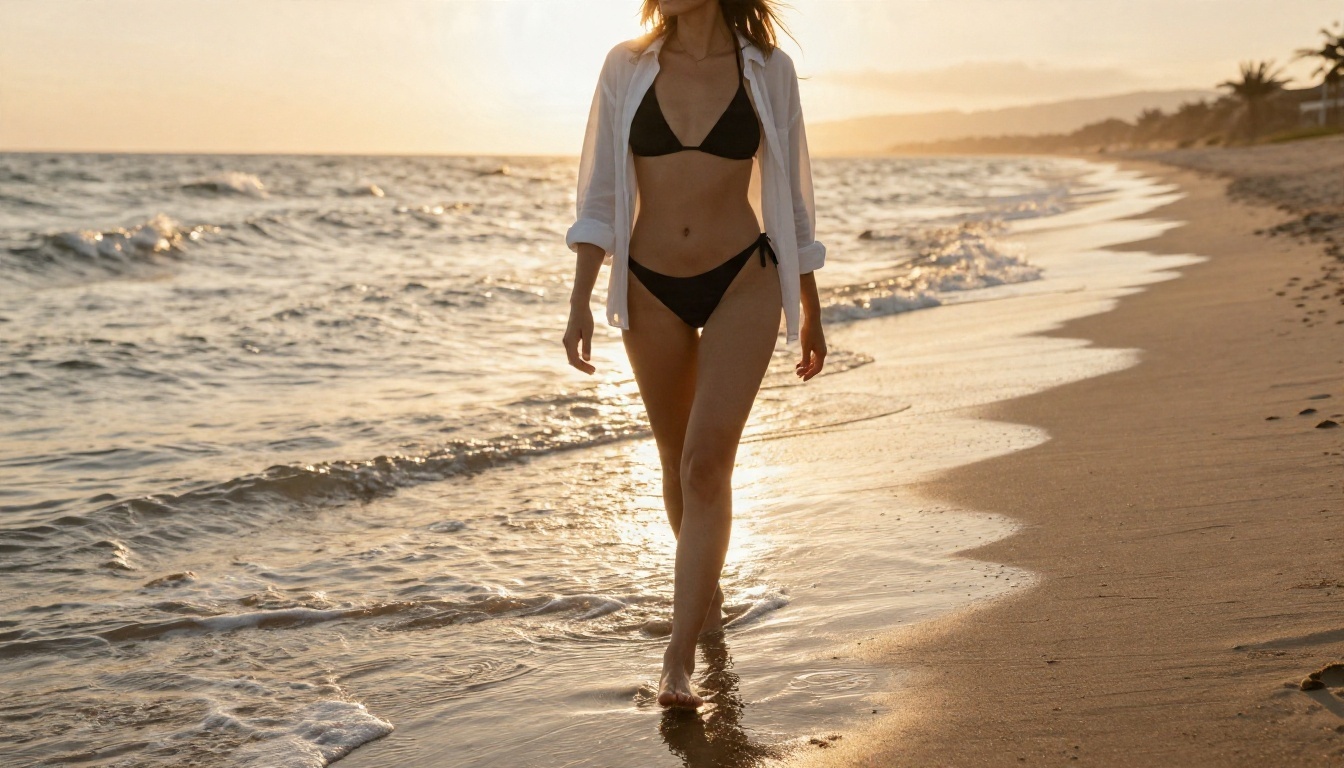
Beach walk: A woman in a black bikini and open white shirt walks barefoot along wet sand at golden hour. Small waves wash over her ankles as the wind lifts her hair. The camera tracks alongside at hip height with a slow, steady glide. Warm backlight from a low sun, rim light on her shoulders, natural color, fine grain.
Add camera motion on purpose
Camera movement is where Wan shines. A locked-off camera makes motion look stiff. A slow push or tracking move makes the same clip feel filmed.
Free Alternatives Worth Using
Not everyone wants to install a node workflow, download two 14B files and troubleshoot VRAM errors. The good news: the still-image-first approach gets you most of the way with far less friction. You make a polished photorealistic frame, then add motion.
Browser tools vs local install
| Option | Setup time | Cost | Control | Best for |
|---|
| Local Wan 2.2 community checkpoint | Hours | Hardware or rental GPU | Highest | Power users |
| Hosted Wan workflows | Minutes | Per clip or subscription | Medium | Tinkerers |
| PicassoIA still-first workflow | Seconds | Free tier plus unlimited editor | Good | Most creators |
Alternatives on PicassoIA
Community Wan NSFW checkpoints are not on PicassoIA yet. For similar results today, try these, in this order:
- Seedream 4.5 for sharp, photorealistic glamour stills, which are the best possible first frame for any image-to-video tool.
- PicassoIA Image Editor Pro, which offers unlimited generations and is useful for retouching, outfit changes and variations.
Both are fast, and they are uncensored enough for tasteful swimwear, lingerie-style fashion and boudoir work without constant refusals. For more options, browse all models on PicassoIA.
⚠️ Seedream 5 Lite blocks adult content, so skip it for this kind of work.
How to Get Similar Results on PicassoIA
Here is the workflow, built around Seedream 4.5.
Step by step
- Open Seedream 4.5 from its model page and pick a 16:9 aspect ratio so the frame suits video.
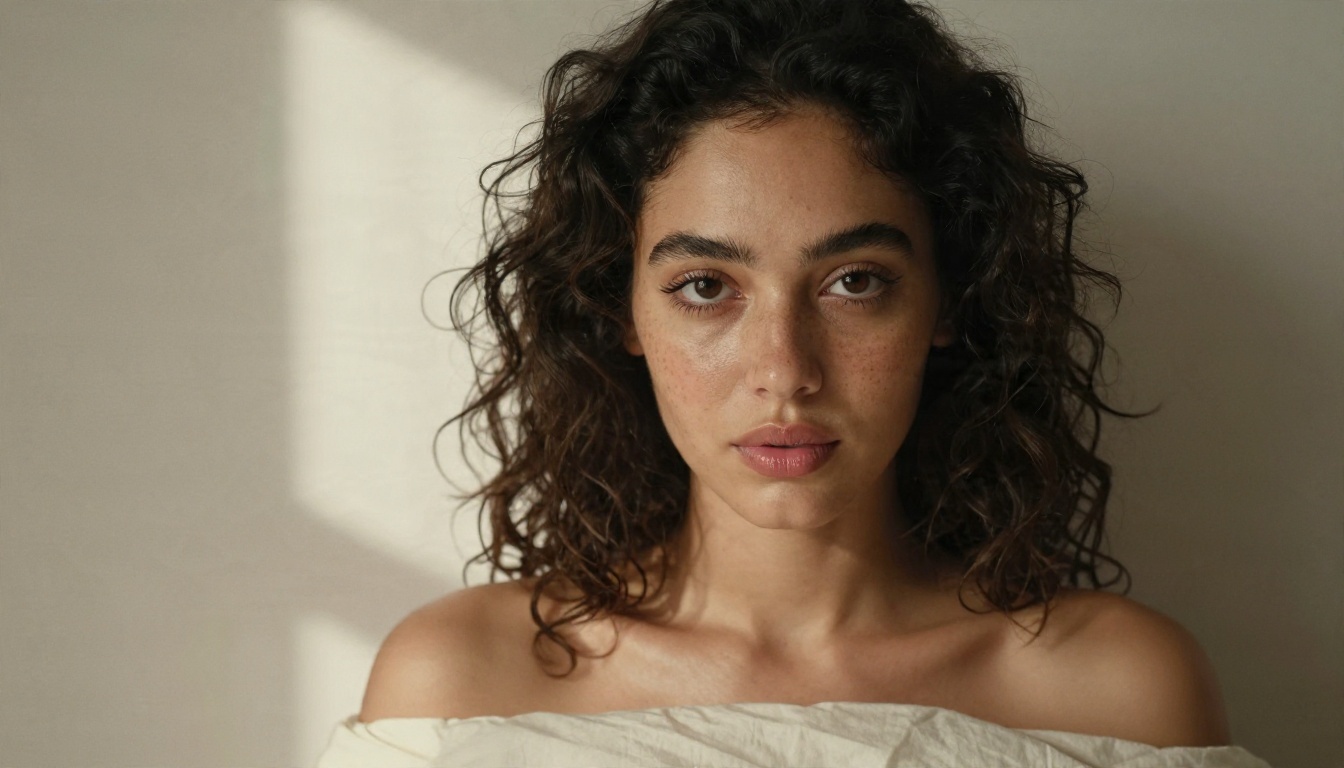
- Write a camera-aware prompt. Name the subject, outfit, setting, light direction, lens and film look. For example: "85mm f/1.8, soft window light from the left, Kodak Portra 400 grain."
- Generate four to six variations and keep the one with the cleanest hands, face and fabric.
- Fix details in PicassoIA Image Editor Pro. Swap an outfit, soften a shadow or clean up a stray strand of hair.
- Add motion with an image-to-video model if you want a moving clip (see below).
Parameter tips
- Be specific about light. "Soft window light from the left" beats "nice lighting."
- Name the lens. 85mm for portraits, 35mm for environmental shots.
- Mention texture. "Visible skin pores, satin sheen, film grain" pushes the output away from the plastic look.
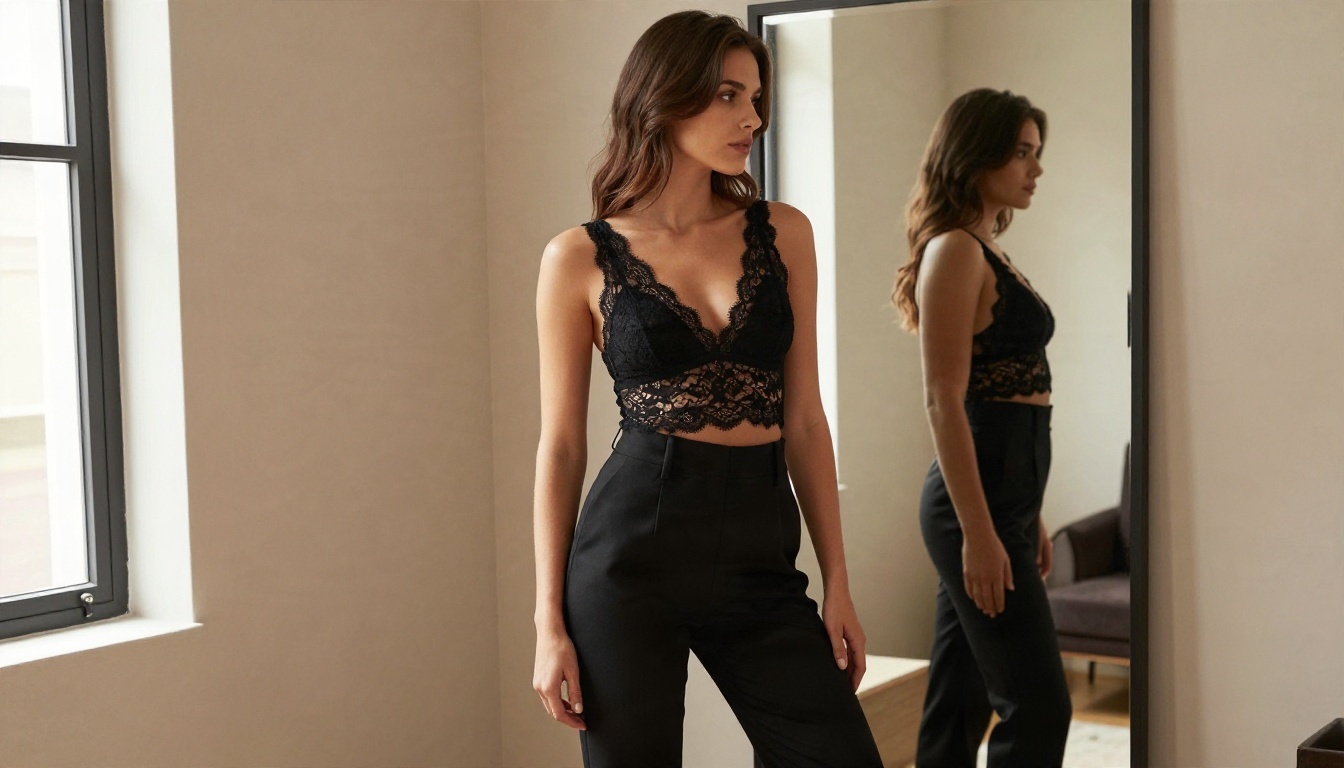
- Keep it suggestive. Swimwear, silk, lace and robes are the sweet spot.
Animating the result
The official Wan family has several image-to-video releases on PicassoIA. Use them to animate your stills for general fashion, lifestyle and glamour motion:
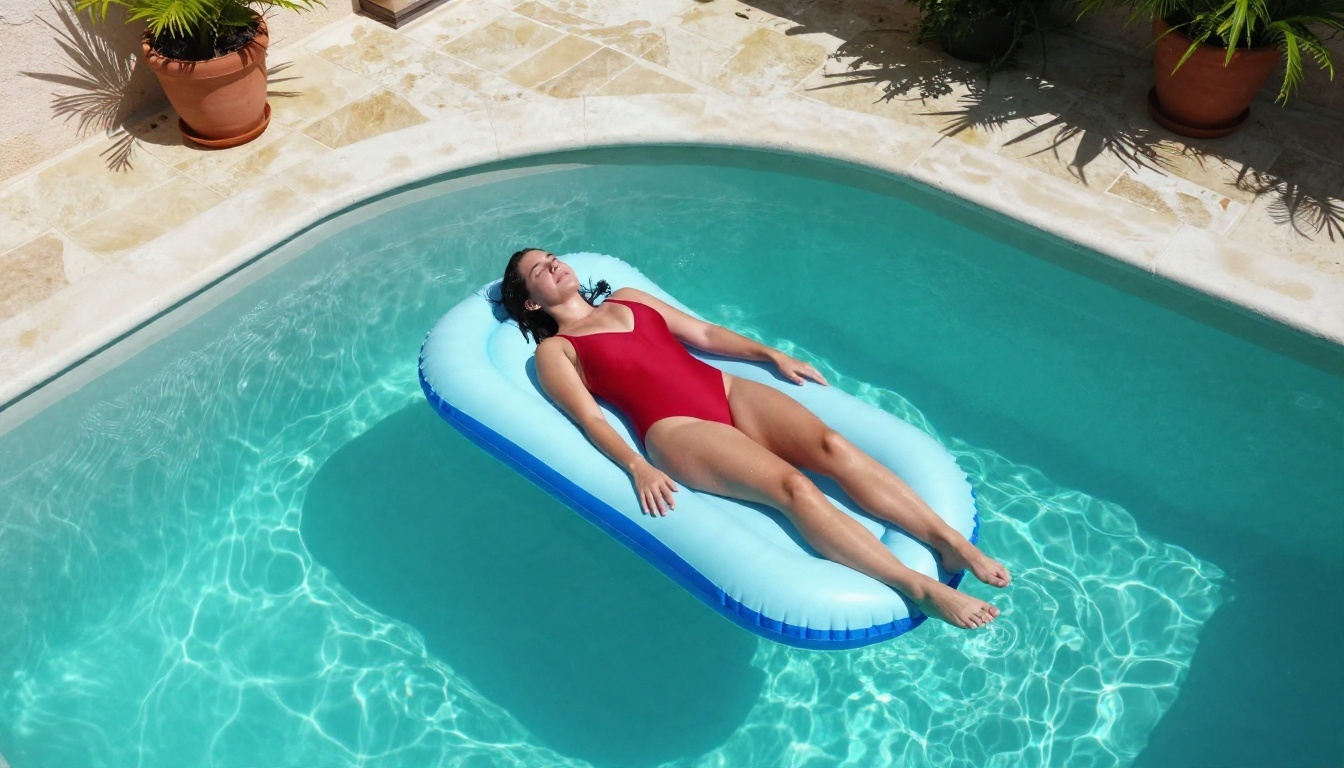
These are the official models, so they follow standard content rules. Use them for suggestive, non-explicit motion like a hair flip, a slow turn, fabric in the wind or a camera push across a pool deck.
Local Install or Browser?
Be honest about what you need.
Pick local if
- You already own a card with plenty of VRAM, or you are happy to rent one.
- You want to chain LoRAs, swap checkpoints and tune every sampler value.
- You enjoy debugging nodes.
Pick the browser if
- You want a polished still and a short clip in minutes.
- You want consistent quality without managing files.
- You work on a laptop, a tablet or a phone.
A sensible middle path: prototype in the browser, then move to local only when you hit a limit such as clip length, a specific LoRA or batch volume.
A note on platform filters
Community model hubs have been known to block certain generations and to filter real names in prompts. Writing original characters rather than real people keeps you clear of most of that, and it is the right call anyway. Never create content that depicts a real person without their consent.
Try It Yourself on Picasso IA
You do not need a rented GPU to see what a good first frame can do. Open Seedream 4.5, write one camera-aware prompt, and generate a handful of glamour stills. Clean them up in PicassoIA Image Editor Pro with unlimited generations, then animate your favorite with one of the Wan image-to-video models above.
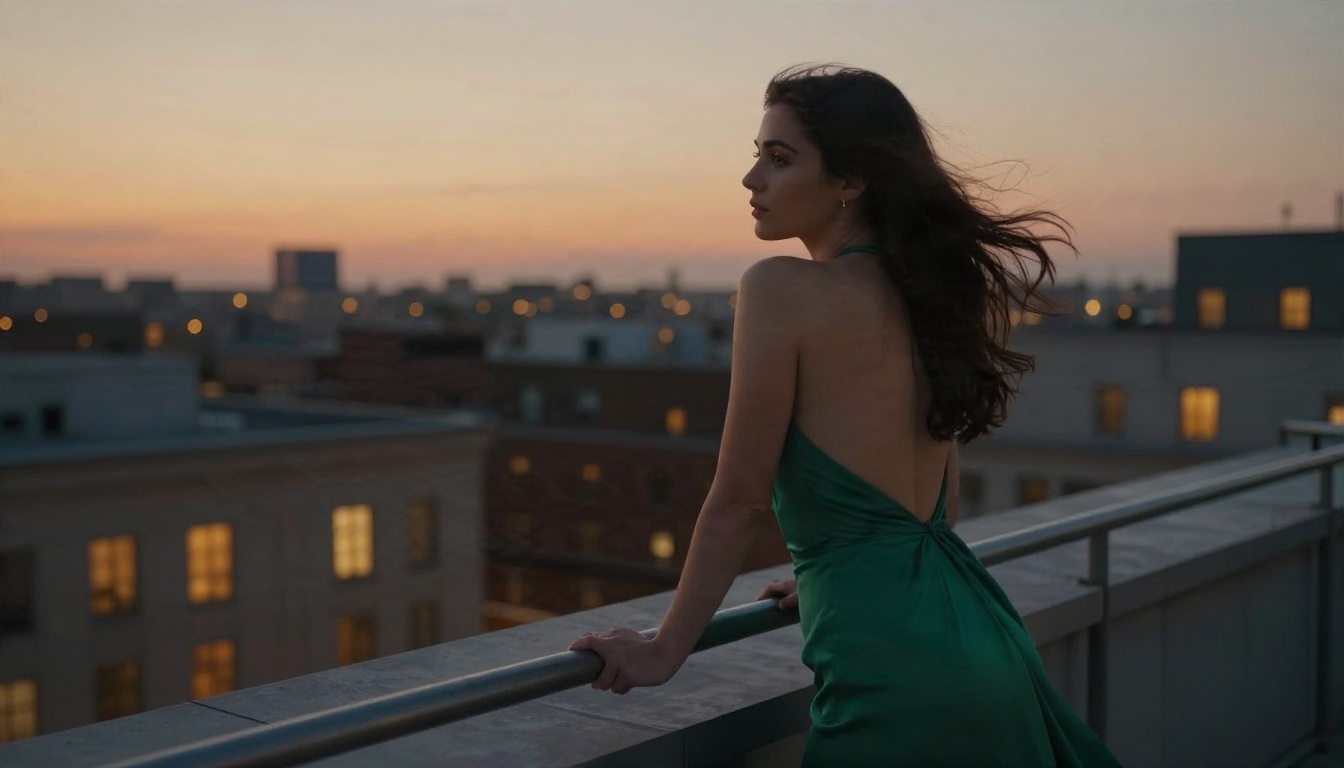
Experiment with lighting, lenses and outfits, keep your seeds, and build a small library of looks that are yours. When you want more choice, browse every option at picassoia.com/en/all-models and see which one fits your style.


