You typed "Wan video free" into a search bar, and now you are staring at a dozen websites that all claim to offer it. Some want a credit card. Some give you three clips and a watermark. A few say "open source" in large letters and then link to a hosted service with a price list. The honest answer is more nuanced than any of those landing pages: Wan is partly free, partly paid, and the line between the two depends on which version you want and where you run it.
This article sorts that out. You will see what the Wan family is, which versions are actually open, where free access exists online, what the limits look like in practice, what you will pay when the free part runs out, and which alternatives give you more room to experiment. There is also a short tutorial for running Wan 2.6 on PicassoIA.
What Wan Video Actually Is
Wan is a family of AI video models built by Alibaba. You write a prompt, or upload a still image, and the model returns a short clip with motion, camera movement and, in newer versions, synchronized sound. It became popular fast because early releases were strong at natural motion and because one of them was released with open weights, which meant anyone with the right hardware could run it.
The Wan Model Family
The versions you will meet most often are these:
T2V means text to video. I2V means image to video, where your photo becomes the first frame and the model animates it.
Open Weights vs Hosted Versions
This is where most of the confusion starts. Wan 2.2 was released by Alibaba as an open model in mid 2025, so its weights can be downloaded and run locally. For Wan 2.5 and 2.6 the picture is murkier. Some third party sites call them open source, but at the time of writing I could not find an official statement from Alibaba confirming that, and several pricing guides say plainly that these newer versions are reached through paid APIs or credit based apps. Treat any site that promises "free open source Wan 2.6" with caution until you have seen the license yourself.
💡 Quick rule: "Open weights" means you can download the files. It does not mean a website running those files for you is free. Servers cost money, and someone pays for them.

Where to Use Wan Free Online
Free access exists, but it comes in three flavors, and each has a catch.

Free Trials and Daily Credits
Many hosted platforms give new accounts a small bundle of credits. That is enough for a handful of short clips, which is fine for checking whether Wan suits your style. Others refill a few credits per day. The details change often, and credits bought on one platform usually cannot be moved to another, so check the live pricing page before you commit to anything.
What a free credit bundle is good for:
- Testing a single prompt in two or three versions
- Comparing text to video against image to video
- Checking how the model handles faces, hands and fast motion
What it is not good for: producing a week of social content, or iterating on one scene fifteen times.
Running It on Your Own GPU
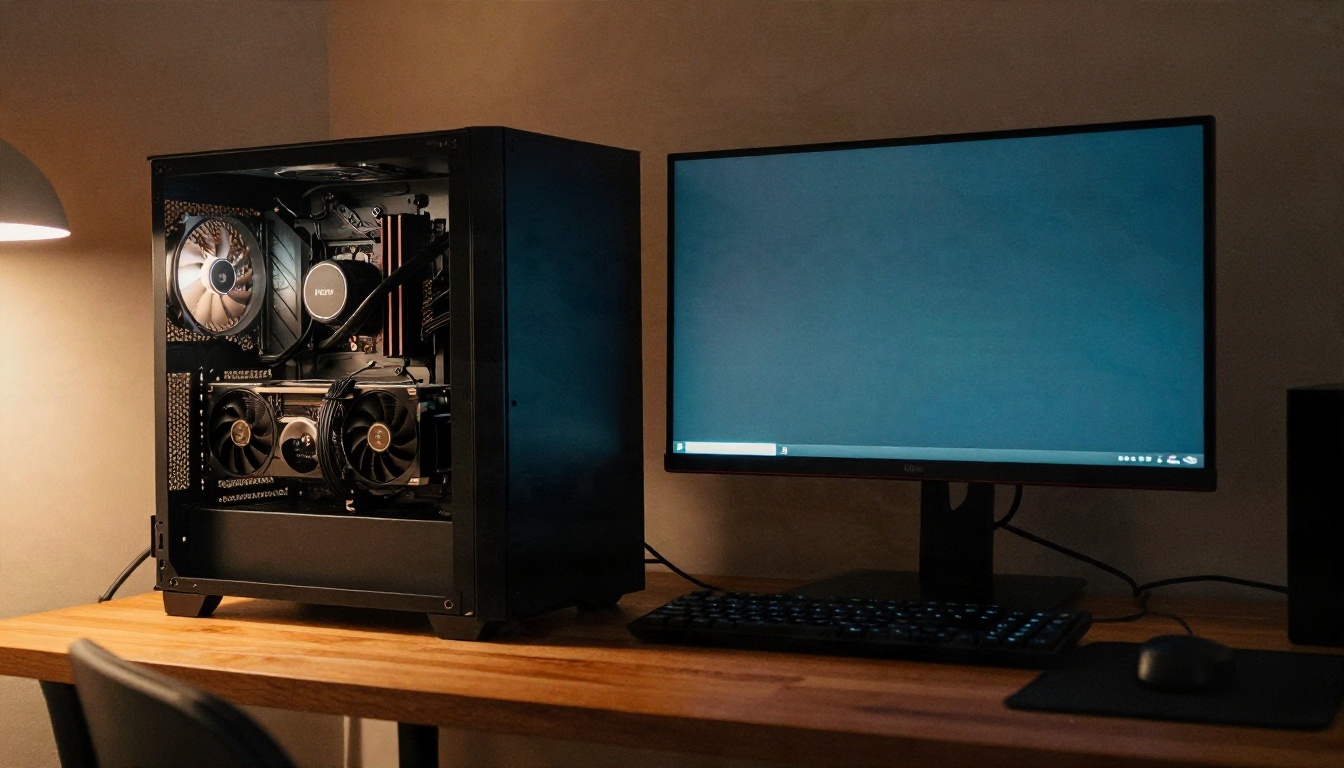
If you have a capable graphics card, the open Wan 2.2 weights give you something close to unlimited generation. You pay once for hardware and for electricity, and after that there is no credit counter. The trade is setup time and VRAM. The larger variants want a lot of memory, and the smaller 5B model is the realistic choice for most consumer cards. Expect to spend an evening on drivers, a workflow tool and model files before the first clip appears.
Third Party Sites With "Unlimited" Claims
Be careful with these. "Unlimited" often means unlimited in a slow queue, unlimited at 480p, or unlimited until your account is flagged. If a site hides its resolution, watermark and queue rules until after you sign up, that tells you what you need to know.
The Limits Nobody Mentions
Free is only half the story. Even when a clip costs nothing, the output has boundaries.
Clip Length and Resolution
Wan clips are short. Most hosted versions return roughly five seconds per generation, with some options reaching longer. Resolution depends on the variant and the plan: low tier or free runs often top out at 480p, while 720p and 1080p are the paid options. Look at the output of a free test carefully before you decide the model is "soft". You may simply be looking at the lowest resolution setting.
Queues, Watermarks and Licenses
Three limits catch people off guard:
- Queues. Free users usually wait behind paying users. A clip that takes under a minute on a paid tier can take much longer on a free one.
- Watermarks. Some free plans stamp a logo on every clip. That is fine for testing and useless for client work.
- Commercial rights. Free trial output is sometimes restricted to personal use. If you plan to sell, post for a brand, or run ads, read the terms before generating.
💡 Tip: Save the terms page or take a screenshot on the day you generate commercial clips. Platform policies change, and you want proof of what applied when you made the video.
Content Rules
Hosted Wan services apply safety filters. Prompts involving real public figures, graphic violence or explicit material are commonly blocked or return blurred results. This varies by platform, so a prompt that fails on one service may pass on another.
What Wan Really Costs
Pricing for Wan is not one number. It depends on the version, resolution, duration, and which service you use. Instead of quoting figures that will be out of date next month, here is how the cost structure works.
How Credits Add Up
Most platforms charge per second of output, or per clip with a multiplier for resolution. Higher resolution costs more. Longer clips cost more. Audio enabled clips can cost more still. Fast variants cost less per clip but trade away some quality. A rough picture of the cost ladder looks like this:
| Option | Typical cost level | Best for |
|---|
| Free trial credits | None, but very limited | Testing a prompt style |
| Wan 2.2 5B Fast hosted | Low | Cheap drafts at 720p |
| Wan 2.5 Fast variants | Low to medium | Quick social clips |
| Wan 2.6 T2V / I2V | Medium | Better motion and prompt following |
| Wan 2.6 at higher resolution | Higher | Final deliverables |
| Local Wan 2.2 | Hardware plus power | Heavy, repeated generation |
Local vs Cloud Math
Running locally looks free, but it is not. A graphics card with enough VRAM is a real purchase, and your time has value too. A good rule: if you generate fewer than a few dozen clips per month, cloud credits are almost always cheaper than buying hardware. If you generate hundreds, local starts to make sense, as long as you are comfortable with the setup.
Hidden Costs of Failed Clips
Every generation that goes wrong still uses credits. Hands that melt, faces that drift and camera moves that ignore your prompt all burn budget. Writing tighter prompts is the cheapest way to cut your bill, and the prompt section below shows how.
How to Use Wan 2.6 on PicassoIA
Wan 2.6 is on PicassoIA, along with Wan 2.5 and Wan 2.2, so you can test the family in one place and compare versions without juggling accounts. Here is a simple workflow with Wan 2.6 T2V.
Step by Step
- Open the model page. Go to the Wan 2.6 T2V page on PicassoIA.
- Write one clear scene. Describe the subject, the action and the camera in two or three sentences. One scene per prompt gives the best results.
- Pick the resolution. Start at the lower setting for drafts. Move up only once the motion looks right.
- Generate and review. Watch the clip twice. The first time for motion, the second for faces, hands and background stability.
- Refine one thing at a time. Change the camera move, or the lighting, or the action. Never all three, or you will not know what helped.
- Animate a still if you want more control. Use Wan 2.6 I2V with your own photo as the first frame. For faster, cheaper drafts, try Wan 2.6 I2V Flash.
Parameter Tips
- Prompt length: Aim for 40 to 80 words. Very short prompts leave the model guessing. Very long ones get partly ignored.
- Camera language: Words like "slow dolly in", "static tripod shot" and "gentle pan left" work reliably.
- Motion intensity: If a clip looks chaotic, reduce the action. "A woman walks" is steadier than "a woman runs, spins and waves".
- Version choice: Use Wan 2.5 or 2.2 5B Fast for cheap drafts, then re-run your best prompt on Wan 2.6.
Prompts That Get Better Clips
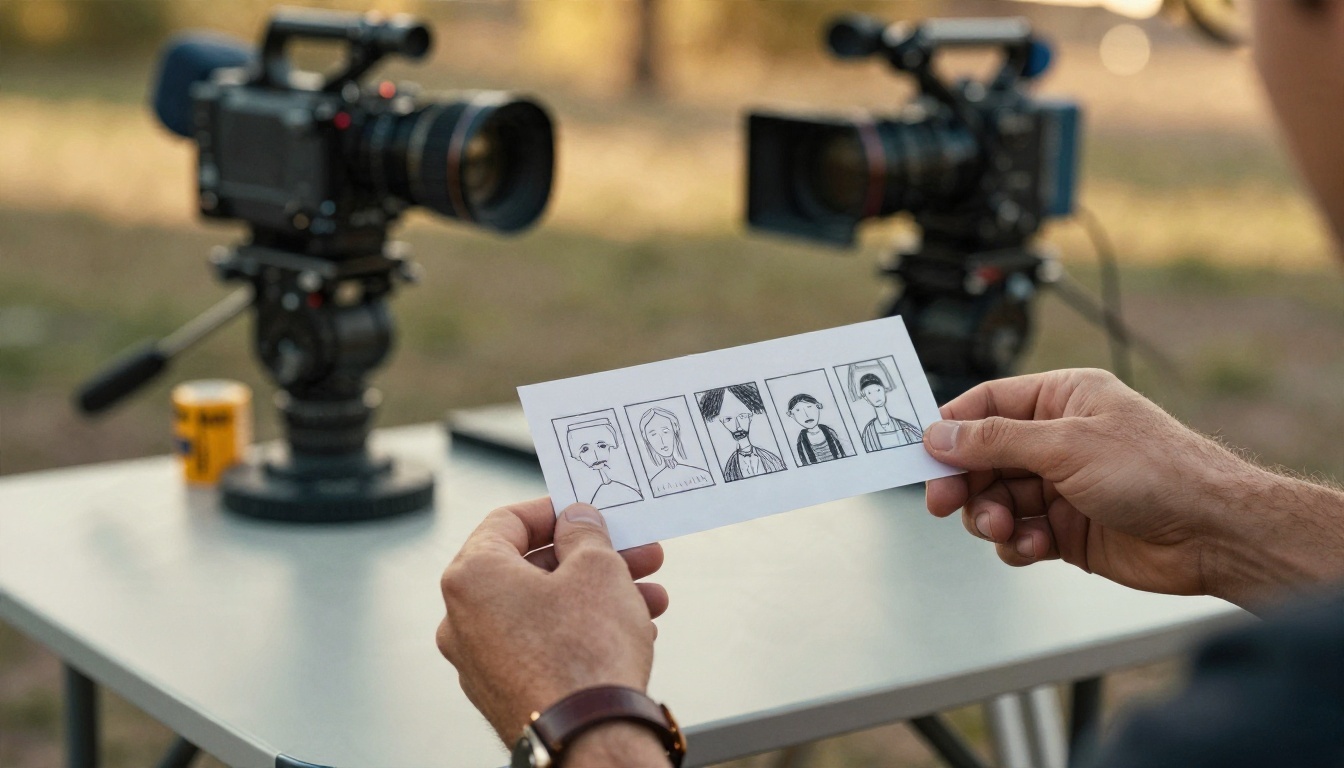
A good video prompt reads like a shot list, not a wish. The model has about five seconds to work with, so give it one clear thing to do.
Use a Simple Formula
Try this structure: subject and starting pose, then the motion, then the camera, then the light.
Example: A fisherman in a yellow raincoat stands at the edge of a wooden dock at dawn, slowly casting a line into calm grey water. Slow dolly in from behind. Soft overcast light, light mist over the surface.
That prompt gives the model a subject, one action, one camera move and a mood. Nothing competes.
Mistakes That Waste Credits
- Asking for several scene changes in one clip
- Describing text on signs or screens, which video models still render poorly
- Mixing contradictory styles, such as "documentary" and "stylized fantasy"
- Skipping the camera instruction, which leaves the framing random
Where Short Clips Work Best
Five second clips suit social posts, product teasers, looping website backgrounds and storyboard previews. A marketer filming for a vertical feed can use an AI clip as a cutaway between real footage, which stretches a budget without looking out of place.

Best Wan Alternatives Worth Trying
Wan is good, but it is not the only choice, and for a free or low cost workflow some alternatives give you more room. Here are four that are on PicassoIA.

Seedance 2.5 Lite
Seedance 2.5 Lite is listed on PicassoIA as a free and unlimited video generator with clips up to 10 seconds. If your main goal is volume without watching a credit counter, this is the first one to test. For heavier projects, Seedance 2.5 pushes length up to 30 seconds, and Seedance 2.0 Mini adds native audio in a lighter package.
Kling v3 Video
Kling v3 Video is a strong pick for cinematic shots with realistic movement. If you need a character to follow a specific motion, Kling v3 Motion Control takes a reference movement and applies it, and Kling v3 Omni Video reaches 1080p.
Hailuo 02
Hailuo 02 produces 1080p clips and handles physical motion well, such as cloth, water and body movement. The Hailuo 02 Fast version is a quick way to test ideas at 512p, and Hailuo 2.3 Fast animates photos into short clips.
Veo 3.1 Fast
Veo 3.1 Fast outputs 1080p, and Veo 3.1 Lite and Veo 3 Fast generate clips with native audio. These are the options to try if sound and dialogue matter as much as the picture.
Quick Comparison
| Model | Strength | Pick it when |
|---|
| Wan 2.6 | Prompt following, good motion | You want a balanced all rounder |
| Seedance 2.5 Lite | Free, up to 10 seconds | You need volume at no cost |
| Kling v3 | Cinematic realism, motion control | You need precise character movement |
| Hailuo 02 | 1080p, physical motion | You want crisp, natural movement |
| Veo 3.1 Fast | Native audio, 1080p | Sound is part of the shot |
Which Option Fits You
A simple way to decide:
- You just want to try AI video at no cost: Start with Seedance 2.5 Lite, then run the same prompt in Wan 2.5 to compare.
- You want Wan specifically: Use Wan 2.2 locally if you have the hardware, or run Wan 2.6 on PicassoIA if you do not.
- You make client or commercial work: Pick a paid tier, check the license, and keep your prompts tight so each credit counts.
- You need sound in the clip: Compare Veo 3.1 options and Wan versions that support audio.
The best habit is also the cheapest: run your idea through a fast model first, and spend your higher resolution budget only on the prompt that already works.
Try Your Own Clips Today
The fastest way to settle the "is Wan free" question is to test it with your own idea. Pick one scene, write a three sentence prompt, and run it on Wan 2.6 T2V. Then run the same prompt on Seedance 2.5 Lite and Kling v3 Video and compare the three side by side. Ten minutes of testing will tell you more than any pricing page.

Open Picasso IA, pick a model, and make your first clip. Browse every video model at picassoia.com/en/all-models and see which one fits your style, your budget and your next project.


