You downloaded a Wan video LoRA, dropped it into your workflow, hit generate, and got a clip that looks exactly like the one without it. Or worse, the face melted, the lighting went flat, and your carefully chosen start frame vanished by second two. That is the daily reality of Wan video LoRA NSFW hunting in 2027, and it is mostly fixable once you know what is actually happening inside the model.
This article sorts out three things people search for together: where to find free options, what good examples look like (without crossing into explicit territory), and the not working fixes that solve about 90% of broken LoRA runs. Every example here is suggestive and glamour-level, never explicit, and every subject is an adult.
💡 Quick answer: If your Wan LoRA does nothing, check three things first: the LoRA matches your Wan version, it sits in the correct noise slot (high or low), and its strength is not near zero. Details and a full table are below.
What Wan LoRAs Actually Do
A LoRA is a small add-on file that nudges a big video model toward a look, a motion, or a concept it does not produce reliably by default. Wan, the open video model family from Alibaba, has a large community of these add-ons because the base weights are open and easy to extend.
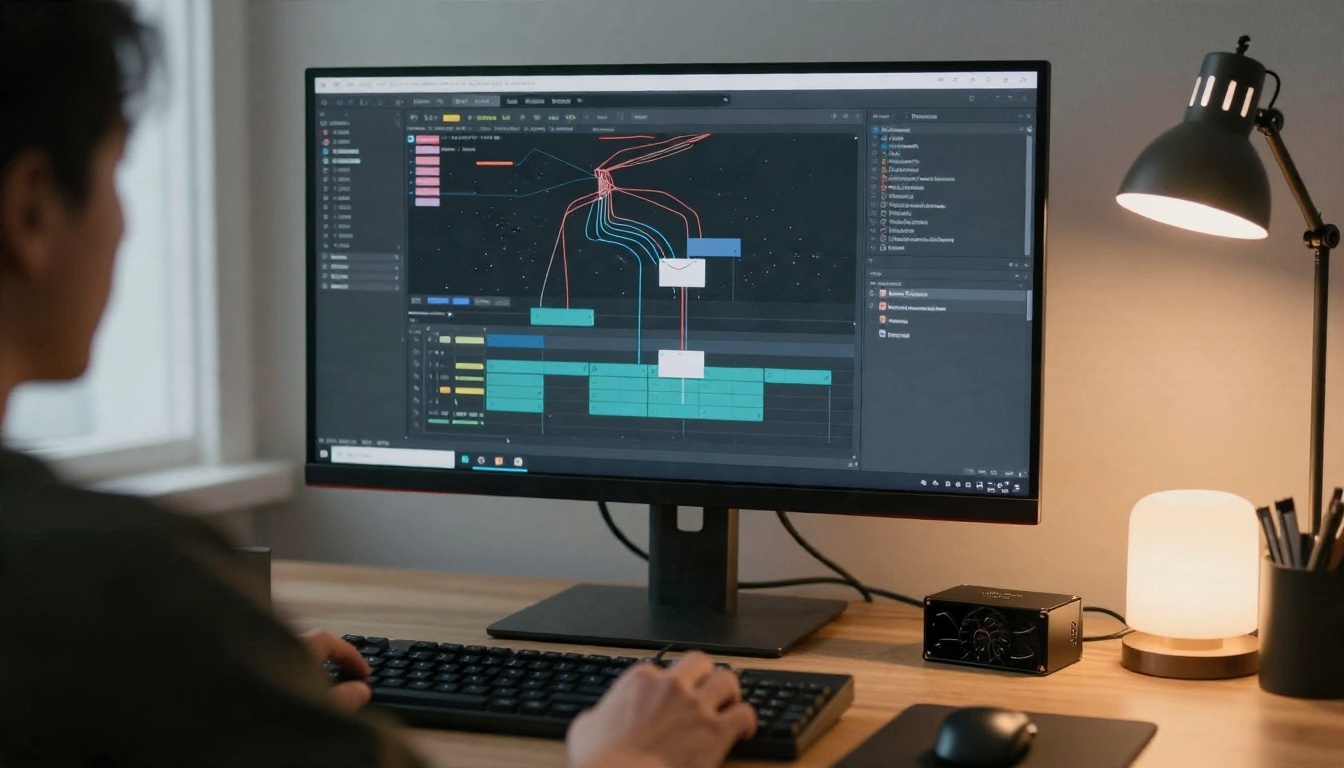
Base Model vs LoRA
The base Wan model knows how to make motion, camera moves, and lighting. A LoRA does not replace that knowledge. It biases it. A style LoRA pushes color and texture. A motion LoRA teaches a specific movement, like a slow hair flip or a turning walk. A character LoRA locks in a face or body type.
That bias is also why things break. Push too hard and the base model's physics fight the LoRA's habits. You see jitter, warped hands, and flickering skin.
Why Adult LoRAs Get So Popular
Base models from big labs tend to refuse or soften adult content. Open weights do not have that restriction, so the community fills the gap with LoRAs for lingerie looks, swimwear motion, boudoir lighting, and body proportions. The demand is real, and so is the quality gap between a well-trained LoRA and a sloppy one.
A warning that saves headaches: use adult subjects only, never use a real person's likeness without their consent, and stay away from anything that depicts minors. Good LoRA authors say the same on their model pages.
Free Options That Work
"Free" can mean three different things: free software, free files, or free hosted generation. Here is how each one plays out.
Run It Locally in ComfyUI
If you own a decent NVIDIA GPU, local generation costs nothing per clip. ComfyUI is the usual choice because it exposes every part of the Wan pipeline: the model loader, the LoRA loader, the sampler, and the VAE.
The trade-offs are honest ones:
- Hardware: Wan 2.2 14B runs best with a lot of VRAM. Smaller 5B variants and quantized files work on mid-range cards, with a quality dip.
- Setup time: Expect an evening of installing custom nodes and matching model files.
- Speed: A single 5-second clip can take several minutes without a speed LoRA.
Community LoRA Libraries
Most Wan LoRA files live on community hubs such as Civitai and Hugging Face. Download only from authors who state the base model (Wan 2.1, Wan 2.2 high noise, or Wan 2.2 low noise), list a recommended strength, and show real preview clips. A LoRA with no stated base is a coin flip.
💡 Tip: Keep a text note next to each LoRA file with its base model and strength. Three weeks later you will not remember which of your twelve files was for the low-noise slot.
Free Hosted Generation
If you do not want to build a workstation, hosted tools remove the hardware problem. The catch: hosted services usually run fixed models. You pick a model and write a prompt, but you do not load your own LoRA files. That is a real limitation if your goal is one specific LoRA, and a real advantage if your goal is simply good adult-leaning glamour motion with no setup.
PicassoIA sits in that second camp. Its Wan models, such as Wan 2.2 I2V A14B, take an image and a prompt, with controls for resolution, frames, steps, and seed. There is no custom LoRA slot on those pages, so treat it as the fast route rather than a LoRA playground.
| Option | Cost | Custom LoRA | Setup effort | Best for |
|---|
| Local ComfyUI | Free (own GPU) | Yes | High | Specific LoRAs, full control |
| Rented cloud GPU | Pay per hour | Yes | Medium | No GPU at home |
| Hosted Wan on PicassoIA | Free tier available | No | Very low | Fast image-to-video drafts |
Examples of What Works
Here is what a clean Wan result looks like as a source frame. These stills are the kind of first frames that animate well: one clear subject, readable lighting, simple backgrounds. Each is suggestive, tasteful, and non-explicit.
Beach and Swimwear Motion
Swimwear scenes are the easiest test. Wind, water, and hair give the model natural motion to work with, so you see quickly whether a LoRA improves movement or just adds noise.
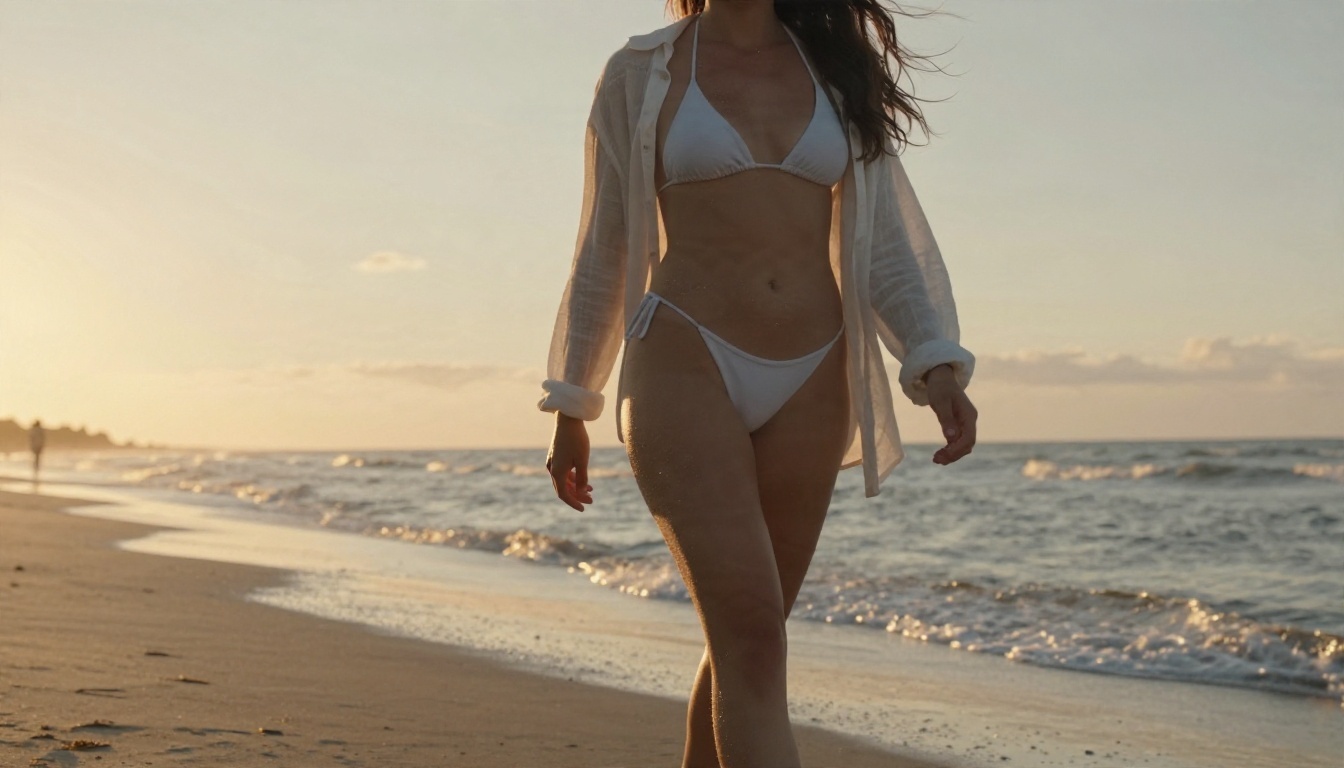
A good prompt for this frame describes only the motion: "she walks slowly toward the camera, hair moving in the sea breeze, small waves washing over her feet, gentle handheld sway." The image already contains the look. The prompt should not repeat it.
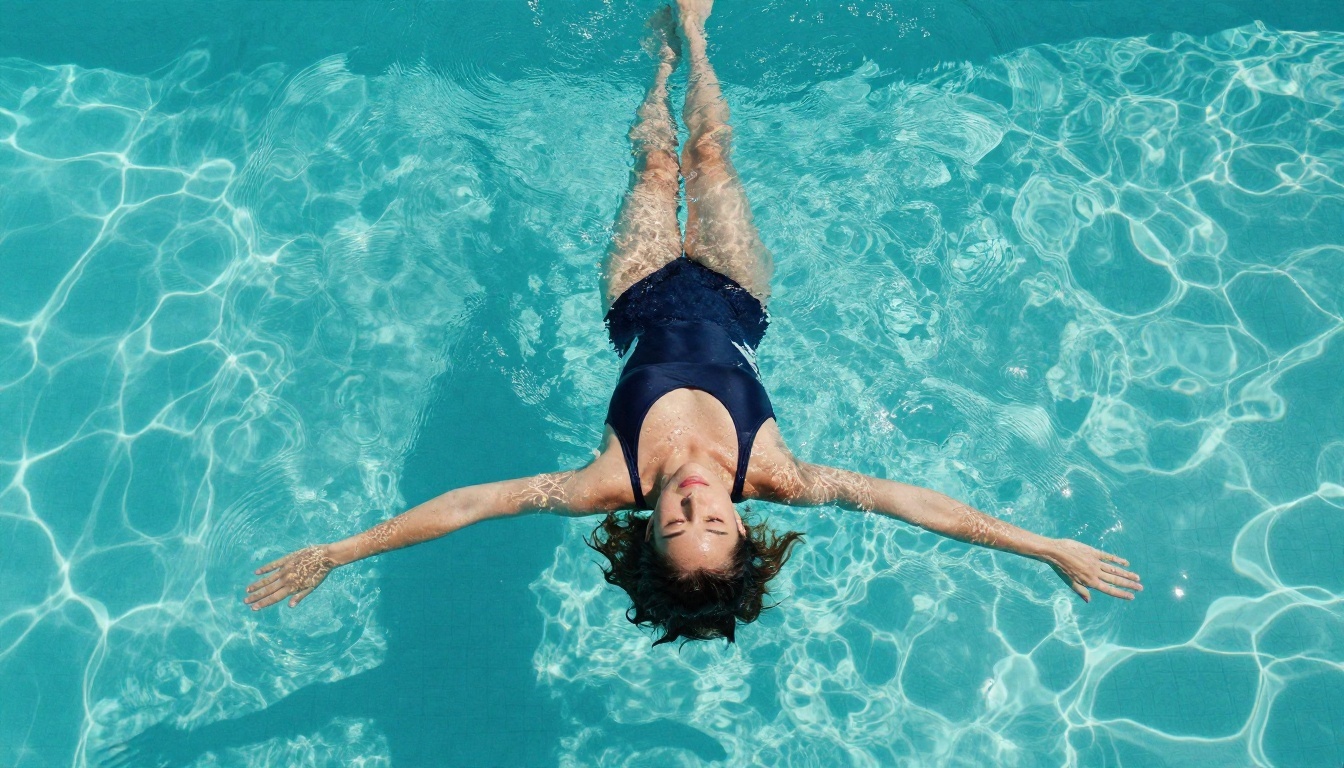
Top-down shots like this one are forgiving. Water ripples hide small artifacts, and the camera has little reason to drift. For a pool frame, try "slow drift downward, ripples spreading, light patterns shifting on the pool floor."
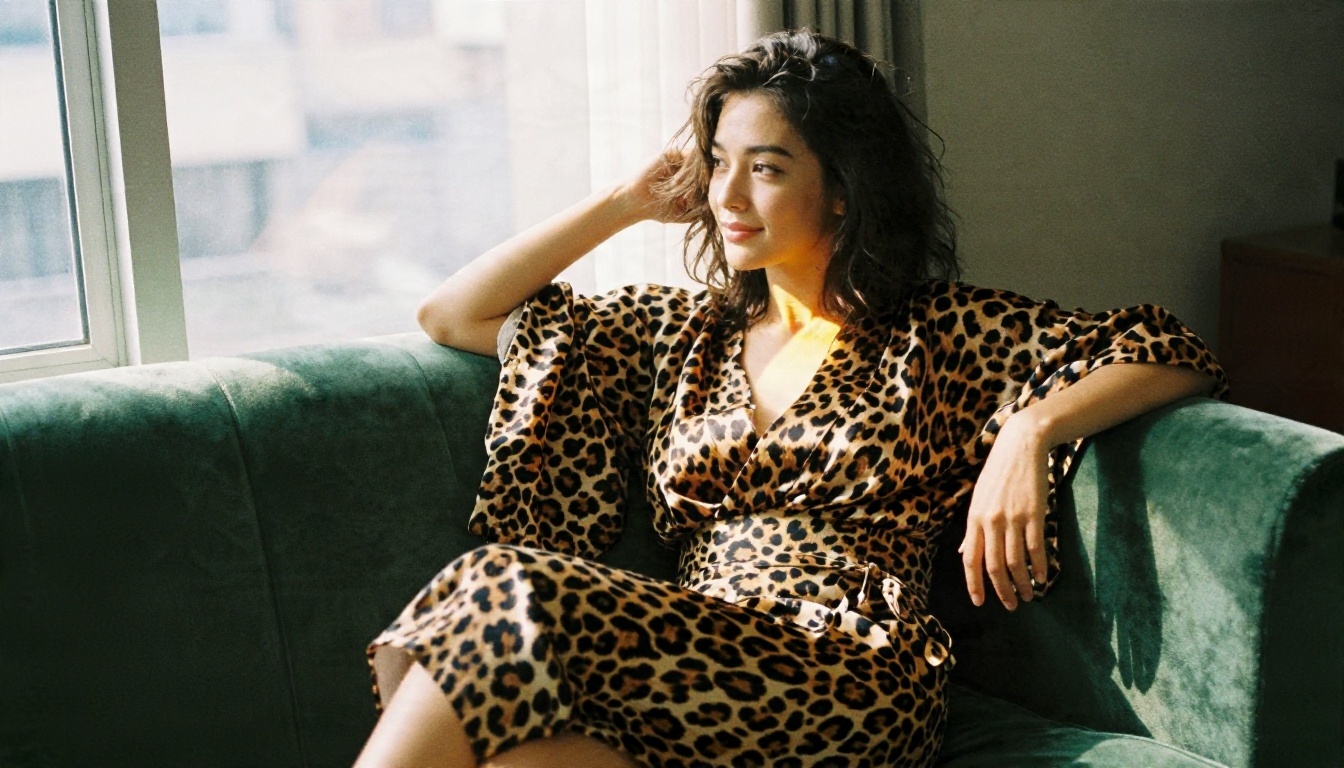
Boudoir and Soft Light
Close-ups are where weak LoRAs show their flaws. Skin texture, lips, and eyes all draw attention, and flicker is obvious.
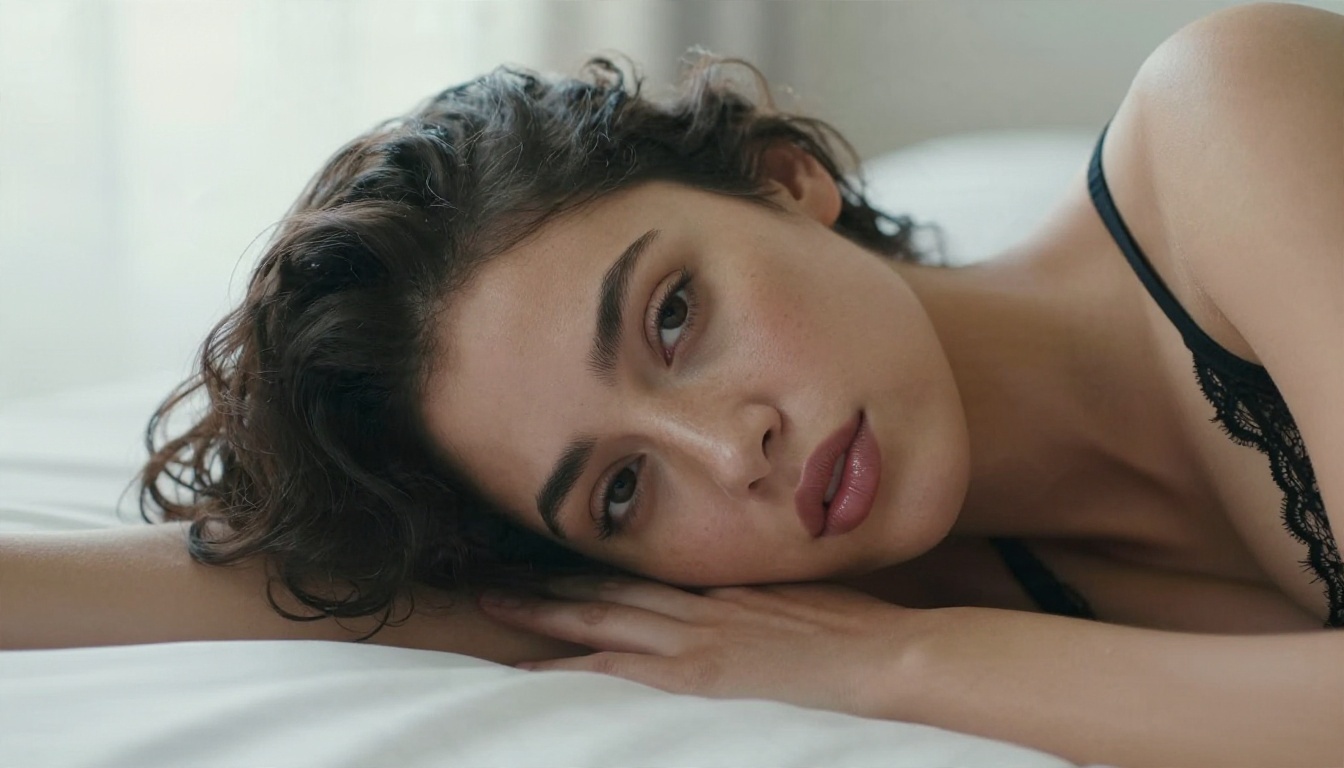
For frames like this, keep motion small: a slow blink, a slight head turn, a curtain stirring. Large movements on a close-up face invite drift. If you see the face changing between frames, lower the LoRA strength before changing anything else.
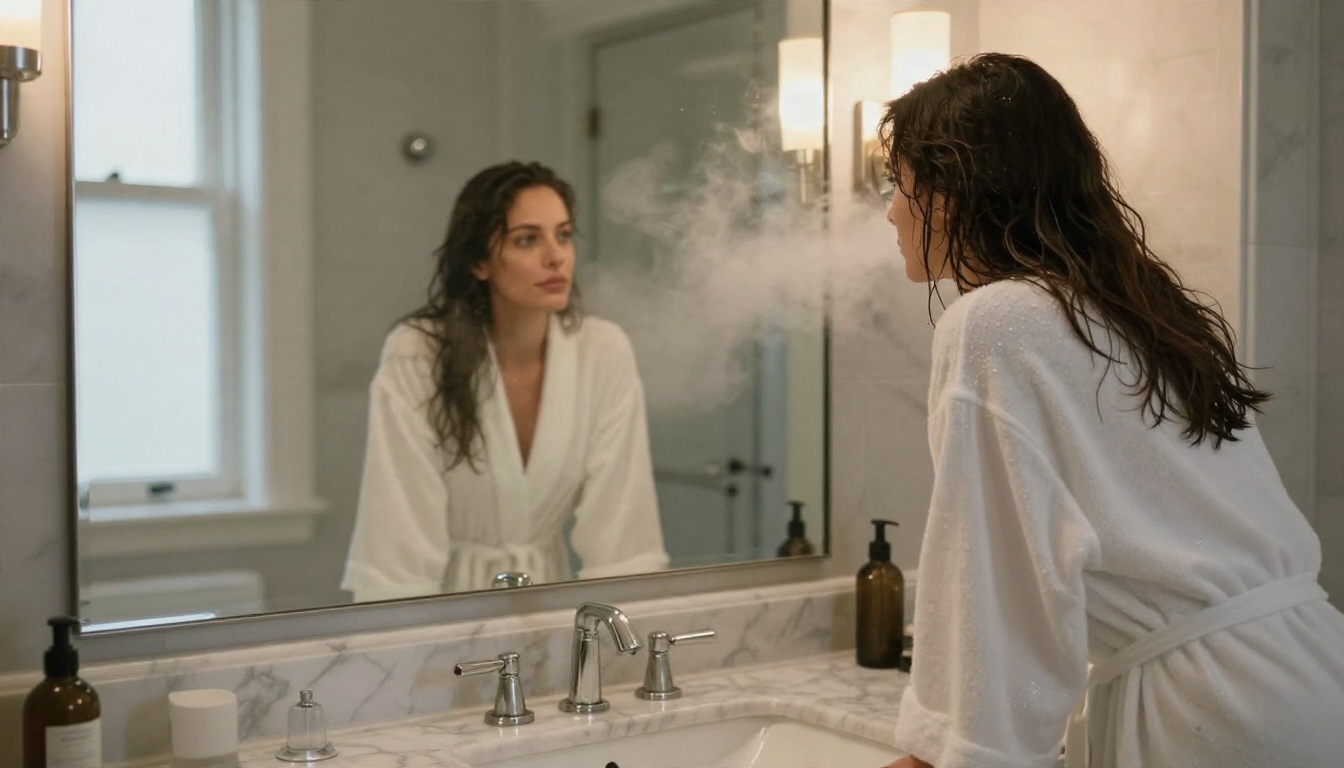
Steam and reflections are a stress test. Mirrors in particular confuse video models, because the reflection has to stay consistent with the subject. If the mirror warps, crop it out of the frame or lower the motion strength.
Fashion and Street Scenes
Wide, full-body shots show whether a LoRA keeps proportions stable while the camera moves.
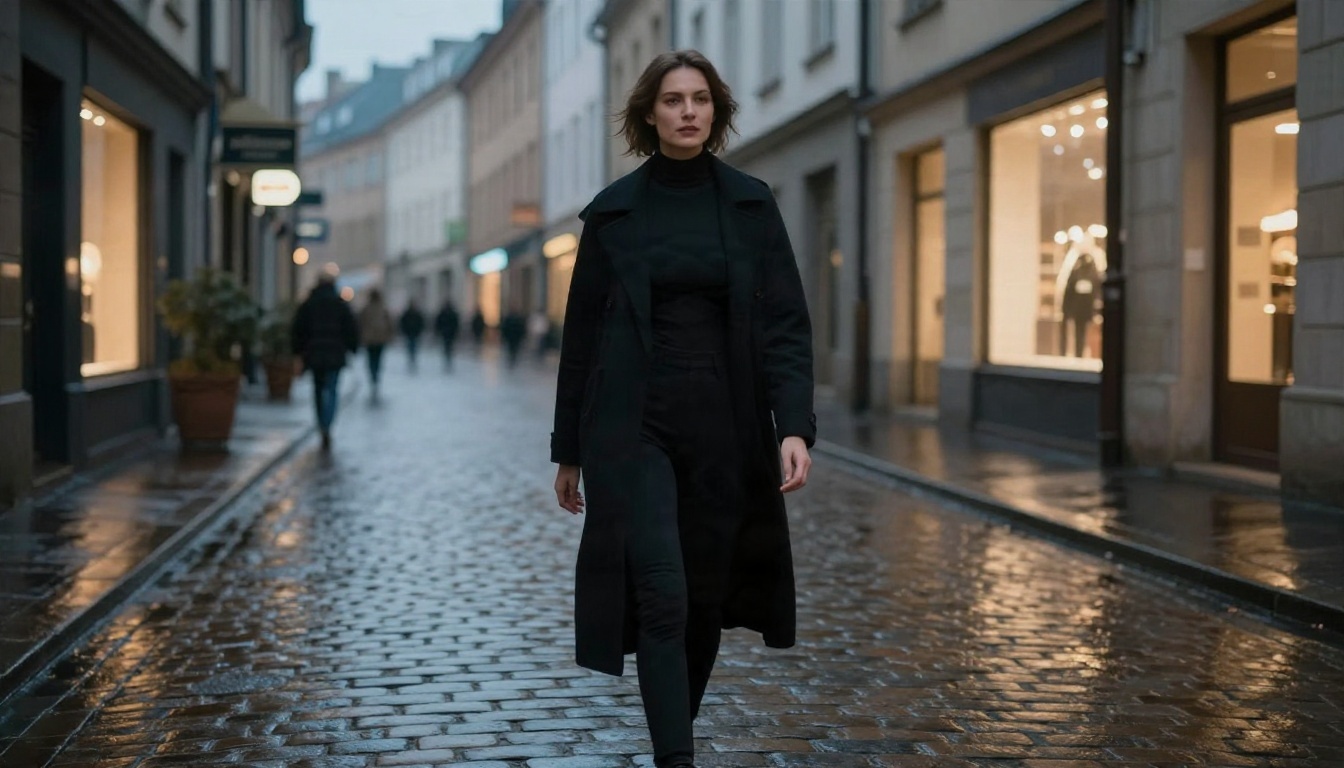
Walking toward the camera is one of the hardest motions for any video model, since limbs cross and the scale changes. It makes a great test clip. If a LoRA survives this one, it will survive almost anything.
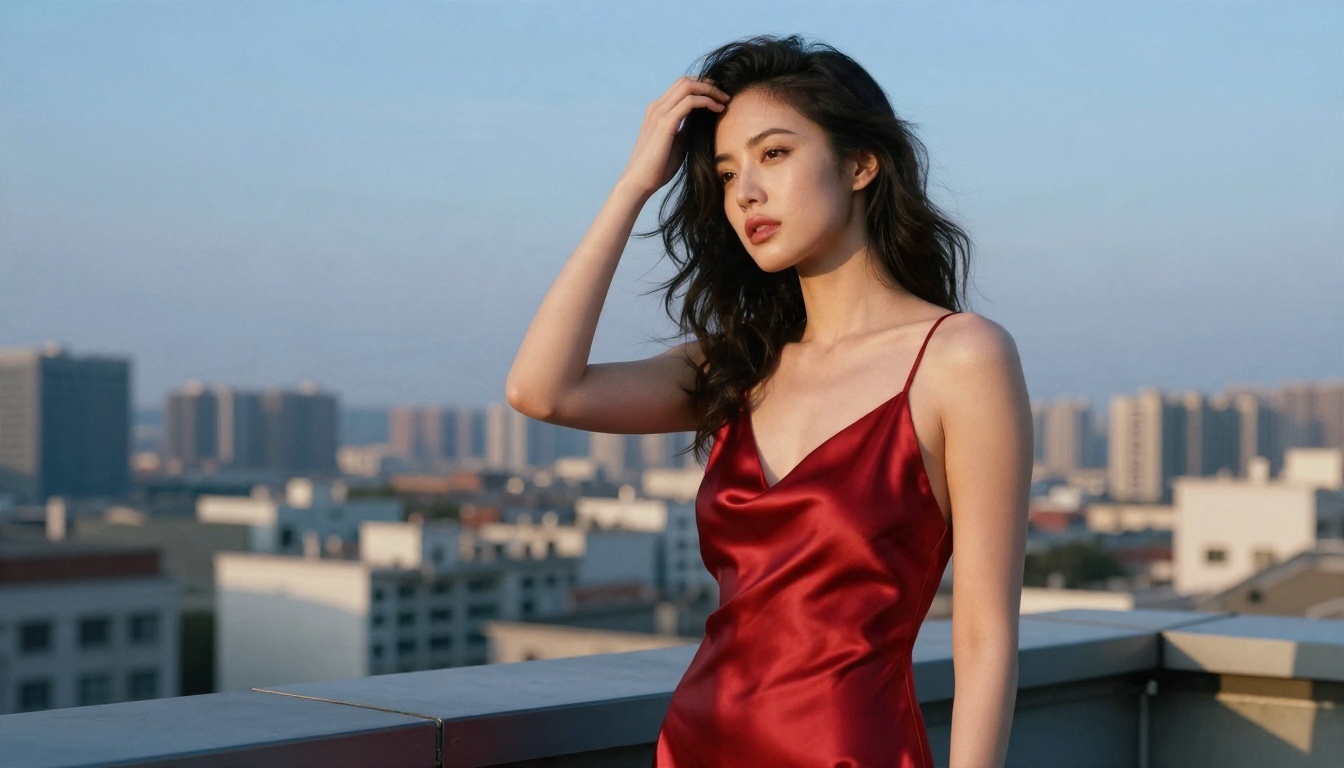
Fabric is the other tell. Satin and silk should fold and catch light. When a LoRA is over-strength, fabric turns rubbery and loses its shine.
Wan LoRA Not Working? Fixes
This is the section most readers came for. The problems below come up again and again in community threads, and they are listed from most to least common.
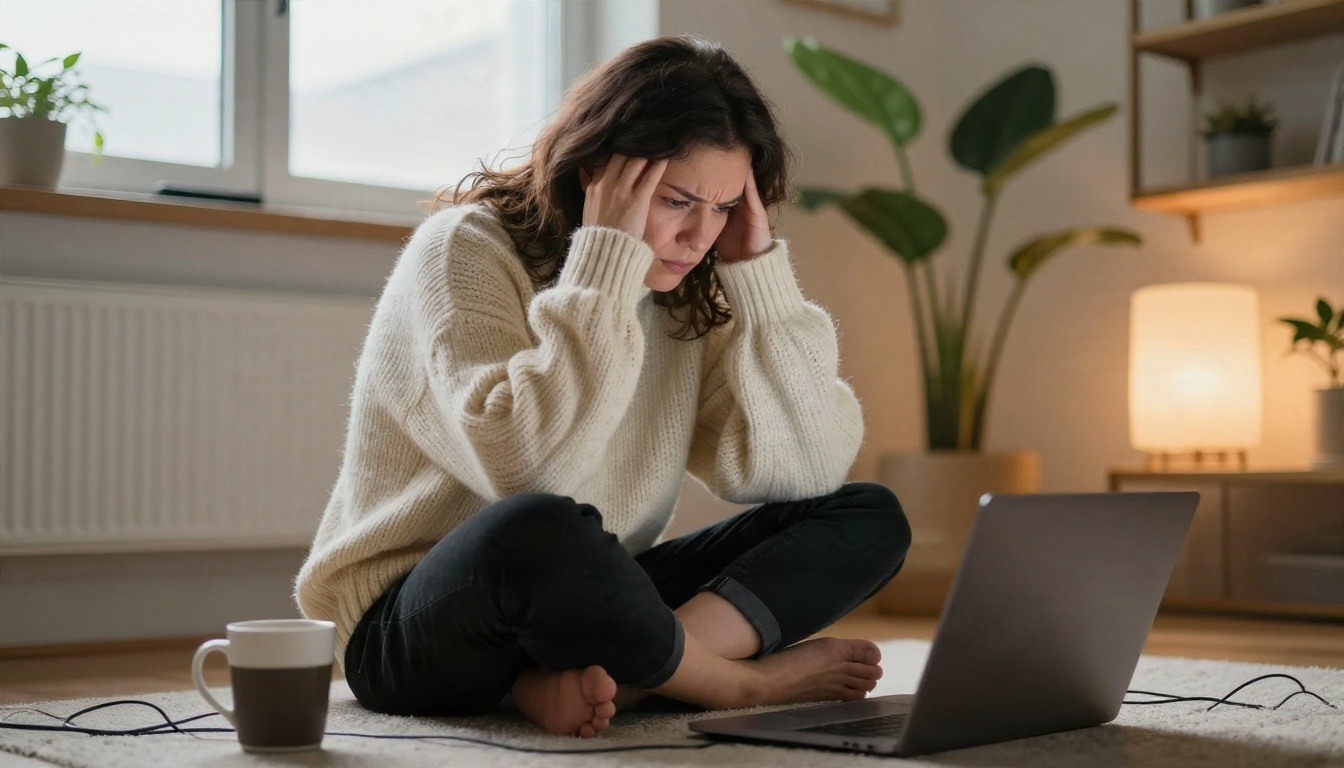
The LoRA Does Nothing
If your output looks identical with and without the file, work through this short list:
- Strength is near zero. Check the
strength_model value. Start around 0.6 to 1.0 and adjust from there.
- Wrong architecture. A LoRA trained for SD 1.5 or SDXL will not affect Wan. Confirm it was trained for Wan.
- Wrong Wan version. A LoRA built for Wan 2.1 behaves differently on Wan 2.2, and a file for the image-to-video model may not suit the text-to-video one.
- Loader not connected. In ComfyUI, make sure the LoRA node's output actually feeds the sampler, not a dead branch.
Wrong Noise Expert Slot
This is the quirk that trips up most people moving from Wan 2.1 to Wan 2.2. Wan 2.2 uses two experts: a high-noise expert that sets global composition early in the process, and a low-noise expert that refines detail late in the process.
What that means for LoRAs:
- High-noise LoRAs strongly shape composition and can override your start frame. If your clip stops resembling the image you gave it, a high-noise LoRA is a prime suspect.
- Low-noise LoRAs work on detail, skin, and texture. They are much safer for image-to-video.
- Wan 2.1 LoRAs often still work in Wan 2.2, but they tend to act mainly in the low-noise stage. Put them there.
💡 Rule of thumb: For image-to-video where you need the start frame to survive, begin with low-noise LoRAs only. Add a high-noise one later, at low strength, if you need to change the motion itself.
Speed LoRA Conflicts
Distillation LoRAs of the lightx2v family cut sampling to a handful of steps. They are great for speed, but community testing keeps pointing at the same issue: applying them to the high-noise pass can damage composition, lighting, and expressiveness. The common workaround is to apply the speed LoRA to the low-noise pass only, and keep the high-noise pass at full quality with more steps.
If your clips look flat, washed out, or strangely slow-motion, check where your speed LoRA is attached.
Baked-In LoRAs and Stacking
Some merged "all in one" checkpoints already contain LoRAs at low strength. Adding your own on top stacks the effect, and the result can overshoot. Test the plain checkpoint first with no extra LoRA. If it already does what you want, you are done. If not, add one LoRA at a time, and change one number per run.
Quick Fix Table
| Symptom | Likely cause | Fix |
|---|
| No visible effect | Strength too low, wrong base | Raise to 0.8 to 1.0, confirm Wan base |
| Start frame ignored | High-noise LoRA too strong | Move to low-noise slot, lower strength |
| Face changes mid-clip | LoRA over-strength | Drop strength by 0.2 steps |
| Flat, dull lighting | Speed LoRA on high-noise pass | Attach speed LoRA to low-noise only |
| Slow-motion look | Distillation side effect | Try a slow-mo fix LoRA, or raise frames per second |
| Flicker on skin | Too few steps or stacked LoRAs | Add steps, remove duplicates |
| Error on load | Version mismatch | Match file to Wan 2.1 or 2.2 exactly |
Which Wan Version Fits You
Wan has moved fast, and each release changes what works. On PicassoIA you can try several of them without any file management.
How to Animate Stills on PicassoIA
Since the hosted Wan models do not take custom LoRA files, the best route is to bake the look into the first frame and let Wan add the motion. That is often cleaner than any LoRA, because the start frame decides composition, skin, and lighting before the video model touches anything.
Here is the process with Wan 2.2 I2V A14B:
- Make your first frame. Use an image model (see the next section) and generate a clean, well-lit still with one subject.
- Open the Wan 2.2 I2V A14B page and upload that image.
- Write a motion-only prompt. Describe what moves and how the camera behaves. Skip descriptions of what is already visible in the image.
- Pick 720p instead of the 480p default for the final render.
- Leave frames at 81, which the model lists as giving the best results. Frames per second defaults to 16.
- Set steps. Around 30 is enough for most prompts. Go lower for fast drafts and higher for a final pass.
- Fix a seed once you like a result, so you can repeat it while changing a single detail in the prompt.
- Compare versions. Run the same image through Wan 2.5 I2V Fast and Wan 2.6 I2V and keep the best clip.
💡 Prompt pattern that works: [subject action] + [camera move] + [light and atmosphere]. Example: "She turns her head slowly toward the window, slow dolly-in, warm morning light shifting across her shoulder."
Best Alternatives for Uncensored Visuals
Wan is a video model, so the quality of your first frame sets the ceiling. For adult-leaning glamour content, these are the image tools to use, in order:
- Seedream 4.5 is the first model to try. It produces sharp, photoreal 4K stills of swimwear, lingerie looks, and boudoir scenes without the refusals common elsewhere, which makes it an ideal source frame for Wan.
- PicassoIA Image Editor Pro offers unlimited generations, so you can iterate on outfits, poses, and lighting for as long as it takes, then send the winner to a Wan model.
- Wan video models for motion, starting with Wan 2.2 I2V A14B and moving up to Wan 2.6 I2V or Wan 2.7 I2V once your frame is right.
Content here is kept suggestive and non-explicit. That is the right target for most creators anyway: it looks better, it is easier to share, and it avoids the artifacts that explicit LoRAs tend to cause.
Why the Frame-First Method Wins
LoRA troubleshooting is slow because every change needs a full re-render. A frame-first workflow flips that. You spend your trial and error on fast image generations, where each attempt takes seconds, and you only pay for video when the frame is already right. Fewer failed clips, fewer settings to track, and no version mismatches to debug.
When You Still Need a Real LoRA
There are cases where hosted models will not do the job. A specific, repeatable character across many clips, a rare motion, or a very particular art direction can all justify the local ComfyUI route. If that is you, use the fixes above, change one variable per run, and keep notes.
Try It Yourself Today
You do not need a GPU farm or an evening of node wiring to get a good first clip. Generate a strong still with Seedream 4.5, refine it in PicassoIA Image Editor Pro, then animate it with a Wan model and compare how each version handles the same frame.
Open the full catalog at picassoia.com/en/all-models, pick a first frame, and run your own test. One image, one motion prompt, one seed. You will know within a few minutes whether the frame-first route beats chasing LoRA files, and you will have a clip to show for it.


