You open your favorite image generator, type a prompt you have been polishing all evening, and get a queue message, a credit warning, or a filter that blocks a perfectly normal swimwear shoot. Sound familiar? That moment is exactly why people search for websites like Mage Space: they want free access, fewer restrictions, and results that look like real photography instead of plastic.
This article lays out what is actually available, what "free" and "uncensored" tend to mean in practice, and which alternatives deliver sharp, photorealistic output without a daily countdown hanging over you. I will also be upfront about one thing: uncensored does not mean anything goes. The best platforms give you room for glamour, fashion, and artistic work while still drawing a line at explicit content.
💡 Quick take: If you want the shortest path, jump to the section on PicassoIA models. Seedream 4.5 and PicassoIA Image Editor Pro are the two I would try first.
Why People Leave Mage Space
Mage Space built its reputation as a browser-based generator with a big model library and a relaxed attitude toward content. Third-party price trackers currently list a free tier plus paid plans that start around the ten-dollar mark per month and climb well past thirty for heavier use. Those figures come from aggregator sites and they disagree with each other, so treat them as rough numbers and check the live pricing page before you commit.
The reasons people start comparing alternatives are surprisingly consistent:
- Usage caps that run out right when a project gets interesting.
- Waiting in line during busy hours, especially on free accounts.
- Credit systems that make every experiment feel expensive.
- Inconsistent realism, where faces look smooth and skin loses its texture.
- Moderation changes that arrive without warning.
None of this is unique to one site. It is the standard trade-off of free AI image generation: someone pays for the GPUs, so someone sets limits. Your job is to find the platform whose limits match how you actually work.
The Search Intent Behind the Query
When someone types "websites like Mage Space" they usually want one of three things. Some want a free alternative because the credit meter annoys them. Some want fewer content restrictions for fashion, glamour, or adult-leaning but non-explicit art. And some simply want better realism for portraits and product shots. The best alternative depends on which of those three matters most to you.
What "Free" Really Means
Free almost never means unlimited. It usually means one of four things: a small daily allowance, a monthly credit pool, slower queue priority, or lower resolution output. Always check which of those applies before you build a workflow around a free tier.
Free Uncensored Generators Worth Knowing
Several sites come up again and again in reviews and community threads. I am describing them in plain terms, based on what review sites report, and I would not take any "uncensored" label at face value. Policies shift, and what a listing page says can differ from what the moderation system does on a Tuesday night.
| Site | Typical pricing model | What reviewers like | Common complaint |
|---|
| Perchance | Free, described as unlimited | No account friction | Basic controls, uneven realism |
| Venice.ai | Limited free tier, paid plan around $18 a month | Privacy focus, loose filtering | Free allowance is small |
| BasedLabs | Credits, no subscription required | Pay only when you generate | Credits drain fast on video |
| Sogni | Free starter tier | Open model access | Setup feels technical |
| Stablecog | Freemium | Clean interface | Limited model range |
| Playground AI | Generous free offering | Relaxed policies for artistic work | Rules can change |
| Stable Diffusion (local) | Free software, your own hardware | Total control | Needs a strong GPU and patience |
Running Stable Diffusion at Home
The most private route is running an open model on your own machine. You choose the checkpoint, nothing leaves your computer, and there are no daily caps. The cost is hardware and time: a decent graphics card, a few gigabytes of downloads, and an afternoon of setup. For many people that is a fair deal. For others it is the reason they go back to a browser tool.
Freemium Sites With Loose Filters
Sites in the Perchance and Playground AI camp are the easiest to try, since you can generate without paying. The catch is predictability. Free services tend to tighten or loosen filtering as their user base grows, so a workflow that works this month may not work next quarter.
Credit-Based Platforms
BasedLabs-style credit systems suit people who generate in bursts. You buy what you need and nothing renews behind your back. If you produce a few hundred images in a weekend and then nothing for a month, credits beat a subscription.
💡 Tip: Before you pay anyone, generate the same prompt on three platforms and compare skin texture, hands, and lighting. Thirty minutes of testing saves months of regret.
The Real Cost of Daily Limits
Limits are not just a number. They shape how you create. When you only have a handful of generations per day, you stop experimenting, you reuse safe prompts, and you settle for "good enough" on the fourth try instead of the fortieth.
Credits Versus Generations
A credit is not the same as an image. Higher resolution, more steps, upscaling, and video all burn credits faster than a plain preview. A plan that advertises hundreds of monthly credits can translate into surprisingly few finished images once you start asking for sharp 4K output.
Queue Time Is a Hidden Price
Free users on busy platforms often wait behind paying customers. A two-minute wait sounds harmless until you multiply it by thirty iterations. That is an hour of staring at a progress bar for a single finished concept.

Resolution Caps and Watermarks
Some free tiers cap output at modest sizes or add watermarks. If your images are for social media thumbnails, that is fine. If you plan to print, sell, or retouch them, check the maximum resolution before you invest time in prompts.
| Limit type | What it does to you | How to work around it |
|---|
| Daily cap | Stops experiments mid-session | Plan prompts ahead, batch similar ideas |
| Monthly credits | Makes every test feel costly | Use fast, cheap models for drafts |
| Queue priority | Adds minutes to each attempt | Generate off-peak or pick faster models |
| Resolution cap | Limits print and retouch use | Upscale after choosing a winner |
| Content filter | Blocks glamour or fashion prompts | Choose a platform with clear rules |
What Uncensored Should Mean
Let me be direct. The word "uncensored" gets abused. Some sites use it as a promise of absolute freedom, and that attracts exactly the kind of content that gets platforms shut down or payment processors pulled. A sensible reading is simpler: a platform that lets adults create suggestive, artistic, and glamorous imagery without false alarms.
That includes things like swimwear campaigns, boudoir-style fashion portraits, evening wear, and moody editorial shoots. It does not include explicit material, and any site promising otherwise is a risk to your account and your data.
Where Filters Misfire
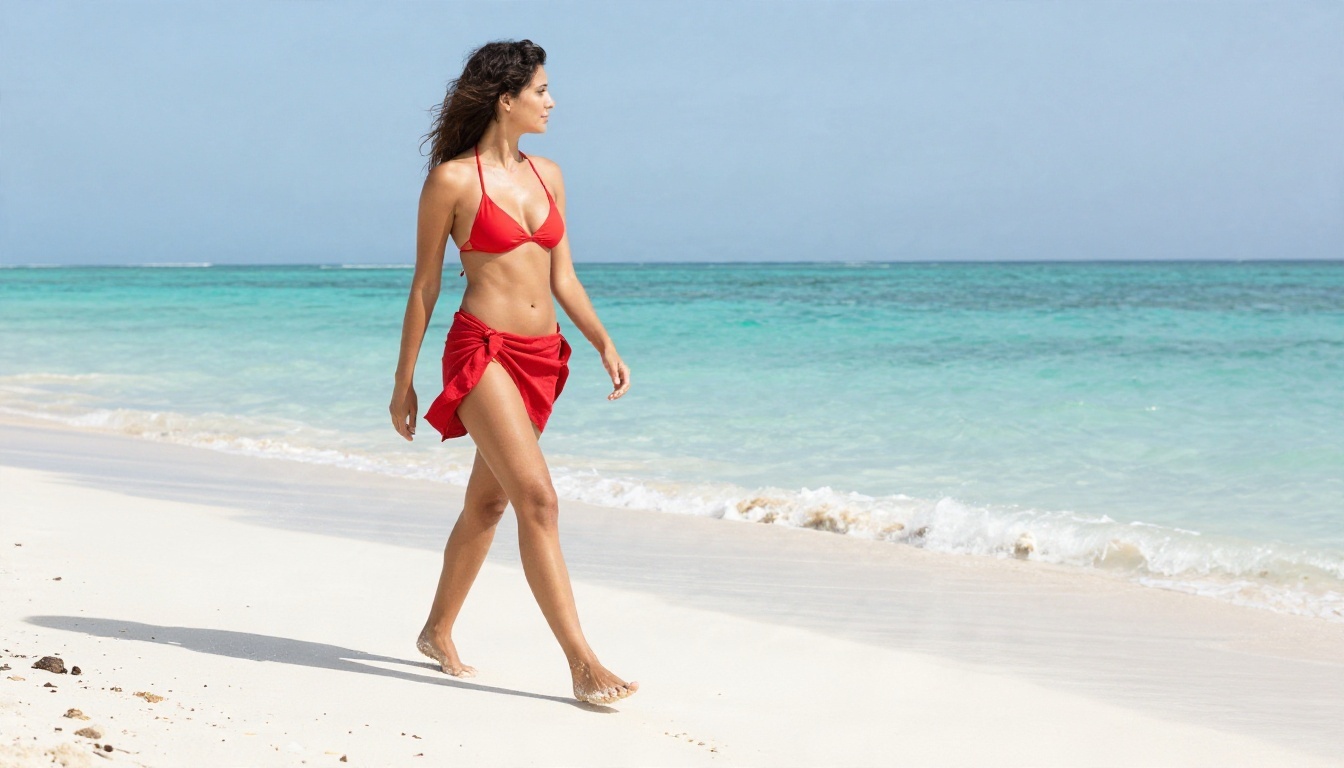
The most common frustration is a false positive. A prompt for a beach photo, a lingerie-adjacent fashion look, or a figure study gets blocked by an overcautious classifier, even though nothing in it is explicit. A platform with tuned moderation saves you from rewriting harmless prompts five times.
Privacy Matters Too
Free tools often log prompts and outputs. If you work with personal likenesses or private concepts, read the privacy terms. Local models win here, and so do platforms that state clearly how they store your images.
Best Alternatives on PicassoIA
PicassoIA takes a different approach from the freemium treadmill: a large catalog of text-to-image models in one place, a strong focus on photorealism, and an editor with unlimited generations. Here is where I would start, in order.
Seedream 4.5 for Photoreal Glamour
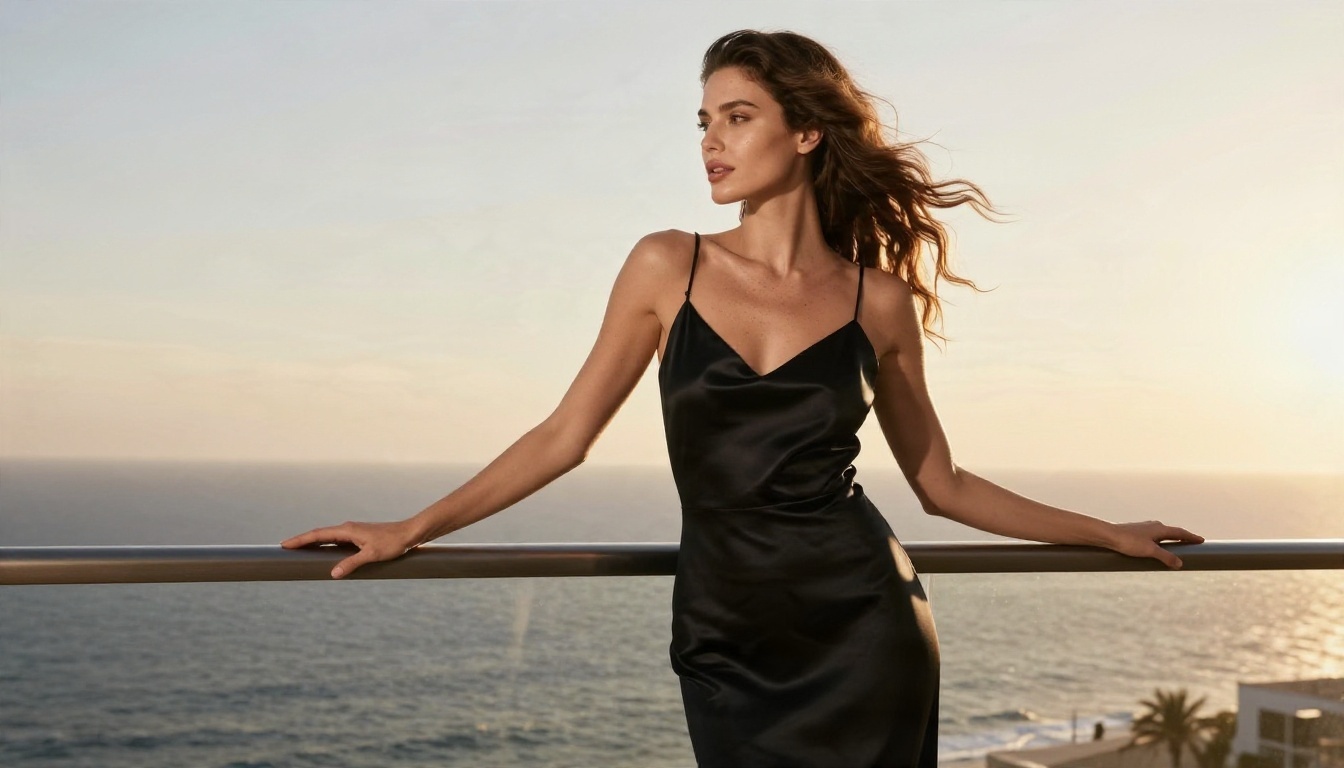
Seedream 4.5 is my first pick for anyone leaving Mage Space for realism. It produces sharp images up to 4K, handles skin texture and fabric sheen convincingly, and is relaxed enough for suggestive, non-explicit glamour work such as swimwear, evening wear, and fashion editorials. It follows long prompts closely, which matters when you describe lighting and lens details.
PicassoIA Image Editor Pro for Unlimited Edits
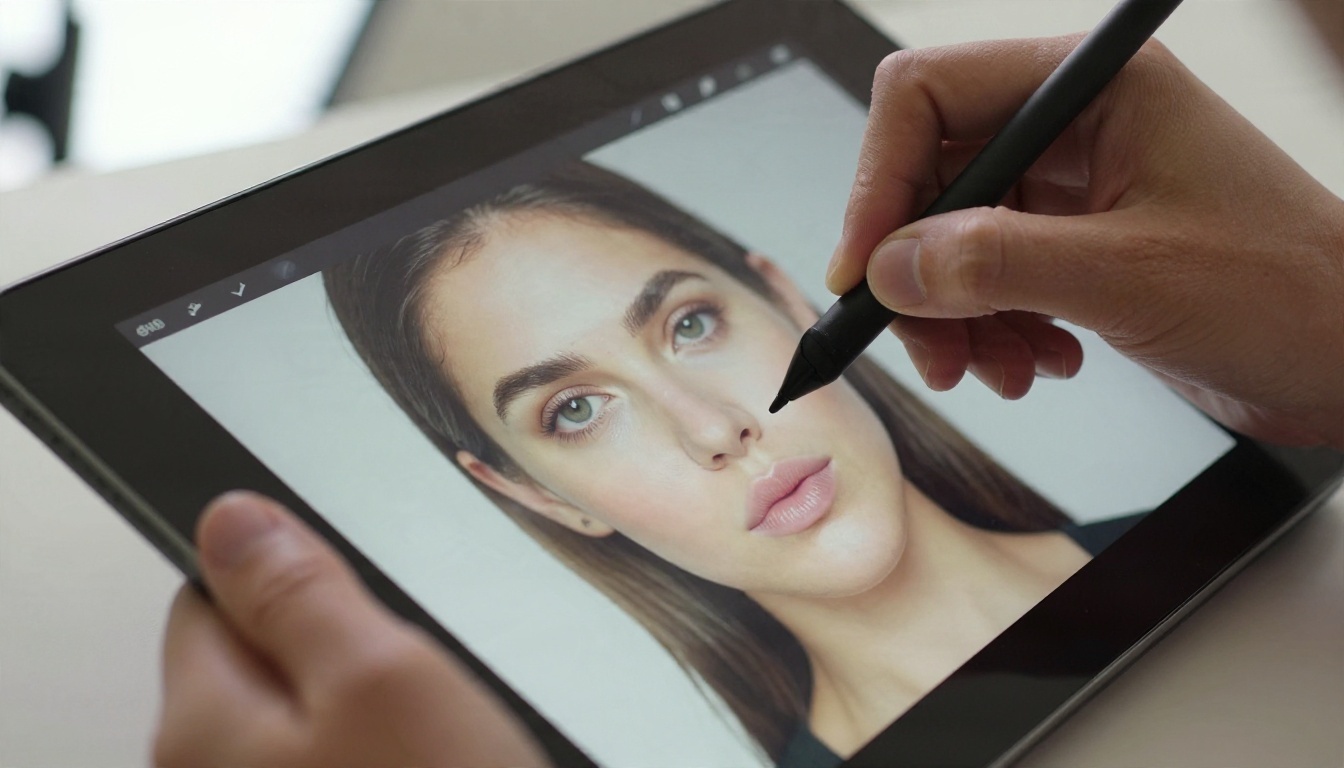
PicassoIA Image Editor Pro is the answer to the daily-cap problem. It gives you unlimited generations, so you can iterate as many times as a concept needs. It also works as an editor: upload a photo, describe the change, and refine until it looks right. For people who burned through credits elsewhere, this is the biggest relief.
Flux 2 Klein 9B Base LoRA for Styled Looks
Flux 2 Klein 9B Base LoRA suits people who like a consistent visual signature. It responds well to style adjustments, so you can lock in a film-like color palette across a whole series of images.
Z Image Turbo for Fast Drafts
Z Image Turbo is built for speed. When you are testing ten prompt variations and do not want to wait, it returns sharp results in seconds. Use it for drafts, then move your best concept to a heavier model for the final render.
Realistic Vision and SDXL Lightning
Two more options deserve a mention. Realistic Vision v5.1 is a long-time favorite for lifelike photographic portraits, and SDXL Lightning 4Step generates in just a few steps when you need volume rather than polish.
💡 Workflow tip: Draft with Z Image Turbo, pick your favorite composition, then recreate it in Seedream 4.5 for the final high-resolution version. You spend speed where it counts and quality where it matters.
A Prompt Recipe for Realistic Portraits
Switching platforms only helps if your prompts are strong. Here is a repeatable structure that works across most photorealistic models, using Seedream 4.5 as the example.

Step by Step in Seedream 4.5
- Open the Seedream 4.5 page and choose a 16:9 or 3:4 aspect ratio, depending on whether you want a scene or a portrait.
- Start with the subject and action: "a woman in a black satin slip dress leaning on a balcony rail."
- Add the environment: time of day, location, and a few background objects.
- Describe the light direction: "warm low sun from behind left, soft rim light on the shoulders."
- Name the lens and distance: "85mm f/1.8, shallow depth of field."
- Finish with texture words: "visible skin pores, silk sheen, subtle film grain."
- Generate, compare, and adjust one variable at a time.
Prompt Mistakes to Avoid
- Stacking style words like "ultra 8K masterpiece hyperreal" with no real detail behind them.
- Skipping light direction, which is the single biggest realism lever.
- Changing five things at once, so you never know what worked.
- Ignoring negatives such as extra fingers, plastic skin, or overly symmetrical faces.
Polishing Results in Image Editor Pro
Once you have a promising image, bring it into PicassoIA Image Editor Pro. Because generations are unlimited, you can fix a stray hand, shift the color grade, or swap a background without counting credits.
There is no single winner. The right choice depends on your priorities, so run through this short checklist.
- I want zero cost and accept limits: try the free tiers, but expect caps and queues.
- I want privacy and total control: run an open model locally if you own the hardware.
- I want realism and no iteration anxiety: use PicassoIA's Seedream 4.5 and Image Editor Pro.
- I want fast drafts at volume: Z Image Turbo or SDXL Lightning 4Step.
- I want a consistent style across a set: Flux 2 Klein 9B Base LoRA.
Questions to Ask Before You Pay
- Is there a clear, written content policy for glamour and fashion work?
- Do I get unlimited iteration somewhere, or does every attempt cost credits?
- What is the maximum resolution on the plan I am buying?
- How are my prompts and images stored?
- Can I cancel without friction?
Red Flags to Watch For
Be cautious of any site that promises "no rules at all," hides its pricing, or asks for personal details before showing you a single result. Real platforms are transparent about limits and policies because they want you to stay.
Start Creating Your Own Images
If the credit meter, the queue, and the surprise filters have worn you down, you do not need another tab full of free trials. You need a place where you can iterate freely and get photographic results the first time you ask.
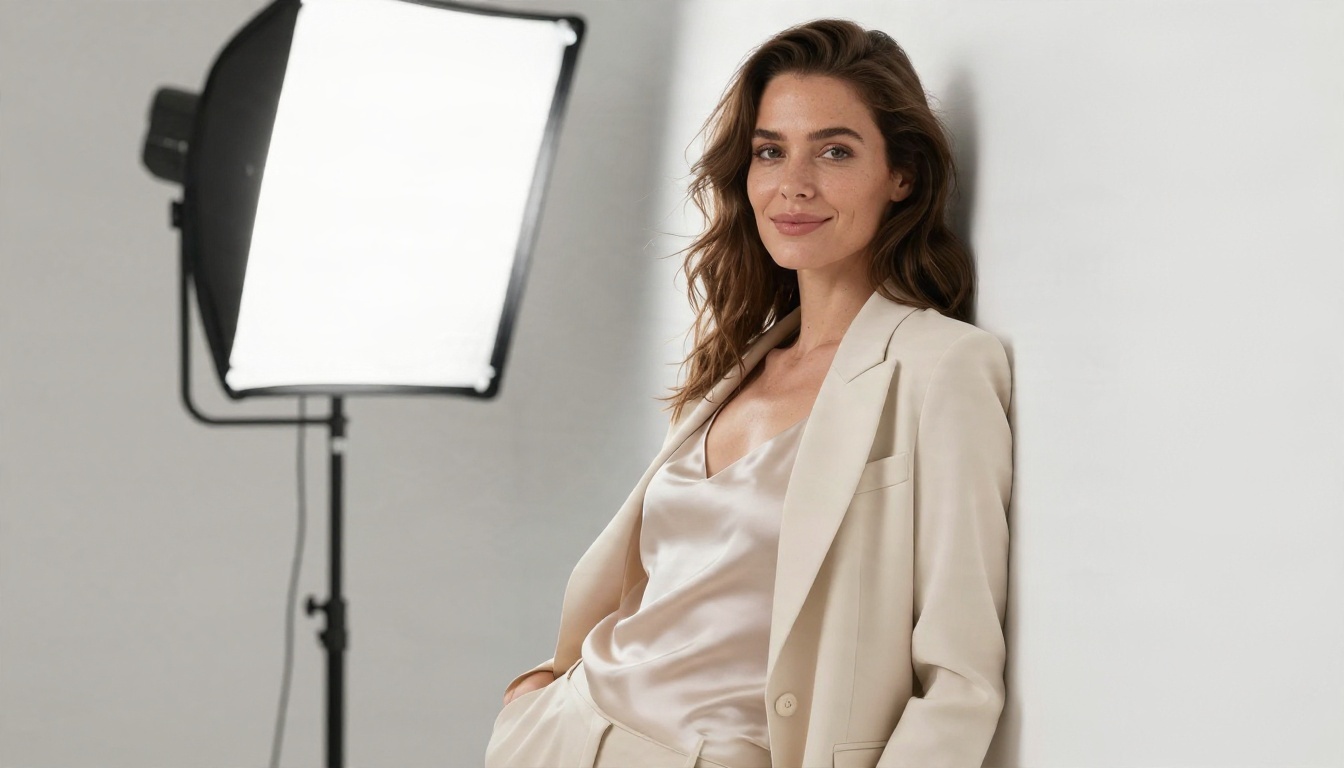
Open Seedream 4.5 on Picasso IA, paste the prompt recipe from above, and see how skin, fabric, and light come together in a single render. Then bring your favorite result into PicassoIA Image Editor Pro and push it further with unlimited generations. When you want to see everything on offer, browse the full catalog at picassoia.com/en/all-models and try a few models side by side. Your next best image is probably one prompt away.


