You typed a perfectly reasonable prompt for a swimwear shoot, hit generate, and got a stern refusal. Meanwhile a friend swears some other tool "allows everything." Both experiences are real, and the gap between them is exactly why people keep searching for what AI allows explicit content. The honest answer is messier than any "top 10 uncensored generators" list will tell you, so let's sort it out properly: what each type of AI tool tolerates, where the hard lines sit, and which free options let adults make glamour, boudoir and mature-themed work without fighting the filter every five minutes.
💡 Quick answer: Mainstream chatbots and image generators block sexually explicit output. A smaller group of platforms relax the rules for suggestive, glamour and artistic adult themes. Truly pornographic generation lives on shady sites with real privacy and legal risks. For most creators, the sweet spot is a permissive, reputable platform that handles swimwear, lingerie fashion and boudoir aesthetics well.
Every major AI lab ships a moderation layer on top of its models. It usually has three parts: a prompt filter that reads what you typed, a training-level refusal behavior inside the model itself, and an output scanner that checks the finished image or video before you see it. If any one of the three fires, you get a block.
I saw this first-hand while preparing this article. A prompt describing an adult woman in black silk lingerie got rejected by an image generator with a "sexual" content flag, while a near-identical scene with a silk robe over a swimsuit passed instantly. Same photographer's mood, same lighting, different clothing. That is how these filters behave: they react to specific visual and textual triggers rather than to the overall intent.
The three layers of filtering
| Layer | What it checks | Can you get around it? |
|---|
| Prompt filter | Words and phrases in your request | Rewording helps, but repeated attempts can flag an account |
| Model refusal | Behavior baked in during training | No, it is part of the weights |
| Output scanner | The final image, frame or text | No, it runs after generation |
Why companies are so strict
It is mostly about risk, not prudishness. Payment processors, app stores and advertisers all pressure AI companies to keep outputs clean. Add the legal minefield around non-consensual imagery and deepfakes, and you can see why a large company would rather block a borderline swimsuit prompt than defend one bad headline.
Image Generators: What Is Actually Allowed
Images are where the permission spectrum is widest. Think of it as five rough tiers, from strictest to loosest.
| Tier | Typical content allowed | Typical content blocked |
|---|
| 1. Locked down | Fully clothed portraits, fashion | Bikinis, lingerie, anything suggestive |
| 2. Mainstream | Swimwear, light glamour | Lingerie focus, bare skin emphasis |
| 3. Permissive | Boudoir, lingerie fashion, artistic implied nudity | Explicit sexual acts, visible genitals |
| 4. Adult platforms | Nudity, erotic themes | Minors, real-person deepfakes (on reputable ones) |
| 5. Unmoderated | Almost anything | Nothing, and that is the problem |
Most readers asking this question want tier 3: attractive, adult, tasteful work that does not trip a filter over a bikini strap. That tier is also the safest place to operate. You avoid the privacy trouble of tier 5 and the constant refusals of tier 1.
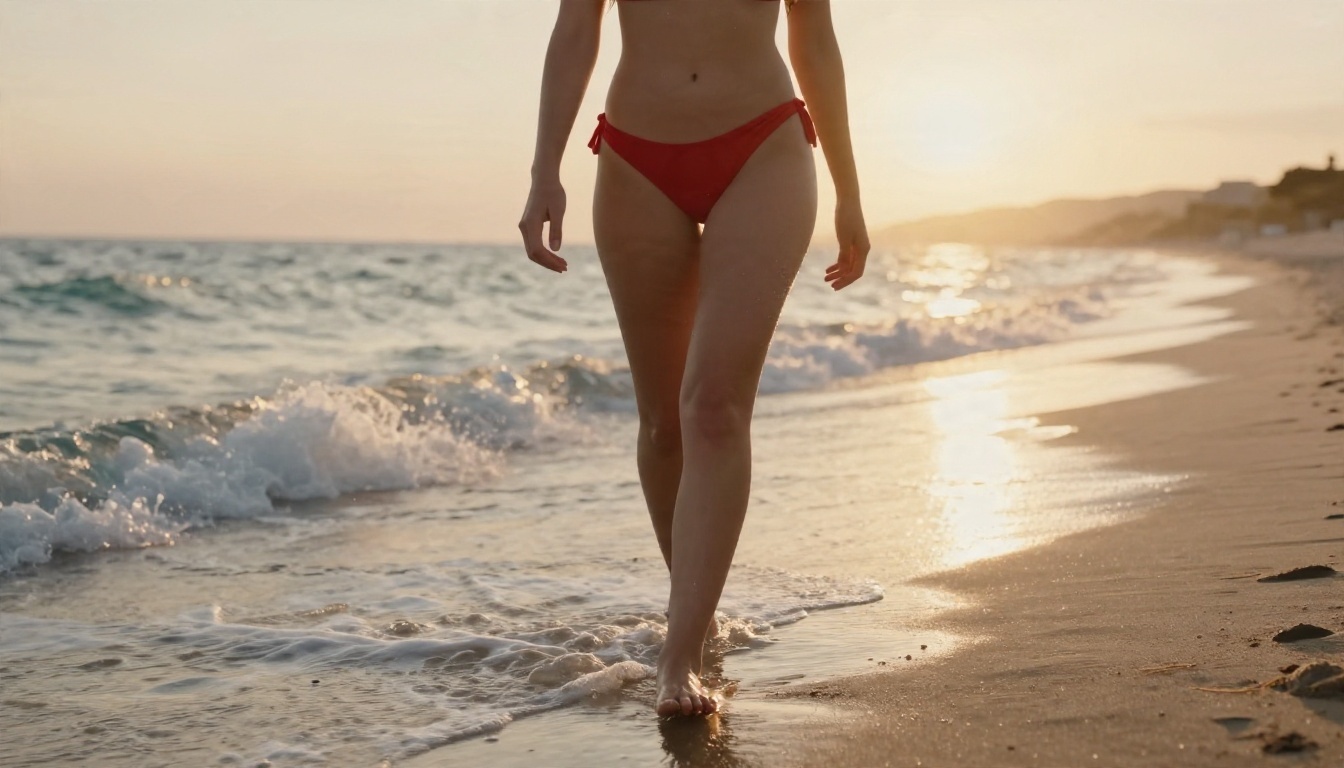
Where PicassoIA fits
PicassoIA sits in the permissive tier for glamour and adult-aesthetic content. It is built for swimwear, boudoir, lingerie fashion and artistic work, and it does not blow up over a swimsuit prompt. To be clear about the limit: it is not a platform for hardcore explicit material, and the safety systems still block sexually explicit output. If a site promises "no limits, no filters," treat that as a warning sign, not a perk.
The model I would reach for first is Seedream 4.5. It handles skin texture, fabric and light with a photographic quality that makes glamour work look like a real magazine shoot, and it is noticeably more relaxed about adult-themed fashion than the big-lab tools. Right behind it is PicassoIA Image Editor Pro, which offers unlimited generations, so you can iterate on a look as many times as you need without watching a credit counter.
💡 Tip: Unlimited generation matters more than it sounds. Filters are inconsistent, so the same prompt can pass once and fail once. Being able to retry freely turns that annoyance into a non-issue.
Free image options worth trying
Free in the AI world usually means one of four things: a daily credit allowance, a trial, an open-weights model you run yourself, or an ad-supported tier. Here is how the main options compare for adult-themed glamour content.
| Option | Cost model | Best for | Watch out for |
|---|
| Seedream 4.5 | Free to start | Photorealistic glamour, skin detail | Hard limit on explicit acts |
| PicassoIA Image Editor Pro | Unlimited generations | Editing, iteration, restyling | Editing real people without consent is off limits |
| Nano Banana Pro | Free to start | Clean 4K fashion shots | Stricter on lingerie prompts |
| Z Image Turbo | Free to start | Fast drafts, quick concepts | Less detail than top-tier models |
| Flux 2 Klein 9B Base LoRA | Free to start | Styled looks with LoRA control | Needs a bit more prompt care |
| Qwen Image 3 Pro | Free to start | Natural, photographic portraits | Can be conservative on revealing outfits |
Note that Seedream 5 Pro exists too, but for adult themes I would stay with Seedream 4.5, which is the model that behaves best for this kind of work.
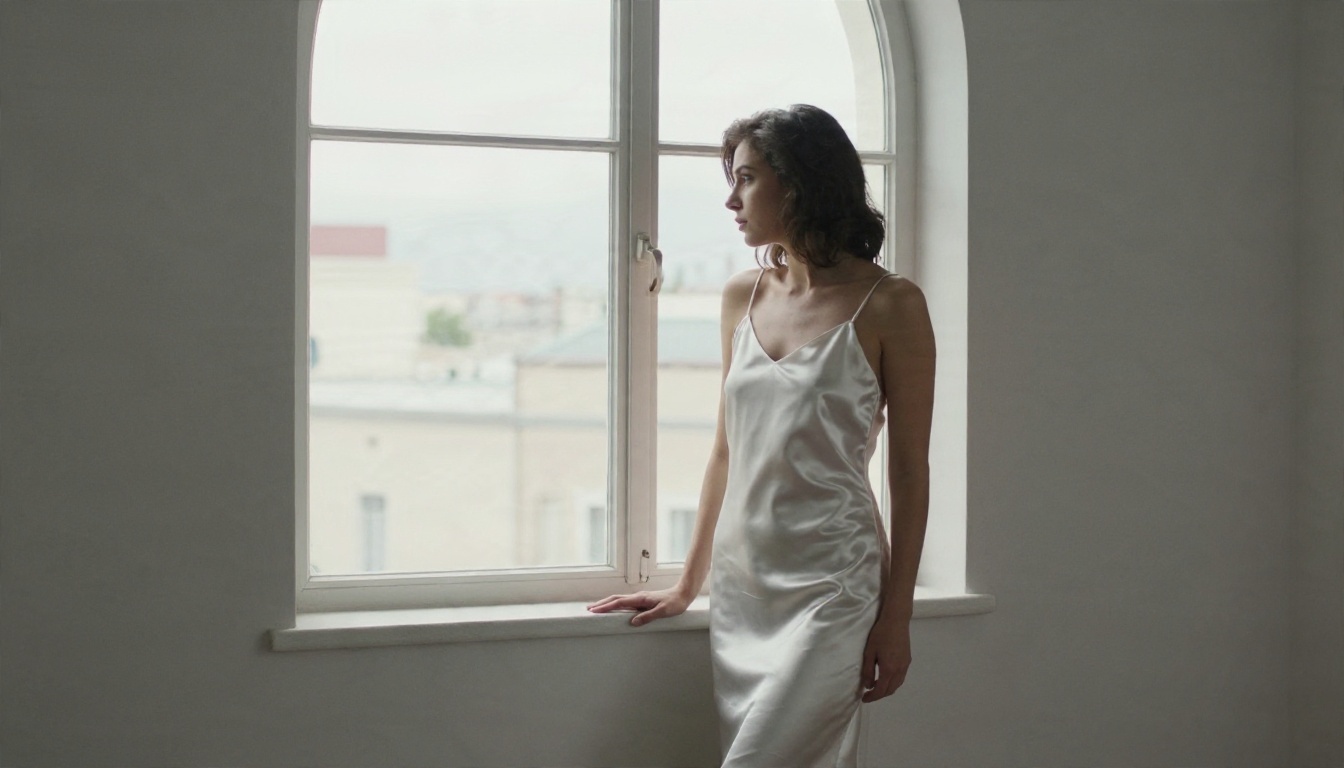
A Five-Step Free Image Workflow
You do not need a technical setup. This is the routine that gives the best hit rate with the fewest blocked generations.
- Open Seedream 4.5 and write a prompt that describes the scene first and the outfit second. "Adult woman on a sunlit hotel terrace, silk robe over a swimsuit" works better than a list of body descriptors.
- Name the light and the lens. Phrases like "golden morning light from the left, 85mm f/1.8" push the model toward photographic realism and away from the plasticky look people associate with AI skin.
- Specify adulthood clearly. Write "adult woman in her late twenties." This is both responsible and helps the model avoid ambiguous age cues that safety systems react to.
- Take the best frame into PicassoIA Image Editor Pro. Change the outfit color, fix a hand, adjust the background. Because generations are unlimited, you can try ten variations.
- Upscale if needed. For print or large screens, run the final through a super-resolution model to sharpen fabric and skin detail.
Prompt habits that avoid false blocks
- Lead with setting and mood, not anatomy.
- Use fashion vocabulary: "boudoir editorial," "swimwear campaign," "silk robe," "resort wear."
- Describe texture and light rather than body parts.
- Keep the framing natural: waist-up, three-quarter, or wide environmental shots tend to pass more reliably than tight crops.
- If a prompt gets blocked, change one variable (clothing, pose or crop) rather than rewriting everything.

Video Generators and Adult Themes
Video is stricter than images, and for a practical reason: motion is harder to moderate, and a single bad frame in a five-second clip can sink the whole output. Most video tools scan every frame, so even a safe-looking prompt can get flagged if one frame drifts.
What this means in practice: swimwear, dancing, fashion walks and beach scenes generally work, while anything sexualized gets blocked at the frame scanner. The best strategy is to build your video from a strong still image and animate it gently.
Image-to-video beats text-to-video
Starting from a still you already like gives you control. You choose the outfit, the setting and the pose, and the video model only has to add motion: hair moving in the wind, waves washing in, a slow camera push. That produces fewer surprises and fewer blocks.
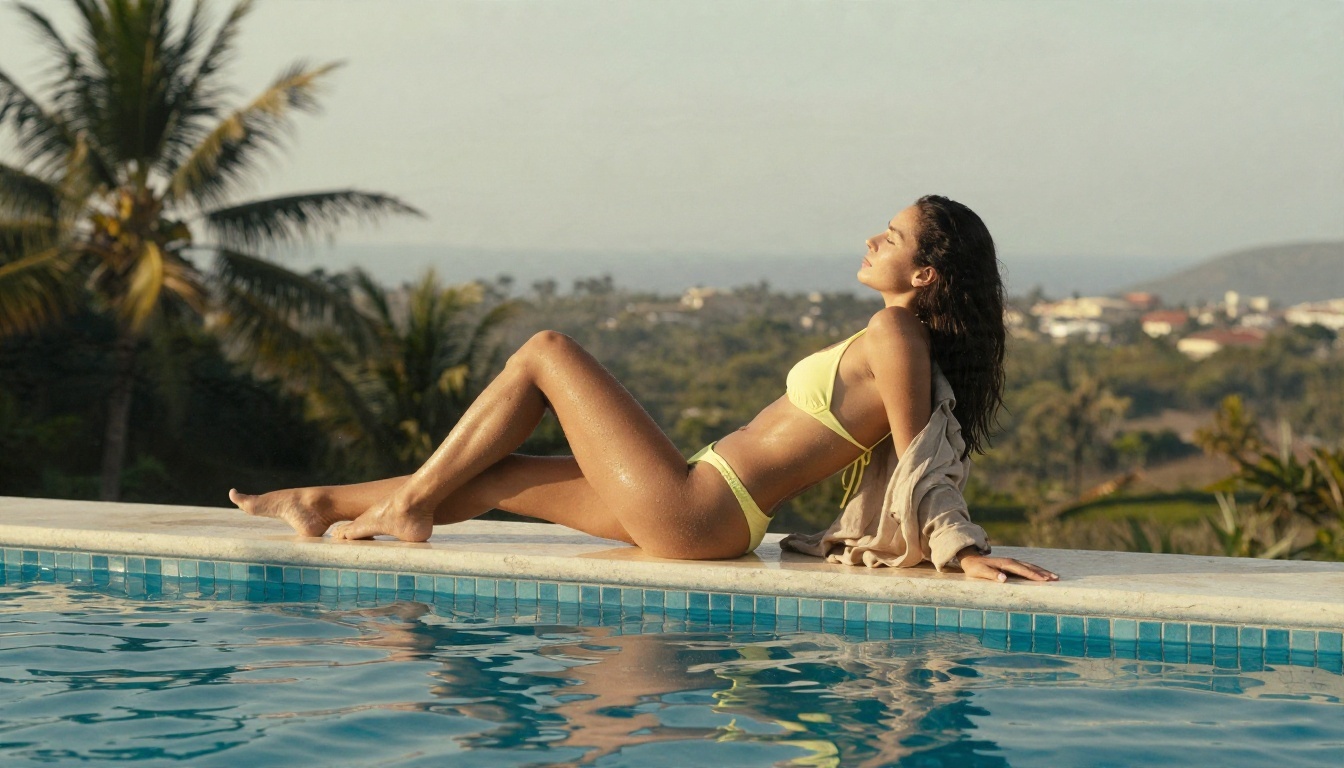
Writing motion prompts that pass
Describe movement the way a cinematographer would: "slow dolly-in, hair lifting in a light breeze, sunlight shifting across the water." Avoid anything that implies a sexual act. Keep the motion subtle. Big, fast movements increase the chance of a deformed frame, which is both ugly and more likely to get flagged.
💡 Tip: If your first frame is a bikini photo that passed in the image tool, it will almost always animate cleanly. The risk comes from asking the video model to change the outfit or pose dramatically during the clip.
Chat Models: A Different Rulebook
Text is where the question gets the most confusing, because "explicit content" can mean three different things: flirty or romantic writing, mature fiction with adult themes, and graphic sexual text. Mainstream assistants handle the first two reasonably and decline the third.
Large language models on PicassoIA are general-purpose assistants. They are useful for writing prompts, captions, character backstories, romance scenes with a light touch and creative briefs for your shoots. They are not designed as explicit roleplay engines, and each one follows its own safety training.
Using chat to improve your images
This is the underrated trick. Ask a chat model to turn a rough idea into a rich, photographic prompt: lens, lighting, fabric, setting. Then paste it into Seedream 4.5. Prompts written this way tend to be both better looking and safer, because a good model naturally steers toward fashion language rather than risky phrasing.
A sample request: "Write a 60-word photographic prompt for an adult woman in a silk robe on a hotel balcony at sunrise, 85mm lens, soft film grain." The result is usually far stronger than what most of us write by hand.
A note on "AI companion" apps
Plenty of apps promise unfiltered romantic chat. Be cautious. Many collect intimate conversations, store them indefinitely and run on thin privacy policies. If you try one, do not share your real name, location or photos, and assume the conversation is not private.
The Risks Behind "Unfiltered" Sites
A web search for this topic returns dozens of review sites ranking "uncensored" generators. Most of those rankings are affiliate-driven, which means the order often reflects who pays the highest commission rather than which tool is best. My own research turned up the same pattern: the free tiers are limited, watermarked or capped, and privacy claims are thin.
What can go wrong
- Data retention. Many free generators do not publish how long they keep your prompts or images, or whether they train on them.
- Non-consensual imagery. Some tools exist purely to "undress" photos of real people. This is harmful, often illegal, and something you should never use.
- Malware and phishing. Sketchy download links and "premium unlock" pop-ups are common on unmoderated sites.
- Billing traps. Free trials that renew quietly, with discreet billing names that are hard to spot on a statement.
- Legal exposure. Laws on adult AI content vary by country and region, and they are tightening.
Hard lines that never move
Reputable platforms, PicassoIA included, hold a few lines regardless of tier:
- No minors, ever. Anything that suggests a person under 18 is blocked and should never be attempted.
- No real-person sexual deepfakes. Using someone's likeness without consent is off the table.
- No sexually explicit acts. Glamour and artistic implication are fine; hardcore content is not.
- No content that promotes violence or coercion.
If a platform has none of these rules, you are not looking at freedom. You are looking at a service with nobody accountable for what happens to your data.
💡 Moderation tool: If you build your own workflow and want to screen outputs, Llama Guard 4 12B is a free content moderation model that classifies text for safety.
If your goal is content you can actually use, such as social posts, creator portfolios, fashion mood boards or a personal collection, the permissive tier is not a compromise. Tasteful work usually looks better, travels further and does not get your account removed from the platforms where you share it.
Styles that work well
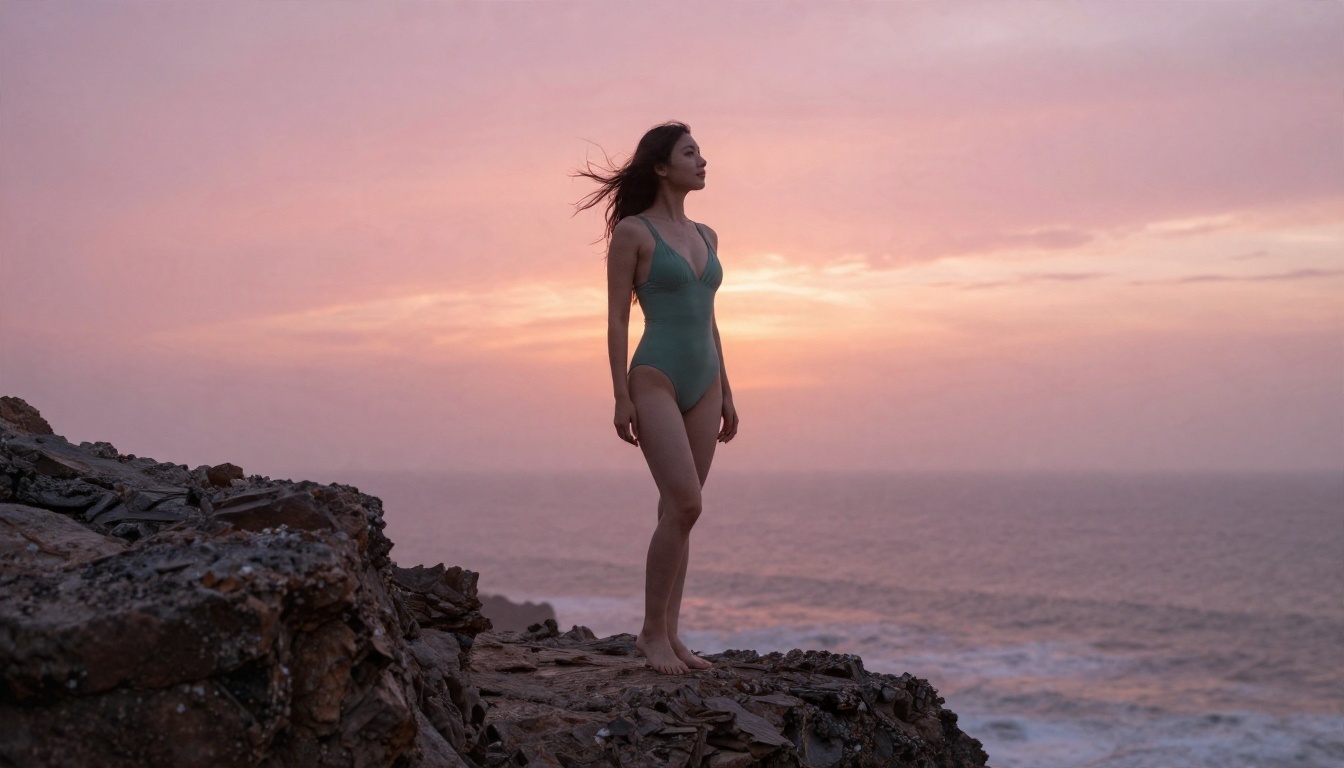
- Resort and beachwear. Bikinis, one-pieces, sarongs and linen shirts in golden-hour light.
- Boudoir editorial. Silk robes, satin slips and soft window light.
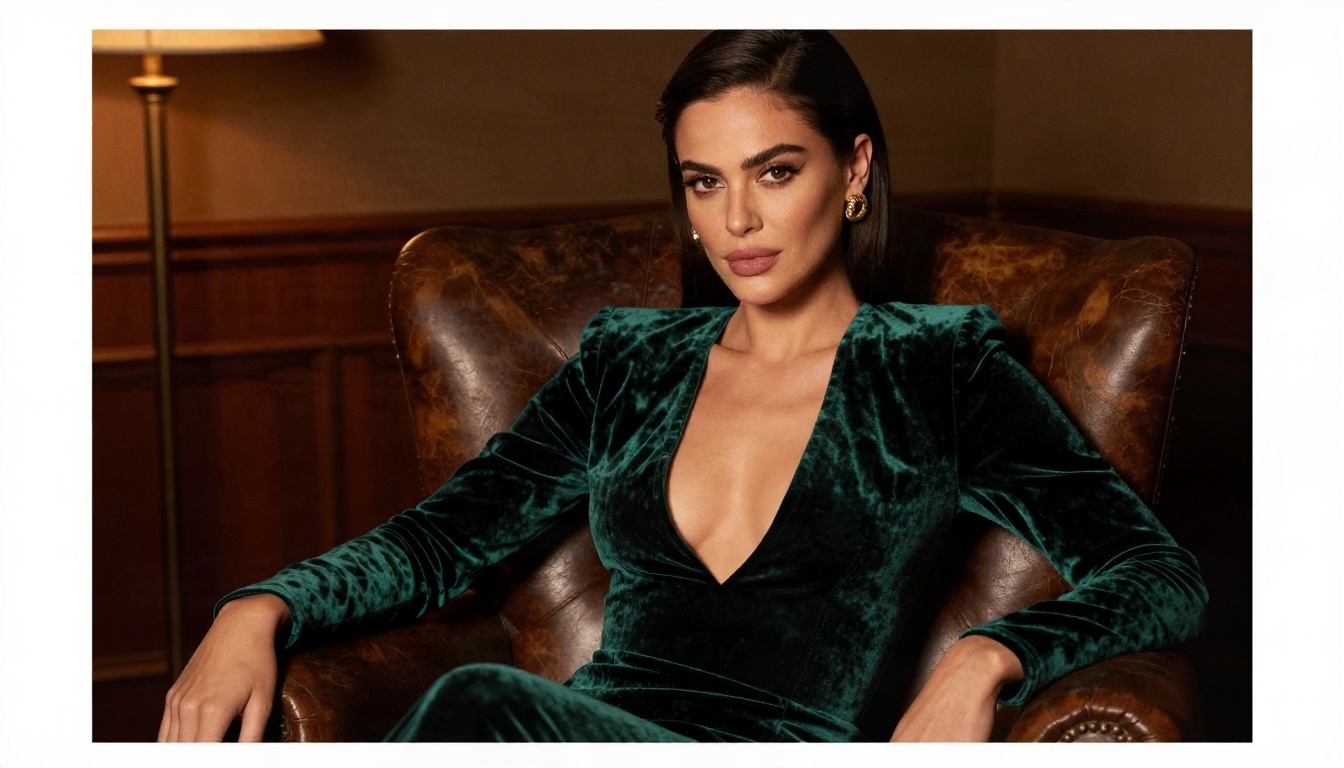
- Evening glamour. Velvet, sequins and warm tungsten lamps in lounge settings.
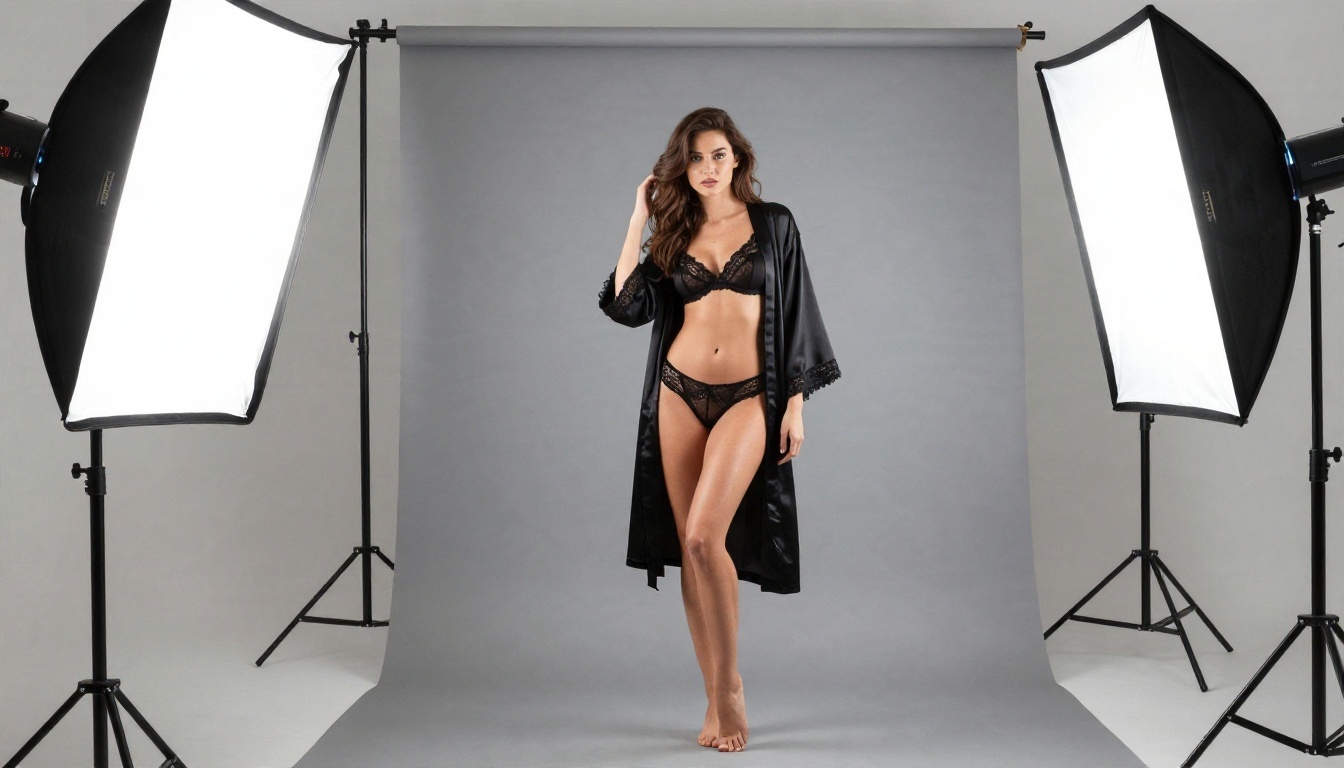
- Studio fashion. Seamless backdrops and controlled lighting for a magazine feel.
- Lifestyle. Morning routines, pool days and travel scenes with a casual tone.
Making AI skin look real
Most AI-generated people look fake because of overly smooth skin and generic lighting. Counter that by asking for specific details: fine peach fuzz, natural pores, light freckles, salt droplets, a soft sheen on shoulders. Mention the film stock too; "Kodak Portra 400 grain" nudges the output toward warm, believable tones.
Keep your workflow organized
Creators who publish regularly tend to batch their work. Generate twenty frames in one session, pick the best three, edit them in PicassoIA Image Editor Pro, then animate the strongest one with Wan 2.5 I2V Fast or Hailuo 2.3 Fast. A tidy pipeline matters more than any single model.
The Short Version for Quick Decisions
The pattern is simple. Pick a reputable platform with permissive but sensible rules, work from still images, animate gently, and use chat models to sharpen your prompts. Skip any service that markets itself on having no rules at all.
Try It on PicassoIA
Ready to test this yourself? Open Seedream 4.5, type a scene with an adult woman in a silk robe on a sunlit terrace, and see how the light and skin come out. Take the result into PicassoIA Image Editor Pro, where unlimited generations let you adjust outfits, colors and backgrounds until the frame is right. Then bring it to life with a video model.
There are dozens more image, video and chat models waiting in the full catalog at picassoia.com/en/all-models. Pick two or three, run the same prompt through each, and keep the one that matches your taste. That small experiment will teach you more about what AI allows than any ranking ever will.


