You type two sentences, wait a minute, and a cinematic clip with matching sound appears on your screen. That is the promise of Seedance, ByteDance's family of AI video models, and for the most part it delivers. But between the viral demos and your actual project sits a pile of practical questions. How long can a clip be? What does it cost per video? Can you try it without paying? And where does it quietly fall apart?
This article answers those questions directly. You will get the real strengths, the real limits, a pricing breakdown, the honest answer on free access, and a short walkthrough for running Seedance on PicassoIA.
💡 Quick answer: Seedance is excellent at motion, camera movement and synchronized audio. It is held back by short clip lengths on many platforms, uneven face consistency between separate generations, soft detail at 720p, and pricing that varies wildly depending on where you access it.
What Seedance Actually Is
Seedance is a line of text-to-video and image-to-video models built by ByteDance, the company behind TikTok and CapCut. The line has moved fast: Seedance 1 Pro, Seedance 1 Pro Fast, Seedance 1.5 Pro, Seedance 2.0 and now Seedance 2.5, each one adding length, control or audio.
The version number matters a lot when you read reviews. A complaint about Seedance 1 Pro (silent clips, short length) may no longer apply to Seedance 2.5 (30-second clips with native audio). Keep that in mind as you compare opinions online.

The Models You Can Choose From
On PicassoIA the whole family is available in one place, which makes comparing them easy:
| Model | Best for | Notable trait |
|---|
| Seedance 2.5 | Longer, controlled scenes | Up to 30 seconds, reference images, native audio |
| Seedance 2.5 Lite | High-volume iteration | 5 or 10 second clips at 480p and 720p, unlimited for Elite and Infinite members |
| Seedance 2.0 Mini | Quick text-to-video with sound | Lightweight 2.0 generation with native audio |
| Seedance 1.5 Pro | Audio-ready clips | Text to video with audio |
| Seedance 1 Pro | 1080p output | Sharper resolution for polished shots |
| Seedance 1 Pro Fast | Fast drafts | Quicker turnaround for testing ideas |
The Real Strengths of Seedance
Let's start with what earns Seedance its reputation. Reviewers across the board keep coming back to the same handful of strengths.
Cinematic Motion and Camera Work
Seedance understands how a camera behaves. Ask for a slow dolly-in, a handheld follow shot or a sweeping aerial pass and you get movement that feels planned instead of random. Wind moves grass, fabric folds when a person turns, and subjects keep a believable weight.
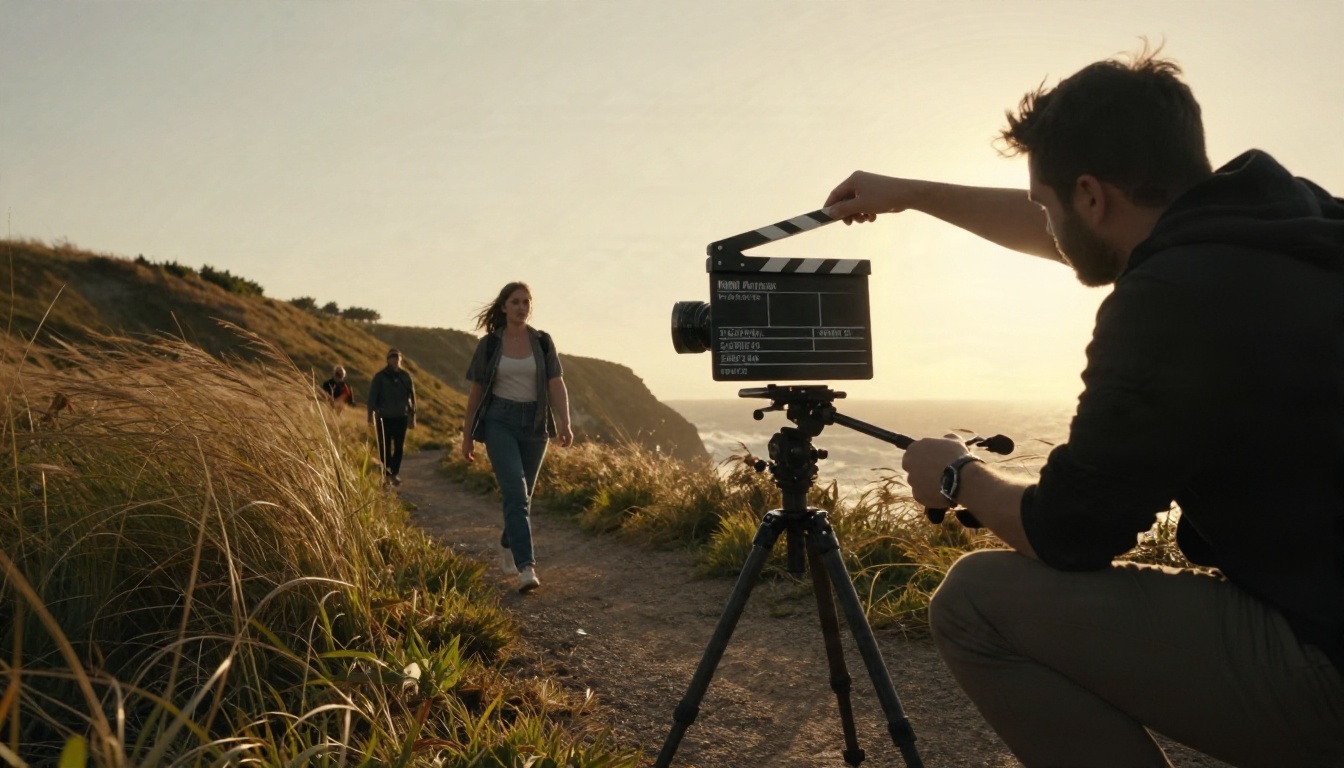
This is the single biggest reason people choose it over older generators. Where earlier models gave you a drifting, dreamy slideshow, Seedance gives you shots that look edited.
Native Audio in the Same Render
Newer Seedance versions generate dialogue, sound effects and background music alongside the picture. You write spoken lines in quotation marks inside the prompt, and the character's mouth movement follows the audio. That removes an entire post-production step, since you no longer need a separate text-to-speech tool and a lip-sync pass for a simple talking clip.
Flexible Inputs
Seedance 2.0 and later accept a mix of text, images, audio and video as inputs. In practice that means you can:
- Start from a still photo and animate it as the opening frame
- Set a first and last frame so the clip lands exactly where you want
- Feed reference images to keep a face, outfit or product consistent
- Use reference video for motion or style guidance
On PicassoIA, Seedance 2.5 accepts up to 30 reference images, which is generous for brand work.

Speed
Short clips render in about the time it takes to make coffee. The Fast and Lite variants trade a little polish for much shorter waits, which matters when you are testing ten prompt ideas before choosing one.
The Real Limits You Will Hit
Now the part the demo reels skip.
Clip Length Depends on the Platform
Many Seedance 2.0 access points cap a single generation at around 15 seconds, with an extension feature for longer sequences. Lite-style builds cap at 10 seconds. The longest single clip currently on PicassoIA comes from Seedance 2.5, which reaches 30 seconds in one generation. If a platform lists "Seedance" without saying which version, check the maximum duration before you commit money.
Detail Softens at 720p
At 720p, fine detail is the first thing to go. Reviewers point to weak definition in faces within crowd scenes, small text on signs, and thin textures such as hair strands. A single hero character in a close shot looks great. Twenty people walking through a market looks soft.
💡 Tip: If you need a crowd, keep the camera tighter than you think you should. Medium shots hide resolution limits far better than wide ones.
Consistency Is Not Guaranteed
Within one clip, characters hold together well. Across separate generations, the same prompt can give you a slightly different face. Reference images help a lot, but several reviews are clear that identical results between runs are not promised, and the seed setting itself is documented as best-effort rather than exact.
It Is Not an Editor
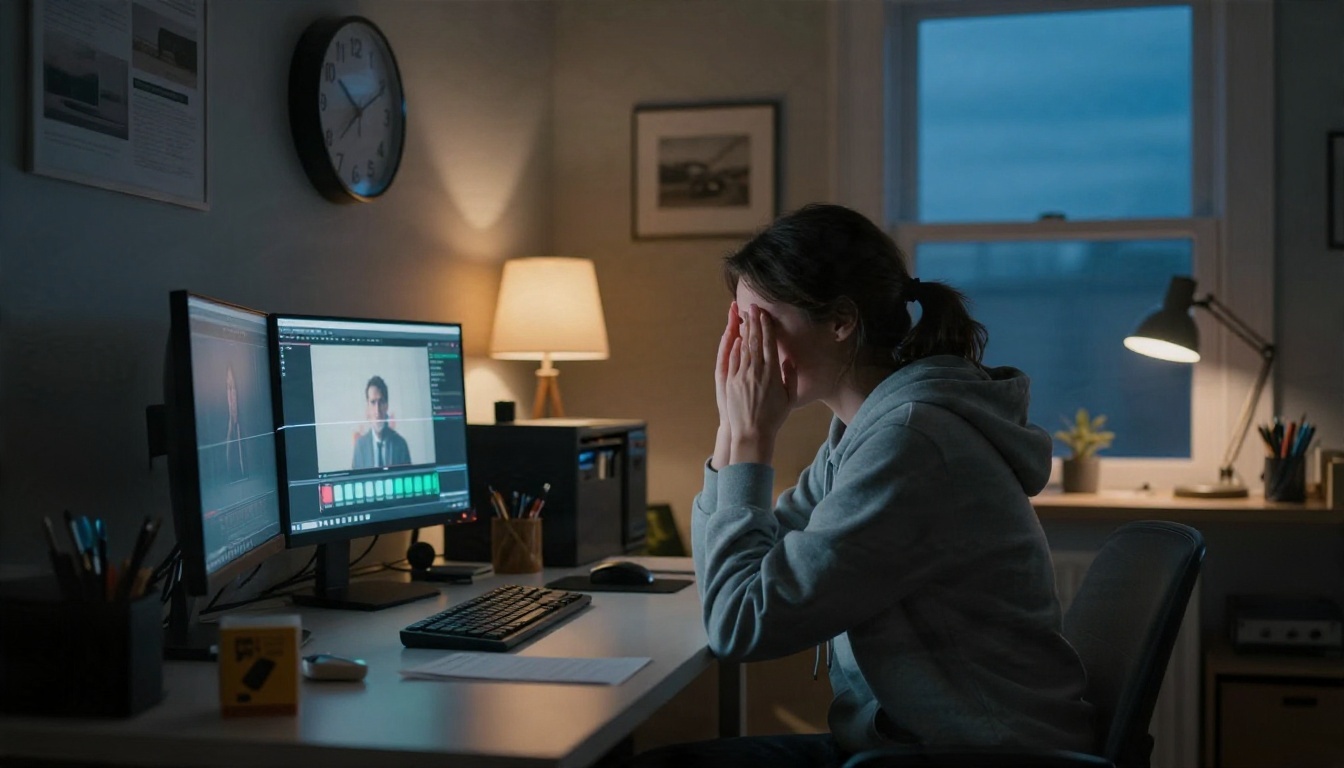
Seedance makes clips. It does not replace a timeline for color grading, precise audio mixing, captions or frame-by-frame fixes. You will still stitch clips together, trim them and finish them in an editor. Think of it as a very capable camera crew, not a post-production house.
Regional Access Can Be Confusing
In the early months of Seedance 2.0, access was mostly through Chinese platforms such as Jimeng, Xiaoyunque and Doubao. Later reports describe wider availability through tools including Dreamina, CapCut and Runway. Availability differs by country and changes often, which is one reason a single hosted place with all versions is convenient.
Pros and Cons at a Glance
| Pros | Cons |
|---|
| Motion | Natural camera moves, believable physics | Complex multi-person action can drift |
| Audio | Dialogue, effects and music in one render | Audio quality varies by prompt |
| Control | Reference images, first and last frames | Seed reproducibility is not exact |
| Length | Up to 30 seconds on Seedance 2.5 | Often 10 to 15 seconds elsewhere |
| Resolution | Strong at close and medium shots | Soft detail at 720p in wide scenes |
| Editing | Fast drafts and iteration | No timeline, grading or captions |
| Price | Free routes exist | Costs differ a lot by platform |
What Seedance Really Costs
Pricing is where reviews disagree the most, and honestly that makes sense: Seedance is not a single product with a single price. It is a model that many different services resell with their own credit systems.

Typical Price Ranges
Based on recent comparisons, here is the general shape of the market:
- Credit-based apps: You buy a monthly bundle of credits, and each second of video burns a set number of points. Daily allowances on some Chinese apps work out to a handful of seconds per day.
- Subscription tools: Third-party sites advertise plans ranging from free entry tiers up to roughly $45 per month, often with a monthly cap on generations.
- Metered APIs: Developers pay per second of output, which is cheap for a few clips and expensive for a campaign.
- Bundled editors: CapCut lists a small number of Seedance generations per month for paying subscribers, so it works for casual use rather than production volume.
Treat every figure as a snapshot. Several of the sources behind these numbers are dated between March and May 2026 and say outright that prices should be verified before you pay.
Hidden Costs to Watch
Three things inflate the bill more than the headline price:
- Retries. Prompts rarely land first time. If each try costs credits, a "cheap" clip can cost three times the sticker price.
- Resolution upgrades. The sharper tier often burns credits faster than 480p or 720p.
- Length. Doubling clip duration usually doubles the cost, so test at 5 seconds before running a long take.
💡 Tip: Draft at the lowest resolution and shortest duration, then render the winning prompt once at full settings.
Is Seedance Free?
Short answer: partly, and it depends on where you look.
Some sources insist Seedance 2.0 is not free, and strictly speaking that is correct for the official ByteDance route, which runs on credits and metered access. At the same time, there are legitimate free doors:
- Free trial credits. Some apps give a handful of free generations plus a daily points allowance, enough for a few test clips.
- Entry tiers. A few web tools give around 30 starter credits so you can test the workflow before choosing an annual plan.
- Bundled generations. CapCut includes a limited number of Seedance generations per month for subscribers.
- Unlimited tiers. Seedance 2.5 Lite on PicassoIA runs without a per-clip cost or daily counter for Elite and Infinite members, at 480p and 720p, with clips of 5 or 10 seconds.

The practical advice: use a free or unlimited route for experimenting, and only spend credits on a premium render once the prompt is proven.
Who Should Use Seedance
Seedance is not for everyone, and saying so up front saves time.
Strong Fit
- Social creators who need vertical or square clips with sound quickly
- Small brands animating product photos for ads
- Filmmakers and agencies building animatics, mood reels and previsualization
- Marketers testing many creative angles before a real shoot

Weak Fit
- Projects that demand the exact same face across dozens of separate shots without reference images
- Long-form videos that need a timeline and precise audio mixing
- Broadcast work that requires crisp detail in crowds or small text
How to Use Seedance 2.5 on PicassoIA
Here is the fastest route from idea to clip using Seedance 2.5.

Step by Step
- Open the model page. Go to the Seedance 2.5 page on PicassoIA and sign in.
- Write a chronological prompt. Describe the subject, then the motion, then the camera. Example: "A vintage car drives along a coastal road at golden hour, slow aerial pull-back, warm sunlight, gentle wind sound."
- Add dialogue in quotes. If a character should speak, put the line in double quotation marks so the audio and lip movement match.
- Choose a resolution. Pick 480p for drafts and 720p for the final render.
- Set the duration. The default is 5 seconds. Raise it only after the short version looks right. You can also set it to -1 so the model picks a fitting length.
- Pick an aspect ratio. 16:9 for YouTube, 9:16 for Reels and Shorts, 1:1 for feeds, or 21:9 for a widescreen look. Use "adaptive" when working from an image.
- Add an image if you have one. A first-frame image animates your photo. Add a last-frame image to control where the clip ends.
- Use reference images for consistency. Upload up to 30 references and mention them in the prompt as [Image1], [Image2] and so on.
- Generate and iterate. Change one thing at a time so you know what caused the improvement.
Parameter Tips
| Setting | Recommendation |
|---|
| Resolution | 480p to test, 720p to finish |
| Duration | 5 seconds while drafting |
| Generate audio | On for dialogue and ambience, off for silent b-roll |
| Watermark | Off by default |
| Seed | Fix it when comparing two prompt edits |
| Output format | mp4 for the web, mov for editors |
💡 Tip: For unlimited testing, run your drafts on Seedance 2.5 Lite first, then move the best prompt to Seedance 2.5 for the longer final.

Prompts That Avoid Common Failures
A few habits remove most of the disappointment.
Write Like a Director
Use chronological sentences. "The woman turns toward the window, the camera slowly pushes in, curtains move in the breeze" beats a list of adjectives every time. Seedance responds to sequence.
Keep One Subject in Focus
Single subjects and medium shots give the cleanest results. If a scene needs many people, describe two or three of them clearly and let the rest stay in the background.
Lock the Look With References
When a character or product must stay identical, supply reference images instead of relying on text alone. It is the most reliable fix for the consistency problem described earlier.
Name the Lighting
Phrases like "soft morning light from the left" or "warm backlight at golden hour" steer the whole mood. Without them the model picks a neutral default.
Other Video Models Worth Comparing
Seedance is strong, but it is not the only tool. Depending on your project, these PicassoIA options are worth a test:
Running the same prompt through two or three of these is the quickest way to see which model suits your style.
Try It Yourself on Picasso IA
Seedance has real strengths: believable camera motion, built-in sound, flexible inputs and rapid output. It also has real limits: length caps, softer detail at 720p, imperfect consistency and pricing that changes from one platform to the next. The sensible approach is to test it cheaply, learn where it shines for your type of project, and only then spend on final renders.
PicassoIA puts the whole family in one place, from fast drafts to 30-second scenes. Open Seedance 2.5 Lite for unlimited experiments, move to Seedance 2.5 when a prompt is ready, and browse the rest of the lineup on picassoia.com/en/all-models. Pick a scene you have been imagining, write three sentences, and watch it move.


