You typed "SDNSFW" into a search bar, and now you are staring at a pile of near-identical listicles that never say what it is. Fair enough. The term sounds like a product, a model, maybe a website. It is none of those, at least not in the way most pages pretend. It is shorthand, and once you see what sits behind it, choosing a tool gets much easier.
This article breaks down what SDNSFW really refers to, how Stable Diffusion NSFW generation works, what "free online" usually costs you in practice, which prompts produce attractive and tasteful photorealistic images, and which alternatives deliver faster, cleaner results today. Everything here stays on the suggestive, glamour side: swimwear, boudoir, fashion. Nothing explicit.
What SDNSFW Actually Means
A Search Term, Not a Single Product
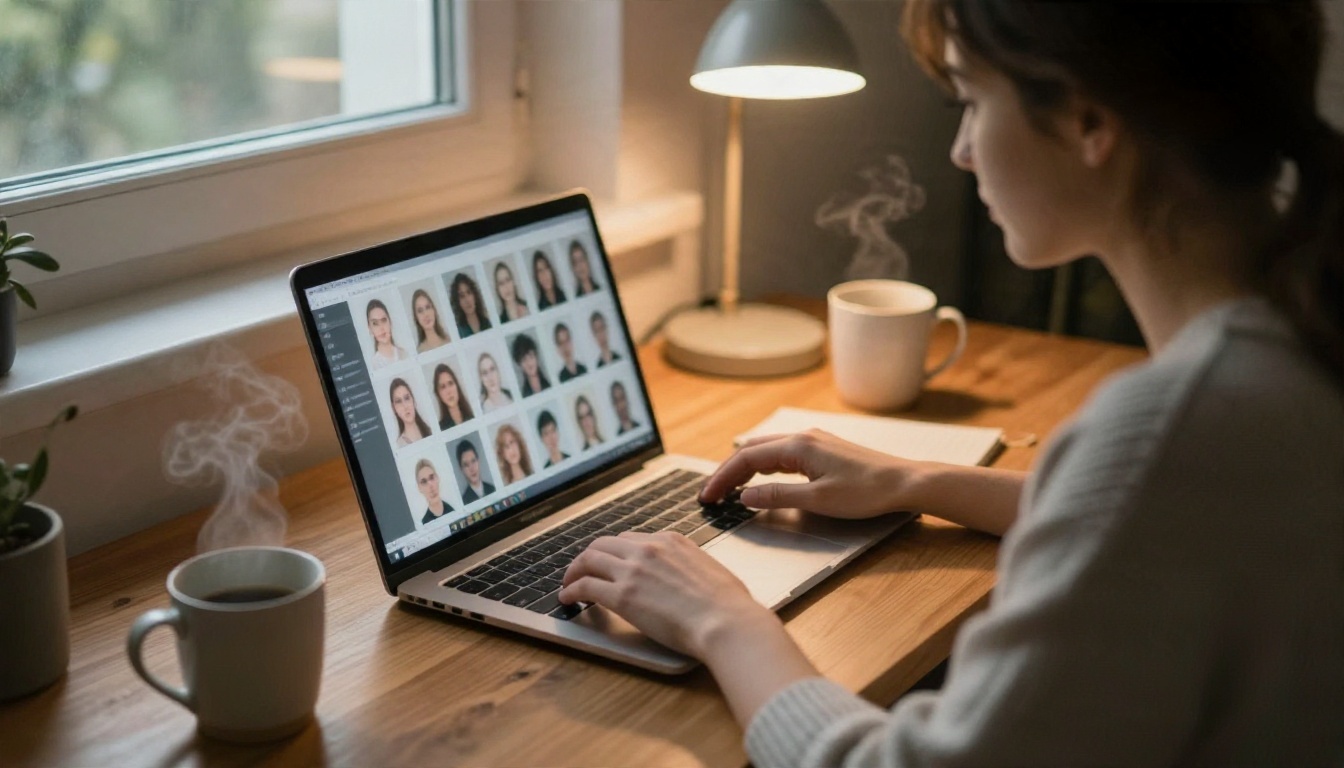
I searched for a dedicated tool called SDNSFW and found no official product, company or model behind that exact name. What I found instead was a crowd of generic roundups about free NSFW image generators, many of them promotional. So treat "SDNSFW" as what it most likely is: a compressed way of typing Stable Diffusion NSFW, meaning "I want Stable Diffusion, but without a heavy content filter."
💡 Quick fact: SDNSFW is not a model on PicassoIA, and it is not something you can open here under that name. If a site claims to be "the official SDNSFW," be careful with it. The rest of this article shows you what to use instead.
Why Stable Diffusion Sits Behind It
Stable Diffusion is an open family of image models. Because the weights can be downloaded, anyone can fine-tune them, merge them or run them without a filter on their own computer. That openness is why the community attached "NSFW" to the name. It is also why quality varies wildly: one fine-tune gives believable skin, another gives melted hands and plastic faces.
If you want the base technology itself, Stable Diffusion and Stable Diffusion 3.5 Large both have pages on PicassoIA, and Stable Diffusion 3 sits next to them for comparison.
How Stable Diffusion NSFW Works
Base Models Versus Fine-Tunes
A base model is the general-purpose release. It knows anatomy, lighting and fabric, but its makers usually tune it away from adult content. A fine-tune is a base model trained a little further on a narrower set of images, such as portraits, swimwear or boudoir photography. Fine-tunes are where the "NSFW" reputation comes from. A LoRA is a smaller add-on file that nudges a model toward a face, a pose or a look without retraining everything.
For styled results, Flux 2 Klein 9B Base LoRA is a good example of how a LoRA layer changes the look of a base model.
Hosted Generators Versus Running It Locally
Here is the part the listicles skip. Running Stable Diffusion on your own machine gives the most freedom, but it demands a decent graphics card, storage for multi-gigabyte files, and patience with installers and settings. Hosted sites are far easier, but many of them add filters, queue limits or watermarks, because the host is responsible for what runs on its servers.
| Approach | Setup time | Cost | Filter level | Typical problem |
|---|
| Local install | Hours | Free software, you pay for hardware | None unless you add one | Crashes, VRAM limits |
| Free hosted site | Minutes | Free with limits | Often strict | Queues, watermarks |
| Paid credits site | Minutes | Monthly fee | Varies | Credits run out fast |
| Unlimited editor on PicassoIA | Seconds | Included | Built for glamour and suggestive content | Non-explicit only |
Free Online Options: What to Expect
How "Free" Usually Works
Free tiers in this space follow a pattern. You get a handful of daily credits, a slower queue, lower resolution and sometimes a visible watermark. Higher resolution, faster speed and private generations sit behind a subscription. That is a reasonable business model, but it means the first ten minutes feel generous and the next hour feels like a wall.
💡 Rule of thumb: if a free generator offers "unlimited" images, check what the limit really is. It is often resolution, speed or privacy.
Filters and Limits You Will Hit
Even sites that advertise freedom tend to block certain terms, blur results, or silently soften an image. The result is a prompt that looks right on paper and returns something stiff. Common signs of a filter at work:
- Output that ignores clothing or pose details in your prompt
- A blurred or darkened image with no warning
- Sudden "content not allowed" messages on mild prompts like "bikini on the beach"
- Faces that look washed out, because the pipeline softens skin to stay safe
Safety Checks Before You Sign Up
Free NSFW tools are a magnet for sketchy sites. Before you create an account or paste in a card number, run through this short list:
- Look for a real privacy policy and a clear way to delete your images.
- Avoid any site that asks you to download an unknown installer to "unlock" free credits.
- Never upload photos of real people without their consent, and never generate anyone who is not an adult.
- Use a throwaway email for any site you have not heard of.
Prompts That Actually Work
Prompts for tasteful, attractive images are less about shock words and more about photography words. A generator responds to camera, light and texture far better than to adjectives alone.
The Anatomy of a Strong Prompt
Build every prompt from five blocks:
- Subject and pose: who is in the frame and what they are doing
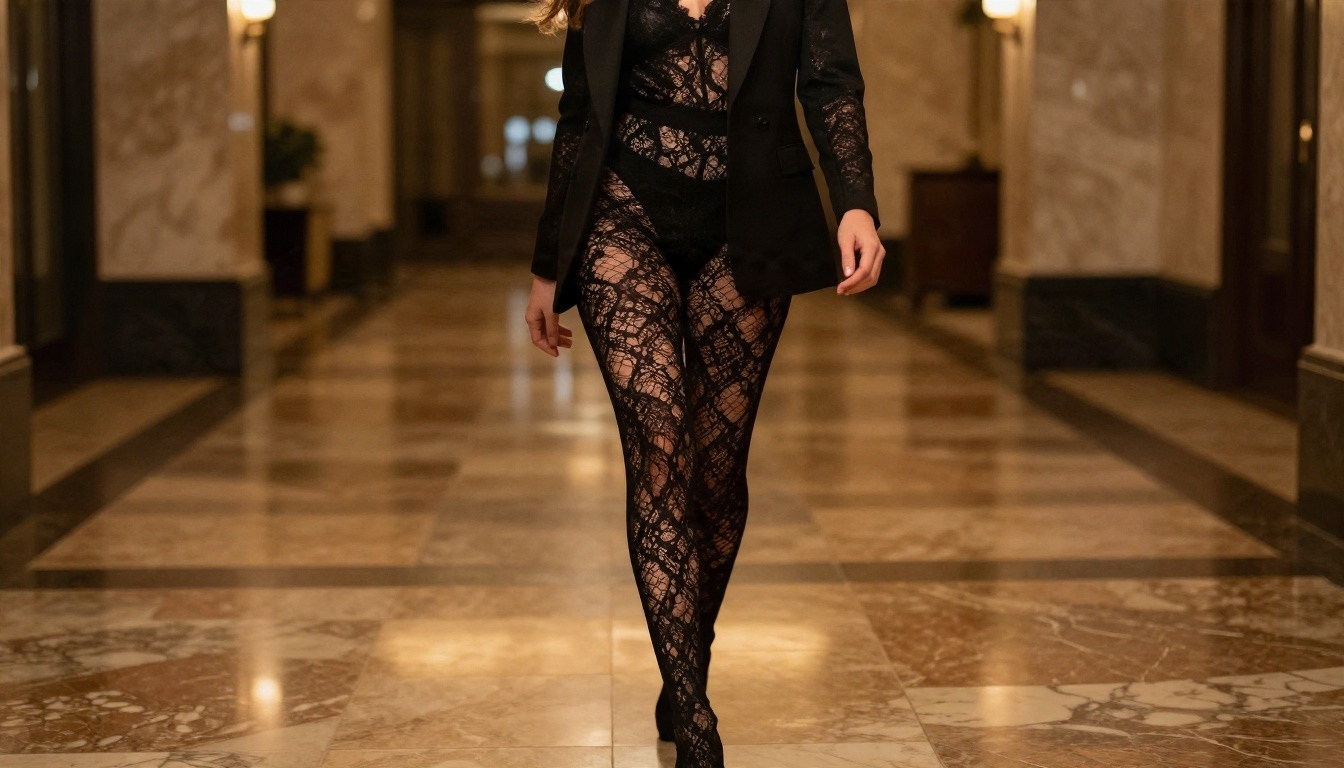
- Wardrobe: specific fabric and color, such as "black lace bodysuit under a tailored blazer"
- Setting: a real place with real details, such as "marble hotel lobby, warm sconces"
- Light: direction and quality, such as "soft window light from the left"
- Camera: lens and aperture, such as "85mm f/1.8, shallow depth of field"
Add one line about film look, for example "Kodak Portra 400, fine grain, natural skin texture," and your results will lean toward photographs instead of glossy illustrations.
Ready-to-Use Prompts
Copy these as starting points and change the details:
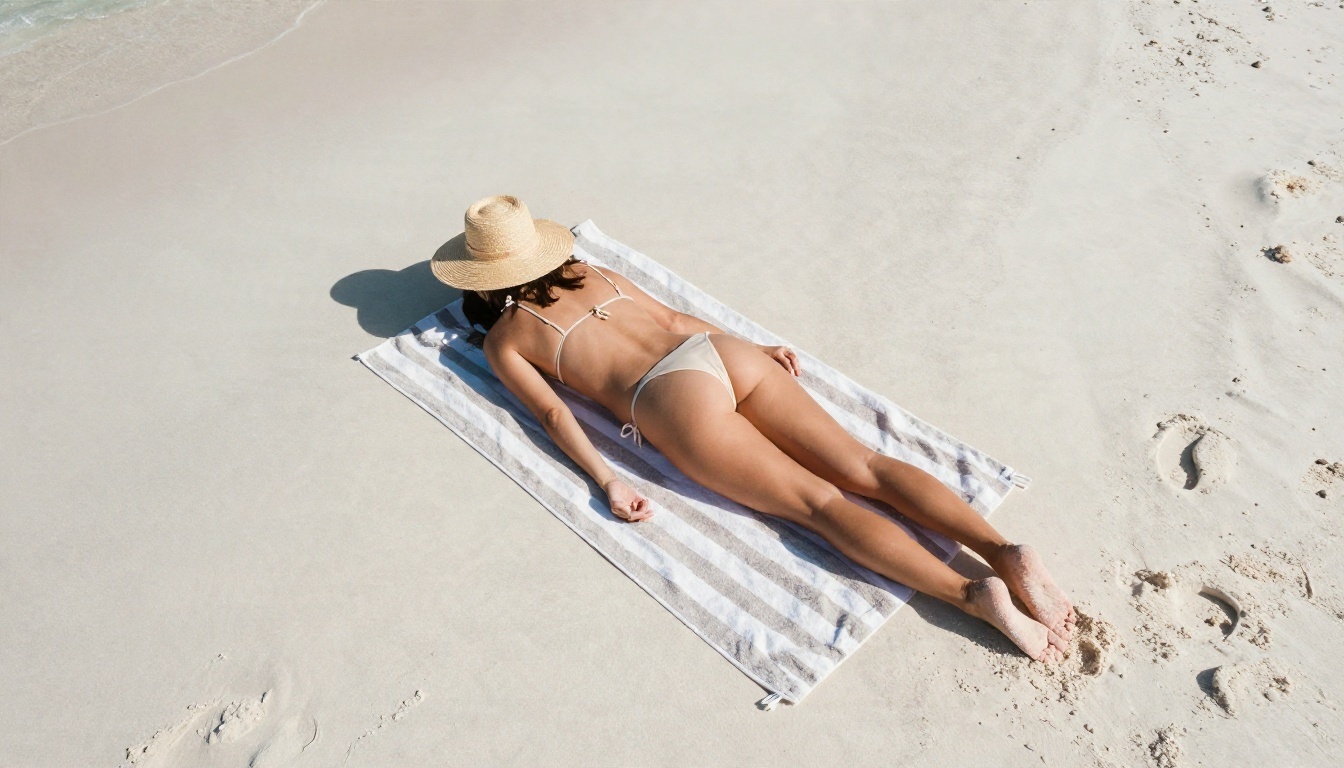
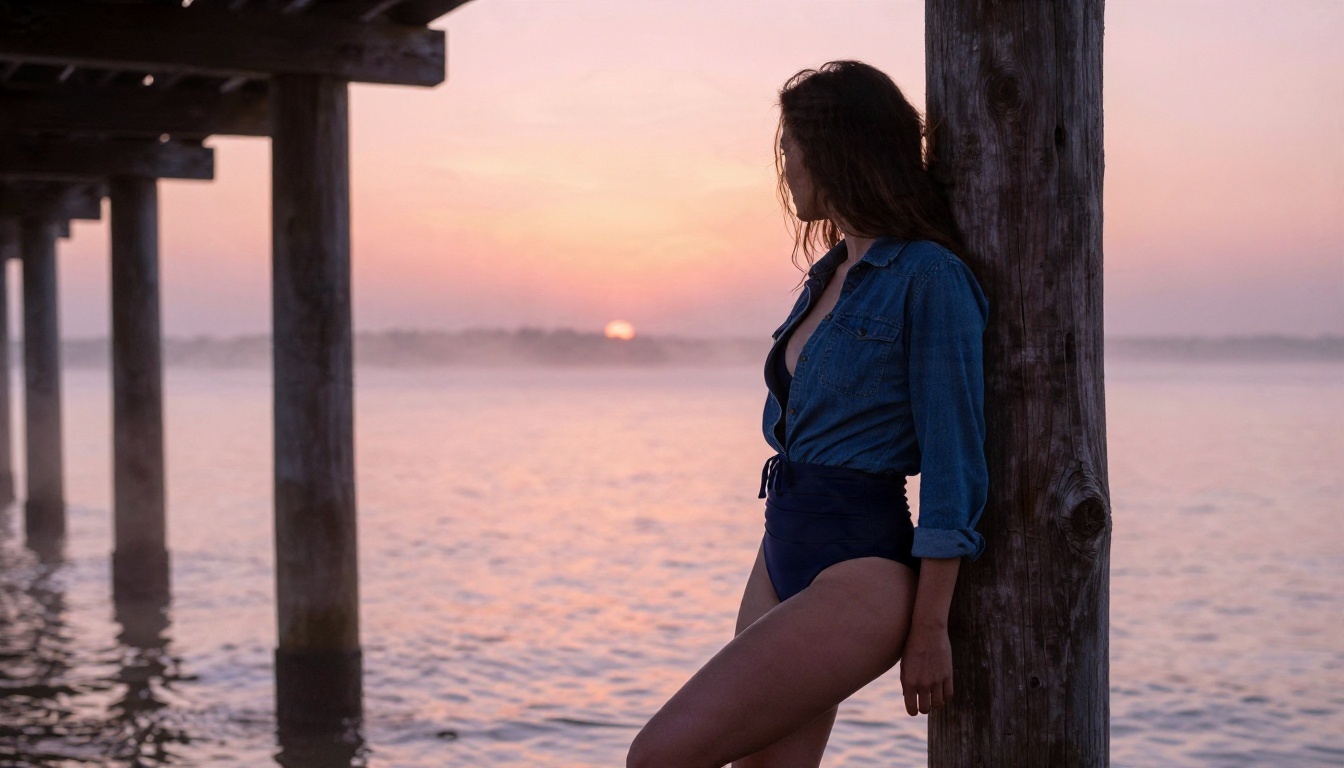
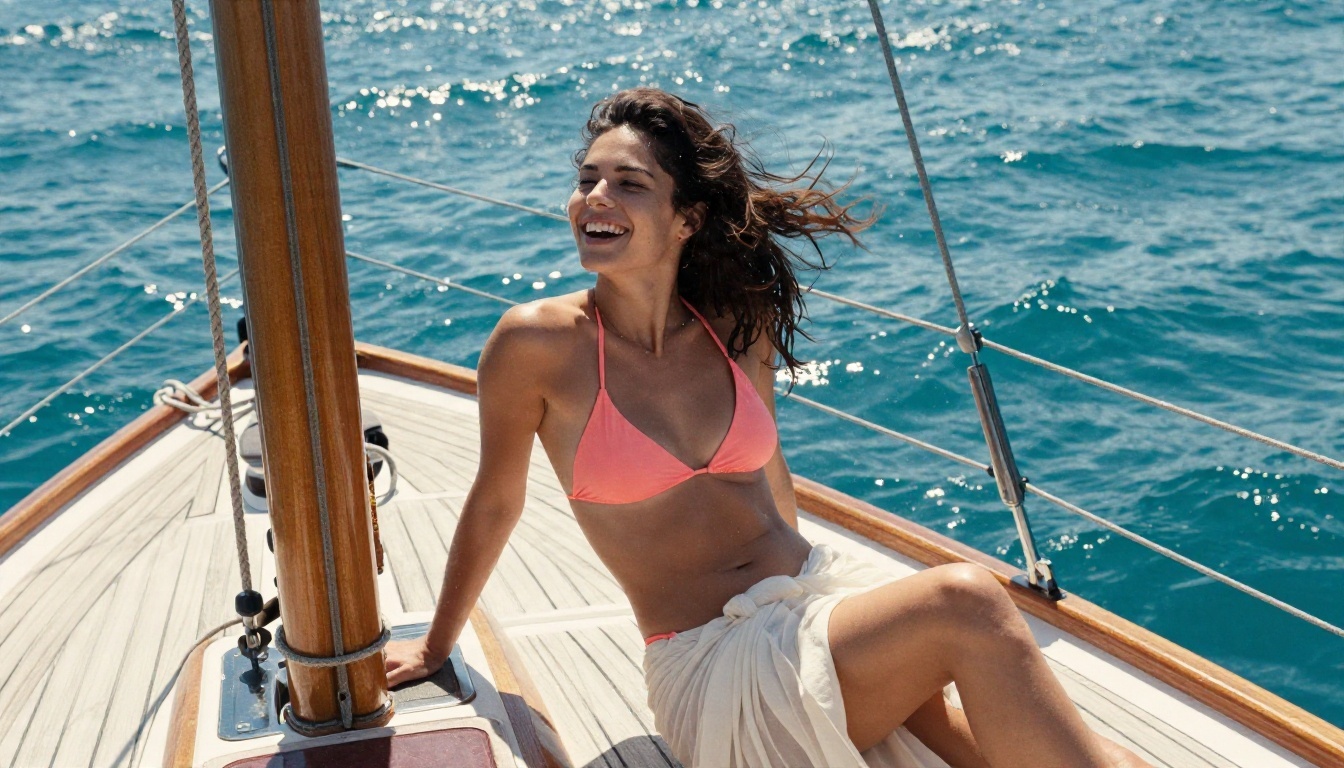
- Beach glamour: "Woman in a black string bikini and open white linen shirt, waist-deep in turquoise water at golden hour, water droplets on her shoulders, 85mm f/1.8, warm rim light from the left, Kodak Portra 400 grain, photorealistic."
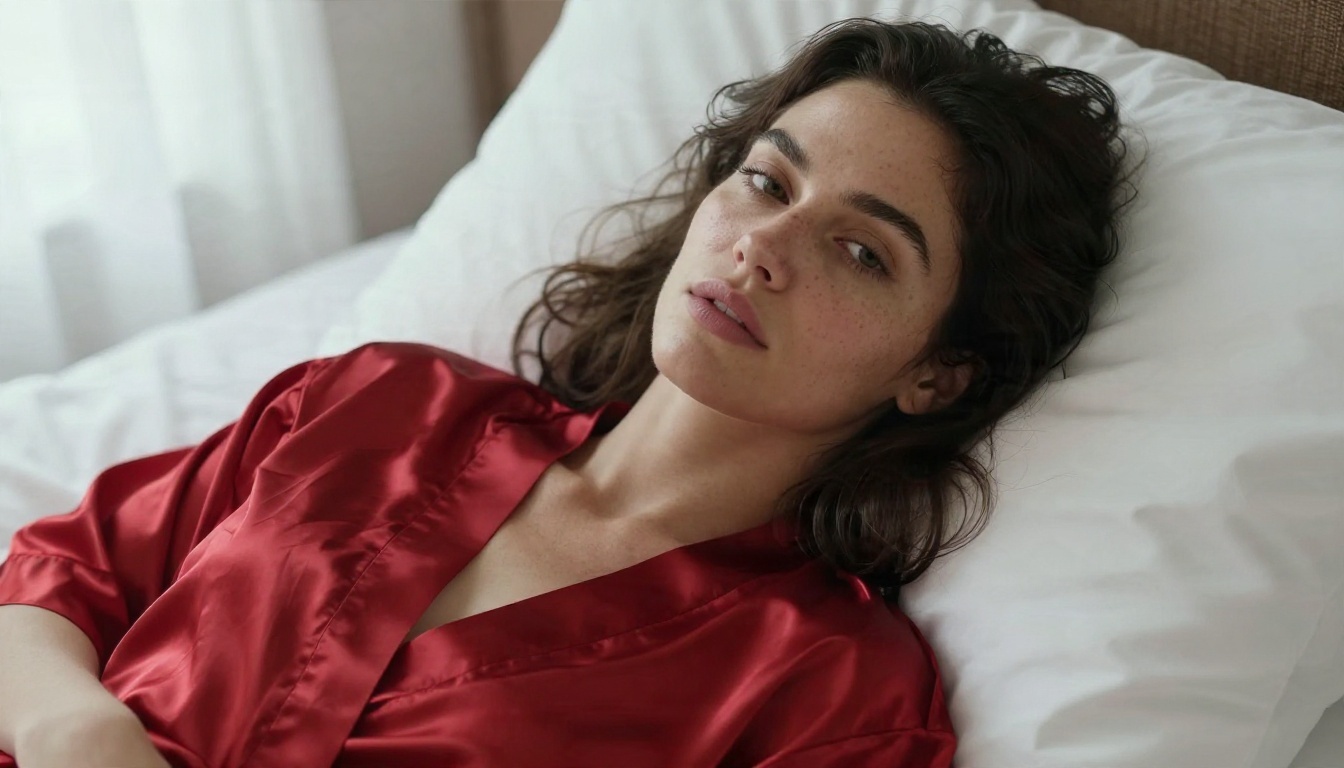
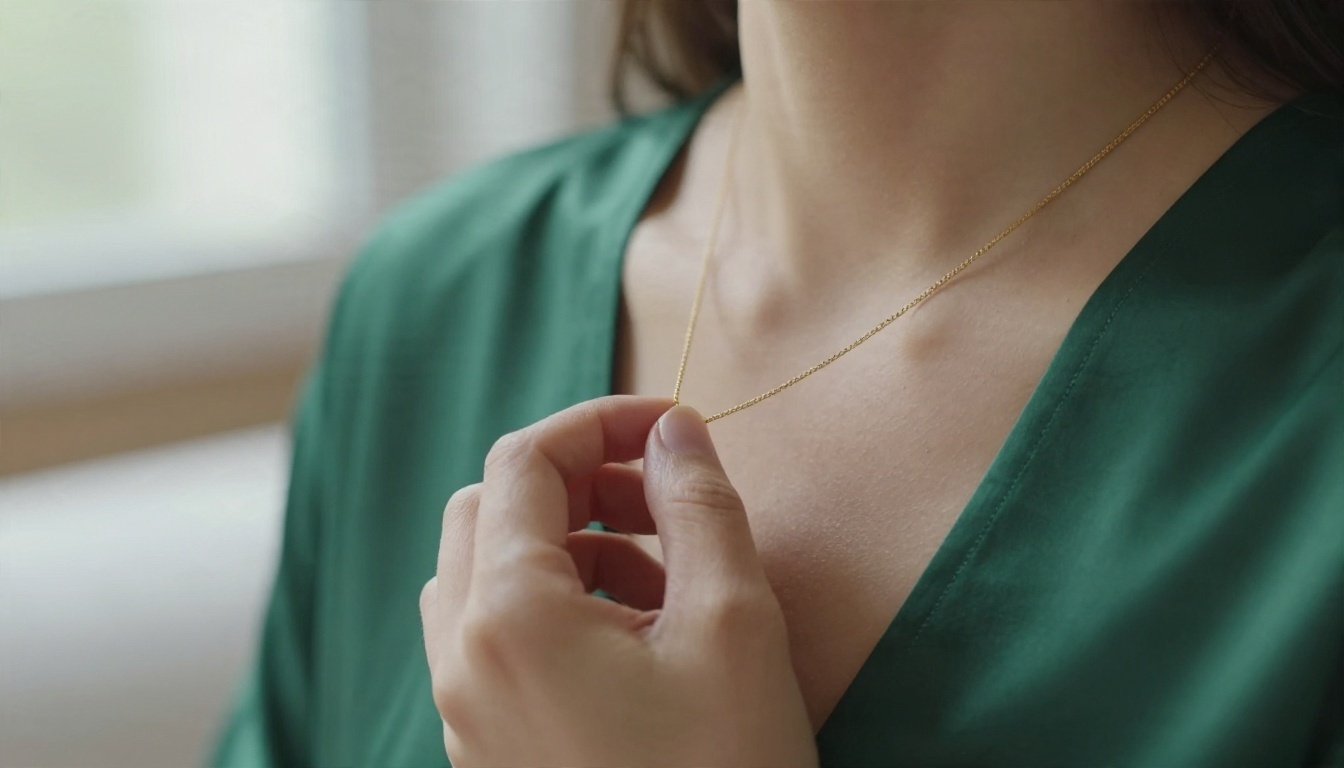
- Boudoir morning: "Close-up portrait of a woman in a red satin robe on white linen, soft diffused window light, visible skin pores and freckles, 85mm f/1.4, calm gaze, tasteful, photorealistic."
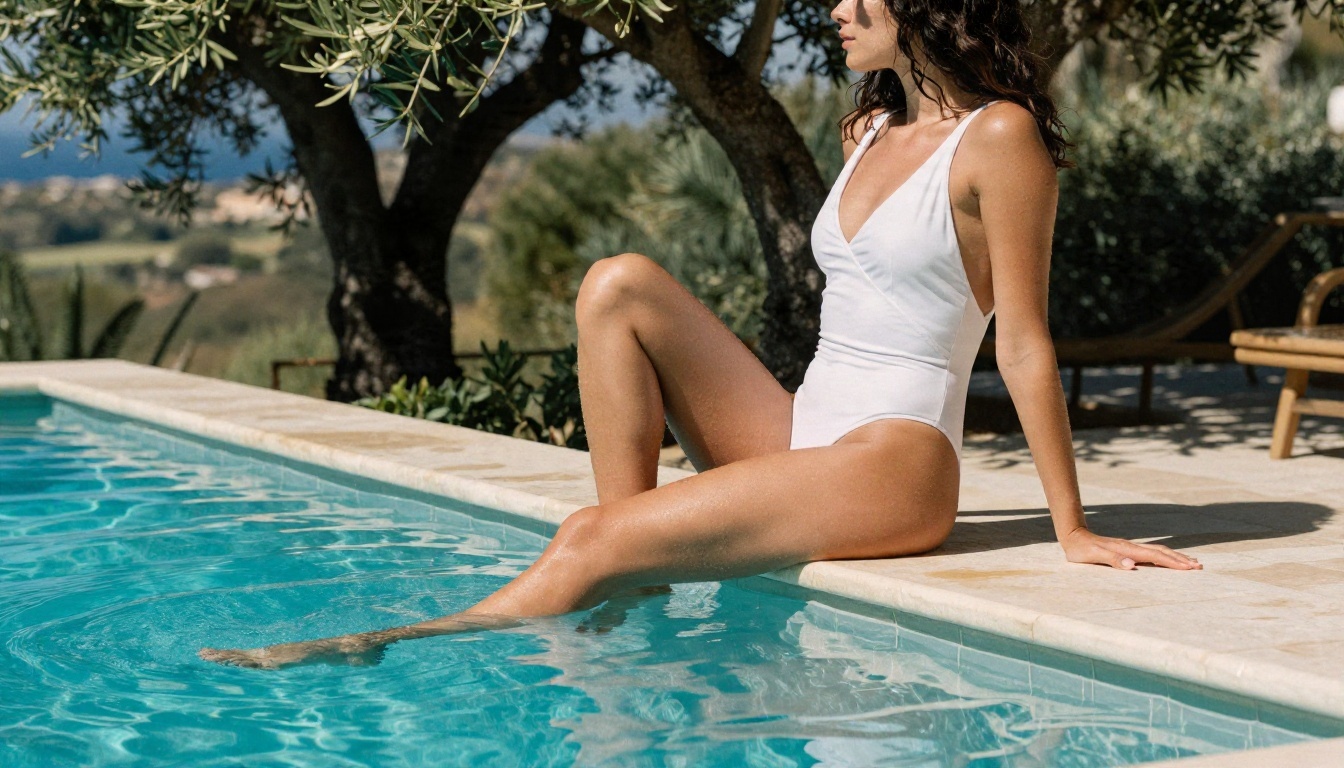
- Poolside summer: "White one-piece swimsuit, sitting at the edge of an infinity pool, dappled sunlight from an olive tree, wet stone texture, 70mm f/2.8, relaxed mood."
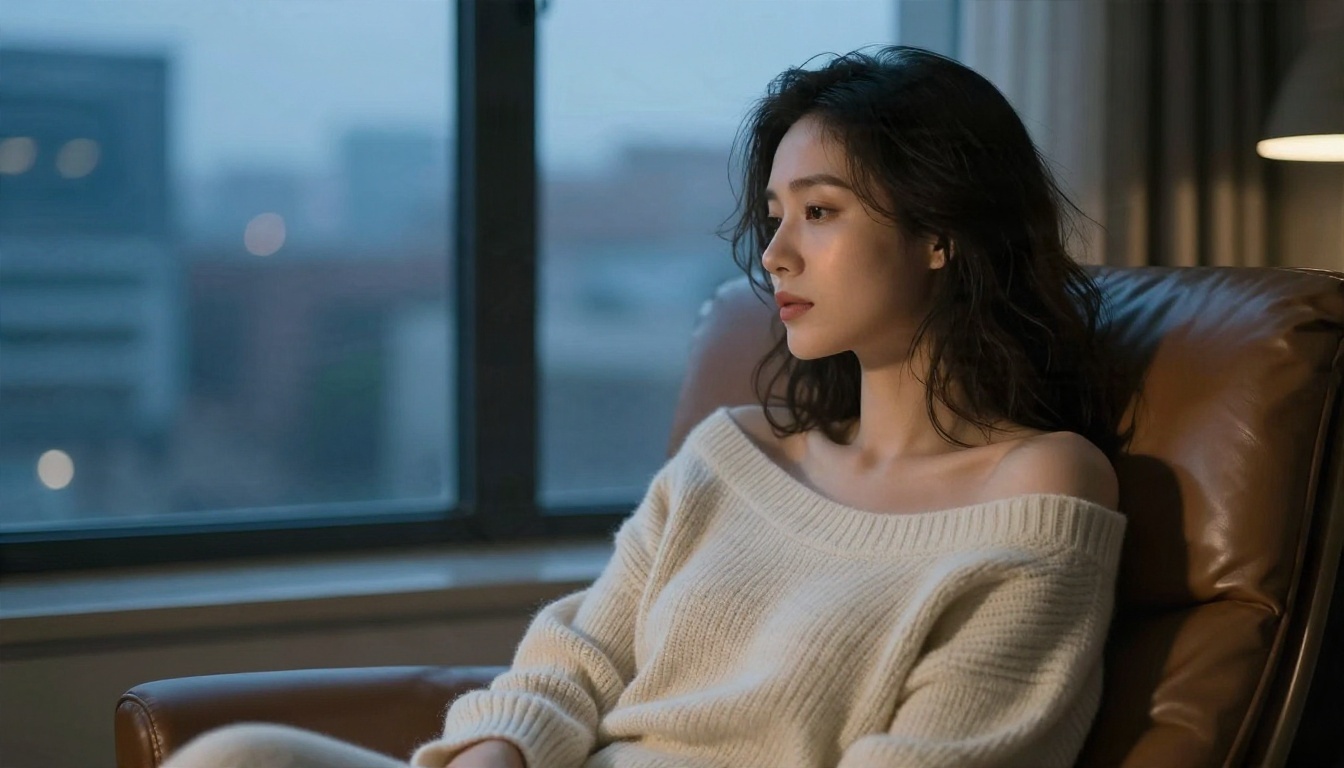
- Evening fashion: "Off-shoulder ivory knit dress, leather armchair by a tall window at dusk, warm lamp glow on one cheek and cool twilight on the other, 85mm f/1.8."
Negative Prompts and Quick Fixes
Many Stable Diffusion tools accept a negative prompt, a list of things to avoid. Useful entries include "extra fingers, distorted hands, plastic skin, blurry, oversaturated, watermark, text." If hands still come out wrong, lower the framing: a waist-up shot hides a lot of trouble. If skin looks waxy, add "natural pores, fine peach fuzz, film grain" and remove words like "perfect" or "flawless," which push models toward airbrushed faces.
💡 Tip: change one thing at a time. If you swap wardrobe, light and lens together, you will never know which edit helped.
Best Alternatives on PicassoIA
SDNSFW is not on PicassoIA yet, and no page here carries that name. For similar results today, these are the models to reach for, in the order I would try them.
Seedream 4.5 First
Seedream 4.5 is the strongest starting point for glamour and swimwear work. It handles skin texture, fabric and light direction with very little prompt effort, outputs up to 4K, and follows long photographic prompts closely. If you have been fighting hands, faces or plastic skin with a Stable Diffusion fine-tune, this is where the difference shows up fastest.
PicassoIA Image Editor Pro for Unlimited Runs
PicassoIA Image Editor Pro is built for iteration. You can generate and edit as many times as you like, which matters because good images come from ten small tweaks, not one perfect prompt. Change a bikini color, soften a shadow, fix a hand, then rerun. Fast, unlimited and uncensored for the suggestive style covered in this article, it removes the credit anxiety that free sites create.
More Models Worth Trying
How to Get Similar Results on PicassoIA
Here is the workflow I would use with Seedream 4.5 to replace a Stable Diffusion NSFW setup, followed by Image Editor Pro for polish.
- Open the model page. Go to Seedream 4.5 on PicassoIA and choose a 16:9 aspect ratio for landscape scenes or 3:4 for portraits.
- Write the prompt in five blocks. Subject, wardrobe, setting, light, camera. Aim for 50 to 75 words. Short prompts leave too much to chance.
- Name the lens and light. "85mm f/1.8, golden hour light from camera left" beats "beautiful lighting" every time.
- Add a film look. One phrase like "Kodak Portra 400, fine grain" keeps the output photographic.
- Set the resolution. Draft at a lower size, then rerun the winning prompt at full size.
- Generate three variations. Change only the pose or angle between runs.
- Polish in Image Editor Pro. Open your favorite result in PicassoIA Image Editor Pro and fix details such as a strap, a shadow or a background object.
💡 Parameter tip: keep your wording specific and physical. "Wet linen shirt clinging lightly, droplets on collarbone" produces more believable results than "sexy wet look."
Mistakes That Waste Your Time
Chasing the "SDNSFW" label. There is no magic site with that name. Pick a model for what it produces, not for what a listicle called it.
Piling on adjectives. "Ultra sexy, stunning, perfect, 8K masterpiece" gives the model nothing to draw. Replace it with fabric, light and lens.
Ignoring hands and edges. Check fingers, straps and jewelry before you call an image finished. A quick pass in an editor beats regenerating from scratch.
Skipping the safety basics. Adults only, no real people without consent, and no unknown installers. If a site asks for more than it should, close the tab.
Using one model for everything. Draft with a fast model, finish with a strong one. Z Image Turbo for speed, Seedream 4.5 for the final render, and Image Editor Pro for touch-ups is a workflow that costs you very little time.
Try Your Own Images Today
SDNSFW turned out to be a search habit rather than a tool: people type it when they want Stable Diffusion NSFW results free and online, without a filter that ruins every second prompt. You now know what sits behind it, what free sites really offer, and how to write prompts that give attractive, photographic, non-explicit images.
The fastest way to see the difference is to run one of the prompts above. Start with Seedream 4.5, then open the result in PicassoIA Image Editor Pro and keep iterating without counting credits. Swap the wardrobe, move the sun, change the lens, and compare. When you want to try more options, browse every model at picassoia.com/en/all-models and build your own set of glamour, swimwear and fashion images.


